Get 20% OFF All Premium 3D & STL Models!

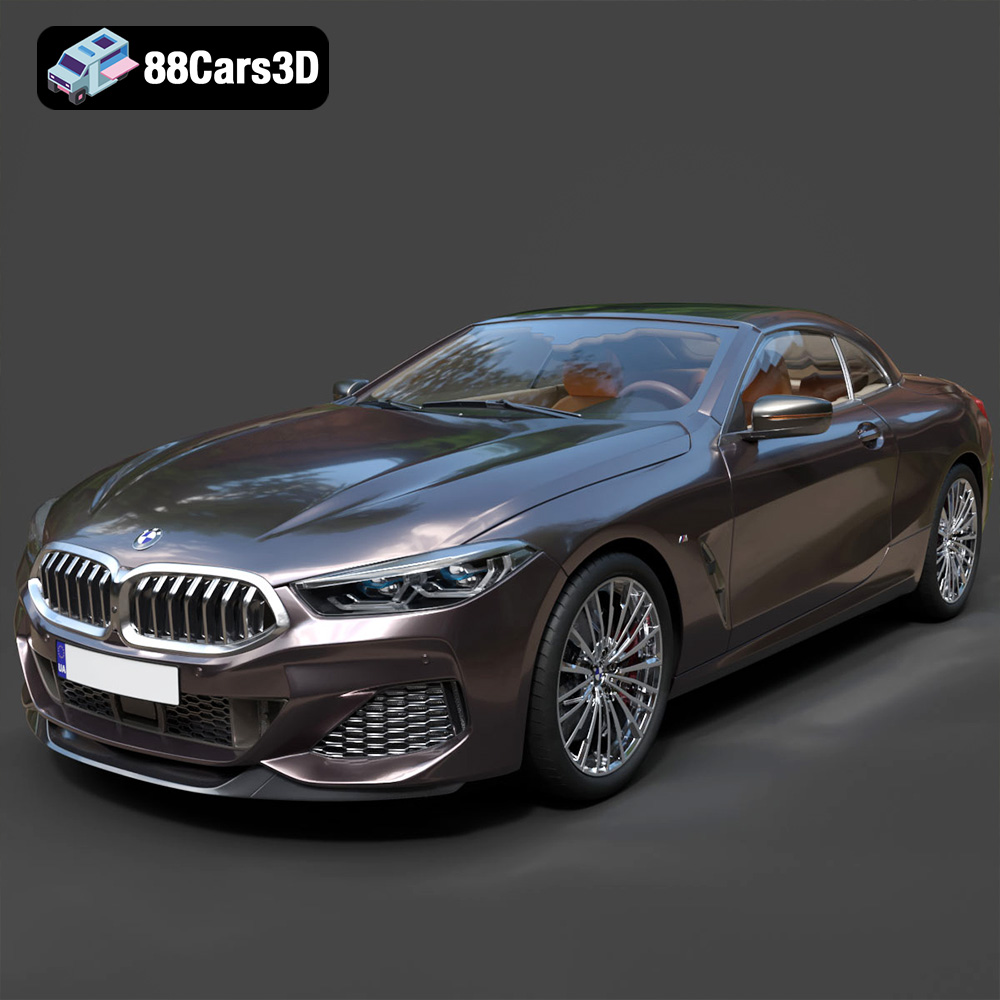
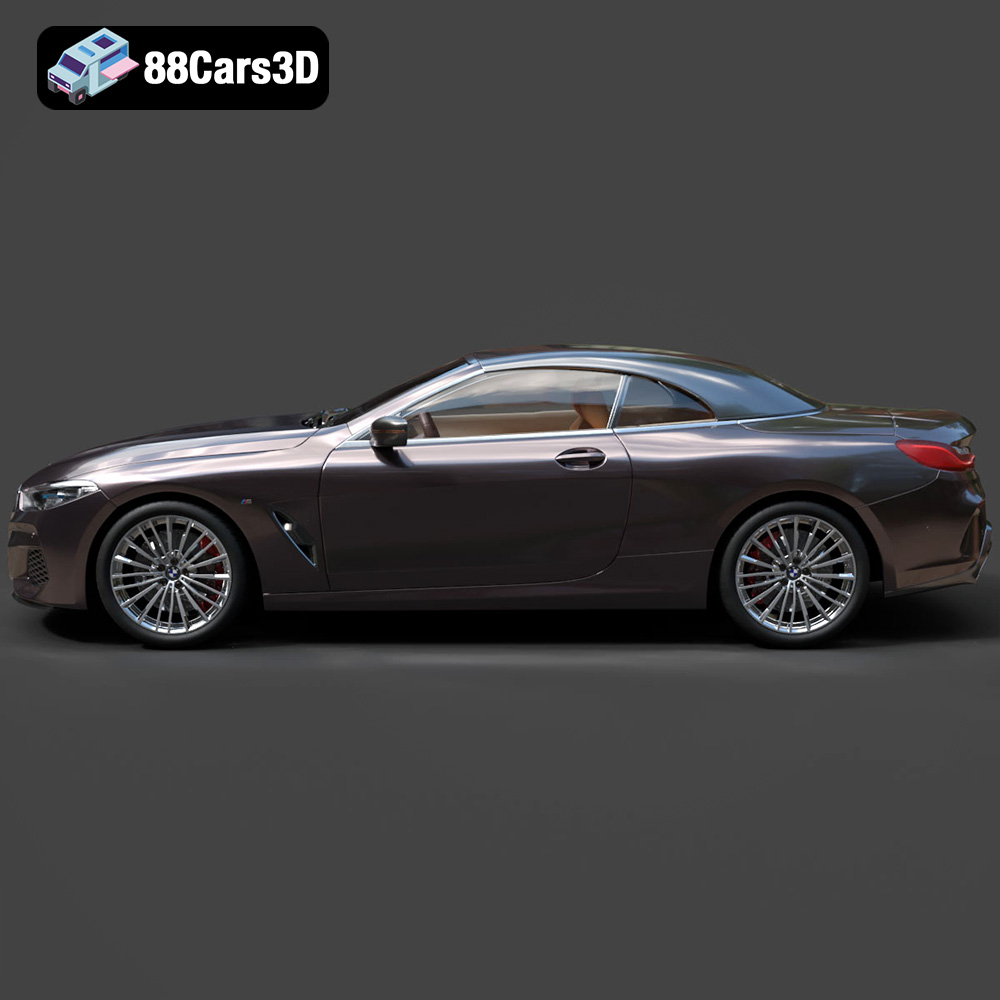
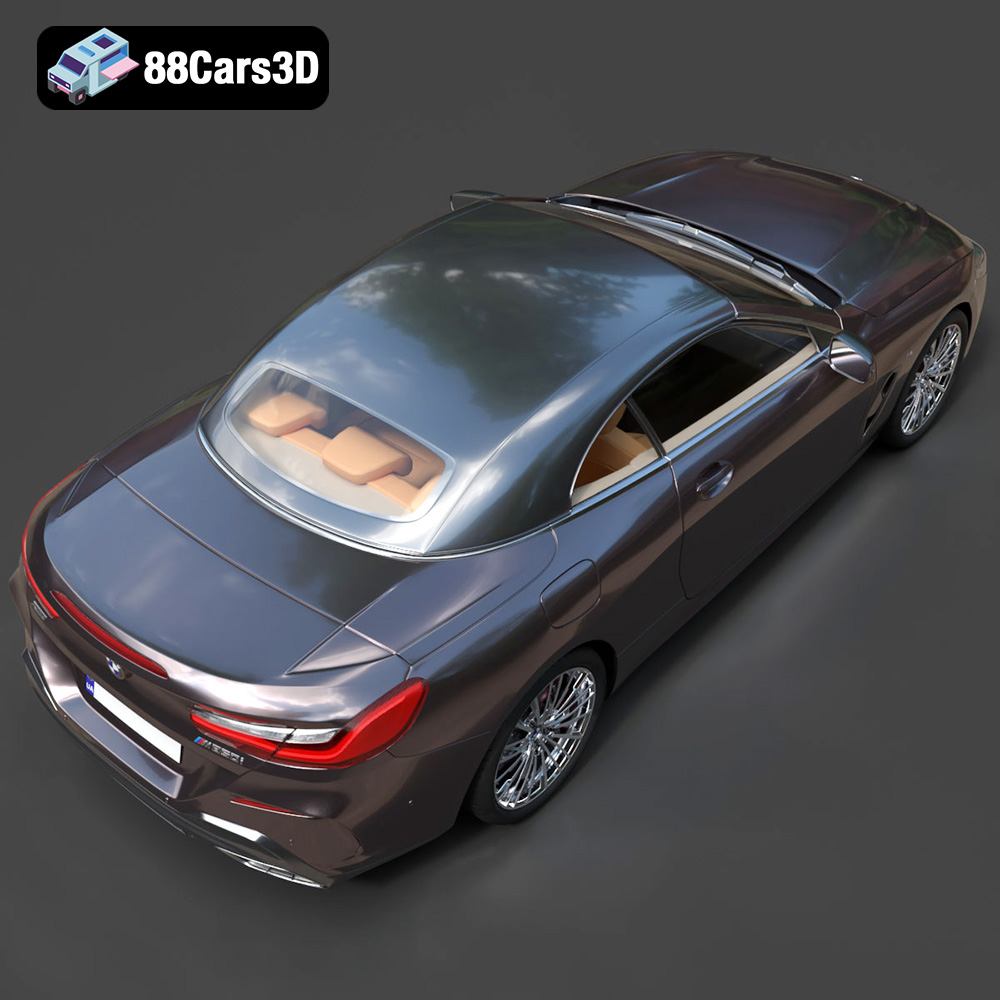
The BMW 8-Series G14 Convertible M850i 2019 is a stunning vehicle, a testament to luxury and performance. Now, thanks to the detailed 3D model available at 88cars3d.com, you can bring this automotive masterpiece to life with 3D printing. This blog post will guide you through the process, from selecting the right materials and settings to post-processing techniques that will make your 3D printed BMW 8-Series a true showstopper. Whether you’re a seasoned 3D printing enthusiast or just starting out, this guide will provide valuable insights and tips for achieving optimal results.
Before diving into the specifics of printing the BMW 8-Series, it’s crucial to understand the different file formats available and their suitability for additive manufacturing. The model comes with a variety of formats designed for diverse applications, but not all are created equal when it comes to 3D printing.
The .stl (stereolithography) file format is the workhorse of the 3D printing world. It represents the surface geometry of a 3D object as a collection of triangles. This simplicity makes it universally compatible with virtually all slicing software and 3D printers. When you download the BMW 8-Series model from 88cars3d.com, the .stl file is your primary choice for 3D printing. The quality of the print heavily relies on the mesh resolution of the .stl file. A higher triangle count results in a smoother surface but increases file size and processing time. Striking the right balance is key. Slicing software utilizes the .stl data to generate toolpaths for the 3D printer, dictating how the material will be deposited layer by layer. It’s important to inspect the .stl file for any errors or gaps before slicing, as these can lead to printing imperfections. Free tools like MeshLab or Netfabb Basic can be used to repair minor mesh issues.
While .stl focuses solely on geometry, the .obj format can also store color and texture information. This makes it suitable for 3D printing with multi-material printers that can deposit different colors simultaneously. However, printing complex textures can be challenging and requires specialized hardware. For the BMW 8-Series, the .obj file might be useful if you want to explore multi-color printing possibilities, but keep in mind that it generally requires more processing power and may not be supported by all slicing software to its fullest extent.
The .ply format is known for its ability to store high-resolution mesh data, including vertex colors, normals, and texture coordinates. This makes it ideal for capturing intricate details. However, .ply files tend to be larger than .stl files, and not all slicing software handles them efficiently. If you’re aiming for a highly detailed print of the BMW 8-Series and your software supports it, .ply can be a viable option, but be prepared for potentially longer processing times.
The .blend file is the native format for Blender, a popular open-source 3D modeling software. This file contains the entire scene, including the model, materials, lighting, and modifiers. If you’re comfortable with Blender, the .blend file allows you to fully customize the BMW 8-Series model before exporting it to a printable format like .stl. You can modify the geometry, add details, or even create variations of the design.
The .fbx format is primarily used for exchanging 3D models between different software applications, especially in game development. While it can store material information, it’s not directly used for 3D printing. You might import the .fbx file into a 3D modeling software to make modifications before exporting it as an .stl for printing.
.glb is a binary file format that represents 3D models, often used for augmented reality (AR) and web-based applications. It is a compact and efficient format that includes all necessary data, such as geometry, textures, and animations, in a single file. You can preview the 3D model of the BMW 8-Series in an AR environment before committing to printing it.
Similar to .blend, the .max file is the native format for 3ds Max, another professional 3D modeling software. If you have access to 3ds Max, you can use the .max file to make detailed modifications to the BMW 8-Series model before exporting it for 3D printing.
For 3D printing the BMW 8-Series G14 Convertible M850i 2019 model from 88cars3d.com, the **.stl file is the recommended format.** Ensure that the mesh is clean and free of errors before importing it into your slicing software. If you wish to customize the model, use the .blend or .max files, make your changes, and then export the modified model as an .stl file for 3D printing. The other formats (.obj, .ply, .fbx, .glb) are primarily for rendering, game development, and AR/VR applications.
The success of your 3D printed BMW 8-Series depends heavily on the technology and material you choose. Here’s a breakdown of the most suitable options:
* **Material Recommendations:** PLA (Polylactic Acid) is a popular choice due to its ease of use, biodegradability, and wide availability. PETG (Polyethylene Terephthalate Glycol) offers increased strength and temperature resistance compared to PLA. ABS (Acrylonitrile Butadiene Styrene) provides excellent durability but requires a heated bed and enclosure to prevent warping.
* **Pros:** Affordable, easy to use, wide range of materials.
* **Cons:** Layer lines are visible, requires post-processing for a smooth finish, lower precision compared to resin printing.
* **Best for:** Beginners and those prioritizing cost-effectiveness and ease of use. For the BMW 8-Series, PLA is a good starting point. PETG can be used for parts that need to withstand some stress, such as axles for wheels (if you choose to print the wheels separately).
* **Material Recommendations:** Standard resin, tough resin, flexible resin.
* **Pros:** High precision, smooth surface finish, excellent detail.
* **Cons:** More expensive than FDM, limited build volume, requires post-curing.
* **Best for:** Achieving fine details and a smooth surface finish. If you want to showcase the intricate design of the BMW 8-Series, resin printing is an excellent choice.
* **Notes**: This method is more complicated because of the post processing, which requires the use of gloves and isopropyl alcohol.
* **Scale of the Model:** For larger prints, FDM with PLA or PETG might be more practical due to material cost and build volume limitations of resin printers.
* **Intended Use:** If the model is purely for display, PLA or standard resin are sufficient. If it needs to withstand handling or minor impacts, PETG or tough resin are better choices.
* **Post-Processing Effort:** Resin prints generally require less post-processing to achieve a smooth surface, while FDM prints may need more sanding and filling.
Proper preparation is crucial for a successful 3D print. This involves using slicing software to convert the 3D model into instructions for the printer and optimizing the model’s orientation for printing.
* **Layer Height:** A lower layer height (0.1mm – 0.15mm for FDM, 0.025mm – 0.05mm for resin) will result in a smoother surface finish and finer details, but will increase print time.
* **Infill Density:** For FDM printing, 15-20% infill is generally sufficient for a display model. Increase infill for parts that need more strength.
* **Support Structures:** Generate supports in areas with overhangs to prevent sagging. For the BMW 8-Series, this will likely include the roof, mirrors, and undercarriage.
* **Adhesion:** Use a brim or raft to improve adhesion to the build plate, especially for larger prints or materials prone to warping.
* **Print Speed:** A slower print speed (40-60mm/s for FDM) can improve print quality, especially for intricate details.
* **Minimize Support Material:** Orient the model to minimize the need for support structures, as removing supports can leave blemishes on the surface.
* **Consider Aesthetics:** Orient the model to place less critical surfaces where support marks might be visible. For the BMW 8-Series, the underside of the car is a good candidate.
* **Structural Integrity:** If certain parts need to be stronger, orient them to align the layer lines with the direction of stress.
Before slicing, you can adjust the scale of the model to your desired size. Keep in mind that scaling up the model will increase print time and material consumption, while scaling down may make it difficult to capture fine details. Check the dimensions of your printer’s build volume to ensure the scaled model will fit.
This section provides specific settings tailored for printing the BMW 8-Series G14 Convertible M850i 2019 model.
* **Material:** PLA or PETG
* **Layer Height:** 0.12mm – 0.15mm
* **Infill:** 15-20%
* **Supports:** Enabled, with a support angle of 60 degrees. Consider using tree supports for easier removal.
* **Orientation:** Print the car body with the roof facing upwards to minimize support material on visible surfaces. Print wheels separately for better detail.
* **Estimated Print Time:** 20-30 hours (depending on size and settings)
* **Estimated Material Cost:** $10-$20 (depending on material and print size)
* **Material:** Standard or tough resin
* **Layer Height:** 0.025mm – 0.05mm
* **Supports:** Enabled, with light supports to minimize scarring.
* **Orientation:** Angle the model at 30-45 degrees to reduce the cross-sectional area and improve print success.
* **Estimated Print Time:** 8-12 hours (depending on size and settings)
* **Estimated Material Cost:** $15-$25 (depending on resin type and print size)
* **Body:** Requires careful support placement to avoid blemishes on the exterior. Consider splitting the body into multiple parts for easier printing and assembly.
* **Wheels:** Print wheels separately for better detail. Use a brim to improve adhesion.
* **Interior:** If printing the interior separately, use a lower layer height for finer details.
* **Windshield:** Print the windshield separately with clear or translucent resin for a realistic effect.
Post-processing is essential to refine the appearance of your 3D printed BMW 8-Series.
* **FDM Prints:** Start with coarse sandpaper (220 grit) to remove support marks and layer lines. Gradually move to finer grits (400, 600, 800) for a smooth finish. Use filler primer to fill any remaining imperfections.
* **Resin Prints:** Lightly sand any support marks with fine-grit sandpaper.
* **Priming:** Apply a primer coat to improve paint adhesion and create a uniform surface.
* **Painting:** Use acrylic paints or automotive spray paint for a realistic finish. Apply multiple thin coats for best results.
* **Clear Coat:** Apply a clear coat to protect the paint and add a glossy shine.
* Use super glue or epoxy to assemble the various parts of the model.
* Ensure proper alignment before the glue sets.
* Use fine-tipped markers or paintbrushes to add details such as window trim, lights, and badges.
* Consider using decals for accurate logos and markings.
Even with careful preparation, 3D printing can present challenges. Here are some common issues and their solutions:
* **Cause:** Uneven cooling of the print, causing it to detach from the build plate.
* **Solution:** Use a heated bed, apply an adhesive (such as glue stick or hairspray) to the build plate, use a brim or raft, and ensure proper ventilation.
* **Cause:** Excessive filament oozing from the nozzle during travel moves.
* **Solution:** Adjust retraction settings in your slicing software, decrease print temperature, and increase travel speed.
* **Cause:** Poor adhesion between layers.
* **Solution:** Increase print temperature, decrease layer height, and ensure proper bed adhesion.
* **Cause:** Insufficient support material or improper support placement.
* **Solution:** Increase support density, adjust support angle, and ensure supports are properly connected to the model.
By addressing these common issues, you can significantly improve the success rate of your 3D prints and achieve a high-quality finished product.
Experience unmatched realism and precision with the BMW 8-Series G14 Convertible M850i 2019 3D Model. Designed for professionals and enthusiasts, this exceptionally detailed vehicle replica captures the sleek, aggressive lines and luxurious open-top profile of the iconic sports car. From its meticulously crafted exterior to a fully modeled interior, every element reflects the sophisticated engineering of the original design.
$19.99