Get 20% OFF All Premium 3D & STL Models!

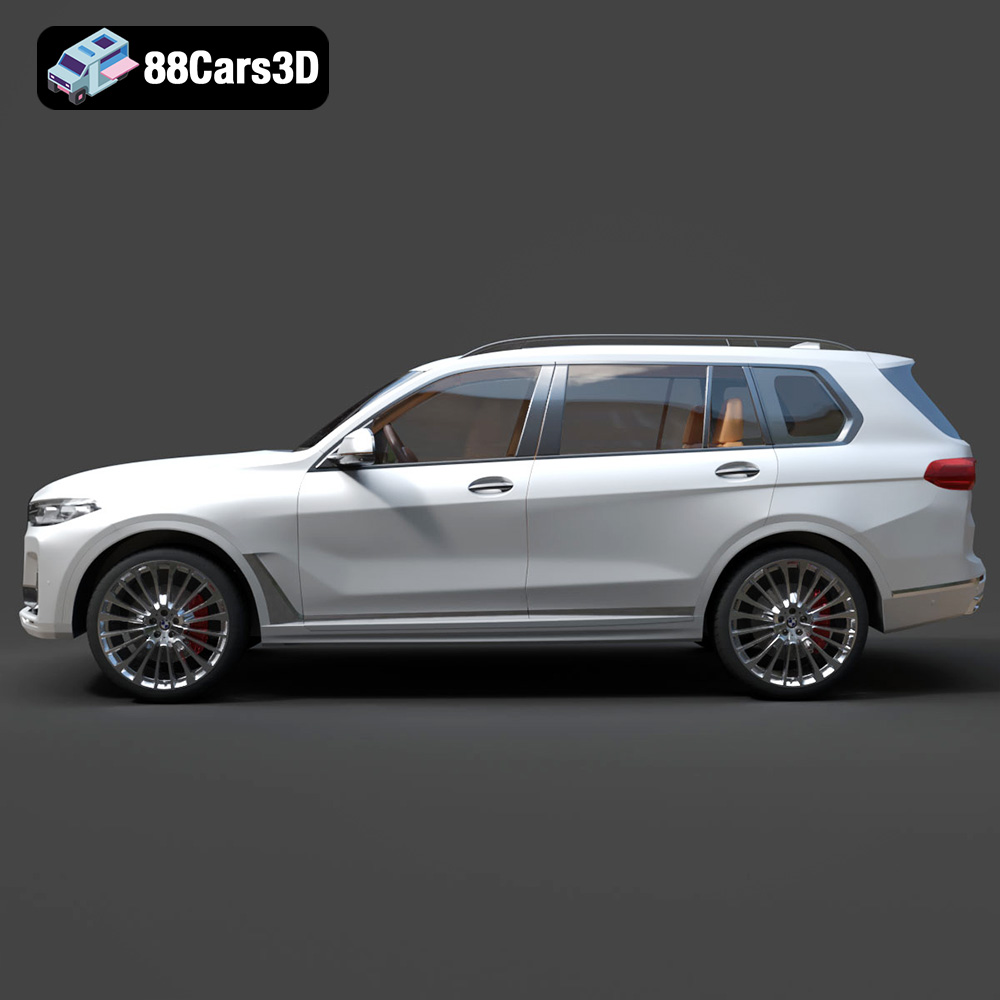
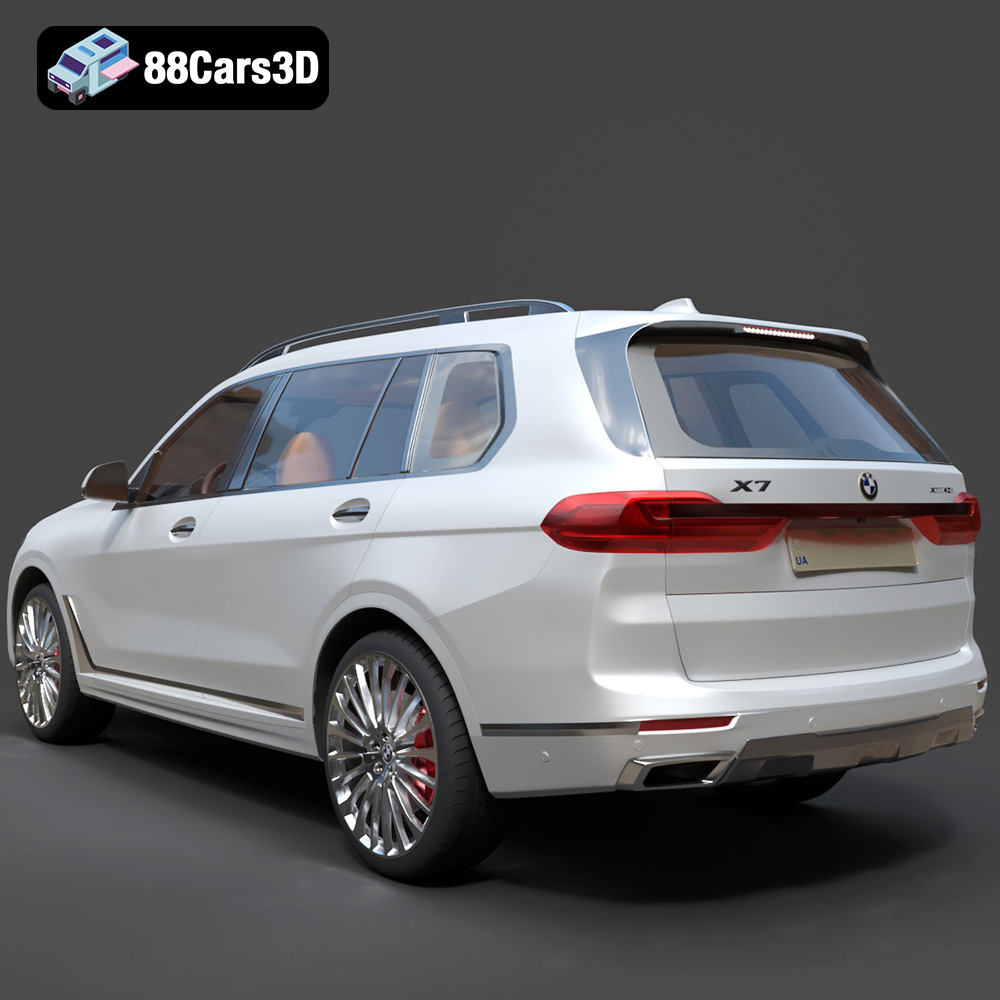
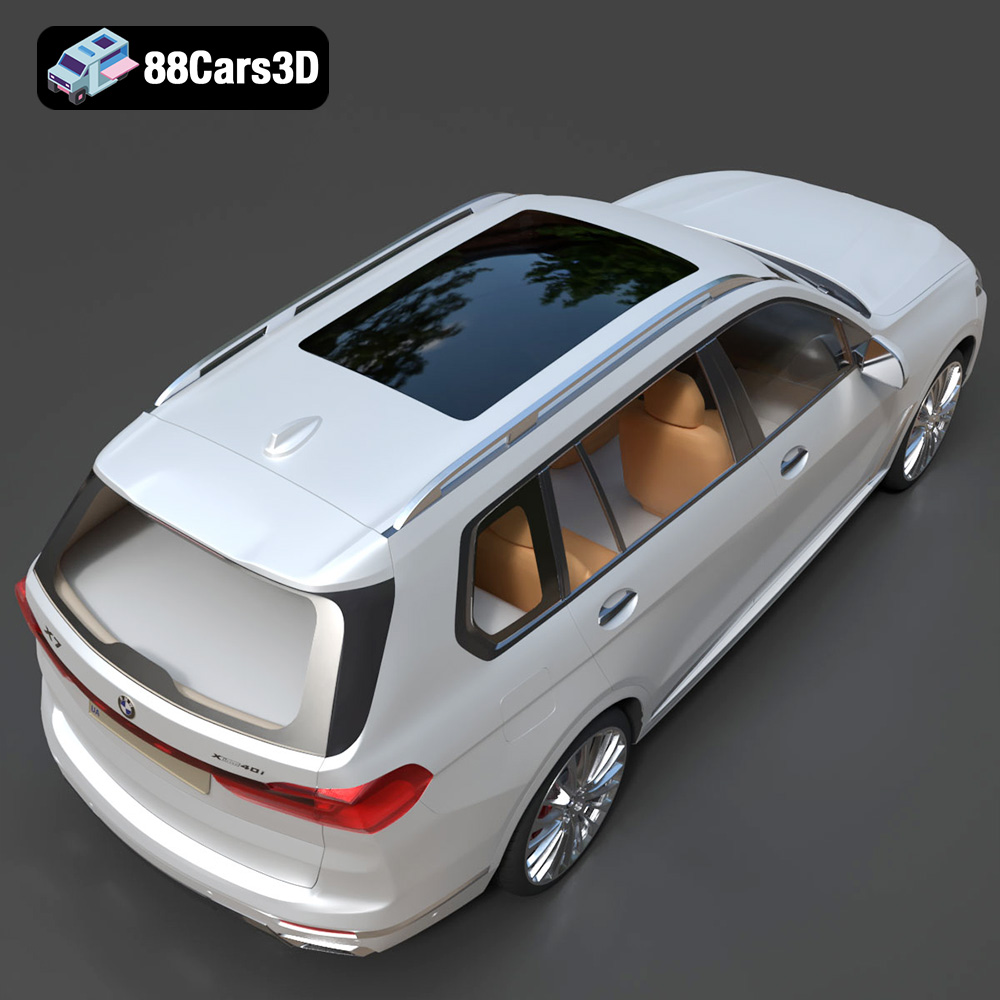
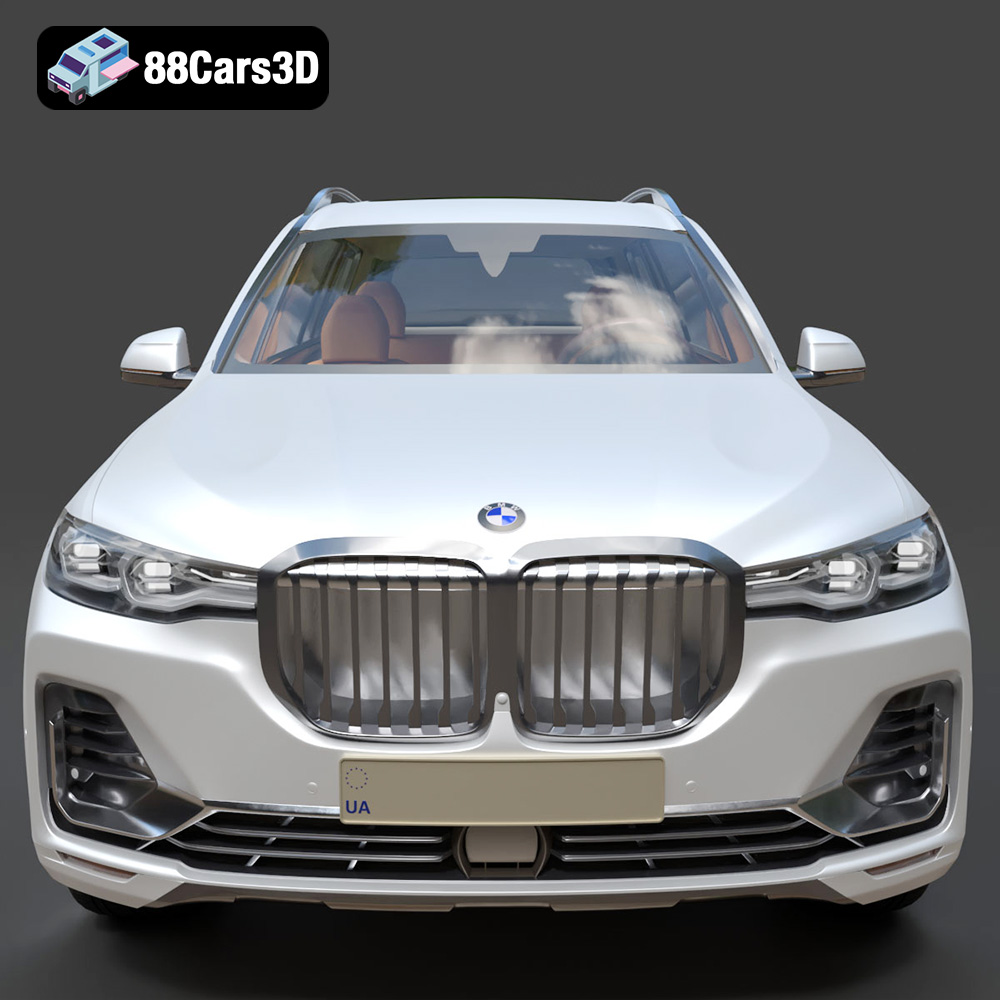
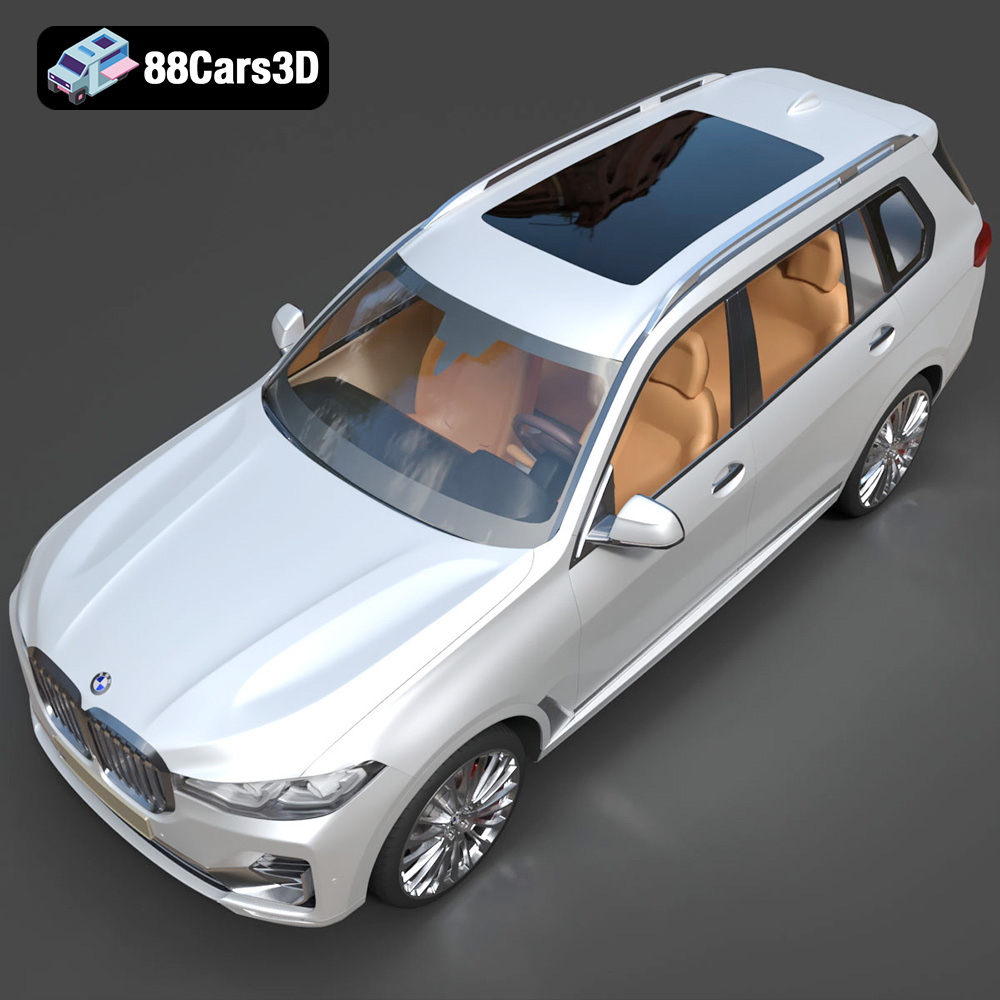
The BMW X7 G07 2019, a symbol of luxury and powerful design, can now grace your desk or become a stunning display piece thanks to the magic of 3D printing. This comprehensive guide will walk you through the process of transforming the digital 3D model available at 88cars3d.com into a physical reality. We’ll cover everything from choosing the right materials and printer settings to mastering post-processing techniques, ensuring a successful and satisfying 3D printing experience. Whether you’re a seasoned 3D printing enthusiast or a beginner, this article will provide the knowledge and tips you need to create a high-quality replica of this iconic SUV. The beauty of 3D printing is in the details, and with a model as intricate as the BMW X7, getting those details right is key. Let’s dive in!
Before embarking on your 3D printing adventure, it’s essential to understand the different file formats associated with 3D models. The BMW X7 G07 2019 3D model, like many available on 88cars3d.com, comes in a variety of formats to cater to diverse applications, from rendering to game development. However, for 3D printing, the most crucial format is the STL file.
The STL (Stereolithography) format is the industry standard for 3D printing. It represents the surface geometry of a 3D object as a collection of triangles. While simple, this format provides all the necessary information for a 3D printer to build the object layer by layer. STL files are compatible with virtually all slicing software, making them the go-to choice for additive manufacturing. The STL file provided with the BMW X7 G07 2019 model from 88cars3d.com is specifically optimized for 3D printing, ensuring that the model is watertight and free of errors that could cause problems during the printing process.
While STL is the primary format for 3D printing, understanding the other formats included with the BMW X7 G07 2019 model can be beneficial:
* **.obj:** This is a more universal format than STL and supports textures and color information, making it suitable for colored prints or for use in applications where visual fidelity is paramount. However, for basic 3D printing in a single color, STL is typically preferred.
* **.ply:** The Polygon File Format (.ply) is designed for storing data from 3D scanners. It is known for its ability to capture high-detail meshes, making it ideal for models with complex geometries. While not as common as STL for basic 3D printing, it can be useful for creating highly accurate replicas.
* **.blend:** This is the native file format for Blender, a popular open-source 3D modeling software. It contains the entire Blender scene, including the model, materials, lighting, and other settings. This allows for complete customization of the model before exporting it to a 3D printable format.
* **.fbx:** Filmbox (.fbx) is a proprietary file format developed by Autodesk. It is primarily used for data exchange between different 3D software applications, especially in game development. It can contain information about geometry, materials, textures, and animations.
* **.glb:** GL Transmission Format (.glb) is a file format for 3D models that is designed to be compact and easy to transmit over the internet. It is often used for web-based applications, such as AR/VR experiences, and is efficient for previewing models before printing.
* **.max:** This is the native file format for 3ds Max, another popular 3D modeling software. Similar to .blend, it contains the entire scene and allows for extensive customization.
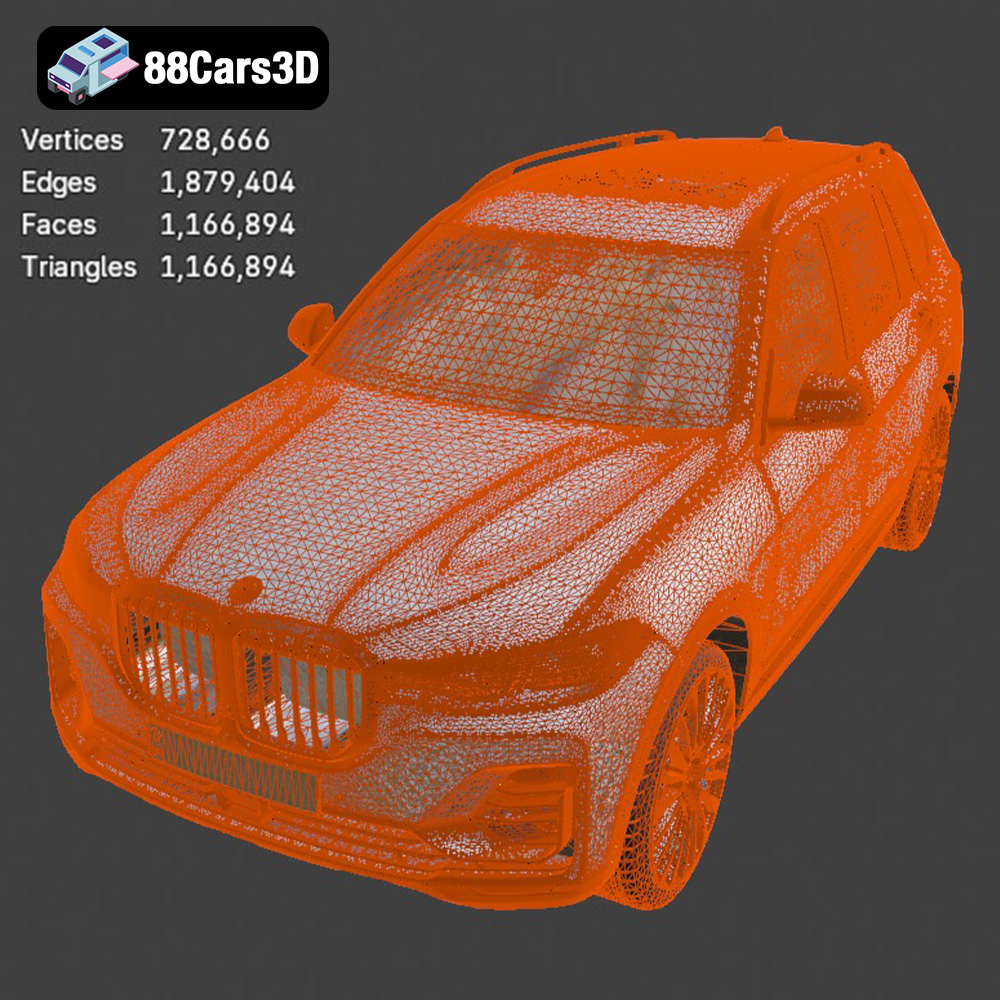
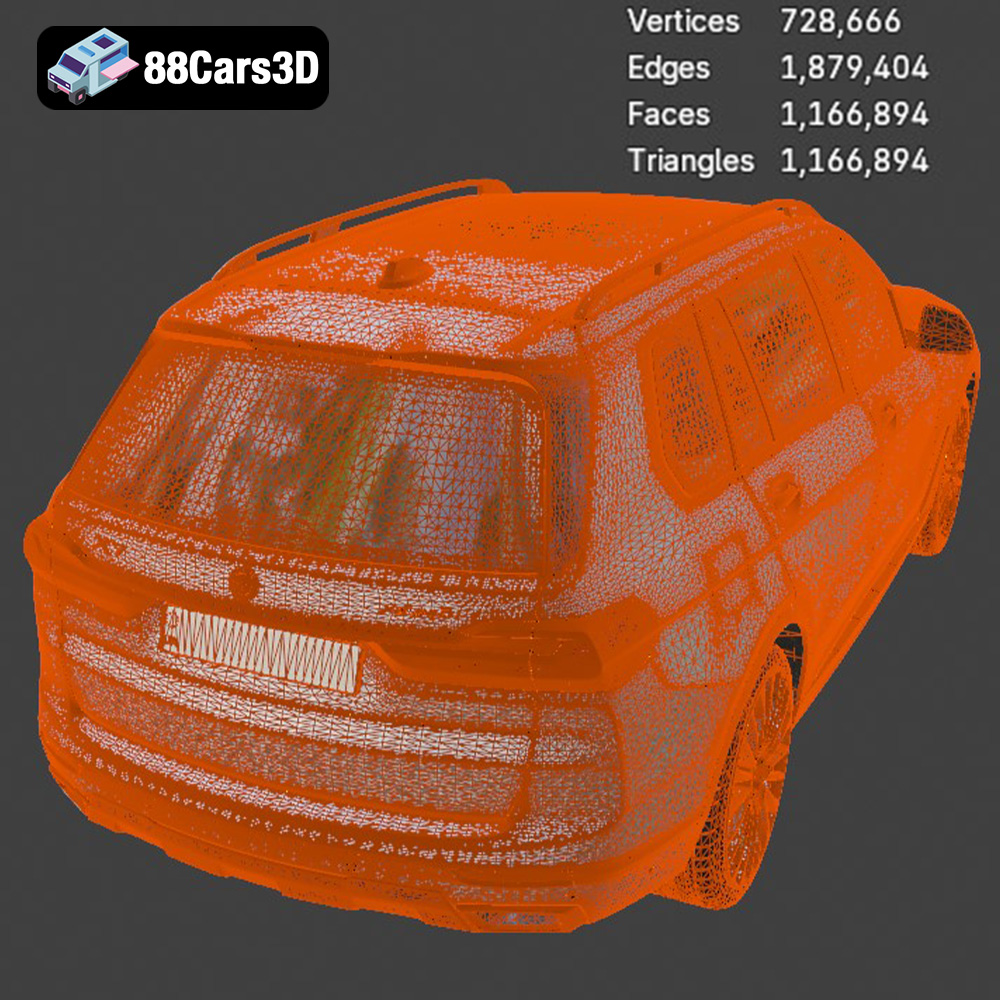
The quality of the mesh in an STL file is crucial for successful 3D printing. A high-quality mesh has a sufficient number of triangles to accurately represent the object’s shape, without being overly dense, which can increase file size and processing time. The STL file provided by 88cars3d.com for the BMW X7 G07 2019 model is designed to strike this balance, ensuring both detail and printability.
When preparing the STL file for printing, you’ll need to use slicing software such as Cura, PrusaSlicer, or Simplify3D. These programs convert the 3D model into a series of instructions (G-code) that the 3D printer can understand. The slicing software allows you to control various printing parameters, such as layer height, infill density, support structures, and print speed, which we will discuss in more detail later. Compatibility with your chosen slicing software is crucial, and STL files are universally supported, making them the ideal choice.
Choosing the right material is paramount to achieving a satisfying result when 3D printing the BMW X7 G07 2019 model. Several options are available, each with its own strengths and weaknesses.
Polylactic Acid (PLA) is a biodegradable thermoplastic derived from renewable resources like corn starch or sugarcane. It’s a popular choice for beginners due to its ease of use, low printing temperature, and minimal warping. PLA is ideal for creating aesthetically pleasing models with fine details, making it suitable for the BMW X7’s intricate design. However, PLA is less heat-resistant and more brittle than other materials, so it’s not ideal for functional parts or models that will be exposed to high temperatures. For a display model of the BMW X7, PLA is an excellent starting point.
Polyethylene Terephthalate Glycol-modified (PETG) is a stronger and more heat-resistant alternative to PLA. It offers a good balance between strength, flexibility, and ease of printing. PETG is also more impact-resistant than PLA, making it a good choice for models that might be handled frequently. While it can be slightly more challenging to print than PLA, with proper temperature and speed settings, PETG can produce excellent results for the BMW X7, offering a durable and visually appealing replica.
For those seeking the highest level of detail and surface finish, resin 3D printing is the way to go. Resin printers use liquid photopolymer resins that are cured by UV light, resulting in incredibly fine details and smooth surfaces. The BMW X7, with its complex curves and intricate features, can truly shine when printed with resin. However, resin printing requires more post-processing, including washing and curing the printed part, and the materials can be more expensive than filaments like PLA or PETG. Resin is also generally more brittle than filaments and requires careful handling.
Other materials like ABS, Nylon, and Polycarbonate can also be used for 3D printing the BMW X7, but they require specialized printers and more advanced knowledge of 3D printing techniques. For most users, PLA, PETG, or resin will provide the best balance of ease of use, cost, and performance. The choice ultimately depends on your desired level of detail, durability, and the intended use of the finished model.
Before sending the BMW X7 G07 2019 3D model to your printer, you need to prepare it using slicing software. This involves importing the STL file, configuring the printing parameters, and generating the G-code that the printer will use to create the object.
Your choice of slicing software will depend on your printer and personal preference. Popular options include Cura, PrusaSlicer, Simplify3D, and others. Regardless of the software you choose, the key parameters you’ll need to configure are:
* **Layer Height:** This determines the thickness of each layer of plastic. A lower layer height results in finer details and smoother surfaces but increases print time. For the BMW X7, a layer height of 0.1mm to 0.2mm is a good starting point for FDM (Fused Deposition Modeling) printers, while resin printers can achieve much smaller layer heights, often down to 0.025mm or even less.
* **Infill Density:** This determines how much plastic is used to fill the interior of the model. A higher infill density results in a stronger model but also increases print time and material usage. For a display model like the BMW X7, an infill density of 15% to 25% is usually sufficient.
* **Support Structures:** These are temporary structures that support overhanging parts of the model during printing. The BMW X7 has several areas that will require supports, such as the roof, mirrors, and underside of the chassis. Slicing software can automatically generate supports, but you may need to adjust their placement and density to optimize them for your printer and material.
* **Print Speed:** This determines how fast the printer moves during printing. Slower speeds generally result in better quality but increase print time. Experiment with different speeds to find the optimal balance for your printer and material. A good starting point is 40-60mm/s for PLA and PETG.
* **Temperature:** This determines the temperature of the nozzle and the print bed. The optimal temperature will depend on the material you’re using. Consult the material manufacturer’s recommendations for specific temperature settings.
The orientation of the model on the print bed can significantly impact the print quality and the amount of support material required. Consider orienting the BMW X7 with the flattest surface down to minimize the need for supports. However, this may not always be the best option, as it can also impact the visibility of layer lines. Experiment with different orientations to find the one that gives you the best results.
Carefully consider the type and placement of support structures. Tree supports are often a good choice for models with complex geometries, as they use less material and are easier to remove than traditional linear supports. Ensure that supports are strong enough to support the overhanging parts of the model but also easy to remove without damaging the surface.
Before slicing, it’s a good idea to check the model for any errors or imperfections. Slicing software often includes tools for automatically repairing minor errors in the mesh. If the model is too large or too small for your printer, you can scale it in the slicing software. Be aware that scaling the model can affect the level of detail and the print time. If you want to print a very large or very small version of the BMW X7, you may need to adjust the printing parameters accordingly.
Fine-tuning your 3D printing parameters is essential for maximizing the quality of your BMW X7 G07 2019 replica. This section delves deeper into the key settings that influence the final outcome.
As mentioned earlier, layer height directly impacts the level of detail and smoothness of the printed surface. A smaller layer height, like 0.1mm or even 0.05mm, will produce finer details and reduce the visibility of layer lines, resulting in a more aesthetically pleasing model. However, it will also significantly increase the print time. For FDM printing with PLA or PETG, a layer height of 0.15mm to 0.2mm is a good compromise for the BMW X7. If you are using a resin printer, you can achieve much finer details with layer heights as low as 0.025mm or even lower. Experiment with different layer heights to find the optimal balance between detail and speed for your specific printer and material.
The infill density determines the internal structure of the printed object. A higher infill density makes the model stronger and more rigid, but it also consumes more material and increases print time. For a display model like the BMW X7, structural integrity is less of a concern than aesthetic appeal. An infill density of 15% to 25% is usually sufficient to provide enough support for the outer layers without adding unnecessary weight or material. You can also experiment with different infill patterns, such as rectilinear, honeycomb, or gyroid, to optimize the strength and material usage.
Maintaining the correct temperature is crucial for successful 3D printing. The optimal temperature for the nozzle and the print bed will depend on the material you are using. PLA typically prints well at nozzle temperatures between 190°C and 220°C and a bed temperature of 60°C. PETG requires higher temperatures, typically between 220°C and 250°C for the nozzle and 70°C to 80°C for the bed. Resin printing does not involve heated beds or nozzles but requires careful temperature control of the resin itself. Always consult the material manufacturer’s recommendations for specific temperature settings.
Printing too fast can lead to poor layer adhesion, warping, and other print defects. A slower print speed allows the plastic to cool and solidify properly, resulting in stronger and more accurate prints. For PLA and PETG, a print speed of 40-60mm/s is a good starting point. Cooling is also essential for preventing warping and deformations, especially when printing with PLA. Ensure that your printer’s cooling fan is properly configured and that the airflow is directed towards the printed part. Resin printers use UV light to cure each layer, so temperature is less of a concern but excessive exposure can lead to imperfections.
Once your BMW X7 G07 2019 model is printed, post-processing can take it to the next level, transforming a raw print into a polished masterpiece.
The first step is to carefully remove the support structures. Use a pair of pliers, a hobby knife, or specialized support removal tools to gently detach the supports from the model. Be careful not to damage the surface of the print. Once the supports are removed, you may need to sand down any remaining stubs or imperfections. Start with a coarse grit sandpaper (e.g., 220 grit) and gradually move to finer grits (e.g., 400 grit, 600 grit, 800 grit) to achieve a smooth surface. For resin prints, carefully remove the supports and then wash with isopropyl alcohol to remove any uncured resin.
If your model has any gaps or imperfections, you can fill them with a suitable filler, such as epoxy putty or spot putty. Apply the filler to the affected areas and let it dry completely. Then, sand it down smooth with the surrounding surface. Once the surface is smooth, apply a primer coat to prepare the model for painting. Primer helps the paint adhere better and provides a uniform surface for the final color.
Painting is where you can truly bring your BMW X7 model to life. Use high-quality acrylic paints or model paints to achieve a realistic finish. Apply multiple thin coats of paint rather than one thick coat to avoid drips and runs. Use masking tape to create clean lines and separate different colored areas. Once the paint is dry, you can add details such as decals, emblems, and trim to further enhance the realism of the model. A clear coat can protect the paint and give the model a glossy or matte finish.
If the BMW X7 model consists of multiple parts, you will need to assemble them after painting. Use glue or epoxy to attach the parts together securely. Be careful to align the parts properly to ensure a seamless fit.
Even with careful preparation and attention to detail, you may encounter some common 3D printing issues. Here’s how to troubleshoot them:
* **Warping:** This occurs when the corners of the model lift off the print bed. To prevent warping, ensure that the print bed is properly leveled and heated. Use a brim or raft to increase the adhesion of the model to the bed. Enclosing the printer can also help to maintain a consistent temperature and prevent warping.
* **Layer Adhesion Problems:** This occurs when the layers of the print do not stick together properly. To improve layer adhesion, increase the nozzle temperature, decrease the print speed, and ensure that the first layer is properly adhered to the print bed.
* **Stringing:** This occurs when thin strands of plastic are left between different parts of the print. To reduce stringing, decrease the nozzle temperature, increase retraction settings, and ensure that the filament is dry.
* **Support Structure Issues:** These can range from supports being difficult to remove to supports damaging the model surface. Experiment with different support types, densities, and placements to find the optimal configuration. Carefully remove supports and use sandpaper or a hobby knife to clean up any remaining stubs.
* **Gaps and Holes:** These can occur if the model is not watertight or if there are errors in the mesh. Repair the model using slicing software or 3D modeling software. Ensure that the model is properly oriented and that the slicing parameters are configured correctly.
By understanding these common issues and how to troubleshoot them, you can significantly improve your chances of achieving a successful and satisfying 3D printing experience. With the BMW X7 G07 2019 3D model from 88cars3d.com, you’re starting with a high-quality base. Careful attention to the printing process will result in a stunning final product.
3D printing the BMW X7 G07 2019 model is a rewarding project that combines technical skill with creative expression. From selecting the right material and optimizing printing parameters to mastering post-processing techniques, each step plays a crucial role in the final outcome. Remember that the STL file provided by 88cars3d.com is specifically designed for 3D printing, offering a solid foundation for your project. By carefully considering the material properties, printer settings, and post-processing options, you can create a stunning replica of this iconic luxury SUV. Don’t be afraid to experiment and fine-tune your approach to achieve the best possible results. Happy printing!
The BMW X7 G07 2019 3D model is a meticulously crafted digital replica capturing the luxurious and commanding presence of the flagship SUV. This highly realistic model is designed for professionals seeking exceptional accuracy and visual fidelity in their digital projects. Built with clean geometry and realistic materials, this professional-grade asset ensures exceptional detailing across all surfaces. Its optimized mesh topology allows for seamless integration into various digital environments without compromising performance. This versatile 3D vehicle is designed for a wide range of applications, including game development, automotive rendering, AR/VR experiences, architectural visualization, and dynamic simulations.
$19.99
.arvr
.blend
.bmw
.car3dmodel
.fbx
.g07
.gameasset
.glb
.luxurycar
.max
.obj
.ply
.rendering
.simulation
.stl
.unreal
.x7
SUV