Get 20% OFF All Premium 3D & STL Models!

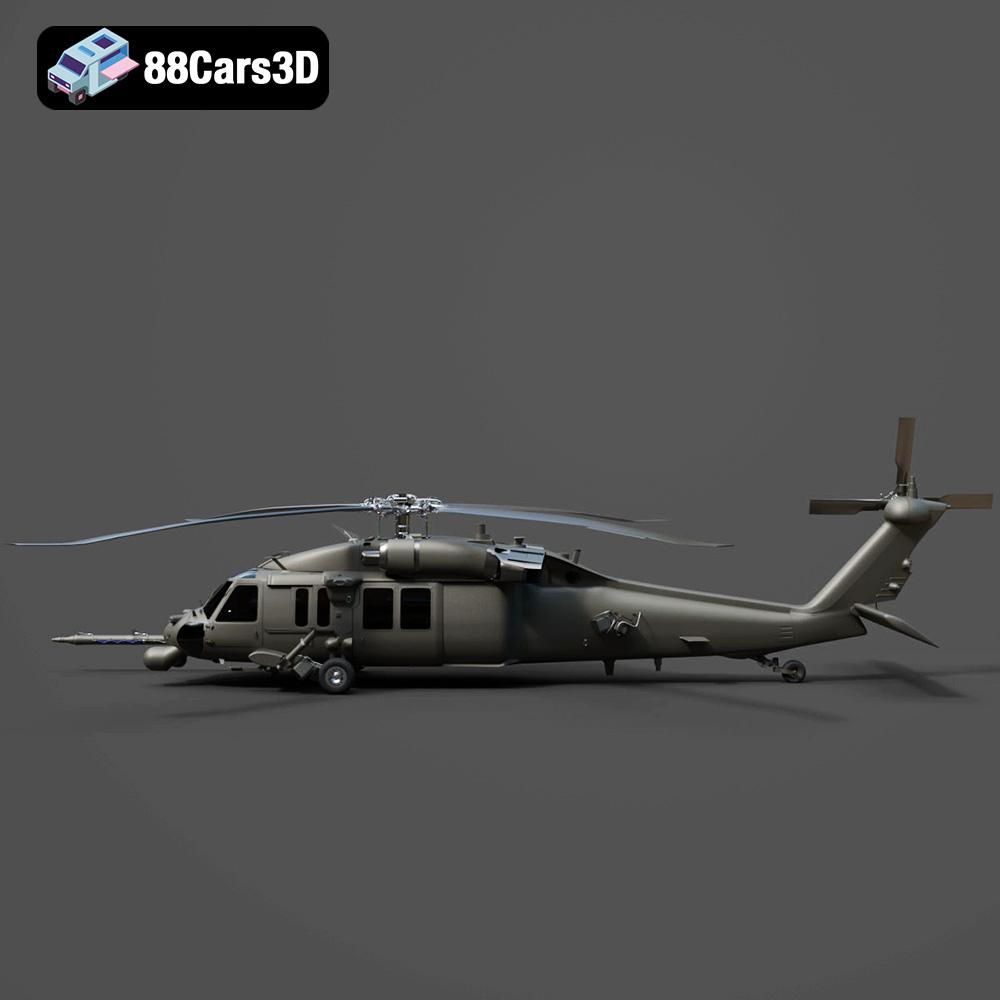
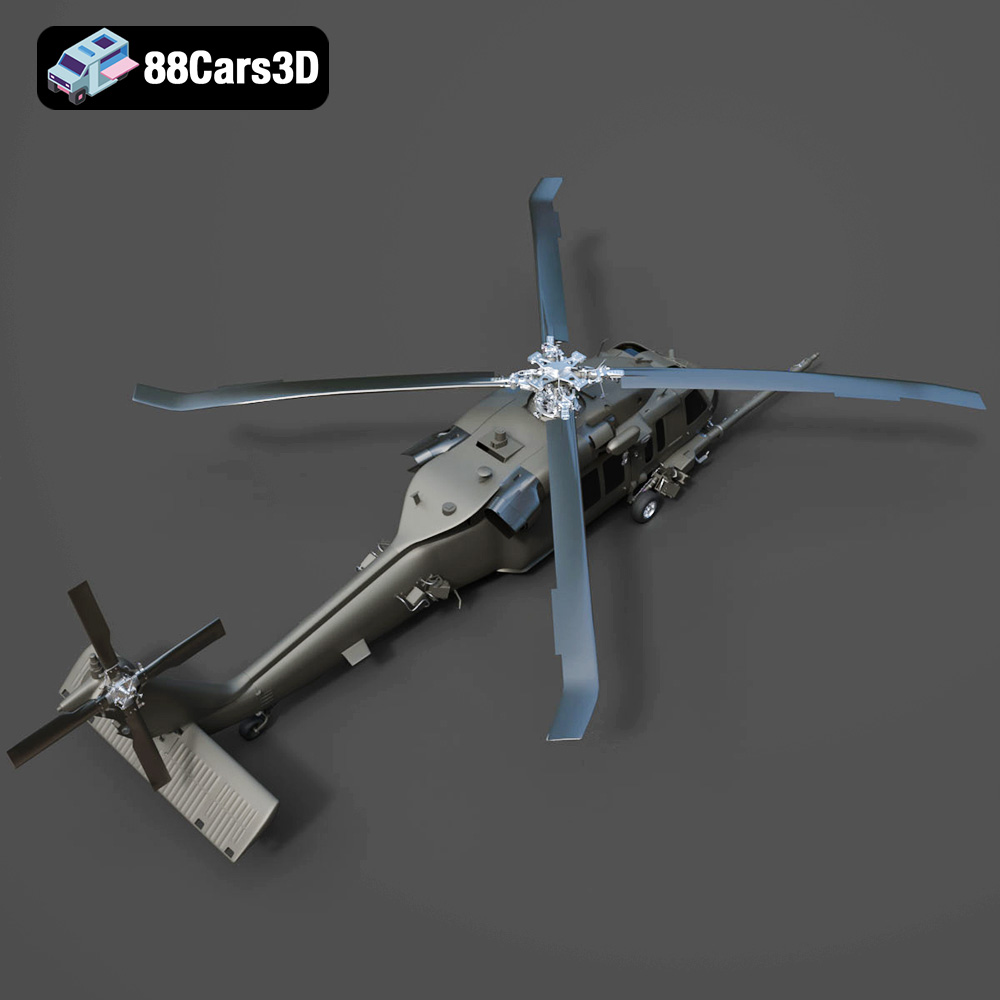
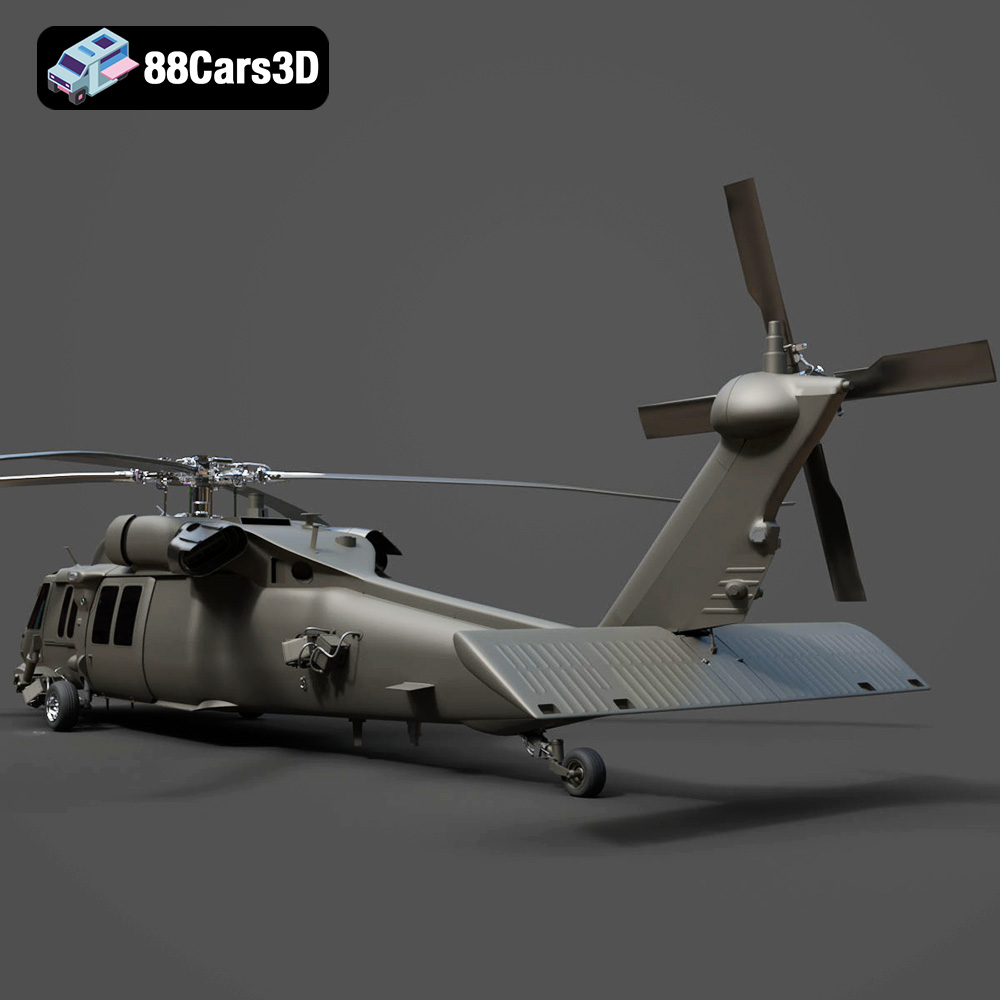
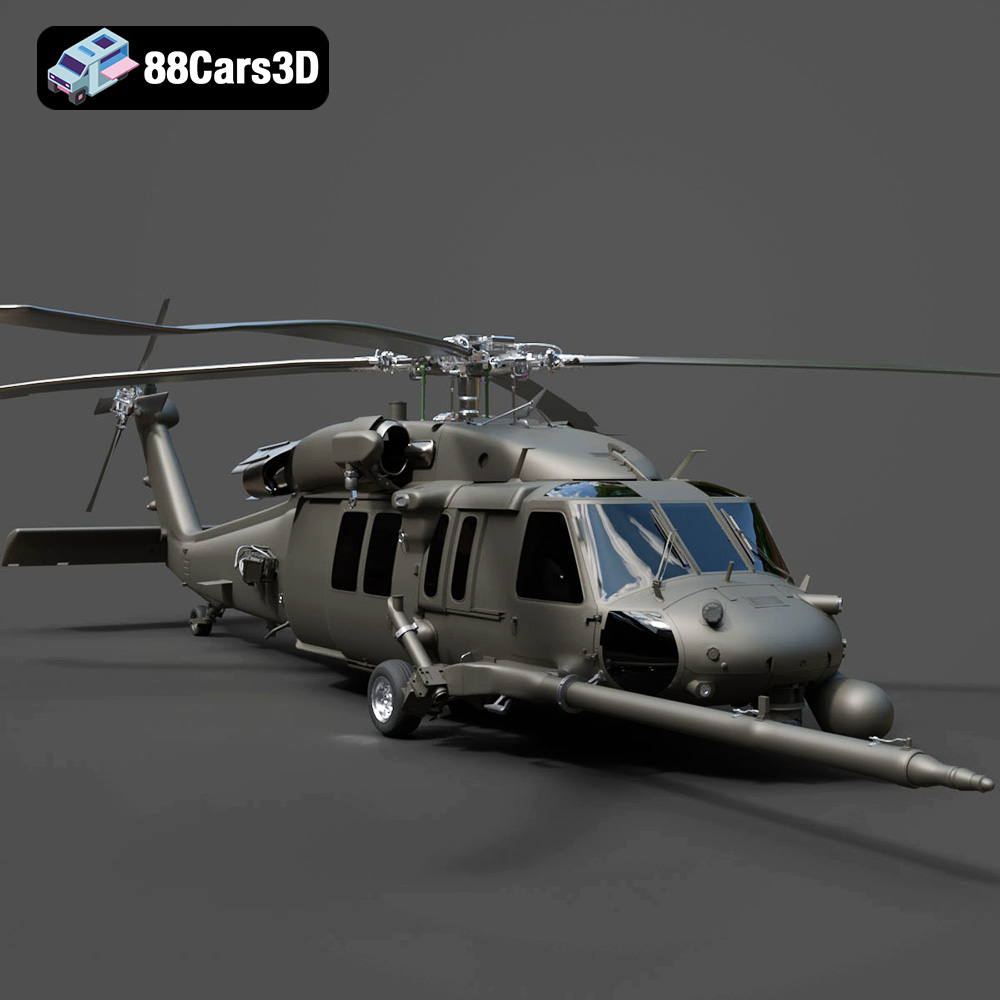
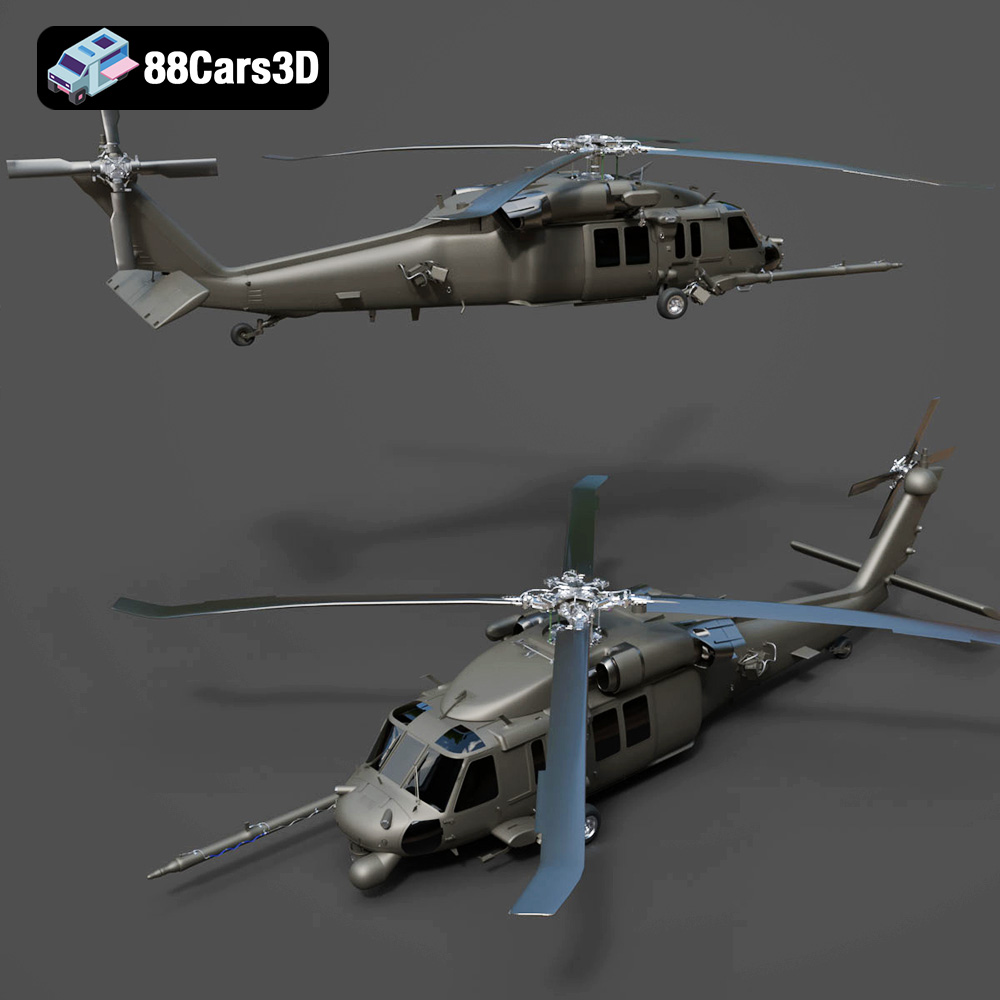
The allure of aviation has captivated enthusiasts for generations. Now, thanks to advancements in 3D printing technology, you can bring a piece of that fascination into your home or workspace. This blog post delves into the intricate process of 3D printing the Helicopter UH-40 model, focusing on achieving high-quality results suitable for display, educational purposes, or integration into larger dioramas. We’ll cover everything from selecting the right materials and preparing the STL files to fine-tuning your printer settings and mastering essential post-processing techniques. The Helicopter UH-40 3D Model available at 88cars3d.com is a fantastic choice.
Before diving into the specifics of printing the Helicopter UH-40, it’s crucial to understand the different file formats associated with 3D models. Each format serves a unique purpose, and selecting the right one is vital for a successful 3D printing experience.
* **.stl (Stereolithography):** This is the industry standard format for 3D printing. STL files represent the surface geometry of a 3D object as a collection of triangles. They are lightweight and widely supported by slicing software, making them ideal for preparing models for additive manufacturing. However, STL files only store information about the object’s shape and lack color or texture data.
* **.obj (Object):** OBJ files are a more versatile format than STL, as they can store color and texture information in addition to the geometry. This makes them suitable for colored 3D prints or for rendering applications where visual appearance is critical. However, OBJ files can be larger than STL files, and some older slicing software may not fully support them.
* **.ply (Polygon File Format):** PLY files are designed for storing 3D data acquired from 3D scanners or other high-resolution sources. They can represent geometry, color, texture, and other properties with high precision. PLY is often used for scientific visualization, digital archiving, and reverse engineering.
* **.blend (Blender):** BLEND files are native to Blender, a popular open-source 3D modeling software. These files contain the entire Blender scene, including the model’s geometry, materials, textures, lighting, and animation. While you can’t directly 3D print a .blend file, you can open it in Blender, modify the model, and export it to a printable format like .STL.
* **.fbx (Filmbox):** FBX is a proprietary format developed by Autodesk and widely used in game development and animation. It can store complex scene data, including geometry, materials, textures, animations, and skeletal rigs. While FBX is not directly printable, it’s useful for importing models into slicing software if materials information is crucial for some advanced print processes.
* **.glb (GL Transmission Format Binary):** GLB is a binary file format that represents 3D models in a compact and efficient manner. It is commonly used for AR/VR applications and web-based visualization due to its ability to load quickly and render smoothly. While not directly printable, the .glb version of the Helicopter UH-40 model allows for excellent AR previews.
* **.max (3ds Max):** MAX files are the native format for Autodesk 3ds Max, a professional 3D modeling and animation software package. Similar to .blend files, .max files contain the entire scene and are not directly printable. You’ll need to export the model to a printable format like .STL after making any desired modifications in 3ds Max.
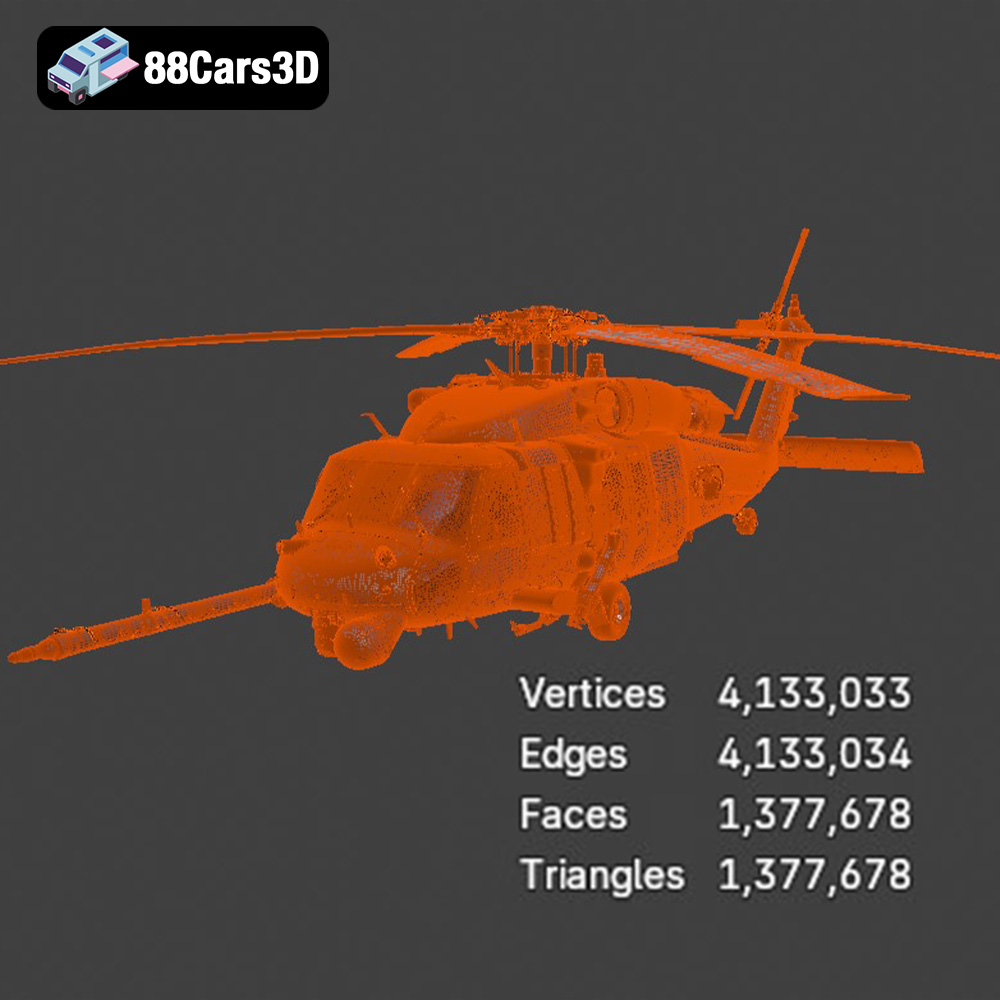
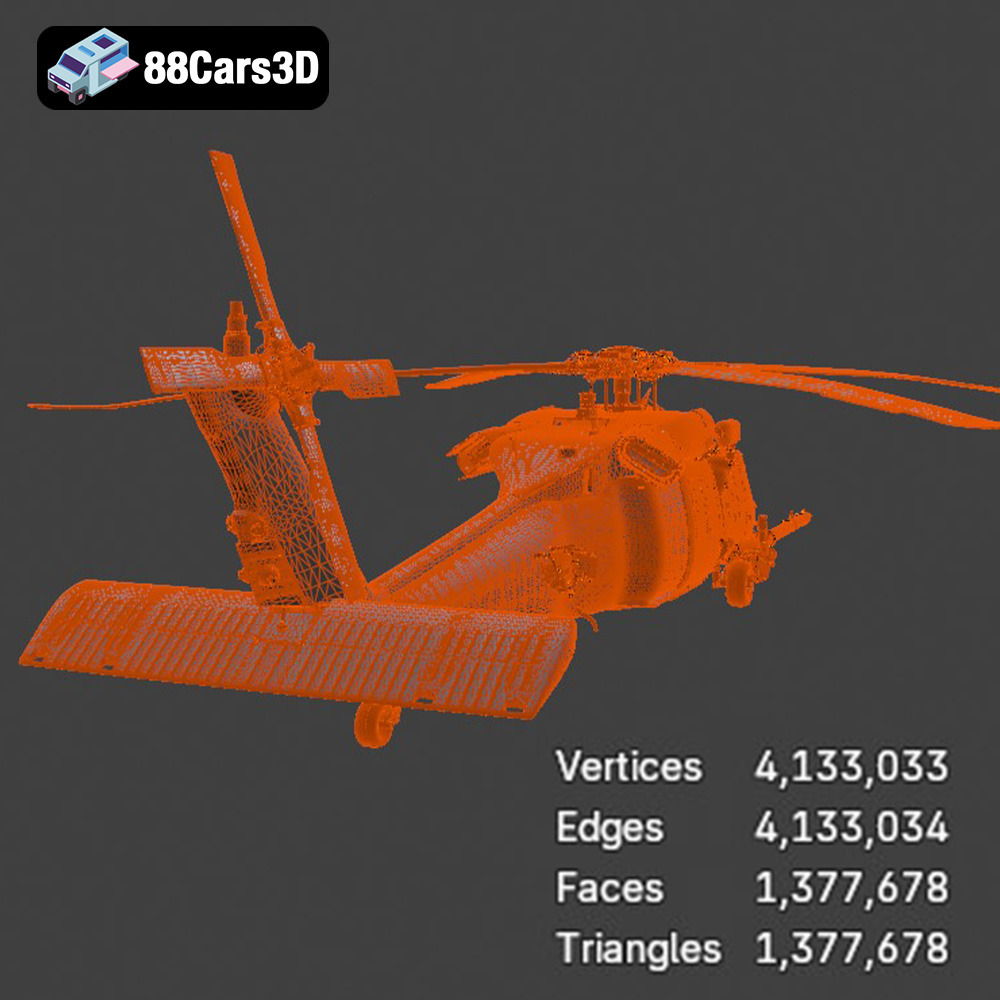
For the purpose of 3D printing the Helicopter UH-40 model, the **.stl** format is the most suitable. Its simplicity and widespread compatibility ensure a seamless workflow with virtually any slicing software. When exporting the STL file from a modeling program, it’s crucial to pay attention to the mesh quality. A higher mesh resolution will result in a smoother printed surface, but it will also increase the file size and processing time. A balanced approach is key to achieving a good trade-off between print quality and computational efficiency.
Most popular slicing software packages, such as Cura, Simplify3D, PrusaSlicer, and others, readily support STL files. These programs allow you to import the Helicopter UH-40 model, adjust its size, orientation, and support structures, and then generate the G-code instructions that your 3D printer will follow. Experiment with different slicing parameters to optimize the print quality and minimize material usage.
The material you choose for 3D printing your Helicopter UH-40 significantly impacts its appearance, strength, and overall durability. Here’s a breakdown of popular options:
* **Pros:** PLA is a biodegradable thermoplastic derived from renewable resources. It’s easy to print, doesn’t require a heated bed in many cases, and produces minimal warping. PLA is ideal for creating visually appealing models like the UH-40 due to its smooth surface finish and wide range of colors.
* **Cons:** PLA has relatively low heat resistance and can become brittle over time, especially when exposed to sunlight. It’s not suitable for functional parts that will experience high temperatures or stress.
* **Recommended Settings:** Nozzle temperature: 200-220°C, Bed temperature: 50-60°C (optional), Print speed: 40-60 mm/s.
* **Pros:** PETG offers a good balance of strength, flexibility, and heat resistance. It’s more durable than PLA and less prone to warping than ABS. PETG also has good chemical resistance.
* **Cons:** PETG can be slightly more challenging to print than PLA, requiring careful adjustment of temperature and retraction settings to prevent stringing.
* **Recommended Settings:** Nozzle temperature: 230-250°C, Bed temperature: 70-80°C, Print speed: 40-60 mm/s, Retraction distance: 4-7 mm.
* **Pros:** Resin 3D printing (SLA or DLP) excels at producing highly detailed models with smooth surfaces. This makes it an excellent choice for replicating the intricate features of the Helicopter UH-40.
* **Cons:** Resin printers are generally more expensive than FDM (filament-based) printers. Resin materials can be brittle and require careful handling. Post-processing, including washing and curing, is essential.
* **Recommended Settings:** Settings will vary depending on the specific resin and printer used. Refer to the resin manufacturer’s recommendations.
Proper pre-print preparation is crucial for minimizing printing errors and maximizing the quality of your finished Helicopter UH-40 model.
* **Mesh Repair:** Use software like Meshmixer or Netfabb to identify and repair any errors in the STL file, such as holes, non-manifold edges, or intersecting faces. These imperfections can cause printing problems.
* **Orientation:** Carefully consider the model’s orientation on the build plate. Orient the UH-40 to minimize the need for support structures, which can leave unsightly marks on the finished print. Placing the flattest side of the fuselage on the build plate is generally a good starting point.
* **Layer Height:** A smaller layer height (e.g., 0.1 mm) will result in a smoother surface finish but will also increase the print time. A layer height of 0.2 mm is a good compromise for most prints.
* **Infill Density:** Infill density determines the internal structure of the model. A higher infill density (e.g., 20%) will make the model stronger but will also use more material. For a display model, a lower infill density (e.g., 10%) is usually sufficient.
* **Support Structures:** Generate support structures to support overhanging features, such as the rotor blades and tail section. Use a support material that is easy to remove, such as soluble supports if your printer supports it. Experiment with different support patterns and densities to optimize support removal and surface quality.
Achieving a successful 3D print of the Helicopter UH-40 relies heavily on fine-tuning your printer settings to match the chosen material and desired print quality.
* **Temperature Calibration:** Conduct temperature towers to identify the optimal printing temperature for your filament. This ensures proper layer adhesion and reduces stringing or warping.
* **Print Speed Optimization:** Adjust the print speed based on the complexity of the model. Slower speeds generally improve print quality, especially for intricate details. Reduce speed for external perimeters to enhance surface finish.
* **Build Plate Adhesion:** Ensure proper adhesion to the build plate to prevent warping, especially with materials like PETG. Use a heated bed, apply an adhesive like glue stick or hairspray, or use a raft or brim.
* **Enclosure Considerations:** For materials prone to warping, such as ABS, consider printing within an enclosed printer to maintain a consistent temperature and reduce drafts.
Post-processing is an essential step in refining your 3D printed Helicopter UH-40 model and achieving a professional finish.
* **Support Removal:** Carefully remove support structures using pliers, cutters, or other appropriate tools. Be gentle to avoid damaging the model’s surface.
* **Sanding:** Sand the model’s surface to remove layer lines and smooth out any imperfections. Start with a coarse grit sandpaper (e.g., 220 grit) and gradually move to finer grits (e.g., 400, 600, 800 grit) for a smoother finish. Wet sanding can also help to minimize dust and improve the sanding results.
* **Priming:** Apply a primer to the model’s surface to create a uniform base for painting.
* **Painting:** Use acrylic paints or spray paints to achieve the desired color scheme. Apply multiple thin coats for a more even finish. Consider using stencils or masking tape to create intricate patterns or details.
* **Clear Coating:** Apply a clear coat to protect the paint and give the model a glossy or matte finish.
Even with careful preparation, 3D printing can present challenges. Here are some common issues and their solutions:
* **Cause:** Insufficient bed adhesion, improper bed leveling, drafts, or incorrect printing temperature.
* **Solution:** Ensure the bed is properly leveled. Apply an adhesive like glue stick or hairspray. Increase the bed temperature. Use a raft or brim. Enclose the printer to reduce drafts.
* **Cause:** Excessive retraction distance, high printing temperature, or slow travel speed.
* **Solution:** Decrease the retraction distance. Lower the printing temperature. Increase the travel speed. Ensure the filament is dry.
* **Cause:** Low printing temperature, insufficient layer adhesion, or under-extrusion.
* **Solution:** Increase the printing temperature. Ensure the first layer is properly adhered to the build plate. Calibrate the extruder to ensure proper material flow.
3D printing the Helicopter UH-40 model is a rewarding experience that allows you to bring a piece of aviation history into your own hands. By carefully selecting the right materials, preparing the STL files, fine-tuning your printer settings, and mastering essential post-processing techniques, you can create a stunning replica that you’ll be proud to display.
Enhance your digital hangar with the detailed Helicopter UH-40 3D Model. Designed to meet the demands of visualizers and developers, this model delivers precise structural accuracy. The exterior captures the robust aerodynamics of the UH-40 aircraft, while the internal layout provides a fully modeled interior, ensuring it stands up to close-up renders and immersive experiences.
$19.99
.aircraft
.arvr
.aviation
.blend
.car3dmodel
.fbx
.gameasset
.glb
.helicopter
.max
.military
.obj
.ply
.rendering
.simulation
.stl
.uh40
.unreal