Get 20% OFF All Premium 3D & STL Models!

The Kia Sportage 2019 is a stylish and versatile SUV, and now you can bring it to life with 3D printing! This guide provides a comprehensive overview of how to successfully 3D print the Kia Sportage 2019 3D model available on 88cars3d.com. We’ll cover everything from selecting the right materials and optimizing printer settings to post-processing techniques that will elevate your finished print. Whether you’re a seasoned 3D printing enthusiast or just starting out, this guide will equip you with the knowledge to create a stunning replica of this popular vehicle.
Before you even think about hitting the print button, meticulous preparation is crucial. The quality of your final 3D printed model hinges on how well you prepare the digital file. This involves inspecting the model, making any necessary repairs, and strategically orienting it for optimal printing.
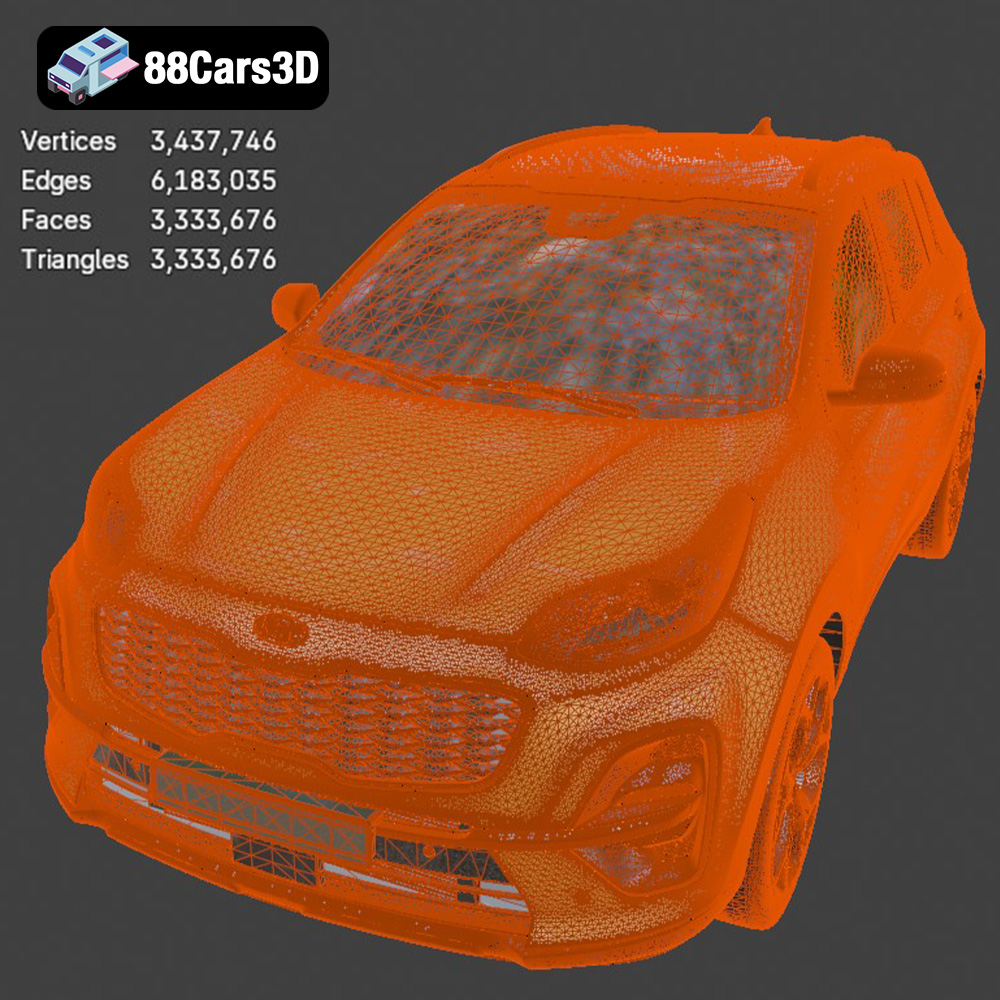
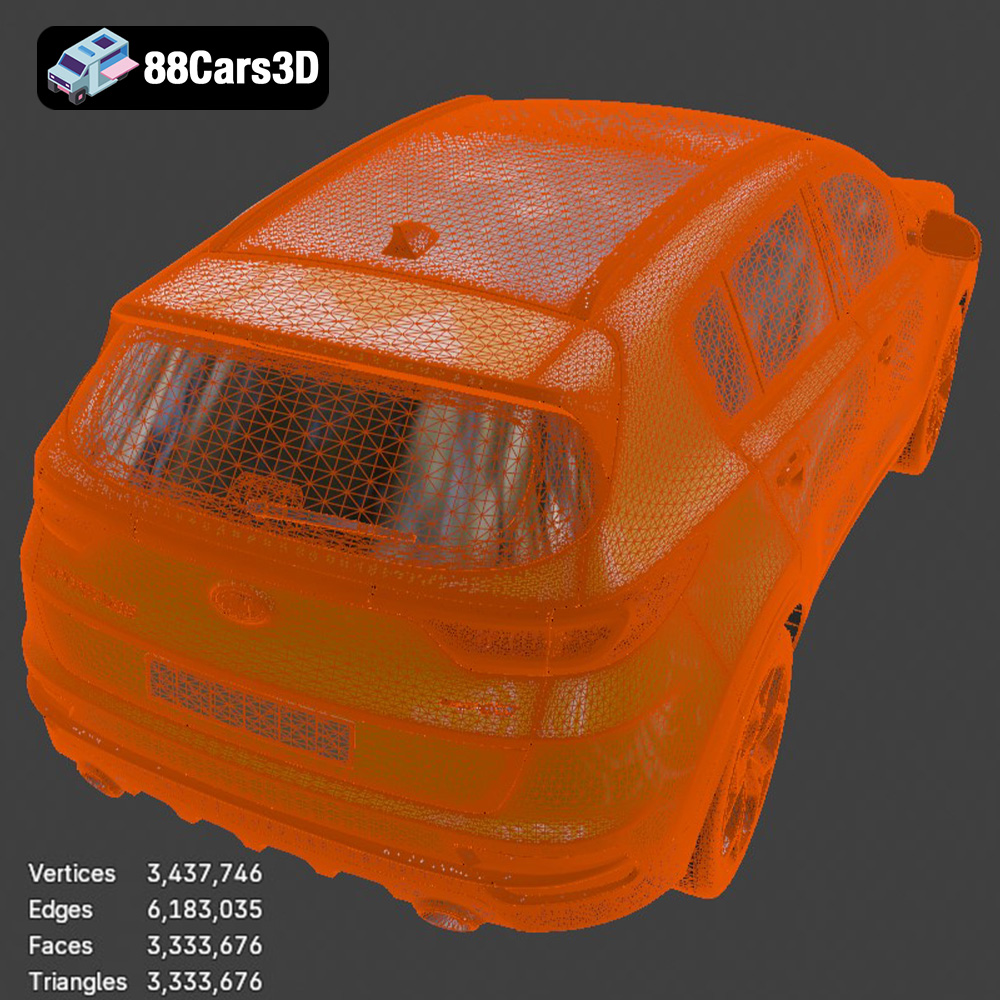
* **Mesh Analysis:** Begin by loading the STL file of the Kia Sportage 2019 into your slicing software. Use the software’s built-in analysis tools to check for any potential issues like non-manifold edges, holes, or intersecting faces. These errors, if left unaddressed, can lead to printing failures or imperfections in the final product. Programs like Meshmixer or Netfabb Basic are excellent for identifying and automatically fixing these common mesh problems.
* **Wall Thickness Considerations:** Examine the wall thickness of the Kia Sportage 2019 model, especially in areas like the roof, hood, and fenders. Ensure that the walls are thick enough to be reliably printed with your chosen material. A minimum wall thickness of 0.8mm is generally recommended for FDM printing with PLA or PETG. If the walls are too thin, consider scaling up the entire model slightly or thickening specific problematic areas within a 3D modeling program.
* **Minimizing Support Structures:** The orientation of your 3D model on the print bed directly impacts the amount of support material needed. Excessive support structures not only waste filament but also require significant post-processing to remove, potentially damaging the surface finish. Experiment with different orientations in your slicing software to find the position that minimizes overhangs and support requirements. For the Kia Sportage 2019, consider tilting the model slightly backward to reduce the need for supports under the rear bumper and spoiler.
* **Support Type and Density:** When supports are unavoidable, carefully choose the appropriate type and density. For FDM printing, tree supports are often preferred for their ease of removal and minimal impact on the printed surface. Adjust the support density to balance stability with ease of removal. A lower density is suitable for less critical areas, while a higher density may be necessary for supporting intricate details or large overhangs. Also, consider using support interface layers for better adhesion and cleaner removal.
Selecting the right file format is paramount for successful 3D printing. While many formats exist, understanding their strengths and weaknesses is crucial.
* **.stl – Industry Standard for 3D Printing, Mesh-Only Format:** The STL (Stereolithography) file format is the workhorse of 3D printing. It represents the surface geometry of a 3D object as a collection of triangles. This simplicity makes it universally compatible with virtually all 3D printers and slicing software. However, STL files only contain information about the object’s shape; they do not store color, texture, or material properties. When working with STL files, ensure that the mesh resolution is high enough to capture the details of the Kia Sportage 2019 model accurately. Low-resolution STL files can result in a faceted or blocky appearance in the final print. The STL file from 88cars3d.com for the Kia Sportage 2019 will need to be imported into your slicer software for proper scaling and print preparation.
* **.obj – Universal Format with Texture Support for Colored Prints:** OBJ files are more versatile than STL files because they can store color and texture information in addition to geometry. This makes them suitable for colored 3D printing or for applications where visual appearance is important. However, OBJ files can be larger than STL files, and not all slicing software fully supports OBJ textures.
* **.ply – Precision Mesh Format for High-Detail Prints:** The PLY format is designed for storing 3D data acquired from 3D scanners or other high-resolution sources. It can represent both polygonal meshes and point clouds, making it ideal for capturing complex shapes and fine details. PLY files are often used in scientific visualization and reverse engineering applications. While PLY is very precise, it’s not as widely supported by slicing software compared to STL.
* **.blend – Editable Blender Scene for Customization Before Export:** BLEND files are native to Blender, a popular open-source 3D modeling software. These files contain the entire scene, including the 3D model, materials, textures, lighting, and camera settings. Using the .blend file from 88cars3d.com, you can customize the Kia Sportage 2019 model before exporting it to a 3D printable format like STL.
* **.fbx – For Importing Into Slicing Software With Materials:** FBX is a proprietary file format developed by Autodesk, primarily used for exchanging 3D data between different software applications. It supports geometry, materials, textures, animation, and other scene information. FBX files are often used in game development and animation pipelines. While some slicing software may import FBX files, it’s typically better to convert them to STL for 3D printing.
* **.glb – For Previewing Models in AR Before Printing:** GLB is a binary file format for representing 3D models in the glTF (GL Transmission Format) standard. It’s designed to be compact and efficient for web-based applications, especially augmented reality (AR) and virtual reality (VR). GLB files can store geometry, textures, and animations. While GLB is great for previewing, it is not meant to be directly used for 3D printing.
* **.max – Editable 3ds Max Project for Modifications:** .max files are the native file format for Autodesk 3ds Max, a professional 3D modeling, animation, and rendering software. These files contain the entire scene setup, including the 3D model, materials, textures, lighting, camera angles, and animation data. Using the .max file from 88cars3d.com, you have complete control over the Kia Sportage 2019 model, allowing you to make detailed modifications, create realistic renderings, and prepare the model for various applications.
For 3D printing, the STL format is the preferred choice. It offers the best compatibility and is specifically designed for additive manufacturing. When exporting to STL, carefully adjust the export settings to ensure a high-resolution mesh that accurately captures the details of the Kia Sportage 2019 model. A well-prepared STL file is the foundation for a successful 3D print.
Choosing the right material is critical for achieving the desired aesthetic and functional properties in your 3D printed Kia Sportage 2019 model. Different materials offer varying levels of strength, flexibility, temperature resistance, and surface finish.
* **Pros:** PLA is a biodegradable thermoplastic derived from renewable resources like cornstarch or sugarcane. It’s known for its ease of printing, low warping tendency, and wide availability. PLA is an excellent choice for beginners due to its forgiving nature and relatively low printing temperature. It also comes in a vast array of colors, making it ideal for creating visually appealing models like the Kia Sportage 2019.
* **Cons:** PLA has relatively low heat resistance and can soften or deform at temperatures above 60°C (140°F). It’s also more brittle than other materials like ABS or PETG, making it less suitable for parts that require high impact resistance. PLA is also more hygroscopic than other filaments, meaning it absorbs moisture from the air, which can negatively affect print quality. To prevent this, store PLA filament in an airtight container with desiccant packs.
* **Pros:** PETG combines the best qualities of PLA and ABS. It’s stronger and more durable than PLA, with better heat resistance and impact resistance. PETG is also less prone to warping than ABS and is relatively easy to print. Its good layer adhesion makes it a great choice for functional parts and models that need to withstand some wear and tear. PETG is a good all-around choice for the Kia Sportage 2019 3D model.
* **Cons:** PETG can be more stringy than PLA, requiring careful tuning of retraction settings in your slicing software. It’s also slightly more expensive than PLA.
* **Pros:** Resin 3D printing (SLA/DLP) offers unparalleled detail and surface finish. This makes it an excellent choice for creating highly accurate and visually stunning models of the Kia Sportage 2019, especially if you want to showcase intricate details like the interior or badges. Resin prints also tend to be stronger than FDM prints in certain orientations.
* **Cons:** Resin printing requires specialized equipment, including a resin printer, UV curing station, and appropriate personal protective equipment (PPE). Resins can be expensive and require careful handling due to their toxicity. Resin prints also need to be thoroughly washed and cured after printing, adding extra steps to the post-processing workflow. The build volume of resin printers is typically smaller than FDM printers, which may limit the size of the Kia Sportage 2019 model you can print.
Achieving a successful 3D print of the Kia Sportage 2019 model hinges on fine-tuning your printer settings to match your chosen material and printer capabilities. Experimentation and careful observation are key to finding the optimal settings for your specific setup.
* **Layer Height:** Layer height directly impacts the resolution and surface finish of your 3D print. A smaller layer height results in smoother surfaces and finer details but also increases print time. For the Kia Sportage 2019, a layer height of 0.1mm to 0.2mm is recommended for FDM printing to capture the car’s complex curves and features. For resin printing, layer heights can be even smaller, down to 0.025mm, for exceptional detail.
* **Print Speed:** Print speed affects both print quality and print time. A slower print speed allows for better layer adhesion and reduces the likelihood of warping or other printing defects. However, a slower speed also means a longer print time. For the Kia Sportage 2019, start with a print speed of 40-60mm/s for FDM printing and adjust as needed based on your printer’s capabilities and the complexity of the model.
* **Infill Density:** Infill density determines the internal structure of your 3D print and affects its strength and weight. A higher infill density makes the print stronger but also increases material consumption and print time. For the Kia Sportage 2019, an infill density of 15-20% is generally sufficient for most applications. If you plan to subject the model to significant stress or load, consider increasing the infill density to 25-30%.
* **Infill Pattern:** Different infill patterns offer varying levels of strength and material efficiency. Common infill patterns include rectilinear, grid, triangles, and gyroid. For the Kia Sportage 2019, a gyroid infill pattern is recommended for its balanced strength and isotropic properties.
Post-processing is the final stage in the 3D printing workflow and involves cleaning, refining, and enhancing the printed model to achieve a professional-looking finish.
* **Support Removal:** Carefully remove support structures from the 3D printed Kia Sportage 2019 model using pliers, cutters, or a specialized support removal tool. Take your time and avoid applying excessive force, which could damage the model. For hard-to-reach areas, consider using a heat gun or hot air to soften the supports before removal.
* **Sanding:** Sanding is essential for smoothing out imperfections and layer lines on the surface of the 3D print. Start with coarse-grit sandpaper (150-220 grit) to remove any major imperfections and then gradually move to finer-grit sandpaper (320-400 grit, then 600-800 grit) to achieve a smooth, polished surface. Wet sanding can help to minimize dust and create an even smoother finish.
* **Priming:** Applying a primer coat is crucial for creating a smooth, uniform surface for painting. Primer fills in small imperfections and provides a better surface for paint adhesion. Choose a primer that is compatible with your chosen material and paint.
* **Painting:** Use high-quality acrylic paints or automotive paints to achieve a realistic and durable finish on the Kia Sportage 2019 model. Apply multiple thin coats of paint, allowing each coat to dry completely before applying the next. Consider using masking tape to create clean lines and separate different colored areas. A clear coat can be applied to protect the paint and add a glossy or matte finish.
Despite careful preparation and optimized settings, 3D printing can sometimes present unexpected challenges. Understanding common issues and their solutions is essential for achieving successful prints.
* **Warping:** Warping occurs when the corners or edges of the 3D print lift off the print bed during printing. This is often caused by uneven cooling or poor bed adhesion. To prevent warping, ensure that your print bed is properly leveled and heated. Use a bed adhesion agent like glue stick or hairspray to improve adhesion. Enclosing the printer in an enclosure can also help to maintain a consistent temperature and reduce warping.
* **Bed Adhesion:** Poor bed adhesion can cause the 3D print to detach from the print bed during printing. To improve bed adhesion, clean the print bed with isopropyl alcohol before each print. Adjust the nozzle height to ensure that the first layer is properly squished onto the bed. Consider using a brim or raft to increase the surface area in contact with the bed.
* **Stringing:** Stringing occurs when thin strands of filament are left between different parts of the 3D print. This is often caused by excessive retraction distance or temperature. To reduce stringing, adjust the retraction settings in your slicing software. Lowering the printing temperature can also help.
* **Blobs:** Blobs are small clumps of filament that appear on the surface of the 3D print. These can be caused by inconsistent extrusion or abrupt changes in print speed. To reduce blobs, calibrate your extruder and adjust the print speed to ensure a consistent flow of filament.
By following these tips and techniques, you can successfully 3D print a stunning replica of the Kia Sportage 2019 model and showcase your 3D printing skills. Remember to always prioritize safety and follow the manufacturer’s instructions for your 3D printer and materials. With patience and practice, you’ll be able to create high-quality 3D printed models that you can be proud of. You can find the Kia Sportage 2019 3D model and many other high-quality car models on 88cars3d.com.
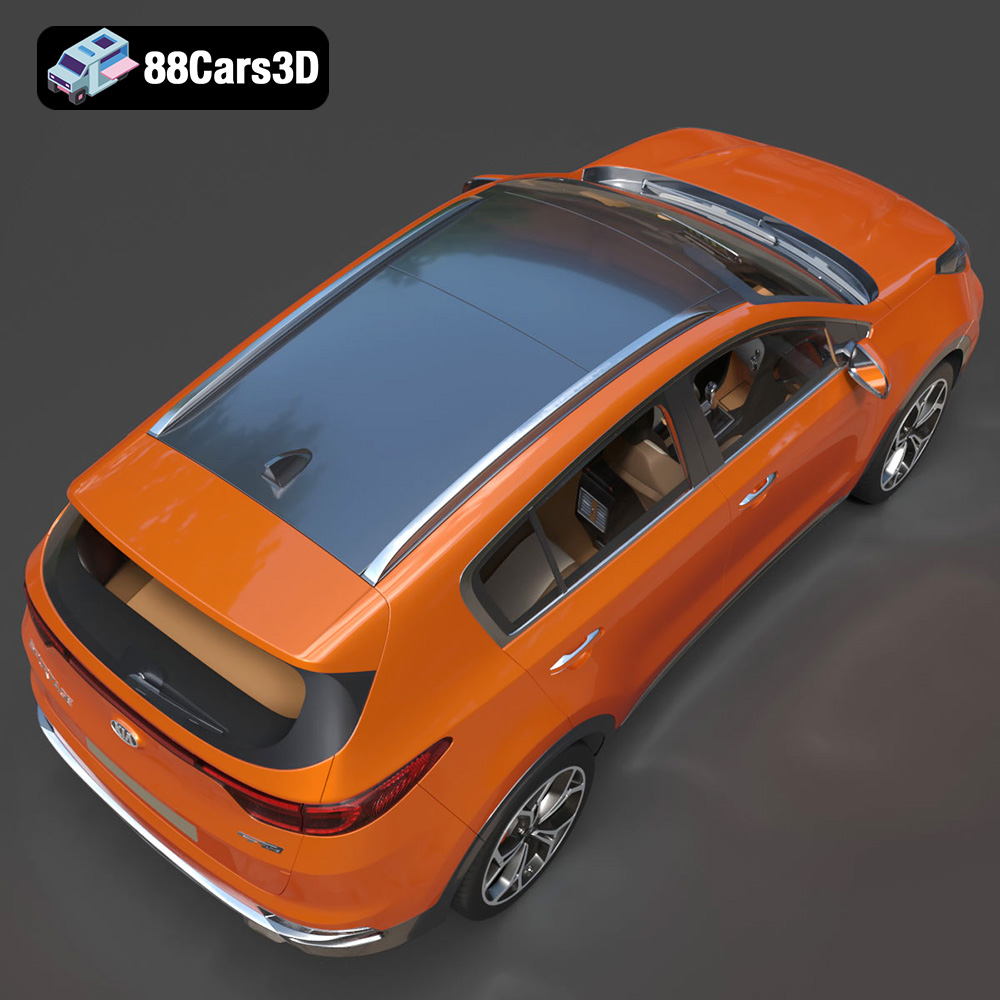
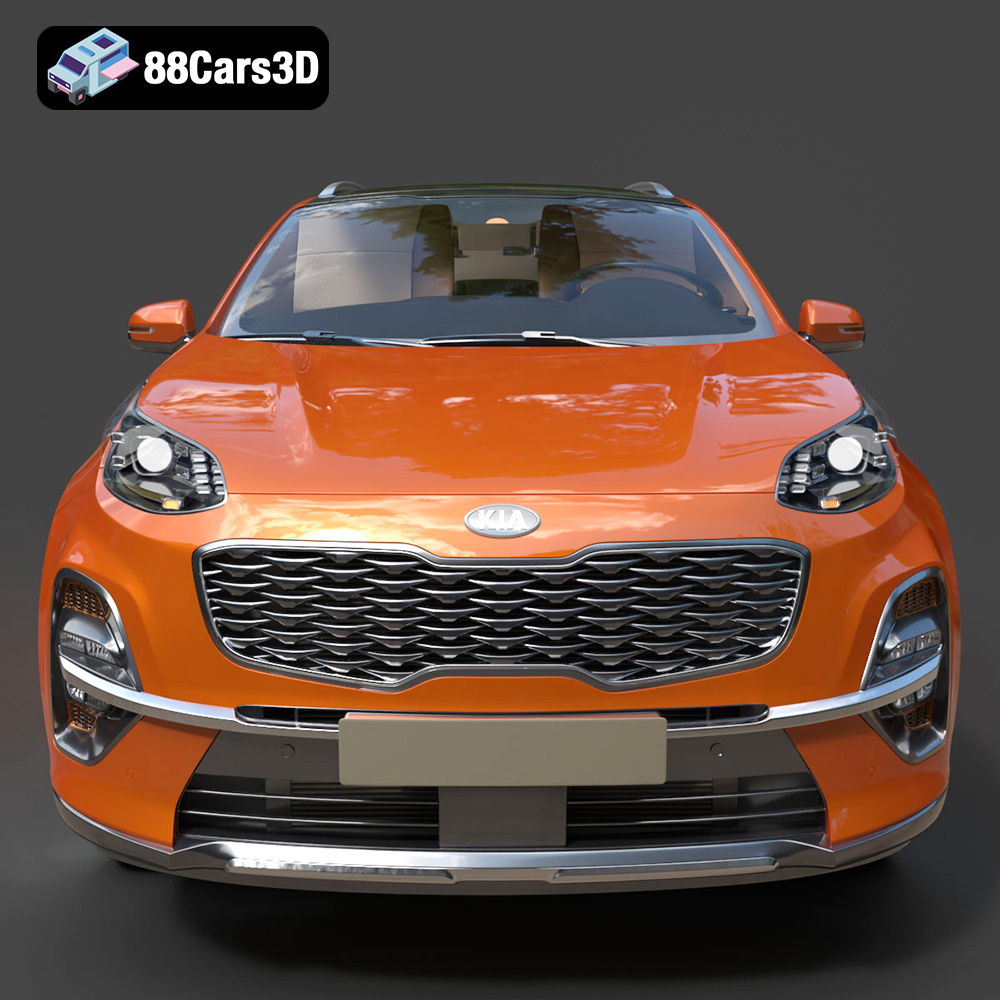
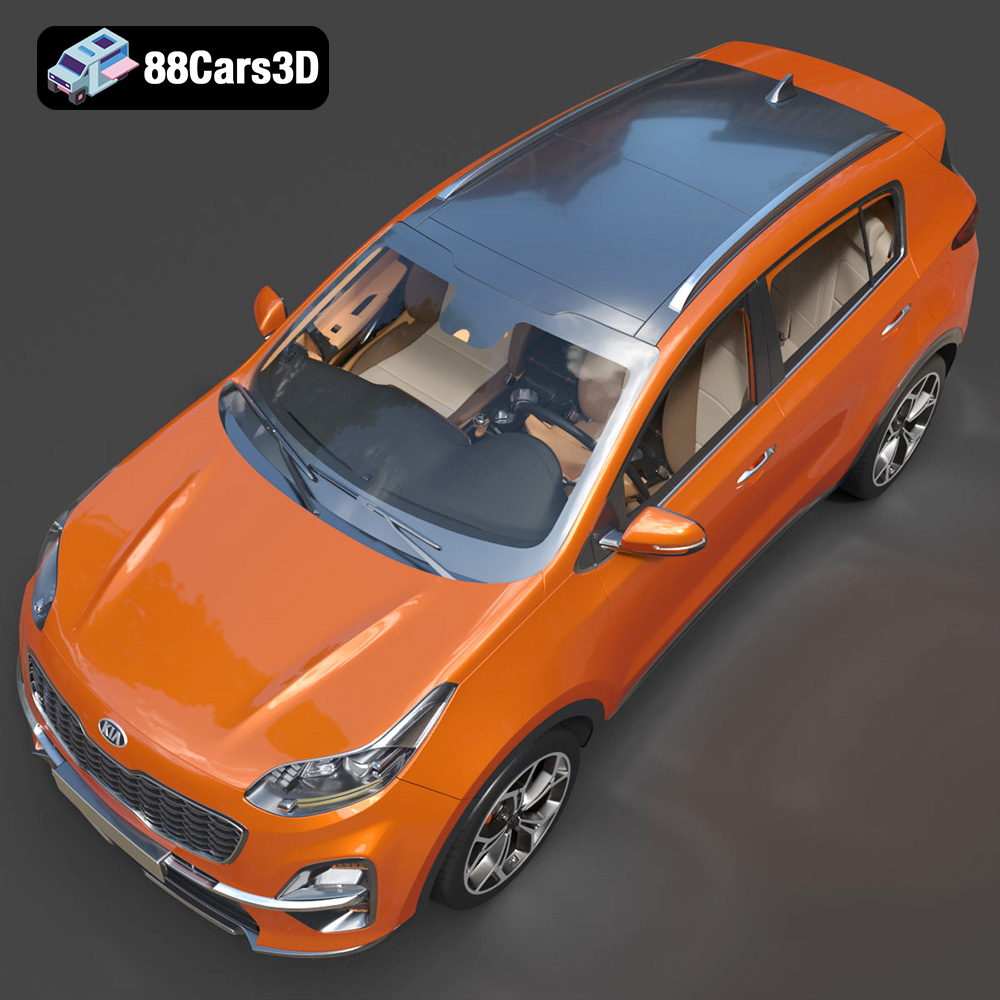
Experience unparalleled realism with the meticulously detailed Kia Sportage 2019 3D Model, complete with a fully replicated interior. Engineered for absolute precision, this digital asset accurately represents the vehicle’s signature exterior design and intricate cabin elements.
$19.99
.arvr
.blend
.car3dmodel
.crossover
.fbx
.gameasset
.glb
.kia
.max
.obj
.ply
.rendering
.simulation
.sportage
.stl
.unreal
SUV