Get 20% OFF All Premium 3D & STL Models!

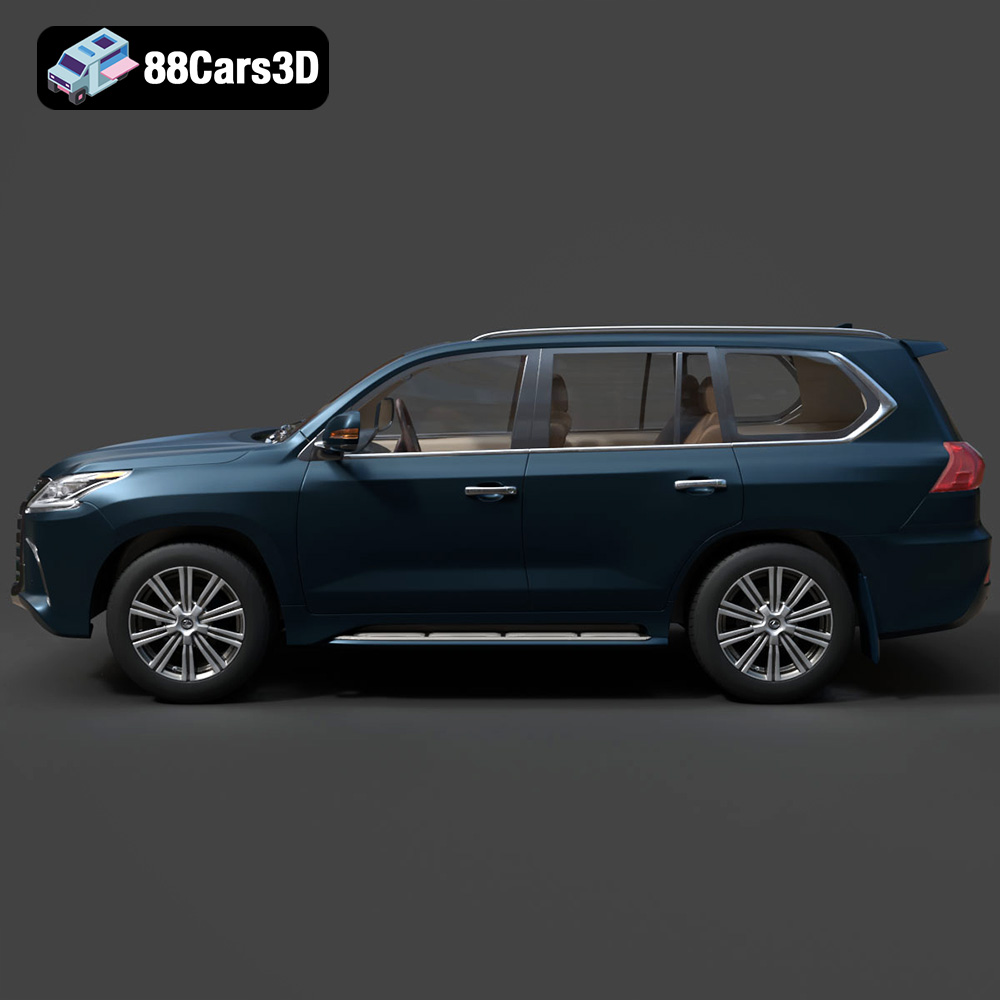
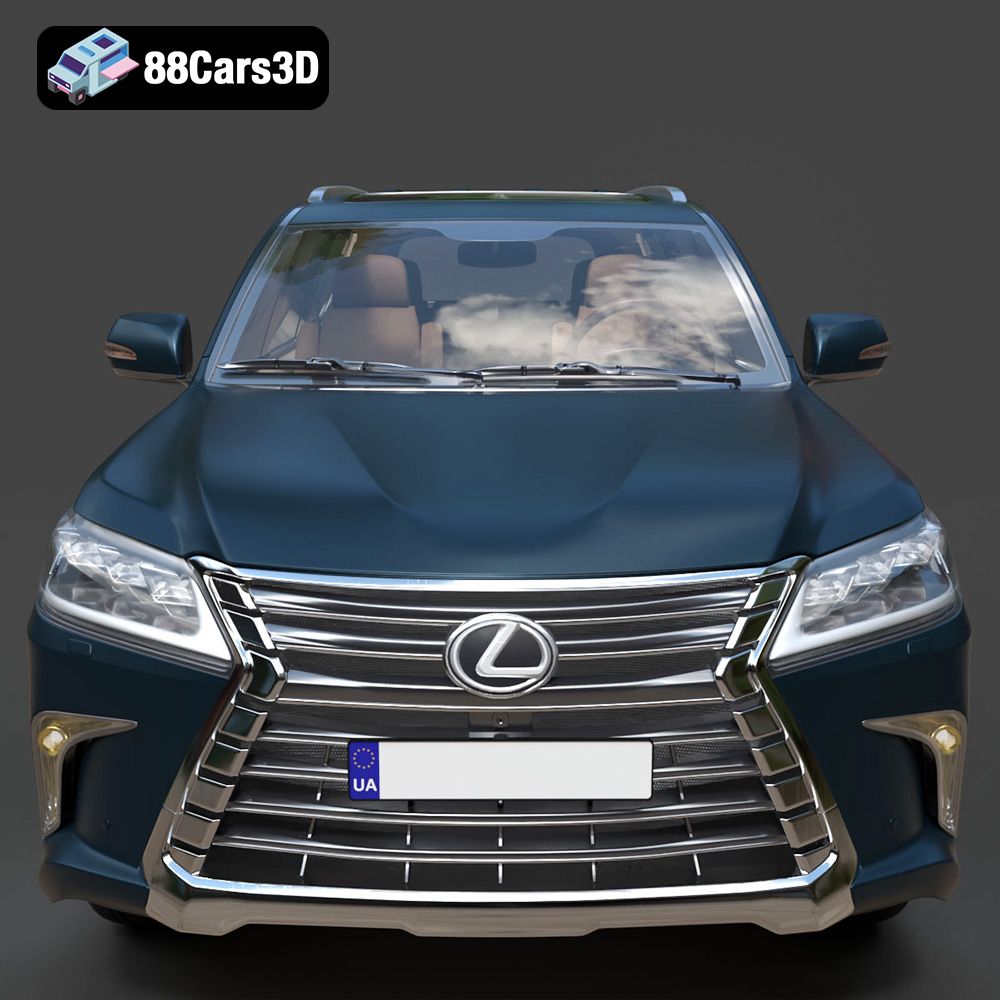
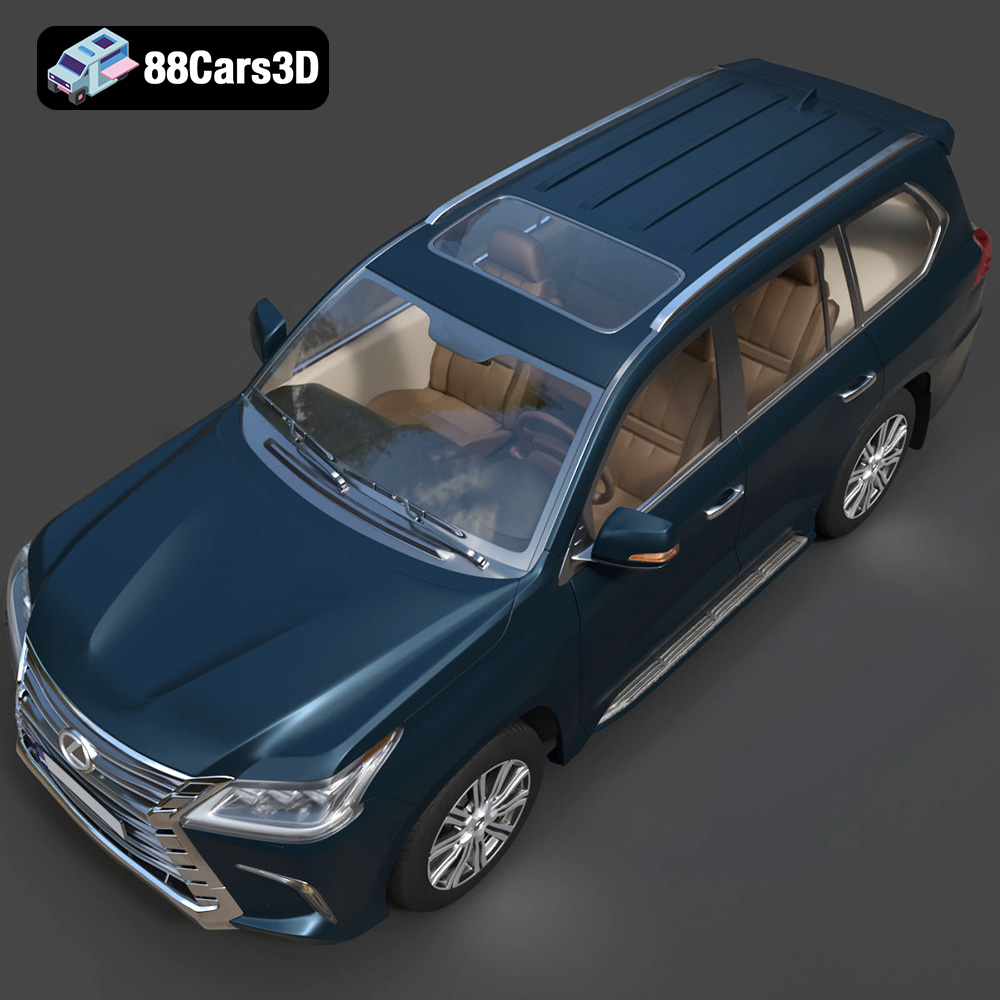
The Lexus LX Mk3f J200 2016 is a symbol of luxury and rugged capability, and now you can bring this iconic SUV to life with 3D printing. Thanks to detailed 3D models available online, like the one offered at 88cars3d.com, enthusiasts and modelers can create their own miniature versions of this impressive vehicle. This article serves as a comprehensive guide to 3D printing the Lexus LX Mk3f J200 2016 model, covering everything from printer settings and material choices to post-processing techniques. Whether you’re a seasoned 3D printing expert or just starting out, this guide will provide the knowledge needed to achieve a stunning final product.
Before diving into the printing process, careful preparation of the 3D model is crucial for achieving optimal results. This involves inspecting the model for errors, choosing the right scale, and configuring the slicing software.
The STL file, which is the industry standard for 3D printing, might contain imperfections or errors. Use software like MeshMixer or Netfabb to inspect the model for issues such as non-manifold edges, holes, or intersecting faces. These tools can automatically repair many of these common errors, ensuring a successful print. Specifically, check the Lexus LX Mk3f J200 model for any detached parts or areas where the mesh is too thin, especially around the grille and intricate body details.
The recommended scales for 3D printing the Lexus LX Mk3f J200 model are 1:12, 1:18, or 1:24. The choice depends on your printer’s build volume and the desired level of detail. A larger scale (e.g., 1:12) allows for finer details to be captured, but requires more material and printing time. For a balance between size and detail, 1:18 is a good option. If you’re constrained by printer size, 1:24 is a suitable choice. Remember to uniformly scale the entire model within your slicing software to maintain accurate proportions.
Slicing software, such as Cura, Simplify3D, or PrusaSlicer, converts the 3D model into a set of instructions for your 3D printer. Proper configuration of the slicing software is paramount. Key settings include layer height, infill density, support structures, and printing speed. We’ll delve deeper into these settings in a later section. For the Lexus LX Mk3f J200, ensure the model is properly oriented on the build plate to minimize the need for support structures and to maximize the strength of critical parts.
Choosing the right file format is essential for a smooth 3D printing experience. Different formats offer varying levels of compatibility, detail, and features. Understanding these nuances will help you prepare your Lexus LX Mk3f J200 model effectively.
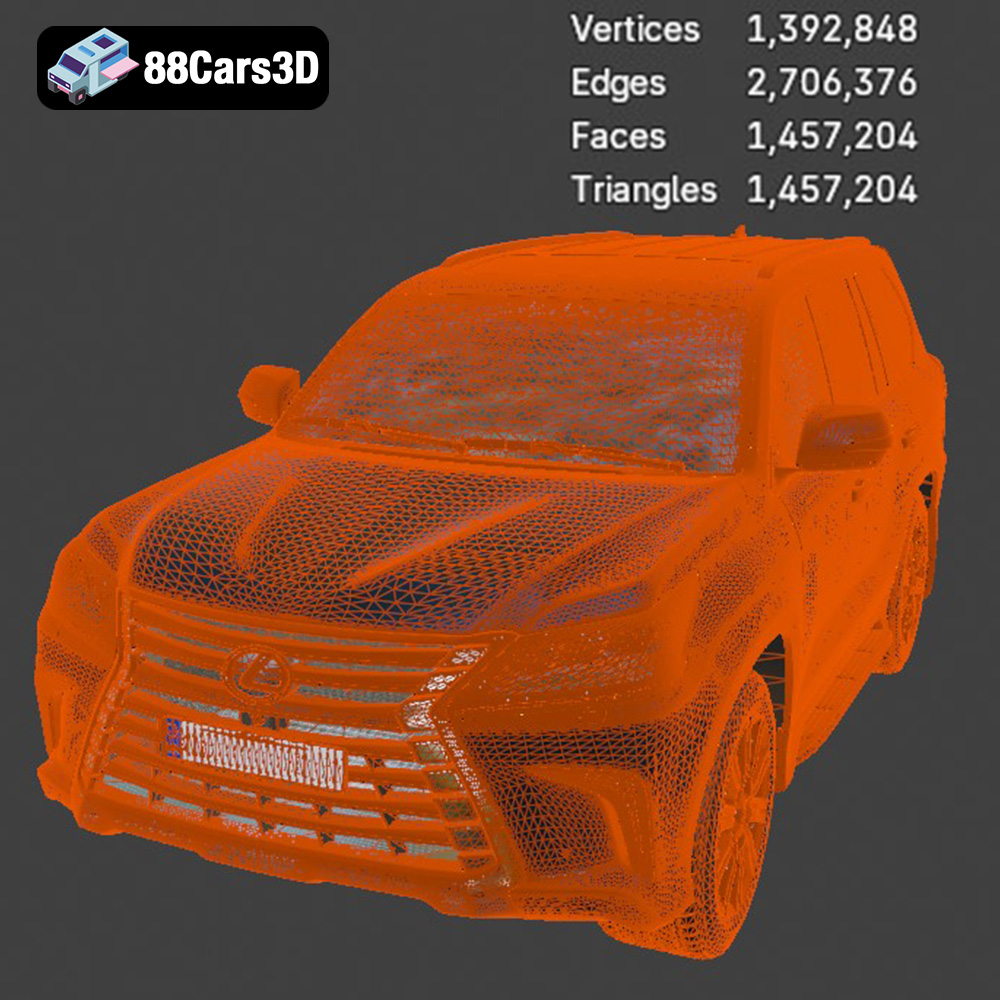
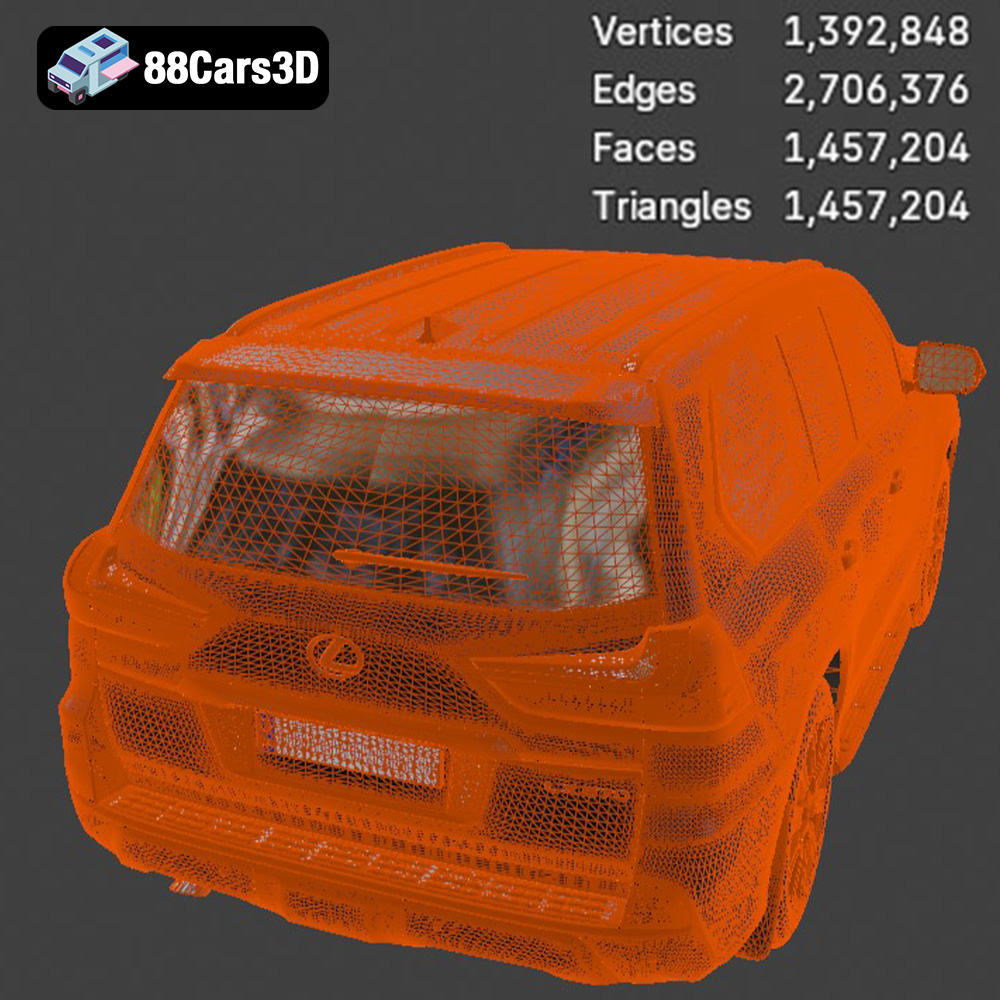
STL (Stereolithography) is the most widely used file format for 3D printing. It represents the surface geometry of a 3D object as a collection of triangles. This simplicity makes it highly compatible with virtually all 3D printers and slicing software. However, STL files only store mesh data (vertices and faces) and lack information about color, texture, or materials. When working with STL files of the Lexus LX Mk3f J200, ensure that the mesh resolution (number of triangles) is sufficient to capture the vehicle’s intricate details, such as the grille, headlights, and body lines. A higher triangle count results in a smoother surface finish but increases file size and processing time. If the triangle count is too low, the printed model may appear faceted or blocky. Most slicing software allows you to adjust the mesh resolution during import or pre-processing. For complex models like the Lexus LX Mk3f J200, optimizing the STL file is crucial for achieving a balance between detail and printability.
OBJ (Object) is another common 3D file format that, unlike STL, can store color and texture information along with the geometry. This makes it suitable for 3D printing models with multiple colors or complex surface textures. However, not all 3D printers support color printing, and even fewer consumer-grade printers can handle complex textures. If you plan to print the Lexus LX Mk3f J200 in multiple colors, an OBJ file is the way to go, provided you have a compatible printer.
PLY (Polygon File Format) is designed to store 3D data acquired from 3D scanners. It supports various data types, including color, normals, and texture coordinates. PLY files are often used for high-resolution meshes with detailed surface information. While less common than STL or OBJ, PLY can be beneficial for printing models that require extremely high fidelity.
BLEND files are native to Blender, a popular open-source 3D creation suite. If you have access to the BLEND file of the Lexus LX Mk3f J200, you can directly modify the model within Blender before exporting it to a printable format like STL. This allows for extensive customization, such as adding details, changing proportions, or optimizing the mesh for 3D printing.
FBX (Filmbox) is a proprietary file format developed by Autodesk. It’s widely used in game development and animation for storing 3D models with animation data, materials, and textures. While FBX files can be imported into some slicing software, their primary purpose is not 3D printing.
GLB (GL Transmission Format Binary) is a binary file format that represents 3D models in a compact and efficient manner. It’s commonly used for displaying 3D models in web browsers, augmented reality (AR) applications, and virtual reality (VR) environments. GLB files are not directly used for 3D printing but can be helpful for previewing the Lexus LX Mk3f J200 model in AR before committing to a print.
MAX files are native to 3ds Max, another professional 3D modeling software package. Similar to BLEND files, MAX files allow for extensive editing and customization of the 3D model before exporting it to a printable format. If you have access to the MAX file of the Lexus LX Mk3f J200, you can leverage the advanced modeling tools in 3ds Max to refine the model for 3D printing.
The choice of material significantly impacts the final look, feel, and durability of your 3D printed Lexus LX Mk3f J200. Different materials offer unique properties, making them suitable for various applications.
PLA is a biodegradable thermoplastic derived from renewable resources like corn starch or sugarcane. It’s a popular choice for 3D printing due to its ease of use, low printing temperature, and minimal warping. PLA is ideal for creating display models of the Lexus LX Mk3f J200 that don’t require high strength or heat resistance. It’s also a good option for beginners, as it’s forgiving and produces relatively smooth surfaces.
PETG combines the ease of printing of PLA with the strength and durability of ABS. It’s more resistant to impact and temperature than PLA, making it suitable for parts that may experience some stress or outdoor use. PETG also has good chemical resistance. For the Lexus LX Mk3f J200, PETG is a solid choice if you want a model that can withstand handling and exposure to sunlight.
ABS is a strong and heat-resistant thermoplastic commonly used in automotive parts and consumer electronics. It’s more challenging to print than PLA or PETG, as it requires higher printing temperatures and a heated bed to prevent warping. However, ABS offers superior strength and durability, making it suitable for functional parts or models that need to withstand high temperatures. While a good option, ABS might be overkill for a display model of the Lexus LX Mk3f J200, especially considering the added printing complexity.
Resin 3D printing, using technologies like SLA (Stereolithography) or DLP (Digital Light Processing), offers unparalleled detail and surface finish. Resin printers use liquid resin that is cured by UV light, allowing for very fine layer heights and intricate geometries. Resin is highly recommended for 3D printing the Lexus LX Mk3f J200, especially if you want to capture the finest details of the bodywork, interior, and wheels. However, resin prints tend to be more brittle than FDM prints (PLA, PETG, ABS) and may require more post-processing.
Achieving a high-quality 3D print of the Lexus LX Mk3f J200 requires fine-tuning your printer settings. The following settings are crucial for balancing print time, material usage, and detail resolution.
Layer height determines the vertical resolution of your print. A lower layer height results in smoother surfaces and finer details but increases printing time. For resin printing, layer heights of 0.04–0.12 mm are recommended to capture the intricate details of the Lexus LX Mk3f J200. For FDM printing with PLA or PETG, a layer height of 0.1–0.2 mm provides a good balance between detail and print speed.
Infill density determines the amount of material inside the model. A higher infill density increases the strength and weight of the print but also consumes more material and increases printing time. For a display model of the Lexus LX Mk3f J200, an infill density of 20–30% is typically sufficient. Focus infill in areas that require structural support, such as the chassis and wheel arches.
Support structures are necessary for printing overhanging parts of the model. The Lexus LX Mk3f J200 model will likely require supports for areas like the exhaust, mirrors, steering wheel, and potentially the roof. Use your slicing software to strategically place supports, minimizing their impact on the visible surfaces of the model. Consider using dissolvable support material if your printer supports it, as it simplifies the post-processing stage.
The print orientation significantly affects the strength, surface finish, and support requirements of the print. For the Lexus LX Mk3f J200, consider printing the frame at an angle to improve structural integrity and reduce the need for supports on the body panels. Print the wheels separately to ensure a clean, round finish. Experiment with different orientations to find the optimal balance between print time, support usage, and part quality.
Once the printing is complete, post-processing is essential to refine the surface finish, remove support marks, and add color to your 3D printed Lexus LX Mk3f J200.
Carefully remove the support structures using pliers or a sharp knife. Be gentle to avoid damaging the model’s surface. Use sandpaper with progressively finer grits (e.g., 220, 400, 600) to smooth out any imperfections and support marks. For hard-to-reach areas, use small files or sanding sponges.
Apply a primer coat to the model to create a smooth, uniform surface for painting. Choose a primer that is compatible with your chosen material (PLA, PETG, ABS, or resin). After the primer has dried, apply several thin coats of paint, allowing each coat to dry completely before applying the next. Use automotive-grade paints for a realistic finish, and consider using metallic paints for the body and chrome accents.
If you printed the model in multiple parts (e.g., frame, wheels, interior), carefully assemble them using glue or screws. Ensure that all parts fit together seamlessly and that the alignment is accurate.
Even with careful preparation, you may encounter some common 3D printing issues. Here are some tips for troubleshooting:
Warping occurs when the print detaches from the build plate due to uneven cooling. To prevent warping, ensure that your build plate is properly leveled and heated (if required). Use a brim or raft to increase the adhesion area.
Stringing occurs when the printer extrudes material while moving between different parts of the model. To reduce stringing, adjust the retraction settings in your slicing software and lower the printing temperature.
Layer separation occurs when the layers of the print don’t adhere properly to each other. To fix layer separation, increase the printing temperature and reduce the printing speed.
Before starting the print, it’s helpful to estimate the print time and material costs. Your slicing software will typically provide these estimates based on your chosen settings and model size. Keep in mind that these are just estimates, and the actual print time and material usage may vary depending on your printer and printing conditions. For the Lexus LX Mk3f J200, expect a print time of several hours to several days, depending on the scale and complexity of the model.
Bringing the Lexus LX Mk3f J200 to life with 3D printing is a rewarding project that combines technology, creativity, and attention to detail. By following the guidelines outlined in this article, you can create a stunning replica of this iconic SUV. From selecting the right materials and optimizing printer settings to mastering post-processing techniques, each step contributes to the final quality of your 3D printed model. Remember to inspect and repair the 3D model, choose the appropriate scale, and carefully configure your slicing software. With patience and practice, you’ll be able to showcase a beautiful 3D printed Lexus LX Mk3f J200. And for high-quality 3D models optimized for printing, remember to check out 88cars3d.com!
Experience luxury and capability with the highly detailed Lexus LX Mk3f J200 2016 3D model. Representing the iconic third facelift of the acclaimed J200 generation, this full-size luxury SUV perfectly captures the bold spindle grille, sharp L-shaped LED lighting signatures, and robust, imposing stance. Designed specifically for versatile integration and excels in demanding production environments including game development, AR/VR simulations, animation, and high-end visualization.
$19.99
.2016
.blend
.fbx
.glb
.lexus
.luxury suv
.lx
.max
.obj
.ply
.rendering
.stl
.unreal
car-3d-model
game asset
game-ready
j200
low-poly
mk3f
optimized
SUV
VR/AR