Get 20% OFF All Premium 3D & STL Models!

The Zeekr 001, a striking example of modern electric vehicle design, has captured the imagination of automotive enthusiasts worldwide. Now, thanks to advancements in additive manufacturing, you can bring a piece of this innovation into your own home. This comprehensive guide will walk you through the process of 3D printing the Zeekr 001 3D model, ensuring a successful and rewarding experience. Whether you’re a seasoned 3D printing veteran or a curious beginner, this article will provide the knowledge and techniques necessary to create a stunning replica of this groundbreaking vehicle. We will cover everything from choosing the right materials and printer settings to pre-print preparation and post-processing techniques, all optimized for the Zeekr 001 model available at 88cars3d.com.
Before diving into the specifics of printer settings and material choices, it’s crucial to lay the groundwork for a successful 3D printing project. This involves understanding the model itself, choosing the right software, and preparing the digital file for printing.
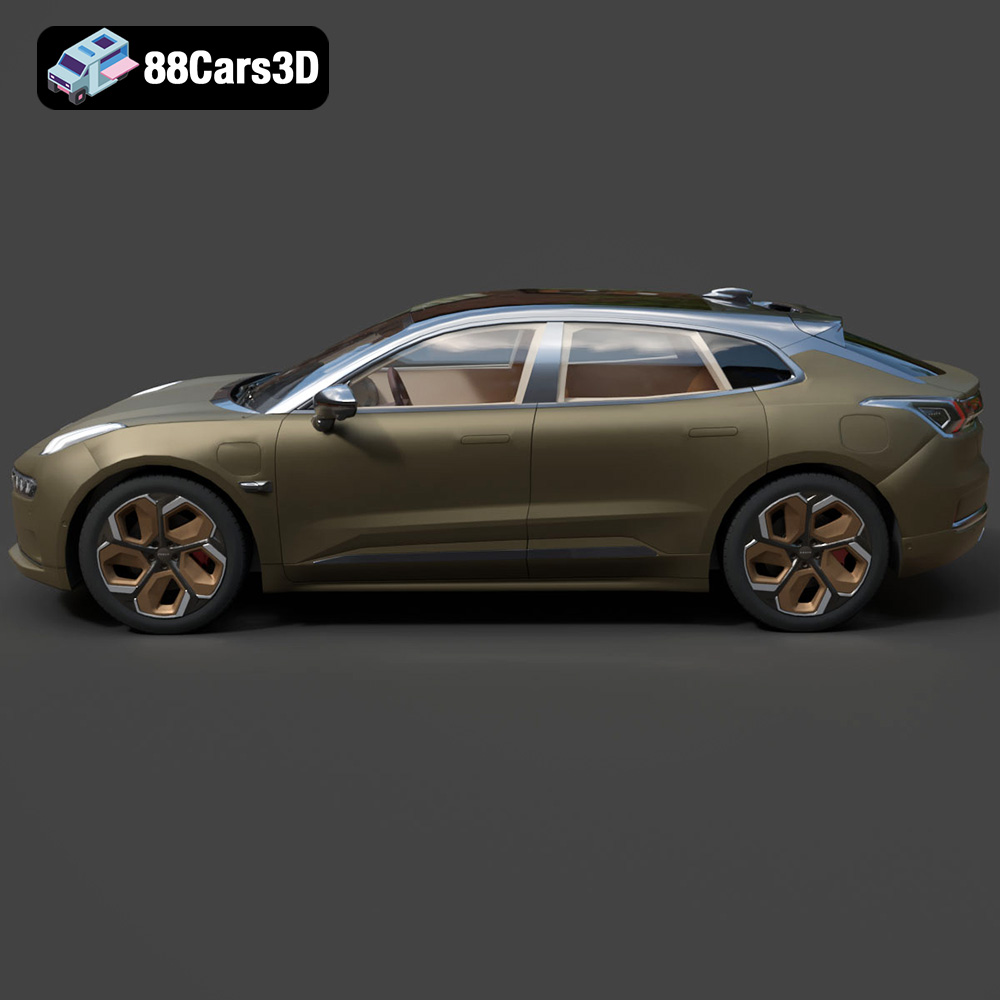
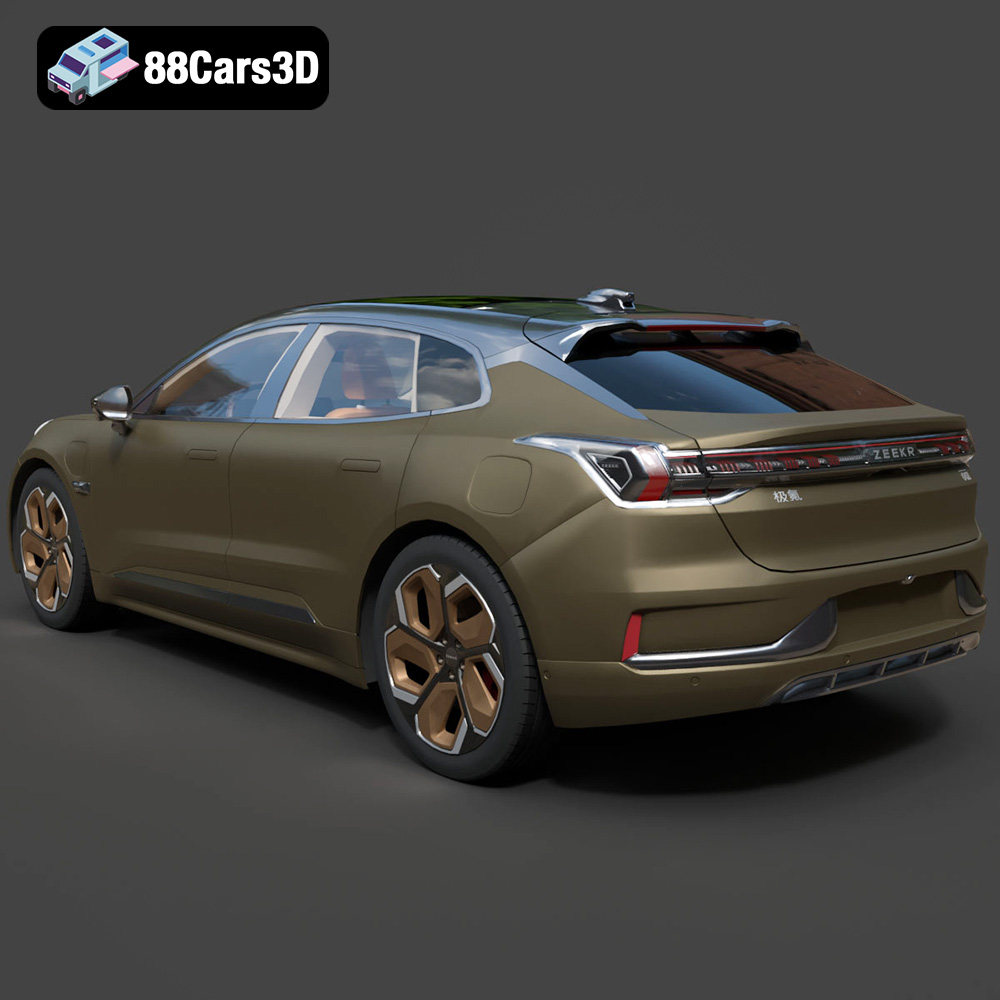
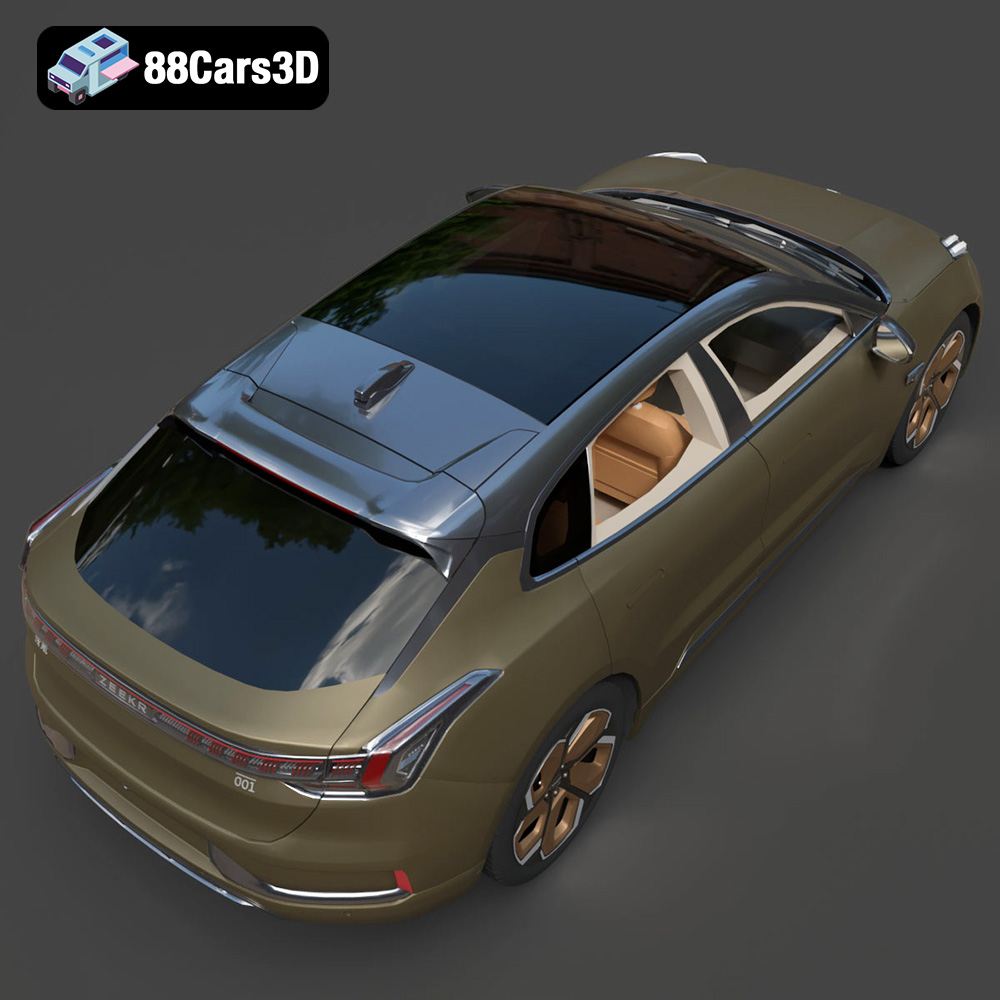
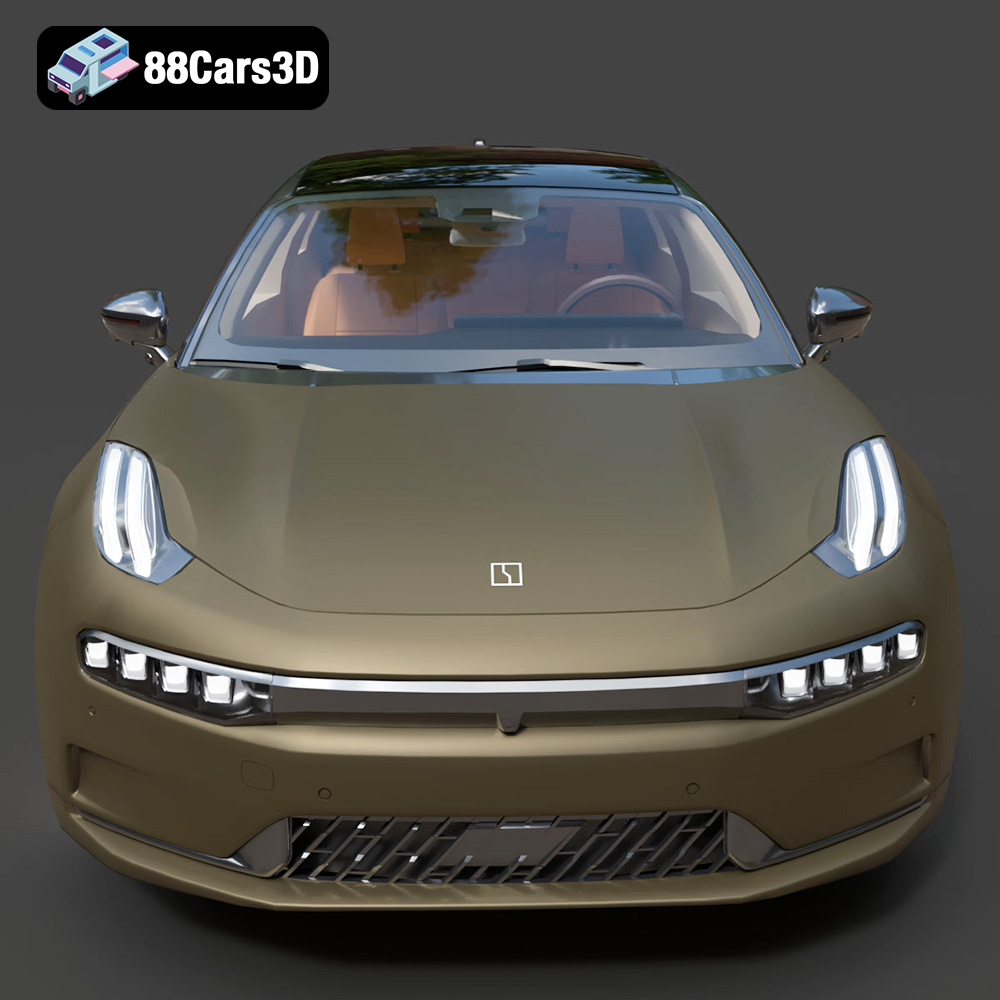
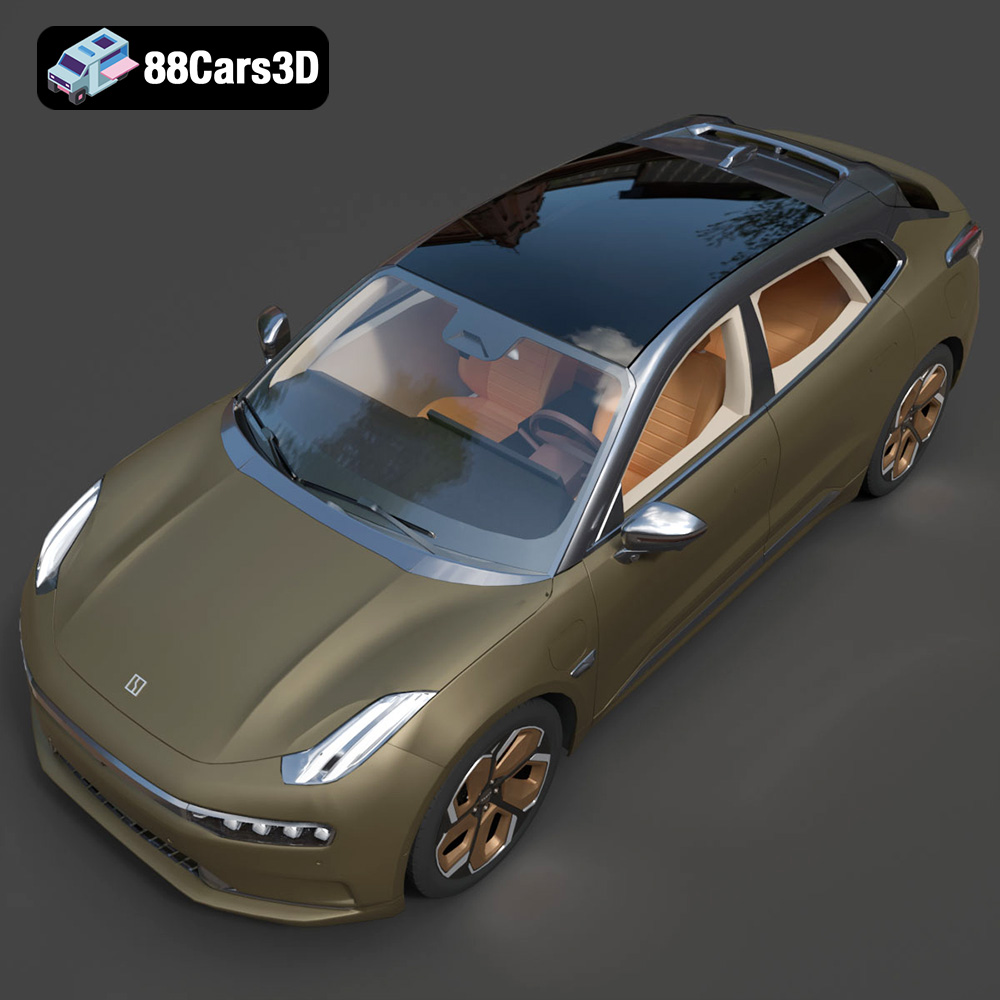
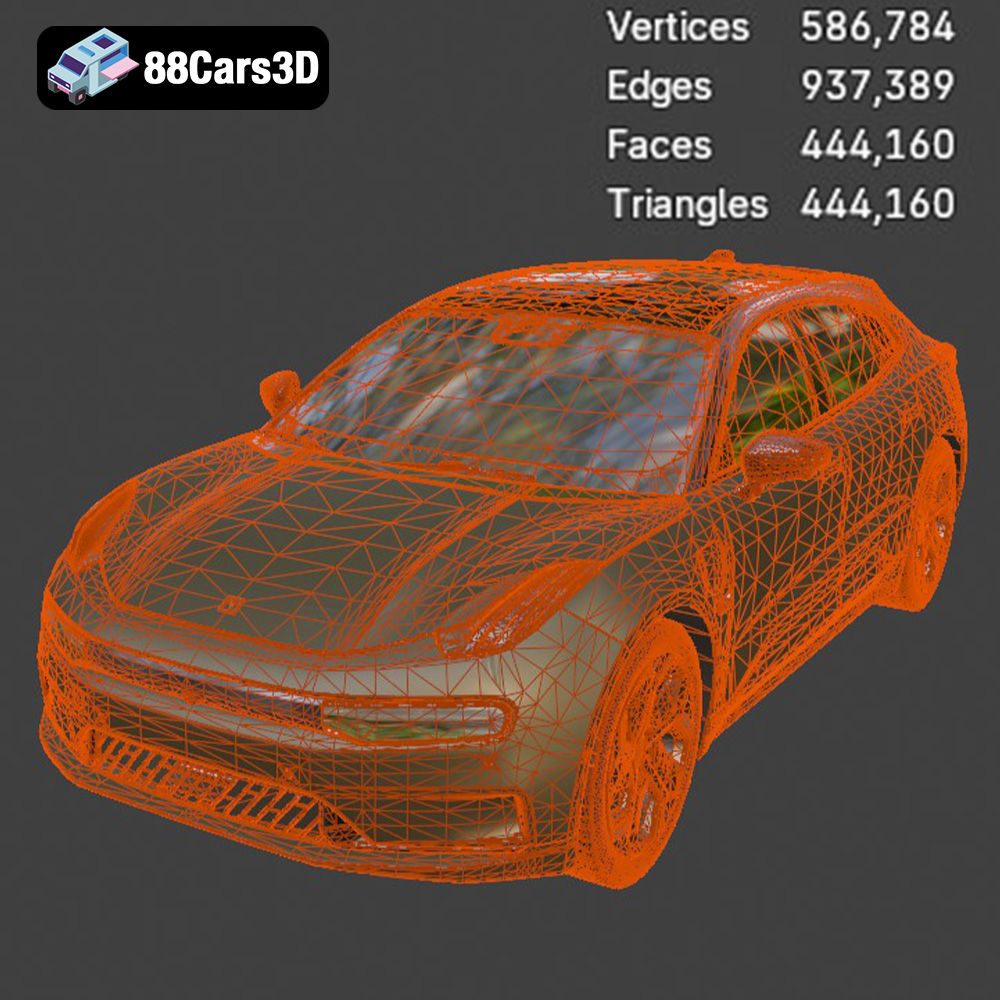
The Zeekr 001 model from 88cars3d.com is designed with meticulous attention to detail, capturing the essence of the real vehicle. Understanding its geometry is essential for optimal printing. Note the sharp angles, smooth curves, and intricate details like the headlights and grille. Consider these factors when deciding on print orientation and support structures. Inspecting the model in your slicing software before printing will give you a better sense of any potential challenges.
Slicing software is the bridge between your 3D model and your 3D printer. It converts the 3D model into a series of layers that the printer can understand and build upon. Popular choices include Cura, Simplify3D, and PrusaSlicer. Each software offers a range of settings that can be fine-tuned to achieve the desired print quality. Familiarize yourself with the interface and experiment with different settings to find what works best for your printer and the Zeekr 001 model.
The world of 3D modeling and printing uses a variety of file formats, each with its own strengths and weaknesses. Choosing the right format, or converting to a suitable one, is crucial for a successful print. Here’s a breakdown of some common formats and their relevance to 3D printing, with a strong emphasis on the importance of STL files.
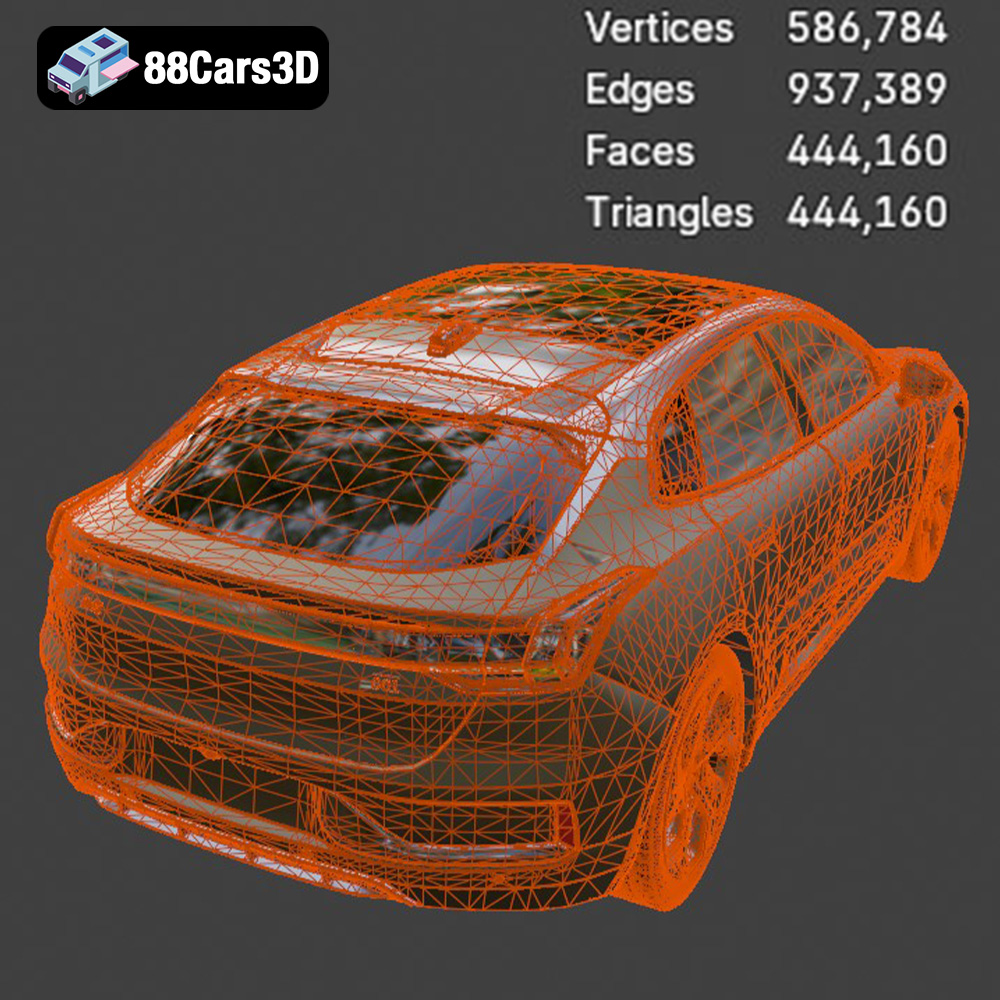
The STL (Stereolithography) file format is the workhorse of 3D printing. It represents the surface geometry of a 3D object using a collection of triangles. While it doesn’t store color or texture information, its simplicity and widespread compatibility make it the de facto standard for most 3D printing applications. The Zeekr 001 model available on 88cars3d.com includes an STL file, ensuring compatibility with virtually all 3D printers and slicing software. When working with STL files, it’s important to pay attention to the mesh quality. A low-resolution STL can result in a faceted, blocky print, while an excessively high-resolution STL can lead to unnecessarily large file sizes and increased processing time. Finding the right balance is key. Many slicing programs offer tools to simplify or refine the STL mesh. If you find that you’re having problems with the STL file from 88cars3d.com, try running it through a mesh repair program such as MeshMixer or Netfabb. These programs can identify and automatically fix common issues like holes, non-manifold edges, and self-intersections, all of which can cause printing problems. When importing the STL into your slicer, double-check the dimensions to ensure it’s the size you intend to print.
The OBJ (Object) file format is another popular choice for 3D models, and unlike STL, it can store color and texture information. This makes it suitable for printing models with multiple colors, though it requires a printer that supports multi-material printing. While the Zeekr 001 model from 88cars3d.com might not explicitly require color printing, the OBJ format could be useful if you plan to add custom paint details after printing.
PLY (Polygon File Format) is designed to store 3D data acquired from 3D scanners. It can represent models with high precision, making it suitable for applications where accuracy is paramount. While not as widely supported as STL or OBJ, it can be a good choice for printing complex geometries.
BLEND files are native to Blender, a powerful and free 3D modeling software. Having the BLEND file for the Zeekr 001 allows for extensive customization before exporting for printing. You can modify the model’s shape, add details, or even split it into smaller parts for easier printing and assembly.
FBX (Filmbox) is a proprietary file format developed by Autodesk, commonly used in game development and animation. It supports storing animations, materials, and other scene data. While not directly used for 3D printing, having the FBX file can be useful if you want to import the Zeekr 001 model into a game engine or animation software before printing, perhaps to create a custom display stand.
GLB (GL Transmission Format Binary) is designed for efficient transmission and loading of 3D models, particularly in web and AR/VR applications. It’s great for previewing the Zeekr 001 in augmented reality to get a sense of its size and appearance in the real world before committing to a print.
MAX files are native to 3ds Max, another professional 3D modeling software from Autodesk. Similar to BLEND files, having the MAX file allows for extensive editing and customization of the Zeekr 001 model before printing.
The choice of material significantly impacts the final look, feel, and durability of your 3D printed Zeekr 001. Here’s a breakdown of common 3D printing materials and their suitability for this project:
PLA is a biodegradable thermoplastic derived from renewable resources. It’s easy to print with, requires relatively low temperatures, and produces minimal warping. This makes it an excellent choice for beginners and for printing large, detailed models like the Zeekr 001. PLA is also available in a wide range of colors, allowing for creative customization. However, PLA is not as heat-resistant or durable as other materials, so it might not be the best choice for parts that will be exposed to high temperatures or stress.
PETG combines the ease of printing of PLA with the strength and durability of ABS. It’s more heat-resistant than PLA and less prone to warping than ABS. PETG is a good all-around choice for the Zeekr 001, providing a balance of printability, strength, and temperature resistance. Its flexibility can also be advantageous for printing parts that need to snap together.
Resin 3D printing uses liquid resins that are cured by UV light. This technology allows for incredibly high detail and smooth surfaces, making it ideal for printing intricate models like the Zeekr 001. Resin prints also tend to be stronger and more durable than FDM prints (PLA, PETG, ABS). However, resin printing requires more specialized equipment, including a resin printer and UV curing station. It also involves working with potentially hazardous chemicals, so proper safety precautions are essential.
Achieving a high-quality 3D print of the Zeekr 001 requires careful attention to printer settings. These settings will vary depending on the material and printer you’re using, but here are some general guidelines:
Layer height determines the vertical resolution of your print. Lower layer heights result in smoother surfaces and more detail, but also increase print time. For the Zeekr 001, a layer height of 0.1mm to 0.2mm is recommended to capture the fine details of the model.
Infill density affects the internal strength and weight of your print. For a display model of the Zeekr 001, an infill density of 15% to 25% should be sufficient. Choose an infill pattern like gyroid or honeycomb for a good balance of strength and material usage.
Support structures are necessary to support overhanging parts of the model during printing. The Zeekr 001 has several overhanging features, such as the roof and side mirrors, that will require supports. Consider using tree supports or lightweight supports to minimize material usage and make removal easier. Ensure proper bed adhesion by using a heated bed, applying a bed adhesive like glue stick or hairspray, and leveling the bed correctly. A brim or raft can also help improve adhesion, especially for larger prints.
Once the 3D printing is complete, the real fun begins! Post-processing is the art of refining your print to achieve a professional-looking finish. This may involve removing support structures, sanding, painting, and assembling multiple parts.
Carefully remove the support structures using pliers or a hobby knife. Be gentle to avoid damaging the model. Use sandpaper with increasing grits (e.g., 220, 400, 600) to smooth out any imperfections and layer lines. For hard-to-reach areas, consider using small files or rotary tools.
Painting can bring your Zeekr 001 model to life. Start with a primer to create a smooth surface for the paint to adhere to. Use acrylic paints or model paints for best results. Consider using masking tape to create clean lines and add details like the Zeekr logo and other markings. A clear coat can protect the paint and add a glossy or matte finish.
Even with careful planning and preparation, 3D printing can sometimes present challenges. Here are some common issues and their solutions:
Warping occurs when the corners of the print lift off the build plate. This is often caused by temperature differences between the print and the surrounding environment. To prevent warping, use a heated bed, ensure good bed adhesion, and avoid drafts.
Stringing occurs when the printer extrudes filament while moving between different parts of the model. Blobs are small clumps of filament that appear on the surface of the print. To prevent stringing and blobs, adjust the retraction settings in your slicing software, lower the printing temperature, and increase the travel speed.
Layer shifting occurs when the printer suddenly shifts the position of the print on one or more layers. This can be caused by loose belts, stepper motor problems, or obstructions on the build plate. To prevent layer shifting, tighten the belts, check the stepper motors, and ensure the build plate is clean and free of debris.
Printing the Zeekr 001 3D model is a project that can vary significantly in scope, directly influencing both print time and material costs. A smaller scale model, designed for desk display, will naturally require less material and print faster than a larger, more detailed replica intended for advanced modeling or integration into a larger diorama.
A detailed model printed at a moderate size (around 20cm long) with a 0.15mm layer height using PLA or PETG can take anywhere from 15 to 25 hours. Material costs for such a project would likely fall between $5 and $15, depending on the brand and quantity of filament used. A resin print of similar detail could take 8-12 hours, with resin costs potentially being a bit higher. Keep in mind that the cost of electricity, post-processing materials (sandpaper, paint), and potential replacement parts for your printer should also be factored into the overall project budget.
Bring stunning realism to your digital projects with the Zeekr 001 3D Model. This digital asset is accurately crafted to replicate the distinctive exterior lines and modern design of the innovative electric vehicle, providing a lifelike representation perfect for professional use.
$19.99
3D printing the Zeekr 001 3D model is a rewarding project that combines technical skills with creative expression. By carefully selecting your materials, optimizing printer settings, and mastering post-processing techniques, you can create a stunning replica of this innovative electric vehicle. Remember to start with the STL file, available from 88cars3d.com, and tailor the print settings to your specific printer and material. Embrace the challenges, learn from your mistakes, and enjoy the process of bringing this futuristic car to life. With patience and persistence, you’ll have a beautiful 3D printed Zeekr 001 that you can proudly display or use in your digital projects.
.-001
.arvr
.blend
.car3dmodel
.electriccar
.fbx
.gameasset
.glb
.max
.obj
.ply
.rendering
.shootingbrake
.simulation
.stl
.unreal
.zeekr