Get 20% OFF All Premium 3D & STL Models!

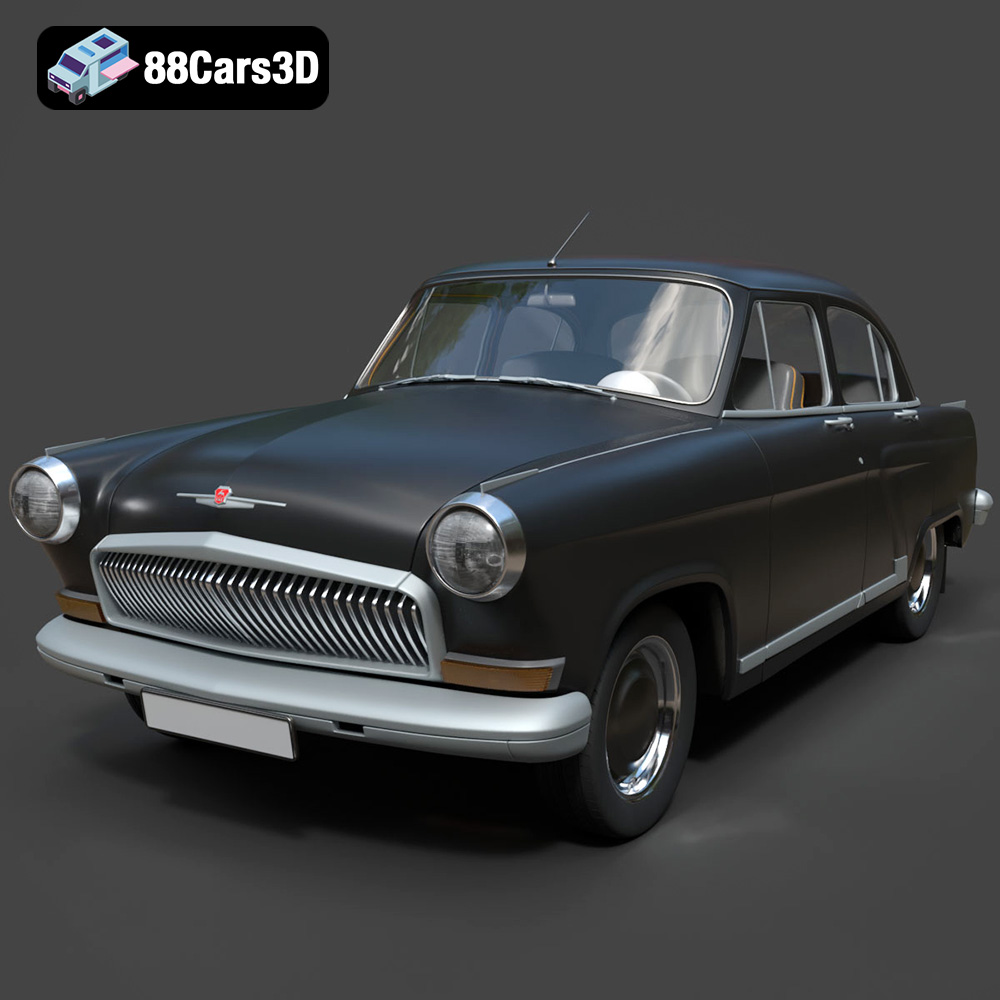
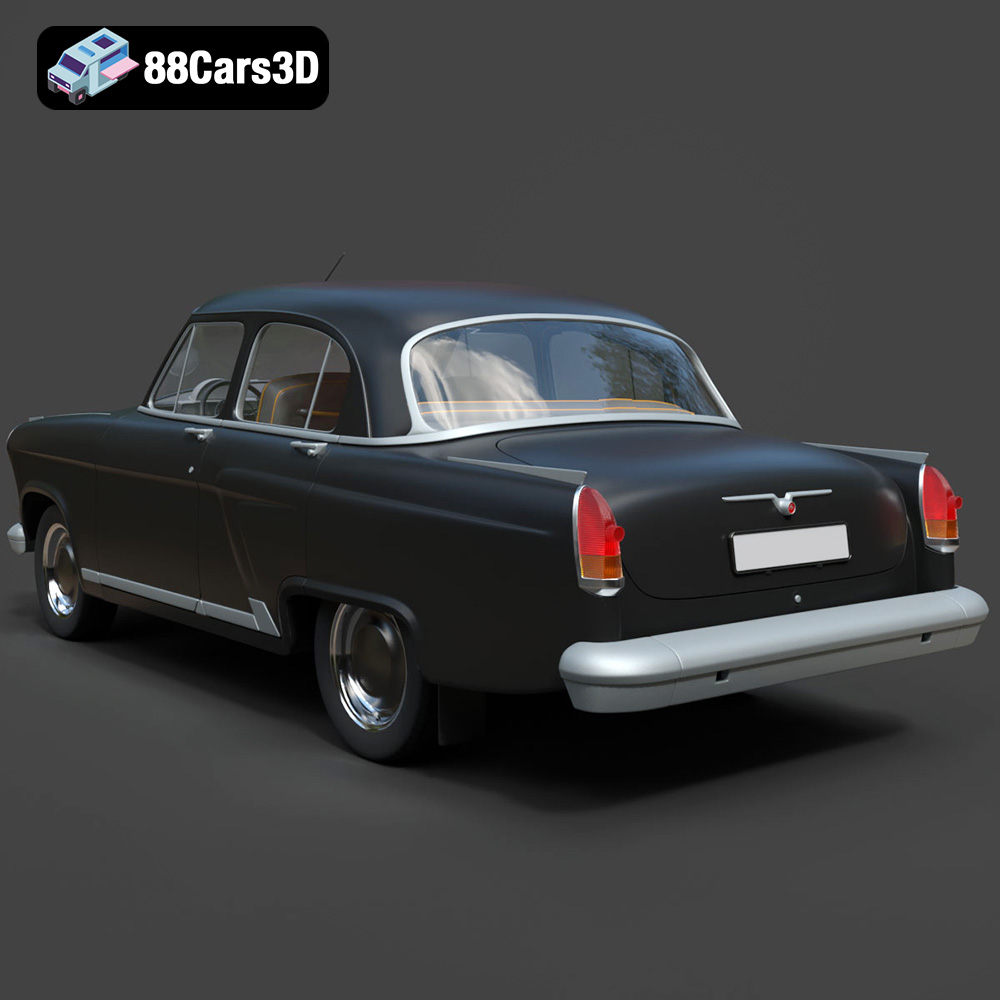
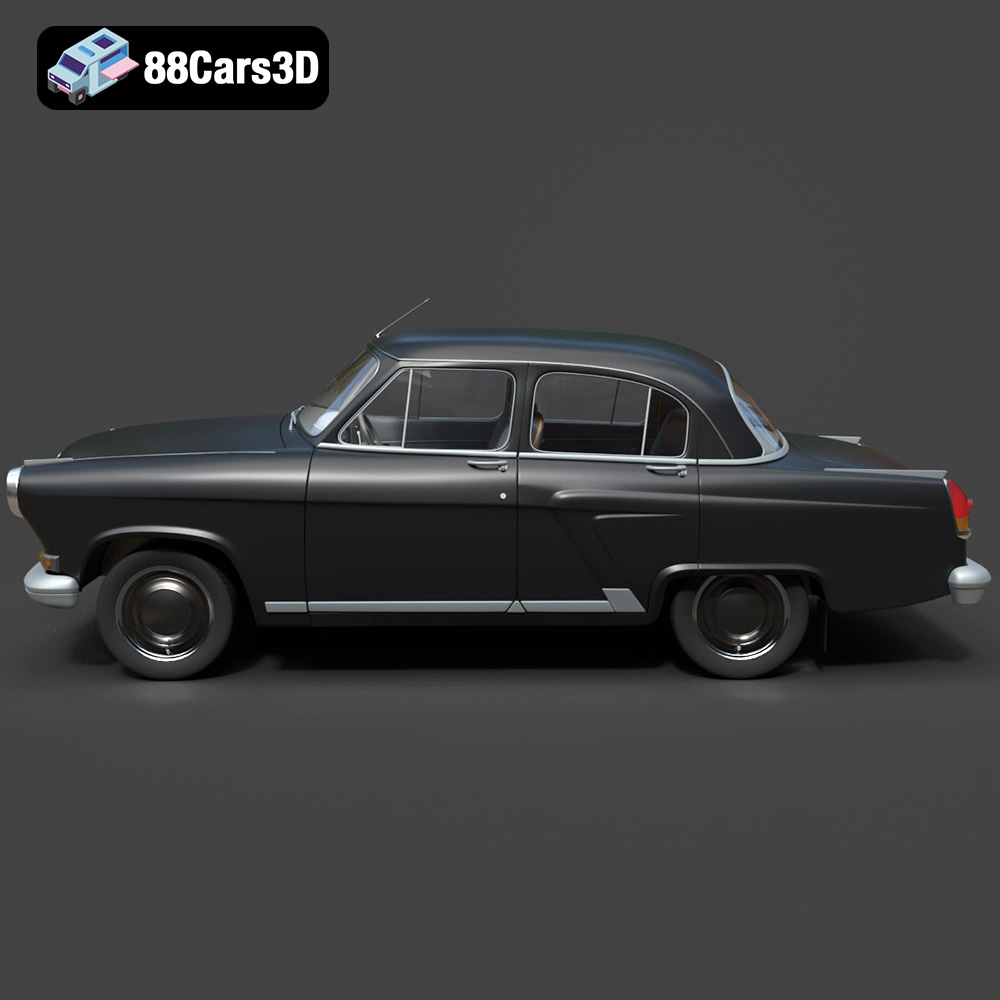
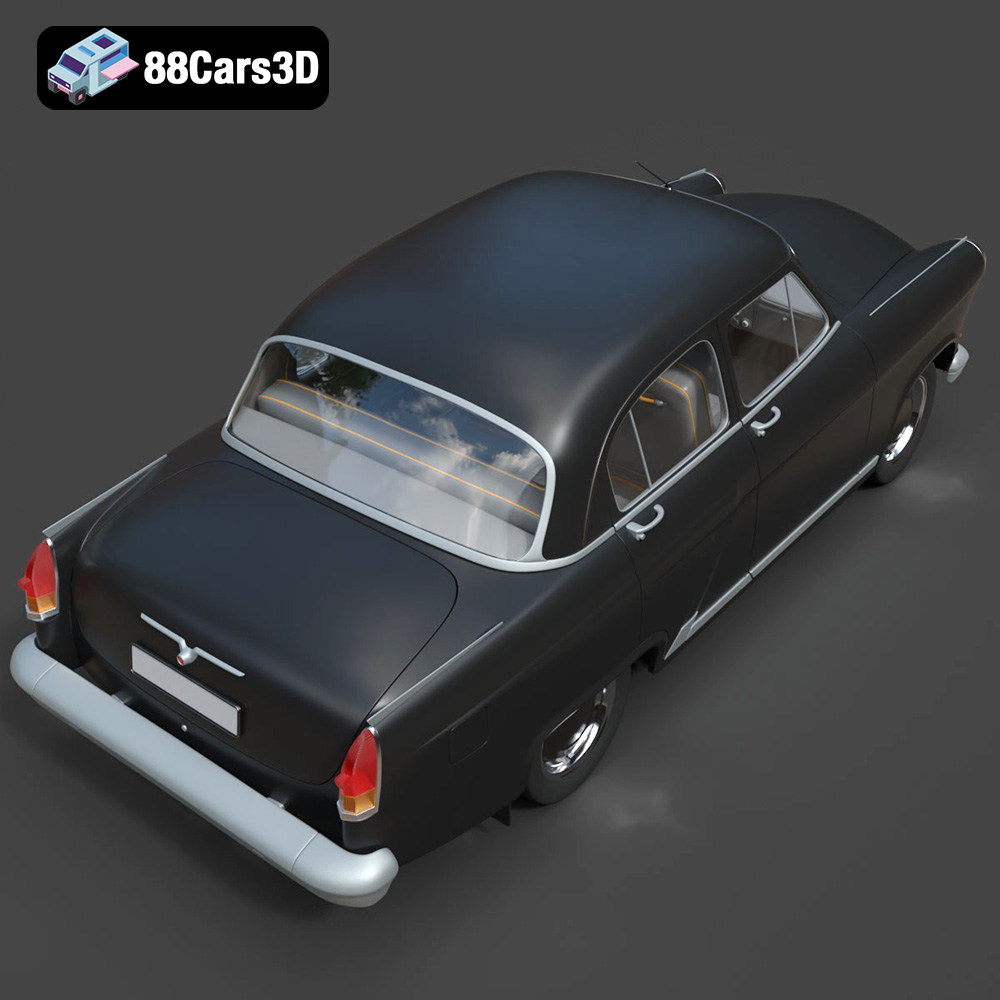
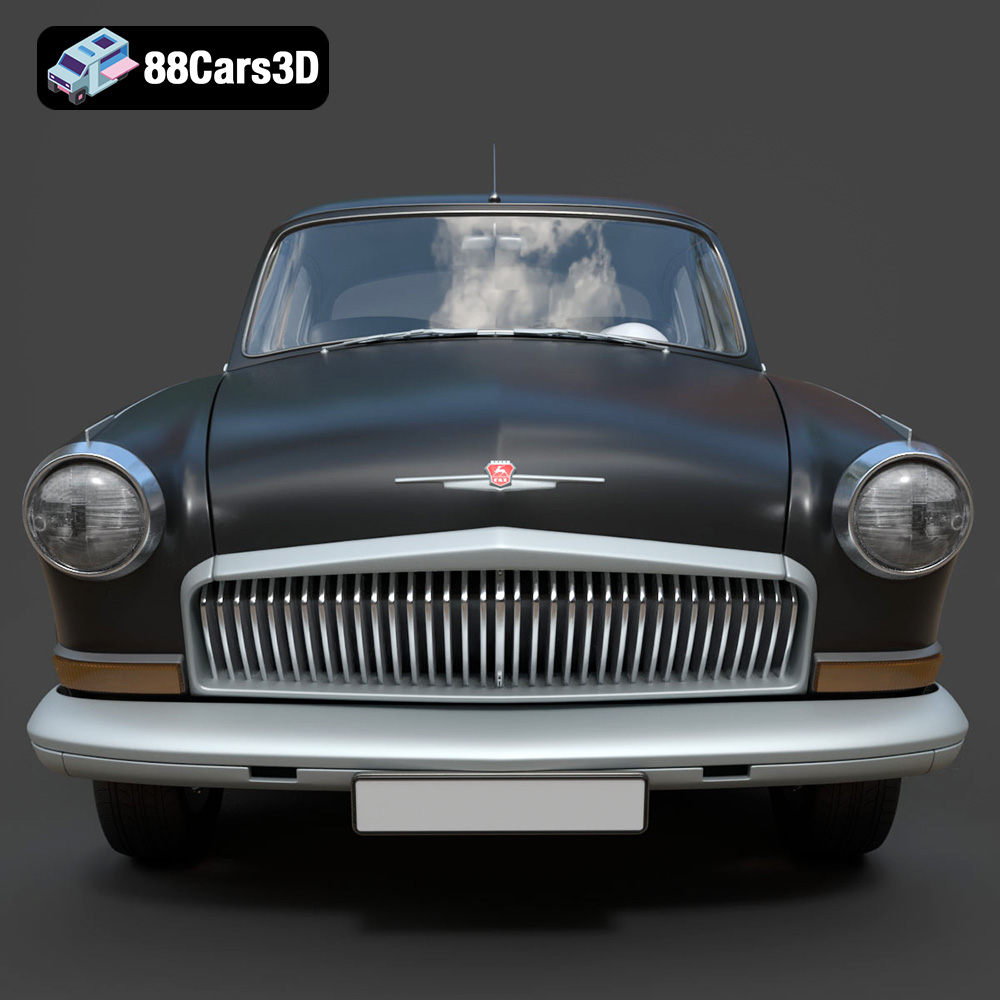
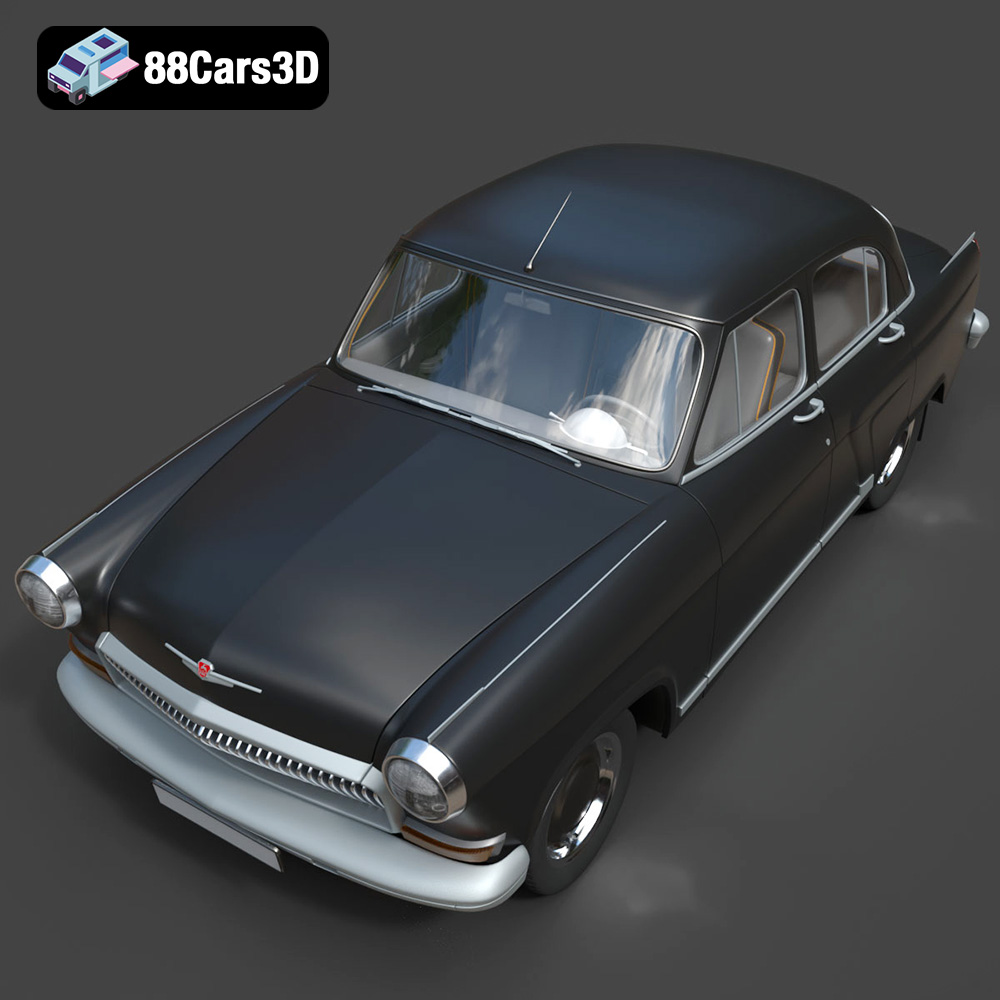
The GAZ 21-001, a symbol of Soviet automotive engineering, is a classic car that evokes nostalgia and admiration. Now, thanks to the detailed 3D model available at 88cars3d.com, you can bring this iconic vehicle to life through the magic of 3D printing. This blog post will guide you through the process of successfully 3D printing the GAZ 21-001 model, covering everything from pre-print preparation to post-processing techniques, ensuring you achieve a stunning replica.
Choosing the appropriate 3D printer and materials is paramount for achieving a high-quality print of the GAZ 21-001. Both Fused Deposition Modeling (FDM) and Stereolithography (SLA) printers can be used, each offering its own advantages.
FDM printers are a popular choice due to their affordability and ease of use. For the GAZ 21-001 model, consider using materials like PLA or PETG. PLA is biodegradable and easy to print with, making it ideal for beginners. PETG offers greater durability and heat resistance, which can be beneficial if you plan to display your model in warmer environments. A nozzle size of 0.4mm is recommended for a good balance between print speed and detail.
SLA printers, which use resin, excel at producing highly detailed prints. If you aim for a showroom-quality replica of the GAZ 21-001, an SLA printer is an excellent option. Standard resin is suitable for static display models, while tough resin can provide greater durability. However, resin printing typically requires more post-processing, including washing and curing.
Before diving into the printing process, it’s crucial to understand the different file formats available for the GAZ 21-001 model and how they impact the 3D printing workflow. While the product description lists various formats, the .STL format is the workhorse for 3D printing due to its simplicity and widespread compatibility with slicing software.
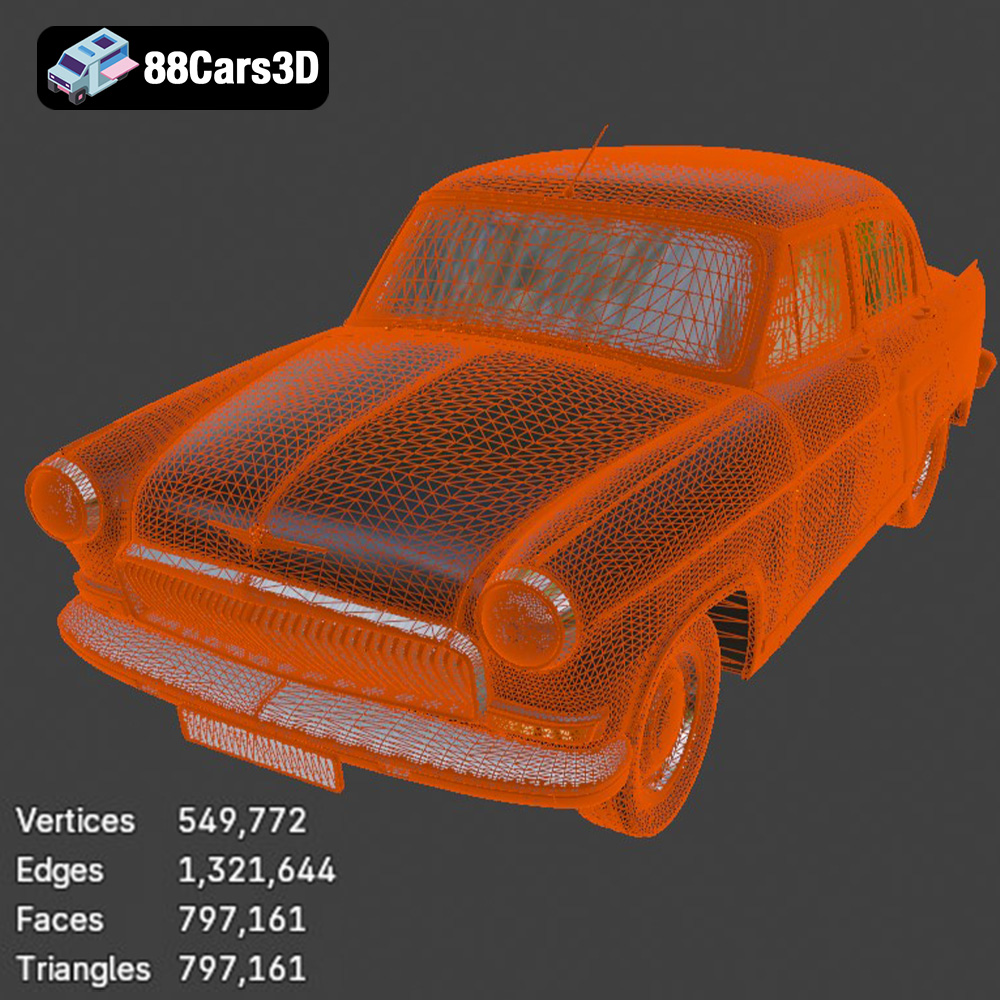
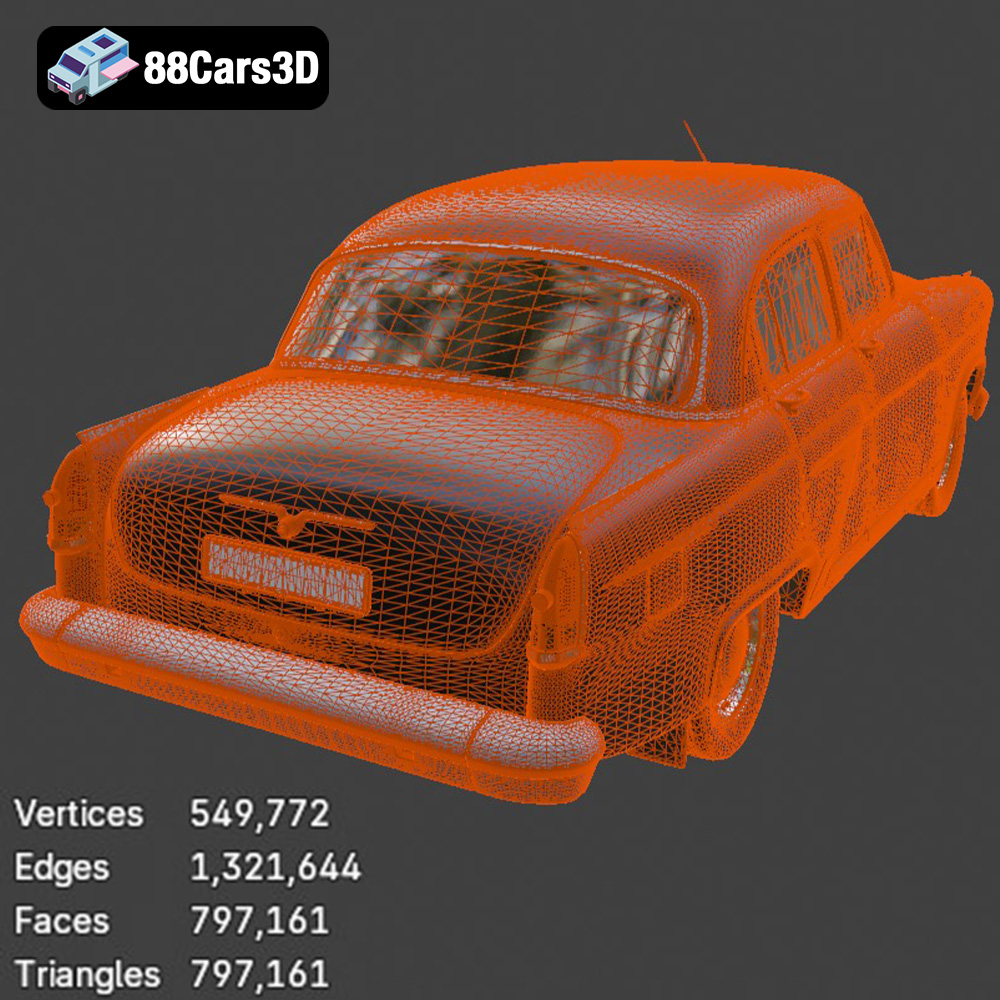
The STL (stereolithography) file format is the most common format used in 3D printing. It represents the surface geometry of a 3D object as a collection of triangles. STL files are simple, containing only information about the vertices and normals of these triangles. This simplicity is what makes them so universally compatible with 3D printers and slicing software. However, STL files do not store color, texture, or material information. When you download the GAZ 21-001 model from 88cars3d.com, the provided STL file will contain all the necessary geometric information for 3D printing. Ensure that the STL file is manifold (watertight) and free of errors before proceeding with slicing. Mesh quality is determined by the number of triangles used to represent the surface; a higher triangle count results in a smoother surface but also a larger file size and potentially longer processing times.
OBJ files are more versatile than STL files, as they can store color and texture information in addition to the 3D geometry. This makes them suitable for 3D printing in full color, although this requires a printer capable of multi-material printing. If you plan to paint your GAZ 21-001 model after printing, the texture information in the OBJ file is less relevant.
PLY files are designed to store 3D data acquired from 3D scanners. They can represent points, polygons, and other geometric primitives, and they can also store color and texture information. PLY files are useful for high-detail models where accuracy is crucial, but they may not be as widely supported by slicing software as STL files.
The .blend format is the native file format for Blender, a free and open-source 3D creation suite. If you are familiar with Blender, you can use the .blend file to modify the GAZ 21-001 model before exporting it as an STL file for 3D printing. This allows you to customize the model, add details, or split it into smaller parts for easier printing.
FBX files are commonly used in game development and animation. They can store 3D geometry, materials, textures, and animations. While some slicing software can import FBX files, it’s generally better to convert them to STL files for 3D printing, as the material and animation information is not relevant.
GLB files are a binary file format that is designed for efficient transmission and loading of 3D models in web browsers and AR/VR applications. They can contain 3D geometry, textures, and animations. GLB files are useful for previewing the GAZ 21-001 model in AR before 3D printing it, but they are not directly compatible with slicing software.
The .max format is the native file format for 3ds Max, a professional 3D modeling and animation software. Similar to .blend files, you can use the .max file to modify the GAZ 21-001 model before exporting it as an STL file for 3D printing. This is useful if you need to make significant changes to the model or prepare it for printing in multiple parts.
For 3D printing the GAZ 21-001 model, focusing on the STL format is generally the most efficient and reliable approach. Ensure that the STL file is properly prepared and optimized for printing to achieve the best results.
Once you’ve chosen your printer and material, the next step is to prepare the GAZ 21-001 model for printing using slicing software. Popular options include Cura, PrusaSlicer, and Simplify3D.
The orientation of the model on the print bed significantly affects the print’s strength, surface finish, and the amount of support material required. For the GAZ 21-001, orienting the car with the chassis facing down can provide a stable base and minimize the need for supports on visible surfaces like the roof and hood. However, this might require more support material for the wheels and undercarriage. Experiment to find the best balance.
Layer height determines the resolution of your print. A lower layer height (e.g., 0.1mm) will result in a smoother surface but will increase print time. A layer height of 0.15mm to 0.2mm is a good starting point for the GAZ 21-001. Infill density affects the strength and weight of the model. A density of 15-20% is typically sufficient for a display model. Consider increasing the infill for parts that require greater strength, such as the axles.
Supports are crucial for printing overhanging features like the wheel arches and side mirrors of the GAZ 21-001. Use your slicing software to generate supports automatically, but carefully review their placement to ensure they don’t interfere with delicate details or leave unsightly marks on the finished print. Consider using tree supports, which are easier to remove and minimize material waste.
Achieving a successful 3D print involves carefully adjusting printer settings to match your chosen material and the complexity of the GAZ 21-001 model.
The ideal printing temperature depends on the material you’re using. PLA typically prints well at 200-220°C, while PETG requires a slightly higher temperature of 230-250°C. Experiment with different temperatures to find the sweet spot that minimizes stringing and warping. Print speed also affects print quality. A slower print speed (e.g., 40-50mm/s) generally results in smoother surfaces and better adhesion.
Proper cooling is essential for preventing warping and ensuring that each layer adheres correctly. For PLA, use a cooling fan at 100% after the first few layers. PETG requires less cooling; start with a fan speed of 20-30%. Good bed adhesion is crucial for preventing the model from detaching during printing. Use a heated bed (60°C for PLA, 70-80°C for PETG) and consider applying a bed adhesive like glue stick or hairspray.
Stringing and blobs are common 3D printing issues that can detract from the appearance of the GAZ 21-001 model. Stringing occurs when molten plastic oozes from the nozzle during travel moves. To minimize stringing, increase retraction distance and speed, and decrease printing temperature. Blobs are caused by excess plastic accumulating at the start or end of a layer. To prevent blobs, adjust the coasting and wipe settings in your slicing software.
Once the 3D print is complete, post-processing is essential for refining the surface finish, removing supports, and adding color and detail to the GAZ 21-001 model.
Carefully remove the supports using pliers or a sharp knife. Take your time to avoid damaging the model. Once the supports are removed, sand the surface with progressively finer grits of sandpaper (e.g., 220, 400, 600 grit) to smooth out any imperfections. For hard-to-reach areas, consider using small files or rotary tools.
Apply a primer to the model to create a smooth surface for painting. Choose a primer that is compatible with your chosen material. Once the primer is dry, you can paint the GAZ 21-001 model using acrylic paints or spray paints. Consider using masking tape to create clean lines and separate different colors. Apply multiple thin coats of paint for a more even finish.
If you printed the GAZ 21-001 in multiple parts, assemble them using glue or epoxy. Add details like windows, lights, and chrome trim to enhance the realism of the model. Consider using aftermarket model car parts or creating your own using 3D printing or other crafting techniques.
Even with careful preparation and fine-tuning, you may encounter challenges during the 3D printing process. Here are some common issues and their solutions:
Warping occurs when the corners of the print lift off the bed due to uneven cooling. To prevent warping, ensure that your bed is properly leveled and heated. Use a bed adhesive and consider printing with a brim or raft.
Layer delamination occurs when the layers of the print separate. This can be caused by insufficient bed adhesion, low printing temperature, or poor layer adhesion. Increase the printing temperature, reduce print speed, and ensure that the bed is clean and level.
A sudden power outage can interrupt the printing process and ruin your print. Consider using a UPS (uninterruptible power supply) to protect against power outages. Some 3D printers also have a power recovery feature that allows you to resume printing after a power outage.
3D printing the GAZ 21-001 model is a rewarding project that combines technical skill with creative expression. By carefully selecting your printer and materials, optimizing your settings, and employing post-processing techniques, you can create a stunning replica of this iconic classic car. The detailed 3D model available at 88cars3d.com provides a solid foundation for your project, allowing you to focus on the finer details and bring your vision to life. Remember to experiment, be patient, and enjoy the process of transforming a digital design into a tangible piece of automotive history. With the right approach, you can overcome any challenges and create a 3D printed GAZ 21-001 model that you’ll be proud to display.
Experience precision and realism with the GAZ 21-001 3D Model. This meticulously modeled digital asset delivers an accurate representation of the iconic classic vehicle, offering realistic materials, accurate proportions, and professional detailing suitable for a wide variety of digital projects.
$19.99
.21001
.arvr
.blend
.car3dmodel
.classiccar
.fbx
.gameasset
.gaz
.glb
.max
.obj
.ply
.rendering
.sedan
.simulation
.stl
.unreal
.vintagecar