Get 20% OFF All Premium 3D & STL Models!

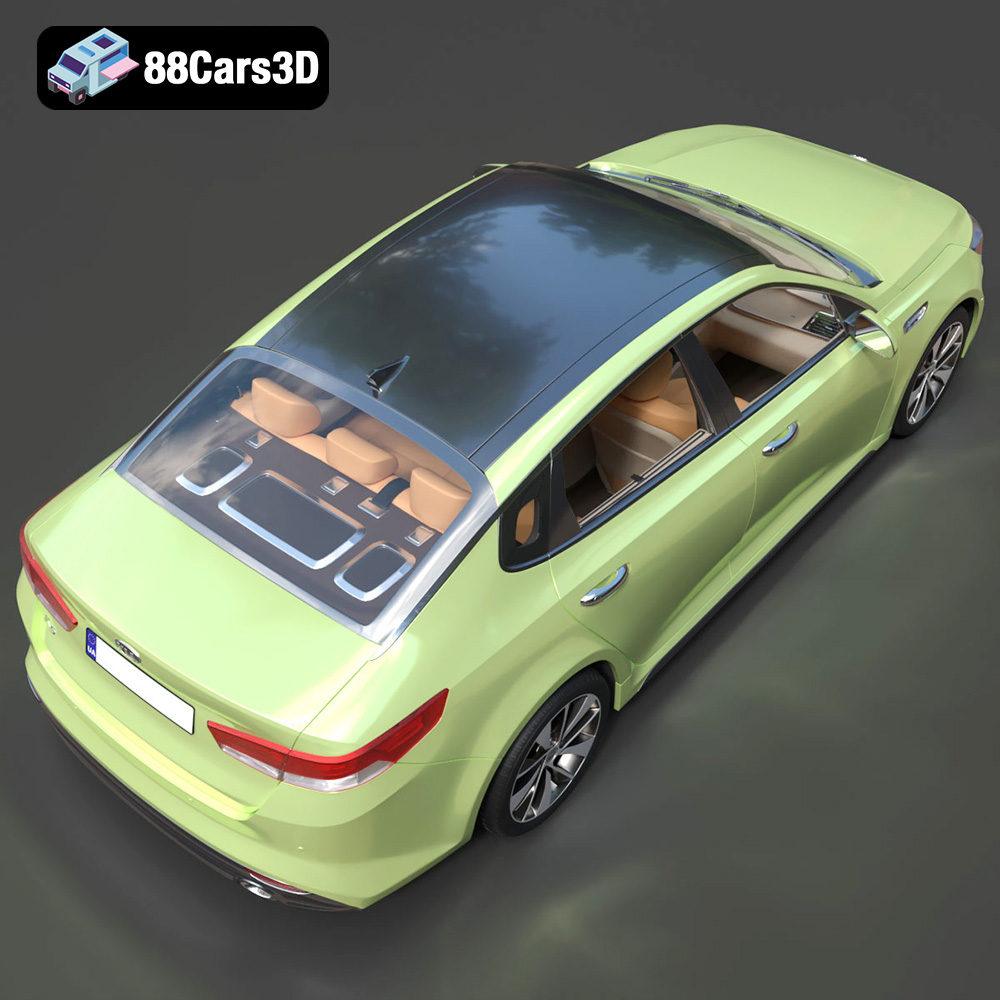
The Kia K5 MX 2016, a dynamic sedan known for its sleek lines and well-designed interior, is now available as a highly detailed 3D model. This presents a fantastic opportunity for 3D printing enthusiasts to create a physical replica of this stylish car. Whether you’re a seasoned model maker or new to additive manufacturing, this guide will walk you through the process of successfully 3D printing the Kia K5 MX 2016 model, focusing on achieving optimal results and tackling potential challenges. At 88cars3d.com, the models are optimized across use cases from 3D printing to rendering. This guide explores 3D printing for this particular model.
Before diving into the intricacies of slicing and printing, ensure your 3D printer is properly calibrated and your workspace is well-prepared. This foundational step is crucial for minimizing errors and maximizing print quality.
* **Bed Leveling:** A level print bed is paramount. Use your printer’s auto-leveling feature or manually adjust the bed screws until a piece of paper can slide under the nozzle with slight resistance at various points on the bed.
* **Nozzle Height:** The correct nozzle height ensures proper adhesion of the first layer. Adjust the Z-offset so that the filament is slightly squished onto the bed, creating a smooth, even layer.
* **Extruder Calibration:** Calibrate your extruder to ensure it’s extruding the correct amount of filament. This involves measuring the actual filament extruded against the amount commanded by your slicer and adjusting the steps/mm accordingly.
* **Ventilation:** 3D printing, especially with certain materials like ABS, can release fumes. Ensure your workspace is well-ventilated or use a printer enclosure with a filtration system.
* **Tools and Supplies:** Gather essential tools such as a scraper for removing prints from the bed, flush cutters for removing supports, sandpaper for smoothing surfaces, and adhesive for assembling multi-part prints.
The Kia K5 MX 2016 3D model from 88cars3d.com comes in several file formats, each suited for different applications. Understanding these formats is crucial for selecting the right one for 3D printing and ensuring compatibility with your slicing software.
* **.stl (Stereolithography):** This is the industry standard for 3D printing. STL files represent the surface geometry of a 3D object as a collection of triangles. It’s a mesh-only format, meaning it only contains information about the shape and not color or texture. STL files are widely supported by slicing software and are generally the best choice for 3D printing.
* **.obj (Object):** OBJ files are a more versatile format that can store color and texture information in addition to geometry. While OBJ files can be used for 3D printing, they are often larger than STL files and may require additional processing in slicing software. For the Kia K5 MX 2016, the OBJ format could be useful if you intend to explore multi-material or full-color printing capabilities, although this is more complex.
* **.ply (Polygon File Format):** PLY files are designed to store data from 3D scanners. They are capable of representing highly detailed meshes with additional information like color and surface normals. While PLY files can be used for 3D printing, their high level of detail may not always be necessary or beneficial and could increase print times and resource usage.
* **.blend (Blender):** This is the native file format for Blender, a popular open-source 3D modeling software. BLEND files contain the entire Blender scene, including the model, materials, textures, lighting, and animation data. While BLEND files are not directly compatible with 3D printers, they are extremely useful for making modifications to the Kia K5 MX 2016 model before exporting it to a printable format like STL.
* **.fbx (Filmbox):** FBX is a proprietary file format developed by Autodesk. It is commonly used for exchanging 3D data between different software applications, particularly in game development and animation. FBX files can contain geometry, materials, textures, animation, and skeletal rigging information. For 3D printing, you would typically export the Kia K5 MX 2016 model from the FBX file to STL after making any necessary modifications.
* **.glb (GL Transmission Format Binary):** GLB is a binary file format that represents 3D models in a compact and efficient way. It is widely used for web-based applications, AR/VR experiences, and real-time rendering. GLB files can contain geometry, materials, textures, and animations. While not directly used for 3D printing, it’s great for previews before committing to a print.
* **.max (3ds Max):** This is the native file format for 3ds Max, another popular professional 3D modeling and animation software. Similar to BLEND files, MAX files contain the entire 3ds Max scene and are not directly compatible with 3D printers. However, they are valuable for making advanced modifications to the Kia K5 MX 2016 model before exporting it to a printable format.
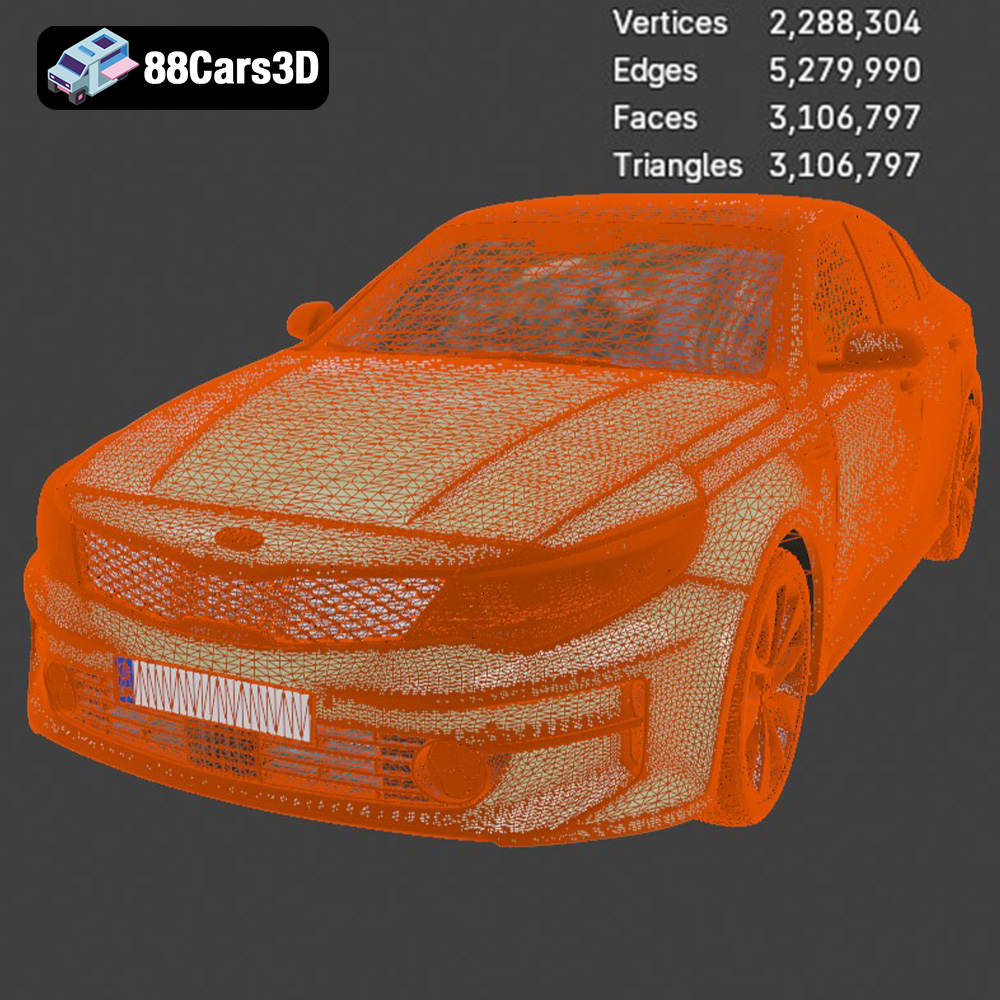
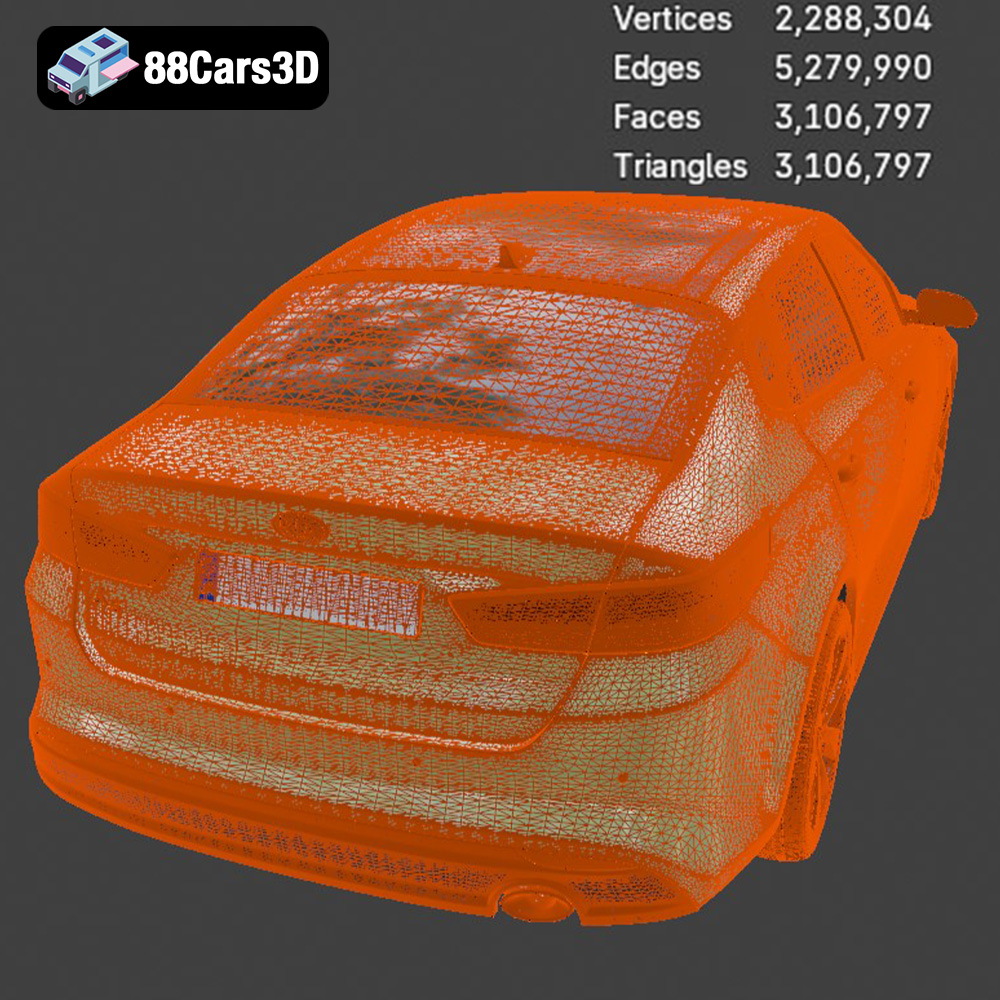
For optimal 3D printing, the .stl format is generally preferred. It is widely supported, efficient, and contains the necessary geometric information for slicing software to generate toolpaths for your 3D printer. Ensure the STL file is free of errors, such as non-manifold geometry or flipped normals, before proceeding to the slicing stage. Mesh quality directly impacts the quality of the 3D print. A higher polygon count results in a smoother surface but also increases the file size and processing time. Aim for a balance between detail and practicality.
Slicing software is the bridge between the 3D model and your 3D printer. It converts the STL file into a set of instructions (G-code) that the printer can understand. Several slicing software options are available, including Cura, Simplify3D, PrusaSlicer, and others.
* **Layer Height:** A lower layer height (e.g., 0.1mm) results in smoother surfaces and finer details but increases print time. A higher layer height (e.g., 0.2mm) prints faster but sacrifices some surface quality. Start with a layer height of 0.15mm for a good balance.
* **Infill Density:** Infill density affects the strength and weight of the print. A higher infill density (e.g., 20%) makes the model stronger but uses more material. A lower infill density (e.g., 10%) prints faster and uses less material but may compromise structural integrity. For a display model, 15% infill should be sufficient.
* **Print Speed:** Print speed affects both the quality and duration of the print. Slower speeds (e.g., 40mm/s) generally result in better quality, especially for intricate details. Faster speeds (e.g., 60mm/s) can save time but may reduce quality.
* **Support Structures:** The Kia K5 MX 2016 model likely has overhangs that require support structures to prevent sagging or collapse during printing. Use your slicer’s support generation feature and experiment with different support patterns and densities to find the optimal balance between support strength and ease of removal. Consider using tree supports for complex geometries.
* **Bed Adhesion:** Ensure good bed adhesion to prevent warping or detachment during printing. Use a brim or raft if necessary.
* **Orientation:** The orientation of the model on the print bed significantly impacts print time, support requirements, and surface quality. Experiment with different orientations to minimize overhangs and maximize the number of surfaces that print directly on the bed. Consider orienting the model with the roof facing up to minimize support marks on the visible exterior surfaces.
* **Support Placement:** Carefully analyze the model to identify areas that require support. Use your slicer’s manual support placement tools to add supports strategically, focusing on areas with significant overhangs or bridges. Avoid placing supports on critical surfaces to minimize post-processing.
The choice of material significantly impacts the appearance, strength, and durability of the 3D printed Kia K5 MX 2016 model.
* **PLA (Polylactic Acid):** PLA is a biodegradable thermoplastic that is easy to print and produces good surface quality. It’s a great choice for beginners and for creating display models.
* **PETG (Polyethylene Terephthalate Glycol):** PETG is a more durable and heat-resistant alternative to PLA. It’s still relatively easy to print but offers better mechanical properties.
* **Resin:** For exceptional detail and smooth surfaces, resin 3D printing is an excellent option. Resin printers use liquid photopolymers that are cured by UV light, resulting in high-resolution prints. However, resin printing requires more post-processing and safety precautions.
* **PLA:** Nozzle temperature: 200-220°C, Bed temperature: 60°C, Print speed: 50mm/s
* **PETG:** Nozzle temperature: 230-250°C, Bed temperature: 70-80°C, Print speed: 40mm/s
* **Resin:** Follow the resin manufacturer’s recommendations for exposure time, layer height, and other settings.
Once the Kia K5 MX 2016 model is printed, post-processing is often necessary to remove supports, smooth surfaces, and add finishing touches.
* **Support Removal:** Carefully remove support structures using flush cutters or pliers. Take your time to avoid damaging the model.
* **Sanding:** Use sandpaper with varying grits (e.g., 220, 400, 600) to smooth rough surfaces and remove support marks. Start with coarser grits and gradually move to finer grits for a polished finish.
* **Filling:** Use a filler primer or putty to fill any remaining gaps or imperfections. Sand smooth after the filler has dried.
* **Priming:** Apply a primer coat to the model to prepare it for painting. Primer helps the paint adhere better and provides a uniform base color.
* **Painting:** Use spray paint or airbrush to apply the desired colors. Consider using masking tape to create clean lines and multi-color designs.
* **Assembly:** If the Kia K5 MX 2016 model is printed in multiple parts, use adhesive to assemble them. Ensure the parts are properly aligned before the adhesive sets.
Encountering problems during 3D printing is common. Here’s how to address some frequent issues:
* **Cause:** Uneven cooling or poor bed adhesion.
* **Solution:** Ensure the bed is properly leveled, use a brim or raft, increase bed temperature, and reduce print speed.
* **Cause:** Excessive retraction distance or temperature.
* **Solution:** Adjust retraction settings, lower nozzle temperature, and ensure the filament is dry.
* **Cause:** Loose belts or stepper motor issues.
* **Solution:** Tighten belts, check stepper motor connections, and reduce print speed.
* **Cause:** Insufficient filament flow or nozzle clog.
* **Solution:** Increase extrusion multiplier, clean the nozzle, and check for filament jams.
Printing the Kia K5 MX 2016 will vary depending on the model size, infill density, layer height, and print speed. A rough estimate for a model scaled to approximately 20cm in length, printed with PLA at 0.15mm layer height and 15% infill, is 15-20 hours. Material cost will depend on the filament price, but you can expect to use approximately 100-150 grams of filament, costing around $3-$5.
Discover unparalleled detail with the Kia K5 MX 2016 3D Model, engineered to deliver exceptional realism and precision. This model captures the sleek exterior lines and the fully modeled interior of the dynamic sedan, making it an outstanding digital asset for demanding projects.
$19.99
3D printing the Kia K5 MX 2016 model is a rewarding project that combines technical skill with creative expression. By carefully preparing your printer, choosing the right materials and settings, and mastering post-processing techniques, you can create a stunning replica of this iconic sedan. The STL files available from 88cars3d.com offer a great starting point for your additive manufacturing journey. Remember to experiment, learn from your mistakes, and most importantly, have fun!
.arvr
.blend
.car3dmodel
.fbx
.gameasset
.glb
.k5
.kia
.max
.mx
.obj
.ply
.rendering
.sedan
.simulation
.stl
.unreal