Get 20% OFF All Premium 3D & STL Models!

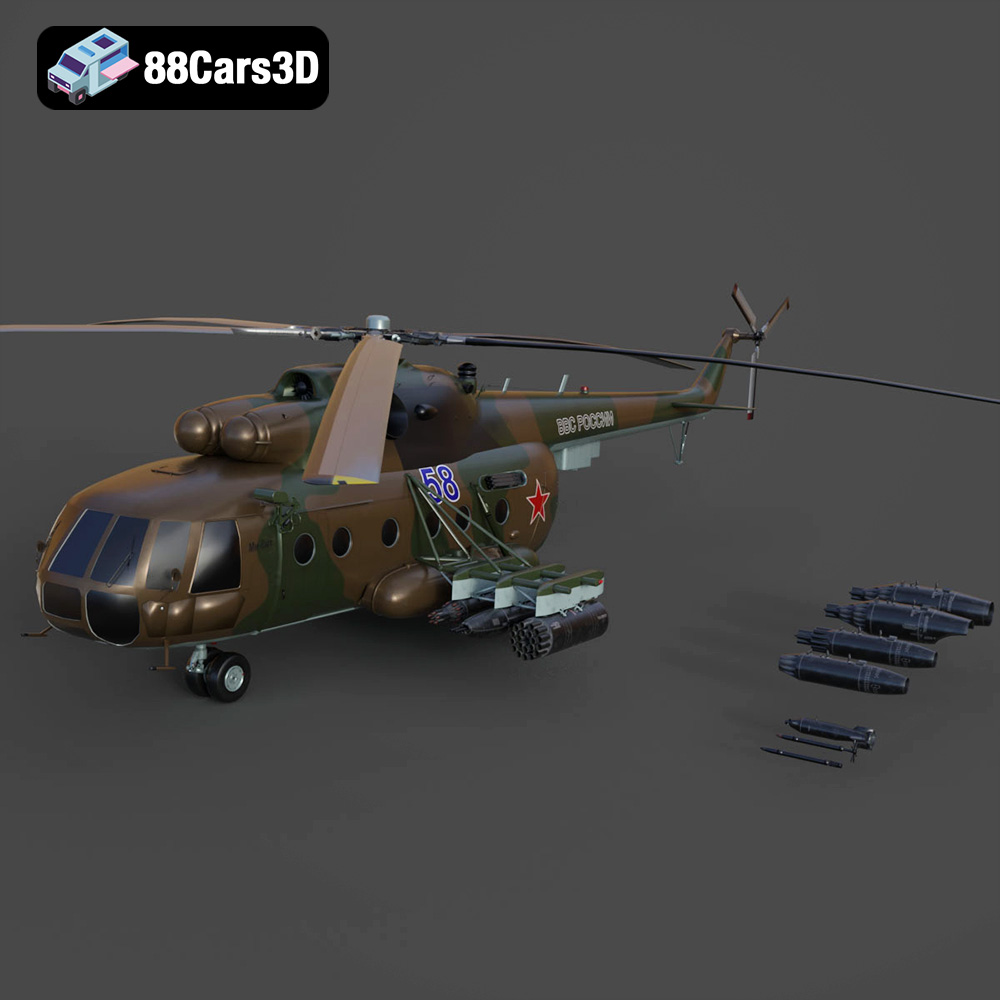
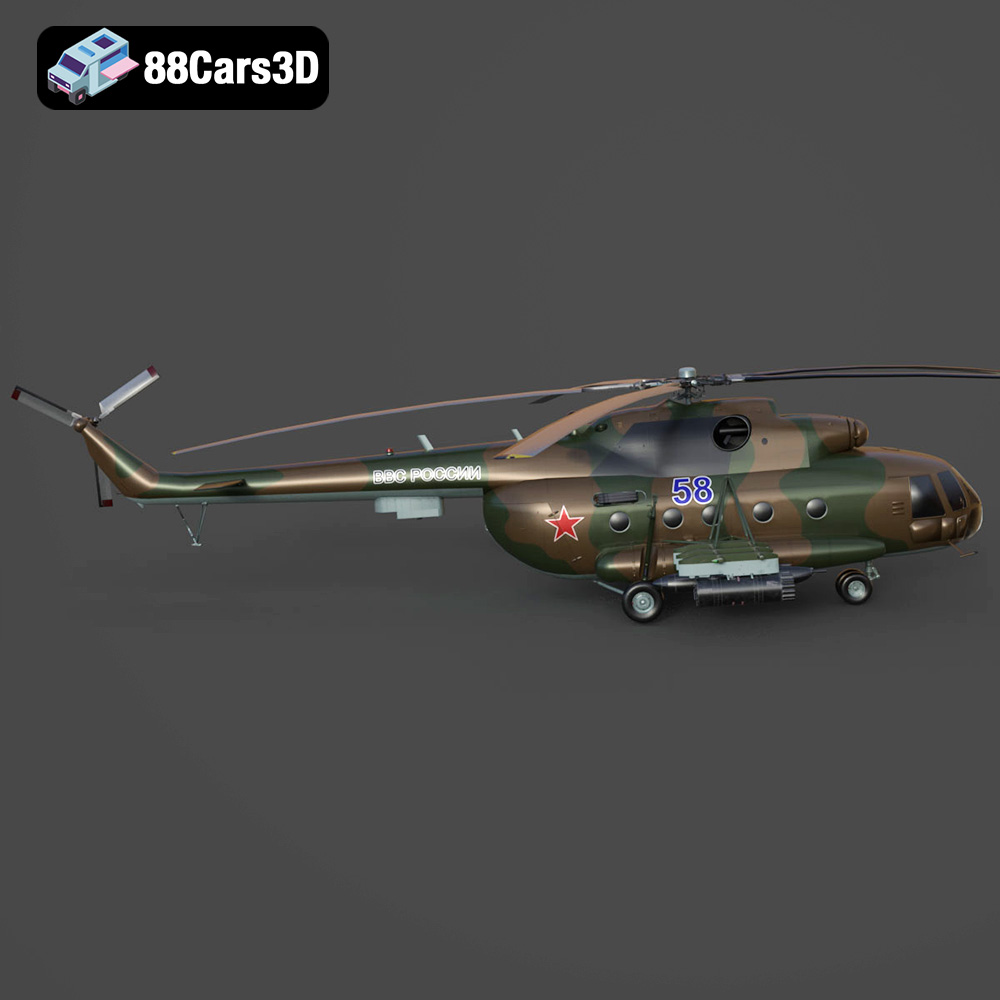
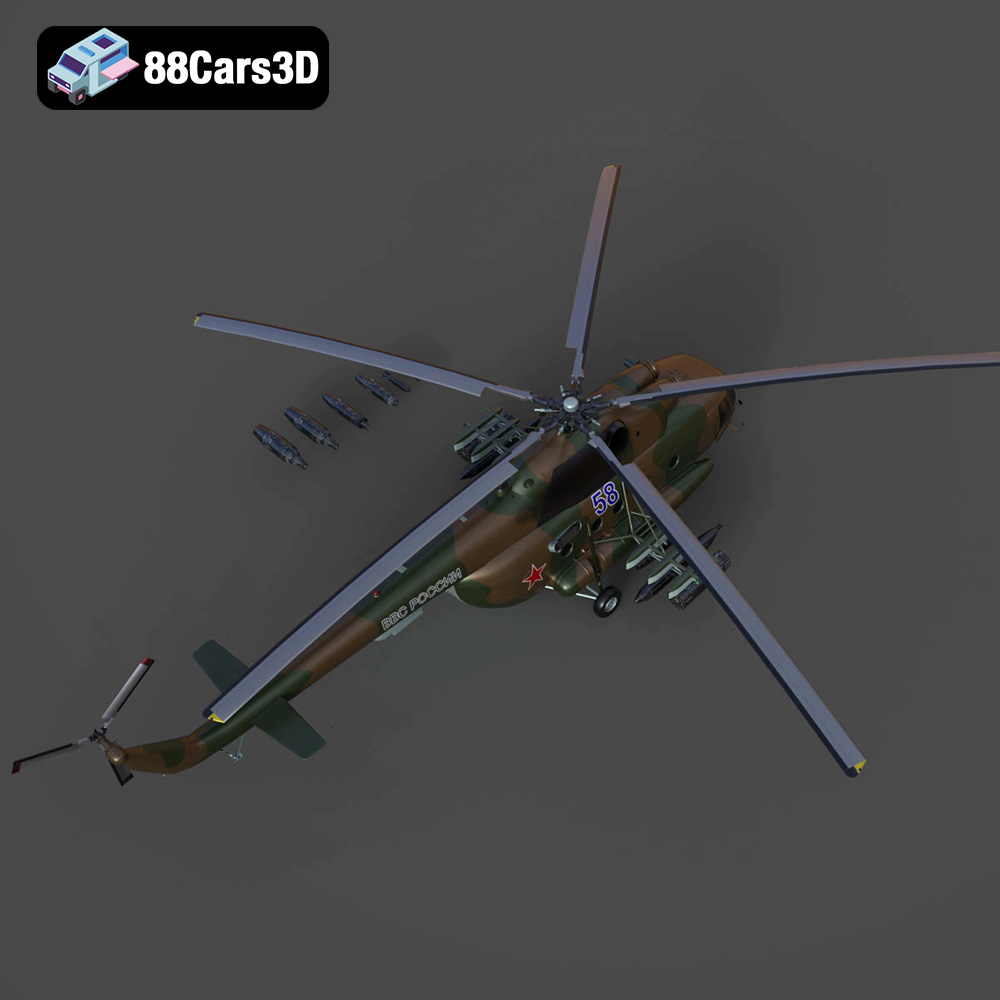
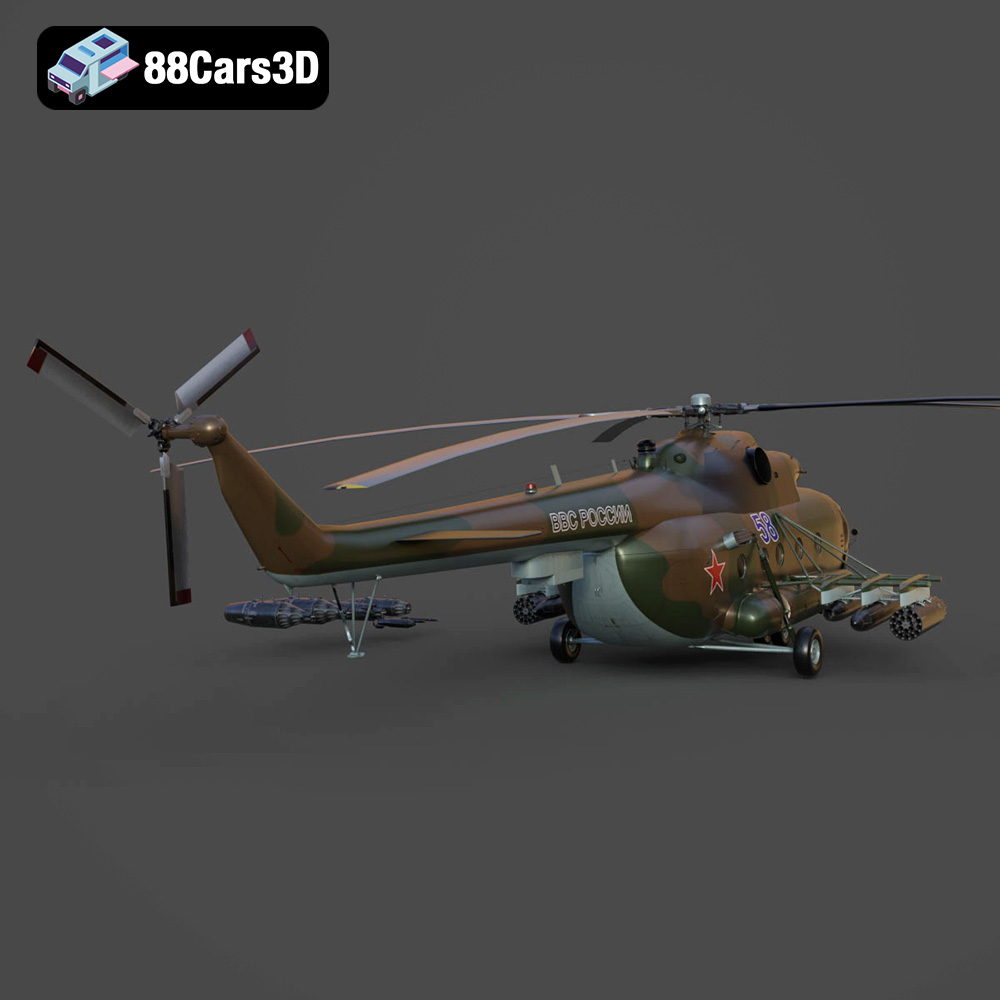
The Mil Mi-8MT is an icon of aviation, a workhorse helicopter deployed in countless roles around the globe. Its distinctive silhouette and robust design have made it a favorite among aviation enthusiasts. Now, thanks to advancements in 3D printing and readily available, high-quality 3D models like the one offered at 88cars3d.com, you can bring this legendary helicopter to life on your own desktop. This comprehensive guide will walk you through the process of 3D printing the Mil Mi-8MT helicopter model, covering everything from pre-print preparation to post-processing techniques. Whether you’re a seasoned 3D printing veteran or a newcomer to the world of additive manufacturing, this guide will provide you with the knowledge and insights needed to achieve a stunning, display-worthy replica.
Before diving into the printing process, it’s crucial to understand the different file formats associated with 3D models and their implications for 3D printing. The Mil Mi-8MT model is available in several formats, each serving a different purpose. However, for 3D printing, one format stands out as the industry standard: STL.
STL (Stereolithography) files are the cornerstone of 3D printing. This format represents the surface geometry of a 3D object as a collection of triangles. While it doesn’t store color or texture information, its simplicity and widespread compatibility make it the go-to format for most 3D printing applications. All the models at 88cars3d.com include the STL format to ensure seamless 3D printing.
* **Advantages:** Universally compatible with slicing software, small file size, simple and efficient representation of geometry.
* **Disadvantages:** No color or texture information, can result in faceted surfaces if the mesh resolution is too low.
OBJ files are more versatile than STL, as they can store color and texture information alongside the geometry. This makes them suitable for colored 3D prints, although printing in full color can be challenging and requires specialized equipment.
* **Advantages:** Supports color and texture mapping, widely compatible with 3D software.
* **Disadvantages:** Larger file size compared to STL, color information might not always be directly transferable to 3D printing.
PLY files are designed for storing 3D data acquired from 3D scanners. They excel at representing complex geometries with high precision, making them suitable for reproducing intricate details.
* **Advantages:** High-precision mesh representation, suitable for detailed scans.
* **Disadvantages:** Can result in very large file sizes, may require specialized software for editing.
.Blend files are the native format for Blender, a popular open-source 3D modeling software. Having the .blend file allows for complete customization of the Mil Mi-8MT model before exporting to a printable format like STL.
* **Advantages:** Full editing capabilities within Blender, access to the model’s construction history and materials.
* **Disadvantages:** Requires Blender software, steeper learning curve for beginners.
FBX files are often used for exchanging 3D data between different software applications. While they can store material information, this data might not always be directly transferable to 3D printing. However, FBX is useful for importing the model into certain slicing programs.
* **Advantages:** Wide compatibility, supports animation and material data.
* **Disadvantages:** Material data may not always translate directly to 3D printing.
GLB is a binary file format representing 3D models, often used for augmented reality (AR) applications. It allows you to preview the Mil Mi-8MT model in a real-world environment before committing to a print, helping you visualize its size and appearance.
* **Advantages:** Lightweight, efficient for AR/VR applications, easy to share and preview.
* **Disadvantages:** Not directly used for 3D printing; primarily for previewing.
.max files are the native format for 3ds Max, another professional 3D modeling software. Similar to .blend, it offers full editing capabilities but requires 3ds Max.
* **Advantages:** Full editing capabilities within 3ds Max
* **Disadvantages:** Requires paid license for 3ds Max
For 3D printing the Mil Mi-8MT model, the **STL format is the recommended choice**. Ensure the STL file has sufficient mesh resolution to capture the details of the helicopter. Open the STL file in your chosen slicing software to prepare it for printing. If you need to make modifications to the model, the .blend or .max files offer complete control over the geometry before exporting to STL.
Before hitting the “print” button, thorough preparation is crucial for a successful outcome. This involves inspecting and potentially repairing the 3D model, choosing the right slicing software, and carefully considering the printing parameters.
* **Mesh Analysis:** Use software like Meshmixer or Netfabb to analyze the STL file for errors such as non-manifold edges, holes, or self-intersections. These errors can lead to print failures.
* **Repair Tools:** Most mesh analysis software includes automatic repair tools that can fix common errors. However, for complex issues, manual correction might be necessary.
* **Orientation and Placement:** Decide on the optimal orientation of the model on the print bed. Consider factors such as support requirements, surface finish, and structural integrity. For the Mil Mi-8MT, printing the fuselage at an angle can improve its strength and minimize the need for supports on the upper surfaces.
* **Software Options:** Popular slicing software includes Cura, Simplify3D, PrusaSlicer, and others. Choose one that is compatible with your printer and offers the features you need.
* **Profiles and Customization:** Create a profile specifically for the Mil Mi-8MT model. Experiment with different settings to find the optimal balance between print quality, speed, and material usage.
* **Support Generation:** Configure the support settings carefully. Consider using tree supports or adaptive supports to minimize material usage and improve surface finish. Pay special attention to supporting the rotors, landing gear, and any other overhanging features.
* **Scaling for Detail:** The product description recommends scales of 1:35, 1:48, or 1:72. Choose a scale that balances the level of detail you want to achieve with the size of your printer’s build volume.
* **Optimal Orientation:** As mentioned earlier, orienting the fuselage at an angle can improve print quality and strength. Print the rotors separately to avoid excessive support material. Consider hollowing out larger parts to reduce material consumption and print time.
The choice of material significantly impacts the final appearance, strength, and durability of your 3D printed Mil Mi-8MT model. Different materials have different properties and require different printing parameters.
* **Pros:** Easy to print, biodegradable, widely available, affordable.
* **Cons:** Lower strength and heat resistance compared to other materials, can be brittle.
* **Recommended Settings:** Print temperature 200-220°C, bed temperature 60°C, cooling fan enabled.
PLA is a good choice for beginners or for creating display models that won’t be subjected to significant stress or heat.
* **Pros:** Stronger and more heat-resistant than PLA, good layer adhesion, relatively easy to print.
* **Cons:** Can be prone to stringing, requires a slightly higher print temperature.
* **Recommended Settings:** Print temperature 230-250°C, bed temperature 70-80°C, cooling fan enabled but may need adjustment to minimize stringing.
PETG is a versatile material that offers a good balance of strength, durability, and ease of use. It’s a great choice for parts that need to withstand some stress or heat.
* **Pros:** Exceptional detail, smooth surface finish, ideal for small and intricate parts.
* **Cons:** Requires a resin printer, more complex post-processing (washing and curing), can be more expensive.
* **Recommended Settings:** Follow the resin manufacturer’s recommendations for exposure time, layer height, and other parameters.
Resin printing is highly recommended for the Mil Mi-8MT model, especially for capturing fine details like the rotors, antennas, and cockpit instruments. The higher resolution of resin printing allows for a much more accurate and visually appealing result.
Achieving a high-quality 3D print requires careful adjustment of printer settings. The optimal settings will depend on your printer, material, and the specific requirements of the Mil Mi-8MT model.
* **FDM Printing:** A layer height of 0.1-0.2mm is a good starting point for FDM (Fused Deposition Modeling) printing. Lower layer heights (e.g., 0.04mm) can improve surface finish but will increase print time.
* **Resin Printing:** Resin printers typically offer much finer layer heights, such as 0.025-0.05mm. Choose a layer height that balances detail with print time.
* **Adaptive Layer Height:** Some slicing software offers adaptive layer height, which automatically adjusts the layer height based on the geometry of the model. This can improve surface finish without significantly increasing print time.
* **Infill Density:** An infill density of 20-30% is generally sufficient for the Mil Mi-8MT model. Increase the infill density for parts that need to be particularly strong, such as the landing gear.
* **Infill Pattern:** Choose an infill pattern that provides good structural support without excessive material usage. Gyroid, cubic, and honeycomb are popular choices.
* **Print Speed:** Start with a moderate print speed (e.g., 40-60mm/s for FDM) and adjust as needed. Higher speeds can lead to reduced print quality, while lower speeds can increase print time.
* **Temperature:** Follow the material manufacturer’s recommendations for print temperature. Fine-tune the temperature to optimize layer adhesion and minimize stringing.
* **Support Type:** Use tree supports or adaptive supports to minimize material usage and improve surface finish.
* **Support Density:** Adjust the support density to provide sufficient support without making the supports too difficult to remove.
* **Support Placement:** Manually place supports in areas that need them most, such as overhangs, bridges, and small features.
Once the print is complete, post-processing is necessary to remove supports, smooth surfaces, and add the finishing touches that bring the Mil Mi-8MT model to life.
* **Careful Removal:** Use appropriate tools (e.g., pliers, tweezers, hobby knife) to carefully remove the supports. Avoid damaging the model in the process.
* **Sanding and Filing:** Sand down any remaining support marks or imperfections with progressively finer grits of sandpaper. Use files or specialized tools to clean up hard-to-reach areas.
* **Sanding:** Start with a coarse grit sandpaper (e.g., 220 grit) and gradually move to finer grits (e.g., 400, 600, 800 grit) to achieve a smooth surface.
* **Priming:** Apply a coat of primer to fill in any remaining imperfections and provide a good base for the paint.
* **Painting:** Use acrylic paints or model paints to apply the desired camouflage or livery. Consider using stencils or masking tape to create accurate markings.
* **Detailing:** Add details such as panel lines, weathering, and decals to enhance the realism of the model.
* **Assembly:** Assemble the different parts of the model (e.g., fuselage, rotors, landing gear) using glue or screws.
* **Finishing Touches:** Apply a clear coat to protect the paint and add a glossy or matte finish. Add any remaining details, such as antennas or navigation lights.
Even with careful preparation, 3D printing can sometimes present challenges. Here are some common issues and their solutions:
* **Warping:** This occurs when the corners of the print lift off the build plate. To prevent warping, ensure the build plate is clean and level, use a heated bed, and apply an adhesive such as glue stick or hairspray.
* **Stringing:** This is caused by filament oozing from the nozzle during travel moves. To reduce stringing, decrease the print temperature, increase retraction settings, and enable travel move avoidance.
* **Layer Adhesion Issues:** This occurs when the layers of the print do not adhere properly. To improve layer adhesion, increase the print temperature, decrease the print speed, and ensure the first layer is properly adhered to the build plate.
* **Support Failures:** This can lead to sagging or deformation of the model. To prevent support failures, increase the support density, adjust the support angle, and ensure the supports are properly anchored to the build plate.
3D printing the Mil Mi-8MT helicopter model is a rewarding project that combines technical skill with artistic expression. By following the steps outlined in this guide, you can create a stunning replica that captures the essence of this iconic rotorcraft. Remember to experiment with different settings and techniques to find what works best for you. With patience and attention to detail, you can transform a digital model into a tangible piece of aviation history. Resources like 88cars3d.com provide enthusiasts with meticulously crafted 3D models that serve as excellent starting points for such projects.
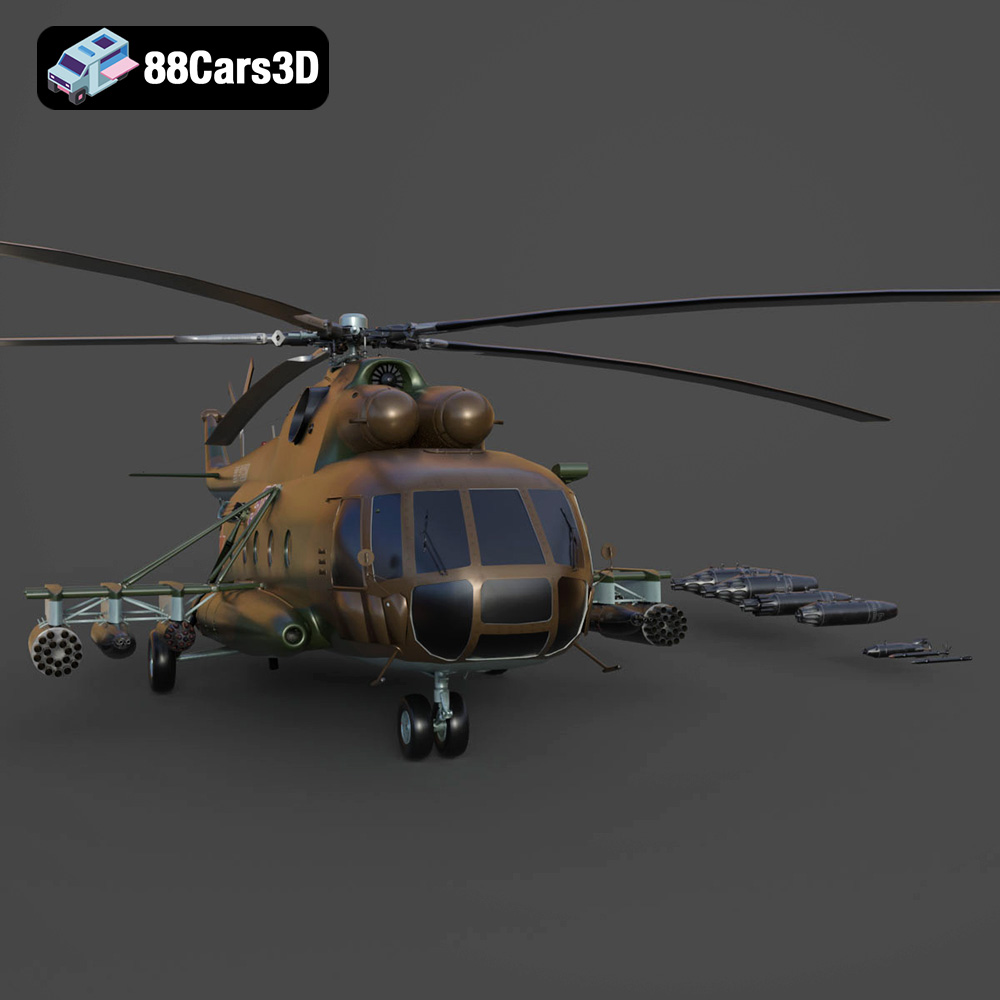
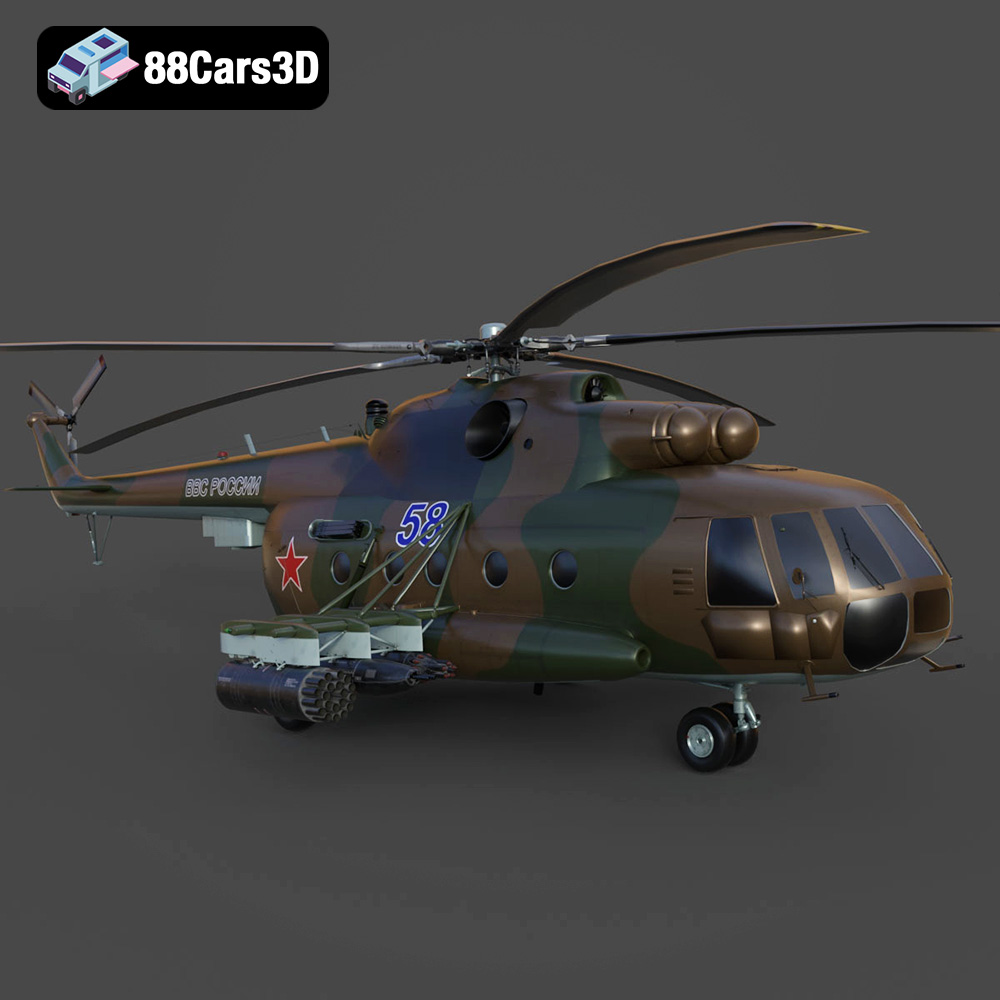
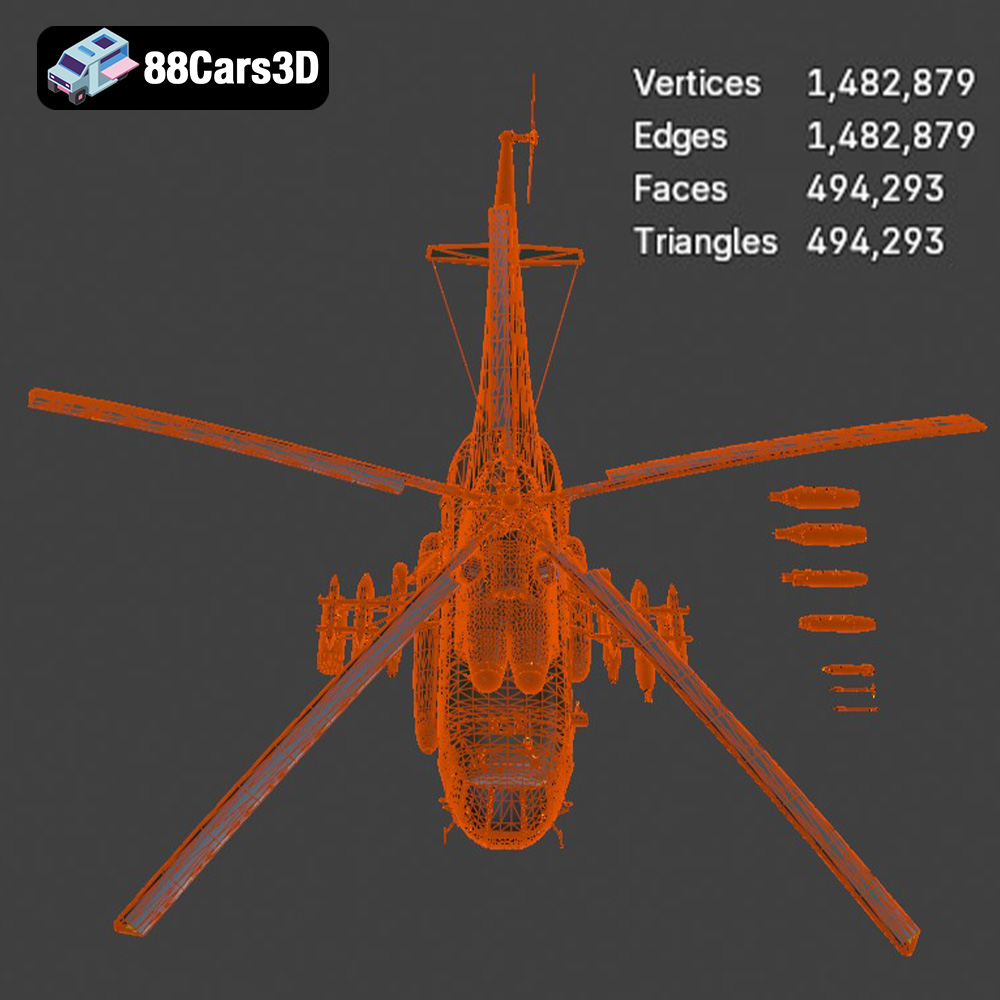
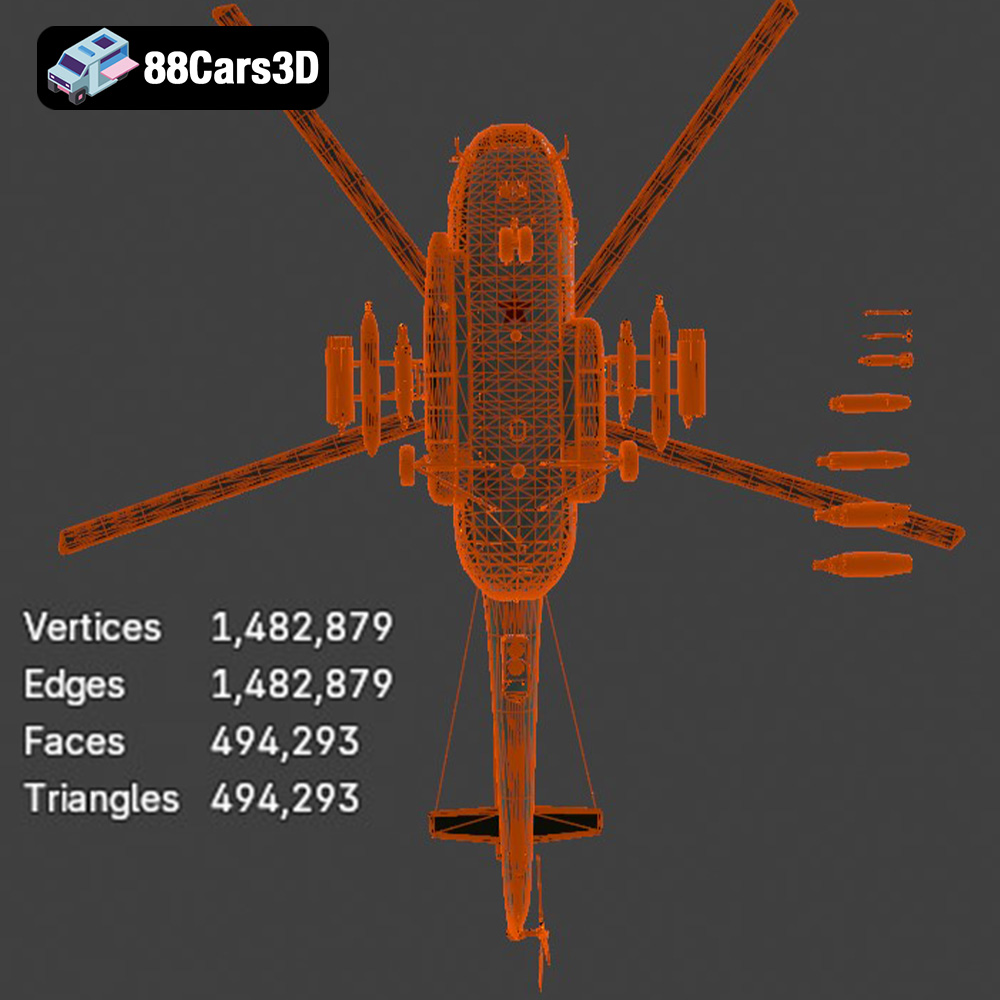
The Mil Mi-8MT is a legendary medium twin-turbine transport helicopter, renowned for its ruggedness, versatility, and widespread military and civilian use across the globe. This high-quality 3D model boasts exceptional topological flow and is optimized for game development, AR/VR simulations, animation, and high-end cinematic visualization, while also being perfectly convertible for 3D printing.
$19.99
.blend
.fbx
.glb
.helicopter
.max
.obj
.ply
.rendering
.stl
.unreal
game asset
game-ready
helicopter-3d-model
low-poly
mi-8mt
mil
military-helicopter
optimized
transport-helicopter
VR/AR