Get 20% OFF All Premium 3D & STL Models!

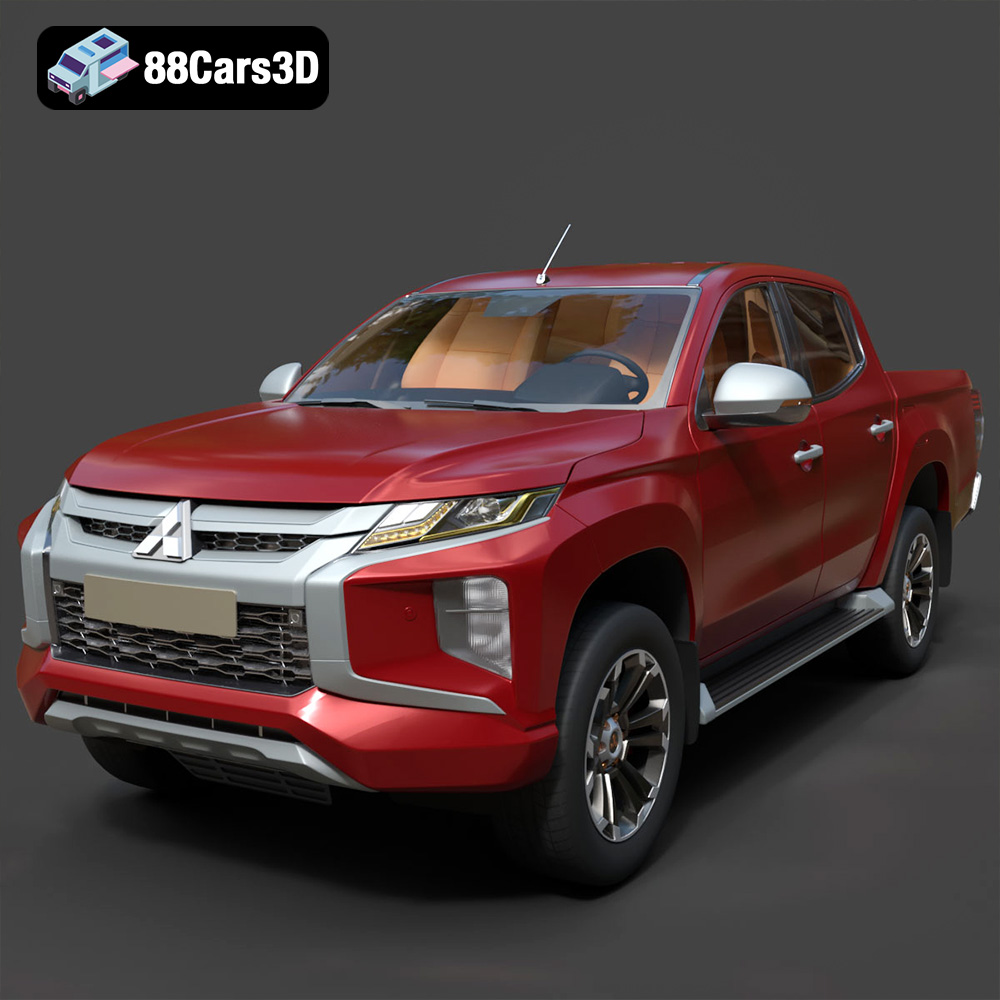
The Mitsubishi L200 Crew Cab 2019, a pickup truck celebrated for its robust design and off-road capabilities, makes for an excellent 3D printing project. Whether you’re a seasoned model maker, a hobbyist car enthusiast, or simply looking for a detailed and challenging print, this guide will walk you through the process of bringing this iconic vehicle to life using additive manufacturing. This detailed guide covers everything from file preparation to post-processing, ensuring you achieve the best possible results with your 3D printed model. The detailed model available from 88cars3d.com is optimized for a variety of uses, including 3D printing.
The Mitsubishi L200 Crew Cab 2019 model can be effectively printed using both Fused Deposition Modeling (FDM) and resin-based 3D printers, each offering its own set of advantages and disadvantages.
FDM (Fused Deposition Modeling) printers are a popular choice due to their affordability and ability to print larger models. For the L200, an FDM printer allows you to create a larger-scale model that emphasizes the vehicle’s rugged features. PLA or PETG filaments are recommended for their strength and ease of use. However, FDM prints may require more post-processing to achieve a smooth surface finish, especially on curved areas like the hood and fenders.
Resin printers, such as SLA (Stereolithography) or DLP (Digital Light Processing), excel at producing highly detailed prints with smooth surfaces. This makes them ideal for capturing the intricate design elements of the L200, such as the “Dynamic Shield” front fascia, headlight clusters, and interior details. While resin prints are typically smaller and can be more brittle than FDM prints, the level of detail achievable is unmatched.
Choosing the right file format is crucial for successful 3D printing. Several formats are commonly used, each with its own strengths and weaknesses. Understanding these differences will help you optimize your workflow and achieve the best possible results.
The STL (Stereolithography) file format is the most widely used format for 3D printing. It represents the surface geometry of a 3D object as a collection of triangles. While simple and universally compatible with slicing software, STL files only store the mesh data, lacking color, texture, or material information.
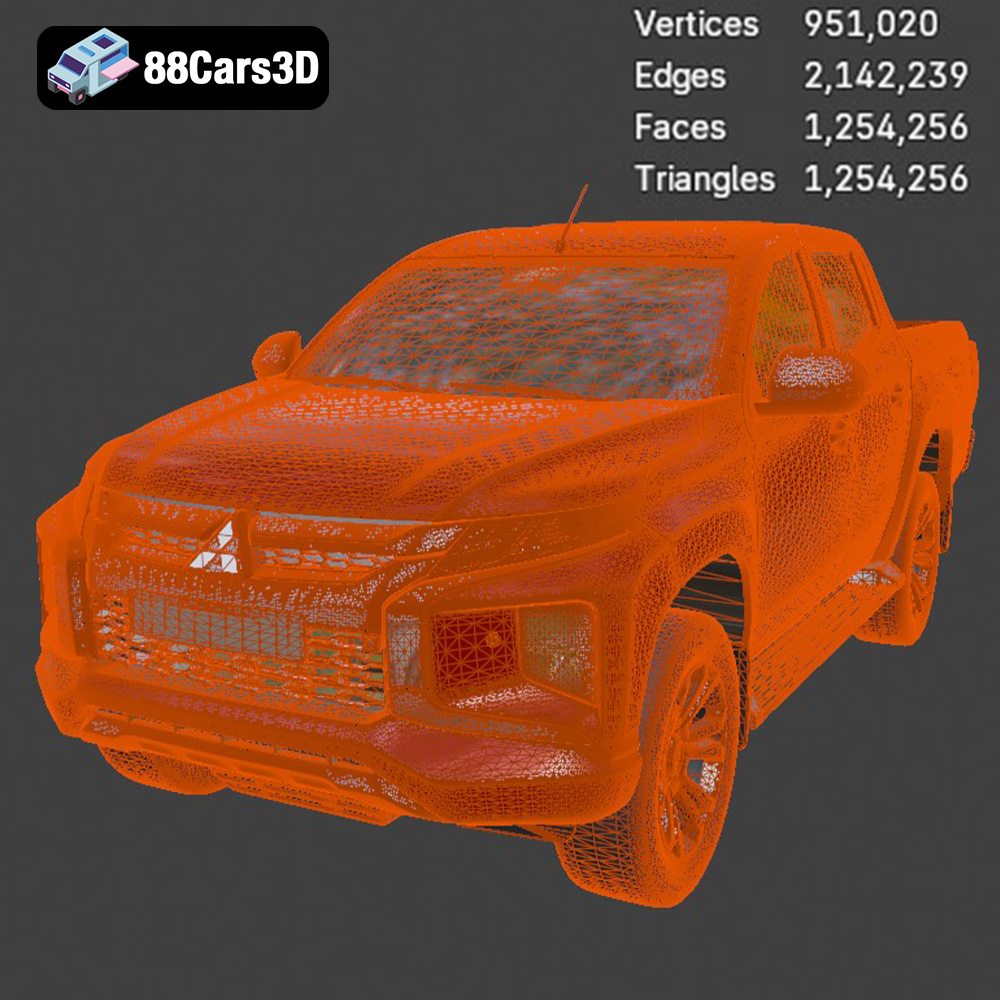
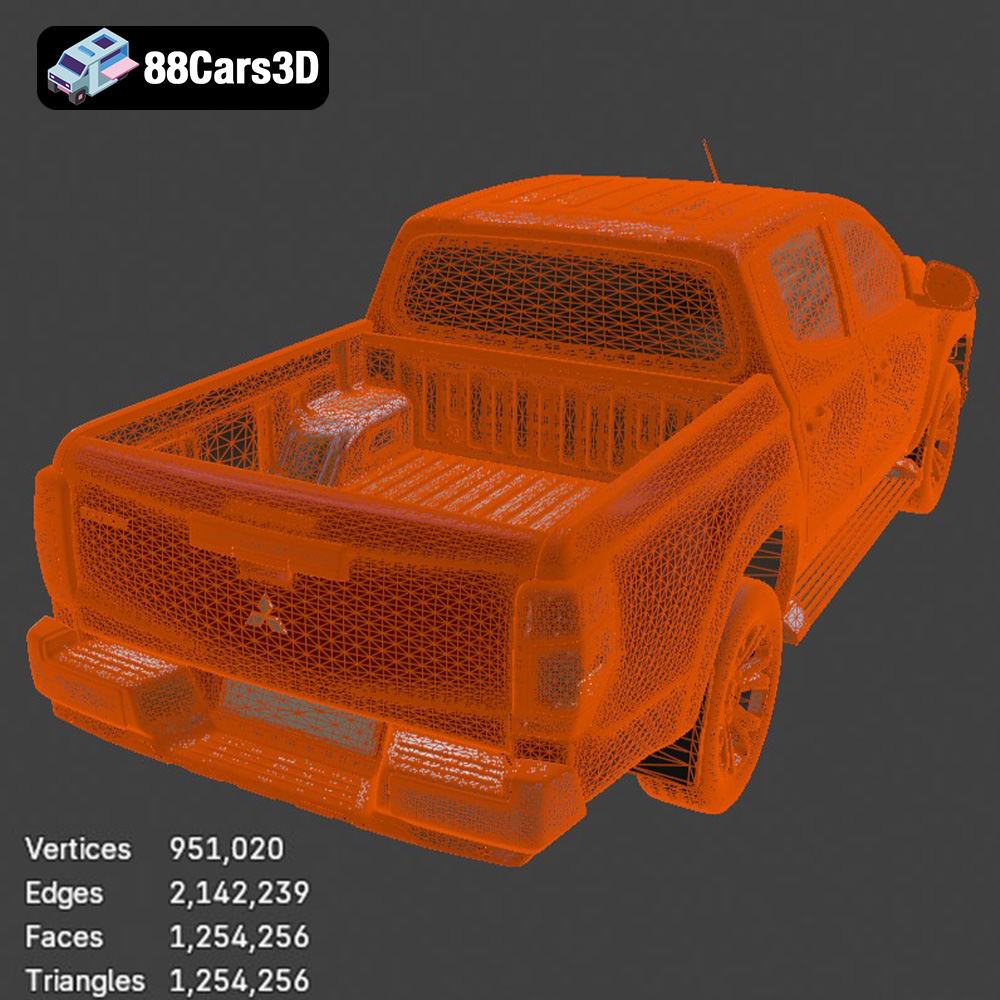
For 3D printing the Mitsubishi L200, the STL format is essential. It’s readily accepted by virtually all slicing software, allowing you to prepare the model for your specific printer and material. However, the quality of the STL file directly impacts the final print. A low-resolution STL will result in a faceted, less smooth surface, while an excessively high-resolution STL can be unnecessarily large and computationally demanding for your slicing software. The STL files available from 88cars3d.com are optimized to strike a balance between detail and file size. It’s crucial to inspect the STL file in your slicer and consider increasing the mesh density if you observe excessive faceting, particularly on curved surfaces.
The OBJ (Object) file format is another common format that supports both geometry and texture information. Unlike STL, OBJ files can store color and material properties, allowing for colored 3D prints, provided your printer supports multi-material printing.
The PLY (Polygon) file format is designed for storing 3D data acquired from 3D scanners. It’s capable of representing complex geometry with high precision, making it suitable for detailed prints where accuracy is paramount.
The BLEND file format is the native format for Blender, a popular open-source 3D modeling software. It contains the entire Blender scene, including the model, materials, textures, and lighting setup. This allows for extensive customization of the model before exporting it to a printable format like STL.
The FBX (Filmbox) file format is widely used in the game development and animation industries. It supports geometry, materials, textures, and animations. While not directly used for 3D printing, FBX files can be imported into some slicing software to retain material assignments for multi-material printing or for visual reference during the printing process.
The GLB (GL Transmission Format Binary) file format is a binary format designed for efficient transmission and loading of 3D models. It’s commonly used for displaying 3D models in web browsers and augmented reality (AR) applications. While not directly printable, GLB files allow you to preview the model in AR before committing to a print, giving you a better sense of its size and appearance in the real world.
The MAX file format is the native format for Autodesk 3ds Max, a professional 3D modeling and animation software. Similar to BLEND files, MAX files contain the entire project, allowing for extensive editing and customization before exporting to a printable format.
In summary, for 3D printing the Mitsubishi L200 Crew Cab 2019, focus on the STL format as your primary printing format. Ensure the STL file has sufficient resolution to capture the vehicle’s details, and use slicing software to optimize it for your specific printer and material.
Before sending the Mitsubishi L200 model to your 3D printer, careful preparation is essential. This involves using slicing software to convert the 3D model into a series of instructions that the printer can understand.
Popular slicing software options include Cura, Simplify3D, PrusaSlicer, and Chitubox (for resin printers). Each software offers a range of settings that control the printing process, including layer height, infill density, support structures, and print speed.
* **Layer Height:** A smaller layer height (e.g., 0.04–0.12 mm) results in smoother surfaces and finer details but increases print time. For the L200, a layer height of 0.1 mm is a good compromise between detail and speed.
* **Infill Density:** Infill refers to the internal structure of the print. A higher infill density (e.g., 20–30%) increases strength and rigidity but also increases material consumption and print time. For a display model, 20% infill is usually sufficient.
* **Support Structures:** Support structures are necessary to support overhanging features like the mirrors, door handles, and undercarriage of the L200. The placement and type of supports can significantly impact print quality and post-processing effort. Consider using tree-like supports for easier removal and minimal impact on the model’s surface.
* **Print Speed:** Print speed affects both print time and quality. Slower speeds generally result in better adhesion and finer details, while faster speeds can reduce print time but may compromise quality. Experiment with different speeds to find the optimal balance for your printer and material.
Before slicing, it’s essential to check the 3D model for any errors, such as non-manifold geometry or holes in the mesh. Many slicing software packages include built-in repair tools that can automatically fix these issues.
Print orientation is another critical factor. Orienting the L200 frame at an angle (e.g., 45 degrees) can improve structural integrity and reduce the need for supports on critical surfaces. The wheels should be printed separately, ideally with the tire tread facing upwards to minimize support marks.
The 3D model can be scaled to your desired size. Common scales for model cars include 1:12, 1:18, and 1:24. Consider the size of your printer’s build volume and the level of detail you want to achieve when choosing a scale. Remember to scale all parts proportionally to maintain accuracy.
The choice of material and printer settings plays a crucial role in the final quality of your 3D printed Mitsubishi L200. Let’s examine the best options for both FDM and resin printing.
* **PLA (Polylactic Acid):** PLA is a biodegradable thermoplastic known for its ease of use and low printing temperature. It’s a good choice for beginners and produces relatively smooth surfaces. However, PLA is less heat-resistant and can become brittle over time, making it less suitable for functional parts or models that will be exposed to high temperatures.
* **PETG (Polyethylene Terephthalate Glycol-modified):** PETG is a stronger and more durable material than PLA, with better heat resistance and flexibility. It’s also more resistant to chemicals and UV light, making it a better choice for outdoor applications. However, PETG can be more challenging to print than PLA, requiring higher temperatures and careful tuning of retraction settings to avoid stringing.
For the L200, PETG is generally recommended for its superior durability and heat resistance. Use the following settings as a starting point:
* **Nozzle Temperature:** 230–250°C
* **Bed Temperature:** 70–80°C
* **Print Speed:** 40–60 mm/s
* **Retraction Distance:** 5–7 mm
* **Retraction Speed:** 40–50 mm/s
* **Standard Resin:** Standard resin is affordable and produces highly detailed prints with smooth surfaces. However, it can be brittle and prone to cracking, making it less suitable for parts that will be subjected to stress.
* **Tough Resin:** Tough resin is formulated to be more durable and impact-resistant than standard resin. It’s a better choice for parts that need to withstand handling or stress, such as the wheels and suspension components of the L200.
For the L200, consider using tough resin for the wheels and suspension components and standard resin for the body. Use the following settings as a starting point:
* **Layer Height:** 0.04–0.05 mm
* **Exposure Time:** Refer to the resin manufacturer’s recommendations, typically 6-12 seconds
* **Bottom Layer Exposure Time:** Refer to the resin manufacturer’s recommendations, typically 30-60 seconds
* **Lift Speed:** 60-80 mm/min
After printing, the Mitsubishi L200 model will require post-processing to achieve a professional finish. This typically involves removing support structures, sanding the surfaces, priming, and painting.
Carefully remove the support structures using a sharp knife or pliers. Take your time to avoid damaging the model’s surface. Sand the entire model with progressively finer grits of sandpaper (e.g., 220, 400, 600 grit) to smooth out any imperfections and layer lines. Pay particular attention to curved surfaces and areas where supports were attached.
Apply a thin coat of primer to the entire model. Primer helps to fill in any remaining imperfections and provides a uniform surface for the paint to adhere to. Sand the primed surface lightly with fine-grit sandpaper (e.g., 800 grit) to create a smooth base for the paint.
Use high-quality acrylic paints to paint the L200 in the desired colors. Consider using automotive paints for a durable and realistic finish. Apply multiple thin coats of paint, allowing each coat to dry completely before applying the next. For metallic finishes, use a clear coat to protect the paint and enhance the shine.
Once all the parts are painted, carefully assemble the model using glue or screws. Refer to reference images of the real Mitsubishi L200 to ensure accurate placement of all components. Pay attention to details such as the wheel alignment, door handles, and mirrors.
Even with careful preparation, you may encounter some common printing issues. Here are some tips for troubleshooting:
* **Warping:** Warping occurs when the corners of the print lift off the build plate. To prevent warping, ensure the build plate is clean and level, use a heated bed, and apply an adhesive like glue stick or hairspray.
* **Stringing:** Stringing occurs when the printer extrudes filament while moving between different parts of the print. To prevent stringing, increase retraction distance and speed, lower the printing temperature, and ensure the filament is dry.
* **Layer Separation:** Layer separation occurs when the layers of the print fail to adhere to each other. To prevent layer separation, increase the printing temperature, decrease the print speed, and ensure the build plate is level.
* **Support Failure:** Support failure occurs when the support structures collapse during printing. To prevent support failure, increase the support density, use a stronger support material, and ensure the supports are properly anchored to the build plate and the model.
The print time and material costs for the Mitsubishi L200 model will vary depending on the size of the model, the printing technology used, and the printer settings.
* **FDM Printing:** A 1:18 scale model printed with PETG at 0.1 mm layer height and 20% infill may take 20-30 hours to print and use approximately 200-300 grams of filament.
* **Resin Printing:** A 1:24 scale model printed with standard resin at 0.05 mm layer height may take 10-15 hours to print and use approximately 100-150 ml of resin.
Material costs will depend on the price of the filament or resin used. As a rough estimate, expect to spend $10-20 on materials for an FDM print and $15-30 for a resin print.
By following this comprehensive guide, you can successfully 3D print a detailed and accurate model of the Mitsubishi L200 Crew Cab 2019. The detailed model from 88cars3d.com will provide a solid foundation for a great print! Remember to experiment with different settings and techniques to find what works best for your printer and materials. With patience and attention to detail, you can create a stunning replica of this iconic pickup truck.
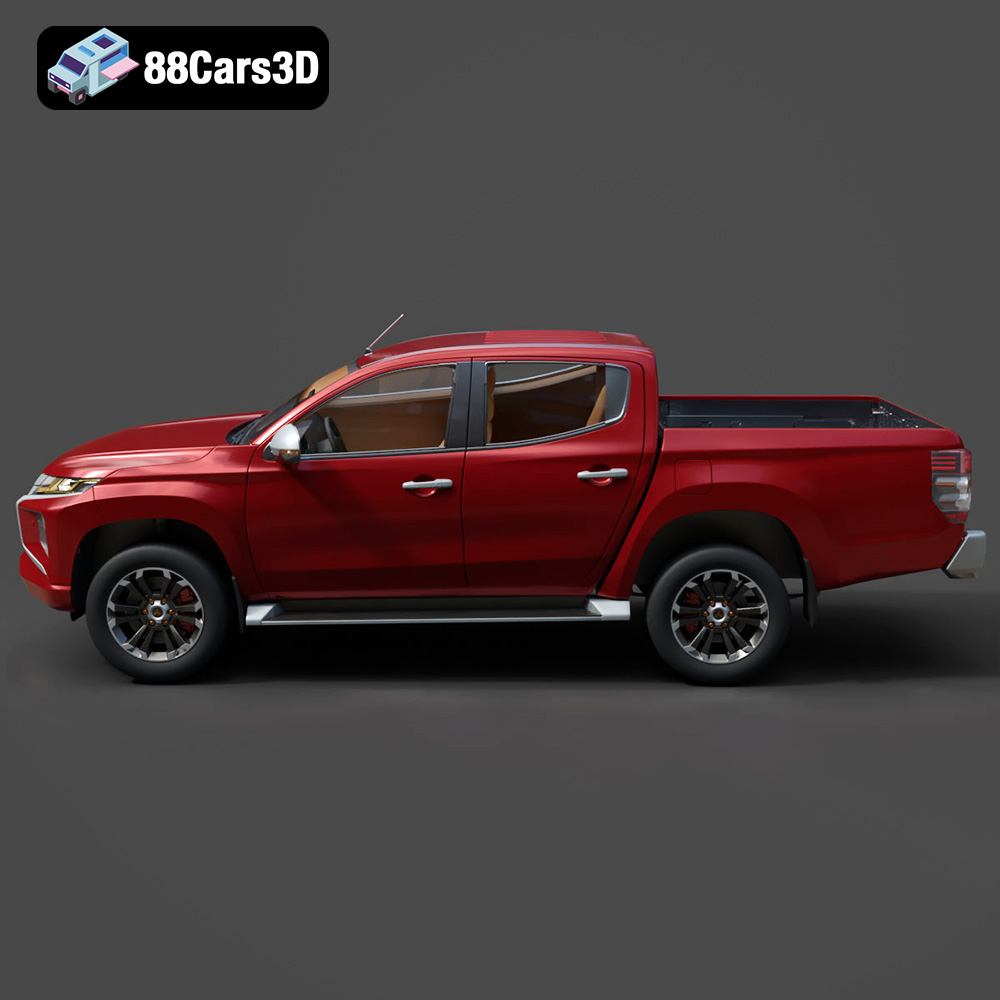
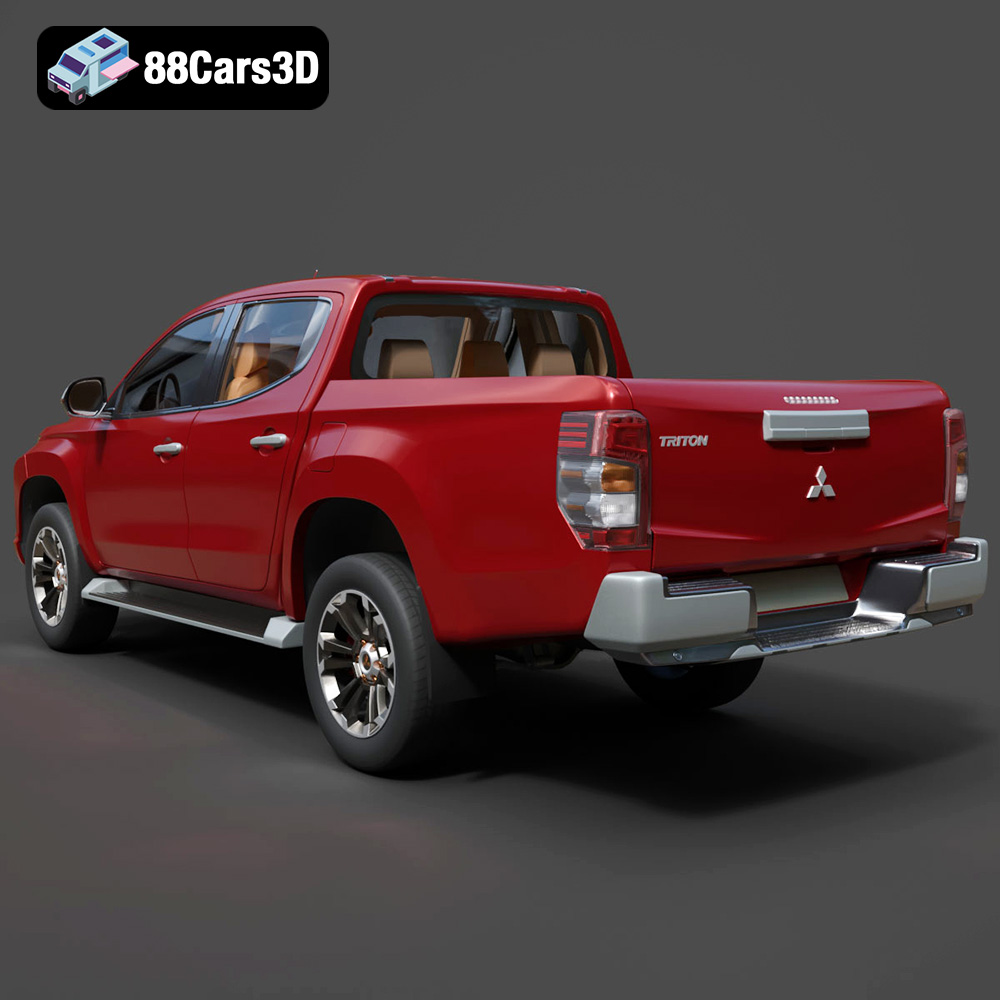
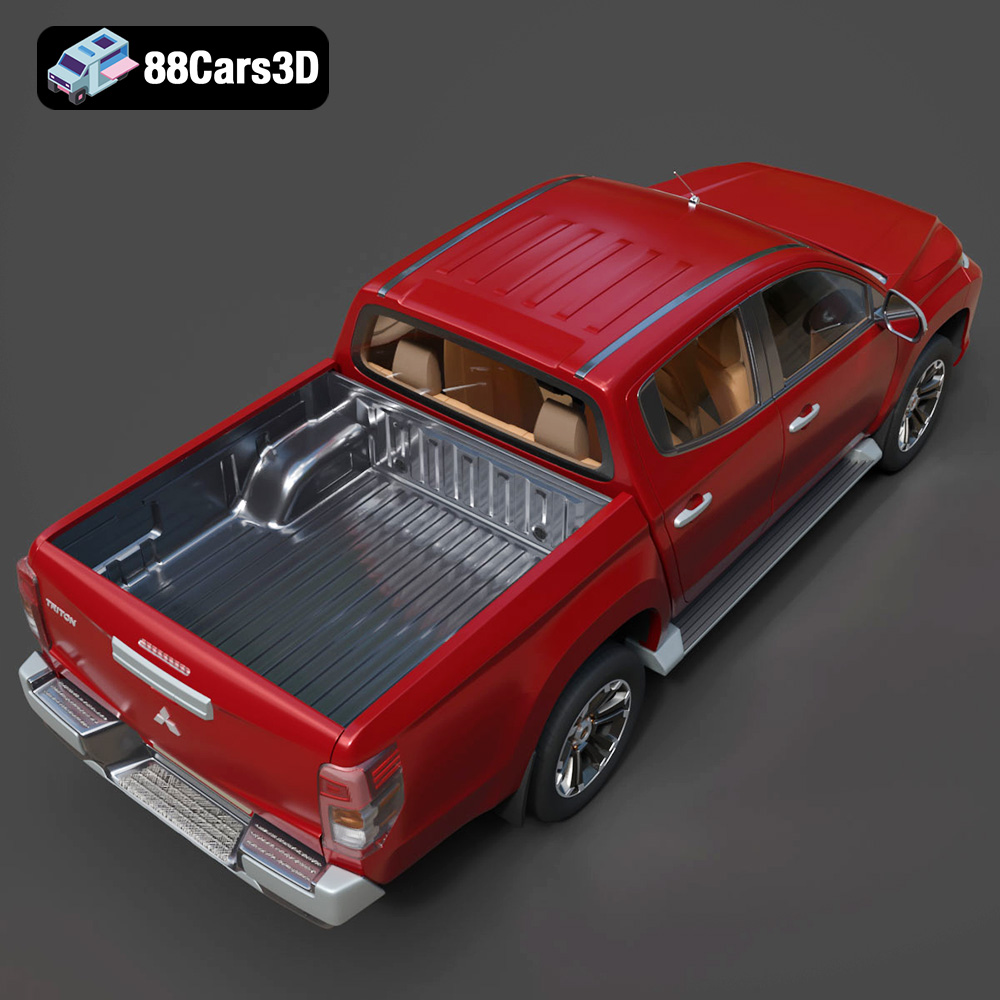
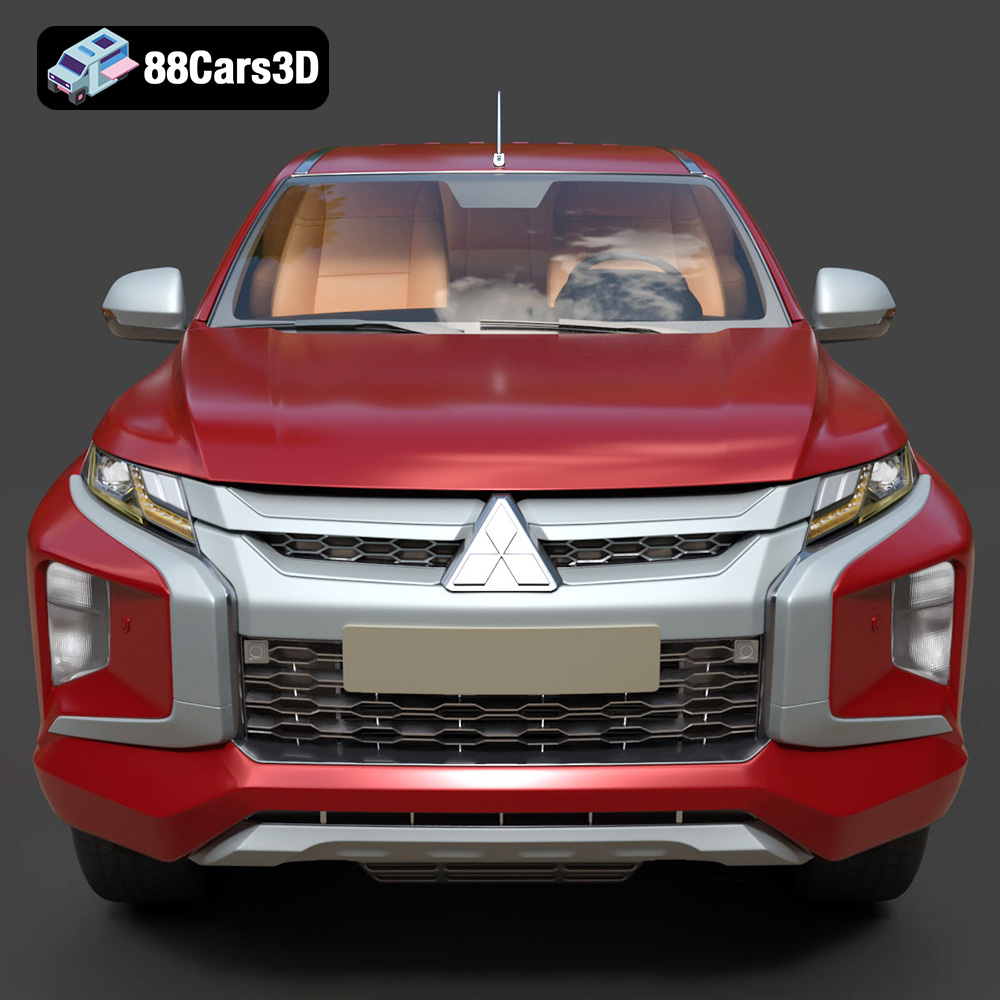
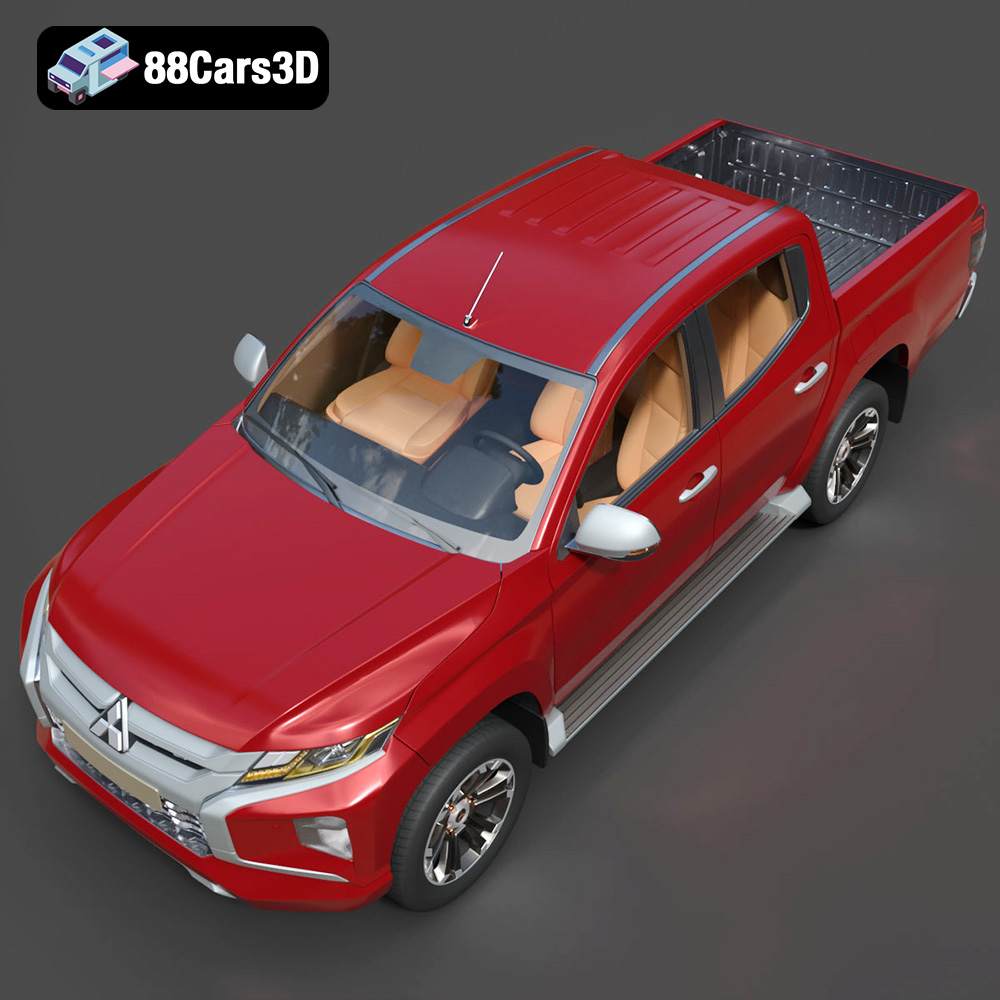
The 2019 Mitsubishi L200 Crew Cab (also known as the Triton) is a masterclass in rugged utility and modern design. Known for its robust “Dynamic Shield” front fascia, aggressive styling, and exceptional 4WD capabilities, this pickup truck bridges the gap between commercial workhorse and comfortable family vehicle. This high-quality 3D model strikes the perfect balance between high-end visual fidelity and game-ready optimization.
$19.99
.2019
.4×4
.blend
.fbx
.glb
.max
.mitsubishi
.obj
.ply
.rendering
.stl
.unreal
car-3d-model
crew-cab
game asset
game-ready
l200
low-poly
off-road
optimized
pickup-truck
utility-vehicle
VR/AR