Get 20% OFF All Premium 3D & STL Models!

“`html
3D printing has revolutionized the way we create and customize objects, and the automotive world is no exception. From intricate wheels and detailed tires to complex car body parts, 3D printing with STL files opens up a world of possibilities for hobbyists, model makers, and automotive enthusiasts. However, achieving high-quality, durable, and accurate prints requires a deep understanding of the entire process, from STL file preparation to post-processing. This guide will walk you through every step, providing the technical knowledge and practical tips you need to successfully print stunning wheels, tires, and car parts. We’ll cover everything from selecting the right materials and optimizing your 3D printer settings to mastering support structures and perfecting your post-processing techniques. Whether you’re a seasoned 3D printing expert or a complete beginner, this comprehensive guide will equip you with the skills to bring your automotive visions to life. Let’s dive in and unlock the potential of 3D printing for automotive creations!
The STL (Stereolithography) file format is the backbone of 3D printing. It represents the surface geometry of a 3D object as a collection of triangles. Understanding the intricacies of STL files and their underlying mesh topology is crucial for ensuring successful and high-quality prints. A poorly designed or corrupted STL file can lead to numerous printing issues, including distorted shapes, weak points, and even print failures.
An STL file contains a list of triangles, each defined by three vertices (points in 3D space) and a normal vector (indicating the direction the triangle is facing). The format is relatively simple, which is both its strength and its weakness. Its simplicity makes it universally compatible with 3D printing software, but it also means it doesn’t store information about color, texture, or material properties. When downloading models from marketplaces such as 88cars3d.com, you’ll receive STL files representing the 3D geometry of the car parts.
Key Considerations for STL Files:
A “manifold” mesh is a critical requirement for 3D printing. A manifold mesh is one that is “watertight” – it completely encloses a volume without any holes, self-intersections, or non-manifold edges (edges shared by more than two faces). Non-manifold geometry can cause slicing errors and lead to incomplete or defective prints.
Common Mesh Issues:
Software for Mesh Repair:
Slicing is the process of converting a 3D model (STL file) into a series of 2D layers that the 3D printer can understand. The slicing software takes the STL file and generates G-code, a numerical control language that instructs the printer’s movements and settings. Optimizing slicing parameters is crucial for achieving the desired print quality, strength, and accuracy.
Layer height is arguably the most important slicing parameter. It determines the thickness of each layer printed. Lower layer heights (e.g., 0.1mm) result in smoother surfaces and finer details, but they also significantly increase print time. Higher layer heights (e.g., 0.3mm) print faster but produce coarser surfaces. For printing wheels and tires, a layer height between 0.1mm and 0.2mm is generally recommended to balance detail and print time. For larger car body parts where surface finish is less critical, a layer height of 0.2mm to 0.25mm may be acceptable. When sourcing STL files, platforms like 88cars3d.com offer models optimized for various layer heights.
Example: Printing a wheel with a 0.1mm layer height might take 12 hours, while the same wheel printed at 0.2mm could be completed in 6 hours. The 0.1mm print will have a visibly smoother surface.
Infill refers to the internal structure of the 3D printed part. It’s a lattice-like pattern that fills the interior volume, providing strength and support. Infill density, expressed as a percentage, determines how much of the interior is filled. Higher infill densities (e.g., 50% or more) result in stronger parts but also increase material consumption and print time.
Common Infill Patterns:
Optimizing Infill for Car Parts:
Pro Tip: Use variable infill density to optimize for specific areas of the part. For example, increase infill density in areas that will experience high stress or load.
Support structures are temporary structures that are printed to support overhanging features and prevent them from collapsing during the printing process. Overhangs are parts of the model that extend horizontally without any underlying support. Generating and removing supports effectively is a crucial skill for 3D printing complex car parts.
Slicing software offers various types of support structures, each with its own advantages and disadvantages:
Support Settings to Fine-Tune:
Removing supports can be a delicate process, especially for intricate parts. The goal is to remove the supports without damaging the surface of the printed object.
Recommended Techniques:
Pro Tip: If support removal is leaving marks, try adjusting the support Z distance in your slicing software. A slightly larger distance may make the supports easier to remove.
The choice of material and the configuration of your 3D printer settings are paramount to the success of your automotive part prints. Different materials offer varying levels of strength, flexibility, temperature resistance, and surface finish. Understanding the properties of each material and how to optimize your printer settings accordingly is crucial for achieving the desired results.
Two primary 3D printing technologies are commonly used: Fused Deposition Modeling (FDM) and Resin printing (Stereolithography, SLA, or Digital Light Processing, DLP).
Material Recommendations for Car Parts:
Each material has its own recommended printing temperature, bed temperature, and print speed. Consult the manufacturer’s specifications for the material you are using and adjust your printer settings accordingly.
Example Settings for PLA (FDM):
Example Settings for Tough Resin (Resin):
Bed Adhesion Techniques:
Post-processing is the final stage of 3D printing, where you refine the printed part to achieve the desired appearance and functionality. Common post-processing techniques include sanding, painting, and assembly.
Sanding is used to remove layer lines and smooth the surface of the printed part. Start with coarse sandpaper (e.g., 220 grit) and gradually move to finer grits (e.g., 400, 600, 800 grit) to achieve a smooth finish. Wet sanding (using water with sandpaper) can help to reduce dust and improve the sanding process.
Tips for Sanding:
Chemical Smoothing:
For ABS parts, chemical smoothing using acetone vapor can create a glossy and smooth surface. Caution: Acetone is a flammable and hazardous chemical. Use proper safety precautions and work in a well-ventilated area.
Painting is used to add color and protect the surface of the printed part. Use primer to prepare the surface for painting and apply multiple thin coats of paint for a smooth and even finish. Use automotive-grade paints for durability and UV resistance.
Painting Steps:
Many car parts consist of multiple components that need to be assembled. Common joining techniques include:
Even with careful preparation and optimized settings, 3D printing failures can occur. Understanding the common causes of these failures and how to troubleshoot them is essential for a successful printing experience.
Warping occurs when the corners or edges of the printed part lift off the build plate. This is often caused by poor bed adhesion or uneven cooling. To prevent warping:
Stringing occurs when the nozzle oozes material while moving between different parts of the print. Blobs are small clumps of material that accumulate on the surface of the print. To prevent stringing and blobs:
Layer shifting occurs when the printer suddenly shifts the position of the print head during printing, resulting in misaligned layers. Missed steps occur when the stepper motors fail to move the print head or bed accurately.
3D printing wheels, tires, and car parts in STL format opens up a world of creative possibilities for automotive enthusiasts. By understanding the intricacies of STL files, mastering slicing parameters, and optimizing printer settings, you can achieve high-quality, durable, and accurate prints. Remember to choose the right materials for your specific application, generate and remove supports effectively, and refine your parts with post-processing techniques. Platforms like 88cars3d.com offer print-ready STL files, which can significantly streamline your workflow. With practice and experimentation, you’ll be able to create stunning automotive masterpieces that showcase the power of 3D printing. So, take the knowledge you’ve gained from this guide, experiment with different settings and materials, and unleash your creativity to bring your automotive visions to life. Now go forth and print some amazing car parts!
“`

Texture: Yes | Material: Yes
Download the highly detailed, game-ready Suzuki King B 2008 3D Model. Features its massive 1340cc engine block, signature dual under-seat exhausts, and aggressive streetfighter bodywork. Includes .blend, .fbx, .obj, .glb, .stl, .ply, .unreal, and .max formats for game development, AR/VR, and rendering.
Price: $19.99
Texture: Yes | Material: Yes
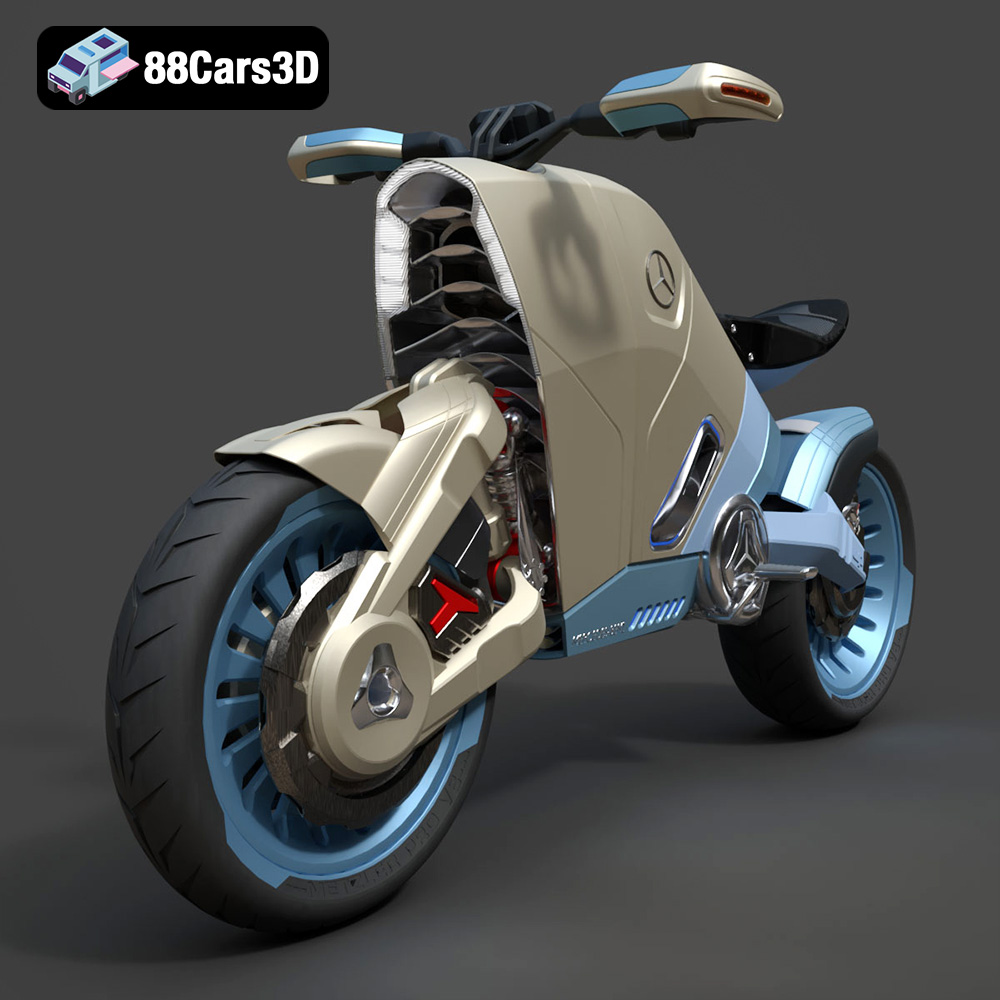
Download the highly detailed, game-ready SMARANZA Mercedes Concept Electrical Motorcycle 3D Model. Features futuristic aerodynamic styling and an advanced electric drivetrain. Includes .blend, .fbx, .obj, .glb, .stl, .ply, .unreal, and .max formats for game development, AR/VR, and rendering.
Price: $19.99
Texture: Yes | Material: Yes
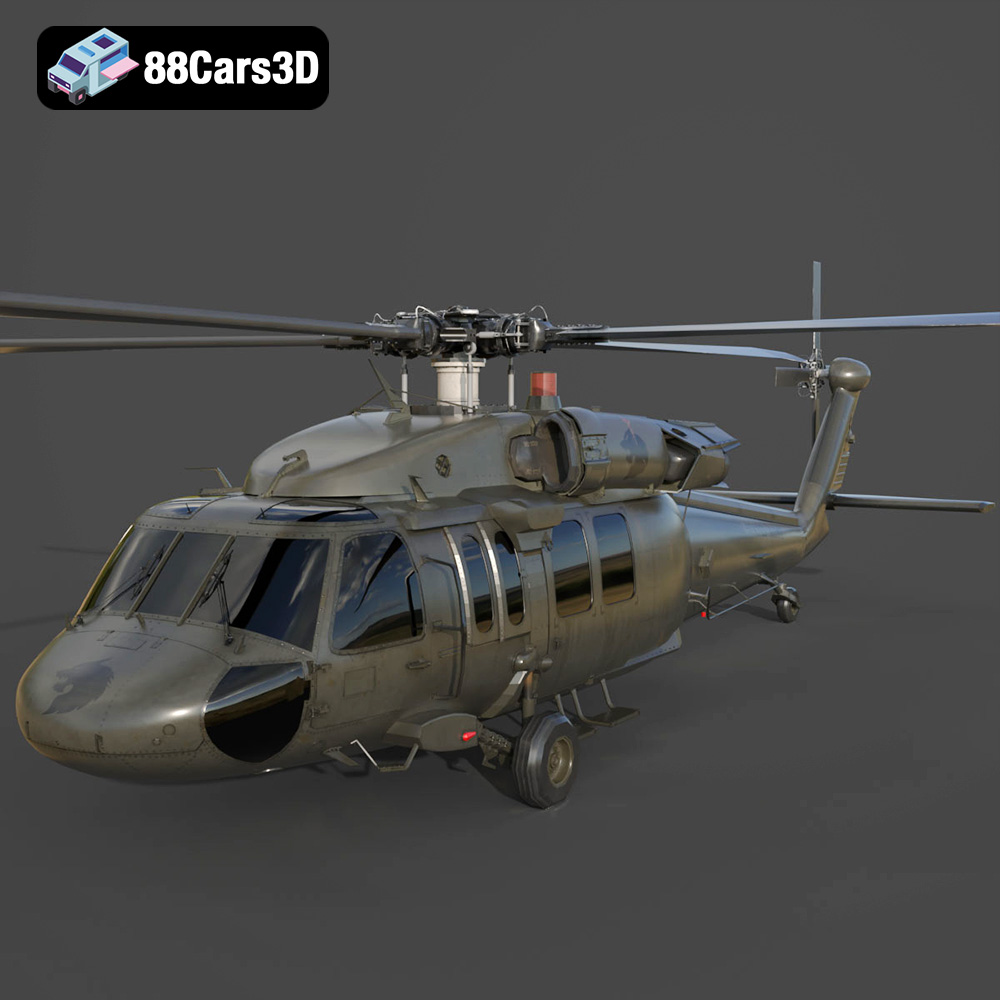
Download the highly detailed, game-ready Sikorsky UH-60 Black Hawk US 3D Model. Features an accurate four-blade rotor system, detailed military fuselage, and realistic twin-engine housing. Includes .blend, .fbx, .obj, .glb, .stl, .ply, .unreal, and .max formats for game development, AR/VR, and rendering.
Price: $19.99
Texture: Yes | Material: Yes
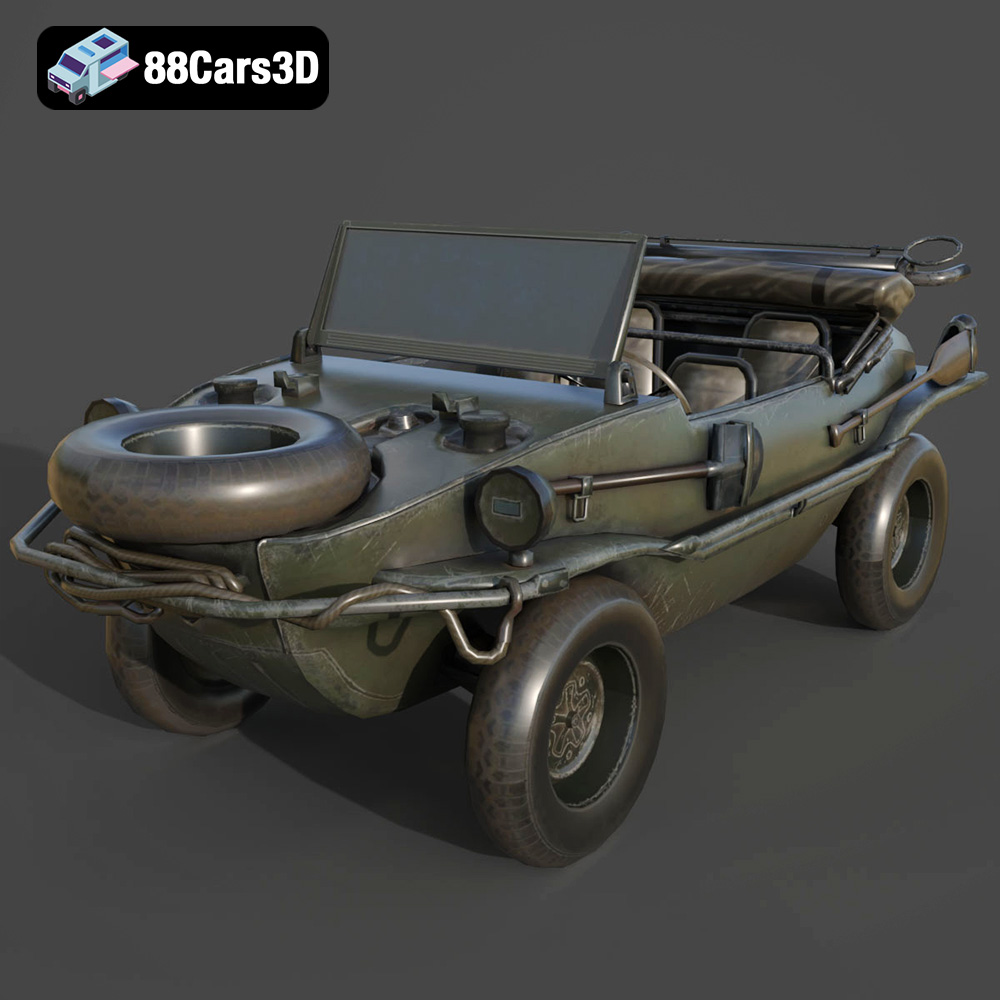
Download the highly detailed, game-ready Volkswagen Schwimmwagen Typ 166 3D Model. Features an authentic boat-like watertight hull, fold-down propeller mechanism, and accurate military styling. Includes .blend, .fbx, .obj, .glb, .stl, .ply, .unreal, and .max formats for game development, AR/VR, and rendering.
Price: $19.99
Texture: Yes | Material: Yes
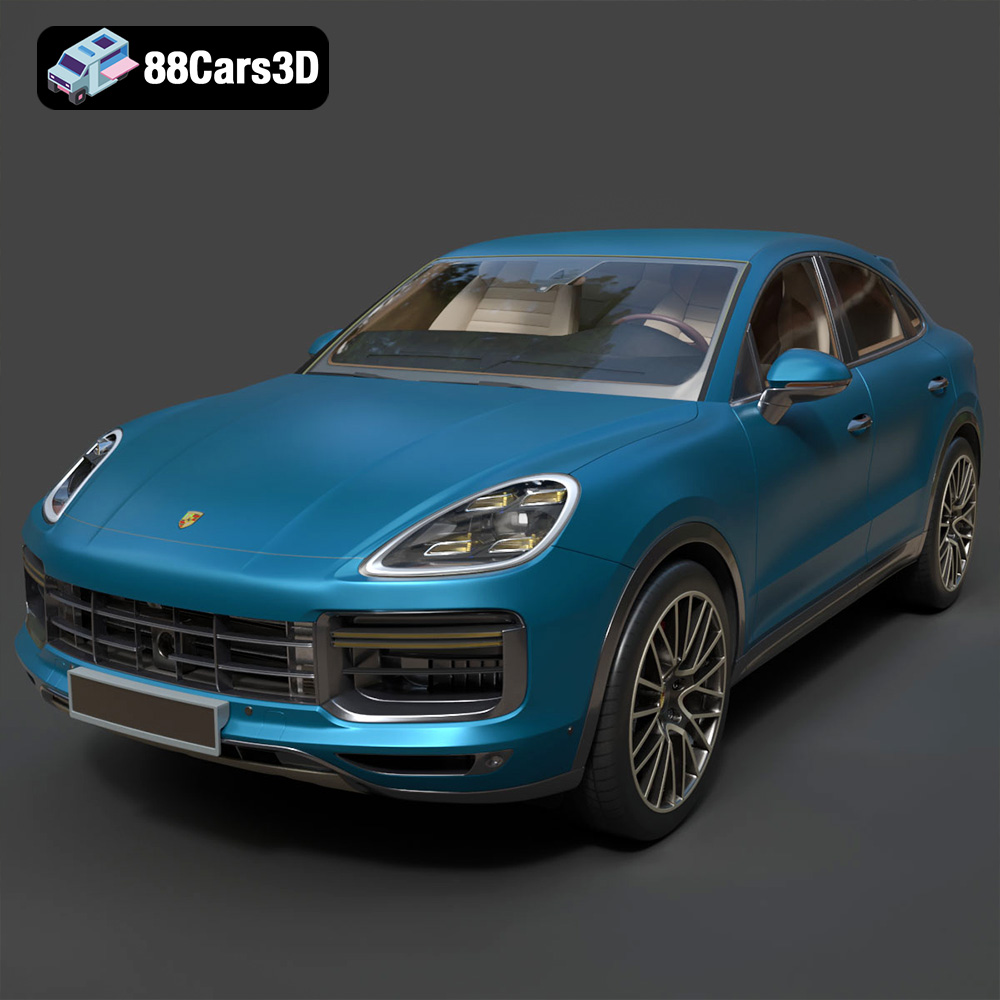
Download the highly detailed, game-ready Porsche Cayenne Turbo Coupe 2020 3D Model. Features an aggressive coupe roofline, detailed quad exhaust, and a meticulously crafted luxury sport interior. Includes .blend, .fbx, .obj, .glb, .stl, .ply, .unreal, and .max formats for game development, AR/VR, and rendering.
Price: $19.99
Texture: Yes | Material: Yes
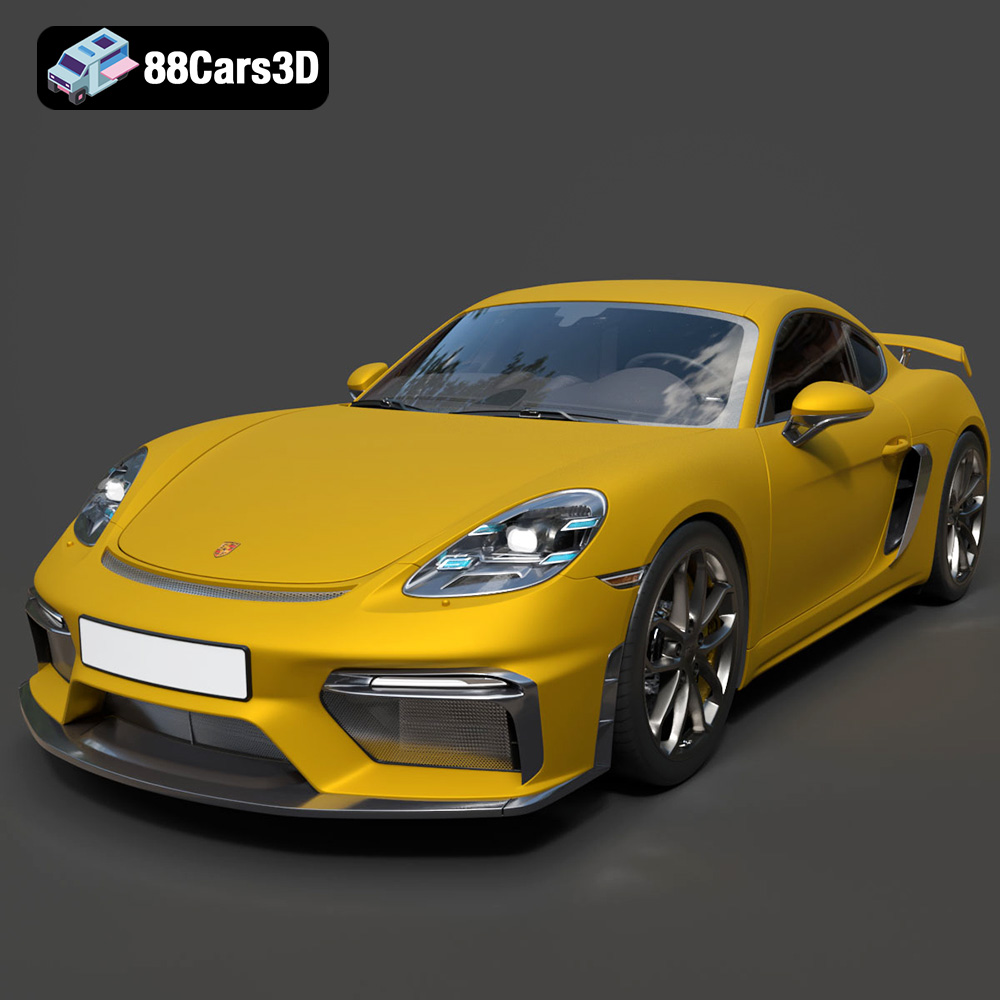
Download the highly detailed, game-ready Porsche 718 Cayman GT4 2020 3D Model. Features an aggressive fixed rear wing, distinctive side air intakes, and a track-focused stance. Includes .blend, .fbx, .obj, .glb, .stl, .ply, .unreal, and .max formats for game development, AR/VR, and rendering.
Price: $19.99

Texture: Yes | Material: Yes
Download the highly detailed, game-ready Polestar 2 2020 3D Model. Features minimalist Scandinavian fastback styling, pixel LED lighting, and an accurate electric vehicle profile. Includes .blend, .fbx, .obj, .glb, .stl, .ply, .unreal, and .max formats for game development, AR/VR, and rendering.
Price: $19.99
Texture: Yes | Material: Yes
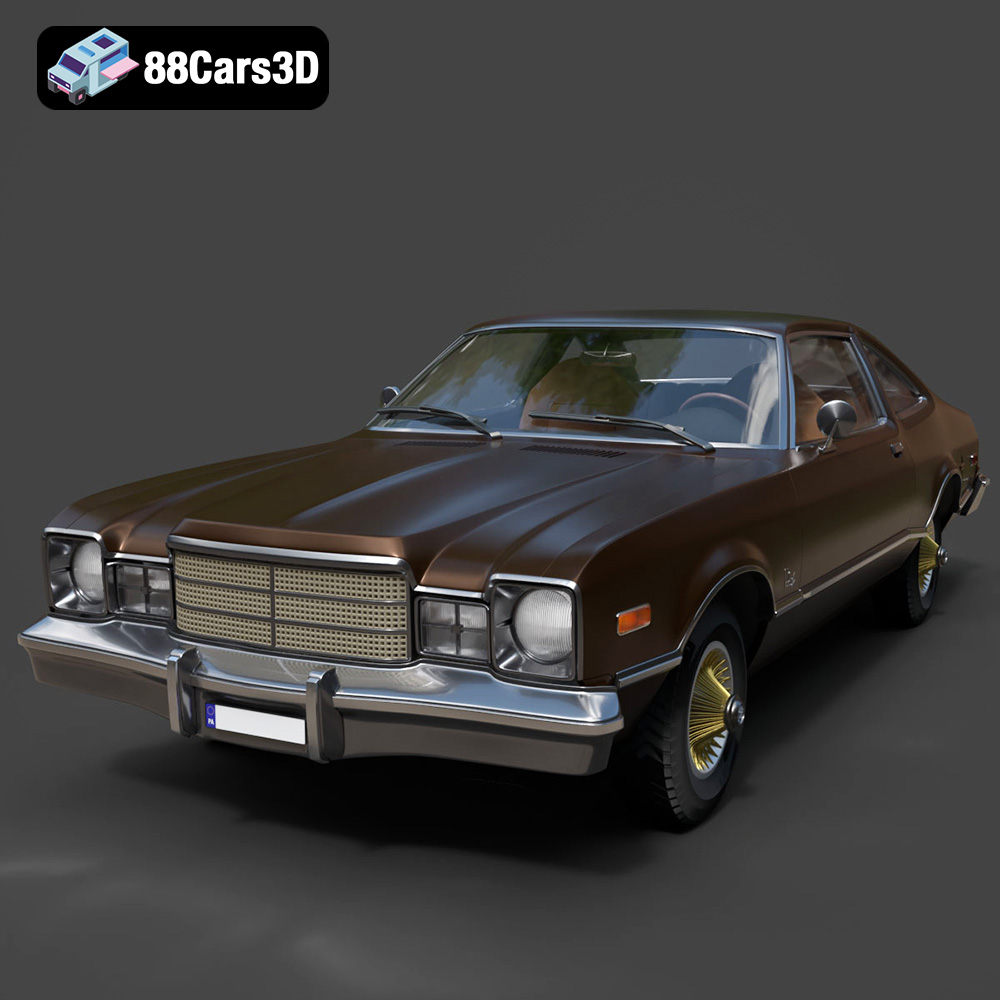
Download the highly detailed, game-ready Plymouth Volare Coupe 1977 3D Model. Features classic F-body styling, detailed chrome trim, and an accurate vintage interior. Includes .blend, .fbx, .obj, .glb, .stl, .ply, .unreal, and .max formats for game development, AR/VR, and rendering.
Price: $19.99

Texture: Yes | Material: Yes
Download the highly detailed, game-ready Peugeot 208 2020 3D Model. Features aggressive ‘fang’ LED DRLs, sporty hatchback proportions, and aerodynamic alloy wheels. Includes .blend, .fbx, .obj, .glb, .stl, .ply, .unreal, and .max formats for game development, AR/VR, and rendering.
Price: $19.99

Texture: Yes | Material: Yes
Download the highly detailed, game-ready MV Agusta Brutale 1090 R 3D Model. Features an exposed trellis frame, distinctive teardrop headlight, and muscular naked bike styling. Includes .blend, .fbx, .obj, .glb, .stl, .ply, .unreal, and .max formats for game development, AR/VR, and rendering.
Price: $19.99

