Get 20% OFF All Premium 3D & STL Models!

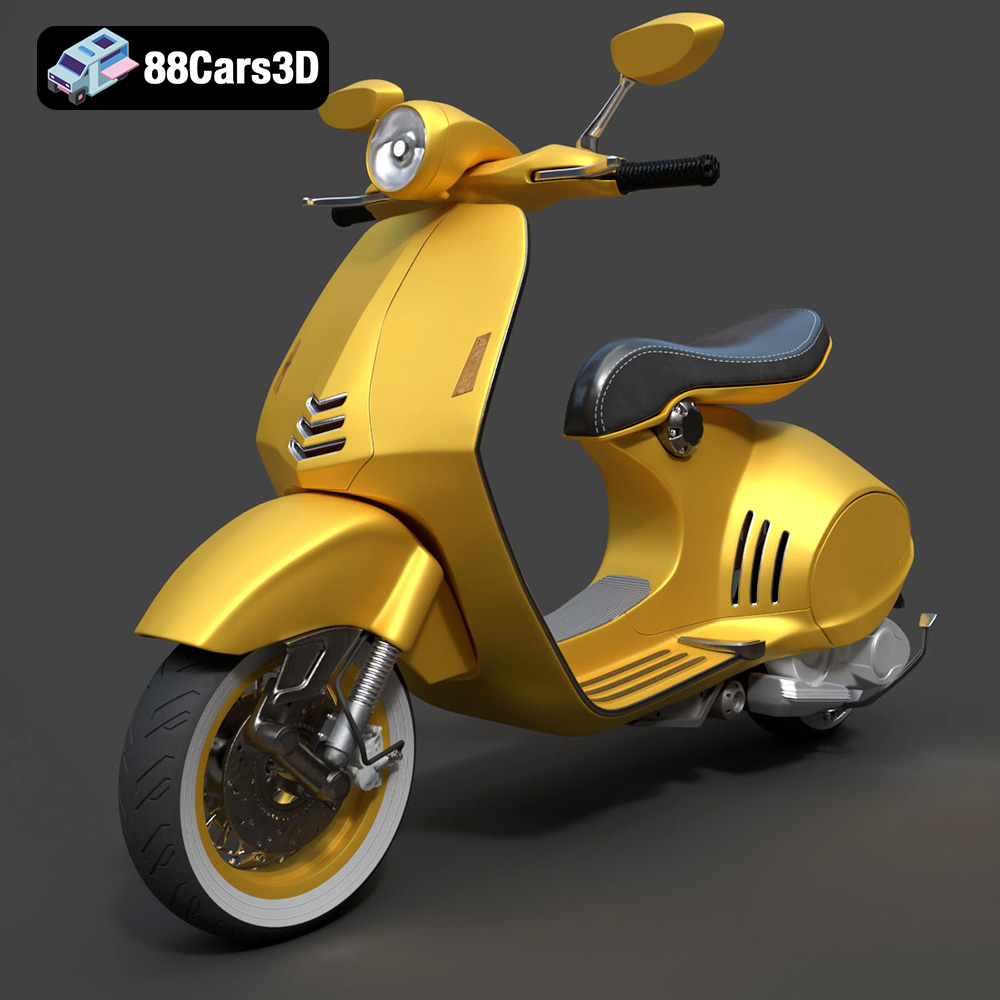
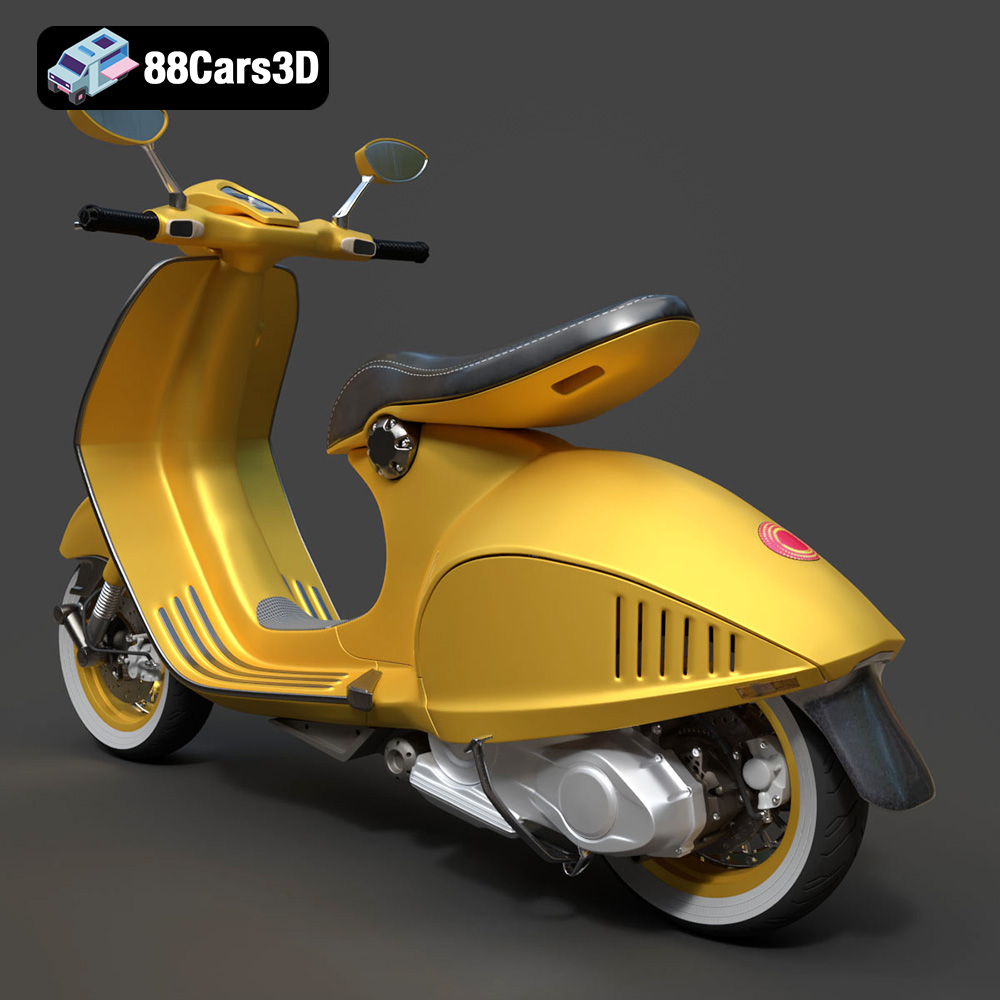
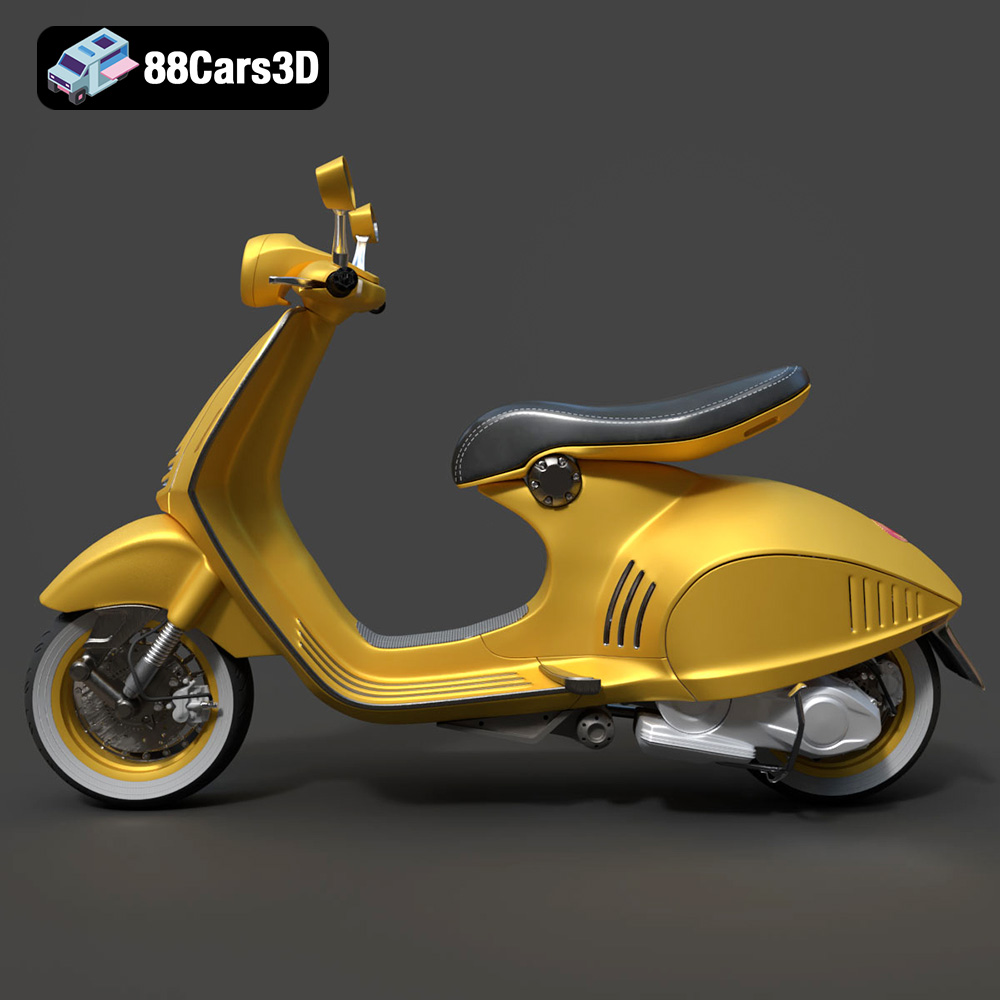
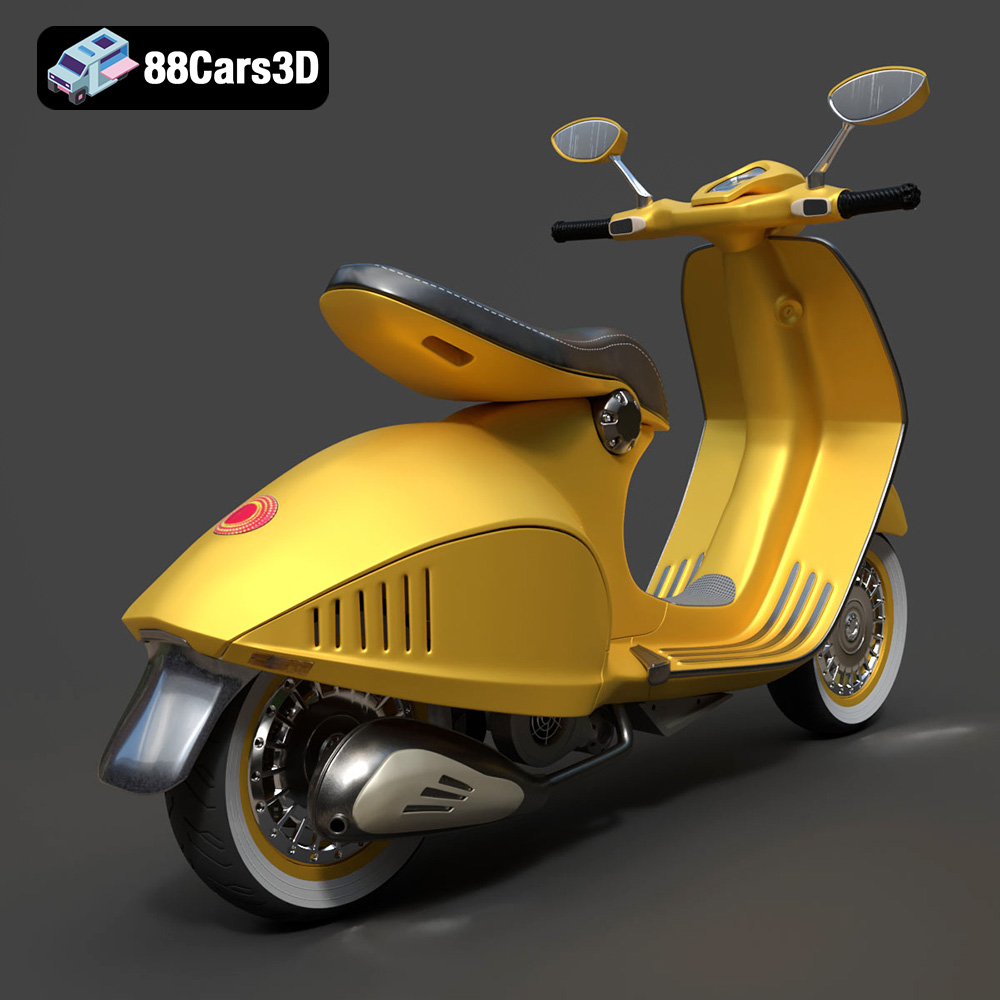
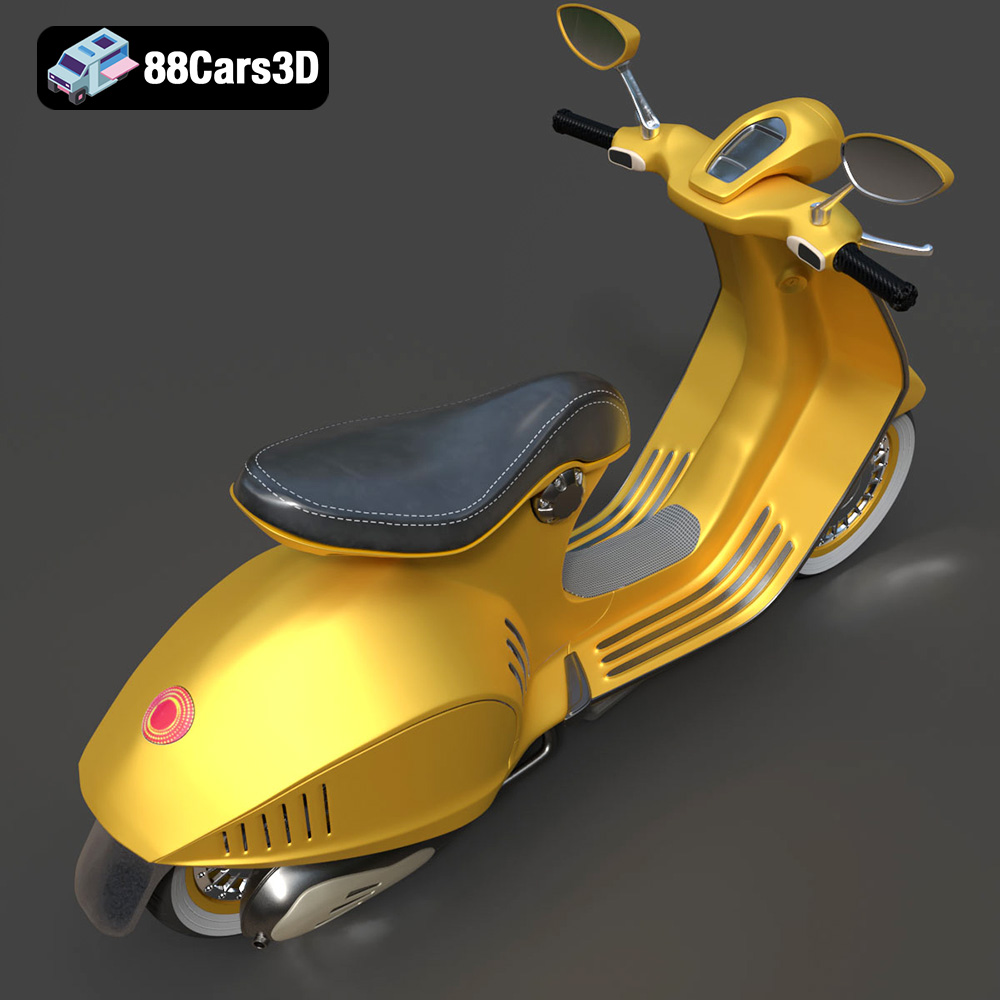
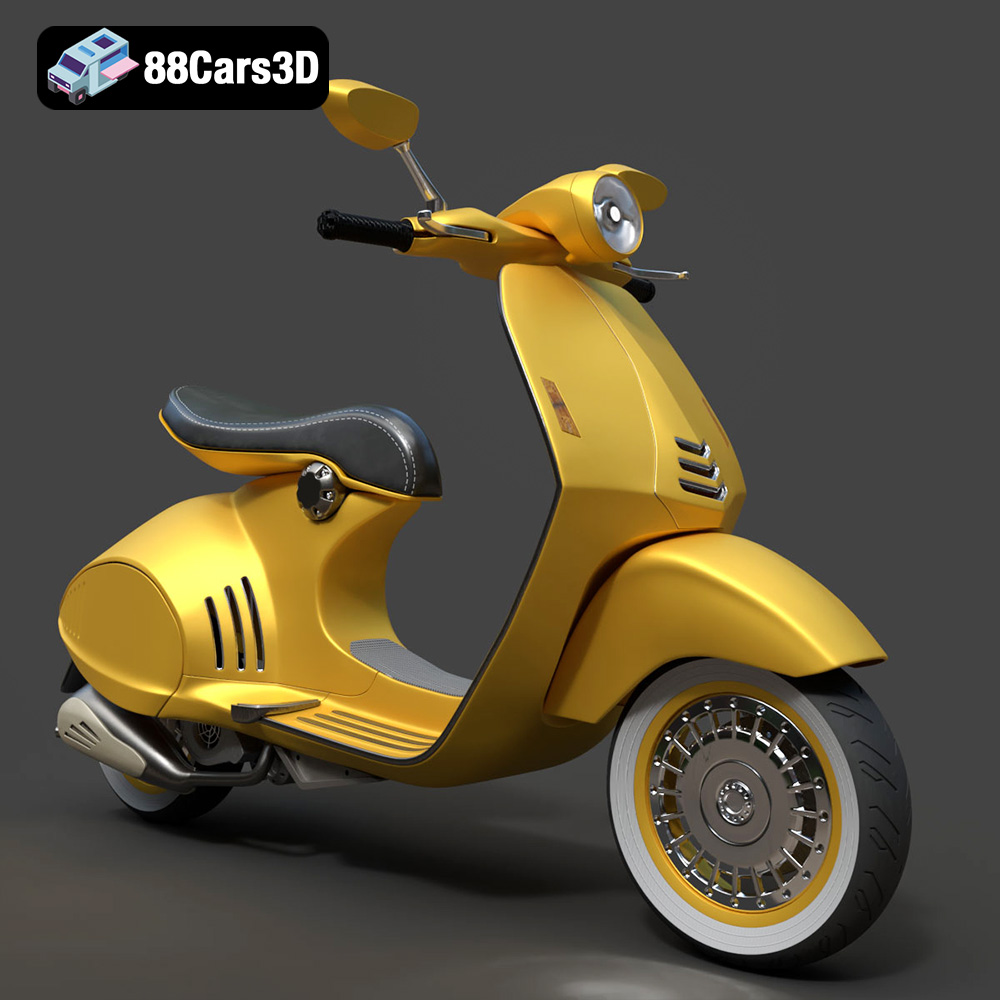
The Vespa 946, a symbol of Italian style and innovation, can now grace your desk or become part of your diorama thanks to the power of 3D printing. This blog post will guide you through the process of transforming the digital 3D model of the Vespa 946 into a tangible reality, offering detailed instructions and tips for a successful 3D printing experience. The high-quality Vespa 946 3D model available on 88cars3d.com provides an excellent starting point for this exciting project.
Before diving into the specifics of 3D printing the Vespa 946 model, it’s crucial to ensure your printer is properly calibrated and your workspace is well-organized.
Accurate calibration is paramount for achieving precise and dimensionally accurate prints. Begin by leveling your printer’s build plate. Most modern 3D printers offer automatic bed leveling, which simplifies this process. If your printer lacks this feature, manually adjust the leveling screws until a piece of paper can slide under the nozzle with slight resistance across the entire build plate. Next, calibrate the extruder. This involves fine-tuning the extruder motor’s steps per millimeter to ensure the correct amount of filament is extruded. You can find detailed calibration guides specific to your printer model online.
A clean and organized workspace contributes to a smoother printing process. Ensure you have ample space for your printer, filament spools, and post-processing tools. Keep your tools readily accessible, including items like scrapers, pliers, sandpaper, and paintbrushes. Good lighting is also essential for inspecting your prints and performing detailed post-processing tasks. Consider using a dedicated storage container for your filaments to protect them from moisture and dust.
Choosing the correct file format is essential for seamless integration with your 3D printing workflow. While the Vespa 946 3D model is available in multiple formats, understanding their nuances is crucial.
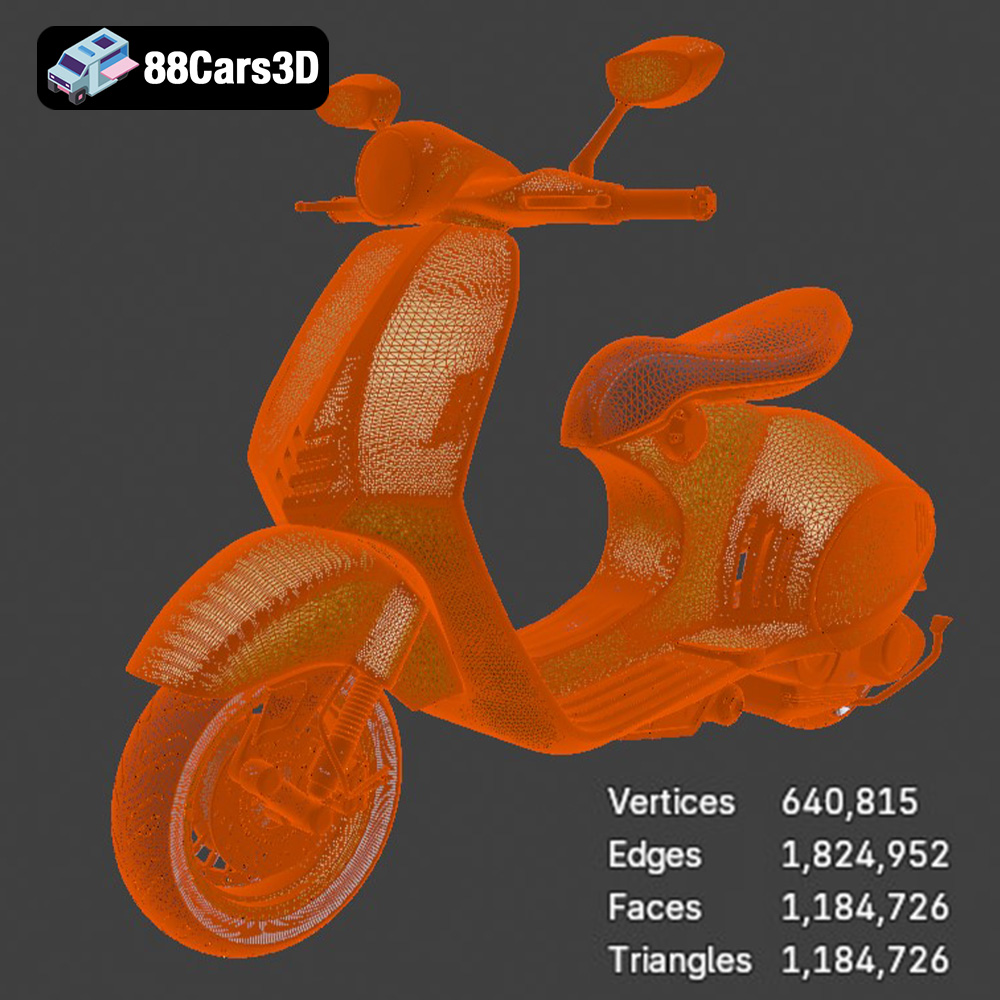
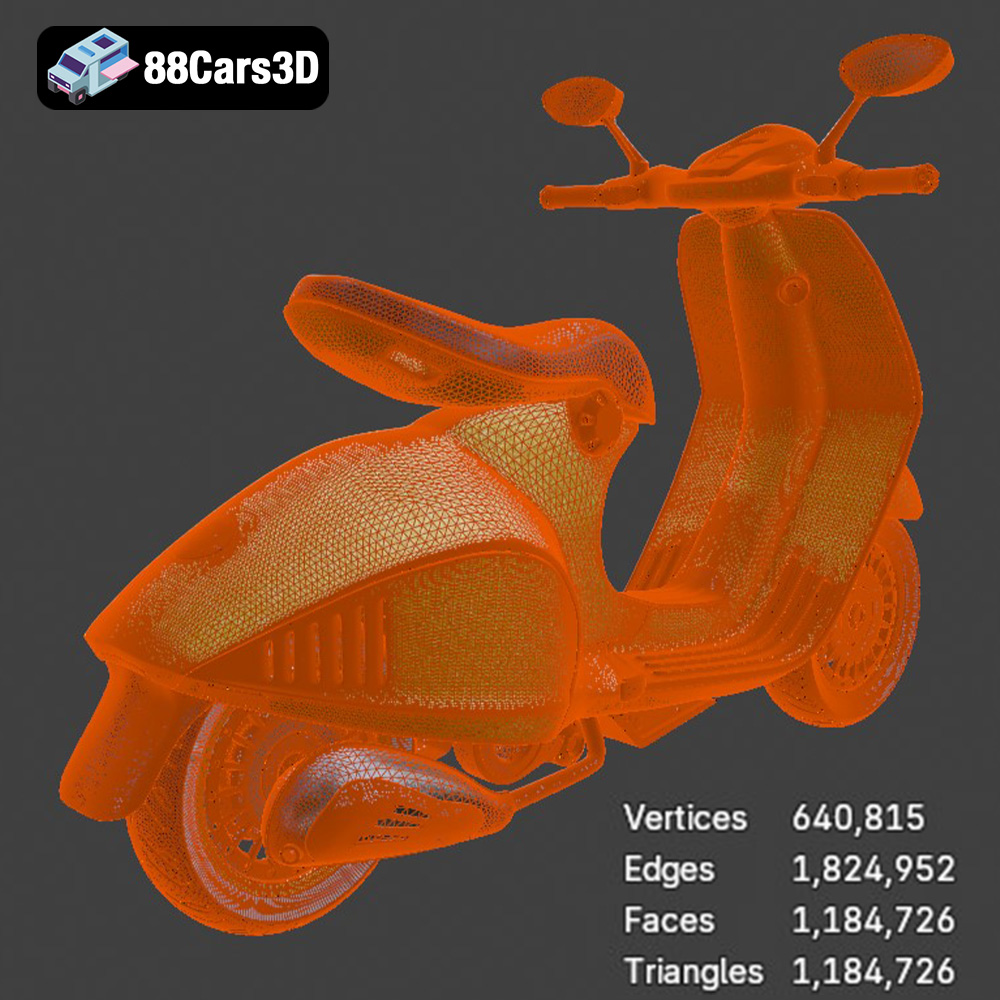
.stl (Stereolithography) is the most widely used file format in 3D printing. It represents the surface geometry of a 3D object as a collection of triangles. While simple, the .stl format only stores the surface mesh without any color or texture information. This makes it ideal for single-color 3D printing. When preparing an .stl file for 3D printing, it’s crucial to ensure the mesh is watertight, meaning it has no holes or gaps. Non-manifold geometry (edges shared by more than two faces) can also cause issues during slicing. Slicing software like Cura or PrusaSlicer can often repair minor mesh errors, but complex issues may require manual repair using software like MeshMixer or Blender. The resolution of the .stl file (the number of triangles used to represent the surface) impacts the print quality. Higher resolution .stl files result in smoother curves and finer details but increase file size and processing time. For the Vespa 946 3D model, a balance must be struck between detail and file size. Exporting the .stl with a deviation setting that captures the curves of the scooter without excessive triangulation is recommended.
.obj (Object) is a more versatile format that supports both geometry and texture information. Unlike .stl, .obj files can store vertex colors and texture coordinates, allowing for multi-color 3D printing if your printer supports it. However, .obj files tend to be larger than .stl files, especially when textures are included. While most slicing software can import .obj files, compatibility may vary depending on the software version and the complexity of the model. For the Vespa 946, the .obj format can be useful if you intend to experiment with applying different textures in your slicer or post-processing software, giving a more realistic look.
For 3D printing the Vespa 946 model, starting with the .stl format is generally the best approach. It is universally compatible, lightweight, and designed specifically for additive manufacturing. If you wish to customize the model further, use the .blend or .max files, modify them in Blender or 3ds Max, and then export the finished result as an .stl file for printing. Make sure to check for mesh errors using a mesh analysis tool after any format conversion.
Slicing is the process of converting the 3D model into a series of layers that the 3D printer can understand and execute. Several software options exist, including Cura, PrusaSlicer, Simplify3D, and others.
Achieving a high-quality print of the Vespa 946 model requires careful consideration of slicer settings. Layer height is a critical parameter. A lower layer height (e.g., 0.1mm or 0.15mm) results in smoother surfaces and finer details, but increases print time. A higher layer height (e.g., 0.2mm or 0.25mm) prints faster but sacrifices some surface quality. Infill density determines the internal strength of the print. For a decorative model like the Vespa 946, a lower infill density (e.g., 15-20%) is sufficient. However, if you require a more robust model, increase the infill density. Support structures are often necessary to support overhanging parts of the model. Experiment with different support patterns (e.g., tree supports, linear supports) to find the optimal balance between support strength and ease of removal. Brim or raft adhesion is important to prevent warping. Set the print speed to medium (40-60 mm/s) to avoid layer shifting.
The orientation of the Vespa 946 model on the build plate significantly impacts print quality and support requirements. Consider orienting the model with the flattest surface facing down to minimize support usage. However, this may not always be the best approach. For example, orienting the model at an angle may reduce the visibility of layer lines on curved surfaces. Experiment with different orientations and preview the support structures in your slicer software to determine the most efficient setup. The goal is to minimize support material while maintaining structural integrity during the printing process.
The choice of 3D printing material influences the aesthetics, durability, and functionality of the final product.
PLA is a popular, biodegradable thermoplastic known for its ease of printing and relatively low cost. It is a good choice for beginners and suitable for creating decorative models like the Vespa 946. PLA prints at relatively low temperatures (180-220°C) and does not require a heated bed, although it can benefit from one (50-60°C). PLA is available in a wide range of colors, making it easy to customize the appearance of your Vespa 946 model. However, PLA is not as strong or heat-resistant as other materials, so it may not be suitable for functional parts that will be subjected to high stress or temperature.
PETG offers a good balance of strength, flexibility, and ease of printing. It is more durable and heat-resistant than PLA, making it a suitable choice for parts that require greater structural integrity. PETG prints at higher temperatures than PLA (220-250°C) and requires a heated bed (70-80°C). It also tends to be more prone to stringing, so careful adjustment of retraction settings may be necessary. PETG is available in a variety of colors and finishes, including transparent options.
Resin printing (SLA or DLP) offers the highest level of detail and surface finish. If you want to capture the intricate curves and fine details of the Vespa 946 model, resin printing is an excellent choice. However, resin printing is more complex and requires specialized equipment and safety precautions. Resin printers are more expensive than FDM printers, and resin materials are generally more costly than filament. Resin prints also require post-processing, including washing in isopropyl alcohol and curing under UV light. When using resin, the model needs extensive support structures, but the results offer unmatched detail, especially for smaller-scale versions of the Vespa 946.
Post-processing is the final step in the 3D printing process, involving a range of techniques to refine the appearance and functionality of the printed model.
Carefully remove support structures using pliers, cutters, or a sharp knife. Be gentle to avoid damaging the model’s surface. After removing supports, use sandpaper to smooth any remaining blemishes or imperfections. Start with a coarse grit sandpaper (e.g., 220 grit) to remove larger imperfections and gradually move to finer grits (e.g., 400 grit, 600 grit, 800 grit) to achieve a smooth surface. Wet sanding can help to prevent dust and improve the sanding results.
Painting can enhance the appearance of your 3D printed Vespa 946 model and give it a professional finish. Start by applying a primer to the model to create a smooth and uniform surface for painting. Choose paints that are compatible with your chosen printing material. Acrylic paints are a good choice for PLA and PETG. Apply thin, even coats of paint using a brush or airbrush. Allow each coat to dry completely before applying the next. Consider using masking tape to create clean lines and separate colors. After painting, apply a clear coat to protect the paint and add a glossy or matte finish.
Despite careful preparation, 3D printing can sometimes present challenges. Here are some common issues and their solutions:
Warping occurs when the corners of the print lift off the build plate. This is often caused by poor bed adhesion or temperature fluctuations. Ensure your build plate is clean and level. Use a brim or raft to improve adhesion. Enclose your printer to maintain a consistent temperature. Adjust the bed temperature accordingly.
Stringing is the appearance of thin strands of filament between different parts of the print. This is often caused by excessive retraction distance or temperature. Reduce the retraction distance in your slicer settings. Lower the printing temperature slightly. Ensure the filament is dry.
Layer shifting occurs when the layers of the print are misaligned. This is often caused by loose belts, excessive printing speed, or insufficient motor current. Tighten the belts on your printer. Reduce the printing speed. Increase the motor current (if possible). Ensure the printer is stable and not subject to vibrations.
By following these guidelines, you can successfully 3D print the Vespa 946 model and create a stunning replica of this iconic scooter. Remember that experimentation and patience are key to achieving optimal results. Don’t be afraid to try different settings and techniques to find what works best for your printer and material.
Experience the iconic elegance of the Vespa 946 with this meticulously crafted 3D model. Designed to replicate the authentic curves and refined aesthetics of the renowned scooter, this asset provides true-to-life realism for professional projects. Whether for close-up studio renders or dynamic environments, every detail from the distinct seating to the polished chassis has been modeled with precision.
$19.99
.946
.arvr
.blend
.car3dmodel
.fbx
.gameasset
.glb
.max
.motorcycle
.obj
.ply
.rendering
.scooter
.simulation
.stl
.unreal
.vespa