Get 20% OFF All Premium 3D & STL Models!

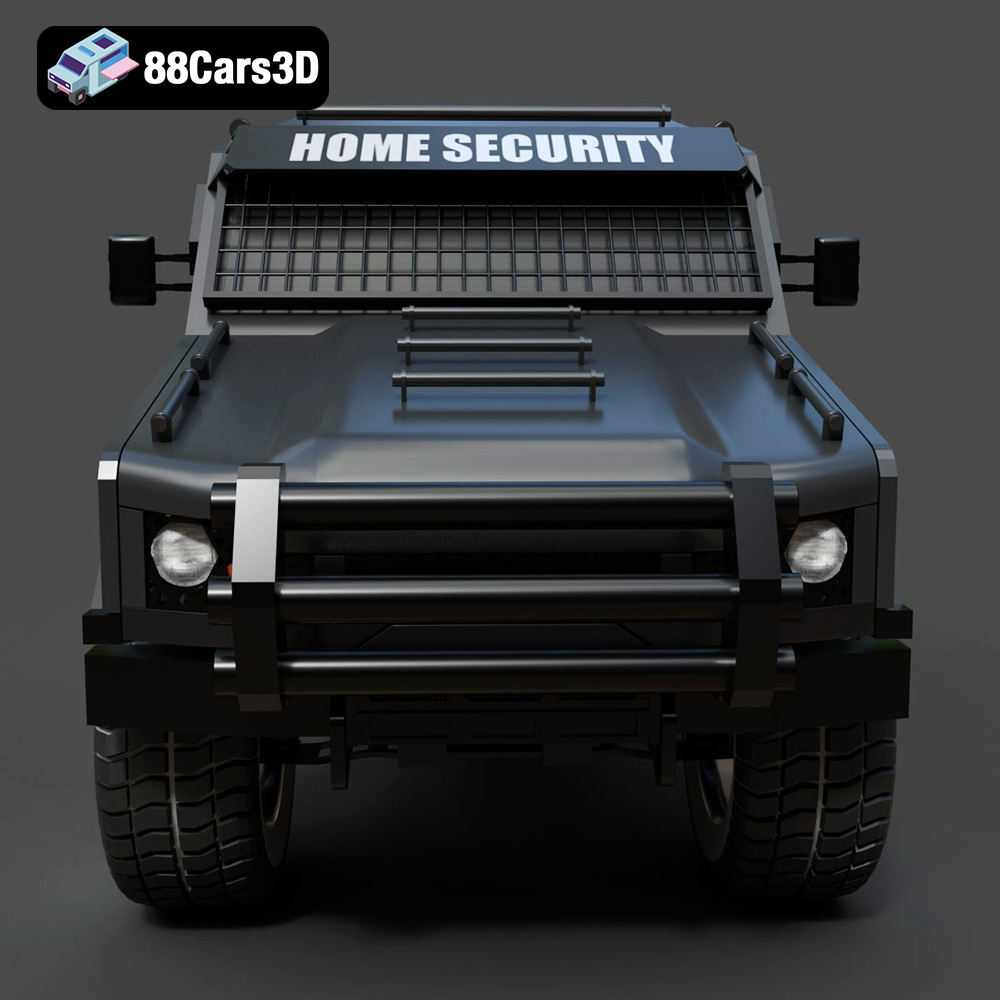
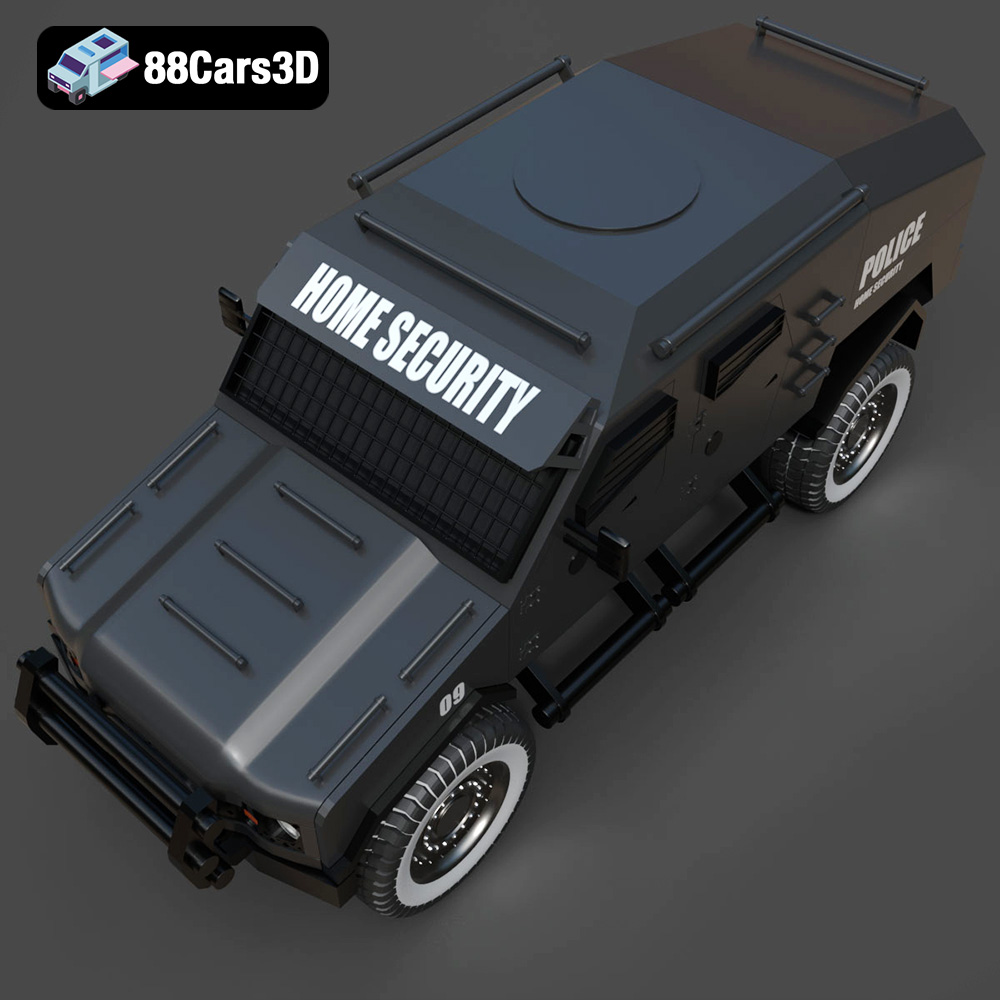
The Armoured Vehicle 001 3D model available at 88cars3d.com is a fantastic project for any 3D printing enthusiast. Its intricate details and robust design make it a rewarding, albeit challenging, print. This guide will walk you through every step, from preparing the STL files to post-processing, ensuring you create a stunning replica of this tactical transport. We’ll delve into optimal printer settings, material choices, and troubleshooting tips to guarantee a successful additive manufacturing experience.
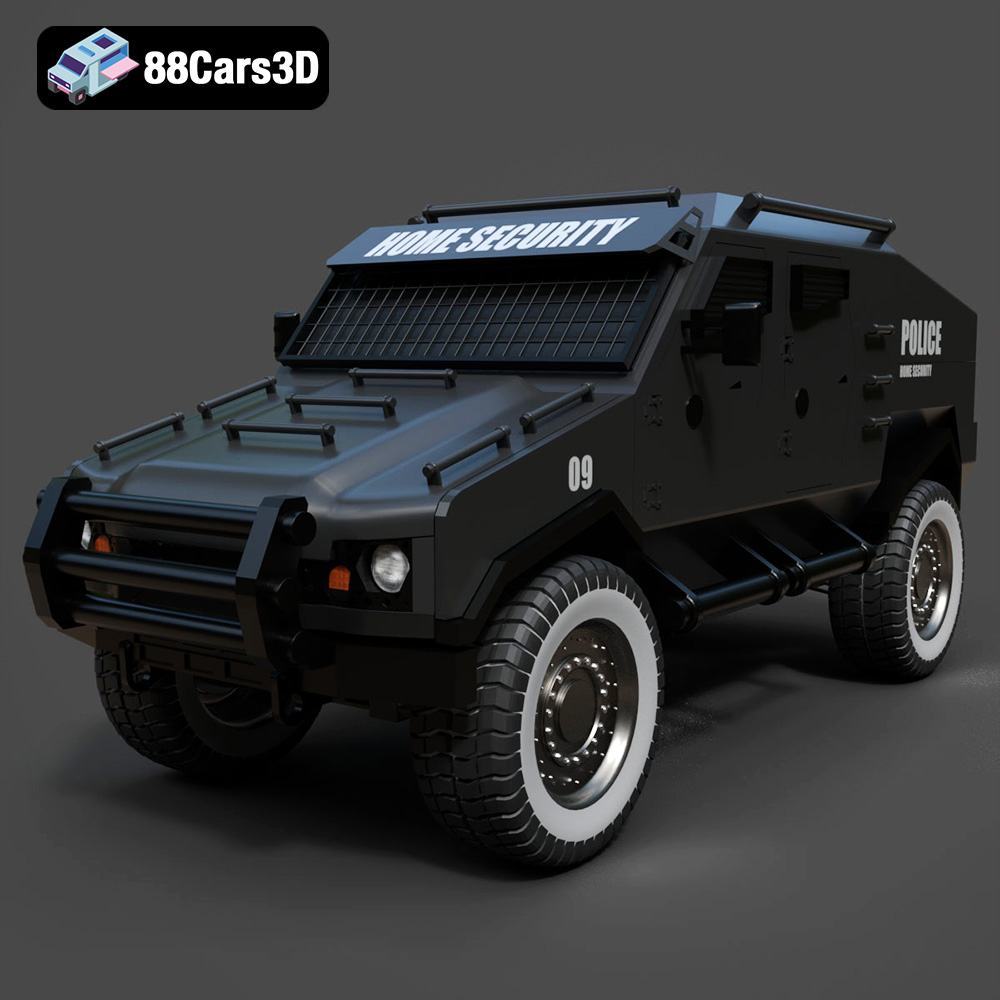
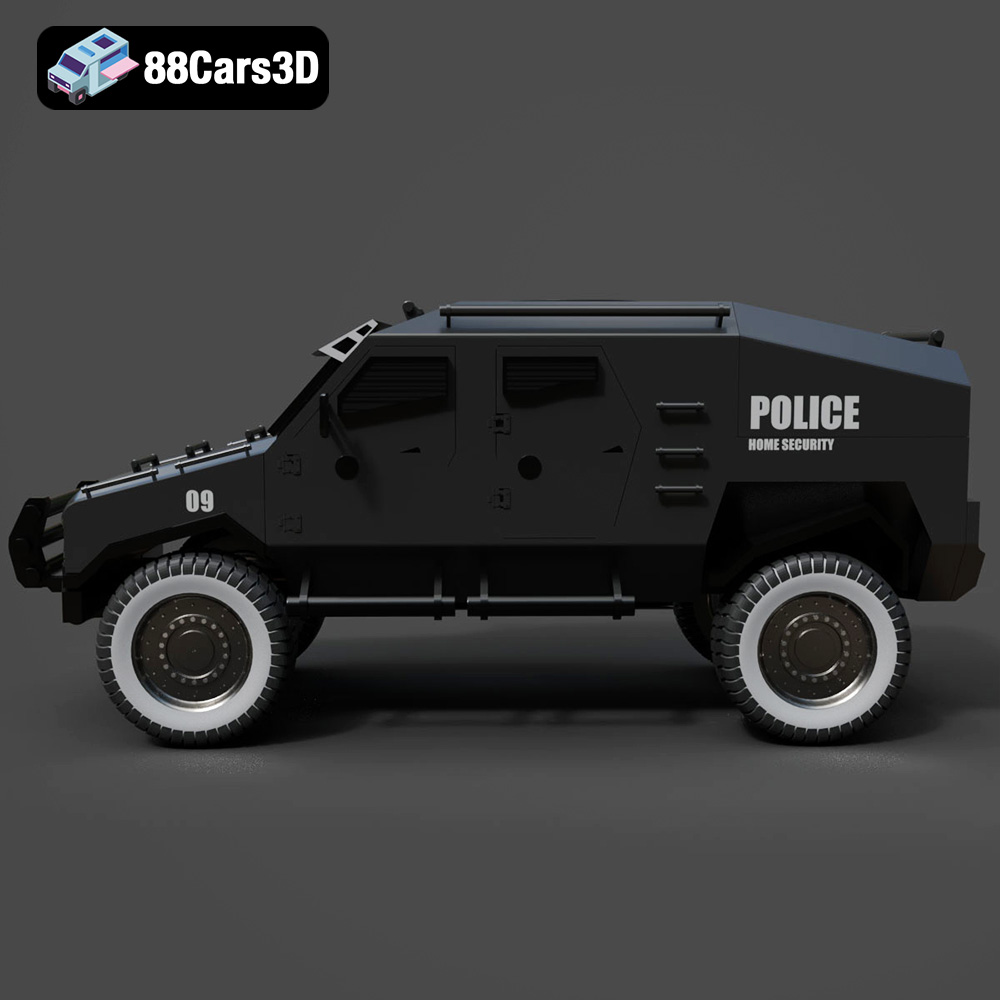
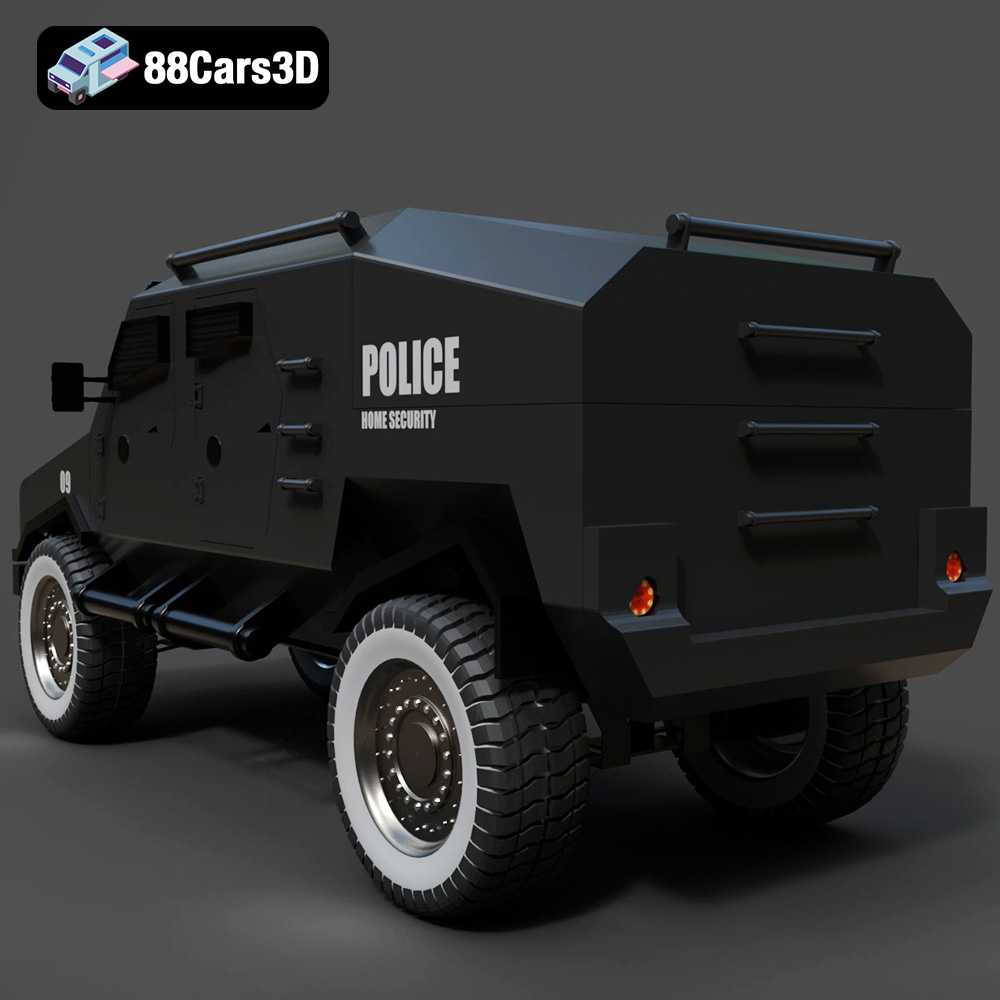
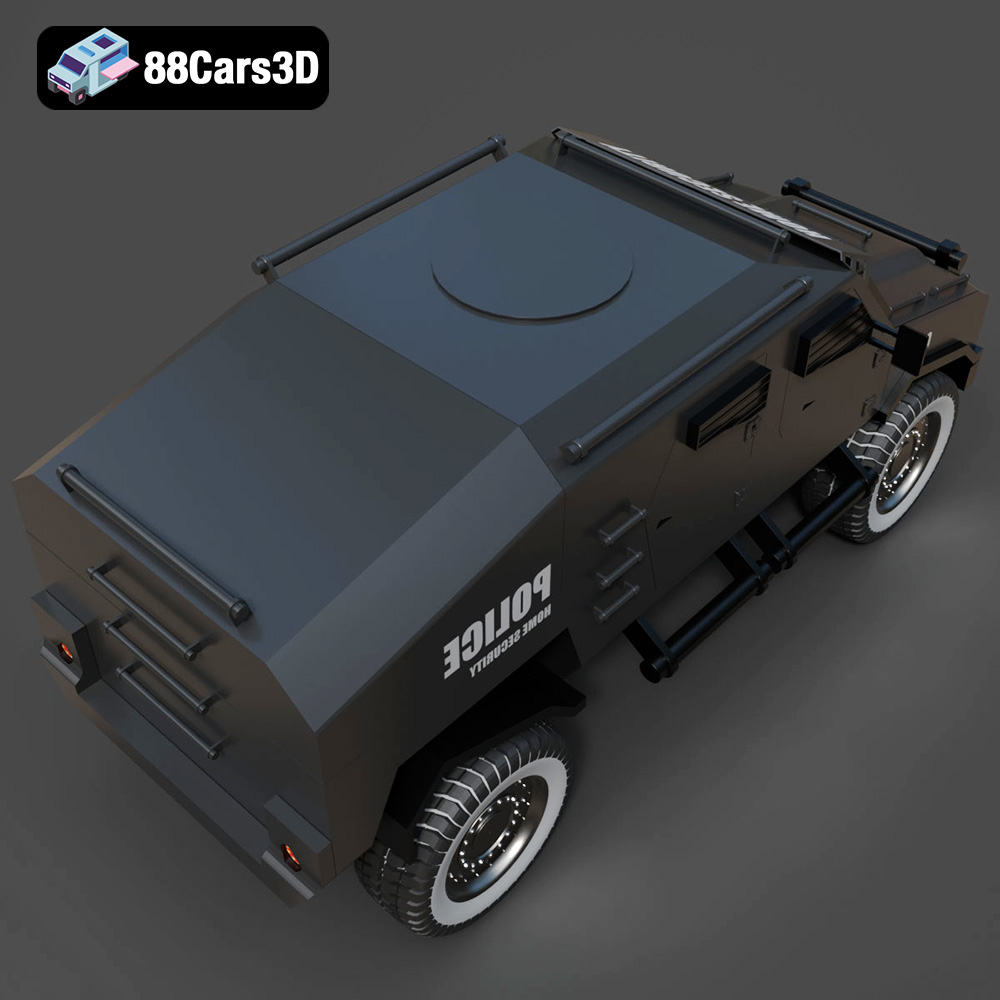
The Armoured Vehicle 001 3D model is designed with both aesthetics and functionality in mind. The model features a meticulously crafted exterior with details such as armor plating, heavy-duty suspension, and realistic window placements. It’s a complex model with numerous overhanging features and intricate details that need to be considered carefully before printing.
The complexity of this model necessitates careful consideration of print orientation, support structures, and layer height. Areas like the wheel wells, gun mounts, and any intricate details on the armor plating will require robust support. The interior, while detailed, might be simplified for printing purposes depending on the desired scale.
Before diving into slicing, it’s crucial to inspect the model for any errors, such as non-manifold geometry or flipped normals. Using software like Meshmixer or Netfabb, you can repair these issues to ensure a smooth printing process. Scaling the model is also a critical step. A larger scale will reveal more details but will also increase print time and material usage. A smaller scale is quicker but may lose some of the finer features.
Choosing the right file format is critical for a successful 3D printing project. While the Armoured Vehicle 001 3D model is available in various formats, some are better suited for 3D printing than others. Let’s explore the most common file formats and their implications for additive manufacturing.
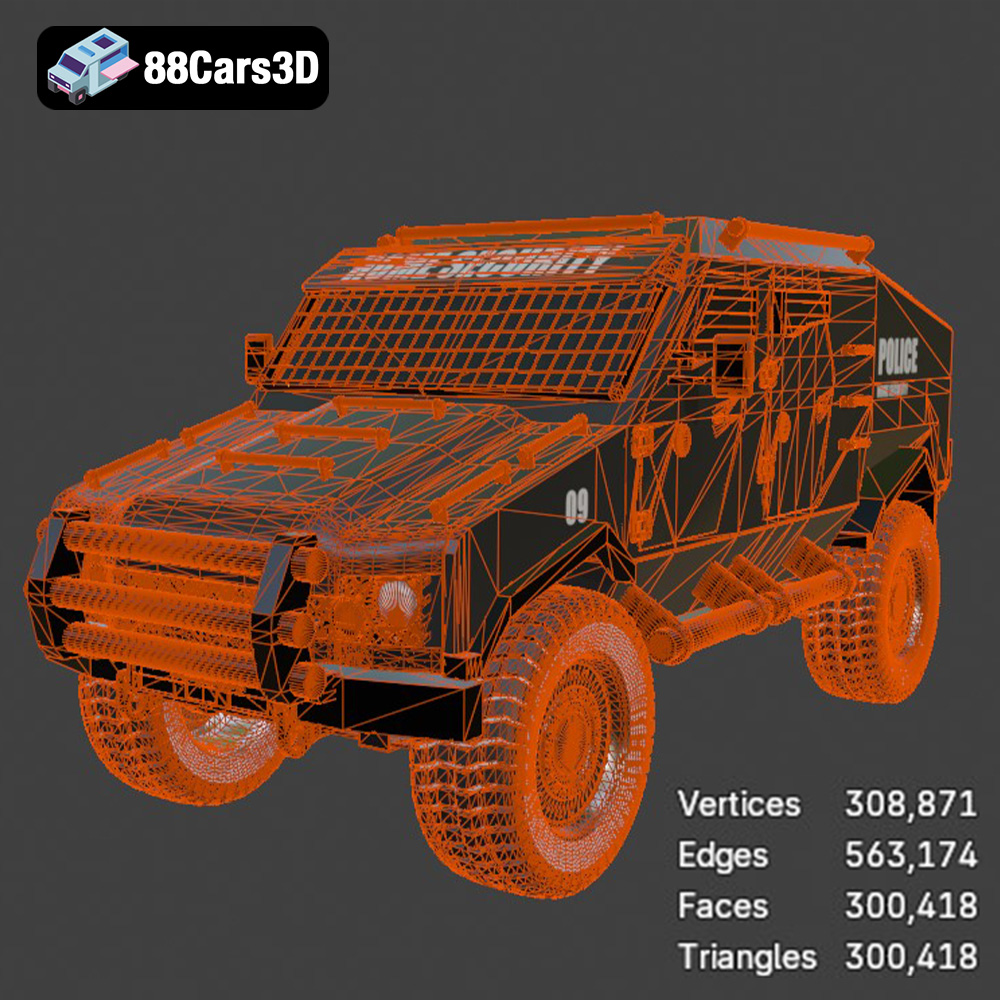
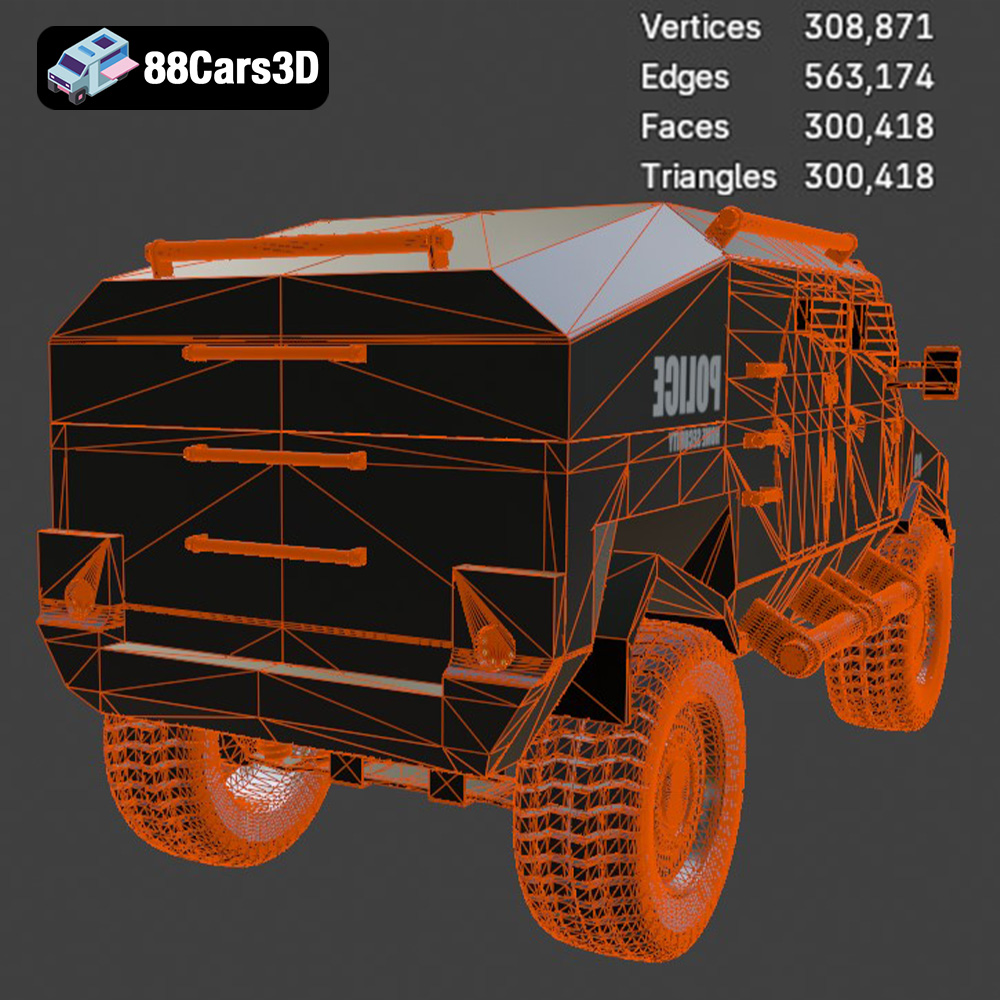
The STL (Stereolithography) file format is the workhorse of 3D printing. It represents the surface geometry of a 3D object using a mesh of triangles. The denser the mesh (i.e., the more triangles), the higher the resolution of the printed object. However, a very dense mesh can lead to larger file sizes and longer processing times in your slicing software.
For 3D printing the Armoured Vehicle 001 model, the STL format is the recommended starting point. When exporting to STL, ensure you select a resolution that captures the model’s details without creating an excessively large file. Most slicing software allows you to adjust the resolution during import or slicing. A good starting point is a standard or medium resolution, and you can experiment with higher resolutions if necessary.
It’s important to note that STL files only contain mesh data and do not include color or texture information. Therefore, if you want to print a multi-colored version of the Armoured Vehicle 001, you’ll need to paint it post-printing.
OBJ files are more versatile than STL files because they can store color and texture information in addition to the 3D geometry. This makes them suitable for colored 3D prints, although the practicality of multi-color printing depends on your 3D printer’s capabilities. While OBJ files can be used for 3D printing, they are more commonly used for rendering and visualization.
The PLY format is known for its ability to store high-detail mesh data and can also include color and texture information. It is often used in applications where accuracy is paramount, such as reverse engineering and 3D scanning. While PLY files can be 3D printed, they are less common than STL files due to their larger file sizes and potential compatibility issues with some slicing software.
The .blend file is the native format for Blender, a popular open-source 3D modeling software. This format contains the entire Blender scene, including the model, materials, textures, lighting, and camera settings. If you want to customize the Armoured Vehicle 001 model before printing, downloading the .blend file is an excellent option. You can modify the model’s geometry, add or remove details, or change the materials and textures.
However, you cannot directly 3D print a .blend file. You need to export the model to a 3D printable format like STL after making your changes.
FBX is a widely used format in the game development industry for exchanging 3D models between different software packages. It supports geometry, materials, textures, and animations. While FBX files can be imported into some slicing software, they are not the primary format for 3D printing. You would typically use FBX to import the model into a game engine or rendering software and then export it as an STL file for 3D printing.
GLB is a binary file format that is optimized for real-time rendering and is commonly used for displaying 3D models in web browsers and augmented reality (AR) applications. It is a compact and efficient format that supports geometry, materials, textures, and animations. While GLB files are great for previewing the Armoured Vehicle 001 model in AR before printing, they are not directly 3D printable.
The .max file is the native format for 3ds Max, another popular 3D modeling software. Like .blend files, .max files contain the entire scene, including the model, materials, textures, lighting, and camera settings. If you have access to 3ds Max, you can use the .max file to customize the Armoured Vehicle 001 model before exporting it as an STL file for 3D printing.
Selecting the appropriate 3D printing technology and material is crucial for achieving the desired results. The Armoured Vehicle 001 model can be printed using various technologies, but Fused Deposition Modeling (FDM) and Stereolithography (SLA) are the most common.
FDM printing is a popular choice due to its affordability and ease of use. PLA (Polylactic Acid) is a biodegradable thermoplastic that is easy to print and produces good results for models with intricate details. PETG (Polyethylene Terephthalate Glycol) is another excellent option, offering higher strength and temperature resistance compared to PLA.
* **PLA:** Ideal for initial prototypes and display models. It’s easy to print and offers good detail resolution, but it’s less durable and heat-resistant than other materials.
* **PETG:** A more robust option, suitable for models that require higher strength and durability. It is slightly more challenging to print than PLA but offers better resistance to temperature and impacts.
For the Armoured Vehicle 001, PETG is generally recommended due to the likelihood of handling and potential exposure to varying temperatures.
SLA or resin printing offers superior detail and surface finish compared to FDM. This technology uses liquid resin that is cured by a UV light source. Resin printers are ideal for producing highly detailed models with smooth surfaces.
* **Standard Resin:** Provides excellent detail and is suitable for display models.
* **Tough Resin:** Offers higher impact resistance and durability, making it a good choice for functional parts or models that will be handled frequently.
If your primary goal is to showcase the intricate details of the Armoured Vehicle 001, a resin printer with standard or tough resin would be an excellent choice.
Achieving a successful print requires careful calibration of your 3D printer settings. Here’s a breakdown of the key settings to consider:
* **FDM:** A layer height of 0.1mm to 0.2mm is recommended for achieving a balance between print speed and detail. Lower layer heights (e.g., 0.05mm) can be used for finer details, but they will significantly increase print time.
* **Resin:** Layer heights typically range from 0.025mm to 0.05mm. Lower layer heights result in smoother surfaces and finer details.
* **FDM:** An infill density of 15-20% is usually sufficient for models that do not require high structural integrity. Gyroid or cubic infill patterns are recommended for their balance of strength and print speed.
* **Resin:** Infill is not typically used in resin printing as parts are usually printed solid or hollowed out for resin conservation.
Support structures are essential for printing overhanging features and complex geometries.
* **FDM:** Use tree supports or automatically generated supports in your slicing software. Adjust support density and placement to minimize material usage while providing adequate support.
* **Resin:** Use light supports with small contact points to minimize scarring on the model’s surface. Experiment with different support angles and densities to find the optimal balance.
* **FDM:** Follow the material manufacturer’s recommended print speed and temperature settings. Typically, PLA prints at 200-220°C with a bed temperature of 60°C, while PETG prints at 230-250°C with a bed temperature of 70-80°C.
* **Resin:** Follow the resin manufacturer’s recommended exposure times for each layer.
Proper pre-print preparation is crucial for a successful 3D printing experience.
Orienting the Armoured Vehicle 001 model correctly on the print bed is essential for minimizing support material and maximizing detail. Consider printing the model at an angle to reduce the number of overhanging features that require support. However, ensure that the orientation does not compromise the visibility of important details.
Popular slicing software options include Cura, PrusaSlicer, Simplify3D (for FDM), and Chitubox or Lychee Slicer (for resin). Each software offers a range of settings and features to optimize your print.
A raft or brim can improve bed adhesion, especially for models with small contact areas. This is highly recommended for FDM printing of the Armoured Vehicle 001.
After printing, post-processing is necessary to remove support structures, smooth the surface, and add finishing touches.
Carefully remove support structures using pliers, hobby knives, or specialized support removal tools. Be gentle to avoid damaging the model’s surface.
Sand the surface of the model to remove layer lines and imperfections. Start with coarse-grit sandpaper and gradually move to finer grits for a smoother finish. For resin prints, wet sanding is recommended to prevent dust from becoming airborne.
Apply a primer coat to the model to create a uniform surface for painting. Use acrylic paints or spray paints to add color and details. Consider using stencils or masking tape for complex designs.
If the model consists of multiple parts, assemble them using glue or fasteners. Ensure proper alignment and secure connections.
Even with careful preparation, 3D printing can sometimes present challenges. Here are some common issues and their solutions:
* **Warping:** Improve bed adhesion by using a raft or brim, leveling the bed properly, and adjusting the bed temperature.
* **Stringing:** Reduce print temperature, increase retraction distance, and decrease travel speed.
* **Layer Shifting:** Check belt tension, tighten screws, and reduce print speed.
* **Support Failure:** Increase support density, adjust support placement, and use thicker support structures.
The print time and material cost will vary depending on the size of the model, the chosen settings, and the material used. A typical print of the Armoured Vehicle 001 model at a reasonable scale could take anywhere from 12 to 36 hours for FDM and 4 to 12 hours for resin. Material costs can range from $5 to $20 for FDM and $10 to $30 for resin, depending on the volume needed and the price of the specific material.
By following these guidelines and tips, you can successfully 3D print a stunning replica of the Armoured Vehicle 001 from 88cars3d.com. Remember to experiment with different settings and techniques to find what works best for your printer and materials. Happy printing!
Discover the realism and precision of the Armoured Vehicle 001 3D Model. Engineered to exact standards, this digital asset accurately represents the rugged exterior and functional design inherent in modern tactical transport vehicles. Whether deployed in urban environments or off-road terrains, the attention to detail in the armor plating, heavy-duty suspension, and strategic window placements ensures an authentic visual experience.
$19.99
.armoredcar
.armoured
.arvr
.blend
.car3dmodel
.fbx
.gameasset
.glb
.max
.military
.obj
.ply
.rendering
.simulation
.stl
.tactical
.unreal
.vehicle001