Get 20% OFF All Premium 3D & STL Models!

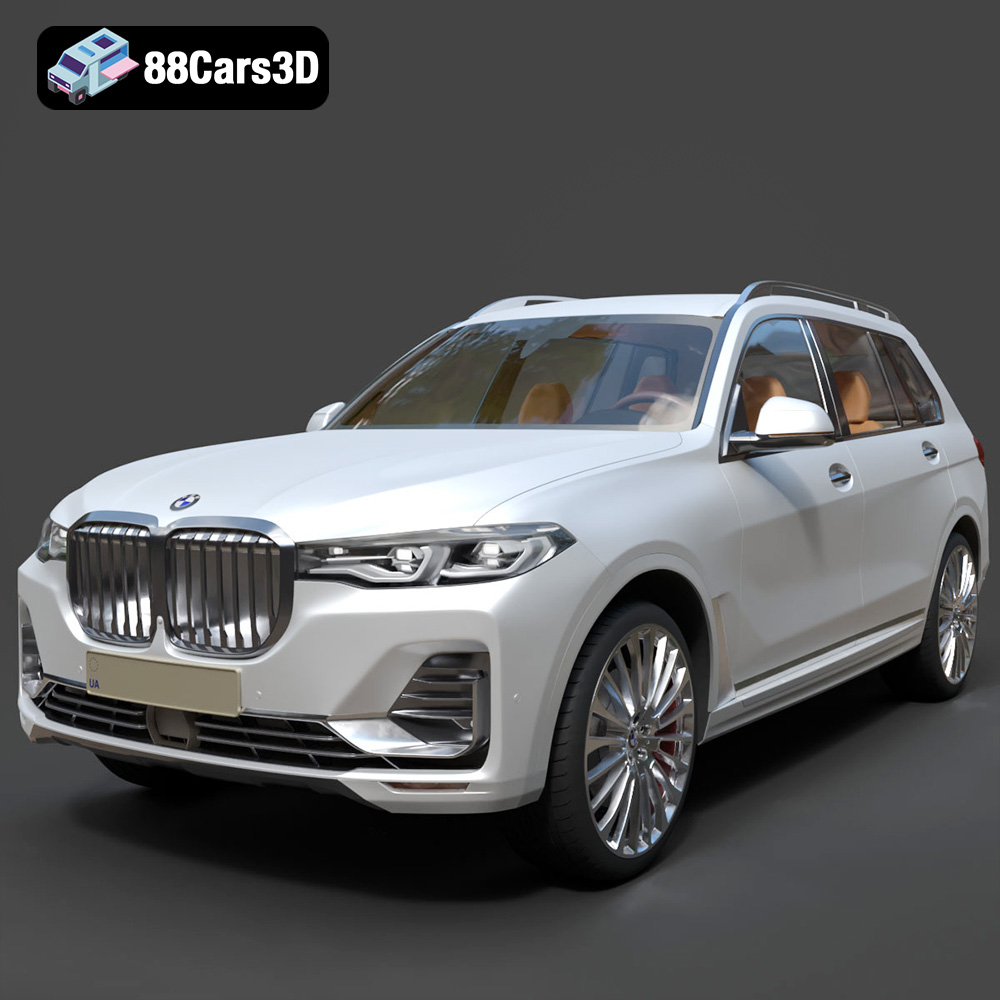
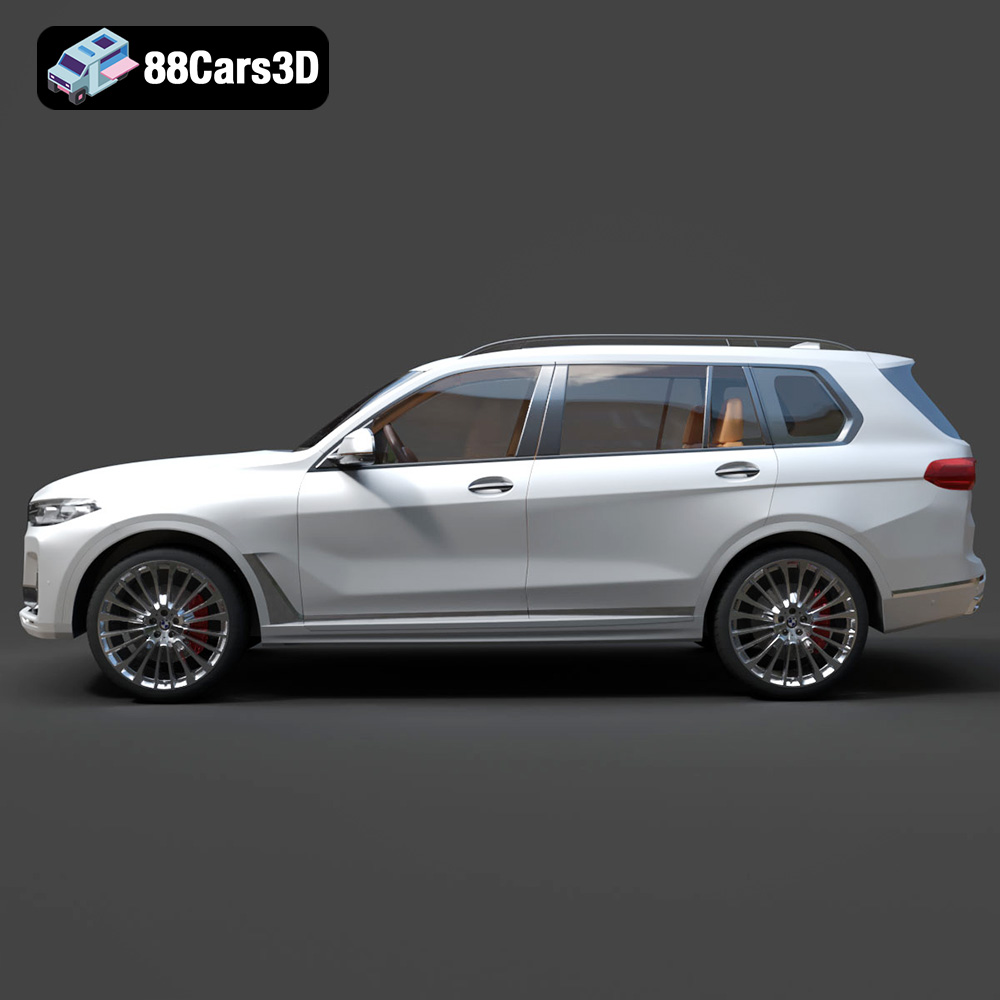
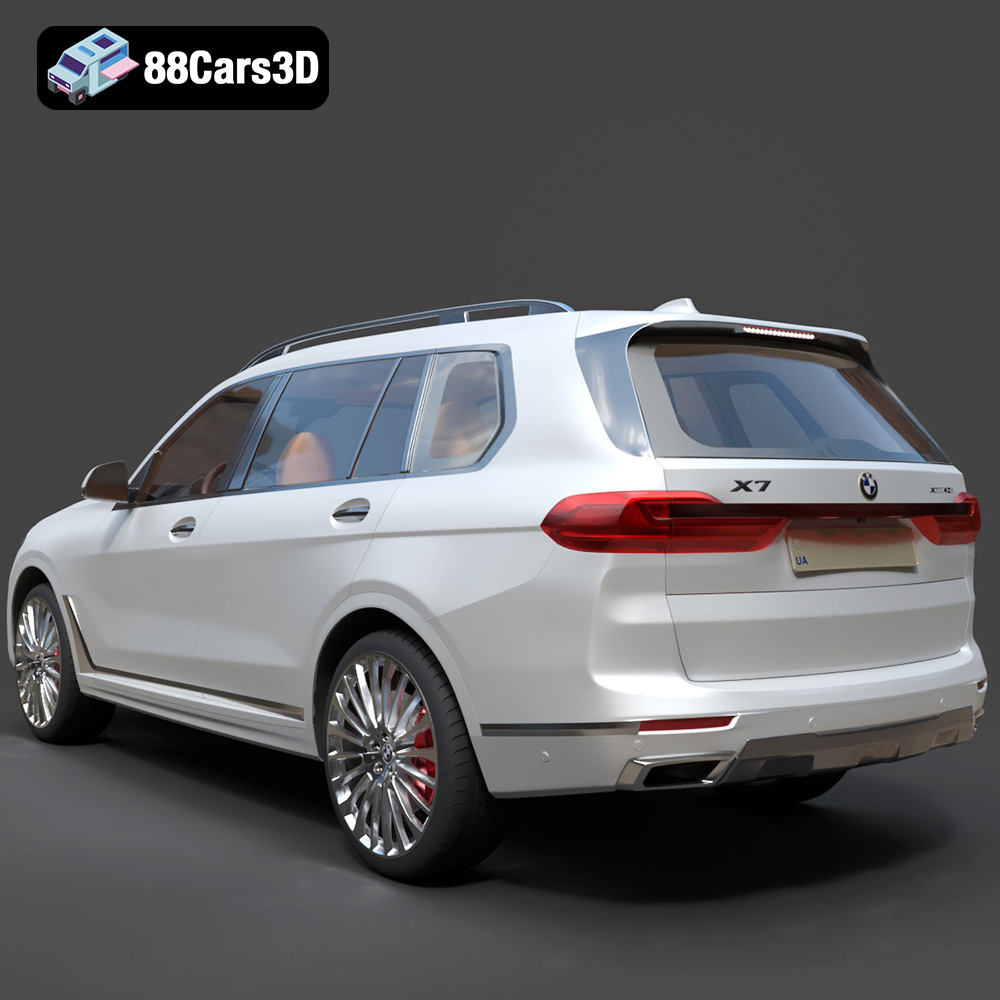
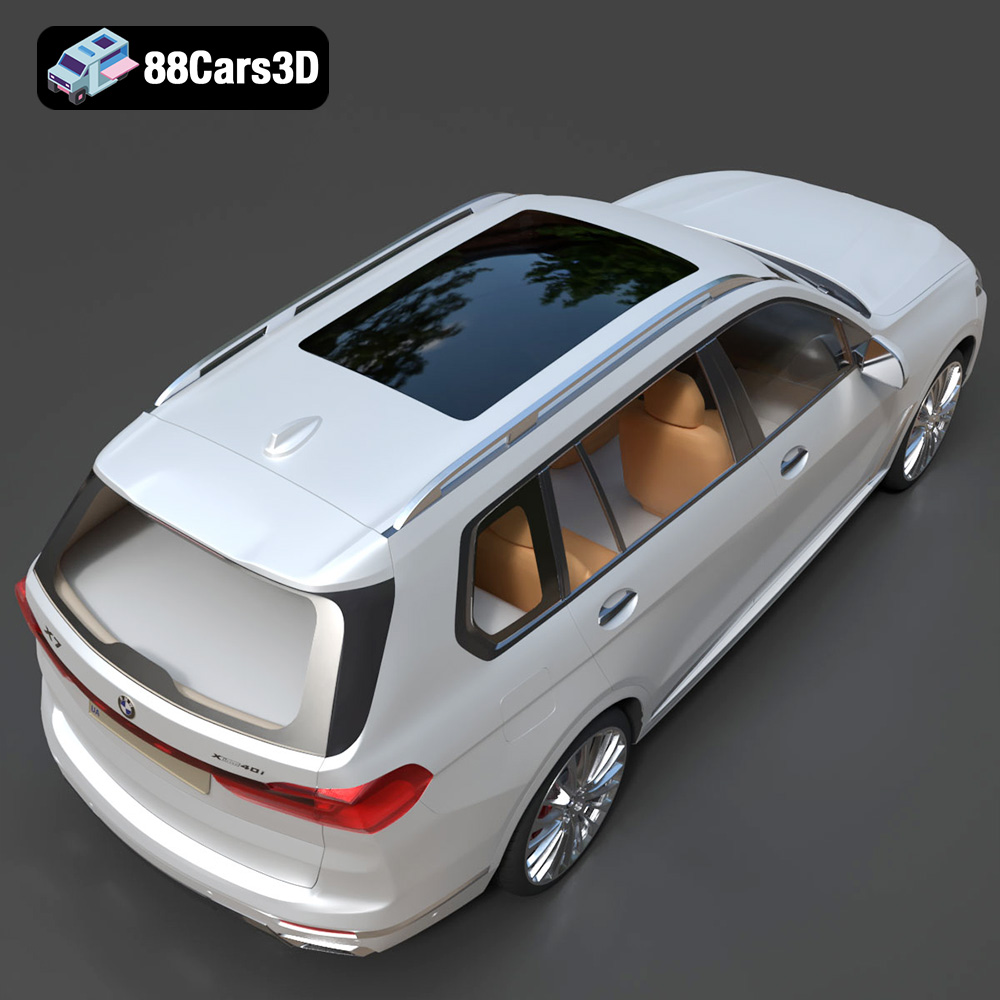
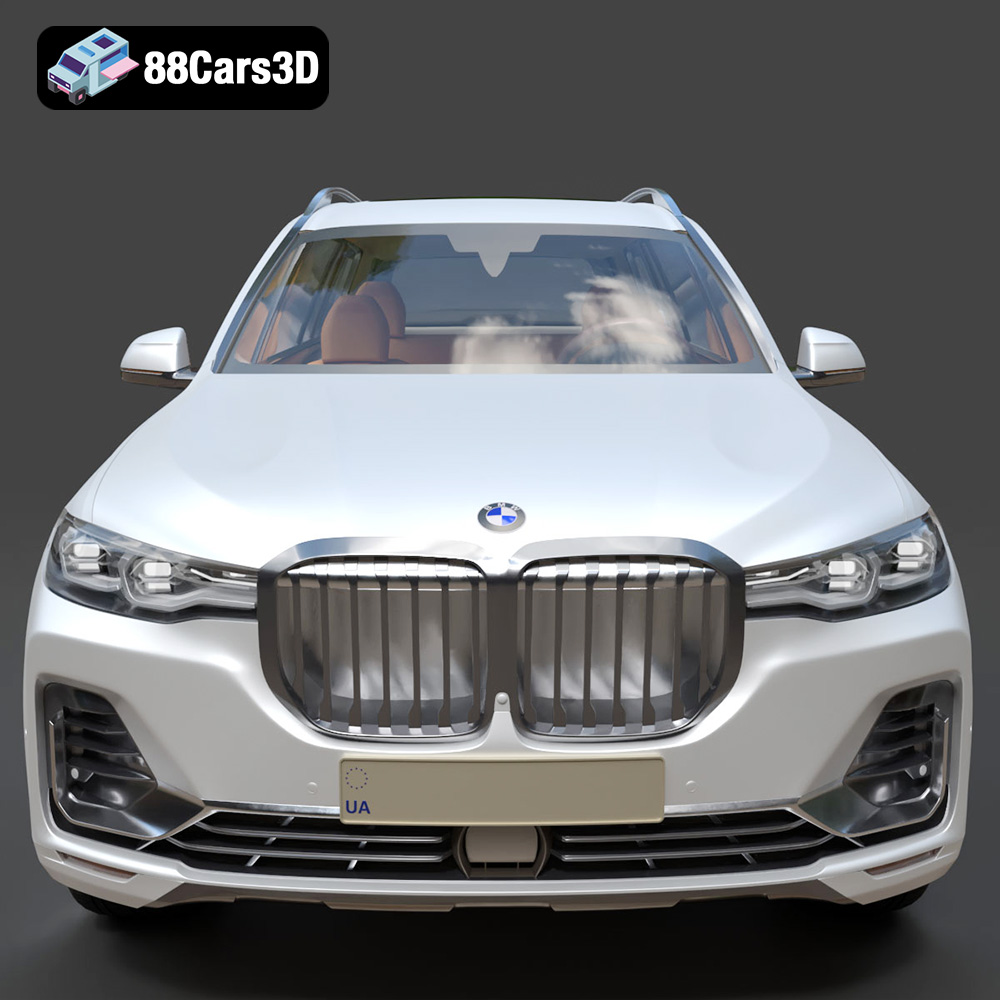
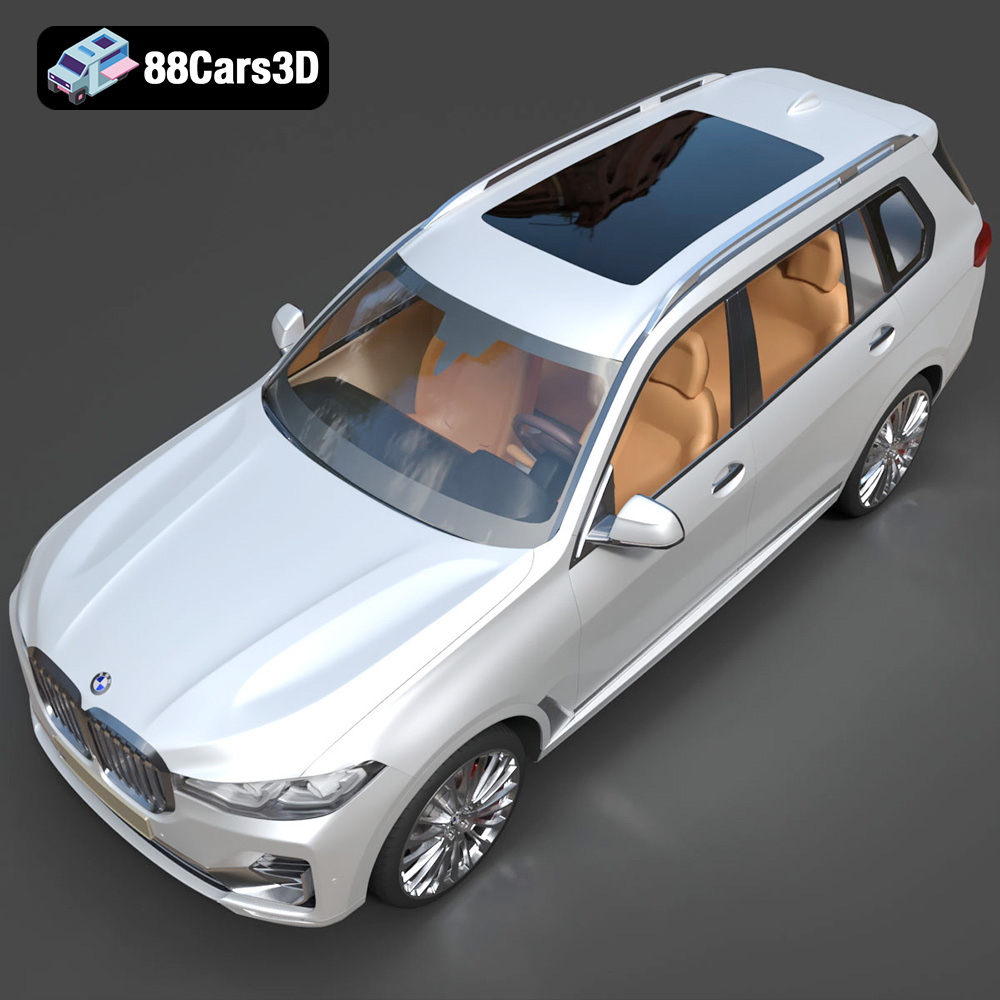
The BMW X7 G07 2019, a symbol of luxury and powerful design, is now within reach for 3D printing enthusiasts. Thanks to meticulously crafted 3D models available at 88cars3d.com, you can bring this stunning SUV to life on your 3D printer. This guide provides a comprehensive overview of how to successfully 3D print the BMW X7 G07 2019 3D model, covering everything from pre-print preparation to post-processing techniques. Whether you are a seasoned 3D printing expert or a beginner eager to embark on a new project, this article will equip you with the knowledge and skills necessary to create a high-quality 3D printed replica.
Selecting the right file format is a crucial first step in the 3D printing process. The BMW X7 G07 2019 3D model comes with a variety of file formats, each suited for different applications. However, for 3D printing, the **.stl** format is the undisputed industry standard.
The STL (Stereolithography) file format is the workhorse of 3D printing. It represents the surface geometry of a 3D object as a collection of triangles. Slicing software then interprets these triangles to generate toolpaths for your 3D printer. The simplicity and widespread compatibility of STL make it the most reliable choice for transferring 3D models to your printer. The BMW X7 G07 2019 model’s STL file available on 88cars3d.com is specifically optimized for 3D printing.
* **.obj (Wavefront Object):** This format is more versatile than STL, as it can store color and texture information. While OBJ files can be 3D printed, they are generally better suited for rendering and visualization where color is important. If you plan to paint your 3D printed BMW X7 G07 2019, the STL format is still preferred for printing, followed by painting.
* **.ply (Polygon File Format):** PLY files are designed to store 3D scanner data and can handle highly detailed meshes. While they can be used for 3D printing, the large file sizes and the potential for overly complex geometry can sometimes lead to printing issues.
* **.blend (Blender File):** This is the native file format for Blender, a popular 3D modeling software. It contains the entire scene, including the model, materials, and lighting. While you can’t directly 3D print a BLEND file, you can open it in Blender, make modifications, and then export it as an STL file for printing. This is useful if you want to customize the BMW X7 G07 2019 model before printing.
* **.fbx (Filmbox):** FBX is a common format for exchanging 3D data between different software packages, particularly in game development. It can store meshes, textures, and animations. While some slicing software can import FBX files, it’s generally best to convert them to STL for 3D printing to ensure compatibility and optimal results.
* **.glb (GL Transmission Format Binary):** GLB files are designed for efficient transmission and loading of 3D models, especially in web and AR/VR applications. Like FBX, they are not ideal for direct 3D printing and should be converted to STL.
* **.max (3ds Max File):** This is the native format for 3ds Max, another popular 3D modeling software. Similar to BLEND files, you’ll need to open the MAX file in 3ds Max, make any desired changes, and then export it as an STL file for 3D printing.
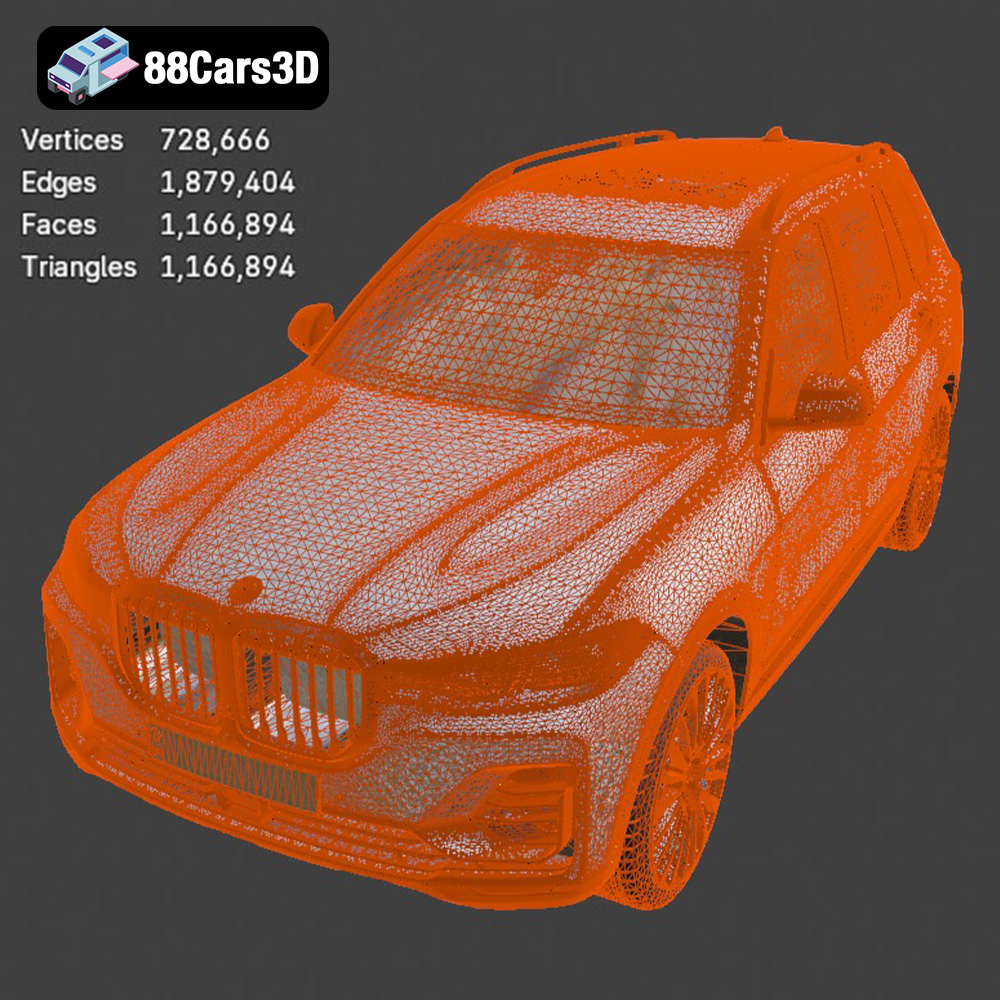
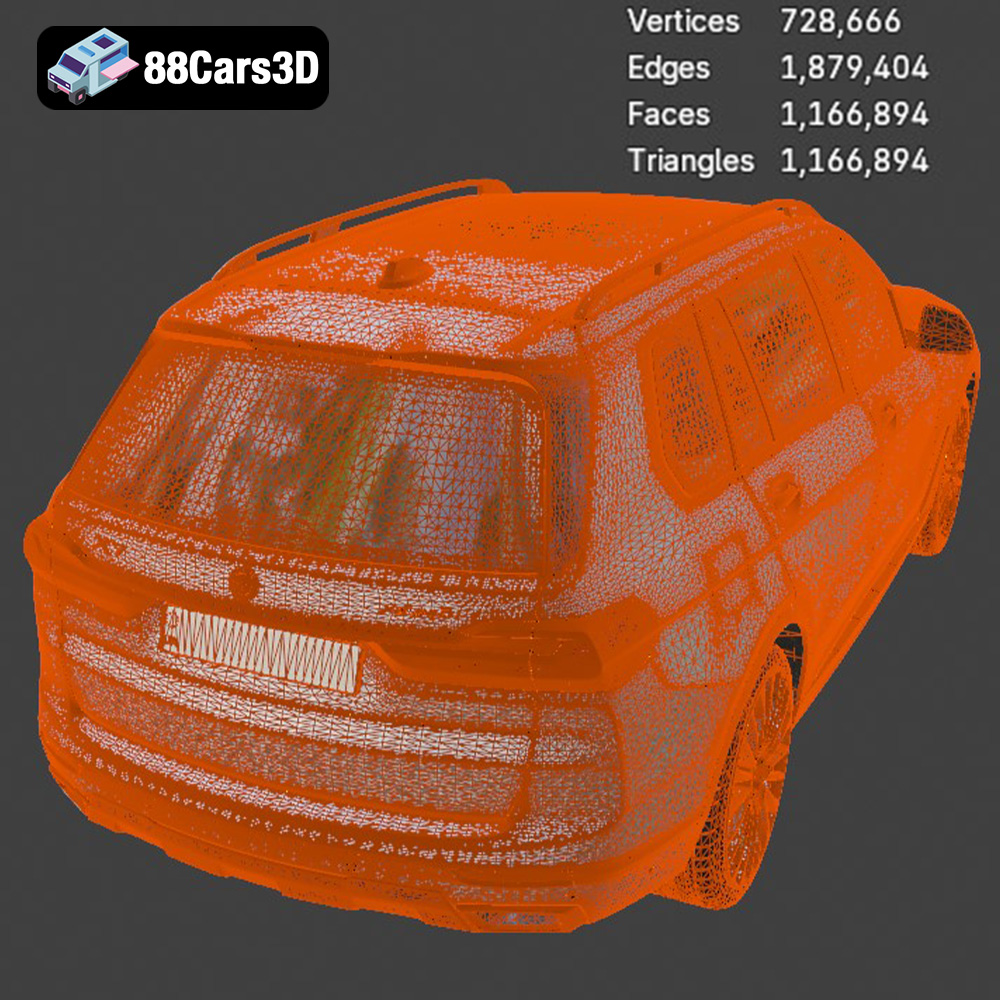
Regardless of the initial file format, the quality of the resulting STL file is paramount for successful 3D printing. A high-quality mesh should be watertight (no holes or gaps), have consistent surface normals (all pointing outwards), and contain a sufficient number of triangles to accurately represent the model’s details without being excessively dense. Most slicing software includes tools for repairing minor mesh errors, but it’s always best to start with a clean, well-prepared model. The BMW X7 G07 2019 STL file from 88cars3d.com is designed with these considerations in mind, minimizing the need for extensive mesh repair.
Before sending the BMW X7 G07 2019 3D model to your printer, careful preparation is crucial. This involves slicing the model, determining the optimal orientation, and generating appropriate support structures.
Slicing software takes the STL file and converts it into a series of instructions (G-code) that your 3D printer can understand. Popular slicing software options include Cura, PrusaSlicer, Simplify3D, and others. Each slicer has its own strengths and weaknesses, so experiment to find one that suits your needs and printer. When importing the BMW X7 G07 2019 model into your slicer, ensure that the units are correctly interpreted (millimeters are the most common).
The orientation of the model on the print bed significantly impacts print quality, support requirements, and overall success. For the BMW X7 G07 2019, consider the following:
* **Minimizing Support Structures:** Orient the model to reduce the amount of overhang, which requires support material. This often means printing the model at an angle.
* **Showcasing Key Details:** Position the most visible surfaces (e.g., the front grille and hood) facing upwards to maximize their resolution and minimize the impact of support structures.
* **Bed Adhesion:** Ensure a large, flat surface is in contact with the print bed to improve adhesion and prevent warping, especially for larger prints.
Experiment with different orientations in your slicing software to find the best compromise between these factors.
Support structures are necessary to hold up overhanging parts of the model during printing. The type and density of support structures can significantly impact print quality and post-processing effort.
* **Support Type:** Choose a support type appropriate for your printer and material. Tree supports (also known as branch supports) are often a good choice for complex models like the BMW X7 G07 2019, as they minimize material usage and leave fewer marks on the finished print.
* **Support Density:** Adjust the support density based on the fragility of the overhanging features. Higher density provides more support but also increases material usage and post-processing time.
* **Support Placement:** Manually adjust support placement in your slicer to ensure that critical areas are adequately supported while minimizing interference with fine details.
The choice of material greatly influences the final appearance, strength, and durability of your 3D printed BMW X7 G07 2019.
PLA (Polylactic Acid) is a biodegradable thermoplastic known for its ease of printing, low odor, and wide availability. It’s a great choice for beginners and for models that don’t require high strength or heat resistance. PLA is available in a wide range of colors, allowing you to experiment with different finishes for your BMW X7 G07 2019.
PETG (Polyethylene Terephthalate Glycol-modified) offers a balance of strength, flexibility, and heat resistance that makes it a good all-around choice. It’s more durable than PLA and less prone to warping, making it suitable for functional parts or models that will be exposed to higher temperatures. PETG adheres well to the print bed and produces parts with a smooth, glossy finish.
ABS (Acrylonitrile Butadiene Styrene) is a strong and heat-resistant thermoplastic commonly used in automotive parts and other demanding applications. However, it’s more challenging to print than PLA or PETG, as it’s prone to warping and requires a heated bed and enclosure. If you need a 3D printed BMW X7 G07 2019 that can withstand high temperatures or significant stress, ABS may be the best choice, but be prepared for a steeper learning curve.
For unparalleled detail and smooth surfaces, consider resin printing using SLA (Stereolithography) or DLP (Digital Light Processing) technology. Resin printers use liquid photopolymer resins that are cured by UV light, allowing for extremely fine layer heights and intricate details. If you want to capture every curve and contour of the BMW X7 G07 2019 with maximum precision, resin printing is the way to go. However, resin prints typically require more post-processing, including washing and curing.
Fine-tuning your printer settings is essential for achieving optimal results when 3D printing the BMW X7 G07 2019.
Layer height determines the vertical resolution of your print. Lower layer heights (e.g., 0.1mm) produce smoother surfaces and finer details but increase print time. Higher layer heights (e.g., 0.2mm or 0.3mm) print faster but may result in more visible layer lines. For the BMW X7 G07 2019, a layer height of 0.15mm to 0.2mm offers a good balance between quality and speed.
Infill density refers to the amount of material used inside the model. Higher infill densities increase strength and rigidity but also consume more material and extend print time. For decorative models like the BMW X7 G07 2019, an infill density of 15-20% is usually sufficient. For functional parts or models that need to withstand stress, consider increasing the infill density to 50% or higher.
Print speed affects both print quality and print time. Printing too fast can lead to poor layer adhesion, warping, and other issues. Printing too slowly can significantly extend print time without necessarily improving quality. Experiment with different print speeds to find the sweet spot for your printer and material. A good starting point for PLA and PETG is 50-60mm/s.
Proper temperature settings are crucial for good layer adhesion and preventing warping. Consult the manufacturer’s recommendations for your chosen material and adjust the nozzle and bed temperatures accordingly.
Once the 3D printing is complete, post-processing is necessary to refine the appearance and functionality of the BMW X7 G07 2019.
Carefully remove support structures using pliers, cutters, or a deburring tool. Take your time to avoid damaging the model’s surface. For hard-to-reach areas, consider using a heat gun to soften the support material slightly.
Sanding is essential for smoothing layer lines and other imperfections. Start with coarse sandpaper (e.g., 220 grit) and gradually move to finer grits (e.g., 400, 600, 800 grit) to achieve a smooth, polished surface. Wet sanding can help reduce dust and improve the final finish.
Painting can dramatically enhance the appearance of your 3D printed BMW X7 G07 2019. Start with a primer to create a smooth, uniform surface for the paint to adhere to. Then, apply multiple thin coats of paint, allowing each coat to dry completely before applying the next. Consider using automotive paints for a realistic finish.
If the BMW X7 G07 2019 model is printed in multiple parts, you’ll need to assemble them after post-processing. Use super glue or epoxy to join the parts together, ensuring proper alignment. You can also use pins or screws for added strength.
Even with careful preparation, 3D printing can sometimes present challenges. Here are some common issues and their solutions:
Warping occurs when the corners of the print lift off the print bed. To prevent warping:
* Ensure the print bed is clean and level.
* Use a heated bed with appropriate temperature settings.
* Apply an adhesive such as glue stick or hairspray to the print bed.
* Use a brim or raft to increase the surface area in contact with the print bed.
Stringing occurs when the printer nozzle oozes material while traveling between different parts of the model. To eliminate stringing:
* Reduce the printing temperature.
* Increase retraction settings (distance and speed).
* Disable “Combing” mode in your slicer.
Layer shifting occurs when the print head or bed moves unexpectedly during printing, causing layers to be misaligned. To address layer shifting:
* Check and tighten belts and screws.
* Reduce printing speed.
* Ensure the printer is on a stable surface.
By following this comprehensive guide, you’ll be well-equipped to 3D print a stunning replica of the BMW X7 G07 2019. Remember to experiment with different settings and techniques to find what works best for your printer and chosen materials. Happy printing!
The BMW X7 G07 2019 3D model is a meticulously crafted digital replica capturing the luxurious and commanding presence of the flagship SUV. This highly realistic model is designed for professionals seeking exceptional accuracy and visual fidelity in their digital projects. Built with clean geometry and realistic materials, this professional-grade asset ensures exceptional detailing across all surfaces. Its optimized mesh topology allows for seamless integration into various digital environments without compromising performance. This versatile 3D vehicle is designed for a wide range of applications, including game development, automotive rendering, AR/VR experiences, architectural visualization, and dynamic simulations.
$19.99
.arvr
.blend
.bmw
.car3dmodel
.fbx
.g07
.gameasset
.glb
.luxurycar
.max
.obj
.ply
.rendering
.simulation
.stl
.unreal
.x7
SUV