Get 20% OFF All Premium 3D & STL Models!

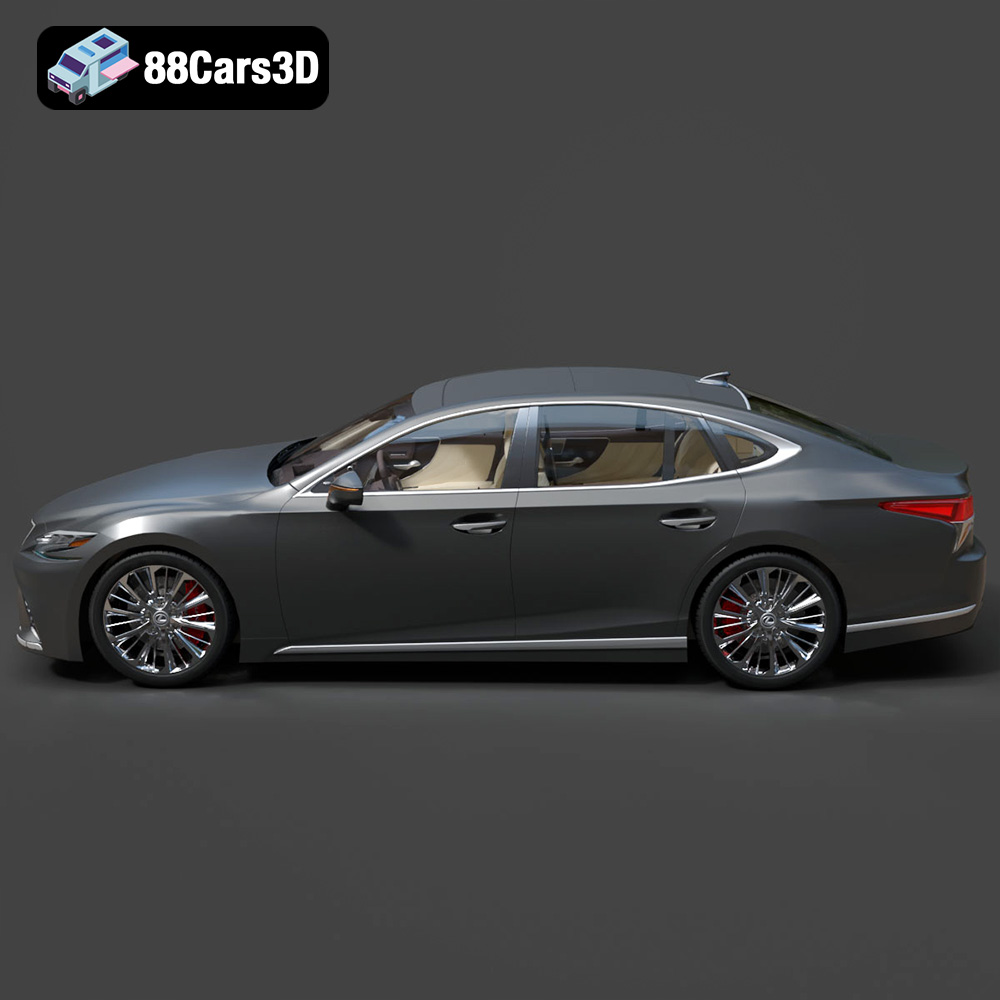
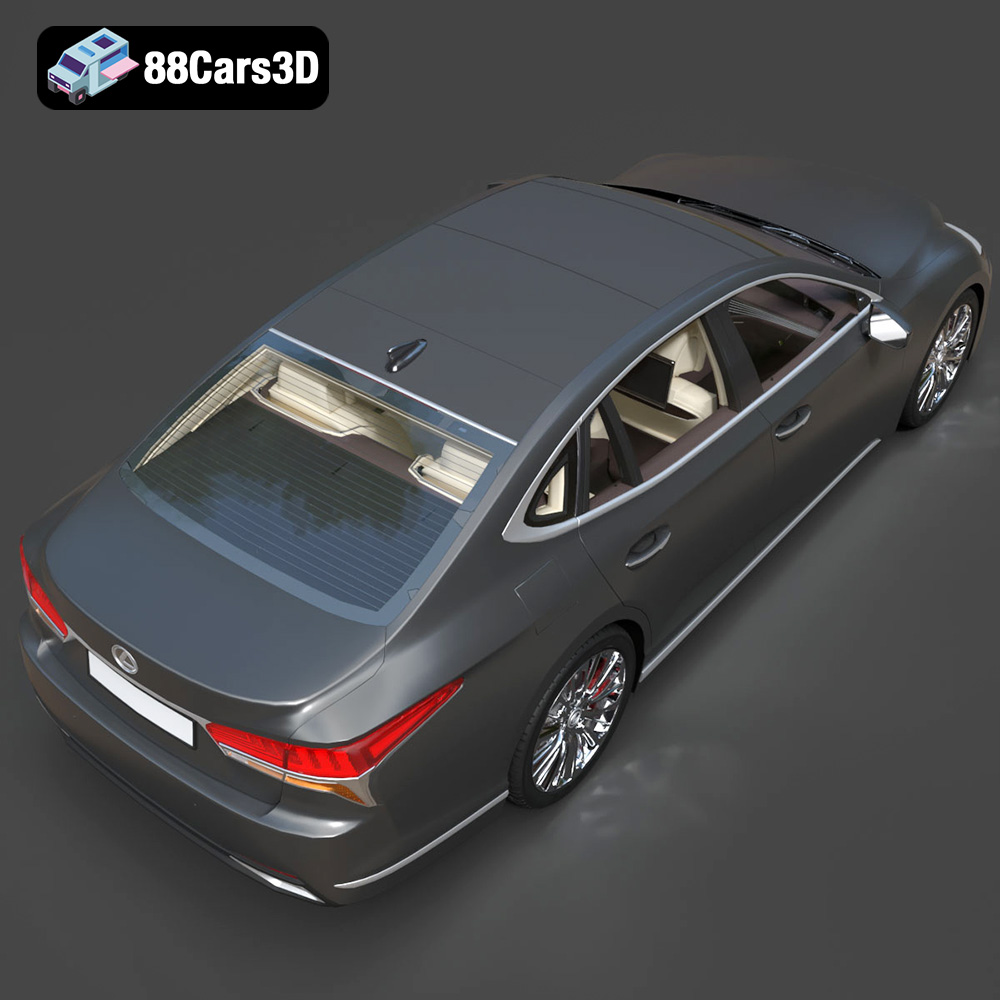
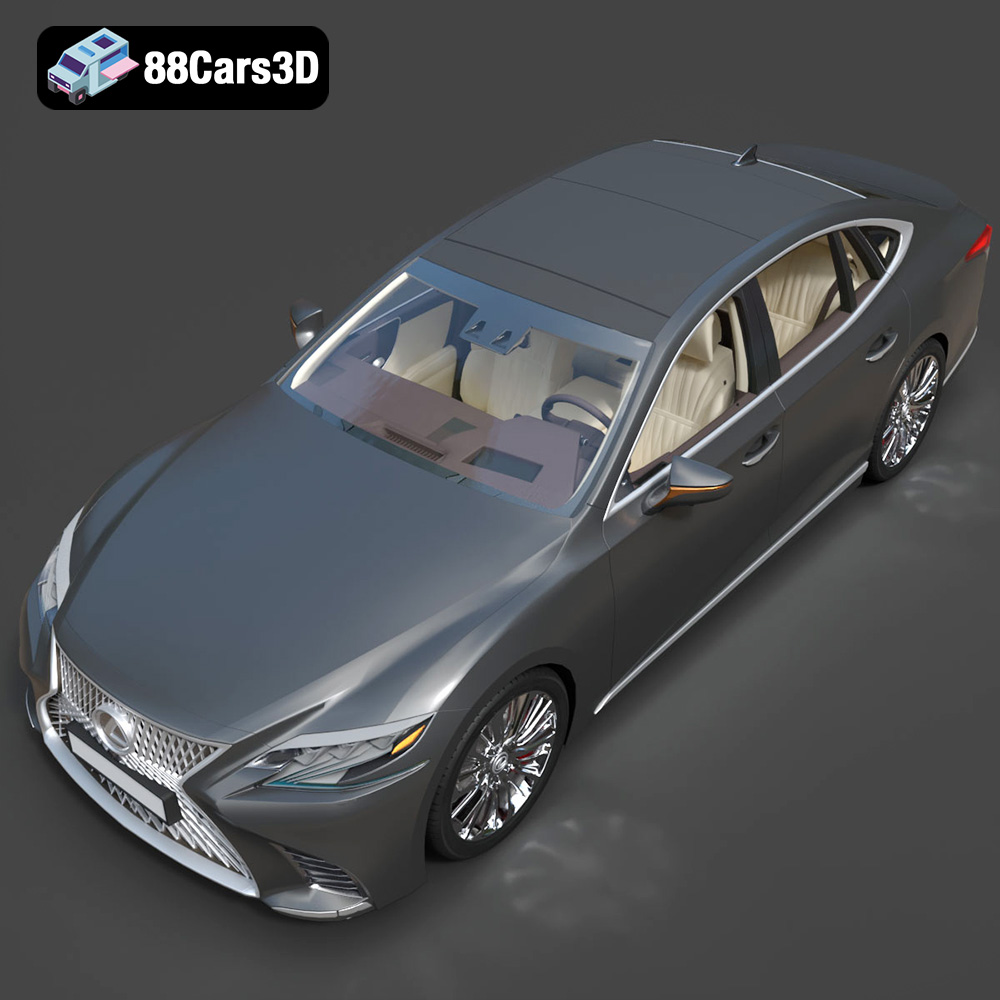
The Lexus LS 500 2018 embodies automotive luxury and sophisticated design. Now, thanks to advancements in 3D printing, you can bring this iconic vehicle to life in miniature form. This blog post provides a comprehensive guide on how to successfully 3D print the Lexus LS 500 2018 model, available as high-quality STL files optimized for 3D printing from online marketplaces like 88cars3d.com. We’ll delve into everything from printer settings and material recommendations to pre-print preparation and post-processing techniques, ensuring you achieve a stunningly detailed replica.
Before diving into the specifics of printing the Lexus LS 500 model, it’s crucial to understand the various 3D model file formats and their implications for 3D printing. The format you choose can significantly impact the print quality, compatibility with your slicing software, and the overall success of your project.
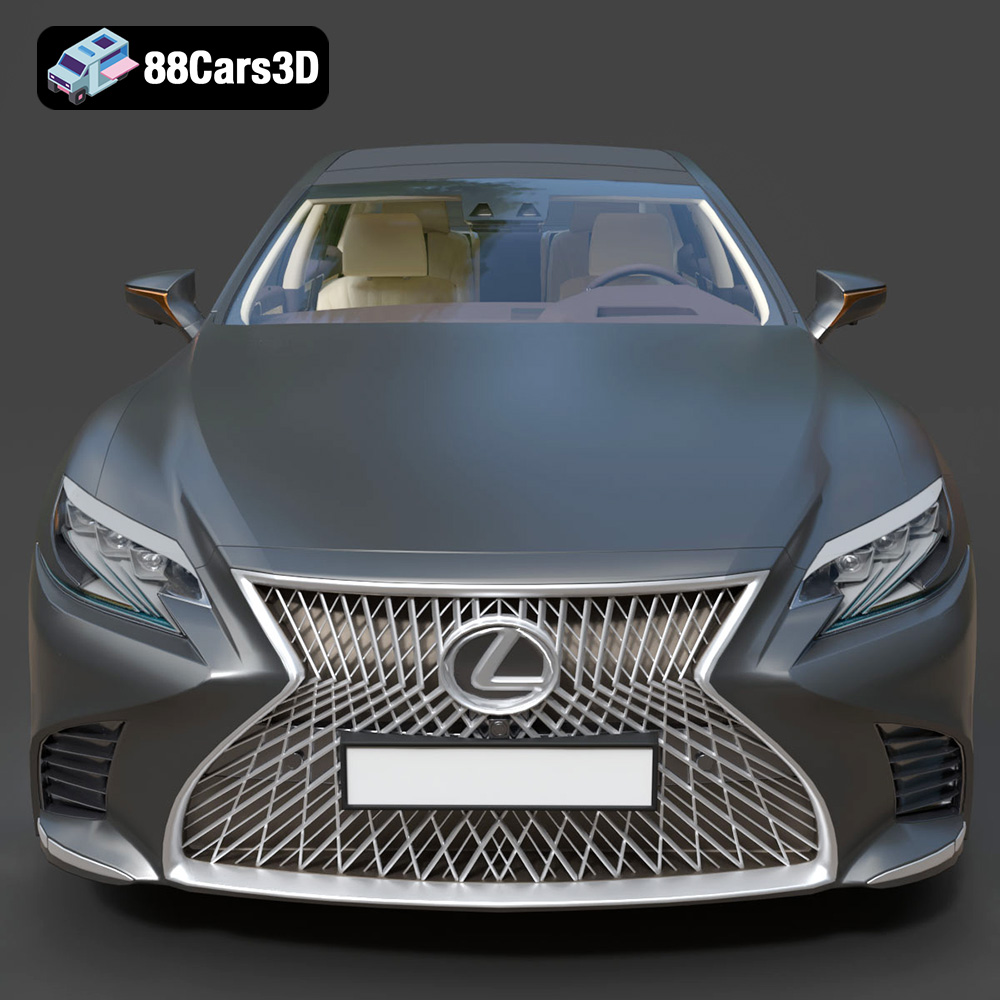
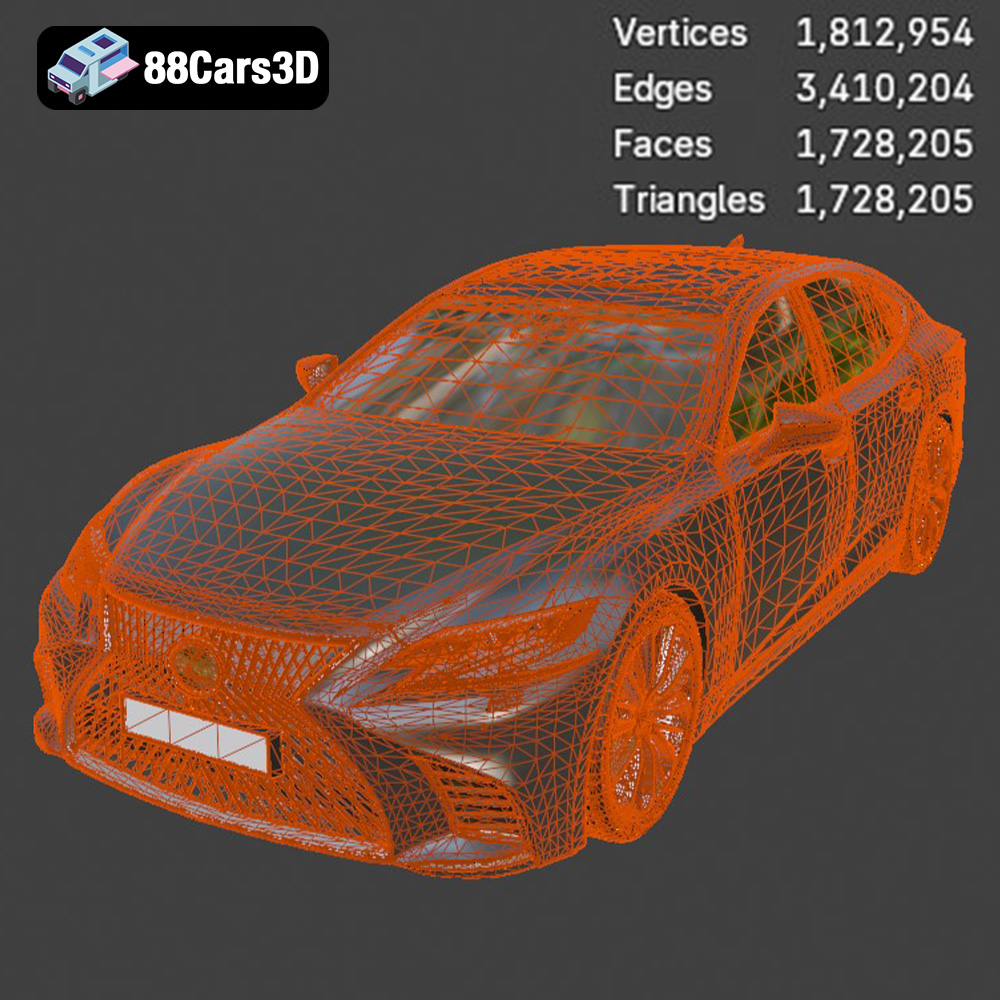
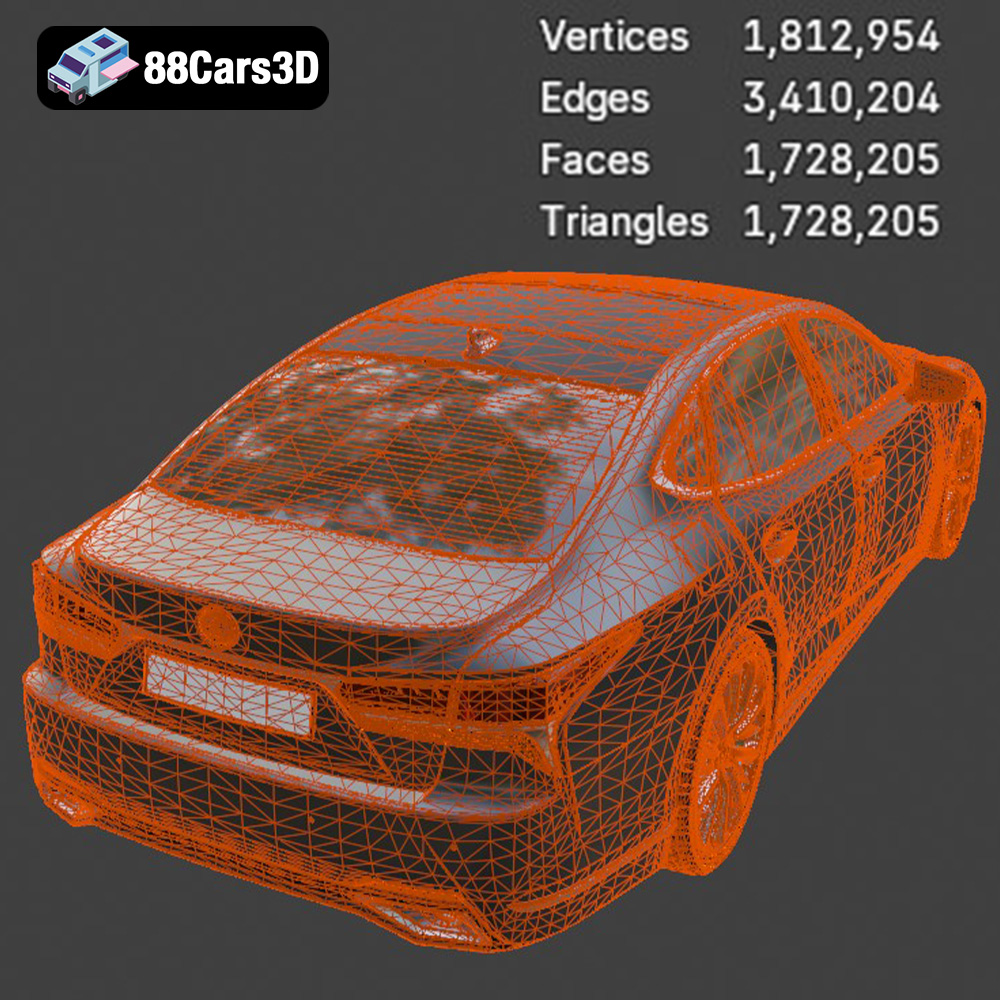
The STL (Stereolithography) file format is the workhorse of 3D printing. It represents the surface geometry of a 3D object as a collection of triangles. This simplicity makes it universally compatible with virtually all 3D printers and slicing software. However, STL files only contain information about the shape of the object; they don’t include color, texture, or material properties. For the Lexus LS 500 model, the STL format is the primary choice for 3D printing. You’ll use this file in your slicing software to generate the instructions for your 3D printer. The quality of the STL file directly affects the final print; a higher triangle count results in a smoother surface but also a larger file size. For detailed models like the LS 500, ensure the STL file has sufficient resolution to capture intricate features like the spindle grille and headlight details. The higher polycount of the model available at 88cars3d.com will translate to a high quality 3D printed model.
The OBJ file format is another common 3D model format. Unlike STL, OBJ files can store color and texture information alongside the geometry. This makes them suitable for applications where visual appearance is critical, such as rendering or game development. While OBJ files *can* be used for 3D printing, they are generally less preferred than STL because most 3D printers do not directly utilize the color/texture data. If the Lexus LS 500 model includes separate texture files (e.g., for the paint or interior), they would be associated with the OBJ file.
PLY (Polygon File Format) is designed for storing 3D data obtained from 3D scanners. It can represent color, texture, and other properties, and is capable of representing complex geometries with high precision. While not as universally supported as STL, PLY files are suitable for 3D printing when capturing intricate details is paramount.
The .blend format is the native file format for Blender, a popular open-source 3D creation suite. This file contains the entire Blender scene, including the model’s geometry, textures, materials, lighting, and animation data. If you intend to modify the Lexus LS 500 model before printing – for example, to simplify certain features or add custom details – working with the .blend file in Blender would be the most efficient approach. After making your changes, you would then export the model as an STL file for 3D printing.
FBX (Filmbox) is a proprietary file format developed by Autodesk. It’s commonly used for exchanging 3D data between different software applications, particularly in the game development and animation industries. FBX files can store geometry, textures, materials, animation, and other scene data. While some advanced slicing software might be able to import FBX files, the color and material information is not typically used during the 3D printing process, so converting to STL is typically necessary.
GLB is a binary file format representing 3D models using the glTF (GL Transmission Format) standard. It’s designed to be compact and efficient for transmitting and displaying 3D models, especially in web and mobile applications. GLB files are often used for augmented reality (AR) previews, allowing you to visualize the Lexus LS 500 model in your physical environment before committing to printing it. While .glb itself is not a printing format, it can be useful for validating the model’s size and proportions before you convert the model into an STL.
.max is the native file format for Autodesk 3ds Max, another professional 3D modeling, animation, and rendering software package. Similar to .blend for Blender, .max files contain the entire 3ds Max scene, including the model, its textures, materials, lighting setup, and any animations. If you have access to 3ds Max, using the .max file allows you to make detailed modifications to the Lexus LS 500 model before exporting it as an STL file for 3D printing.
For 3D printing the Lexus LS 500 2018 model, prioritize the STL format due to its widespread compatibility and suitability for representing the model’s geometry. Ensure that the STL file you use is of high quality, with sufficient detail to capture the nuances of the car’s design. Before printing, use slicing software to prepare the STL file by setting appropriate printing parameters such as layer height, infill density, and support structures.
Before sending the Lexus LS 500 STL file to your 3D printer, proper preparation is essential. This involves using slicing software to convert the 3D model into a set of instructions that your printer can understand. You’ll also want to optimize the model for printing, which may include repairing any errors in the STL file and choosing the best orientation for printing.
Slicing software takes your 3D model and divides it into thin layers, generating a toolpath for the 3D printer to follow. Popular slicing software options include Cura, PrusaSlicer, Simplify3D, and others. Each software has its strengths, but all allow you to control crucial printing parameters.
* **Layer Height:** This determines the resolution of your print. A lower layer height (e.g., 0.04mm) results in smoother surfaces and finer details but increases print time. A higher layer height (e.g., 0.12mm) prints faster but sacrifices some detail. For the Lexus LS 500’s intricate details, start with a layer height between 0.06-0.1mm and adjust as needed.
* **Infill Density:** Infill is the internal structure of the 3D print. A higher infill density makes the print stronger but uses more material. For a display model, a 20-30% infill is typically sufficient.
* **Support Structures:** Overhanging features, such as the side mirrors and rear spoiler of the Lexus LS 500, require support structures to prevent them from collapsing during printing. Your slicing software can automatically generate supports. Consider using tree supports or light supports, which are easier to remove and minimize scarring on the printed surface.
* **Print Speed:** The speed at which the printer head moves. Slower speeds generally improve print quality, especially for detailed models.
* **Temperature:** Set nozzle and bed temperatures according to the material you’re using (see material recommendations below).
Sometimes, STL files can contain errors that can cause problems during printing. These errors might include holes in the mesh, self-intersecting triangles, or non-manifold geometry. Most slicing software includes tools to automatically repair these errors. Netfabb Basic is also a popular free software for more in-depth model repair.
The orientation of the model on the print bed can significantly affect print quality, strength, and the amount of support material needed. For the Lexus LS 500, consider printing the body at a slight angle to minimize the need for supports on the roof and hood. Print the wheels separately for better detail and easier post-processing.
The choice of material is crucial for the final appearance and durability of your 3D printed Lexus LS 500. Different materials offer different properties in terms of strength, flexibility, heat resistance, and surface finish.
PLA (Polylactic Acid) is a biodegradable thermoplastic derived from renewable resources. It’s easy to print, has low warping, and is available in a wide range of colors. PLA is a great starting point for 3D printing the Lexus LS 500, especially if you’re new to the hobby. However, PLA is not very heat resistant and can become brittle over time.
* **Recommended Settings:** Nozzle temperature: 200-220°C, Bed temperature: 60°C
PETG (Polyethylene Terephthalate Glycol-modified) is a stronger and more durable alternative to PLA. It has good heat resistance and is less prone to warping. PETG is a good choice if you want a more robust 3D printed Lexus LS 500 that can withstand higher temperatures.
* **Recommended Settings:** Nozzle temperature: 220-250°C, Bed temperature: 70-80°C
For incredibly detailed 3D prints, resin printing is the way to go. Resin printers use liquid photopolymer resins that are cured by UV light. Resin prints offer much higher resolution and smoother surfaces than FDM (Fused Deposition Modeling) prints. If you want to capture the finest details of the Lexus LS 500, such as the intricate grille and headlight designs, resin printing is highly recommended. However, resin printing requires more post-processing, including washing and curing the print, and the resins can be more expensive than filaments.
* **Recommended Settings:** Follow the resin manufacturer’s instructions for exposure times and layer height.
Different parts of the Lexus LS 500 model will benefit from slightly different print settings. Consider the following:
* **Orientation:** Angled to minimize supports.
* **Infill:** 20-30%
* **Layer Height:** 0.06-0.1mm for good detail.
* **Supports:** Use tree supports or light supports.
* **Orientation:** Flat on the print bed.
* **Infill:** 100% for strength.
* **Layer Height:** 0.04-0.08mm for fine details on the rims.
* **Supports:** None needed if printed flat.
* **Orientation:** Experiment to minimize support material.
* **Infill:** 100% for strength.
* **Layer Height:** 0.04-0.06mm for maximum detail.
* **Supports:** Carefully placed supports to avoid damaging the parts during removal.
Once the 3D printing is complete, the real artistry begins with post-processing. This involves removing supports, sanding the surface, priming, painting, and assembling the various parts.
Carefully remove the support structures using pliers or a hobby knife. Take your time to avoid damaging the printed parts. Once the supports are removed, sand the surface of the model to smooth out any imperfections and layer lines. Start with a coarse grit sandpaper (e.g., 220 grit) and gradually move to finer grits (e.g., 400, 600, 800 grit) for a smooth finish.
Apply a primer coat to the sanded model. Primer helps to create a uniform surface for the paint to adhere to. After the primer has dried, paint the model with your desired colors. For a realistic Lexus LS 500, consider using automotive paints that match the factory colors. Apply multiple thin coats for a smooth, even finish. Consider using clear coat for enhanced shine and protection.
Assemble the various parts of the Lexus LS 500 model, such as the wheels, mirrors, and exhaust tips. Use glue or other adhesive to secure the parts in place.
Even with careful preparation, you may encounter some issues during 3D printing. Here are some common problems and their solutions:
* **Warping:** This occurs when the print detaches from the print bed. To prevent warping, ensure that the bed is properly leveled and heated. Use a brim or raft to increase adhesion.
* **Stringing:** This is when thin strands of filament are left between parts of the print. To reduce stringing, decrease the printing temperature and increase retraction settings.
* **Layer Shifting:** This occurs when the print layers shift out of alignment. Check that the belts and screws on your 3D printer are properly tightened.
* **Under-Extrusion:** Insufficient filament being extruded, resulting in gaps in the print. Increase the printing temperature and flow rate. Check for clogs in the nozzle.
By following these tips and techniques, you can successfully 3D print a stunningly detailed Lexus LS 500 2018 model that you’ll be proud to display. Don’t forget to check out 88cars3d.com for high-quality 3D car models optimized for 3D printing and other applications!
The 2018 Lexus LS 500 is the pinnacle of Japanese luxury, featuring a striking spindle grille, elegant coupe-like silhouette, and a powerful twin-turbo V6 engine. Known for its meticulous Takumi craftsmanship and aggressive yet refined styling. Perfect for luxury car configurators, urban open-world games, cinematic architectural renderings, and high-end brand showcases. Convertible to .stl format for display-scale hobbyists.
$19.99
.2018
.blend
.fbx
.glb
.lexus
.max
.obj
.ply
.rendering
.stl
.unreal
car-3d-model
executive-car
game asset
game-ready
low-poly
ls-500
luxury-sedan
optimized
VR/AR