Get 20% OFF All Premium 3D & STL Models!

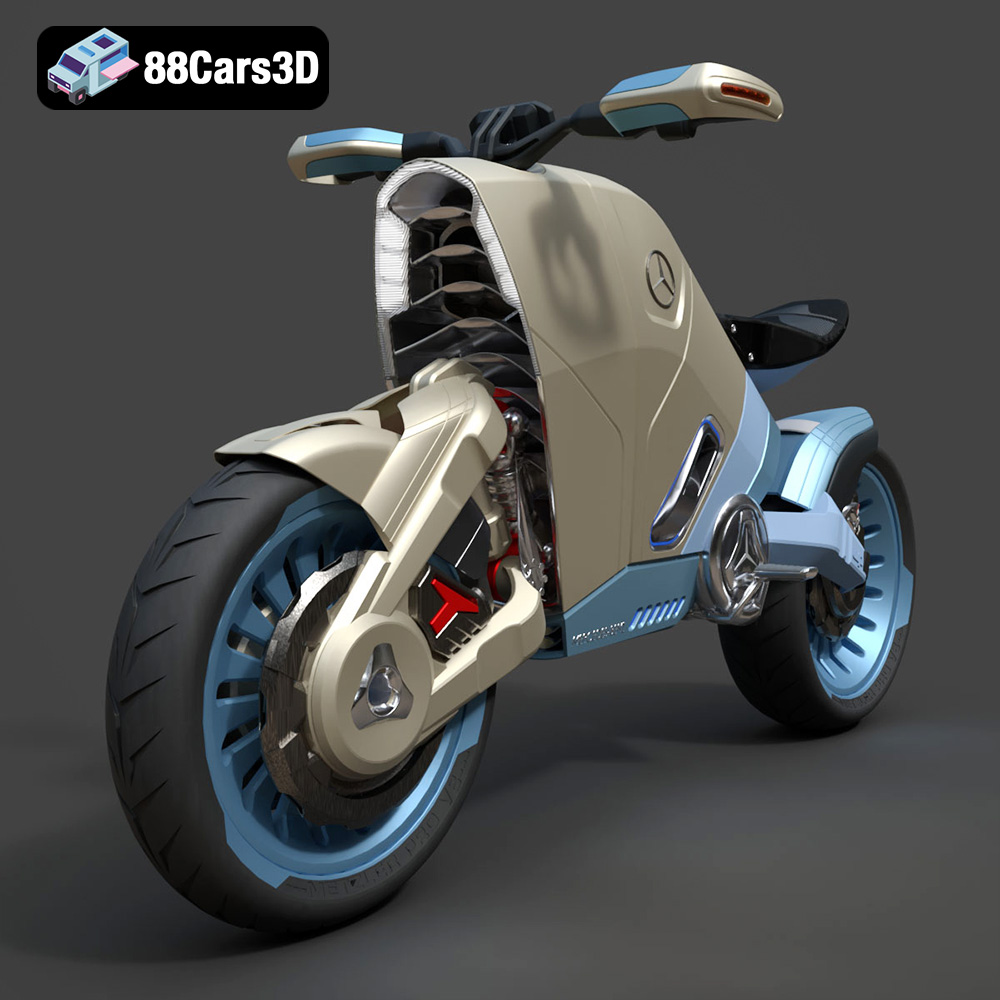
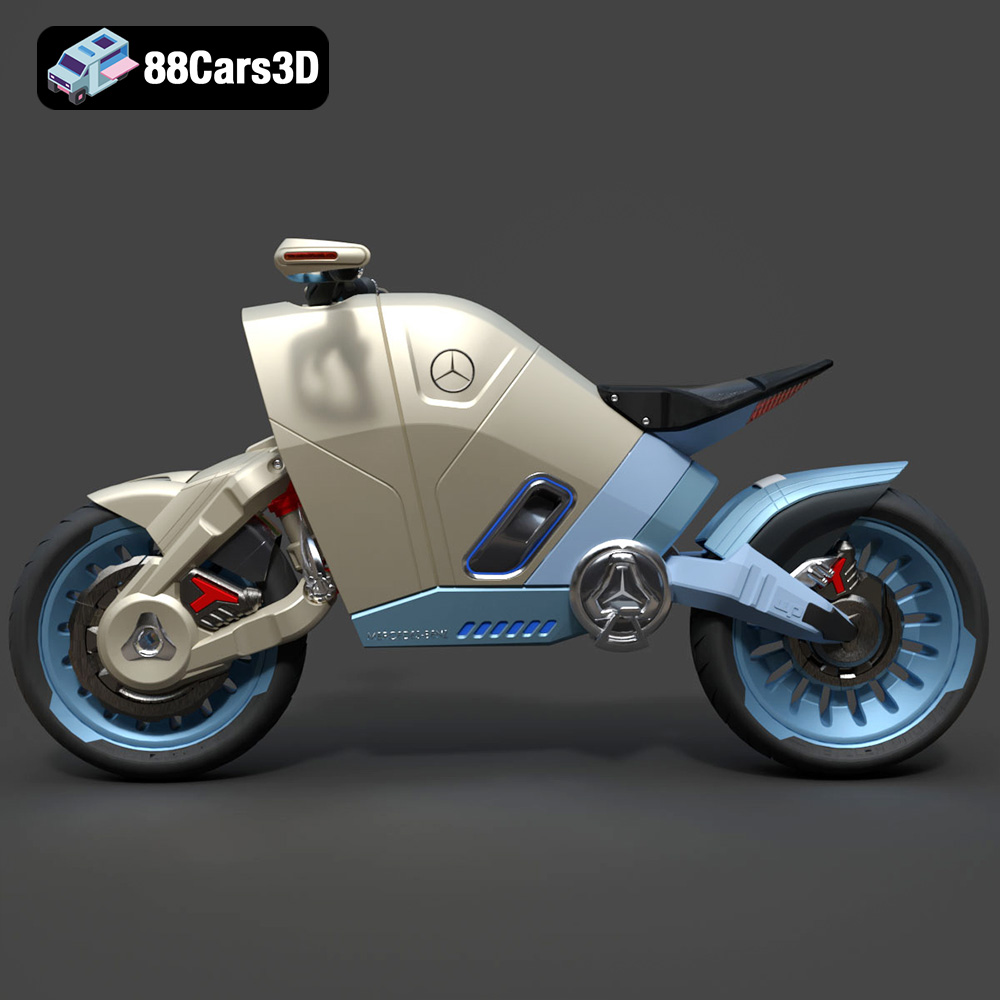
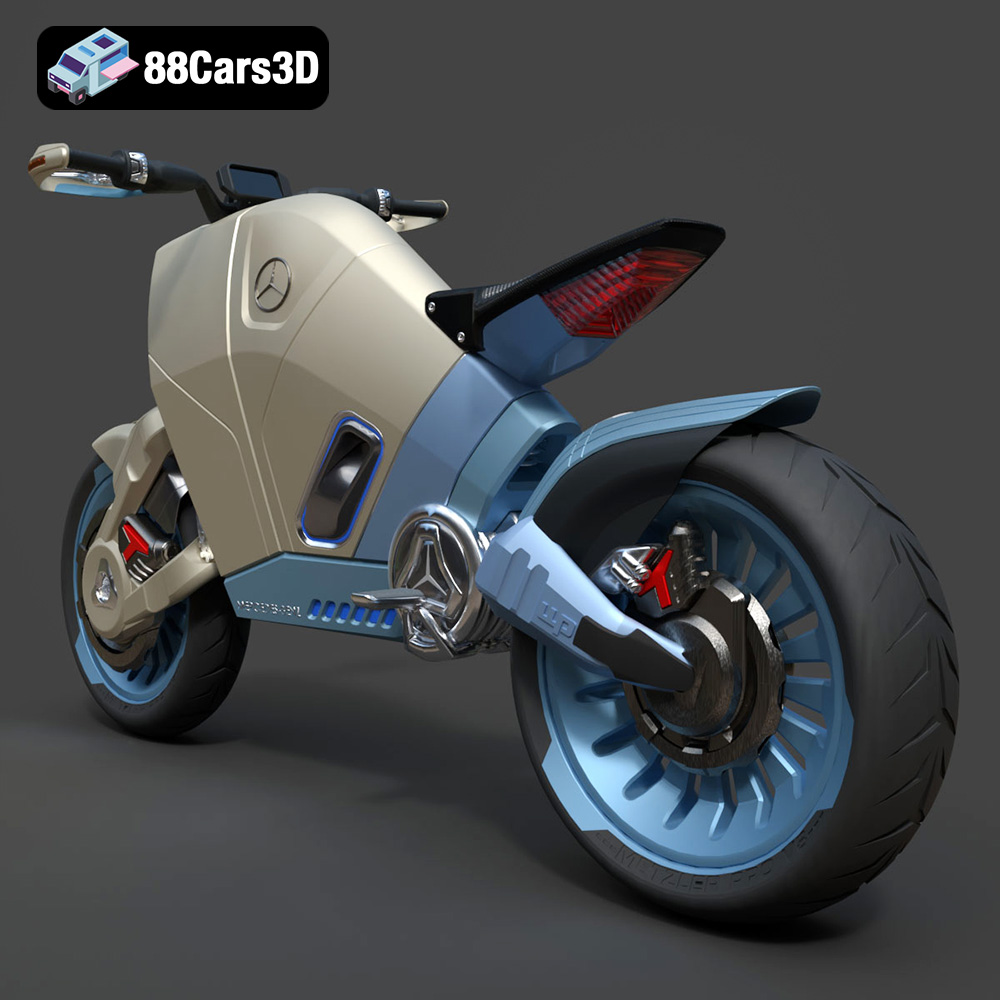
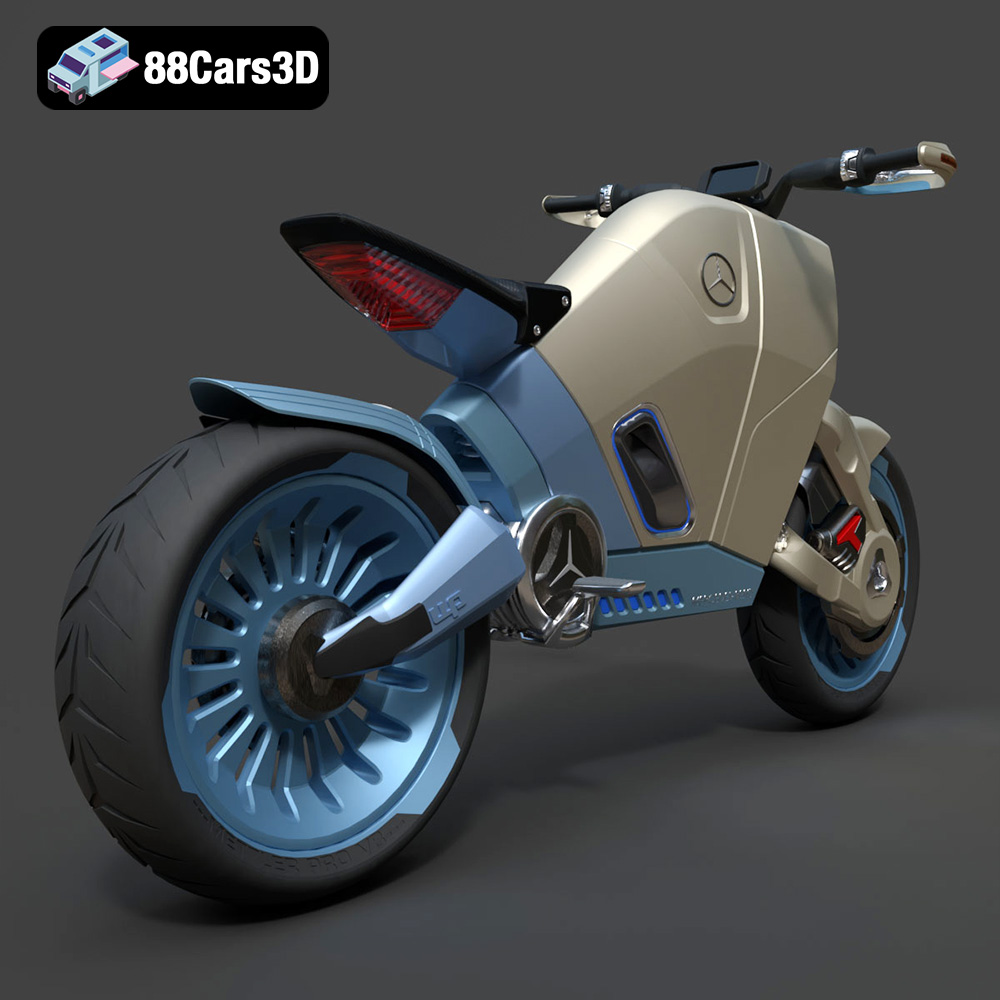
The Mercedes Concept Electrical Motorcycle, a stunning design available as a 3D model on 88cars3d.com, represents a thrilling intersection of automotive artistry and technological innovation. The chance to 3D print this futuristic machine and hold a tangible piece of tomorrow in your hands is an exciting prospect. This comprehensive guide will walk you through every step, from preparing the STL files to achieving a showroom-worthy finish. We’ll cover material selection, optimal print settings, essential pre-print preparations, and the post-processing techniques needed to transform digital design into a physical reality. Whether you’re a seasoned 3D printing enthusiast or a newcomer to the world of additive manufacturing, this guide will provide the knowledge and insights to successfully 3D print this incredible model.
Before diving into the specifics of 3D printing the Mercedes Concept Electrical Motorcycle, it’s crucial to understand the different file formats available and their implications for the 3D printing process. While 88cars3d.com provides a variety of formats to suit different applications, some are better suited for 3D printing than others.
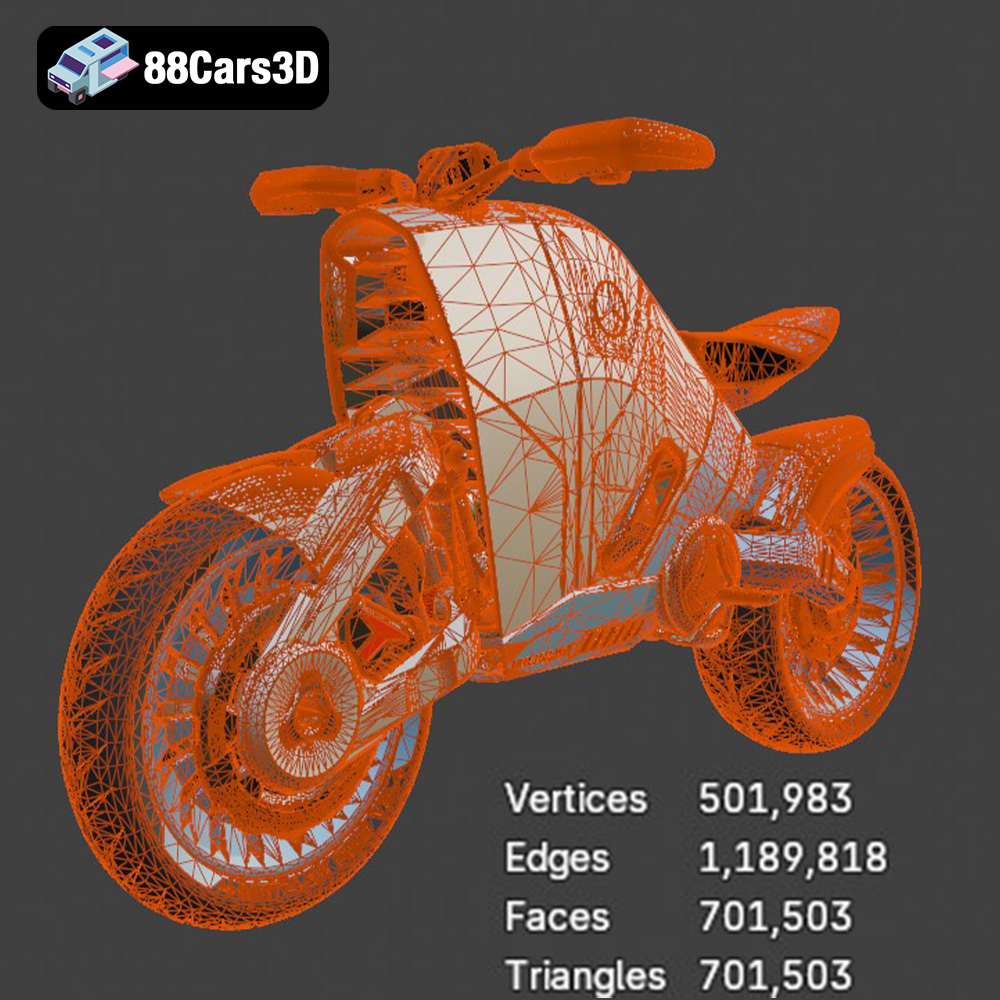
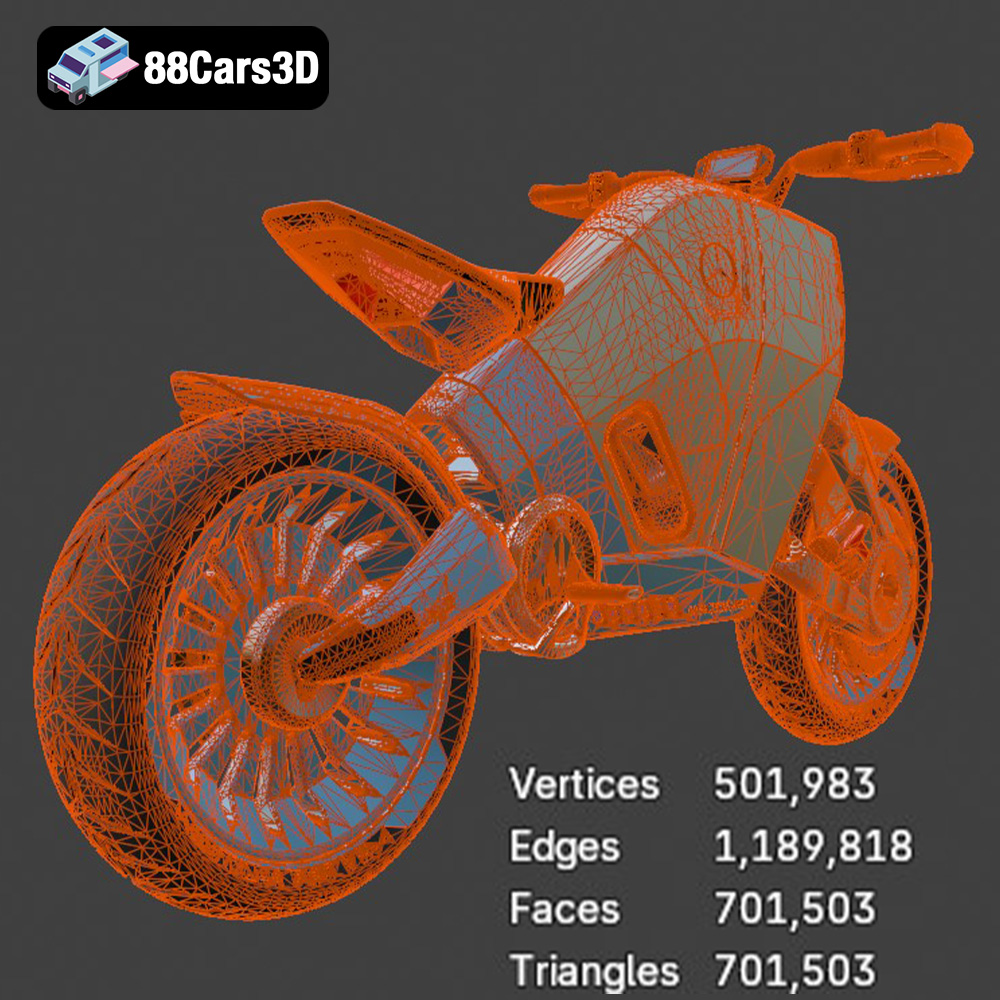
The .stl (stereolithography) format is the undisputed king of 3D printing. It represents a 3D model’s surface geometry as a collection of triangles. This simplicity makes it universally compatible with virtually all slicing software and 3D printers. When preparing the Mercedes Concept Electrical Motorcycle for 3D printing, the .stl format will likely be your primary choice. It’s crucial to ensure that the STL file is watertight (i.e., doesn’t have any holes or gaps in the mesh) and that the triangle mesh is dense enough to capture the model’s details accurately. Slicing software can often repair minor imperfections in STL files, but it’s always best to start with a clean, well-prepared model. Low-quality STL files can result in stepped surfaces or missing details in the final print.
The .obj (object) format is another widely used 3D model format. Unlike STL, OBJ files can store color and texture information, which is particularly useful if you plan to paint or apply decals to the 3D printed motorcycle. However, for the initial 3D printing process, the texture information is not directly used. Slicing software focuses on the geometric data within the OBJ file. Like STL, ensuring a watertight mesh is important for successful printing.
The .ply (polygon) format is known for its ability to store high-detail mesh data, making it suitable for models with intricate surfaces and complex geometries. While it’s less common than STL, .ply can be useful when you need to preserve fine details during the 3D printing process, particularly with resin printers capable of very high resolution.
.blend files are native to Blender, a popular open-source 3D modeling software. If you have Blender installed, you can open the .blend file of the Mercedes Concept Electrical Motorcycle and customize the model before exporting it to STL for 3D printing. This allows you to make modifications to the design, such as adding or removing features, or altering the model’s proportions to fit your specific printing needs.
The .fbx (Filmbox) format is primarily used for transferring 3D models between different software applications. It can store geometry, textures, materials, and animations. While some advanced slicing software might be able to import .fbx files and utilize material information for multi-material printing (if your printer supports it), the primary use for 3D printing remains the geometric data.
The .glb (GL Transmission Format Binary) format is designed for efficient delivery and loading of 3D models in web and mobile applications. It’s particularly useful for augmented reality (AR) applications, allowing you to preview the Mercedes Concept Electrical Motorcycle in a real-world environment using your smartphone or tablet. However, .glb files are not directly used for 3D printing; you would need to convert them to STL first.
Similar to .blend for Blender, .max files are the native format for Autodesk 3ds Max. This format provides access to the original project, allowing advanced users to make significant modifications to the model before exporting it as an STL file for printing. Access to .max provides the greatest level of customization for experienced 3D modelers.
For 3D printing the Mercedes Concept Electrical Motorcycle, the .stl format is generally the most practical choice due to its widespread compatibility and simplicity. Ensure the file is properly prepared with a watertight mesh and sufficient detail before importing it into your slicing software.
The material you choose will significantly impact the final look, feel, and durability of your 3D printed Mercedes Concept Electrical Motorcycle. Several options are available, each with its own set of advantages and disadvantages.
PLA is a biodegradable thermoplastic derived from renewable resources like cornstarch or sugarcane. It’s known for its ease of use, low printing temperature, and minimal warping, making it an excellent choice for beginners. PLA produces parts with a smooth surface finish and good detail, making it suitable for the motorcycle’s body and frame. However, PLA is not as strong or heat-resistant as other materials, so it’s best suited for display models that won’t be subjected to high temperatures or stress.
PETG is a modified version of PET (commonly used in water bottles) that offers improved strength, flexibility, and temperature resistance compared to PLA. It’s a good all-around material that’s relatively easy to print with and produces parts with a glossy finish. PETG is a suitable option for parts that require more durability, such as the wheels or suspension components. It offers a good balance between printability and performance.
ABS is a strong and heat-resistant thermoplastic commonly used in automotive parts and consumer electronics. It’s more challenging to print with than PLA or PETG, as it requires higher printing temperatures and is prone to warping. However, if you can successfully print with ABS, it can produce incredibly durable parts that can withstand higher temperatures and stress. This makes it a good choice for parts that need to be particularly robust, such as the frame or motor housing. Due to the fumes produced during printing, proper ventilation is essential.
Resin 3D printing (SLA or DLP) uses liquid photopolymer resins that are cured by UV light. This technology is capable of producing incredibly detailed parts with a smooth surface finish, making it ideal for small, intricate models like the Mercedes Concept Electrical Motorcycle. Resin printing is particularly well-suited for capturing the fine details of the motorcycle’s bodywork, lighting elements, and cockpit features. However, resin printers tend to be more expensive than filament printers, and the resins themselves can be costly. Resin prints also require post-processing steps, such as washing and curing, to remove uncured resin and fully harden the part. Resin parts tend to be more brittle than filament-based prints.
For the Mercedes Concept Electrical Motorcycle, resin printing would be the optimal choice for achieving the highest level of detail and a smooth surface finish. If you’re using a filament printer, PETG offers a good balance of printability and durability.
Once you’ve chosen your material, the next step is to prepare the STL files for printing. This involves using slicing software to convert the 3D model into a set of instructions that your 3D printer can understand. Popular slicing software options include Cura, Simplify3D, and PrusaSlicer.
The orientation of the model on the print bed significantly affects the print quality and the amount of support material required. For the Mercedes Concept Electrical Motorcycle, printing the frame at an angle can improve its structural integrity and reduce the need for supports on critical areas. The wheels should be printed separately, ideally with the flat side facing down to minimize support structures. Pay close attention to overhangs and areas that require support, such as the handlebars, mirrors, and exhaust components. Experiment with different support settings, such as support density and support interface thickness, to find the optimal balance between support strength and ease of removal.
Layer height determines the resolution of the print. A lower layer height results in a smoother surface finish but increases print time. For resin printing, layer heights of 0.04-0.08mm are recommended to capture the fine details of the motorcycle. For filament printing, layer heights of 0.1-0.2mm are a good starting point. Infill density affects the strength and weight of the printed part. For a display model, an infill density of 20-30% is generally sufficient. Increase the infill density for parts that require more strength, such as the wheels or suspension components.
The product description recommends scales of 1:12, 1:18, or 1:24 for 3D printing the Mercedes Concept Electrical Motorcycle. Choose a scale that suits your printer’s build volume and your desired level of detail. Before slicing, use your slicing software or a dedicated model repair tool like Meshmixer to check for any errors in the STL files, such as non-manifold edges or holes. Repairing these errors will prevent printing issues and ensure a successful print.
Achieving a high-quality 3D print of the Mercedes Concept Electrical Motorcycle requires careful attention to printer settings. The optimal settings will vary depending on your printer, material, and desired print quality, but here are some general guidelines.
For the wheels, consider using a slightly slower print speed and a higher infill density to ensure they are strong and durable. For the intricate details of the handlebars and lighting elements, use a smaller nozzle (0.25mm or 0.4mm) and a lower layer height to capture the fine details. Experiment with different settings to find the optimal balance between print quality and print time.
Once the 3D printed parts are complete, the next step is post-processing. This involves removing supports, sanding the parts to smooth out any imperfections, and painting them to achieve the desired finish.
Carefully remove the support structures using pliers or a sharp knife. Be patient and avoid damaging the delicate parts. After removing the supports, use sandpaper with progressively finer grits (e.g., 220, 400, 600) to smooth out any imperfections and layer lines. Start with the coarser grit to remove any major imperfections and then move to the finer grits to achieve a smooth surface finish. For resin prints, wet sanding can help to minimize dust and achieve a smoother surface.
Apply a primer coat to the sanded parts to create a uniform surface for painting. Use a spray primer designed for plastics and apply it in thin, even coats. After the primer has dried, you can begin painting the parts. Use high-quality acrylic paints designed for model making. Apply the paint in thin, even coats, allowing each coat to dry completely before applying the next. For the Mercedes Concept Electrical Motorcycle, consider using metallic paints to replicate the look of the real vehicle.
Once the parts are painted and dry, you can begin assembling the motorcycle. Use super glue or epoxy to attach the parts together. Be careful to align the parts correctly and avoid using too much glue. For parts that need to be removable, such as the wheels, consider using small screws or magnets.
3D printing can be a challenging process, and it’s common to encounter issues along the way. Here are some common problems and their solutions:
Warping occurs when the printed part lifts off the print bed due to uneven cooling. This is more common with ABS than with PLA or PETG. To prevent warping, ensure the print bed is properly leveled and heated. Use a brim or raft to increase the surface area of the first layer and improve adhesion to the bed. An enclosure can also help to maintain a consistent temperature around the printed part.
Stringing occurs when small strands of filament are left between printed parts. This is caused by excessive retraction or too high a printing temperature. To prevent stringing, reduce the retraction distance and speed, lower the nozzle temperature, and increase the travel speed.
Layer shifting occurs when the printed layers are misaligned. This can be caused by loose belts, a wobbly print bed, or excessive vibrations. To prevent layer shifting, tighten the belts, ensure the print bed is stable, and reduce the print speed.
If the printed part lacks detail, try reducing the layer height, using a smaller nozzle, and increasing the print resolution.
By understanding these common issues and their solutions, you can overcome challenges and achieve successful 3D prints of the Mercedes Concept Electrical Motorcycle.
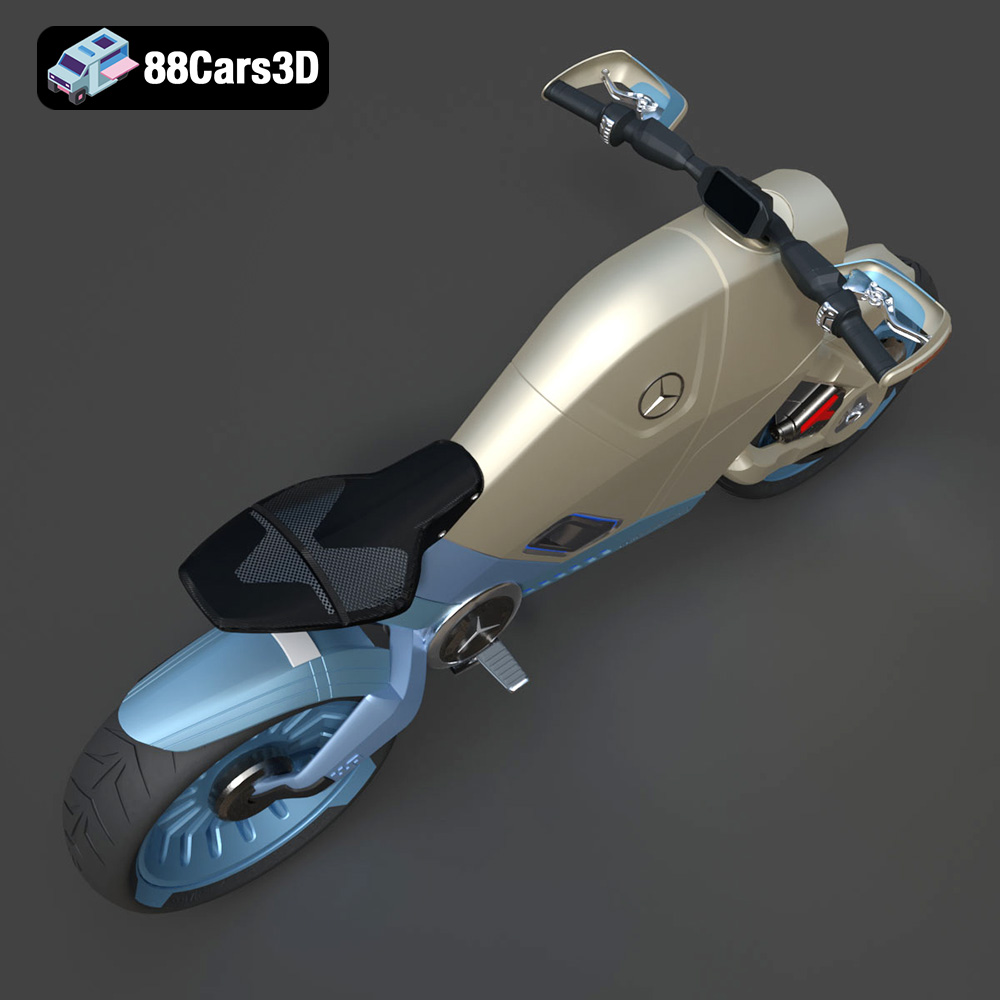
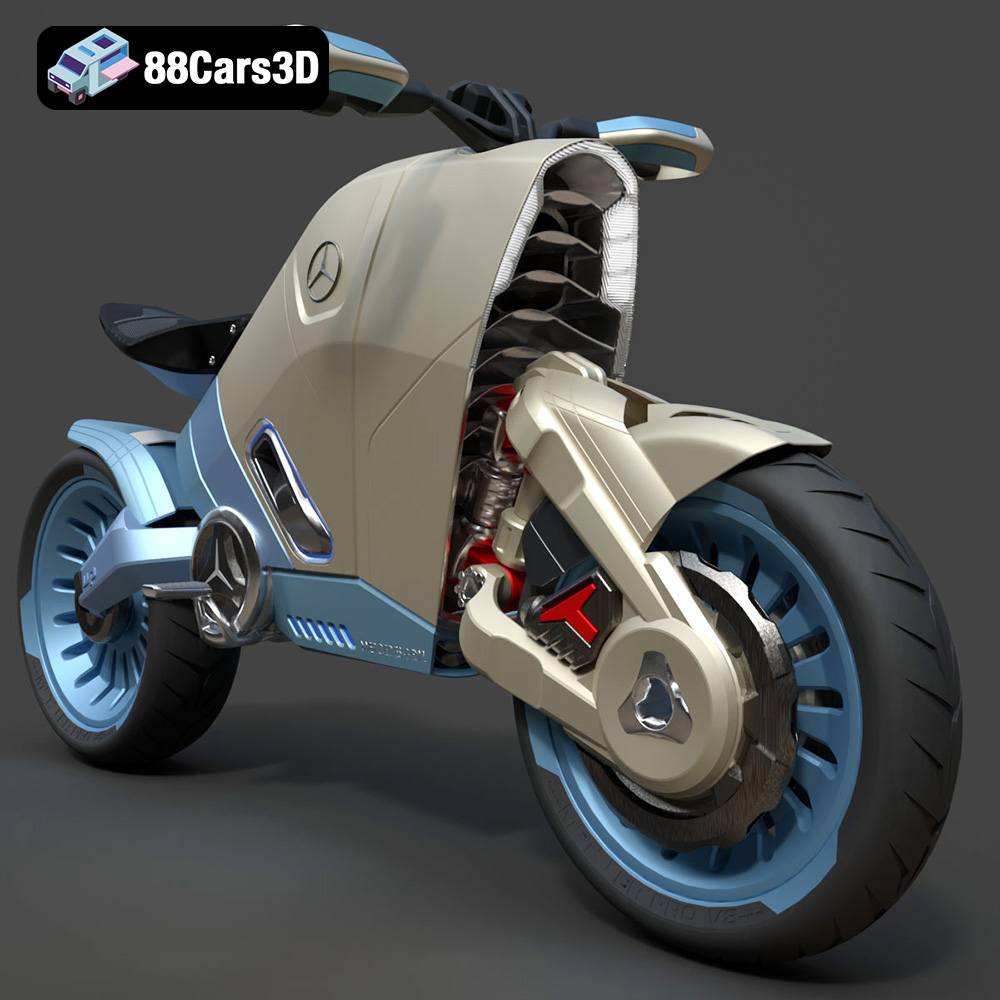
The SMARANZA Mercedes Concept Electrical Motorcycle is a breathtaking vision of the future, blending iconic Mercedes-Benz luxury and aerodynamic precision with next-generation electric mobility. Meticulously modeled with exceptional visual fidelity and an optimized triangle count, this 3D model delivers striking realism.
$19.99
3D printing the Mercedes Concept Electrical Motorcycle is a rewarding project that combines technical skill with creative expression. By carefully selecting your materials, optimizing your printer settings, and mastering post-processing techniques, you can transform a digital design into a stunning physical model. Remember to choose the right STL file, consider resin printing for optimal detail, and take your time with the post-processing steps. With patience and perseverance, you can create a beautiful and unique piece that showcases the future of automotive design. 88cars3d.com offers a wealth of high-quality 3D models, providing endless opportunities to explore the exciting world of additive manufacturing.
.blend
.fbx
.futuristic
.glb
.max
.obj
.ply
.rendering
.smaranza
.stl
.unreal
concept-motorcycle
electric-motorcycle
game asset
game-ready
low-poly
mercedes-benz
motorcycle-3d-model
optimized
sci-fi
VR/AR