Get 20% OFF All Premium 3D & STL Models!

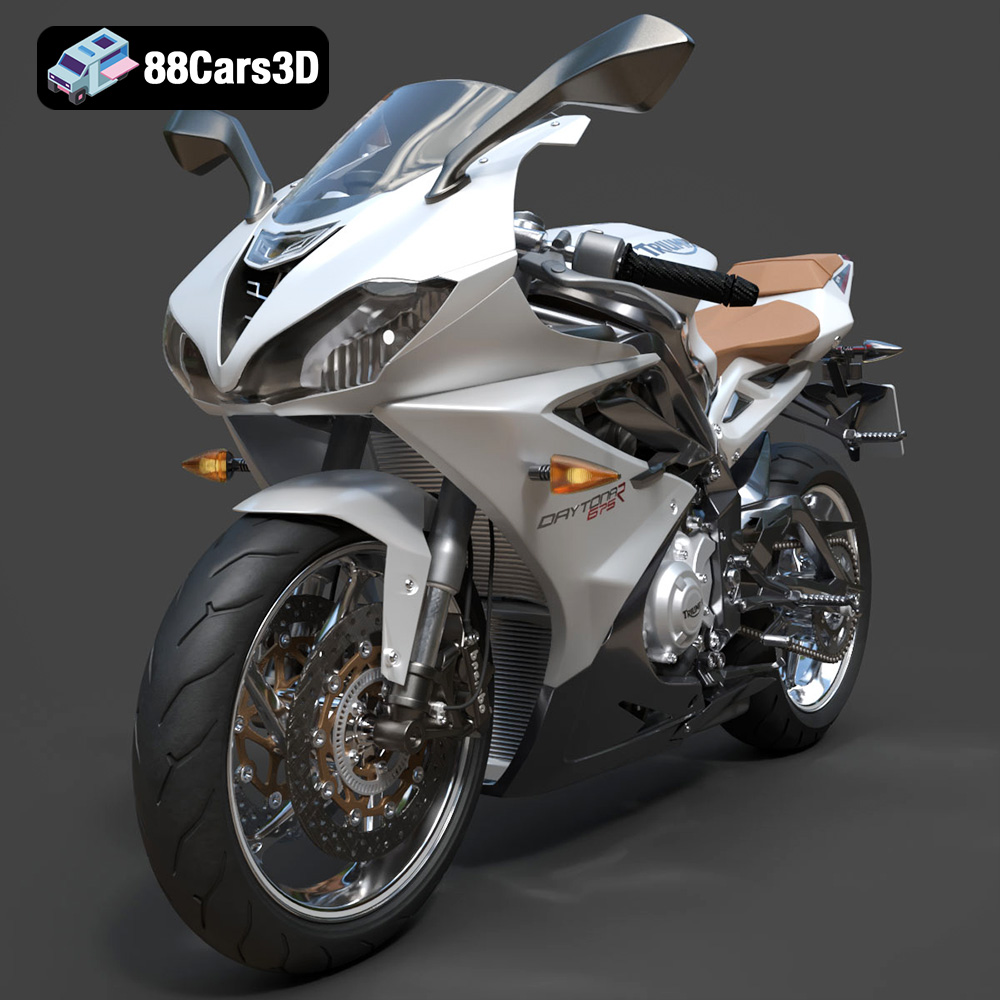
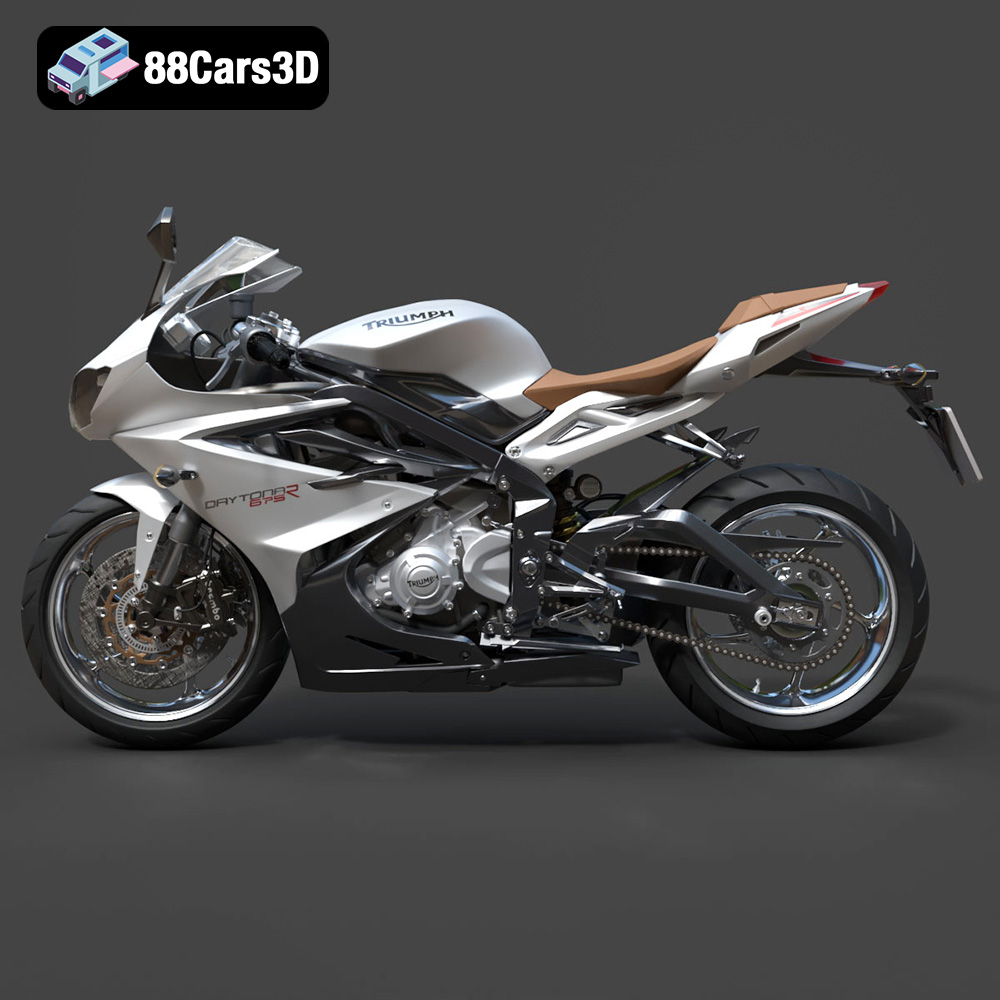
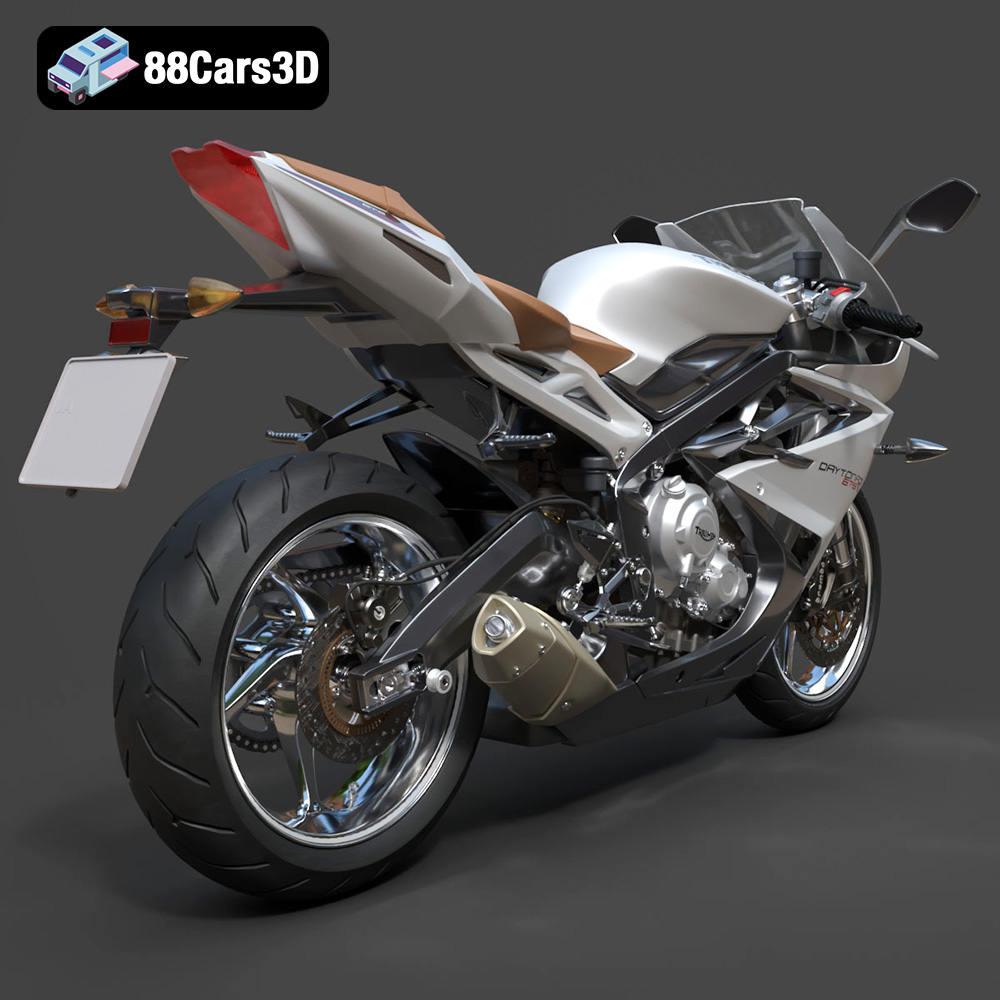
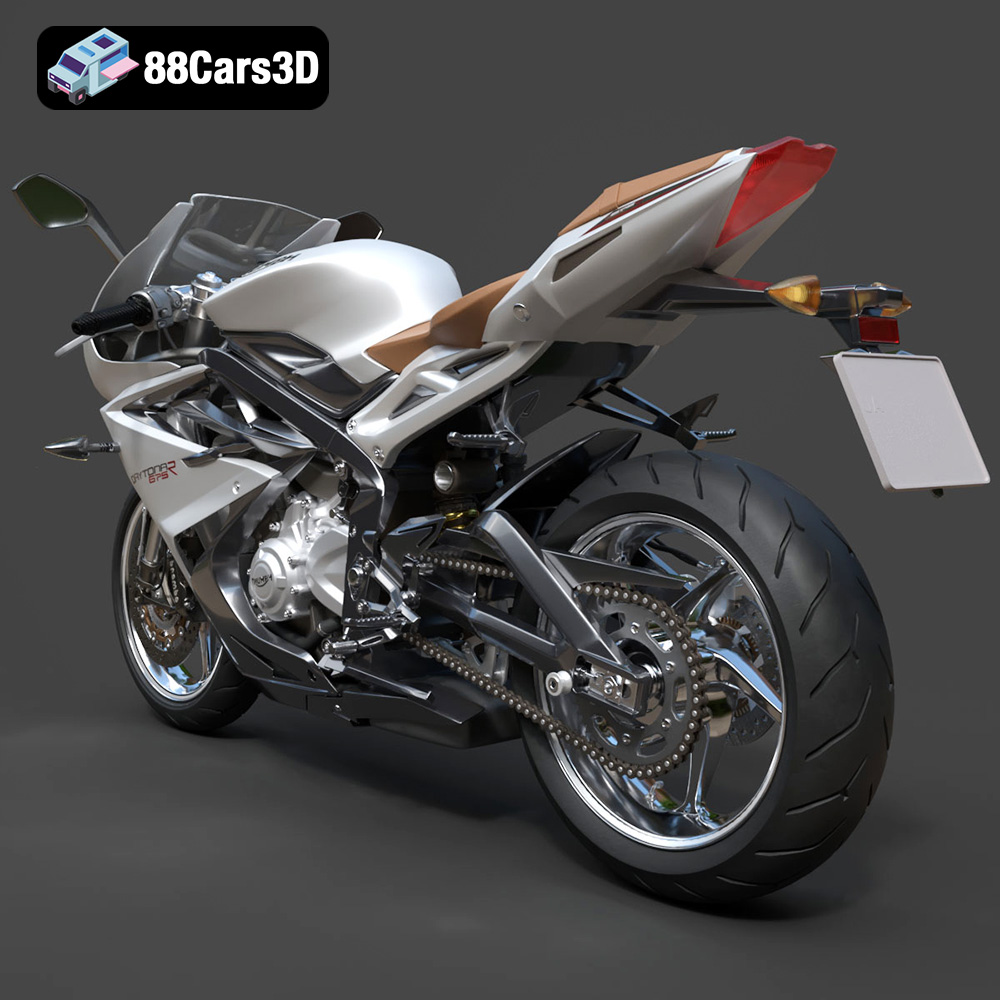
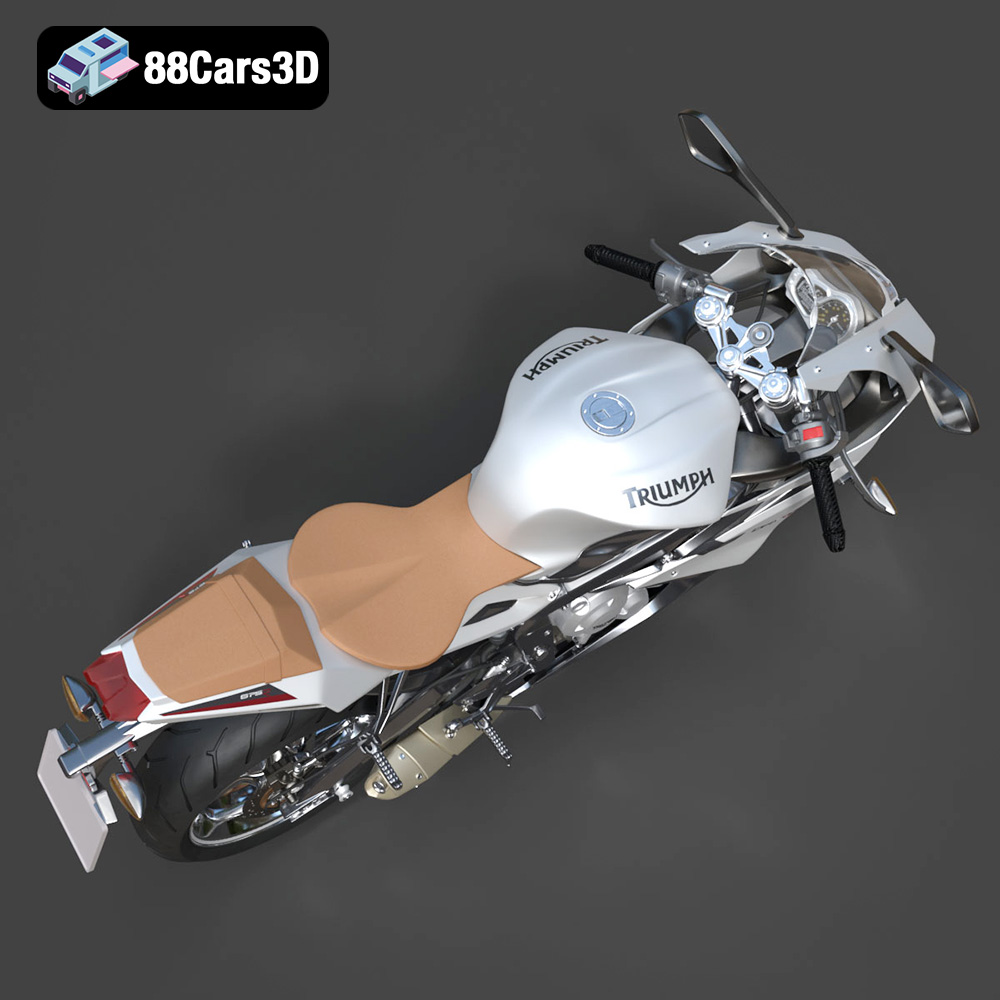
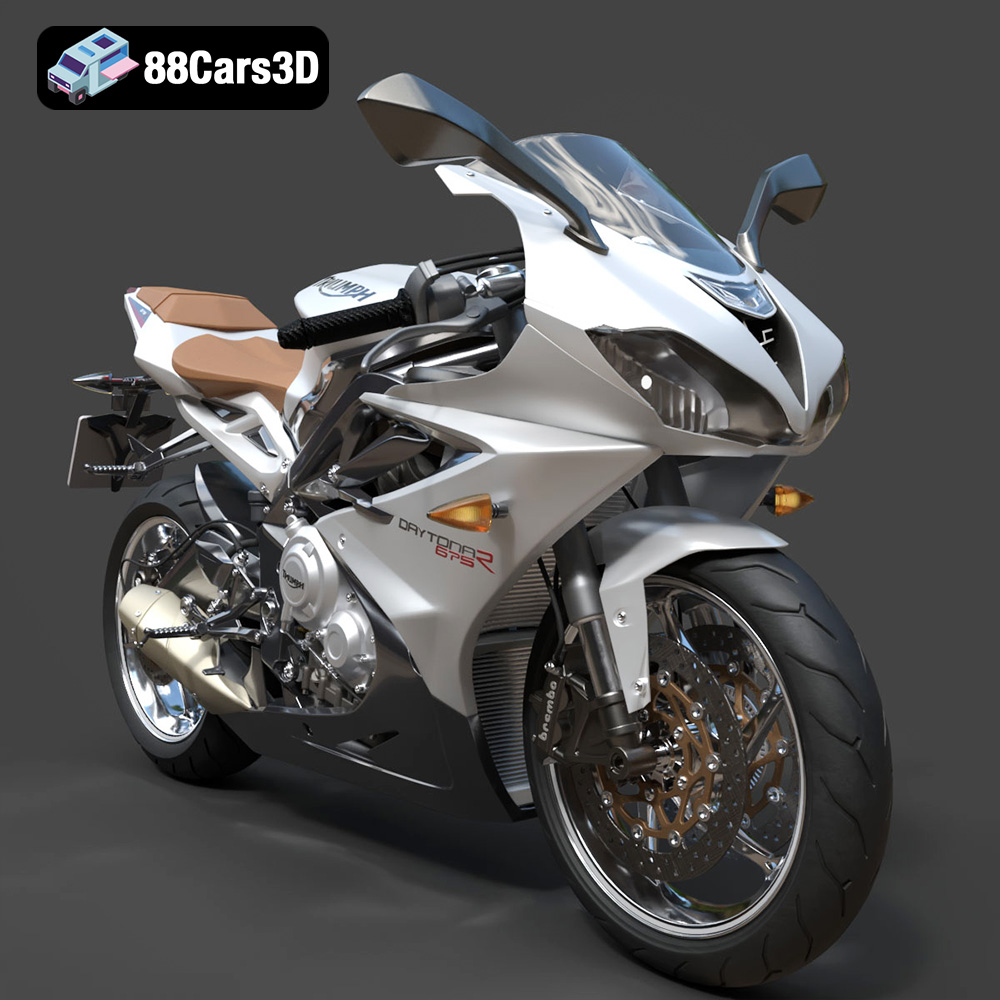
The Triumph Daytona 675R ABS 2015. Just saying the name conjures images of apexes, knee-down cornering, and the visceral thrill of a screaming triple. Now, thanks to the detailed 3D model available at 88cars3d.com, you can bring a piece of that legendary performance into your home. This isn’t just about owning a static model; it’s about experiencing the additive manufacturing process, fine-tuning your 3D printing skills, and creating a tangible representation of an iconic motorcycle. This blog post dives deep into the specifics of 3D printing the Triumph Daytona 675R ABS 2015 model, covering everything from selecting the right materials and printer settings to mastering post-processing techniques that will transform your print into a show-stopping replica.
Before you even think about hitting that “print” button, it’s crucial to understand the different file formats you’ll encounter and how they impact your 3D printing experience. While the Triumph Daytona 675R model from 88cars3d.com comes with a variety of formats, some are better suited for 3D printing than others.
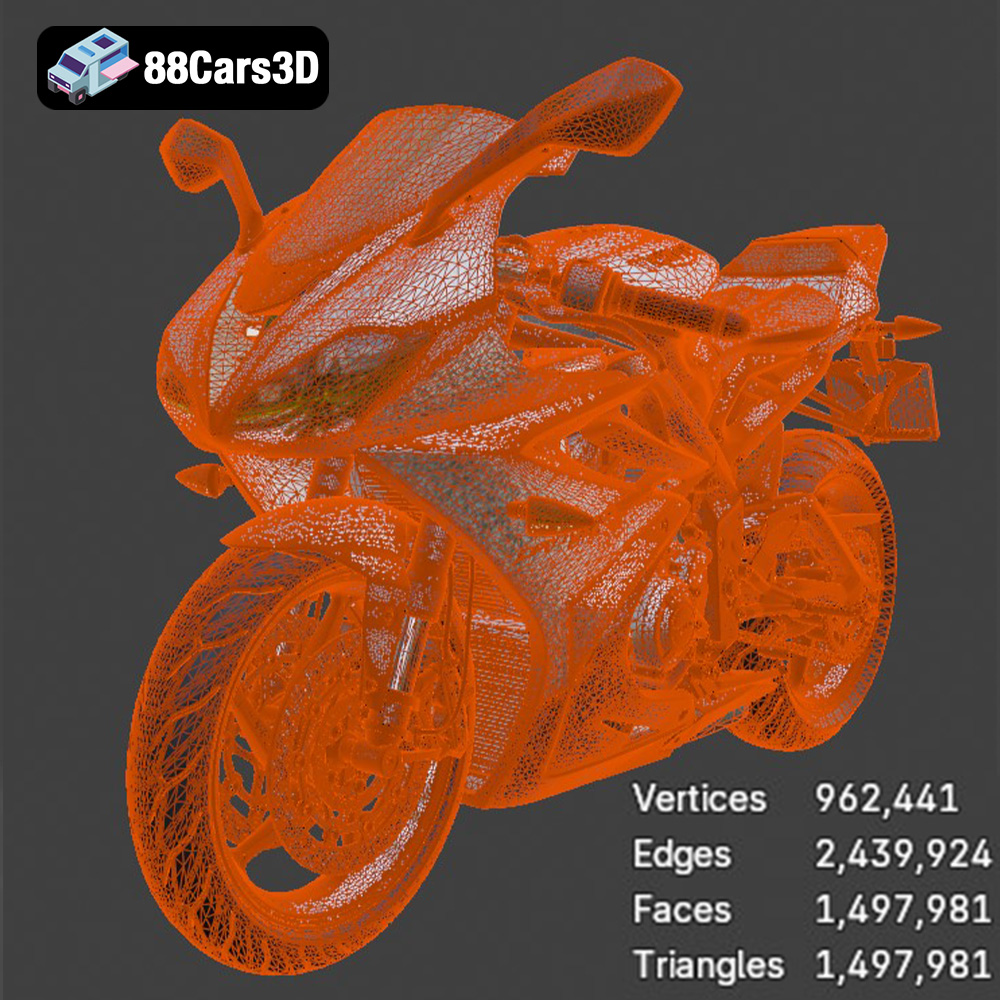
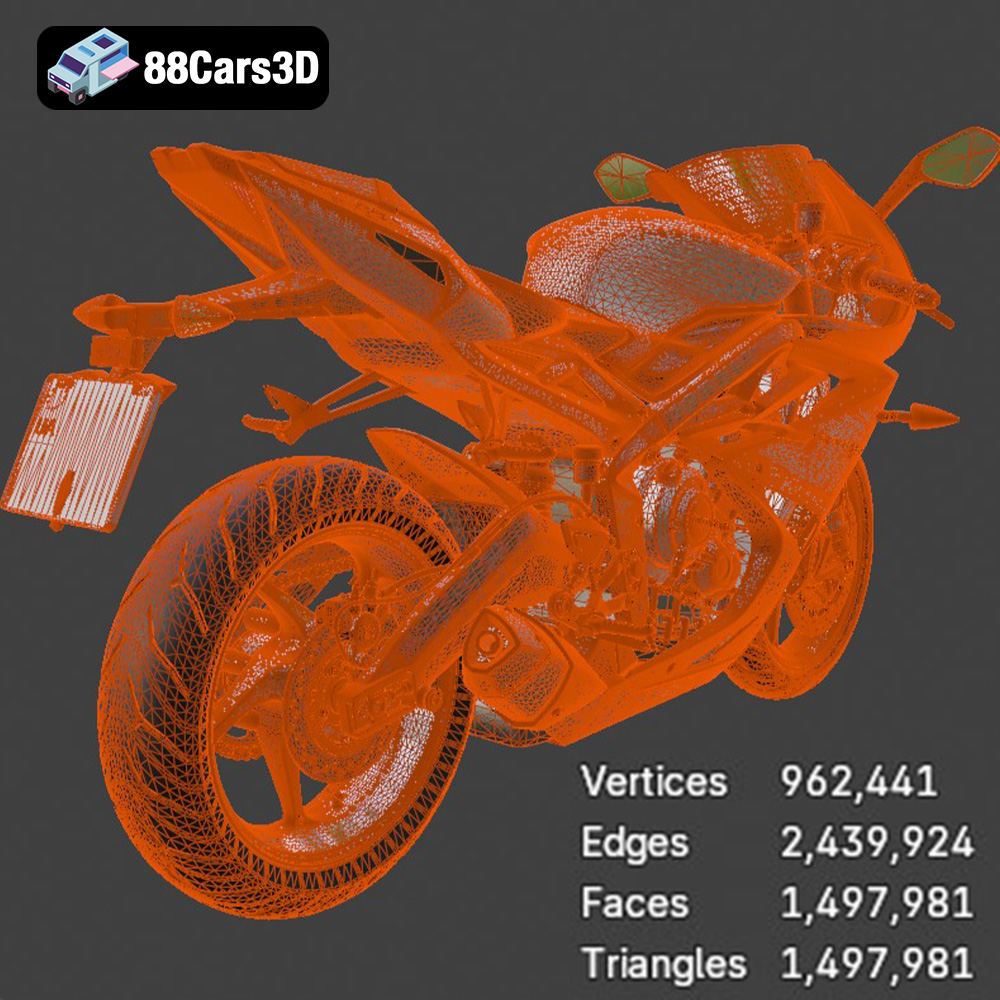
STL (Stereolithography) is the workhorse of 3D printing. It’s a file format that represents the surface geometry of a 3D object as a collection of triangles. It’s universally compatible with slicing software, making it the go-to choice for additive manufacturing. The Daytona 675R’s STL file contains all the necessary information for your printer to build the model layer by layer. However, STL files only store the mesh data; they don’t include color, texture, or material information. This means your print will be a single color, dictated by the filament or resin you use. Mesh quality is critical for successful STL printing. High-resolution models require denser meshes (more triangles), which translate to smoother surfaces in the final print but also larger file sizes and longer processing times. Conversely, low-resolution models have fewer triangles, leading to faster prints but potentially visible facets on curved surfaces. The STL provided with the Daytona 675R model from 88cars3d.com should strike a good balance, but you can always adjust the mesh density in your 3D modeling software if needed.
* **.obj:** OBJ is a more versatile format than STL, as it can store color and texture information. This is useful if you want to create a multi-colored print (though most consumer-grade 3D printers can’t directly print in multiple colors).
* **.ply:** PLY is another format that supports color and texture data and is often used for storing data from 3D scanners. It is capable of capturing high-detail mesh information.
* **.blend:** This is the native file format for Blender, a popular open-source 3D modeling software. If you want to customize the Daytona 675R model before printing (e.g., adding modifications, splitting it into parts for easier printing), having the .blend file gives you the most flexibility.
* **.fbx:** FBX is a common format for exchanging 3D models between different software applications. It can store mesh, texture, and animation data.
* **.glb:** GLB is a binary file format that is designed to be compact and efficient for transmitting 3D models. It is often used for displaying 3D models on the web.
* **.max:** This is the native file format for 3ds Max, another professional 3D modeling software.
For the actual 3D printing process, the **STL format is generally the best choice**. Most slicing software is optimized for handling STL files, and the format’s simplicity ensures compatibility across a wide range of printers. If you plan to modify the model before printing, start with the .blend or .max file and then export it as an STL once you’re done. If you are using a full-color 3D printer, consider OBJ or PLY file formats, but ensure your slicing software and printer support them.
Once you have your STL file ready, the next step is to prepare it for printing using slicing software. This software takes your 3D model and converts it into a series of instructions (G-code) that your 3D printer can understand.
Numerous slicing software options are available, each with its strengths and weaknesses. Popular choices include:
* **Cura:** A free and open-source slicer known for its user-friendliness and extensive customization options.
* **Simplify3D:** A paid slicer offering advanced features like custom support placement and optimized print paths.
* **PrusaSlicer:** Another excellent free option developed by Prusa Research, known for its accurate print predictions and support for various printer brands.
The choice of slicer often comes down to personal preference and the specific features you need. Experiment with a few different options to find one that suits your workflow.
Before slicing, it’s essential to ensure the Daytona 675R model is optimized for 3D printing. This involves:
* **Model Repair:** Check for any errors in the STL file, such as non-manifold geometry or holes. Many slicing software programs have built-in repair tools to fix these issues automatically.
* **Orientation:** The orientation in which you print the model significantly impacts the print quality, support requirements, and structural integrity. For the Daytona 675R, consider printing the frame at an angle to minimize the need for supports on curved surfaces. Print the wheels separately for better detail and cleaner surfaces.
* **Scaling:** The product description suggests scales of 1:12, 1:18, and 1:24. Choose a scale that suits your printer’s build volume and desired level of detail. Remember that smaller scales will require finer print settings.
The material you choose for 3D printing your Daytona 675R will heavily influence the final appearance, strength, and durability of the model.
* **PLA:** PLA (Polylactic Acid) is a biodegradable thermoplastic polymer derived from renewable resources. It’s a beginner-friendly material known for its ease of printing, low warping, and wide availability. PLA is a good choice for a display model that won’t be subjected to high temperatures or stress.
* **PETG:** PETG (Polyethylene Terephthalate Glycol-modified) is a more durable and heat-resistant alternative to PLA. It offers better impact resistance and flexibility, making it suitable for parts that might experience some wear and tear.
* **ABS:** ABS (Acrylonitrile Butadiene Styrene) is a strong and heat-resistant plastic commonly used in automotive parts. However, ABS is more challenging to print than PLA and PETG, as it’s prone to warping and requires a heated bed and enclosure.
* **TPU:** TPU (Thermoplastic Polyurethane) is a flexible filament that can be used to print tires or other rubber-like components of the Daytona 675R model.
* **Standard Resin:** Standard resins offer high detail and smooth surfaces, making them ideal for replicating the Daytona 675R’s complex geometries.
* **Tough Resin:** Tough resins are designed to withstand higher stress and impact, making them suitable for functional parts or models that need to be more durable.
* **High-Temperature Resin:** If you plan to display your Daytona 675R model in a hot environment, consider using a high-temperature resin to prevent warping or deformation.
For replicating the intricate details of the Daytona 675R, resin printing is generally recommended, especially at smaller scales. However, if you’re on a budget or prefer the simplicity of FDM printing, PLA or PETG can still produce acceptable results.
Fine-tuning your printer settings is crucial for achieving a high-quality 3D print of the Triumph Daytona 675R. These settings will vary depending on your printer, material, and desired level of detail.
* **FDM:** A smaller layer height results in smoother surfaces and finer details but also increases print time. For the Daytona 675R, a layer height of 0.1mm to 0.15mm is a good starting point.
* **Resin:** Resin printers offer much finer resolution than FDM printers. Layer heights of 0.025mm to 0.05mm are common for achieving highly detailed prints.
Infill refers to the internal structure of the 3D printed model. A higher infill density increases the strength and weight of the model but also consumes more material. For a display model like the Daytona 675R, an infill density of 20% to 30% is usually sufficient.
Support structures are necessary for printing overhanging parts of the model. Proper support placement is crucial to prevent print failures and ensure clean surfaces. Both manual and automatic support generation options are available in most slicing software. The Daytona 675R model will likely require supports for the exhaust, mirrors, handlebars, and other overhanging features.
A slower print speed generally results in better print quality, especially for complex models like the Daytona 675R. Experiment with different print speeds to find a balance between print time and quality.
Once the print is complete, post-processing is essential for achieving a professional-looking finish.
Carefully remove the support structures using pliers, a hobby knife, or other appropriate tools. Be gentle to avoid damaging the model. For resin prints, rinse the model with isopropyl alcohol to remove any uncured resin.
Sanding is crucial for removing layer lines and achieving a smooth surface. Start with coarse sandpaper and gradually move to finer grits. For hard-to-reach areas, use small sanding sticks or rotary tools.
Apply a primer coat to the model to create a uniform surface for painting. Choose a primer that is compatible with your chosen paint. Once the primer is dry, apply multiple thin coats of paint, allowing each coat to dry completely before applying the next. Research the factory colors of the Triumph Daytona 675R ABS 2015 for an authentic finish. Consider using metallic paints for added realism.
If you printed the Daytona 675R model in separate parts (e.g., frame, wheels, suspension), assemble them using glue or other appropriate adhesives. Ensure that the parts are aligned correctly before the glue dries.
Even with careful preparation, you may encounter some challenges during the 3D printing process. Here are some common issues and their solutions:
* **Warping:** This occurs when the corners of the print lift off the build plate due to uneven cooling. To prevent warping, use a heated bed, apply an adhesive to the build plate, and print in an enclosure.
* **Stringing:** This refers to thin strands of filament that appear between different parts of the print. Reduce stringing by adjusting the retraction settings in your slicing software.
* **Layer Shifting:** This occurs when the layers of the print are misaligned. Check the belts and pulleys on your printer to ensure they are properly tightened.
* **Print Bed Adhesion:** If your prints are not sticking to the print bed, clean the bed with isopropyl alcohol, apply an adhesive, and ensure that the bed is properly leveled.
By understanding these common issues and their solutions, you can overcome obstacles and achieve a successful 3D print of your Triumph Daytona 675R model.
The Triumph Daytona 675R ABS 2015 is a legendary middleweight supersport motorcycle celebrated for its track-focused performance, iconic triple-cylinder engine, and razor-sharp handling. This high-quality 3D model boasts optimized topology with a balanced triangle count, making it a perfect game-ready asset without sacrificing visual fidelity. Convertible to .stl format for display-scale hobbyists.
$19.99
.blend
.fbx
.glb
.max
.obj
.ply
.rendering
.sportbike
.stl
.supersport
.triumph
.unreal
daytona-675r
daytona-675r-abs-2015
game asset
game-ready
low-poly
motorcycle-3d-model
optimized
VR/AR