Get 20% OFF All Premium 3D & STL Models!

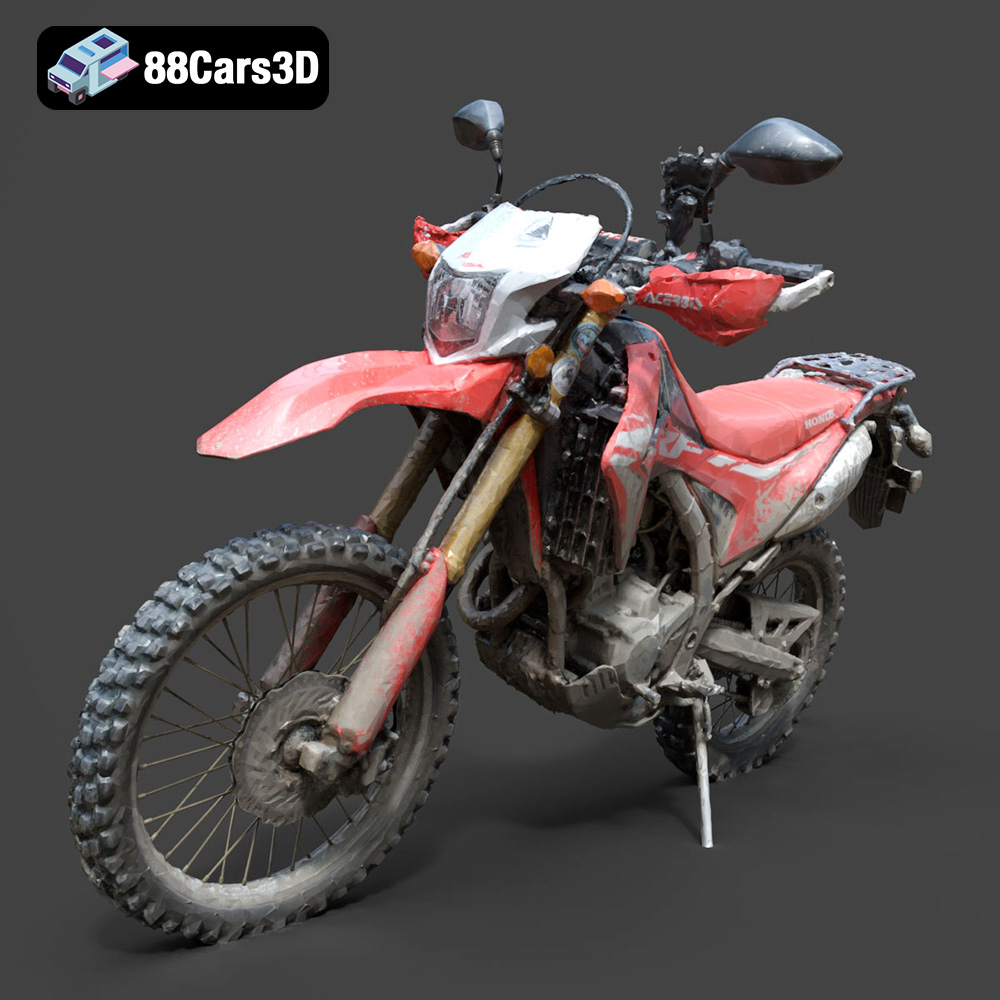
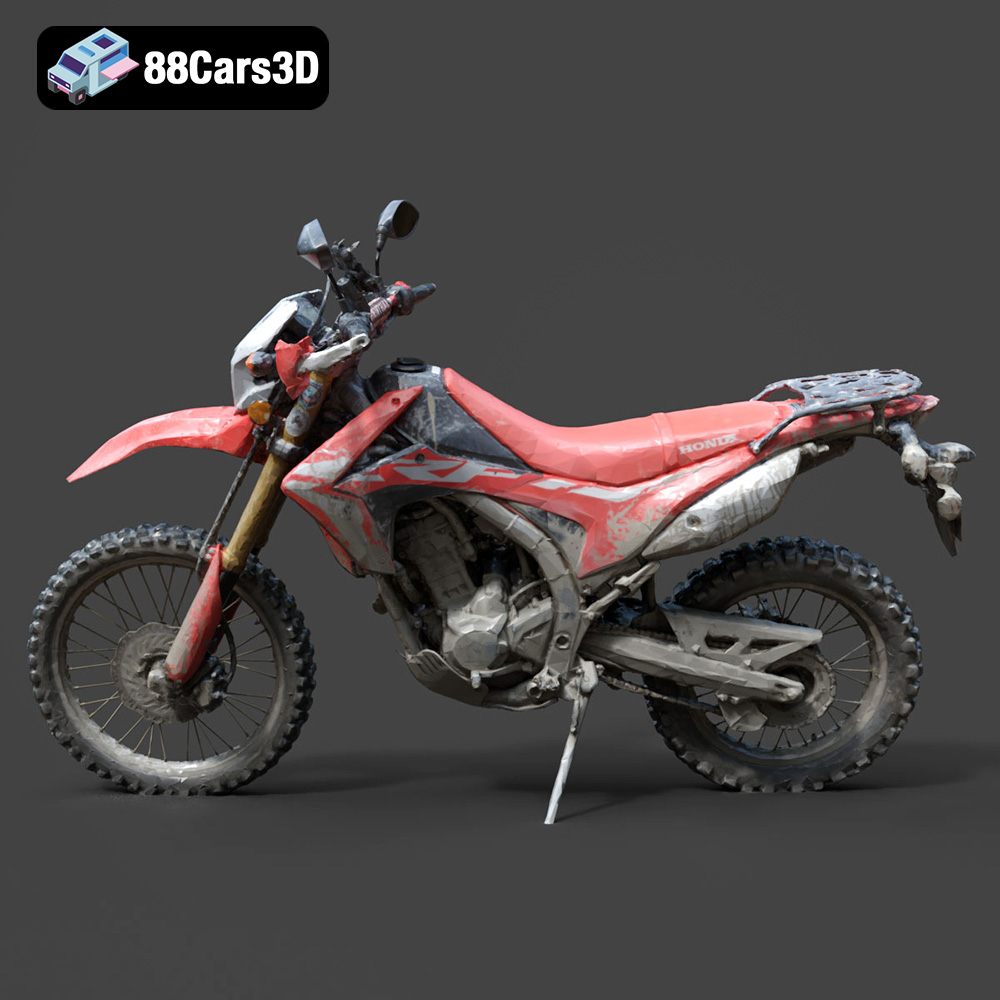
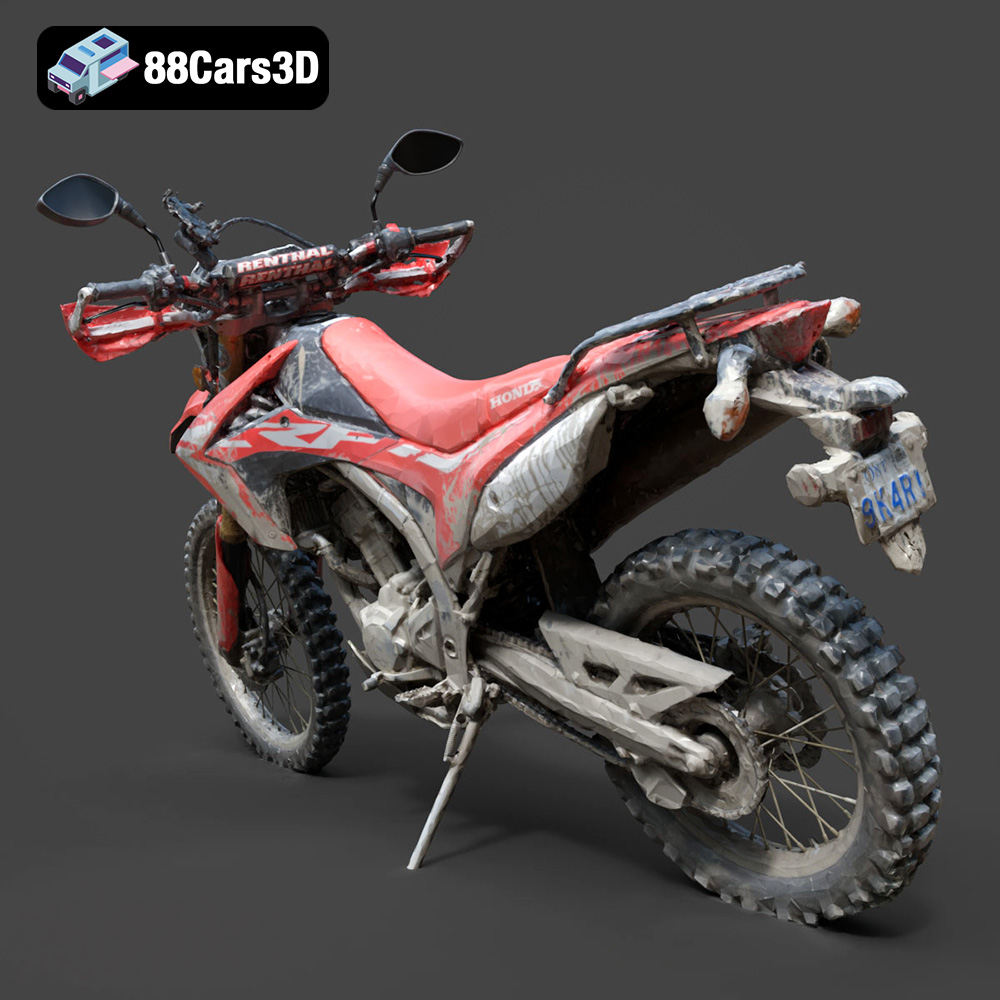
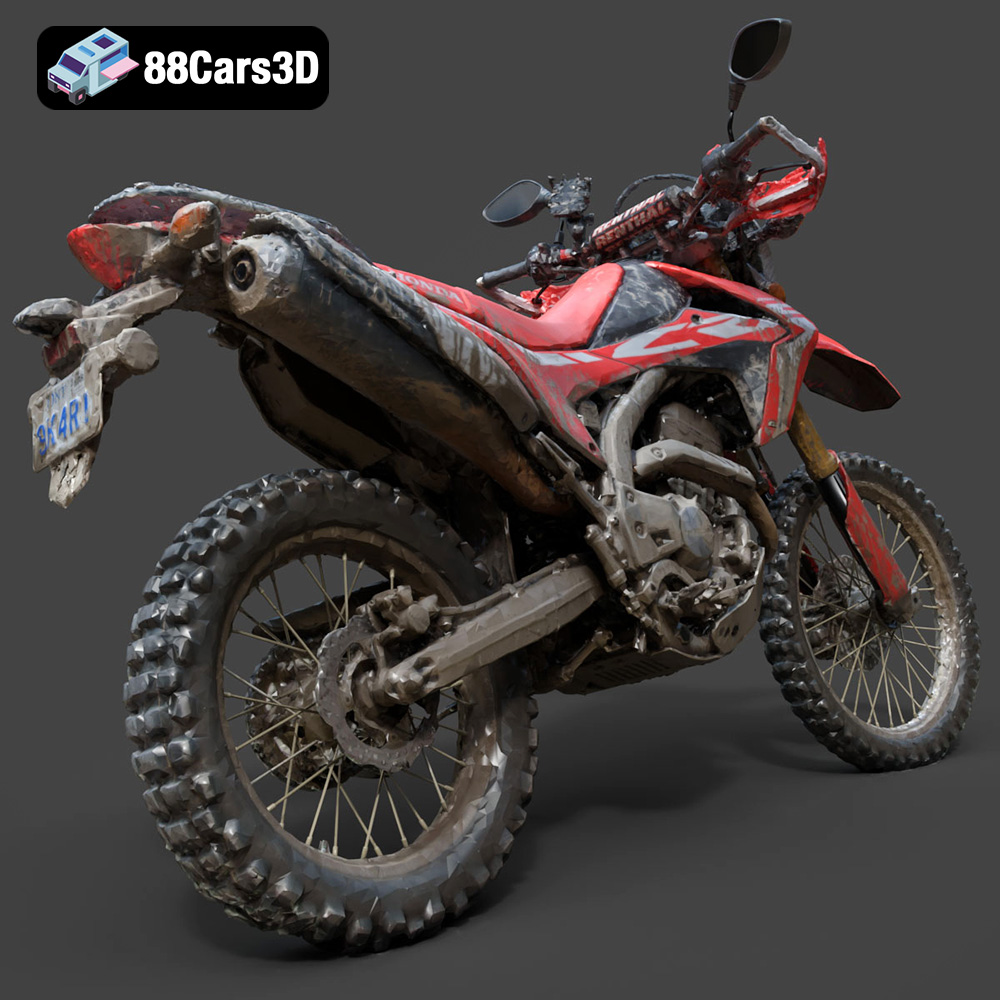
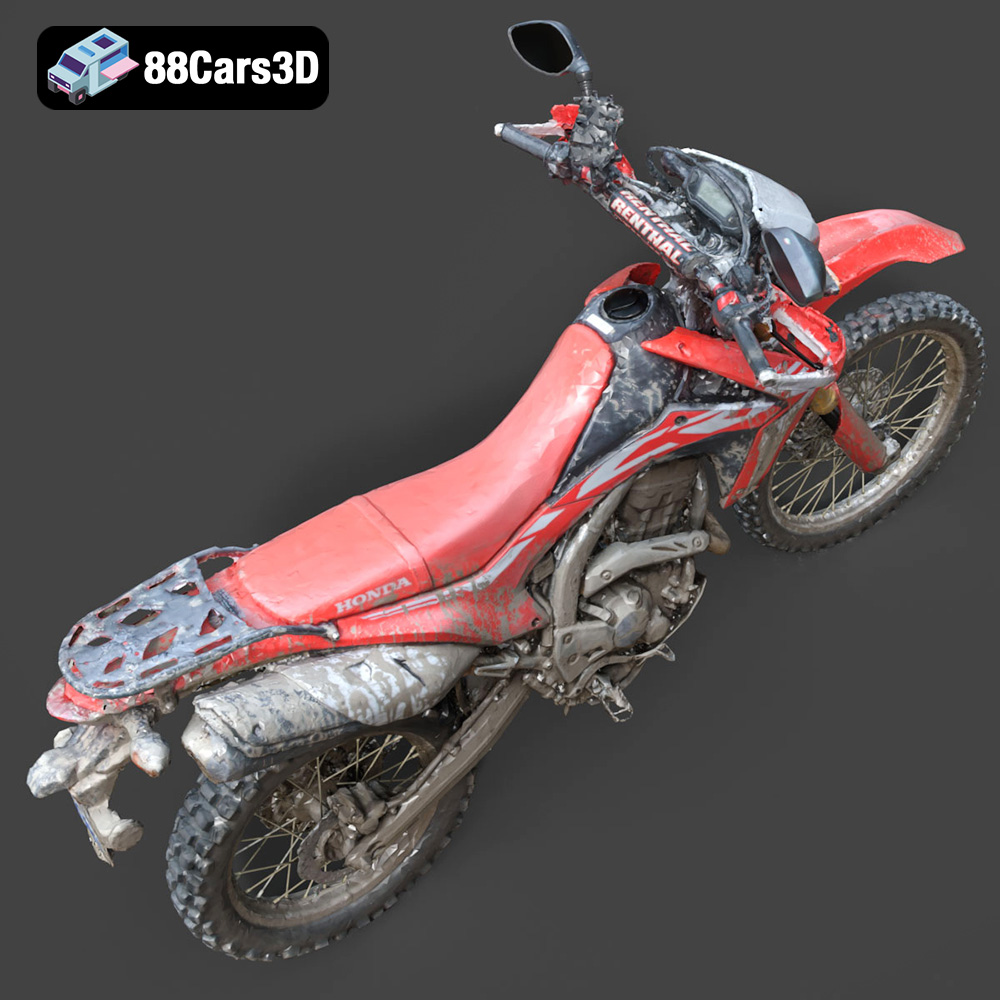
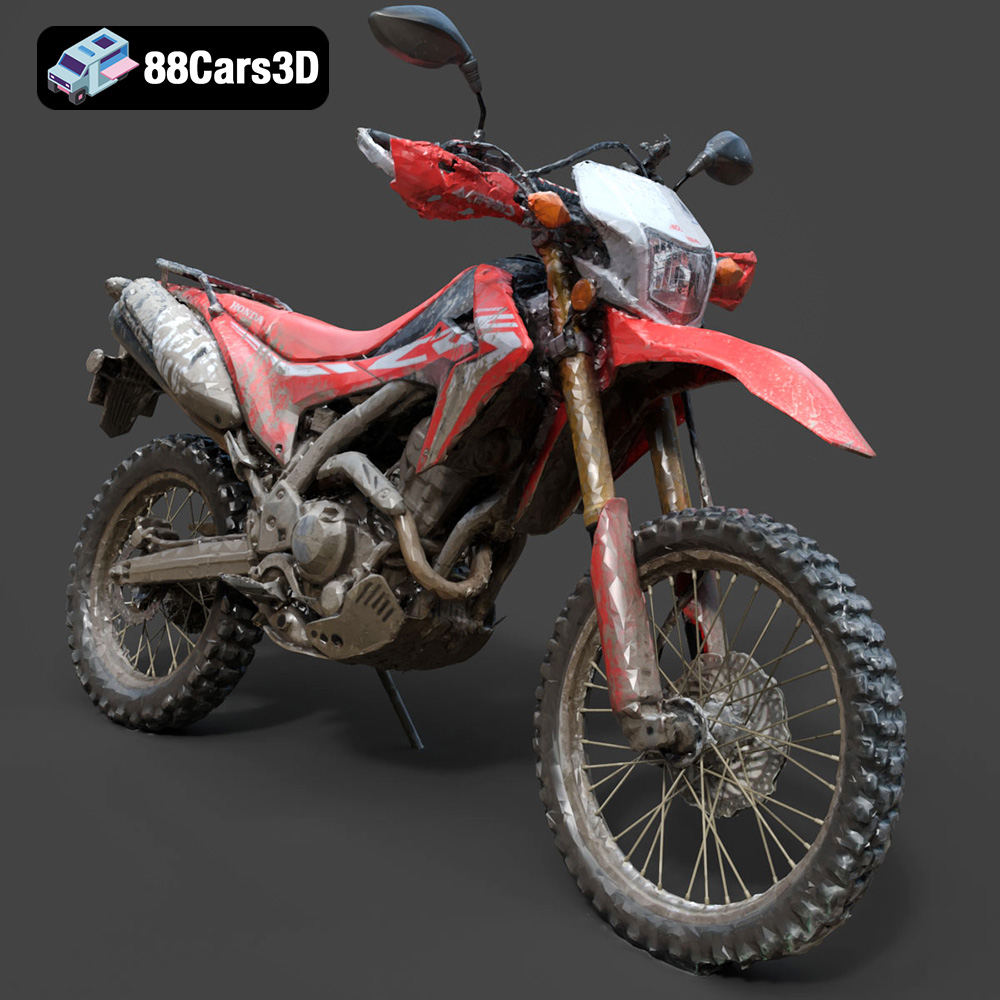
The Honda Motorcycle-001 3D model, available at 88cars3d.com, is a fantastic subject for 3D printing enthusiasts. Its intricate design and detailed components present a rewarding challenge and a stunning final product. This guide will walk you through the process of 3D printing this impressive model, covering everything from pre-print preparation to post-processing techniques. We’ll explore optimal settings, material choices, and troubleshooting tips to ensure a successful and satisfying 3D printing experience. Whether you’re a seasoned pro or new to additive manufacturing, this guide provides the knowledge you need to create a tangible replica of this iconic motorcycle.
Before diving into the specifics of printing the Honda Motorcycle-001 3D model, it’s crucial to understand the different file formats commonly used in 3D printing and their implications. Choosing the right format can significantly impact the print quality, slicing process, and overall success of your project.
The .stl (stereolithography) file format is the workhorse of 3D printing. It represents the surface geometry of a 3D object as a collection of triangles. This mesh-based representation is universally supported by slicing software and 3D printers, making it the most reliable choice for additive manufacturing. While .stl files don’t contain color or texture information, they excel at accurately representing the shape of the model.
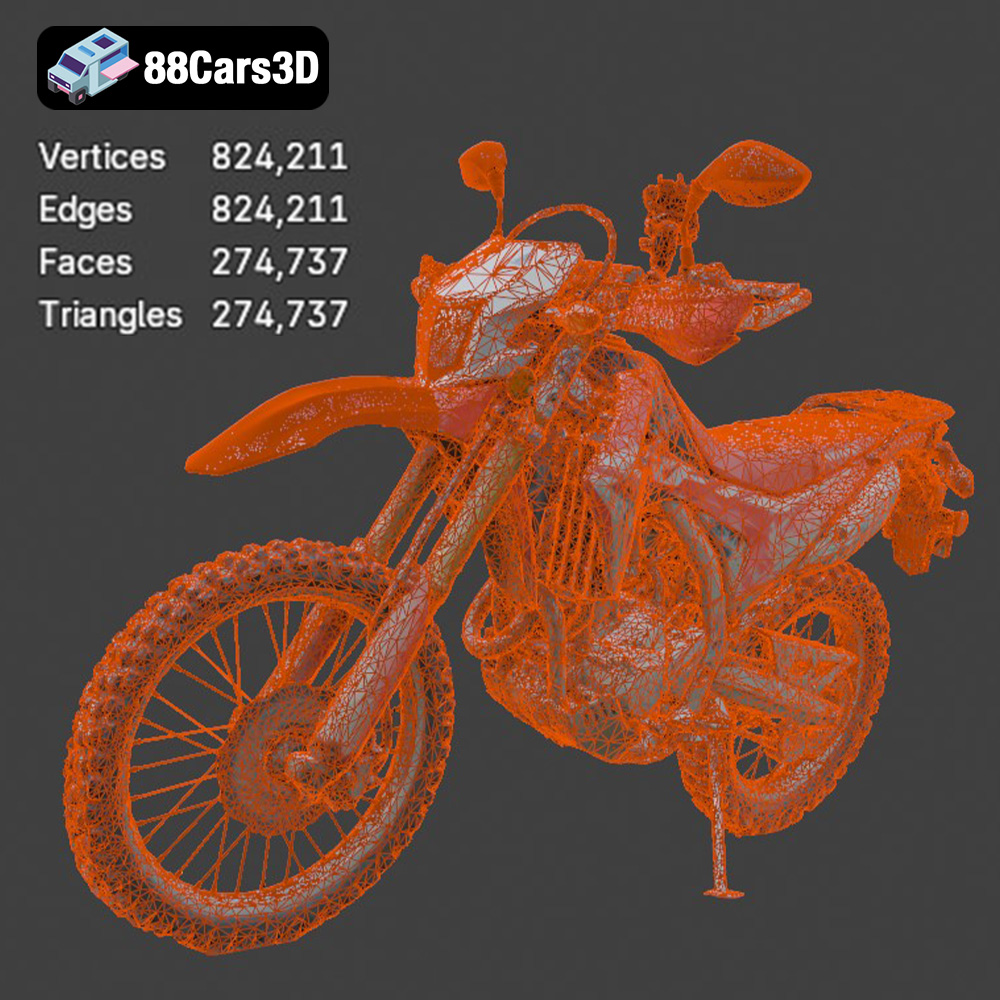
For the Honda Motorcycle-001, the .stl format available on 88cars3d.com ensures compatibility with virtually any 3D printer. However, it’s important to examine the mesh quality within the .stl file. A higher triangle count results in a smoother, more detailed surface, but also increases the file size and processing time. Conversely, a lower triangle count can lead to a faceted appearance. Slicing software allows you to adjust the mesh resolution to balance detail and performance. Using repair tools within the slicing software is often necessary to fix any mesh errors present in the .stl file, ensuring a successful print.
The .obj (object) file format is another common format, but unlike .stl, it supports color and texture information. This is particularly useful if you want to achieve a multi-colored or textured print using specialized 3D printers.
The .ply (polygon) format is designed for capturing high-detail 3D scans and models. It’s known for its precision and ability to represent complex geometries accurately. This format can be beneficial for models that require extreme detail, but it may not be as widely supported as .stl.
The .blend file is the native format for Blender, a popular open-source 3D modeling software. This format is useful if you want to make modifications to the Honda Motorcycle-001 model before printing, such as adding custom details or adjusting the dimensions. After editing, you would typically export the model as an .stl file for 3D printing.
The .fbx (Filmbox) format is often used for exchanging 3D models between different software applications, particularly in game development. It supports materials and animations, making it suitable for importing the Honda Motorcycle-001 into slicing software while preserving material information. However, the slicer needs to be compatible with .fbx to effectively use this data.
The .glb (GL Transmission Format Binary) is designed for efficient transmission and loading of 3D models in web-based applications and AR/VR environments. While not directly used for 3D printing, it allows you to preview the model in augmented reality before committing to a physical print.
The .max file is the native format for 3ds Max, a professional 3D modeling and animation software. Similar to .blend files, .max files are useful for making extensive modifications to the model before exporting it as an .stl file for printing.
Ultimately, for 3D printing the Honda Motorcycle-001, the .stl file format provided by 88cars3d.com is the most practical and widely compatible option. Ensure the mesh quality is sufficient for your desired level of detail, and use slicing software to repair any potential errors before printing.
The pre-print preparation stage is critical for a successful 3D printing outcome. It involves using slicing software to convert the 3D model into a set of instructions that the printer can understand. This section will cover key aspects of pre-print preparation, including model orientation, support generation, and slicing settings.
The orientation of the Honda Motorcycle-001 on the build plate can significantly impact the print quality, support material usage, and overall print time. Consider the following factors when choosing an orientation:
* **Minimizing Support Material:** Orient the model in a way that minimizes the need for support structures. Overhanging features, such as the handlebars and mirrors, will require support material if they are printed directly on the build plate. Experiment with different rotations to find the orientation that requires the least amount of support.
* **Surface Finish:** The orientation can affect the surface finish of certain parts of the model. Surfaces that are printed facing upwards will generally have a smoother finish than those that are printed on top of support material.
* **Print Time:** Certain orientations may result in longer print times due to the height of the model.
* **Structural Integrity:** Orient the model to take advantage of the layer adhesion strength of the 3D printing process. For example, if you anticipate the model being subjected to stress in a particular direction, orient the model so that the layers are perpendicular to that direction.
For the Honda Motorcycle-001, a good starting point would be to orient the model with the wheels facing downwards. This minimizes the need for supports on the main body of the motorcycle. You will likely need to generate supports for the handlebars, mirrors, and potentially the seat.
Support structures are necessary to print overhanging features that would otherwise collapse during the printing process. Slicing software offers various support generation options, including:
* **Linear Supports:** Simple, vertical supports that are easy to remove but may not provide sufficient support for complex overhangs.
* **Tree Supports:** Branching supports that use less material and are easier to remove than linear supports.
* **Support Density:** The density of the support structures affects their strength and the amount of material used. A higher density provides more support but can be more difficult to remove.
* **Support Interface:** A thin layer of material that is printed between the support structure and the model. This helps to improve the surface finish of the supported areas but can make the supports more difficult to remove.
For the Honda Motorcycle-001, consider using tree supports for the handlebars and mirrors, as they can effectively support these delicate features while minimizing material usage. Experiment with different support densities and interface settings to find the optimal balance between support strength and ease of removal.
Slicing settings determine the parameters of the 3D printing process. Key slicing settings include:
* **Layer Height:** The thickness of each layer of plastic. A lower layer height results in a smoother surface finish but increases the print time.
* **Infill Density:** The amount of material that is used to fill the interior of the model. A higher infill density results in a stronger model but increases the print time and material usage.
* **Print Speed:** The speed at which the printer head moves during the printing process. A slower print speed results in a higher quality print but increases the print time.
* **Print Temperature:** The temperature of the nozzle and build plate. The optimal print temperature depends on the material being used.
The choice of material is crucial for the final look, feel, and functionality of your 3D printed Honda Motorcycle-001. Different materials offer varying properties in terms of strength, flexibility, temperature resistance, and aesthetic appearance. Here’s a breakdown of some popular 3D printing materials and their suitability for this project.
PLA is a biodegradable thermoplastic derived from renewable resources, making it an environmentally friendly choice. It’s known for its ease of printing, low printing temperature, and minimal warping. PLA is a good option for beginners and for models that don’t require high strength or temperature resistance.
* **Pros:** Easy to print, low warping, good surface finish, wide range of colors.
* **Cons:** Low strength, low temperature resistance, can be brittle.
* **Recommended Settings:** Nozzle temperature: 200-220°C, bed temperature: 60°C, layer height: 0.1-0.2mm, infill: 15-25%.
For the Honda Motorcycle-001, PLA is a suitable choice if you prioritize ease of printing and a good surface finish. However, it’s important to be aware of its limitations in terms of strength and temperature resistance. If you plan to display the model indoors and avoid exposing it to high temperatures, PLA is a viable option.
PETG is a modified version of PET that offers improved strength, flexibility, and temperature resistance compared to PLA. It’s also less prone to warping than ABS, making it a good all-around material for 3D printing.
* **Pros:** Stronger and more flexible than PLA, good temperature resistance, low warping.
* **Cons:** Can be stringy, requires higher printing temperature than PLA.
* **Recommended Settings:** Nozzle temperature: 230-250°C, bed temperature: 70-80°C, layer height: 0.1-0.2mm, infill: 15-25%.
PETG is an excellent choice for the Honda Motorcycle-001 if you need a balance between strength, flexibility, and ease of printing. It’s more durable than PLA and can withstand higher temperatures, making it suitable for models that may be exposed to sunlight or outdoor conditions.
Resin 3D printing, using technologies like SLA (Stereolithography) and DLP (Digital Light Processing), offers the highest level of detail and surface finish. Resin printers use liquid resin that is cured by UV light to create the model.
* **Pros:** Exceptional detail, smooth surface finish, high accuracy.
* **Cons:** Brittle, requires post-processing (washing and curing), can be expensive.
* **Recommended Settings:** Follow the manufacturer’s recommendations for the specific resin being used.
If you want to capture every detail of the Honda Motorcycle-001, resin 3D printing is the way to go. It’s ideal for creating highly detailed and accurate replicas of the model. However, resin prints tend to be more brittle than FDM prints, so they may not be suitable for models that will be handled frequently. Post-processing is also required to remove uncured resin and fully cure the model.
Achieving a high-quality 3D print of the Honda Motorcycle-001 requires careful consideration of printer settings. These settings control various aspects of the printing process, such as layer height, infill density, print speed, and temperature. This section provides recommended printer settings for different materials.
* **Layer Height:** 0.1-0.2mm. A lower layer height will result in a smoother surface finish but increase the print time.
* **Infill Density:** 15-25%. This provides sufficient strength for most display models without adding excessive weight or print time.
* **Print Speed:** 40-60mm/s. A slower print speed will improve the print quality but increase the print time.
* **Nozzle Temperature:** 200-220°C. The optimal temperature will depend on the specific PLA filament being used.
* **Bed Temperature:** 60°C. This helps to improve bed adhesion.
* **Support Structure:** Tree or linear supports with a density of 15-20%.
* **Brim/Raft:** Use a brim or raft to improve bed adhesion, especially for models with small contact areas.
* **Layer Height:** 0.1-0.2mm.
* **Infill Density:** 15-25%.
* **Print Speed:** 30-50mm/s.
* **Nozzle Temperature:** 230-250°C.
* **Bed Temperature:** 70-80°C.
* **Support Structure:** Tree or linear supports with a density of 15-20%.
* **Brim/Raft:** Use a brim or raft to improve bed adhesion, especially for models with small contact areas.
Resin 3D printing settings are highly dependent on the specific resin and printer being used. Always consult the manufacturer’s recommendations for optimal settings. However, some general guidelines include:
* **Layer Height:** 0.025-0.05mm. Resin printers are capable of printing at very fine layer heights, resulting in exceptional detail.
* **Exposure Time:** This determines how long each layer is exposed to UV light. The optimal exposure time will depend on the resin being used.
* **Lift Speed:** The speed at which the build plate moves up after each layer. A slower lift speed can improve print quality but increase the print time.
* **Support Structure:** Resin printers require extensive support structures to hold the model in place during printing. Use automatic support generation tools in the slicing software to create appropriate supports.
After the 3D printing process is complete, post-processing is essential to refine the appearance and functionality of the Honda Motorcycle-001. This involves removing support structures, sanding down imperfections, and applying paint or other finishes to achieve the desired look.
The first step in post-processing is to carefully remove the support structures. Use pliers, a hobby knife, or other suitable tools to gently detach the supports from the model. Take care not to damage the model’s surface during this process.
For PLA and PETG prints, the supports should break away relatively easily. For resin prints, the supports may be more difficult to remove and require more patience and precision.
Sanding is used to smooth out any imperfections on the surface of the model, such as layer lines or blemishes left by support removal. Start with a coarse grit sandpaper (e.g., 200 grit) and gradually work your way up to finer grits (e.g., 400, 600, 800 grit).
* **Wet Sanding:** Wet sanding can help to reduce dust and improve the smoothness of the surface. Use a small amount of water and a sanding block to gently sand the model.
* **Rotary Tools:** Rotary tools, such as Dremels, can be used to speed up the sanding process. However, use caution, as it’s easy to remove too much material with a rotary tool.
Painting can transform the appearance of the Honda Motorcycle-001 and add realism to the model.
* **Priming:** Apply a primer to the model before painting. This helps to create a smooth surface for the paint to adhere to.
* **Painting Techniques:** Use spray paint, airbrush, or hand-painting techniques to apply the desired colors.
* **Clear Coat:** Apply a clear coat to protect the paint and add a glossy or matte finish.
The Honda Motorcycle-001 model may consist of multiple parts that need to be assembled after printing. Use glue, screws, or other suitable fasteners to join the parts together. Ensure that the parts are properly aligned before bonding them together.
Even with careful preparation and optimal settings, 3D printing can sometimes present challenges. This section addresses common issues and provides troubleshooting tips to help you overcome them.
Warping occurs when the corners of the model lift off the build plate during printing. This is often caused by uneven cooling or poor bed adhesion.
* **Solution:** Use a heated bed, apply a bed adhesion aid (e.g., glue stick, hairspray), increase the bed temperature, or use a brim or raft.
Stringing occurs when thin strands of plastic are left behind between different parts of the model. This is often caused by excessive nozzle temperature or retraction settings.
* **Solution:** Reduce the nozzle temperature, increase the retraction distance and speed, or enable travel move avoidance.
Layer shifting occurs when the layers of the model are misaligned. This is often caused by loose belts or stepper motors.
* **Solution:** Tighten the belts, check the stepper motor drivers, or reduce the print speed.
Elephant’s foot occurs when the first layer of the model is wider than the subsequent layers. This is often caused by excessive bed temperature or nozzle pressure.
* **Solution:** Reduce the bed temperature, reduce the initial layer flow rate, or adjust the Z offset.
By understanding these common issues and their solutions, you can effectively troubleshoot problems and achieve successful 3D prints of the Honda Motorcycle-001. Remember to experiment with different settings and techniques to find what works best for your printer and material.
Experience an exceptional level of realism with the Honda Motorcycle-001 3D model. Meticulously constructed to capture the exact engineering, sleek aesthetic, and dynamic profile of this renowned motorcycle, it serves as an authoritative digital twin for demanding professional projects.
$19.99
.arvr
.bike
.blend
.car3dmodel
.fbx
.gameasset
.glb
.honda
.max
.motorcycle
.motorcycle001
.obj
.ply
.rendering
.simulation
.stl
.streetbike
.twowheeler
.unreal