Get 20% OFF All Premium 3D & STL Models!

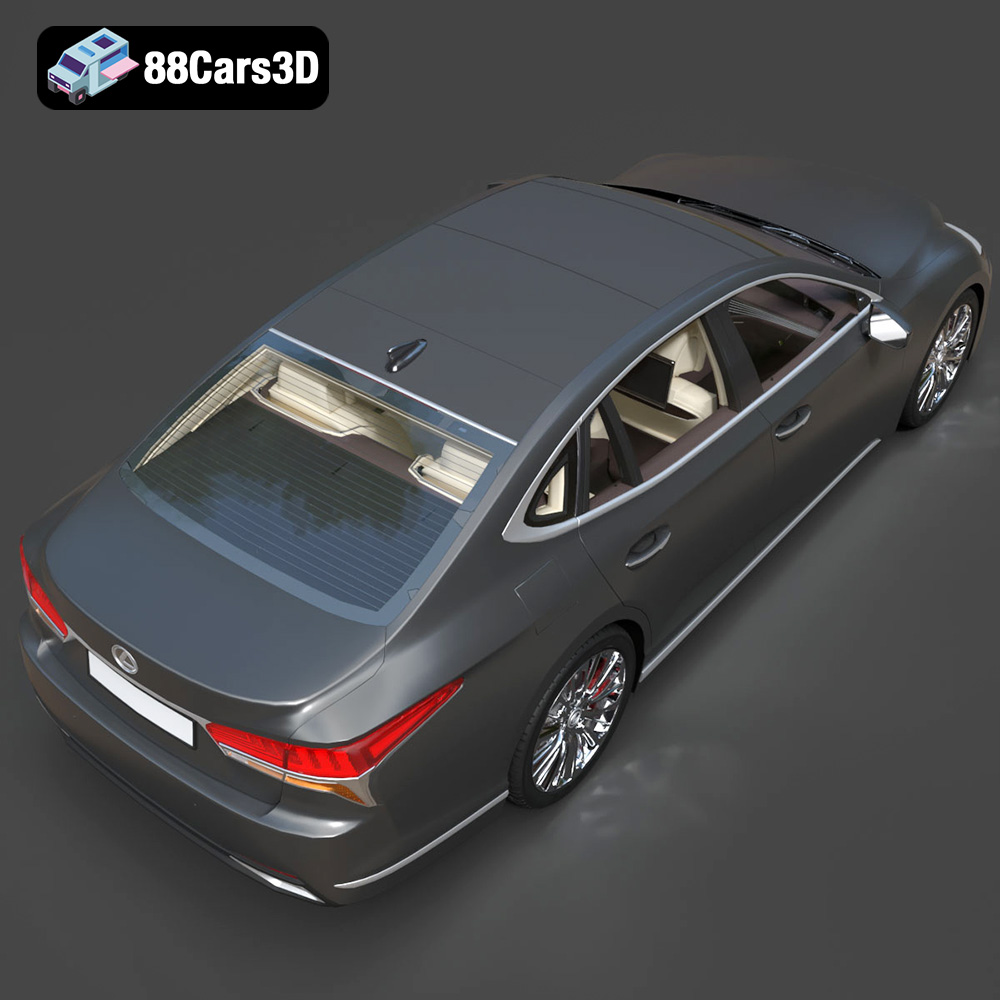
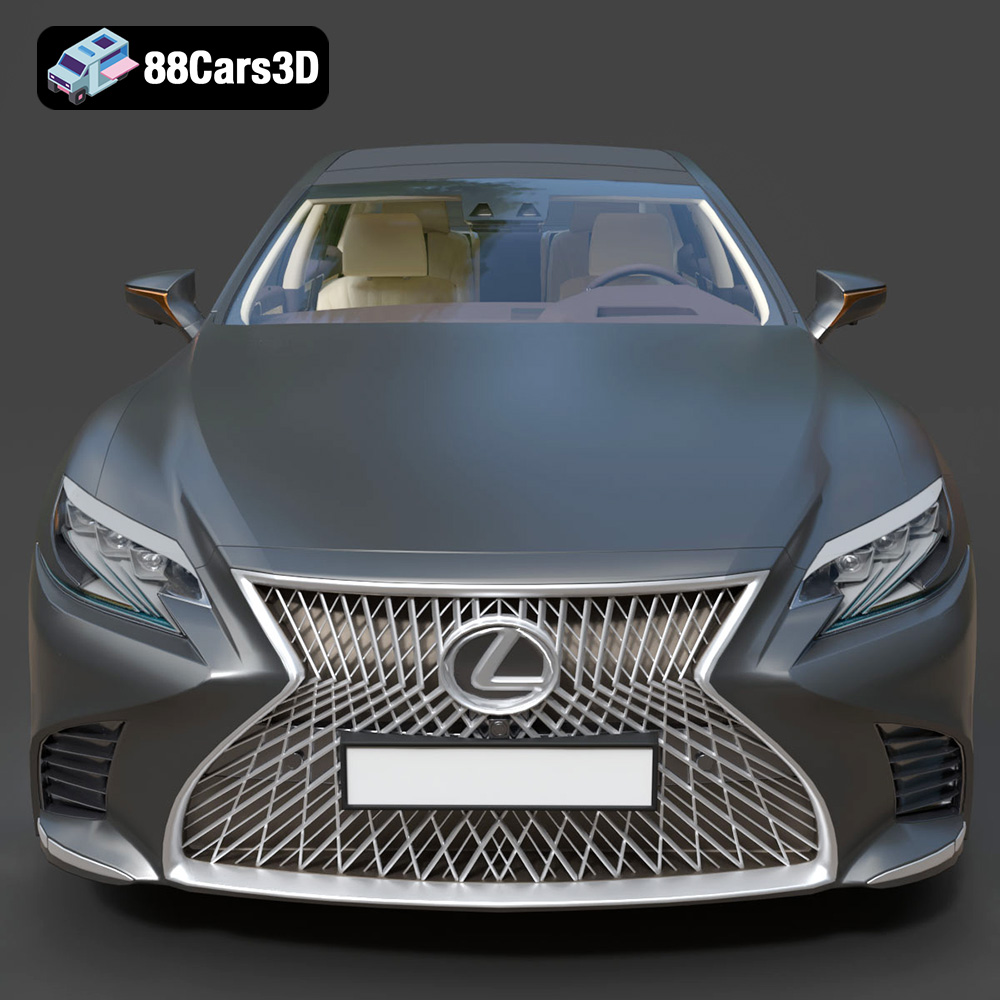
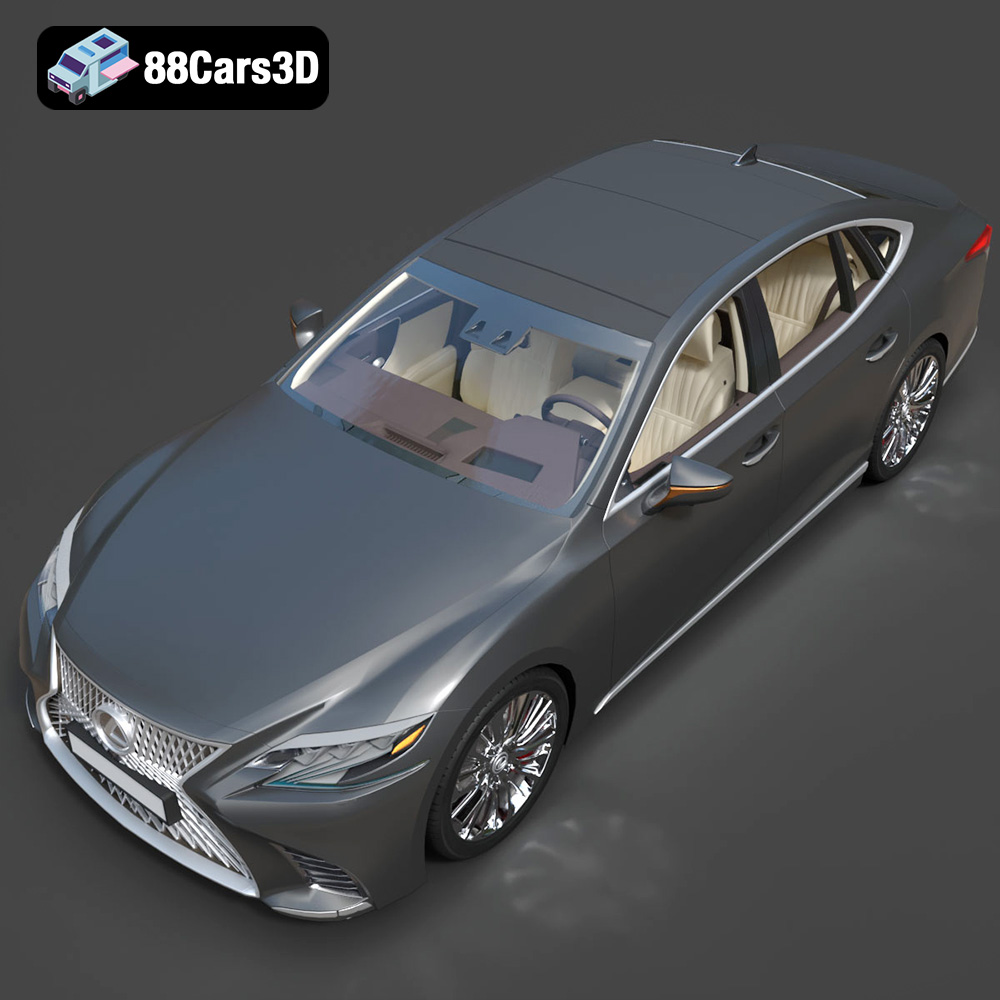
The Lexus LS 500 2018 represents a blend of luxury and performance, and now you can bring a piece of that automotive excellence into your home with a 3D printed model. The meticulously crafted 3D model available at 88cars3d.com offers a fantastic opportunity for hobbyists and enthusiasts to recreate this iconic vehicle in stunning detail. This comprehensive guide will walk you through the entire process, from preparing the STL files to applying the finishing touches.
Before diving into the 3D printing process, careful preparation is essential. This includes inspecting the model, choosing the right scale, and optimizing the orientation for printing.
* Mesh Integrity: While the Lexus LS 500 2018 3D model from 88cars3d.com is designed with optimized topology, it’s always good practice to inspect the STL file for any errors, such as non-manifold edges or holes. Software like MeshLab, Meshmixer, or Netfabb can be used to automatically detect and repair these issues.
* Software: Meshmixer, a free tool from Autodesk, is excellent for making minor adjustments. You can use it to smooth out any rough edges or fix small imperfections.
* Why it Matters: Addressing these issues beforehand will prevent printing failures and ensure a smoother, more detailed final product.
* Choosing the Right Scale: The product description suggests scales of 1:12, 1:18, or 1:24. Consider your printer’s build volume and desired level of detail when choosing the scale. A larger scale (e.g., 1:12) will allow for more intricate details but will require more material and printing time.
* Scale and Detail: Smaller scales are more manageable and faster to print, but fine details may be lost. For beginners, a 1:24 scale offers a good balance between detail and printability.
* Scaling Software: You can scale the model directly within your slicing software (e.g., Cura, Simplify3D, PrusaSlicer). Ensure that all parts are scaled uniformly to maintain accurate proportions.
* Optimal Orientation: The suggested printing orientation is with the frame angled for structural integrity, and wheels printed separately. Angling the frame minimizes the need for extensive support structures, particularly on the roof and hood.
* Support Placement: Carefully plan support placement, especially for overhangs like the exhaust, mirrors, and intricate grille. Use tree supports in Cura for easier removal and less surface marring.
* Slicing Software: Experiment with different support settings in your chosen slicing software. Adjust the support density and overhang angle to optimize for both print quality and ease of removal.
Choosing the right file format is crucial for a successful 3D printing experience. While numerous formats exist, some are better suited for additive manufacturing than others. Let’s delve into the common file formats and their implications for 3D printing the Lexus LS 500 2018 model.
* Mesh-Only Format: The .stl (Stereolithography) format is the most widely accepted standard in the 3D printing world. It represents the model’s surface geometry using a series of interconnected triangles. This simplicity makes it universally compatible with slicing software and 3D printers.
* Slicing Software Compatibility: Nearly every slicing software (Cura, Simplify3D, PrusaSlicer, etc.) readily imports .stl files. This ensures a seamless workflow from model download to print preparation.
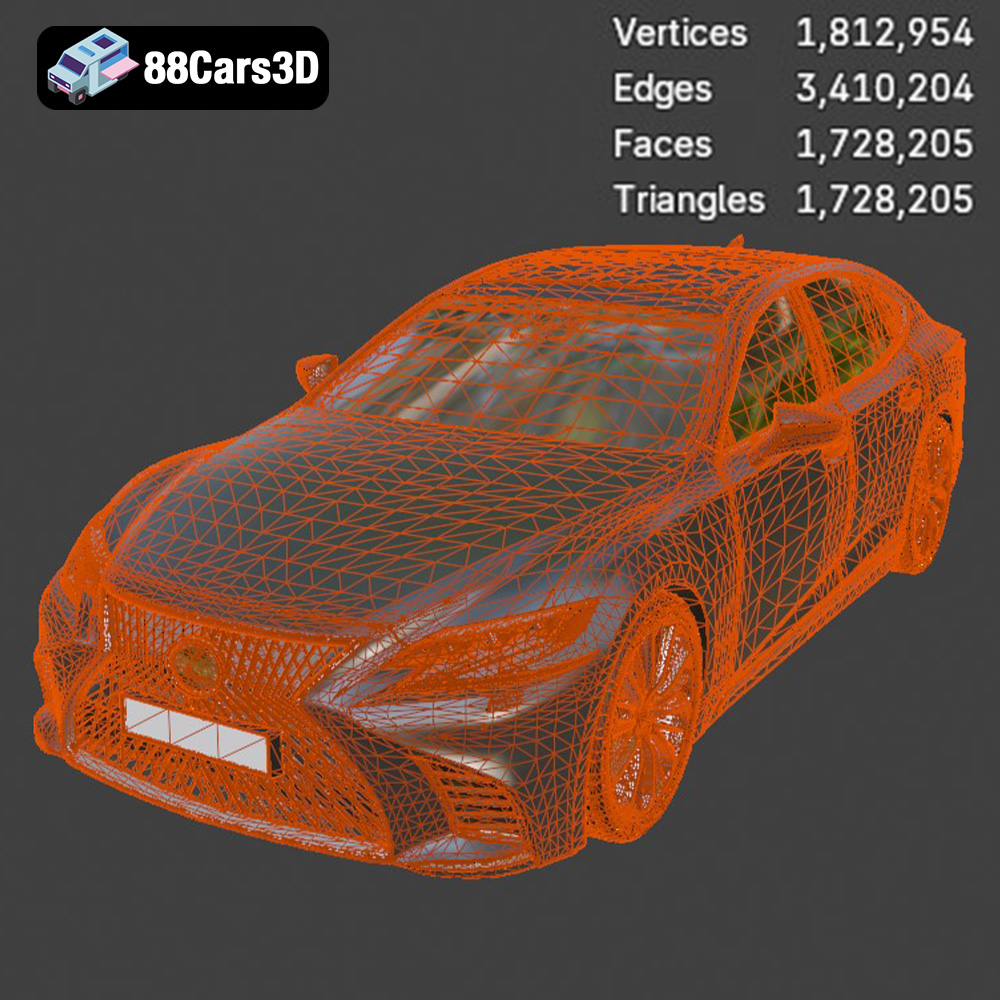
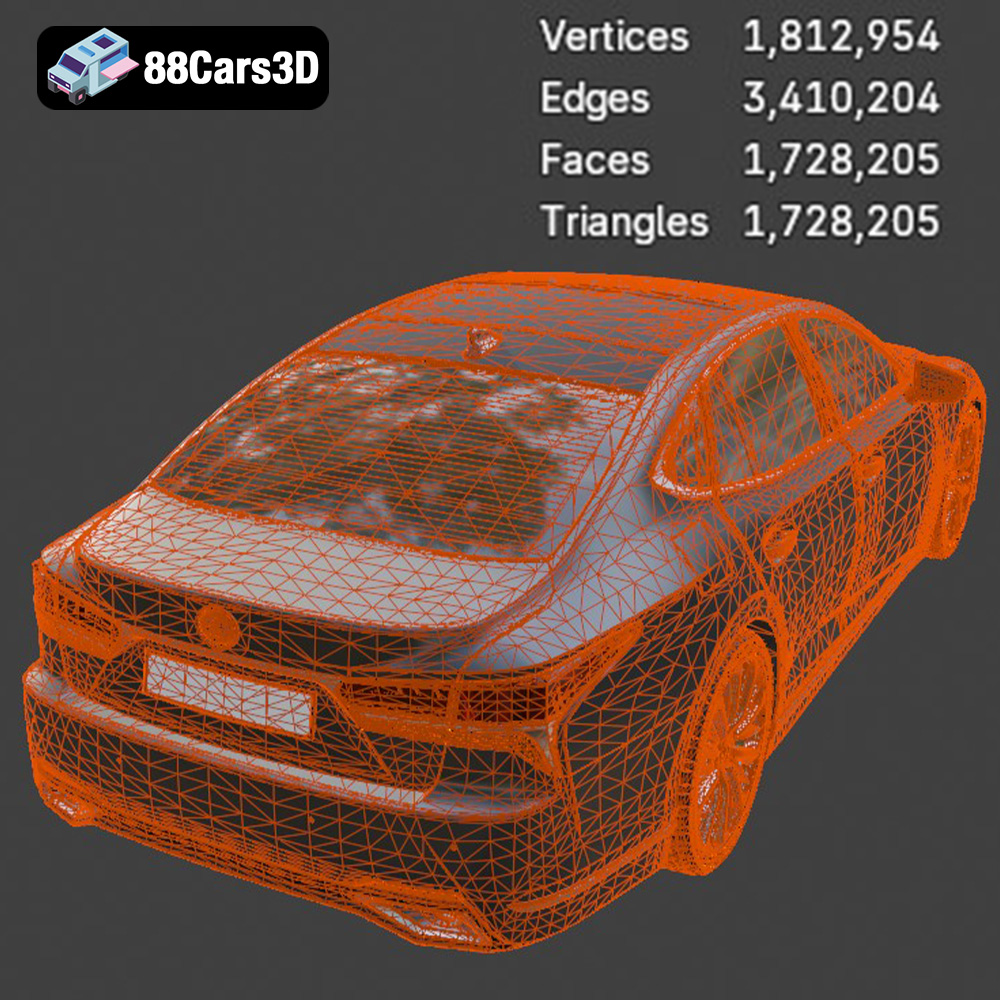
* Mesh Quality and Resolution: The quality of the .stl file directly impacts the final print. A higher triangle count results in a smoother, more detailed surface, while a lower count can lead to a faceted appearance. The Lexus LS 500 2018 model from 88cars3d.com, with approximately 200,000 triangles, offers a good balance between detail and file size.
* Why It’s Preferred: The .stl format’s widespread adoption, ease of use, and compatibility make it the primary choice for 3D printing. It allows for a straightforward process of converting the digital model into printable instructions.
* Texture and Color Information: Unlike .stl, the .obj (Wavefront Object) format can store color and texture information along with the geometry. This makes it suitable for 3D printing models with multiple colors or intricate surface details, provided your printer supports multi-material or full-color printing.
* Slicing Software: Most slicing software can import .obj files, but compatibility with texture information may vary. Some software may require additional plugins or settings to handle textures correctly.
* When to Use: If you plan to 3D print the Lexus LS 500 2018 model with a full-color 3D printer, the .obj format can be advantageous. However, for single-color printing, .stl is generally preferred due to its simplicity.
* High-Detail Prints: The .ply (Polygon File Format) is designed to store 3D data from scanners, often containing additional information like color, normals, and texture coordinates. It’s known for its ability to represent high-detail meshes accurately.
* Limited Slicing Compatibility: While some advanced slicing software supports .ply, it’s not as universally compatible as .stl. Converting .ply to .stl may be necessary for broader printer compatibility.
* Niche Applications: If you’re working with a highly detailed scan of the Lexus LS 500 2018 and need to preserve every nuance, .ply could be useful. However, for general 3D printing, .stl is usually sufficient.
* .blend (Blender): Native format for Blender, a powerful 3D modeling software. Use to further customize the Lexus LS 500 model before exporting to .stl for printing.
* .fbx (Autodesk Filmbox): Primarily for animation and game development, this format retains material information. However, it is not necessary for standard 3D printing.
* .glb (GL Transmission Format Binary): Ideal for previewing models in AR applications. Not directly used in 3D printing but useful for visualization before printing.
* .max (3ds Max): Native format for 3ds Max, another professional 3D modeling software. Similar to .blend, you can use it for customization before exporting to .stl.
For the Lexus LS 500 2018 3D model available on 88cars3d.com, the provided .stl format is the most practical choice for 3D printing. Its widespread compatibility, simplicity, and suitability for single-color prints make it the go-to option. While other formats offer additional features, .stl provides a reliable and efficient pathway from digital model to physical object.
The choice of material greatly impacts the final appearance, strength, and durability of your 3D printed Lexus LS 500 2018 model. Here’s a breakdown of the most suitable materials and their characteristics:
* Pros: PLA is biodegradable, easy to print, and available in a wide range of colors. It’s an excellent choice for beginners due to its low printing temperature and minimal warping.
* Cons: PLA is not as heat-resistant or durable as other materials. It’s best suited for display models that won’t be subjected to high temperatures or significant stress.
* Recommended Settings: Print temperature of 200-220°C, bed temperature of 60°C, print speed of 40-60 mm/s.
* Pros: PETG offers a good balance of strength, flexibility, and heat resistance. It’s more durable than PLA and less prone to warping than ABS.
* Cons: PETG can be slightly more challenging to print than PLA, requiring careful temperature and retraction settings to avoid stringing.
* Recommended Settings: Print temperature of 230-250°C, bed temperature of 70-80°C, print speed of 40-50 mm/s.
* Pros: Resin printing offers unparalleled detail and surface finish. It’s ideal for capturing the intricate details of the Lexus LS 500 2018, especially the grille and headlights.
* Cons: Resin printing requires a resin printer, which can be more expensive than FDM printers. It also involves messy handling of liquid resin and requires post-curing under UV light.
* Recommended Settings: Layer height of 0.04-0.05 mm, exposure time based on resin manufacturer’s recommendations, extensive support structures.
* Display Model (Detailed): Resin
* Display Model (Beginner-Friendly): PLA
* Durable Model: PETG
Achieving a high-quality 3D print requires fine-tuning your printer settings to suit the specific model and material. Here are some key settings to consider:
* Impact: Layer height affects the print resolution and surface smoothness. Lower layer heights result in finer details but increase printing time.
* Recommended Range: For FDM printing (PLA/PETG), a layer height of 0.1-0.15 mm provides a good balance. For resin printing, 0.04-0.05 mm is recommended for capturing fine details.
* Considerations: The recommended range in the product description is 0.04-0.12 mm when using resin.
* Impact: Infill density determines the internal strength and weight of the model. Higher infill densities increase strength but also consume more material and extend printing time.
* Recommended Range: 20-30% infill is sufficient for most display models. Use a rectilinear or gyroid infill pattern for optimal strength and material efficiency.
* Optimization: Focus on increasing wall thickness rather than infill for better surface finish and structural integrity.
* Impact: Print speed affects the overall printing time and the quality of the print. Higher speeds can lead to reduced detail and increased risk of warping.
* Recommended Range: 40-60 mm/s for PLA/PETG, with slower speeds (20-30 mm/s) for the first layer and intricate details. Resin printing speeds are determined by exposure time.
* Fine-Tuning: Adjust print speed based on your printer’s capabilities and the material used. Experiment with different speeds to find the optimal balance between speed and quality.
* Support Type: Tree supports are recommended for FDM printing, as they are easier to remove and leave fewer marks on the surface. For resin printing, use a combination of light and medium supports to minimize resin consumption and prevent print failures.
* Support Density: Adjust the support density based on the complexity of the overhangs. Higher densities provide more support but can be more difficult to remove.
* Support Placement: Manually place supports in areas that require them most, such as the exhaust, mirrors, and grille. Avoid placing supports on visible surfaces if possible.
Post-processing is crucial for achieving a professional-looking finish on your 3D printed Lexus LS 500 2018 model. This involves removing supports, sanding, priming, and painting.
* Tools: Use a sharp hobby knife, pliers, or side cutters to carefully remove the support structures. Take your time to avoid damaging the model.
* Techniques: For FDM prints, gently twist and pull the supports away from the model. For resin prints, use a solvent like isopropyl alcohol to soften the supports before removal.
* Resin: For resin prints, ensure that the supports are fully removed before curing the resin completely.
* Purpose: Sanding removes layer lines and imperfections, creating a smooth surface for painting.
* Process: Start with coarse sandpaper (e.g., 220 grit) to remove major imperfections, then gradually move to finer grits (e.g., 400, 600, 800 grit) to achieve a smooth finish. Wet sanding can help to prevent clogging and improve the surface finish.
* Tools: Use sanding blocks or rotary tools with sanding attachments for larger surfaces. Pay attention to detail in hard-to-reach areas.
* Priming: Apply a primer coat to fill in any remaining imperfections and provide a uniform surface for painting. Choose a primer that is compatible with your chosen material.
* Painting: Use high-quality acrylic paints or automotive spray paints to achieve a realistic finish. Apply multiple thin coats rather than one thick coat to avoid drips and runs.
* Finishing Touches: Consider using masking tape to create sharp lines and details. Apply a clear coat to protect the paint and add a glossy or matte finish.
Even with careful preparation and optimized settings, 3D printing can sometimes present challenges. Here are some common issues and their solutions:
* Cause: Warping occurs when the first layer of the print cools and contracts, causing it to lift off the build plate.
* Solutions: Ensure that the build plate is clean and level. Use a heated bed and apply an adhesive like glue stick or hairspray to improve adhesion. Increase the first layer thickness and reduce the printing speed for the first few layers.
* Cause: Stringing occurs when molten filament oozes from the nozzle during travel moves.
* Solutions: Increase retraction distance and speed. Lower the printing temperature and reduce the travel speed. Ensure that the filament is dry and free of moisture.
* Cause: Layer shifting occurs when the printer’s motors skip steps, causing the layers to misalign.
* Solutions: Check the belts and pulleys for tightness and proper alignment. Reduce the printing speed and acceleration. Ensure that the printer is placed on a stable surface.
* Cause: Print doesn’t adhere to the print bed properly, often caused by improper bed leveling or poor adhesion.
* Solutions: Re-level the bed carefully, clean the bed surface, and consider using an adhesive like glue stick or blue tape.
* Print Time Estimation: The printing time will vary depending on the scale, layer height, infill density, and printing speed. A 1:24 scale model printed with a layer height of 0.15 mm and 20% infill can take approximately 15-20 hours.
* Material Cost Estimation: The material cost will depend on the type of filament or resin used and the size of the model. A 1:24 scale model can require approximately 200-300 grams of filament or resin.
The Lexus LS 500 2018 3D model, available at 88cars3d.com, offers a fulfilling 3D printing project that can yield a stunning replica of this luxury vehicle.
The 2018 Lexus LS 500 is the pinnacle of Japanese luxury, featuring a striking spindle grille, elegant coupe-like silhouette, and a powerful twin-turbo V6 engine. Known for its meticulous Takumi craftsmanship, whisper-quiet ride, and aggressive yet refined styling, the LS 500 represents the intersection of executive comfort and cutting-edge automotive design. From its complex front fascia to the dual exhaust outlets, every curve is captured to convey its dynamic road presence.
$19.99
.2018
.blend
.fbx
.glb
.lexus
.max
.obj
.ply
.rendering
.stl
.unreal
car-3d-model
executive-car
game asset
game-ready
low-poly
ls-500
luxury-sedan
optimized
VR/AR