Get 20% OFF All Premium 3D & STL Models!

The Nissan GTR R35 Nismo is a legendary performance vehicle, and now you can bring this iconic car to life with 3D printing. This guide will provide a detailed walkthrough of how to successfully 3D print the Nissan GTR R35 Nismo 3D model, focusing on everything from pre-print preparation to post-processing techniques. Whether you’re a seasoned 3D printing enthusiast or just starting out, this article will equip you with the knowledge to create a stunning replica of this automotive masterpiece. The high-quality STL files available for the Nissan GTR R35 Nismo model, especially from marketplaces like 88cars3d.com, make the 3D printing process achievable for a range of skill levels.
Choosing the correct file format is crucial for a successful 3D printing experience. While numerous formats exist, some are better suited for additive manufacturing than others. Understanding the nuances of each format will help you select the optimal one for your needs.
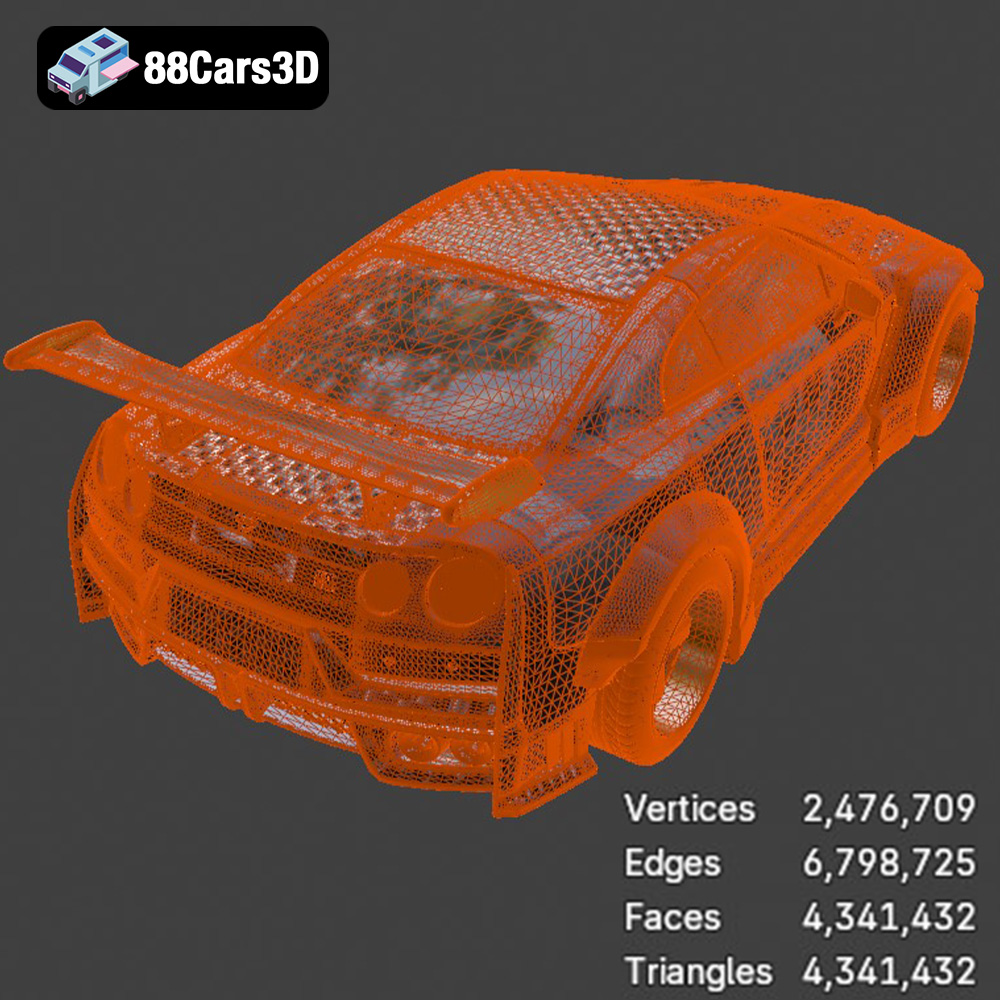
The STL (Stereolithography) file format has become the de facto standard for 3D printing. It represents the surface geometry of a 3D object as a collection of triangles. This simplicity makes it universally compatible with slicing software and 3D printers. However, STL files only contain information about the object’s shape; they don’t include color, texture, or material properties. For the Nissan GTR R35 Nismo 3D model, the STL format is the primary choice for printing. Ensure your STL file is properly oriented and scaled before slicing. Using repair tools in your slicing software can fix any mesh errors within the STL file, ensuring a clean and accurate print.
OBJ files, unlike STL, can store color and texture information alongside the geometry. This makes them suitable for printing multi-colored models, although most desktop 3D printers are limited to single-color prints. OBJ files can also be more complex than STL files, potentially leading to larger file sizes and slower processing times in slicing software. When working with OBJ files, it’s essential to verify that your slicing software correctly interprets the color and texture data if you intend to print with multiple filaments on a multi-material printer.
PLY files are capable of storing even more detailed information than OBJ, including vertex normals, color, and texture coordinates. This format is often used for capturing 3D scans and creating high-resolution models. While PLY files can produce incredibly detailed prints, they can also be very large and computationally intensive. Consider converting a PLY file to STL if detail isn’t paramount to improve slicing performance.
.blend files are native to Blender, a free and open-source 3D creation suite. This format stores the entire Blender scene, including the model, materials, textures, lighting, and animation. While .blend files themselves can’t be directly used for 3D printing, they are invaluable for modifying the Nissan GTR R35 Nismo 3D model before exporting it to a printable format like STL. You can use Blender to add custom details, repair mesh errors, or optimize the model for printing.
FBX (Filmbox) is a proprietary file format developed by Autodesk. It is commonly used for exchanging 3D data between different software applications, particularly in the gaming and animation industries. FBX files can store geometry, textures, materials, and animation data. While some slicing software programs support importing FBX files, their primary use case is for transferring models between design and animation tools rather than direct 3D printing. Ensure you export the model as an STL from your design software after making all necessary changes.
GLB (GL Transmission Format Binary) is a file format designed for efficient delivery and loading of 3D models in web and AR/VR applications. It is a binary version of the glTF (GL Transmission Format) format. GLB files can contain geometry, textures, and animations. While not directly printable, they are useful for previewing the Nissan GTR R35 Nismo 3D model in augmented reality before committing to the printing process.
Similar to .blend, .max files are native to Autodesk 3ds Max. This format contains the entire project, allowing for complete modification of the 3D model. You’ll need 3ds Max to open and edit these files. After making desired changes, export to STL for 3D printing.
Before sending the Nissan GTR R35 Nismo 3D model to your printer, careful preparation is essential. This involves inspecting the model, choosing the right orientation, and configuring your slicing software.
* **Mesh Analysis:** Use software like MeshLab or the built-in tools in your slicing software to analyze the STL file for errors such as non-manifold edges, holes, or self-intersecting faces. These errors can lead to printing problems.
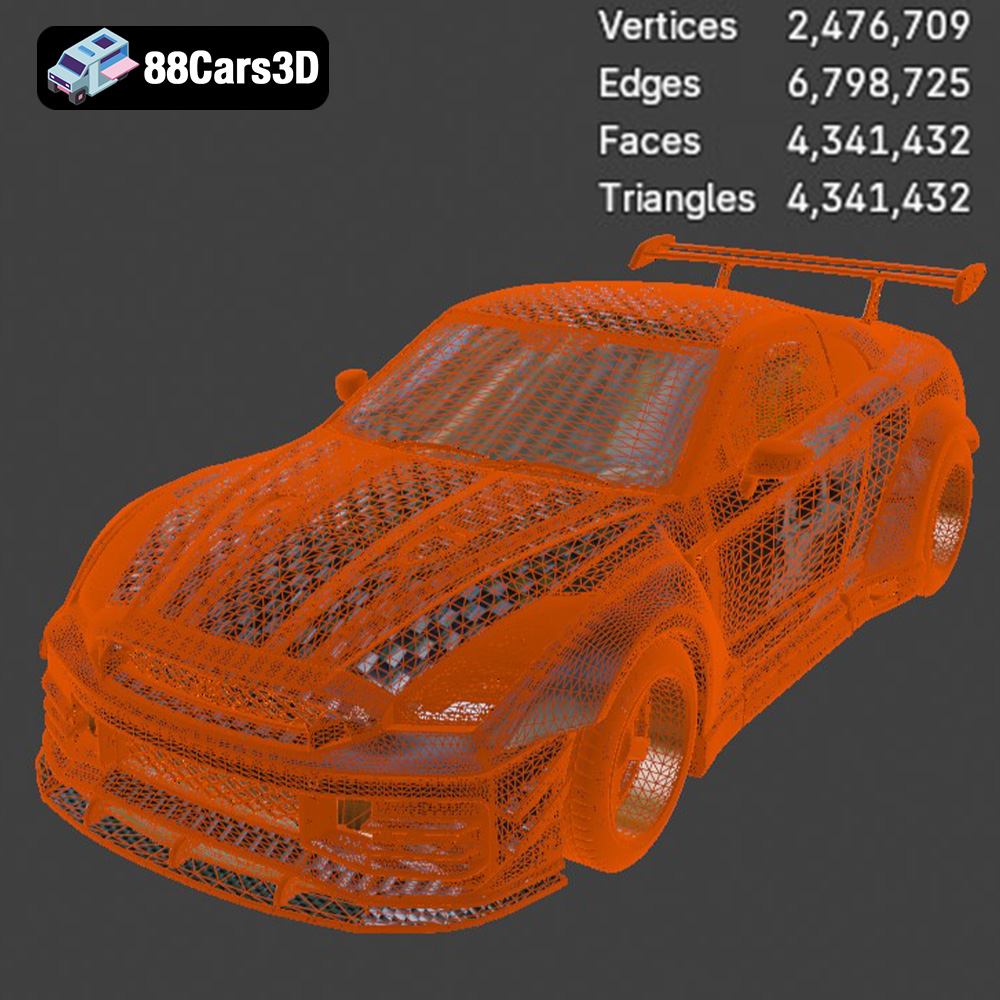
* **Repair Tools:** Most slicing software includes automatic repair tools that can fix common mesh errors. If manual repair is needed, consider using Blender or MeshMixer. Ensuring a “watertight” mesh is crucial for successful printing.
* **Optimal Orientation:** The orientation of the model on the print bed significantly impacts the print quality, support requirements, and overall success. For the Nissan GTR R35 Nismo, consider printing the body at an angle to minimize the need for supports on the curved surfaces. The wheels should be printed upright.
* **Support Structures:** Use support structures to prop up any overhangs or unsupported areas. In your slicing software, experiment with different support types (linear, tree) and densities to find a balance between support strength and ease of removal.
* **Scaling:** Determine the desired size of your 3D printed Nissan GTR R35 Nismo. Scaling too small can result in loss of detail, while scaling too large can increase print time and material consumption.
* **Hollowing (for Resin Printing):** If you’re using a resin printer, consider hollowing the model to reduce resin consumption and prevent warping. Be sure to add drainage holes to allow resin to escape during the printing process.
The choice of material depends on your desired properties for the final 3D printed Nissan GTR R35 Nismo, such as strength, flexibility, and appearance.
* **Pros:** PLA (Polylactic Acid) is a biodegradable thermoplastic that’s easy to print with, offers good detail, and has minimal warping. It’s a great starting point for 3D printing the Nissan GTR R35 Nismo.
* **Cons:** PLA is not as strong or heat-resistant as other materials. It may not be suitable for parts that will be exposed to high temperatures or stress.
* **Recommended Settings:** Nozzle temperature: 200-220°C, Bed temperature: 60°C, Print speed: 40-60 mm/s.
* **Pros:** PETG (Polyethylene Terephthalate Glycol-modified) offers a good balance of strength, flexibility, and heat resistance. It’s a good choice for parts that need to withstand some stress or outdoor use.
* **Cons:** PETG can be more challenging to print than PLA and may require higher temperatures and slower print speeds. Stringing can also be an issue.
* **Recommended Settings:** Nozzle temperature: 230-250°C, Bed temperature: 70-80°C, Print speed: 30-50 mm/s.
* **Pros:** Resin printing (SLA/DLP) offers the highest level of detail and surface finish. It’s ideal for intricate parts with small features.
* **Cons:** Resin printers are more expensive, and resin printing requires more post-processing (washing, curing). The materials are also generally more brittle than FDM filaments.
* **Recommended Resin:** Standard resin for initial prototypes, tough resin for parts requiring higher impact resistance.
* **Settings:** Follow the resin manufacturer’s recommendations for layer height, exposure time, and lift speed.
The slicing software translates the 3D model into instructions that the printer can understand. Proper settings are crucial for achieving optimal print quality.
* **Layer Height:** Lower layer heights (e.g., 0.1mm) produce smoother surfaces but increase print time. Higher layer heights (e.g., 0.2mm) print faster but may sacrifice detail. Experiment with layer heights to find the best balance for the Nissan GTR R35 Nismo.
* **Infill Density:** Infill density determines the internal structure of the print. A higher infill density (e.g., 20%) increases strength but also increases material consumption and print time. For purely aesthetic models, a lower infill density (e.g., 10%) may suffice.
* **Print Speed:** Slower print speeds generally result in higher quality prints. However, excessively slow speeds can lead to warping.
* **Temperature:** Adjust the nozzle and bed temperatures based on the material being used. Refer to the material manufacturer’s recommendations.
* **Support Type:** Choose the appropriate support type (linear, tree) based on the model’s geometry. Tree supports are often easier to remove and leave fewer marks.
* **Support Density:** Increase support density for areas with significant overhangs.
* **Support Placement:** Manually adjust support placement to ensure critical areas are adequately supported.
Post-processing techniques can significantly enhance the appearance and durability of your 3D printed Nissan GTR R35 Nismo.
* **Support Removal:** Carefully remove support structures using pliers or a sharp knife. Take care not to damage the model’s surface.
* **Sanding:** Sand the model to smooth out any imperfections or layer lines. Start with coarse grit sandpaper (e.g., 220 grit) and gradually move to finer grits (e.g., 400, 600, 800 grit). Wet sanding can help to achieve a smoother finish.
* **Priming:** Apply a primer to the model to create a uniform surface for painting and improve paint adhesion.
* **Painting:** Use acrylic or enamel paints to add color and detail to the model. Multiple thin coats are better than one thick coat to prevent runs and drips. Consider using an airbrush for a professional finish. Apply masking tape to create clean lines and avoid overspray. The Nissan GTR R35 Nismo often features intricate paint schemes that can be replicated with careful masking and painting.
* **Assembly:** If the model consists of multiple parts, carefully assemble them using glue or fasteners.
* **Detailing:** Add final details such as decals, stickers, or aftermarket parts to enhance the realism of the model. Online marketplaces, including 88cars3d.com, often provide resources and inspiration for detailed builds.
Even with careful preparation, 3D printing can sometimes present challenges. Here are some common issues and their solutions:
* **Cause:** Uneven cooling of the print, leading to the corners lifting from the print bed.
* **Solution:** Ensure the bed is properly leveled and heated. Use a brim or raft to increase adhesion. Enclose the printer to maintain a consistent temperature.
* **Cause:** Filament oozing from the nozzle during travel moves.
* **Solution:** Increase retraction distance and speed. Lower the nozzle temperature. Ensure the filament is dry.
* **Cause:** Loose belts or pulleys, stepper motor issues, or mechanical obstructions.
* **Solution:** Tighten belts and pulleys. Check stepper motor drivers and wiring. Ensure the print bed and hot end can move freely.
* **Cause:** Insufficient filament being extruded, resulting in gaps or weak layers.
* **Solution:** Increase the flow rate. Check for clogs in the nozzle. Ensure the filament is not tangled or binding.
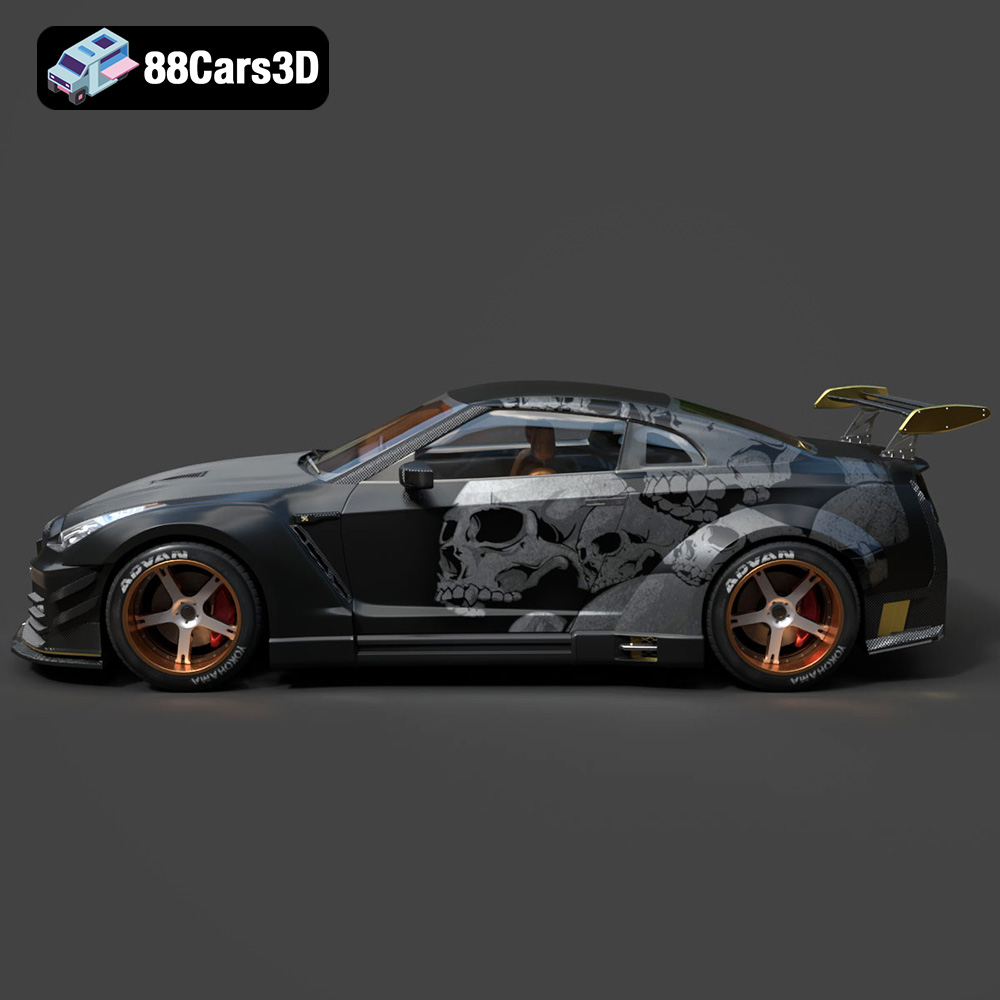
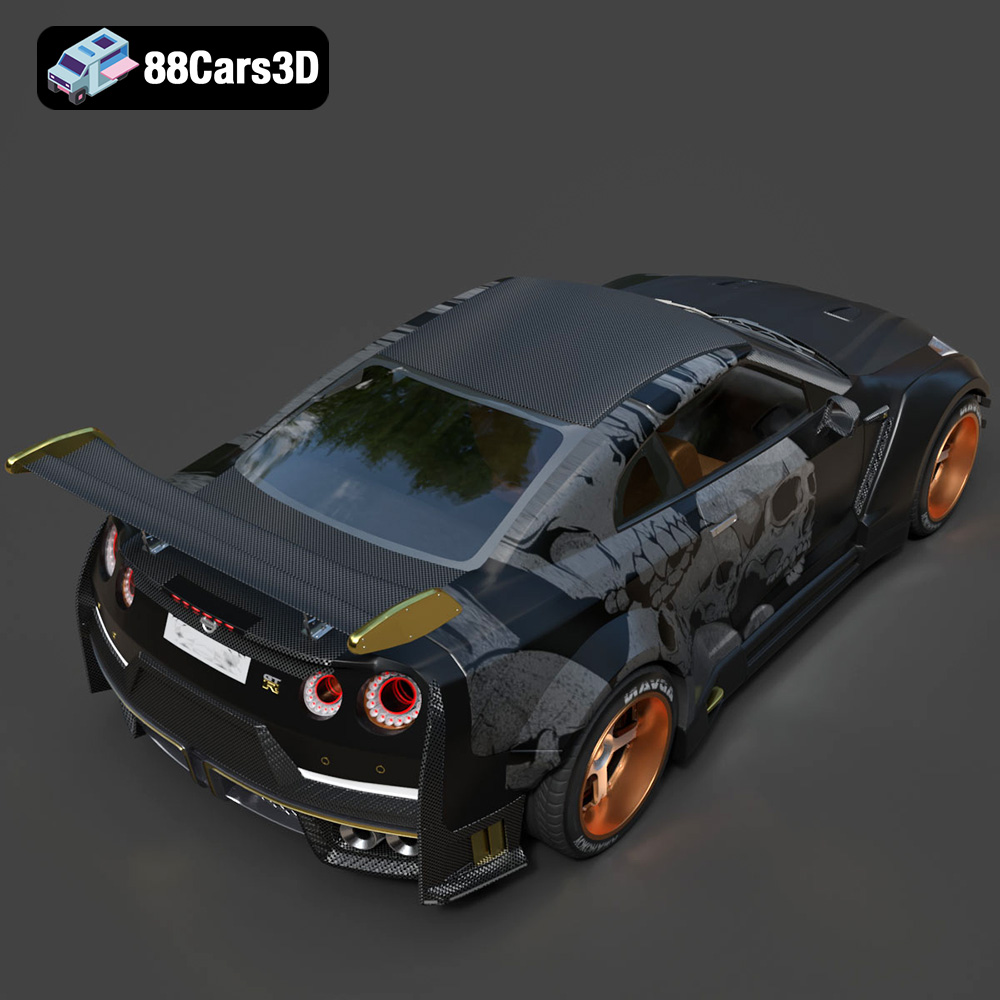
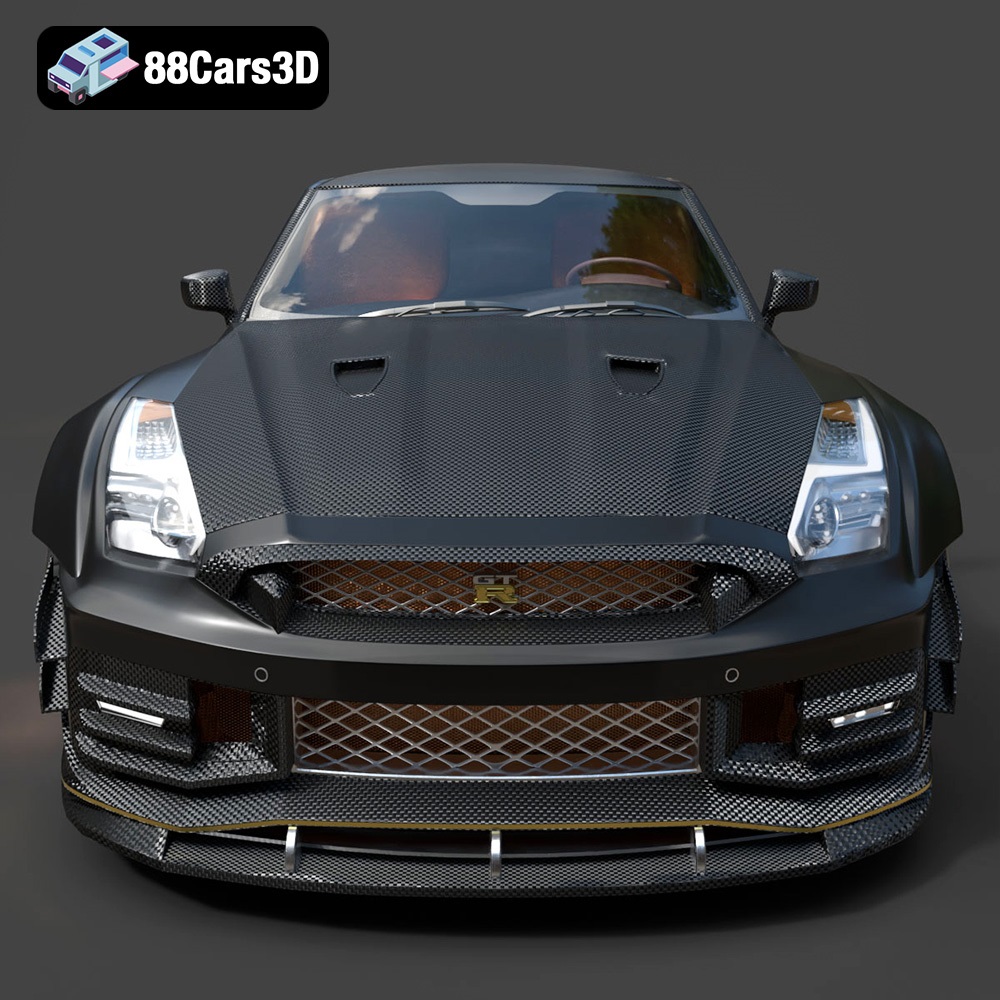
Experience the precision and performance of a legendary track-focused vehicle with the Nissan GTR R35 Nismo 3D Model. Crafted with meticulous attention to detail, this digital asset perfectly captures the aggressive aerodynamics, widened stance, and iconic design language of the real-world counterpart. The authentic proportions and realistic exterior styling make it an essential addition to any professional digital automotive library.
$19.99
3D printing the Nissan GTR R35 Nismo is a rewarding project that combines technical skill with creative expression. By carefully preparing the model, selecting the right materials, optimizing slicing software settings, and mastering post-processing techniques, you can create a stunning replica of this iconic car. Remember to leverage resources like 88cars3d.com for high-quality 3D printed models and inspiration. With patience and perseverance, you can overcome common printing challenges and achieve professional-looking results. The additive manufacturing process gives you control over every aspect of the build, resulting in a truly unique and personalized creation.
.arvr
.blend
.car3dmodel
.coupe
.fbx
.gameasset
.glb
.gtr
.max
.nismo
.nissan
.obj
.ply
.r35
.rendering
.simulation
.sportsCar
.stl
.supercar
.unreal