Get 20% OFF All Premium 3D & STL Models!

The Vespa 946, a symbol of Italian style and design, is now within reach of your 3D printer. This guide will walk you through every step of 3D printing the Vespa 946 3D Model from 88cars3d.com, ensuring a smooth and successful printing experience. We’ll cover everything from selecting the right materials and preparing the STL files to post-processing techniques that will make your 3D printed Vespa 946 a true masterpiece. Whether you’re a seasoned 3D printing enthusiast or just starting out, this comprehensive guide will provide you with the knowledge and skills to bring this iconic scooter to life.
Choosing the right file format is a critical first step in any 3D printing project. While numerous formats exist, some are better suited for additive manufacturing than others. The Vespa 946 3D Model from 88cars3d.com includes a variety of formats, but understanding their strengths and weaknesses is essential for optimal results.
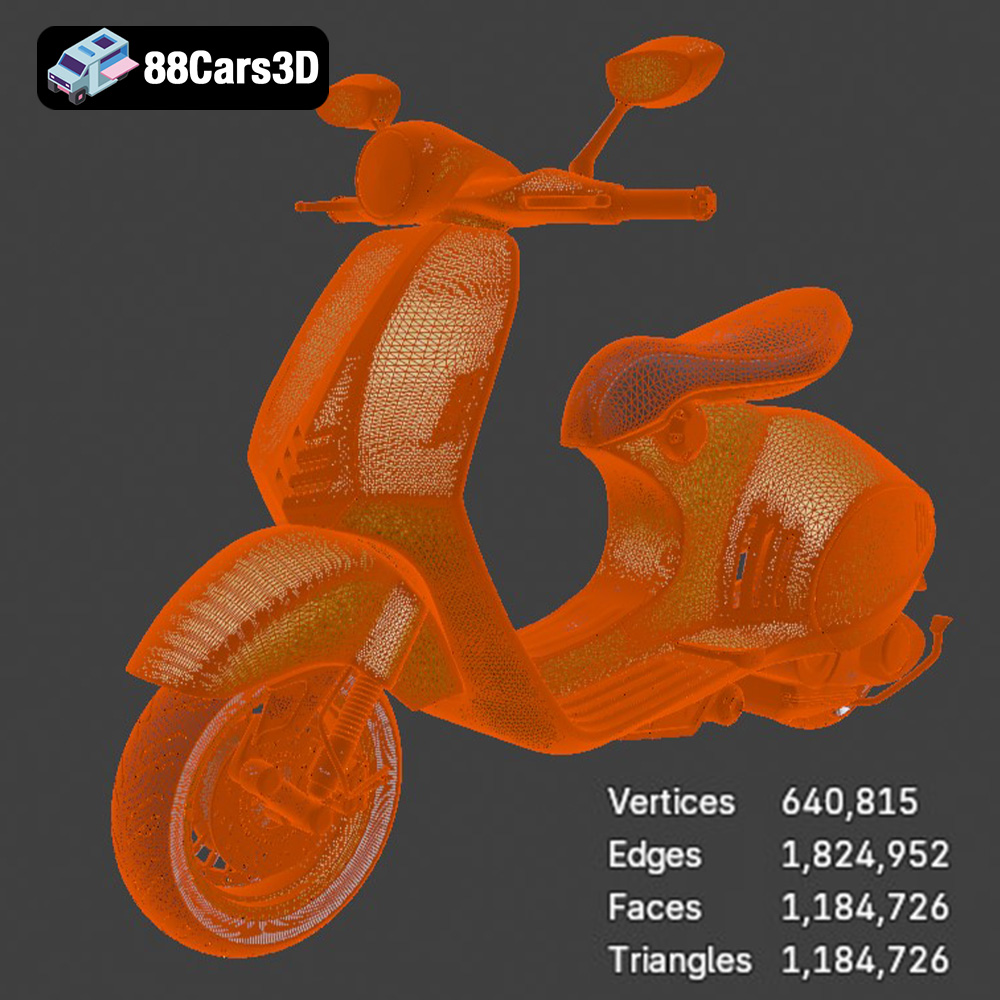
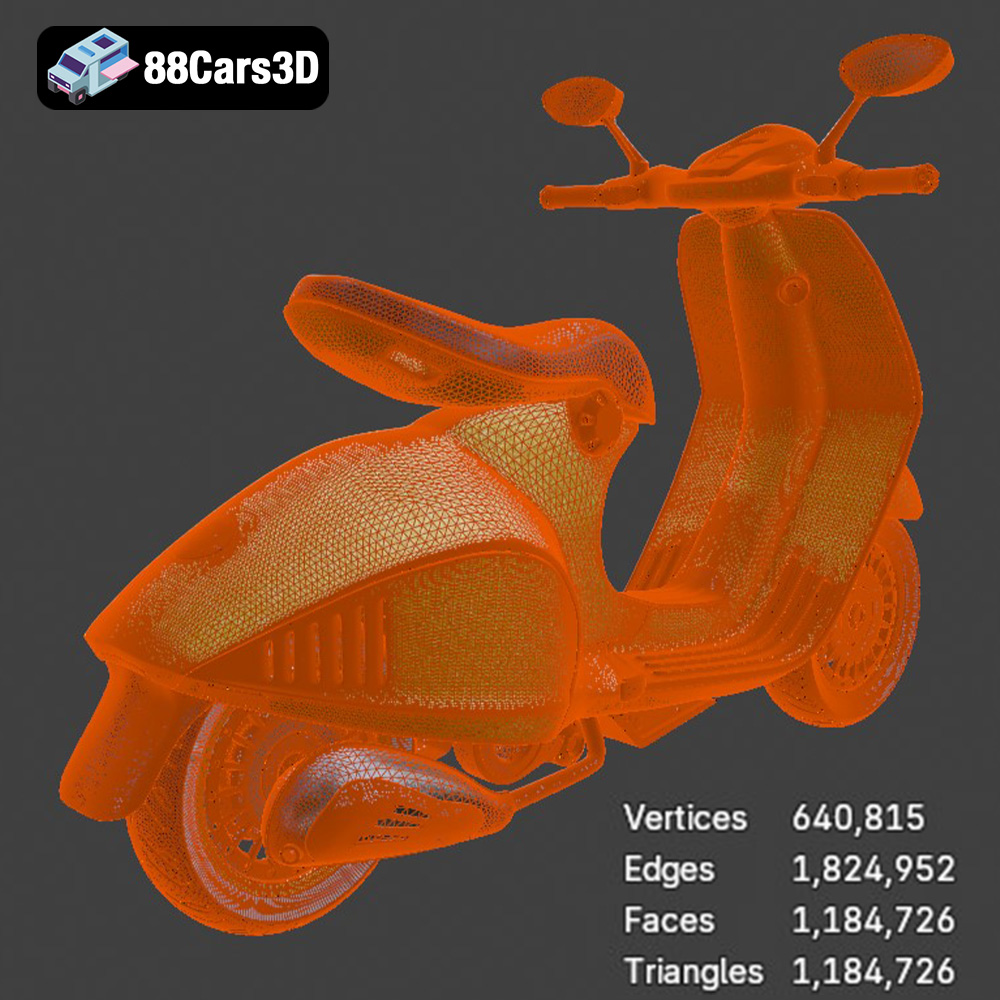
The .stl (stereolithography) format is the undisputed industry standard for 3D printing. It represents a 3D object’s surface as a collection of triangles, forming a mesh. The density of this mesh (the number of triangles) determines the model’s resolution and smoothness. A higher triangle count results in a more detailed and accurate representation but also increases file size and processing time. For the Vespa 946, the .stl file provides a solid foundation for 3D printing, offering a good balance between detail and printability.
Most slicing software packages readily accept .stl files, making them universally compatible with various 3D printers. When preparing the .stl file for printing, it’s crucial to ensure the mesh is “watertight,” meaning it has no holes or gaps. Non-watertight meshes can cause slicing errors and lead to incomplete or flawed prints. Tools within slicing software, or dedicated mesh repair programs, can be used to fix these issues.
The .obj (object) format is another common 3D file type that, unlike .stl, can store color and texture information along with the geometry. While this makes it suitable for rendering and visualization, its use in 3D printing is limited unless you have a printer capable of multi-material or full-color printing. The Vespa 946 model’s .obj file might be useful if you intend to explore such advanced printing capabilities, but for standard single-material printing, the .stl file is generally preferred.
The .ply (polygon) format is designed for storing 3D data acquired from 3D scanners. It can represent not only surface geometry but also other properties like color and normals. While .ply can handle complex and highly detailed meshes, its file size can be significantly larger than .stl. For the Vespa 946, the .ply file could offer a slightly more refined mesh than the .stl, but the difference might be negligible for most 3D printing applications. Ensure your slicing software supports .ply if you choose to use it.
The other formats, .blend (Blender), .fbx (Filmbox), .glb (GL Transmission Format), and .max (3ds Max), serve different purposes. .blend and .max are the native file formats for Blender and 3ds Max, respectively, and allow for full editing of the 3D model. .fbx is commonly used for game engine integration, while .glb is optimized for AR/VR applications. These formats are primarily used for editing and visualization, not direct 3D printing. If you wish to modify the Vespa 946 model before printing, these formats are invaluable. However, after making changes, you’ll need to export the model as an .stl file for 3D printing.
The choice of material greatly impacts the final appearance, strength, and durability of your 3D printed Vespa 946. Several options are available, each with its own set of characteristics and suitability.
PLA (Polylactic Acid) is a biodegradable thermoplastic derived from renewable resources. It’s known for its ease of printing, low odor, and wide availability. PLA is a good choice for beginners printing the Vespa 946, as it requires relatively low printing temperatures and is less prone to warping than other materials. However, PLA is not as heat-resistant or durable as other options and may not be ideal for parts that will be exposed to high temperatures or stress.
When printing with PLA, aim for a nozzle temperature of 200-220°C and a bed temperature of 50-60°C. A layer height of 0.1-0.2mm will provide a good balance between detail and printing speed. Supports will likely be needed for overhanging sections of the Vespa 946 model, such as the seat and handlebars. Experiment with different support settings in your slicing software to minimize material usage and facilitate easy removal.
PETG (Polyethylene Terephthalate Glycol-modified) offers a good compromise between PLA’s ease of printing and ABS’s strength and durability. It’s more heat-resistant and impact-resistant than PLA, making it a better choice for parts that need to withstand some wear and tear. PETG also has good layer adhesion, resulting in stronger prints.
PETG typically requires higher printing temperatures than PLA, with a nozzle temperature of 230-250°C and a bed temperature of 70-80°C. It’s also more prone to stringing than PLA, so retraction settings in your slicing software may need to be adjusted. Supports are generally required for PETG prints of the Vespa 946, similar to PLA.
ABS (Acrylonitrile Butadiene Styrene) is a strong and heat-resistant thermoplastic commonly used in automotive and industrial applications. It’s a good choice for parts that need to withstand high temperatures or significant stress. However, ABS is more challenging to print than PLA or PETG, as it’s prone to warping and requires a heated bed and a well-ventilated enclosure.
ABS typically requires a nozzle temperature of 230-260°C and a bed temperature of 90-110°C. An enclosure is essential to maintain a consistent temperature and prevent warping. Supports are usually necessary for ABS prints of the Vespa 946, and careful attention should be paid to bed adhesion to prevent the print from detaching during printing.
Before sending the Vespa 946 3D model to your printer, it’s crucial to prepare it using slicing software. This involves converting the 3D model into a set of instructions that the printer can understand, as well as optimizing the model for printability and material usage.
Numerous slicing software options are available, both free and paid. Popular choices include Cura, Simplify3D, PrusaSlicer, and IdeaMaker. Each slicer has its own set of features and advantages, so it’s important to choose one that suits your needs and experience level. Cura is a good option for beginners, while Simplify3D offers more advanced features and customization options.
The orientation of the Vespa 946 model on the print bed can significantly impact the print’s quality, strength, and material usage. Consider orienting the model to minimize the need for supports, as supports can leave blemishes on the surface of the print. However, some overhangs will inevitably require supports, so careful placement is essential. Use your slicing software to strategically place supports where they are needed most, and experiment with different support settings to find the optimal balance between support strength and ease of removal.
Infill density determines the amount of material used inside the 3D printed part. A higher infill density results in a stronger and more solid print, but it also increases material usage and printing time. For the Vespa 946 model, an infill density of 15-25% is generally sufficient for most applications. Experiment with different infill patterns, such as grid, gyroid, or honeycomb, to optimize strength and weight. The gyroid pattern is often recommended for its isotropic strength and efficient material usage.
Fine-tuning your printer settings is crucial for achieving a high-quality 3D printed Vespa 946. Experimentation is key, as the optimal settings will vary depending on your printer, material, and desired outcome.
Layer height determines the resolution of the print, with smaller layer heights resulting in smoother surfaces and finer details. However, smaller layer heights also increase printing time. A layer height of 0.1-0.2mm is a good starting point for the Vespa 946 model. Print speed also affects print quality, with slower speeds generally resulting in better results. Start with a print speed of 40-60mm/s and adjust as needed.
Maintaining proper temperature control is essential for preventing warping, stringing, and other printing issues. Ensure that your nozzle and bed temperatures are appropriate for the material you are using. Also, consider using a cooling fan to prevent overheating and improve layer adhesion, especially when printing with PLA.
Good bed adhesion is crucial for preventing the print from detaching from the print bed during printing. Use a clean and level print bed, and consider applying an adhesive such as glue stick, hairspray, or painter’s tape to improve adhesion. A brim or raft can also be used to increase the surface area of the first layer and improve adhesion.
Once the Vespa 946 is printed, post-processing techniques can be used to improve its appearance and functionality.
Carefully remove any supports from the printed model using pliers or a sharp knife. Be careful not to damage the surface of the print. Once the supports are removed, use sandpaper to smooth any blemishes or imperfections. Start with a coarse grit sandpaper and gradually move to finer grits for a smooth finish.
Painting can significantly enhance the appearance of the 3D printed Vespa 946. Use a primer to prepare the surface for painting, and then apply several thin coats of paint. Consider using masking tape to create intricate designs or color separations. A clear coat can be applied to protect the paint and add a glossy finish.
Depending on how you chose to print the model, some assembly may be required. Use glue or screws to attach separate parts. Consider adding additional details, such as decals, stickers, or chrome accents, to further enhance the realism of the Vespa 946 model. 88cars3d.com offers a range of high-quality 3D models, including the Vespa 946, that can be further enhanced with these post-processing techniques.
Even with careful preparation and optimized settings, you may encounter some common 3D printing issues. Here are some solutions to help you troubleshoot:
Warping occurs when the corners of the print lift off the print bed. This is often caused by uneven cooling or poor bed adhesion. Try increasing the bed temperature, using a heated bed, or applying an adhesive to the print bed. An enclosure can also help to prevent warping by maintaining a consistent temperature.
Stringing occurs when thin strands of plastic are left between different parts of the print. This is often caused by excessive nozzle temperature or insufficient retraction. Try reducing the nozzle temperature or increasing the retraction distance and speed in your slicing software.
Layer adhesion problems occur when the layers of the print do not bond together properly. This can be caused by insufficient nozzle temperature, poor bed adhesion, or incorrect layer height. Try increasing the nozzle temperature, ensuring good bed adhesion, or adjusting the layer height.
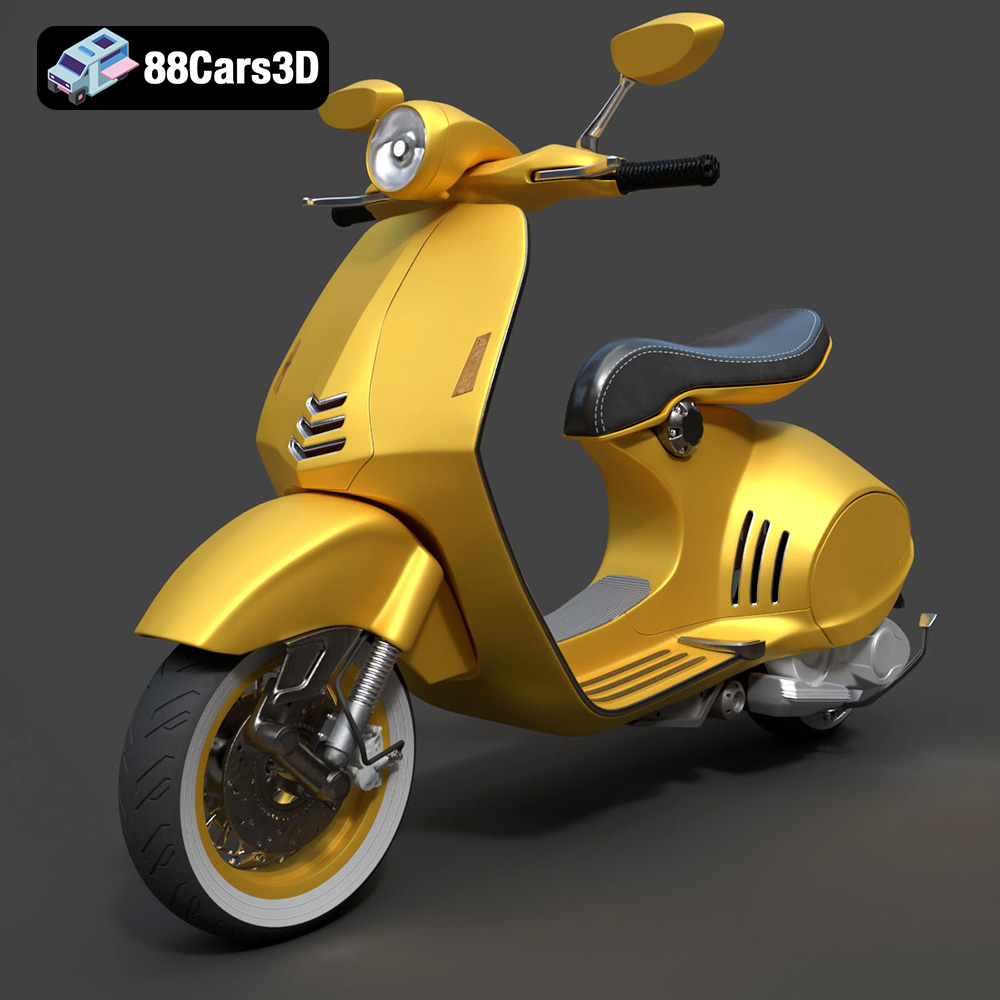
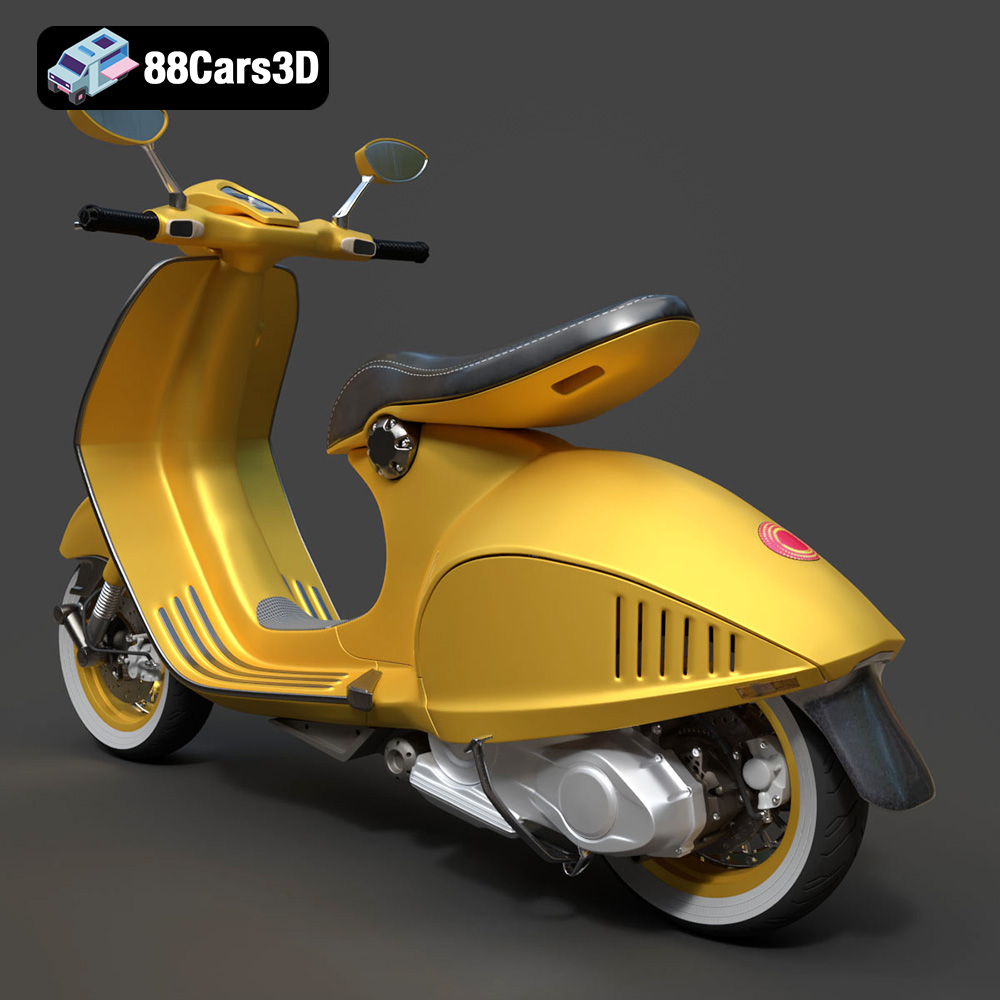
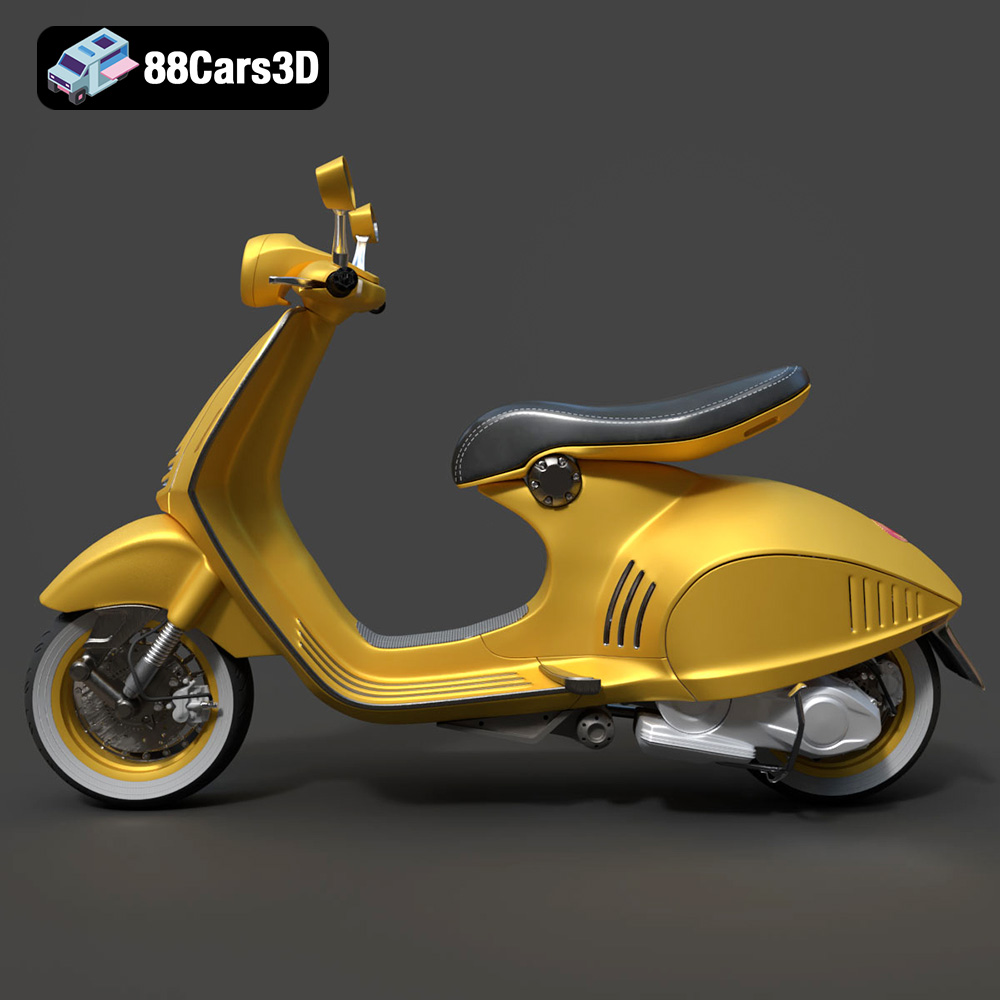
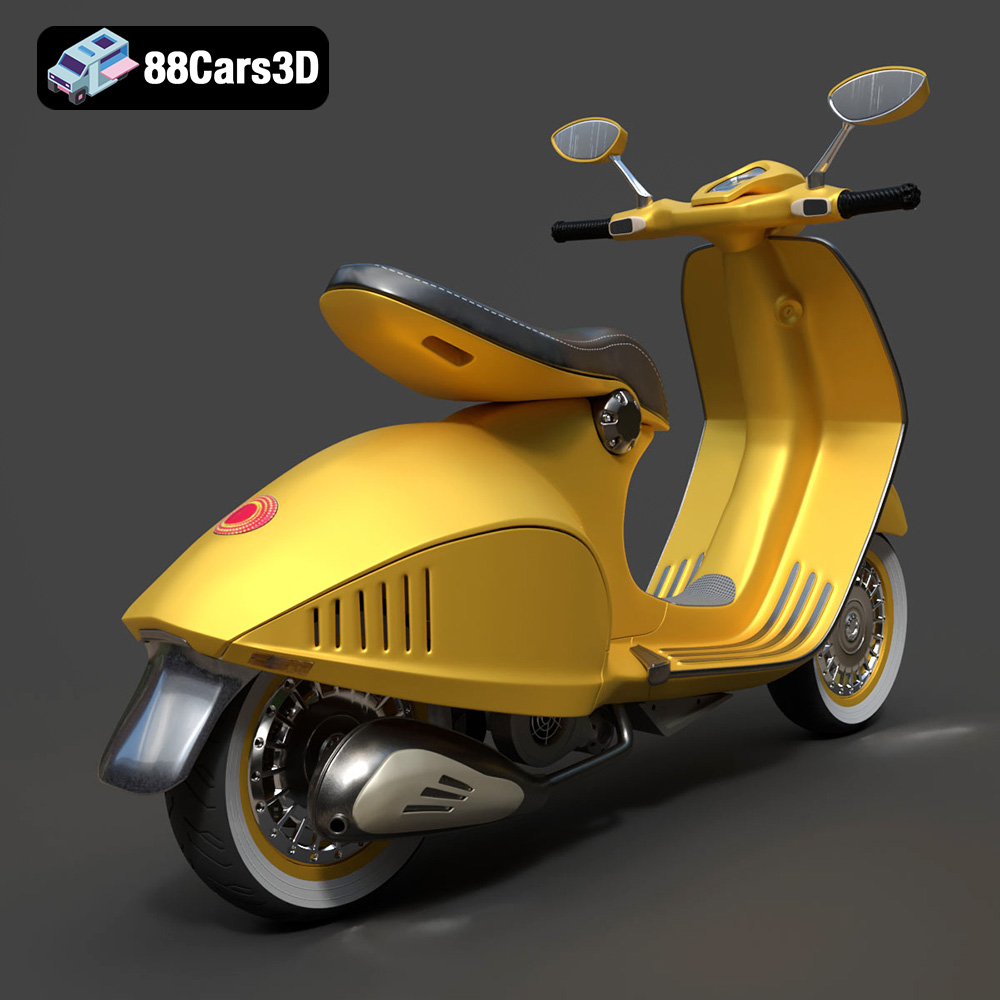
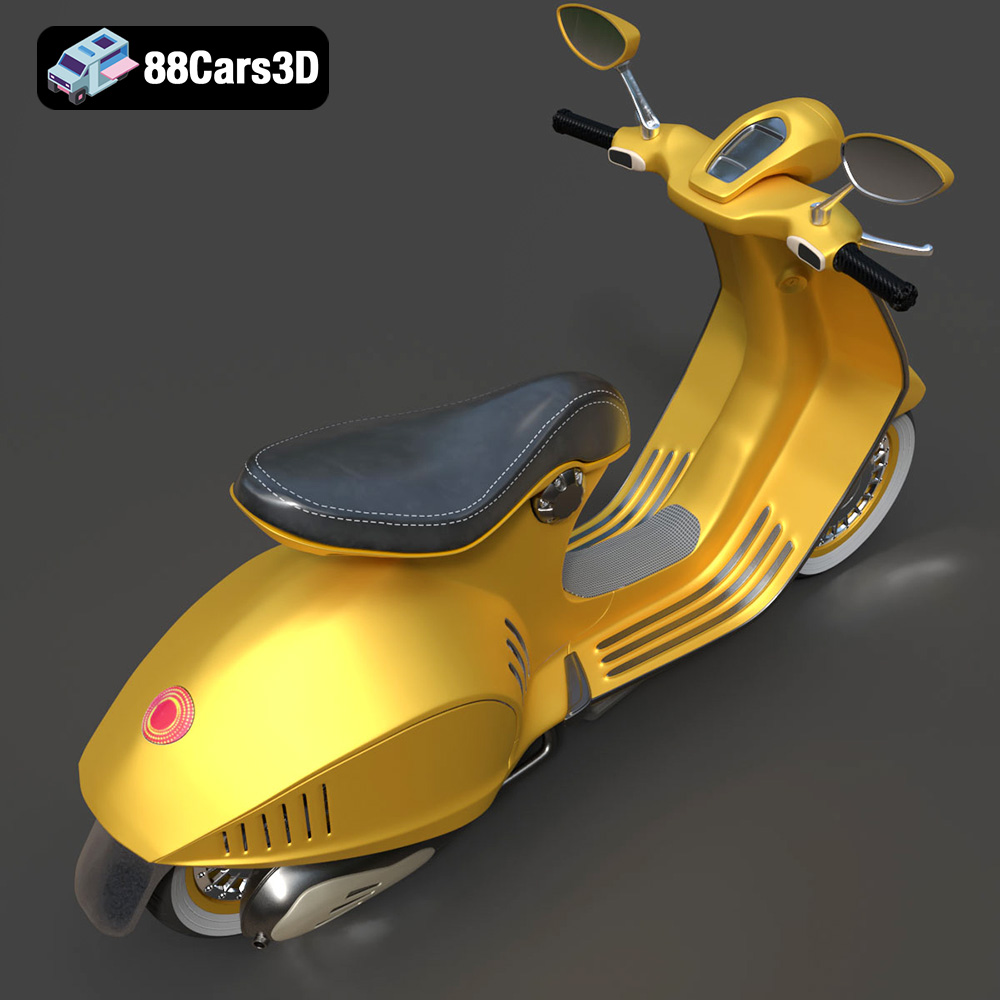
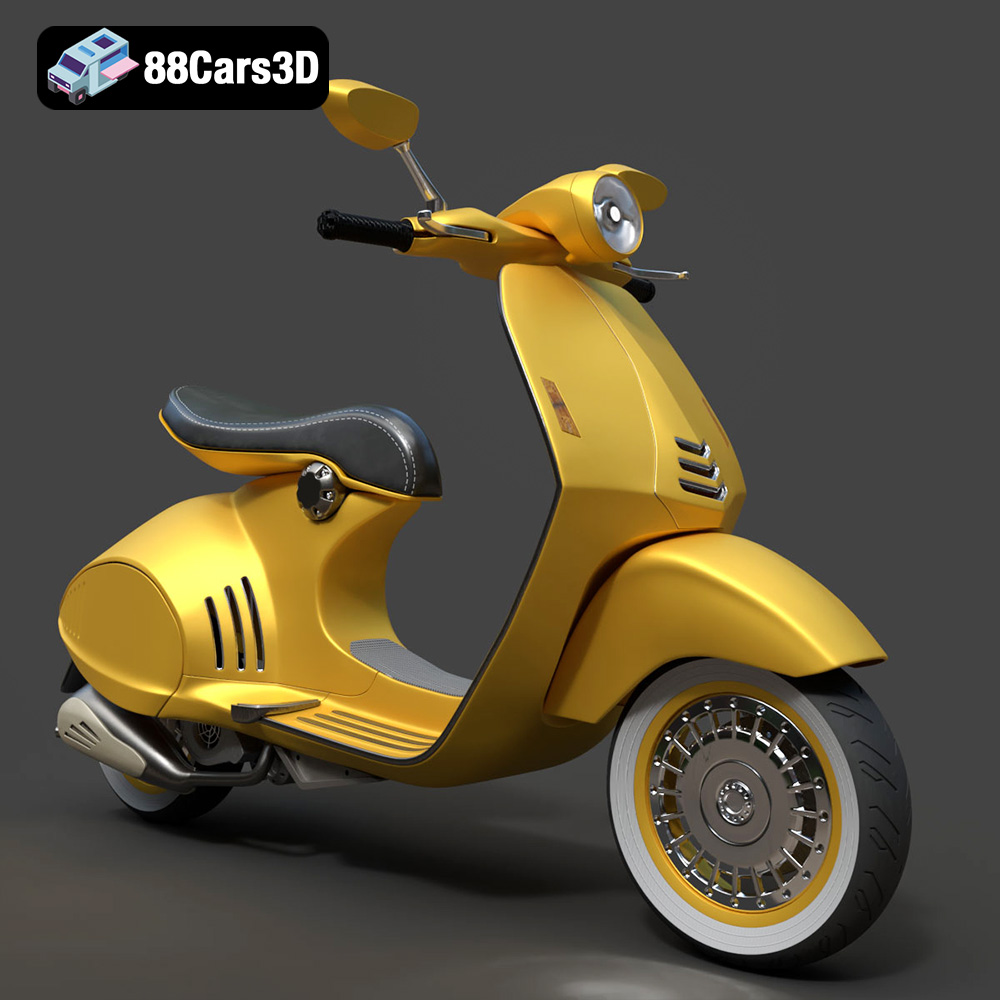
Experience the iconic elegance of the Vespa 946 with this meticulously crafted 3D model. Designed to replicate the authentic curves and refined aesthetics of the renowned scooter, this asset provides true-to-life realism for professional projects. Whether for close-up studio renders or dynamic environments, every detail from the distinct seating to the polished chassis has been modeled with precision.
$19.99
.946
.arvr
.blend
.car3dmodel
.fbx
.gameasset
.glb
.max
.motorcycle
.obj
.ply
.rendering
.scooter
.simulation
.stl
.unreal
.vespa