Get 20% OFF All Premium 3D & STL Models!

The Lexus LX Mk3f J200 2016, a symbol of luxury and off-road capability, is now within reach for 3D printing enthusiasts. Thanks to meticulously designed STL files available on platforms like 88cars3d.com, you can bring this iconic SUV to life in miniature. This guide will walk you through the entire 3D printing process, from pre-print preparation to post-processing, ensuring a successful and rewarding project. We’ll cover everything from recommended materials and printer settings to troubleshooting common issues and achieving a showroom-worthy finish.
The Lexus LX Mk3f J200 3D model can be successfully printed using various 3D printing technologies. The two most common are Fused Deposition Modeling (FDM) and Stereolithography (SLA) or resin printing.
FDM is a popular choice due to its accessibility and affordability. It works by extruding a thermoplastic filament, like PLA or PETG, layer by layer. While FDM printers are capable of producing detailed prints, they may require more post-processing to achieve a smooth surface finish, especially for a model like the Lexus LX with its intricate details.
Resin printing, on the other hand, utilizes a liquid resin that is cured by UV light. This technology excels at producing highly detailed parts with smooth surfaces, making it ideal for capturing the Lexus LX’s sophisticated design features. However, resin printers tend to be more expensive, and the resin itself can be more costly and require careful handling. Resin printing is generally recommended for this particular model due to its intricate details, as stated in the product description.
Before diving into the printing process, it’s crucial to understand the different file formats commonly used in 3D modeling and their suitability for 3D printing. Having the right file format is important for print quality and compatibility with your slicing software.
The .stl (Stereolithography) file format is the industry standard for 3D printing. It represents the surface geometry of a 3D object as a collection of triangles, forming a mesh. While simple and widely supported, STL files only contain information about the shape of the object, not its color, texture, or material properties. This is why it’s considered a mesh-only format. For the Lexus LX Mk3f J200 model, the STL format is essential for bringing the car to life on your 3D printer.
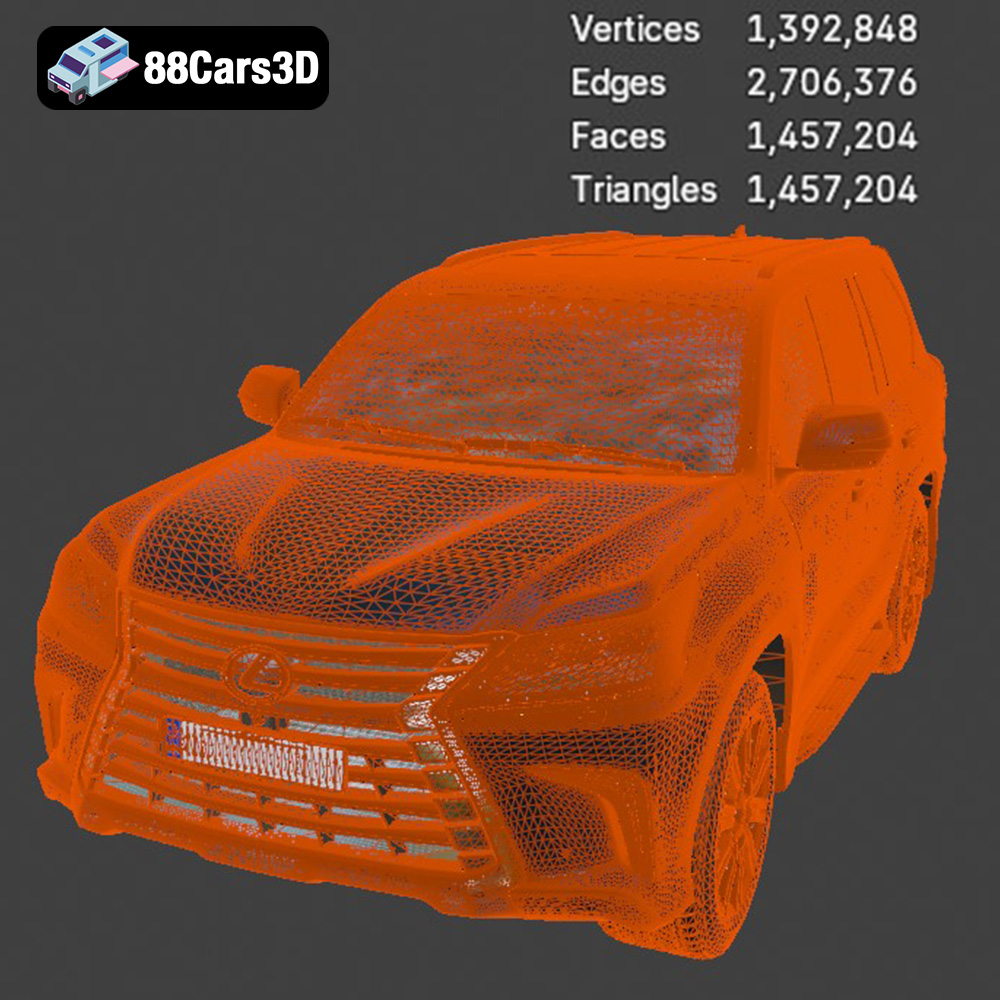
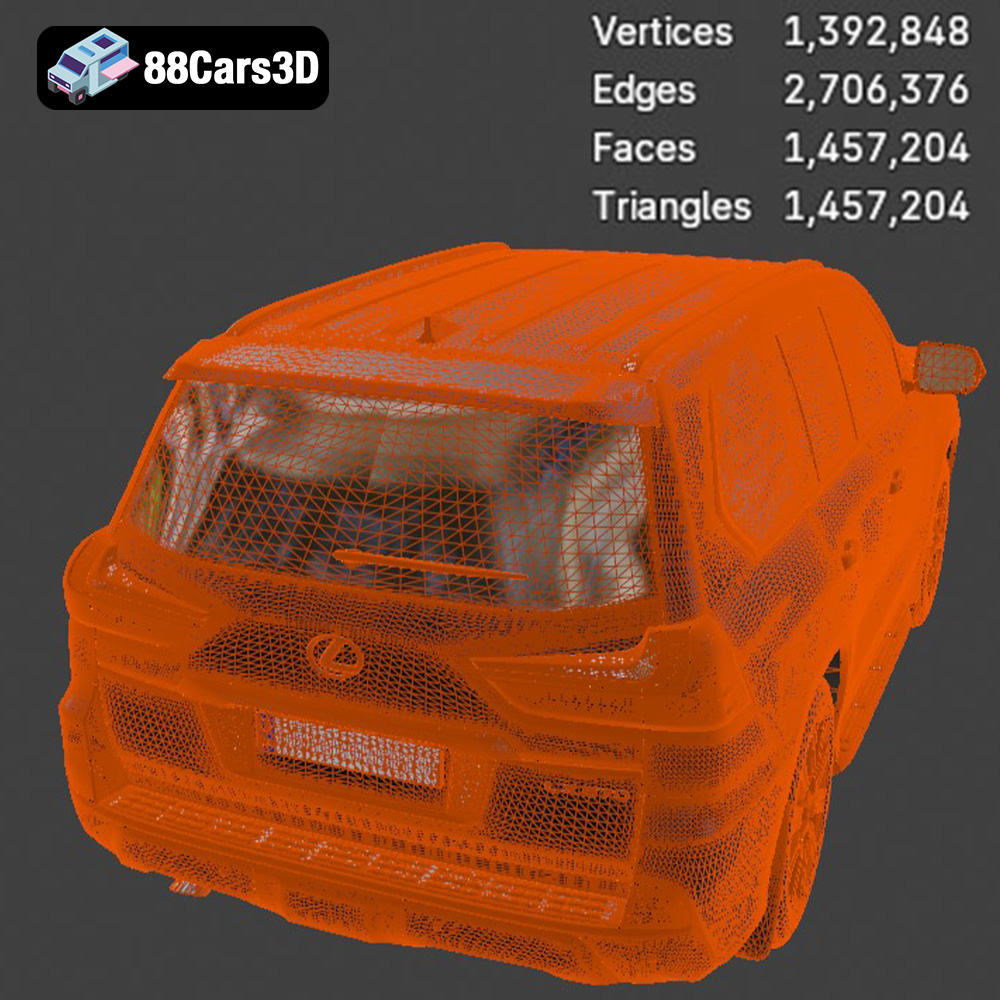
The quality of an STL file directly impacts the final print. A high-resolution STL file contains a greater number of smaller triangles, resulting in a smoother and more accurate representation of the original model. However, a very high-resolution STL can also increase file size and processing time in slicing software. Finding the right balance is crucial. Using slicing software, you can often adjust the mesh resolution or convert other formats into a optimized STL. The Lexus LX Mk3f J200 available from 88cars3d.com is already optimized for printing with a balanced triangle count ensuring a good compromise between print quality and file size.
The .obj (Object) file format is another popular format that, unlike STL, can store color and texture information alongside the geometry. This makes it suitable for models intended for rendering or visualization purposes where visual fidelity is paramount. While some 3D printers can handle colored filaments or materials, the .obj format itself doesn’t directly translate to multi-color 3D printing without specific hardware and software capabilities.
The .ply (Polygon File Format) is a less common format that excels at storing high-density mesh data. It is capable of capturing very fine details, making it suitable for complex models where accuracy is crucial. However, .ply files can be quite large and may not be supported by all slicing software.
The .blend format is the native file format for Blender, a popular open-source 3D modeling software. It contains the entire scene setup, including the model geometry, textures, materials, lighting, and animations. This format is ideal for users who want to modify the Lexus LX Mk3f J200 model before 3D printing, such as adding custom details or making adjustments to the design. You will need Blender to open and edit this file.
The .fbx (Filmbox) format is a proprietary format developed by Autodesk. It is widely used for exchanging 3D data between different software applications, including game engines and animation packages. FBX files can store geometry, textures, materials, and animations. It can be useful for importing into certain slicing software that supports material properties.
The .glb (GL Transmission Format Binary) format is a relatively new format designed for efficient transmission and loading of 3D models, especially in web and mobile applications. It is often used for Augmented Reality (AR) applications, allowing users to preview the Lexus LX Mk3f J200 model in their real-world environment before printing.
The .max format is the native file format for 3ds Max, another popular 3D modeling software. Similar to .blend, it contains the entire scene setup and is suitable for users who want to modify the model before 3D printing.
Once you have your 3D model files, the next step is to prepare them for printing using slicing software. Slicing software converts the 3D model into a series of instructions that the 3D printer can understand, defining parameters such as layer height, infill density, support structures, and printing speed.
Several excellent slicing software options are available, both free and paid. Popular choices include Cura, PrusaSlicer, Simplify3D, and Chitubox (specifically for resin printers). Cura and PrusaSlicer are excellent open source options, offering a wide range of features and customization options. The best choice will depend on your specific printer, experience level, and desired level of control.
Before slicing, it’s essential to inspect the 3D model for any errors or imperfections that could cause printing issues. Check for non-manifold geometry, holes, or self-intersections. Most slicing software includes basic repair tools, or you can use dedicated mesh repair software like MeshLab or Netfabb. The Lexus LX Mk3f J200 model from 88cars3d.com is designed to be print-ready, but it’s always good practice to double-check.
The optimal printer settings will depend on your chosen printing technology, material, and desired print quality. However, here are some general recommendations for printing the Lexus LX Mk3f J200 model:
For FDM printing, a layer height of 0.1mm to 0.2mm is a good starting point. Lower layer heights will result in smoother surfaces but will also increase print time. For resin printing, layer heights can be even smaller, typically ranging from 0.02mm to 0.05mm, allowing for extremely fine details. As suggested in the product description, a layer height between 0.04-0.12 mm is recommended for resin printing.
The infill density determines the internal structure of the printed part. For a display model like the Lexus LX, an infill density of 20% to 30% should be sufficient to provide adequate strength without adding excessive weight or material consumption.
Support structures are necessary for printing overhanging features. The Lexus LX Mk3f J200 model will likely require supports under the exhaust system, mirrors, and possibly the steering wheel. Carefully consider the placement and type of supports to minimize their impact on the surface finish. Both FDM and resin printing require supports, but the process and types of supports differ.
The orientation of the model on the print bed can significantly affect print quality and strength. For the Lexus LX, printing the frame at an angle can improve structural integrity. Printing wheels separately allows for better detail and easier post-processing.
The choice of material depends on the desired properties of the final print.
PLA (Polylactic Acid) is a popular choice for FDM printing due to its ease of use, low odor, and biodegradability. It’s a good option for creating display models of the Lexus LX, but it may not be the best choice for functional parts that require high strength or heat resistance.
PETG (Polyethylene Terephthalate Glycol-modified) offers improved strength, durability, and heat resistance compared to PLA. It’s a good option for parts that need to withstand some stress or exposure to higher temperatures.
Resin is the material of choice for SLA and DLP printing. It allows for the creation of highly detailed parts with smooth surfaces, making it ideal for capturing the intricate details of the Lexus LX Mk3f J200 model. However, resin prints tend to be more brittle than FDM prints and may require additional post-processing, such as curing and painting.
Post-processing is the final stage of the 3D printing process and involves cleaning, finishing, and assembling the printed parts.
Carefully remove the support structures using pliers, cutters, or a sharp knife. Be patient and avoid damaging the surface of the model.
Sanding is essential for removing layer lines and imperfections, especially on FDM prints. Start with coarse-grit sandpaper and gradually move to finer grits to achieve a smooth surface. For resin prints, sanding may be less necessary due to the inherently smoother surface finish.
Priming the model with a suitable primer will help to create a uniform surface for painting. Use spray paint or an airbrush to apply the desired colors and finishes. Consider using authentic factory colors with metallic finishes to accurately replicate the look of the Lexus LX Mk3f J200.
If the model was printed in multiple parts, carefully assemble them using glue or other fasteners. Ensure proper alignment and secure connections. The separate wheels, suspension, and steering components of the Lexus LX Mk3f J200 model from 88cars3d.com are designed for easy assembly and animation.
Despite careful preparation, 3D printing can sometimes present challenges. Here are some common issues and their solutions:
Warping occurs when the printed part detaches from the print bed during printing. This can be caused by poor bed adhesion, insufficient bed temperature, or drafts. To prevent warping, ensure that the print bed is clean and level, use a suitable bed adhesive (such as glue stick or hairspray), and maintain a consistent bed temperature.
Stringing refers to the formation of thin strands of plastic between different parts of the print. This is usually caused by excessive extruder temperature, retraction settings, or travel speed. To reduce stringing, lower the extruder temperature, increase the retraction distance and speed, and optimize the travel speed.
Layer shifting occurs when the layers of the print are misaligned. This can be caused by loose belts, stepper motor issues, or vibrations. To prevent layer shifting, tighten the belts, check the stepper motors, and ensure that the printer is placed on a stable surface.
The print time and material cost will vary depending on the size of the model, the chosen printer settings, and the material used. However, here are some rough estimates for printing the Lexus LX Mk3f J200 model at a 1:24 scale:
* **FDM (PLA/PETG):** 10-20 hours, $5-$10 of filament
* **Resin:** 5-10 hours, $10-$20 of resin
3D printing the Lexus LX Mk3f J200 2016 model is a rewarding project that combines technical skill with artistic expression. By understanding the different 3D printing technologies, file formats, and printer settings, you can create a stunning replica of this iconic SUV. Remember to pay attention to pre-print preparation, choose the right materials, and carefully execute post-processing techniques to achieve a professional-looking finish. And, of course, starting with a high-quality 3D model from a source like 88cars3d.com ensures a great result. Happy printing!
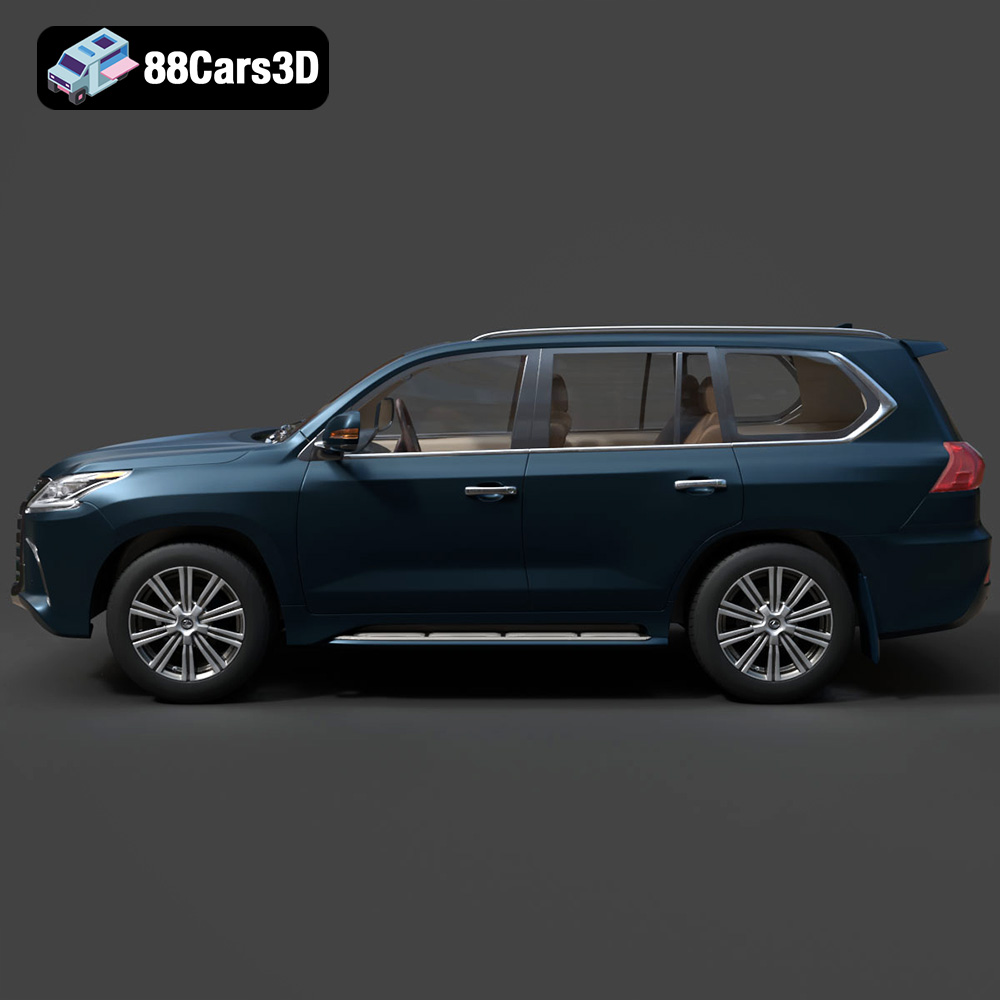
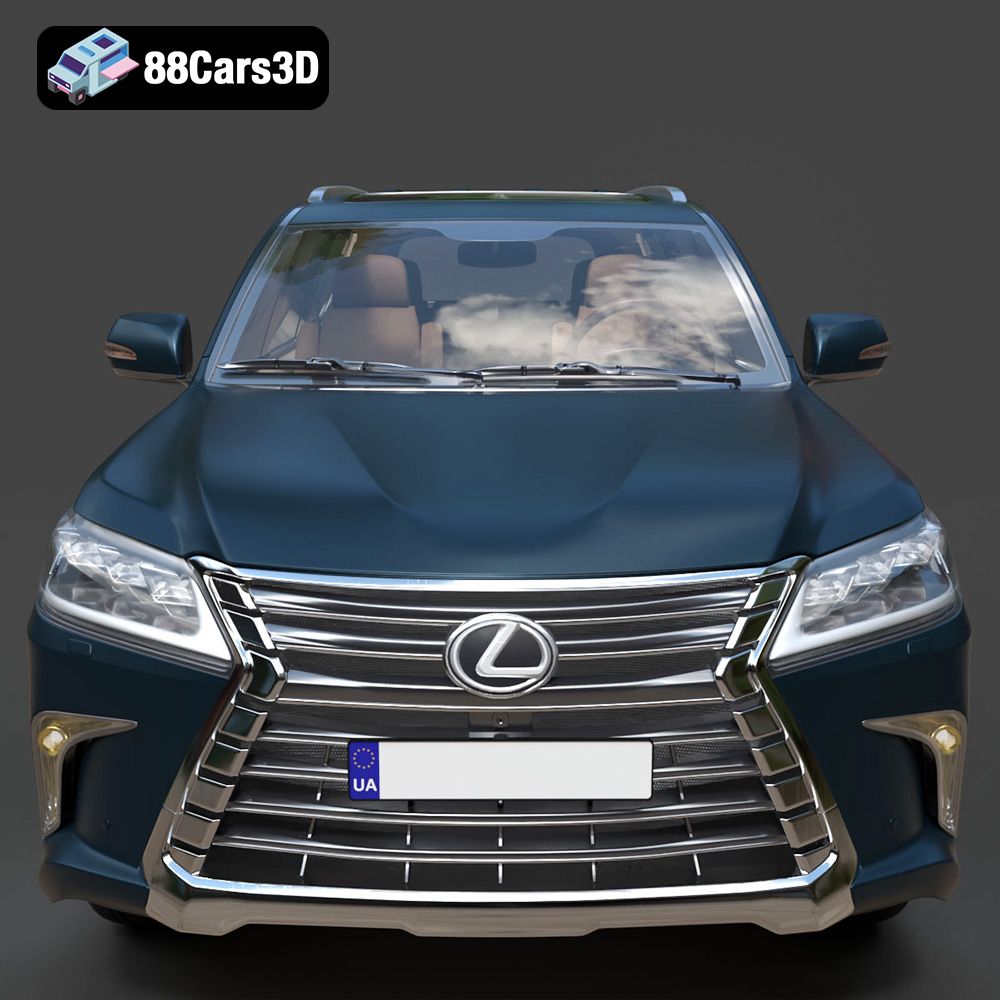
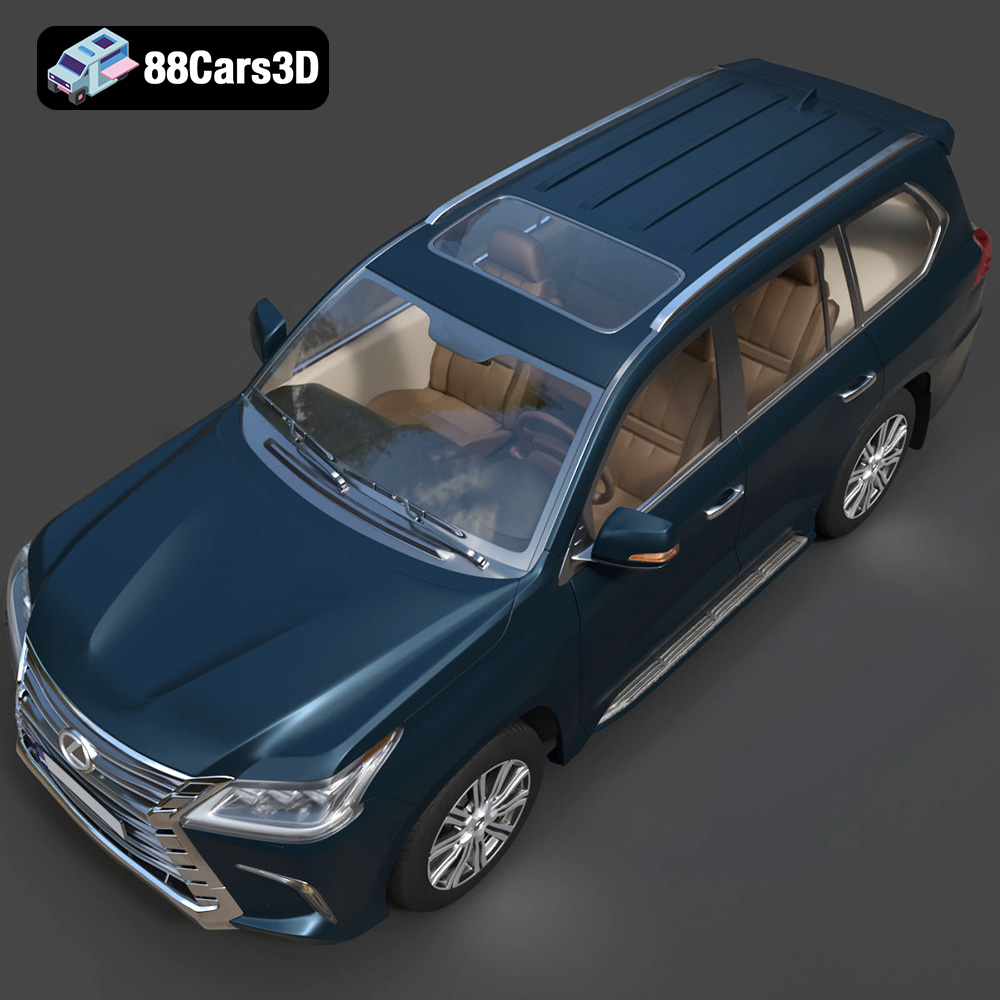
Experience luxury and capability with the highly detailed Lexus LX Mk3f J200 2016 3D model. Representing the iconic third facelift of the acclaimed J200 generation, this full-size luxury SUV perfectly captures the bold spindle grille, sharp L-shaped LED lighting signatures, and robust, imposing stance.
$19.99
.2016
.blend
.fbx
.glb
.lexus
.luxury suv
.lx
.max
.obj
.ply
.rendering
.stl
.unreal
car-3d-model
game asset
game-ready
j200
low-poly
mk3f
optimized
SUV
VR/AR