Get 20% OFF All Premium 3D & STL Models!

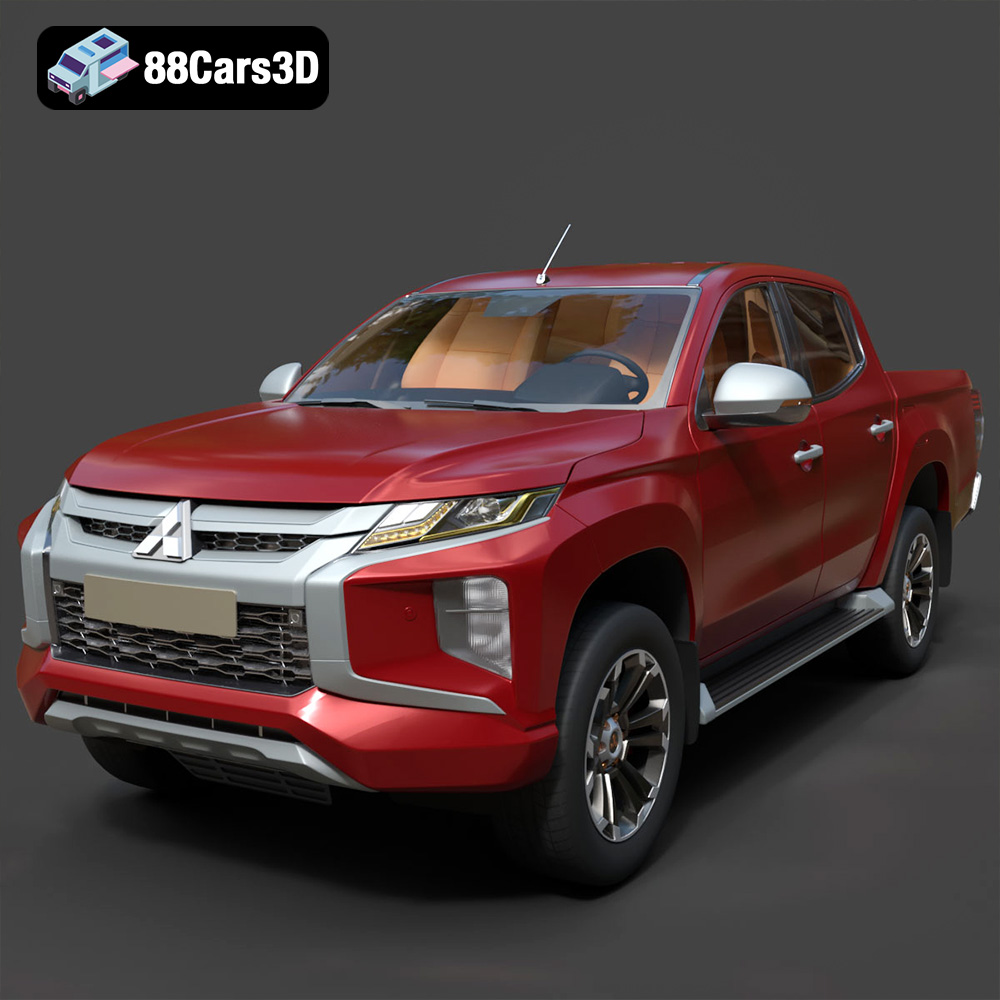
The Mitsubishi L200 Crew Cab 2019, also known as the Triton, is a symbol of robust utility and modern design. Its aggressive styling and 4WD capabilities make it a popular choice for both work and leisure. Now, thanks to advancements in 3D printing and marketplaces like 88cars3d.com, you can bring this iconic pickup truck to life in miniature form. This article will guide you through the entire 3D printing process, from preparing your STL files to post-processing your finished model. Whether you’re a seasoned 3D printing enthusiast or a beginner, this comprehensive guide will provide you with the knowledge and techniques to create a stunning 3D printed replica of the Mitsubishi L200.
Before diving into the specifics of printing the Mitsubishi L200, it’s crucial to understand the various file formats commonly used in 3D modeling and printing. Each format has its strengths and weaknesses, influencing their suitability for different applications. While many formats are available, some are more prevalent and practical for 3D printing than others.
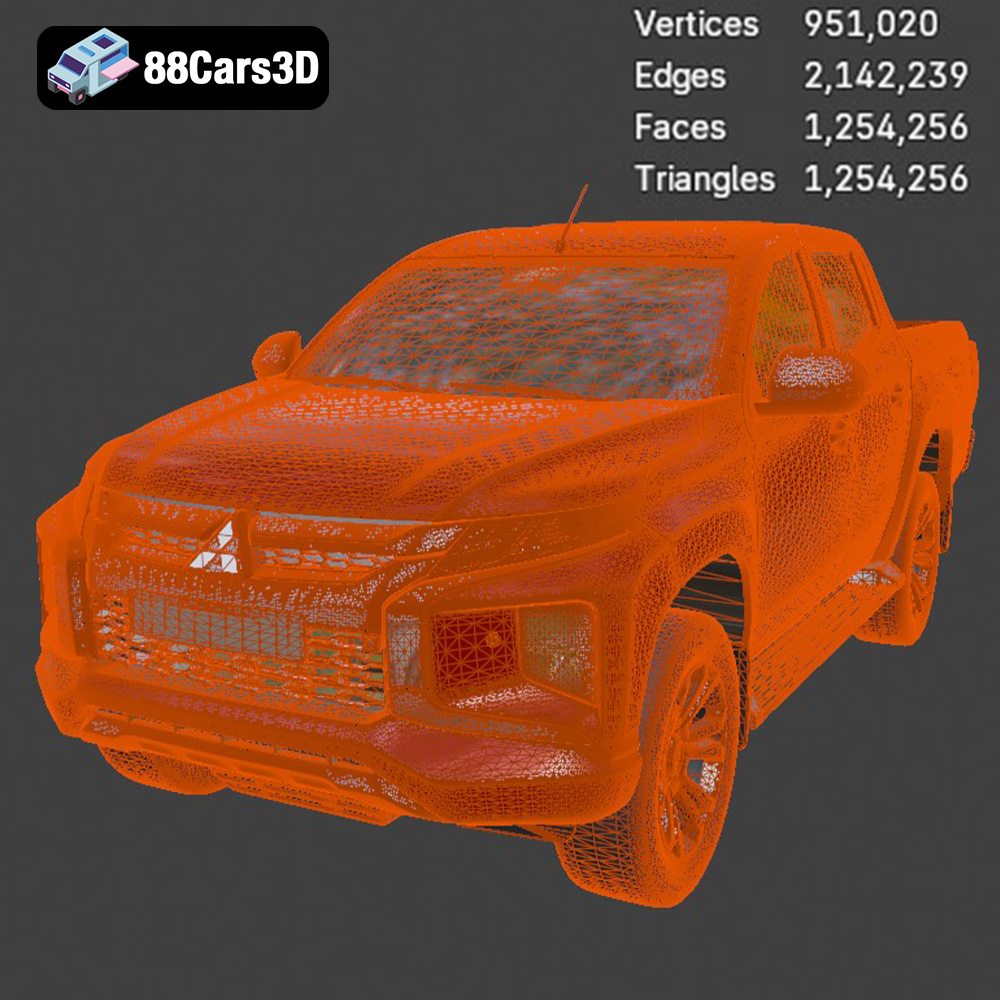
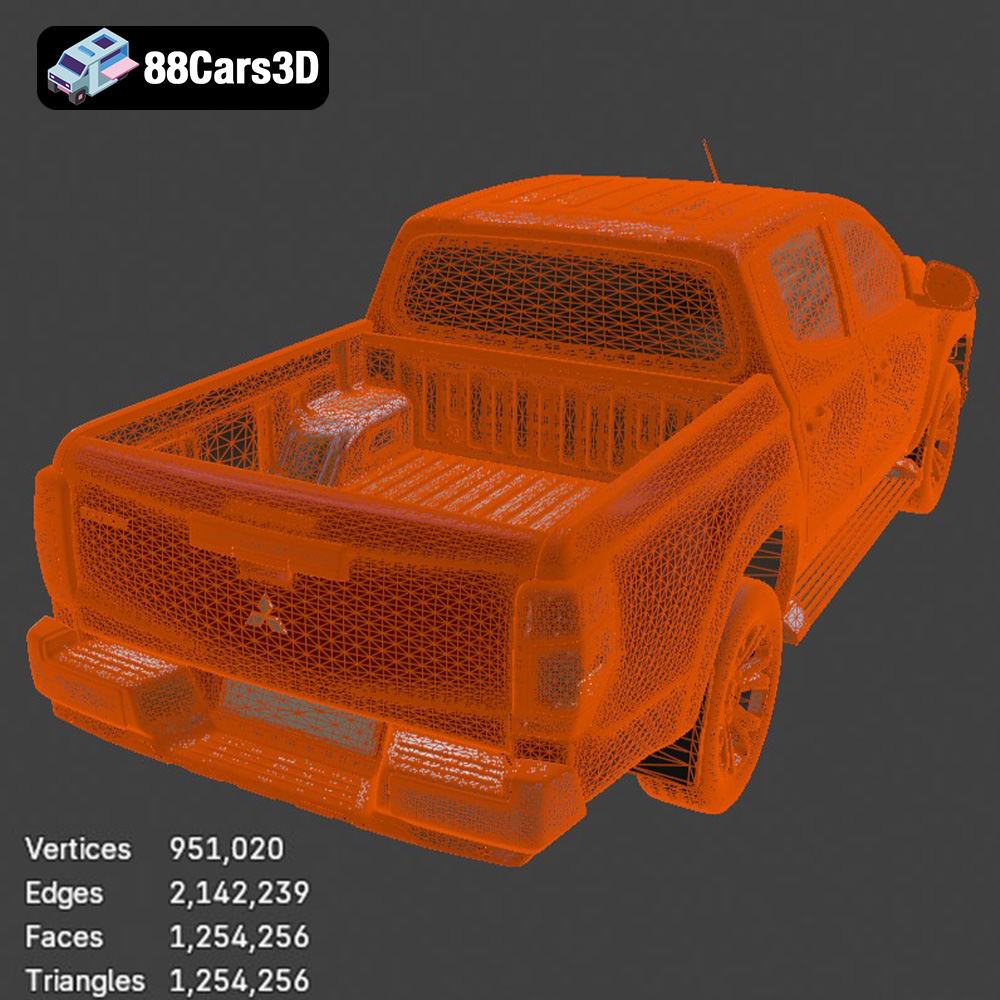
The STL (stereolithography) file format is the undisputed industry standard for 3D printing. It represents the surface geometry of a 3D object as a collection of triangles. While simple, this format is universally compatible with slicing software, making it ideal for additive manufacturing. The STL format focuses solely on the shape of the object, excluding color, texture, and material information. When working with STL files, the mesh quality is paramount. A higher triangle count results in a smoother surface, but also increases file size and processing time. Conversely, a lower triangle count can lead to faceting or a blocky appearance. Optimizing the mesh quality is crucial for achieving a balance between visual fidelity and printability. The models available on 88cars3d.com typically come with optimized STL files that are ready for slicing and printing.
The OBJ file format is another widely used format for 3D models, offering support for color and texture information, which STL lacks. It defines the geometry of an object using vertices, edges, and faces, and can store material properties and texture coordinates. While OBJ is more versatile than STL, it is not always the preferred format for 3D printing due to potential compatibility issues with some slicing software. The texture information in an OBJ file is often stored in separate image files, which need to be managed alongside the model file. If you intend to print the Mitsubishi L200 in multiple colors or want to experiment with textured finishes, the OBJ format could be useful, but it may require additional steps in your slicing software.
PLY (Polygon File Format) is designed for storing 3D data acquired from 3D scanners. It supports a wide range of data, including color, texture, transparency, and surface normals. PLY files are known for their ability to represent high-detail meshes accurately, making them suitable for complex models with intricate features. However, the large file size and potential compatibility issues can be drawbacks.
BLEND files are native to Blender, a popular open-source 3D creation suite. These files contain the entire Blender scene, including the model, textures, lighting, and animation data. While not directly printable, the .blend file allows for extensive customization and modification of the Mitsubishi L200 model before exporting it to a printable format like STL. If you want to make significant alterations to the model, such as adding custom features or optimizing it further for 3D printing, the .blend file is an invaluable resource.
FBX (Filmbox) is a proprietary file format developed by Autodesk. It is commonly used for exchanging 3D data between different software applications, including those used in game development and animation. FBX files can store geometry, textures, materials, and animation data. While some slicing software can import FBX files, compatibility can vary. It is generally recommended to convert FBX files to STL for 3D printing to ensure optimal results.
GLB is a binary file format that represents 3D models in the glTF (GL Transmission Format) standard. It is designed for efficient transmission and loading of 3D scenes and models, making it ideal for web-based applications and augmented reality (AR) experiences. While not directly used for 3D printing, the GLB format allows you to preview the Mitsubishi L200 model in AR before printing, giving you a better sense of its scale and appearance.
.max files are native to Autodesk 3ds Max, a professional 3D modeling, animation, and rendering software. Similar to .blend files, .max files contain the complete scene data, including geometry, textures, materials, lighting, and animation. They are not directly used for 3D printing but offer extensive customization options for those familiar with 3ds Max.
Before sending the Mitsubishi L200 model to your 3D printer, several crucial steps need to be taken to ensure a successful print. These steps involve inspecting the model, repairing any potential issues, and optimizing it for your specific printer and material.
* **Mesh Analysis:** Use software like MeshLab or Netfabb Basic to analyze the STL file for errors such as non-manifold edges, holes, or self-intersections. These imperfections can cause printing failures.
* **Repair Tools:** Employ the repair tools within your chosen software to automatically fix common mesh issues. Ensure that the model is a closed, watertight solid for optimal printing.
* **Verification:** After repair, re-inspect the model to confirm that all errors have been resolved. Pay close attention to areas with intricate details or thin walls.
* **Software Selection:** Choose a slicing software that is compatible with your 3D printer, such as Cura, Simplify3D, or PrusaSlicer. Each software offers a range of features and customization options.
* **Import and Orientation:** Import the repaired STL file into your slicing software. Experiment with different orientations to minimize the need for supports and optimize print time and surface finish. Angling the frame, as suggested in the product description, can improve structural integrity.
* **Scaling:** Adjust the scale of the model according to your preference (1:12, 1:18, or 1:24 scale are recommended). Ensure that all parts are scaled uniformly to maintain accurate proportions.
The choice of material and printer settings significantly impacts the quality and durability of your 3D printed Mitsubishi L200 model. Experimentation may be required to find the optimal combination for your specific printer and desired outcome.
* **PLA (Polylactic Acid):** PLA is a biodegradable thermoplastic that is easy to print and offers good detail. It is a suitable choice for beginners and for creating display models. However, it has lower heat resistance and impact strength compared to other materials.
* **PETG (Polyethylene Terephthalate Glycol):** PETG offers a good balance of strength, flexibility, and heat resistance. It is more durable than PLA and is a good option for parts that may be subject to stress or wear.
* **Resin:** Resin printing is highly recommended for achieving fine details, especially for smaller-scale models. Resin printers use liquid photopolymer resins that are cured by UV light, resulting in smooth surfaces and intricate features. However, resin printing requires more post-processing, including washing and curing.
* **Layer Height:** A layer height of 0.04–0.12 mm is recommended for resin printing to capture the fine details of the Mitsubishi L200. For FDM printing (PLA or PETG), a layer height of 0.1–0.2 mm provides a good balance between detail and print time.
* **Wall Thickness:** Set the wall thickness to 1.2–2.0 mm to ensure sufficient strength and rigidity, especially for the frame and chassis components.
* **Infill Density:** An infill density of 20–30% is generally sufficient for most parts. Increase the infill density for parts that require more strength or support.
* **Support Structures:** Generate support structures for overhanging features such as mirrors, door handles, and undercarriage components. Use a support pattern that is easy to remove without damaging the model.
* **Print Speed:** Adjust the print speed according to the material and printer capabilities. A slower print speed generally results in better detail and reduces the risk of warping or layer adhesion issues.
The Mitsubishi L200 model features complex geometries, particularly in the undercarriage and cab areas. Effective support structures are essential for successful printing of these intricate details.
* **Linear Supports:** Basic vertical supports that are easy to generate and remove.
* **Tree Supports:** Branching supports that minimize material usage and contact with the model, reducing the risk of damage during removal.
* **Hybrid Supports:** A combination of linear and tree supports, offering a balance of stability and ease of removal.
* **Manual Placement:** Manually place supports in critical areas to ensure adequate support for overhanging features.
* **Support Angle:** Adjust the support angle to minimize the amount of support material required while still providing sufficient support.
* **Support Density:** Increase the support density in areas with fine details or steep overhangs to prevent sagging or deformation.
Once the 3D printing process is complete, post-processing is essential to refine the surface finish, remove support structures, and assemble the various components of the Mitsubishi L200 model.
* **Gentle Removal:** Carefully remove support structures using pliers, cutters, or a sharp knife. Take care not to damage the model during removal.
* **Sanding:** Use progressively finer grits of sandpaper to smooth the surface of the model. Start with a coarse grit to remove imperfections and then move to finer grits for a smoother finish.
* **Wet Sanding:** Wet sanding can help to reduce dust and create a smoother surface finish.
* **Primer Application:** Apply a thin coat of primer to the model to prepare it for painting. Primer helps to improve adhesion and create a uniform surface for the paint to adhere to.
* **Painting:** Use high-quality paints designed for plastic models. Apply multiple thin coats of paint, allowing each coat to dry thoroughly before applying the next.
* **Detailing:** Use fine brushes and masking tape to add details such as panel lines, trim, and emblems.
* **Component Assembly:** Assemble the various components of the Mitsubishi L200 model, such as the wheels, suspension, and interior. Use glue or adhesive to secure the parts in place.
* **Clear Coat:** Apply a clear coat to protect the paint and add a glossy or matte finish.
* **Polishing:** Polish the model with a soft cloth to enhance the shine and remove any imperfections.
3D printing can present various challenges. Here are some common issues and their solutions:
* **Issue:** The corners of the model lift off the build plate during printing.
* **Solution:** Increase the bed adhesion by using a heated bed, applying adhesive (such as glue stick or hairspray), or using a brim or raft.
* **Issue:** Layers of the model do not adhere properly, resulting in weak or delaminated prints.
* **Solution:** Increase the printing temperature, reduce the printing speed, or increase the layer height.
* **Issue:** Thin strands of filament are left between different parts of the model.
* **Solution:** Decrease the printing temperature, increase retraction settings, or adjust travel speed.
* **Issue:** Supports are difficult to remove or leave marks on the model.
* **Solution:** Adjust the support density, use a different support pattern, or manually place supports to minimize contact with the model.
* **Issue:** The first few layers of the print are wider than the rest of the model.
* **Solution:** Reduce the initial layer temperature, adjust the Z-offset, or calibrate the extruder.
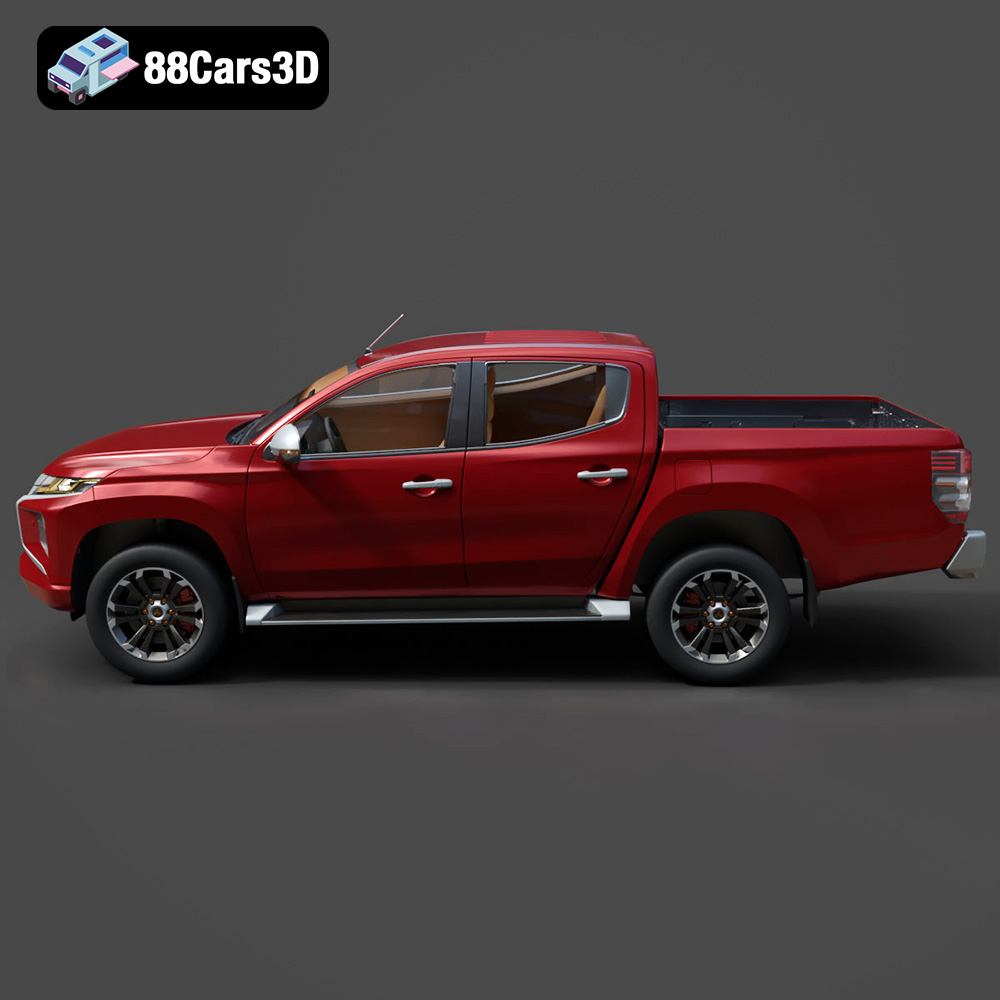
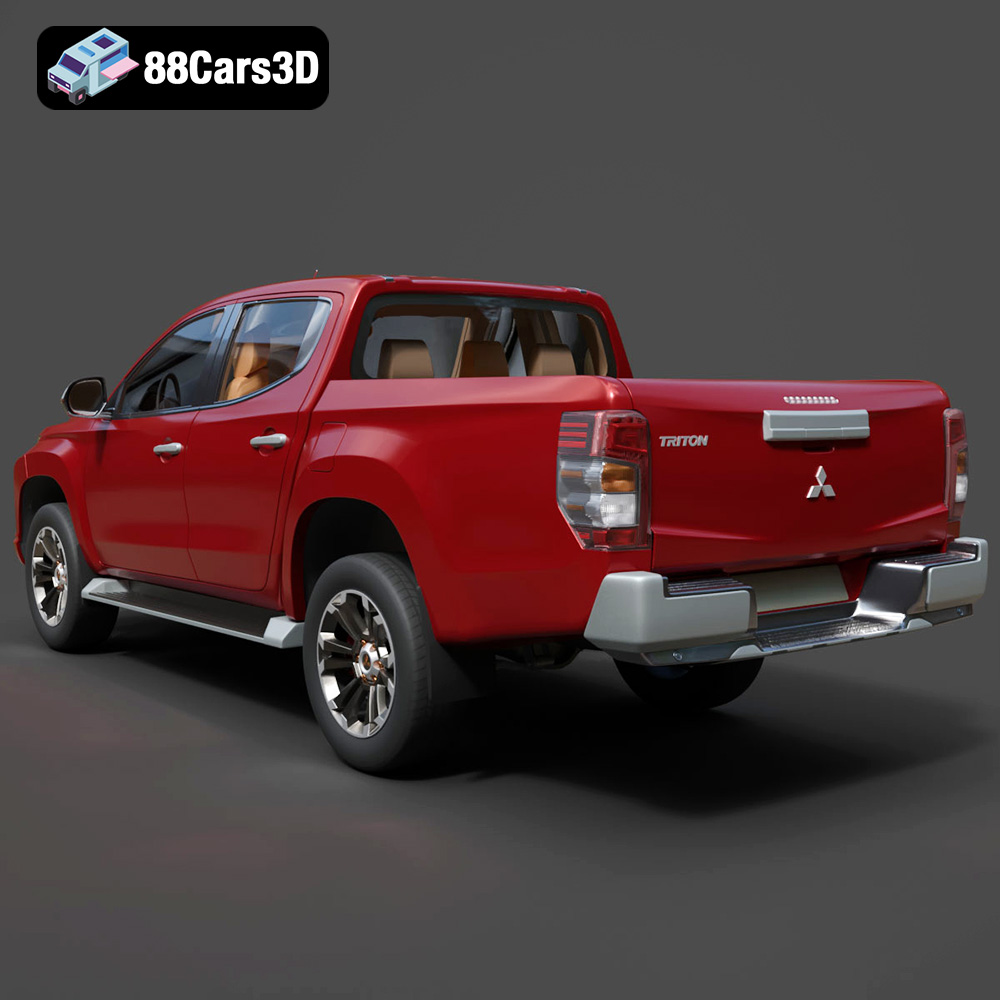
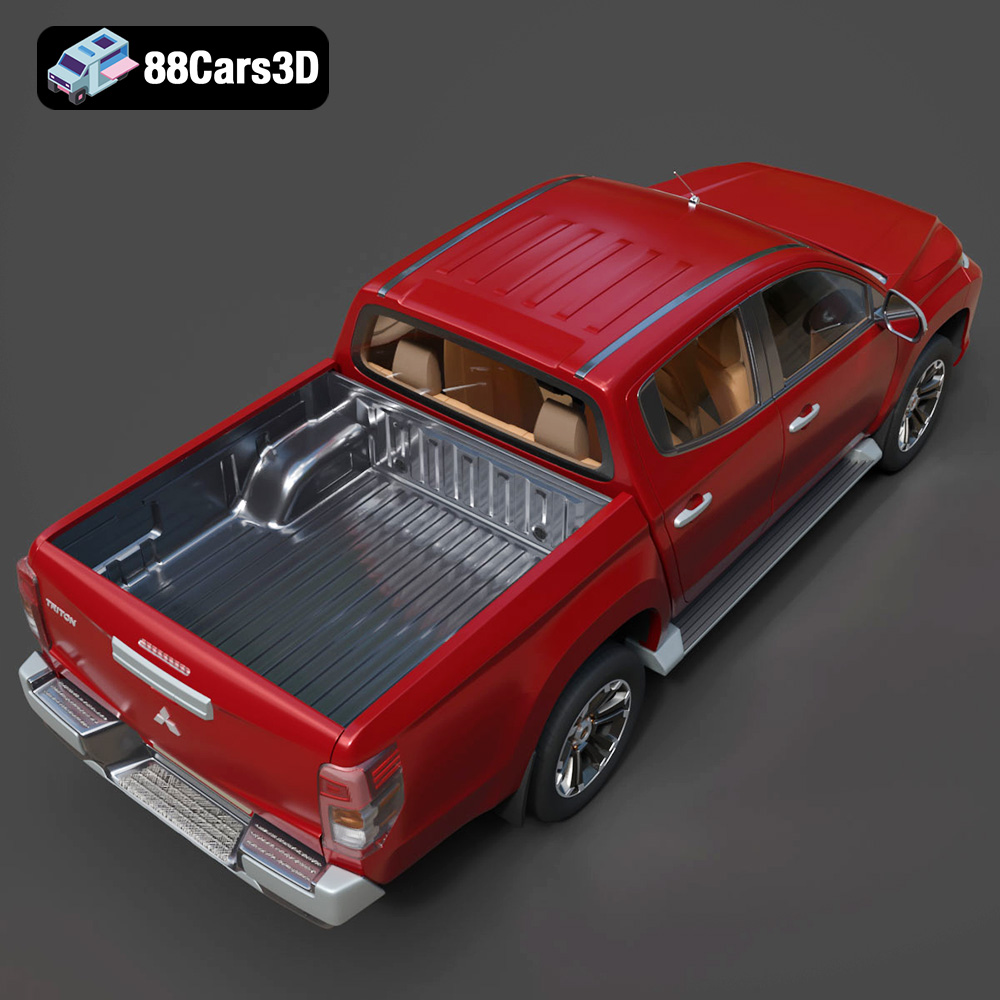
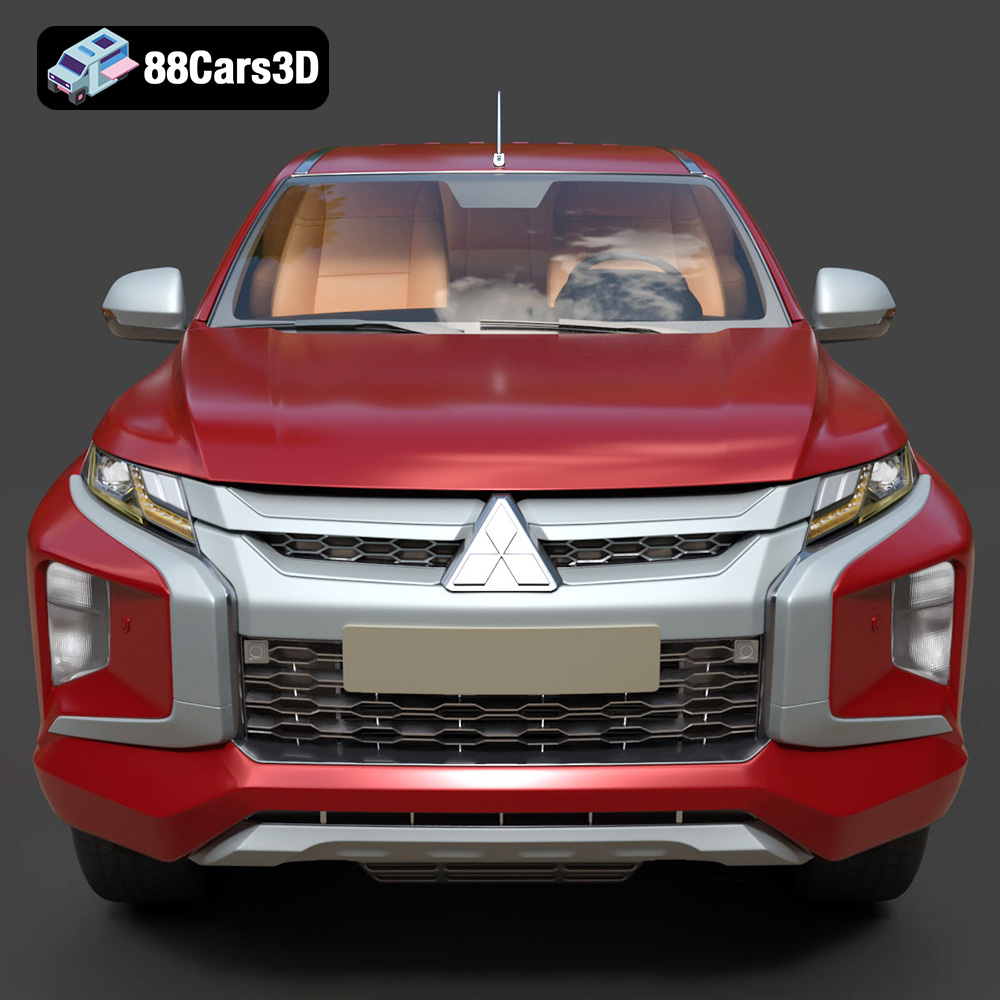
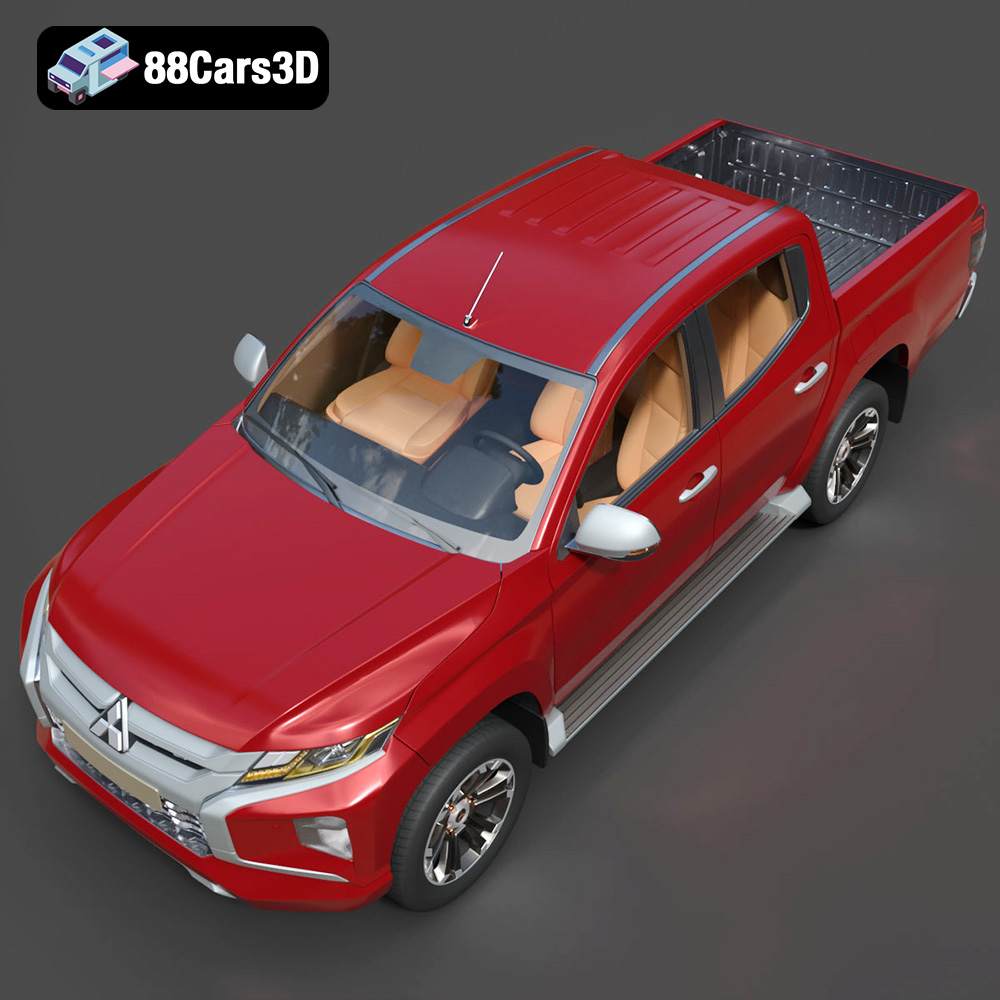
The 2019 Mitsubishi L200 Crew Cab (also known as the Triton) is a masterclass in rugged utility and modern design. Known for its robust “Dynamic Shield” front fascia, aggressive styling, and exceptional 4WD capabilities, this pickup truck bridges the gap between commercial workhorse and comfortable family vehicle. Key visual elements include the distinctive front grille, striking LED headlight arrays, sculpted side panels, and a durable cargo bed designed to handle any load.
$19.99
3D printing the Mitsubishi L200 Crew Cab 2019 model from 88cars3d.com offers a rewarding experience for enthusiasts and hobbyists alike. By carefully selecting the appropriate file format, preparing the model with attention to detail, choosing the right material and printer settings, employing effective support strategies, and mastering post-processing techniques, you can create a stunning replica of this iconic pickup truck. Remember to inspect and repair your STL files, consider resin printing for capturing finer details, and take your time with sanding and painting to achieve a professional finish. With patience and practice, you can overcome common 3D printing challenges and bring this rugged and stylish vehicle to life in your own home. 3D printing offers a unique way to appreciate the design and engineering of vehicles like the Mitsubishi L200, and the high-quality models available on 88cars3d.com make it easier than ever to get started.
.2019
.4×4
.blend
.fbx
.glb
.max
.mitsubishi
.obj
.ply
.rendering
.stl
.unreal
car-3d-model
crew-cab
game asset
game-ready
l200
low-poly
off-road
optimized
pickup-truck
utility-vehicle
VR/AR