Get 20% OFF All Premium 3D & STL Models!

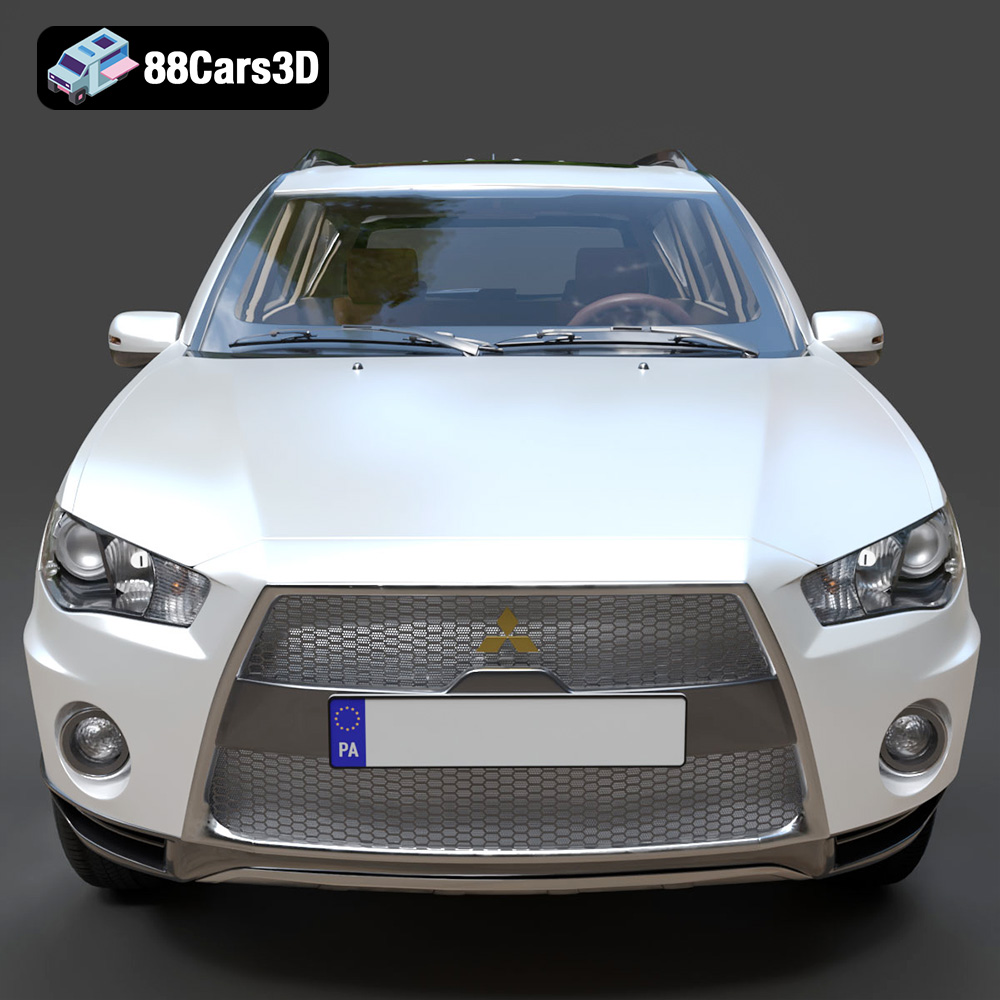
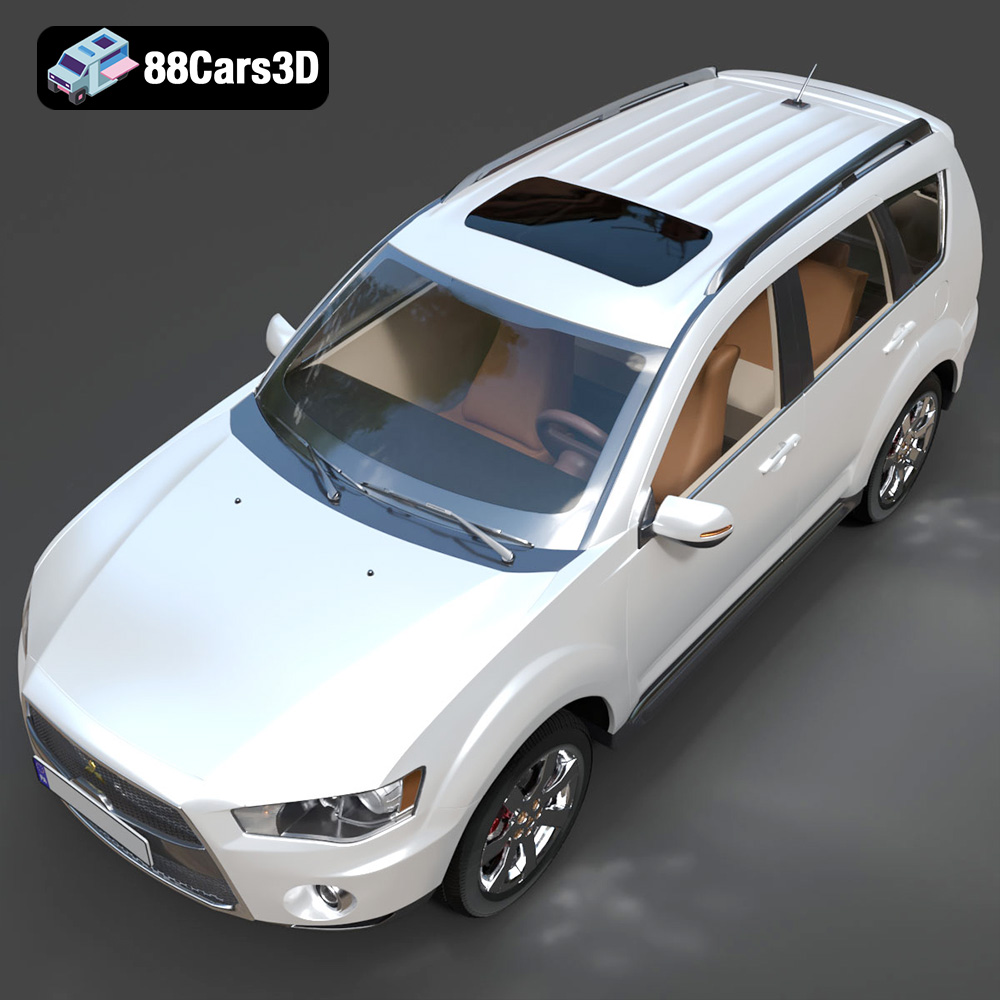
The Mitsubishi Outlander GT 2010, with its distinctive “Jet Fighter” grille and sporty design, is a fantastic subject for 3D printing enthusiasts. Whether you’re a seasoned model maker or just getting started with additive manufacturing, this guide provides a detailed roadmap for successfully 3D printing the Outlander GT model from 88cars3d.com. We’ll cover everything from file preparation to post-processing, ensuring you create a stunning replica of this iconic SUV.
The Mitsubishi Outlander GT 2010 model can be successfully printed using various 3D printing technologies. However, understanding the strengths and limitations of each will help you achieve the best results.
FDM is a popular and affordable 3D printing method that uses thermoplastic filaments. While suitable for larger parts of the Outlander GT, achieving fine details like the grille or intricate interior elements may require careful optimization and post-processing. PLA and PETG are common filament choices for FDM. PLA is easy to print but less heat-resistant, while PETG offers better durability and temperature resistance.
SLA and DLP use liquid resin cured by UV light, offering superior resolution and detail compared to FDM. These technologies are ideal for printing smaller, intricate components of the Outlander GT, such as the wheels, lights, or interior details. Resin printing often requires more post-processing, including washing and curing, but the results can be incredibly detailed and smooth.
SLS and MJF are powder-based technologies often used for functional prototypes and end-use parts. While they offer excellent mechanical properties and don’t require supports, they are typically more expensive and may not be necessary for purely aesthetic models of the Outlander GT. These technologies are excellent for creating durable parts that can withstand more stress and higher temperatures.
Choosing the right file format is crucial for a smooth 3D printing experience. The Mitsubishi Outlander GT 2010 model from 88cars3d.com includes a variety of file formats, each with its own strengths and weaknesses. Understanding these formats is essential for optimizing your print.
The .stl (Stereolithography) file format is the workhorse of 3D printing. It represents the surface geometry of a 3D object as a collection of triangles. This simplicity makes it universally compatible with slicing software and 3D printers. However, .stl files only contain mesh data and lack information about color, texture, or materials. When preparing the Mitsubishi Outlander GT 2010 for printing, the .stl format is often the first choice. Ensure the .stl file is exported with sufficient resolution to capture the vehicle’s details. A higher triangle count results in a smoother surface but increases file size and processing time. Slicing software relies heavily on the .stl format’s mesh quality. Gaps, holes, or intersecting triangles in the mesh can lead to printing errors. Before slicing, it’s crucial to inspect the .stl file for any errors and repair them using software like MeshLab or Netfabb.
The .obj (Object) format is another common 3D file type. Unlike .stl, .obj can store color and texture information, making it suitable for 3D printing in full color, if your printer supports it. While less commonly used for 3D printing than .stl, the .obj format can be useful if you want to incorporate texture information into your model. It’s crucial to check that your slicing software can correctly interpret the .obj file’s material data.
The .ply (Polygon) format is designed for storing 3D data acquired from 3D scanners. It can represent color, transparency, and surface normals, making it a versatile format for high-detail prints. While less common than .stl or .obj for general 3D printing, .ply can be useful for preserving intricate details captured from scanned objects.
The .blend format is the native file format for Blender, a popular open-source 3D creation suite. If you’re familiar with Blender, the .blend file allows you to fully customize the Mitsubishi Outlander GT 2010 model before exporting it for 3D printing. This gives you complete control over the model’s geometry, materials, and textures. However, you’ll need Blender installed to open and edit .blend files.
The .fbx (Filmbox) format is a proprietary format developed by Autodesk. It’s widely used in the game development and animation industries for exchanging 3D data between different software applications. The .fbx format can store complex scene data, including meshes, textures, materials, and animations. For 3D printing, you might use .fbx to import the Mitsubishi Outlander GT 2010 model into slicing software and retain material information (if supported by the software). However, .stl is generally preferred for its simplicity and compatibility.
The .glb (GL Transmission Format Binary) format is designed for efficient transmission and loading of 3D models in web and mobile applications. It’s often used for augmented reality (AR) experiences, allowing users to preview 3D models in their real-world environment before printing. While not directly used for 3D printing, the .glb format can be helpful for visualizing the Mitsubishi Outlander GT 2010 model before committing to a print.
The .max format is the native file format for Autodesk 3ds Max, a professional 3D modeling, animation, and rendering software. Similar to .blend, the .max file allows for extensive customization of the Mitsubishi Outlander GT 2010 model if you have access to 3ds Max. You can modify the model’s geometry, materials, and textures before exporting it for 3D printing in a compatible format like .stl.
Once you’ve chosen your 3D printing technology and file format (typically .stl), the next step is preparing the model for printing using slicing software. This software converts the 3D model into a series of instructions (G-code) that the 3D printer can understand.
The orientation of the Mitsubishi Outlander GT 2010 model on the print bed significantly impacts print quality and the amount of support material required. Printing the frame angled, as suggested by 88cars3d.com, can improve structural integrity. However, this may require more supports. Consider the surfaces that will be most visible and orient the model to minimize the visibility of support scars. Wheels and other separate components should be printed individually for optimal detail and ease of post-processing. Use your slicing software to automatically generate supports, paying close attention to overhangs and intricate details like the exhaust system and mirrors. For FDM printing, consider using tree supports, which are easier to remove and minimize scarring. For resin printing, use thinner supports to avoid damaging delicate parts.
Slicing software offers a wide range of settings that affect print quality, speed, and material usage. Key settings include:
Before slicing, it’s essential to check the model for any errors, such as non-manifold geometry or holes. Slicing software often has built-in repair tools, or you can use dedicated software like MeshLab or Netfabb. As suggested by 88cars3d.com, consider scaling the model to 1:12, 1:18, or 1:24 scale for optimal detail and printability. Ensure that scaling does not compromise the structural integrity of thin or delicate parts.
Selecting the right material is crucial for achieving the desired aesthetic and functional properties of your 3D printed Mitsubishi Outlander GT 2010.
PLA is a biodegradable thermoplastic that is easy to print and produces good results for visual models. It’s a good choice for the Outlander GT if you’re primarily concerned with aesthetics and don’t require high heat resistance. PLA is available in a wide range of colors and finishes. When printing with PLA, ensure proper bed adhesion to prevent warping.
PETG offers a good balance of strength, durability, and ease of printing. It’s more heat-resistant than PLA and less brittle, making it a good choice for parts that may experience some stress. PETG can also provide a slightly more flexible print, meaning parts are less prone to snapping under pressure.
Resin is the material of choice for highly detailed parts. It allows you to capture intricate features and produce smooth surfaces. However, resin prints tend to be more brittle than FDM prints and require more post-processing, including washing and curing. Choose a resin that is specifically designed for 3D printing and follow the manufacturer’s recommendations for exposure times and curing.
ABS is a strong and heat-resistant thermoplastic, but it’s more difficult to print than PLA or PETG due to its tendency to warp. If you need a highly durable model of the Outlander GT that can withstand higher temperatures, ABS may be a good choice, but be prepared to experiment with settings and use an enclosed printer to minimize warping.
Once the 3D printing is complete, post-processing is essential for achieving a polished and professional finish on your Mitsubishi Outlander GT 2010 model.
Carefully remove support structures using pliers, cutters, or a sharp knife. Take your time to avoid damaging the model. After removing supports, sand the surface to smooth out any imperfections and support scars. Start with a coarse grit sandpaper (e.g., 220 grit) and gradually move to finer grits (e.g., 400, 600, 800 grit) for a smooth finish. Wet sanding can help reduce dust and produce a smoother surface.
Apply a primer coat to the model to create a uniform surface for painting. Primers also help to fill in any remaining imperfections and improve paint adhesion. After the primer has dried, apply several thin coats of paint, allowing each coat to dry completely before applying the next. Use high-quality automotive paints to achieve an authentic factory finish. Consider using metallic paints for realistic details.
Assemble the separate components of the Outlander GT, such as the wheels, lights, and interior details, using glue or other appropriate adhesives. Pay close attention to alignment and fit. Add fine details, such as decals, badges, and window trim, to enhance the realism of the model. Use reference images of the real Mitsubishi Outlander GT 2010 to ensure accuracy.
Even with careful preparation, you may encounter some common 3D printing issues. Here are some troubleshooting tips:
Warping occurs when the first layer of the print doesn’t adhere properly to the print bed. To prevent warping, ensure that the bed is level and clean, use a bed adhesive (e.g., glue stick, hairspray), and adjust the bed temperature. For materials like ABS, use an enclosed printer to maintain a consistent temperature.
Stringing is the formation of thin strands of plastic between different parts of the print. To reduce stringing, adjust the retraction settings in your slicing software, lower the printing temperature, and increase travel speed.
Layer shifting occurs when the print head shifts position during printing, resulting in misaligned layers. To prevent layer shifting, ensure that the belts and pulleys are tight, reduce the printing speed, and check for any obstructions that may be interfering with the print head’s movement.
Under-extrusion occurs when the printer doesn’t extrude enough plastic, resulting in weak and incomplete prints. To fix under-extrusion, increase the printing temperature, check for clogs in the nozzle, and ensure that the filament is properly loaded.
The print time and material cost for the Mitsubishi Outlander GT 2010 model will vary depending on the size, settings, and material you choose. A smaller model printed with PLA at standard settings may take a few hours and cost a few dollars. A larger, more detailed model printed with resin may take significantly longer and cost more. It’s always a good idea to estimate print time and material cost in your slicing software before starting the print.
By following this comprehensive guide, you’ll be well-equipped to successfully 3D print the Mitsubishi Outlander GT 2010 model from 88cars3d.com. Remember to experiment with different settings and techniques to find what works best for your printer and material. Happy printing!
Discover the dynamic and versatile 2010 Mitsubishi Outlander GT, a highly acclaimed crossover SUV known for its aggressive Lancer Evolution-inspired ‘Jet Fighter’ front grille and advanced S-AWC all-wheel-drive system. Our meticulously crafted 3D model perfectly captures the vehicle’s sporty aesthetic. Perfect for urban driving simulators, off-road racing titles, virtual automotive showrooms, and high-end lifestyle rendering projects.
$19.99
.2010
.blend
.crossover
.fbx
.glb
.max
.mitsubishi
.obj
.outlander
.ply
.rendering
.stl
.unreal
car-3d-model
game asset
game-ready
low-poly
optimized
outlander-gt
SUV
VR/AR