Get 20% OFF All Premium 3D & STL Models!

In the rapidly evolving landscape of digital visualization, the demand for high-fidelity 3D assets is more pronounced than ever. From cinematic sequences and engaging video games to cutting-edge AR/VR experiences and detailed technical simulations, the quality of your 3D models forms the bedrock of your project’s success. A meticulously crafted model doesn’t just look good; it functions seamlessly across various platforms, saves valuable development time, and provides an unparalleled level of detail that elevates your final output.
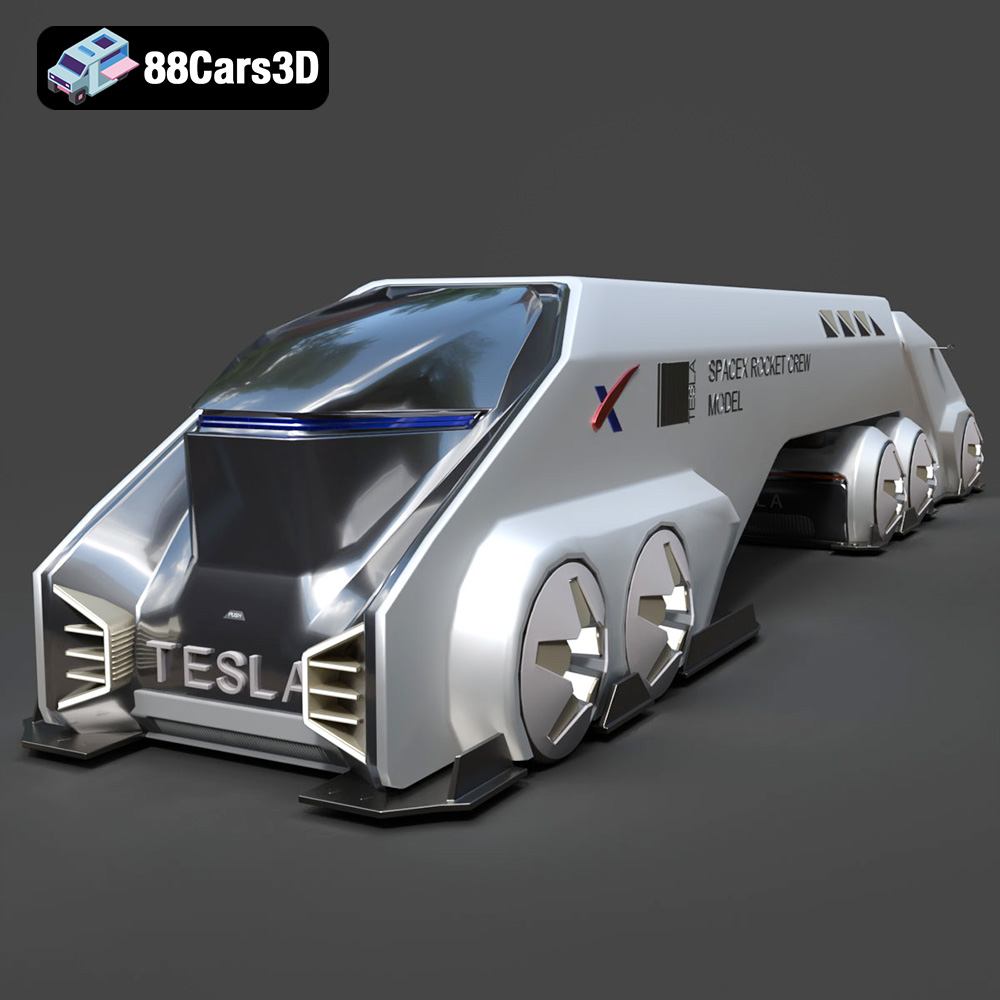
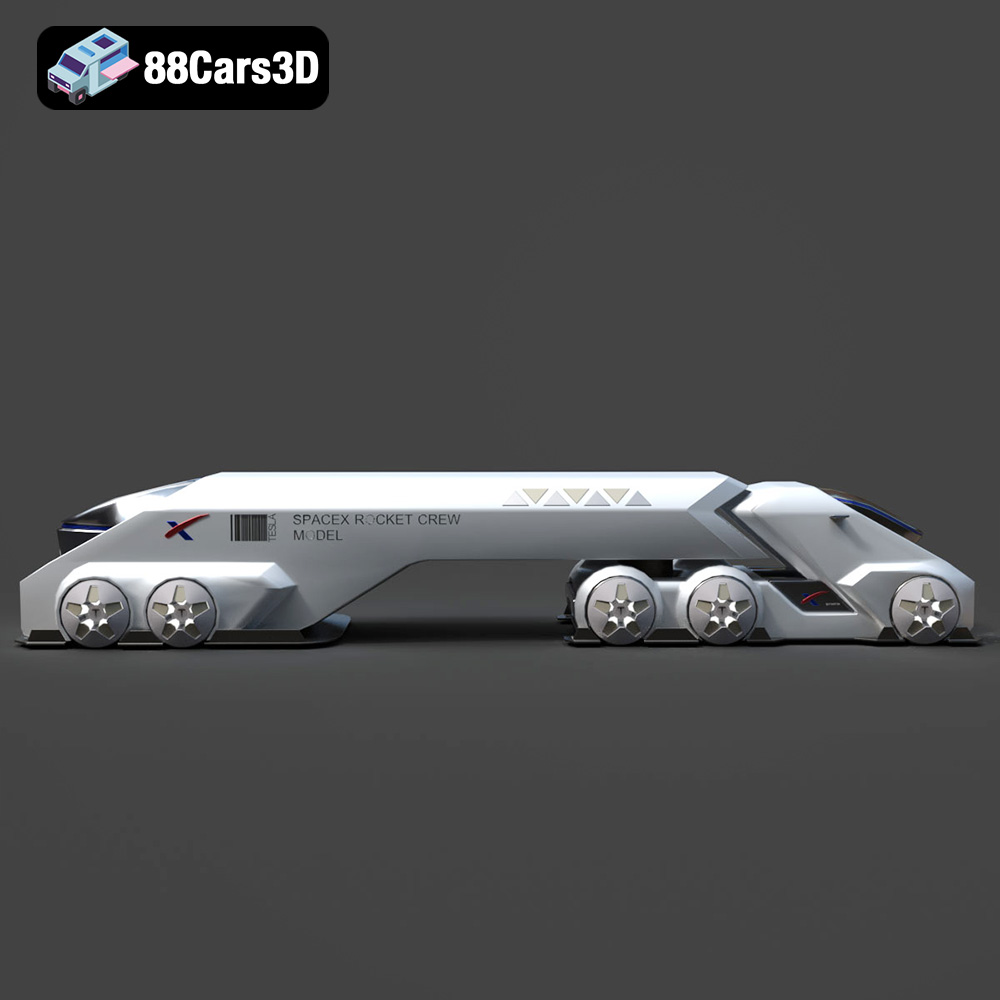
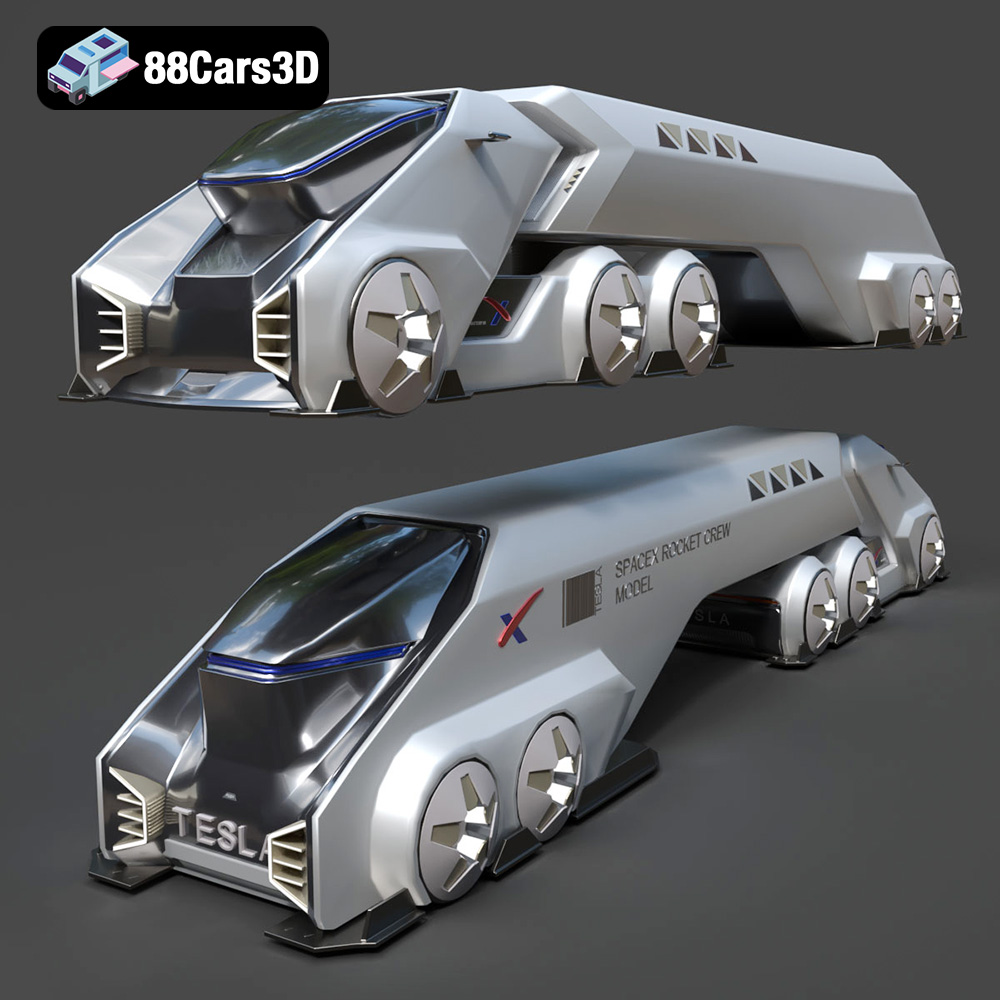
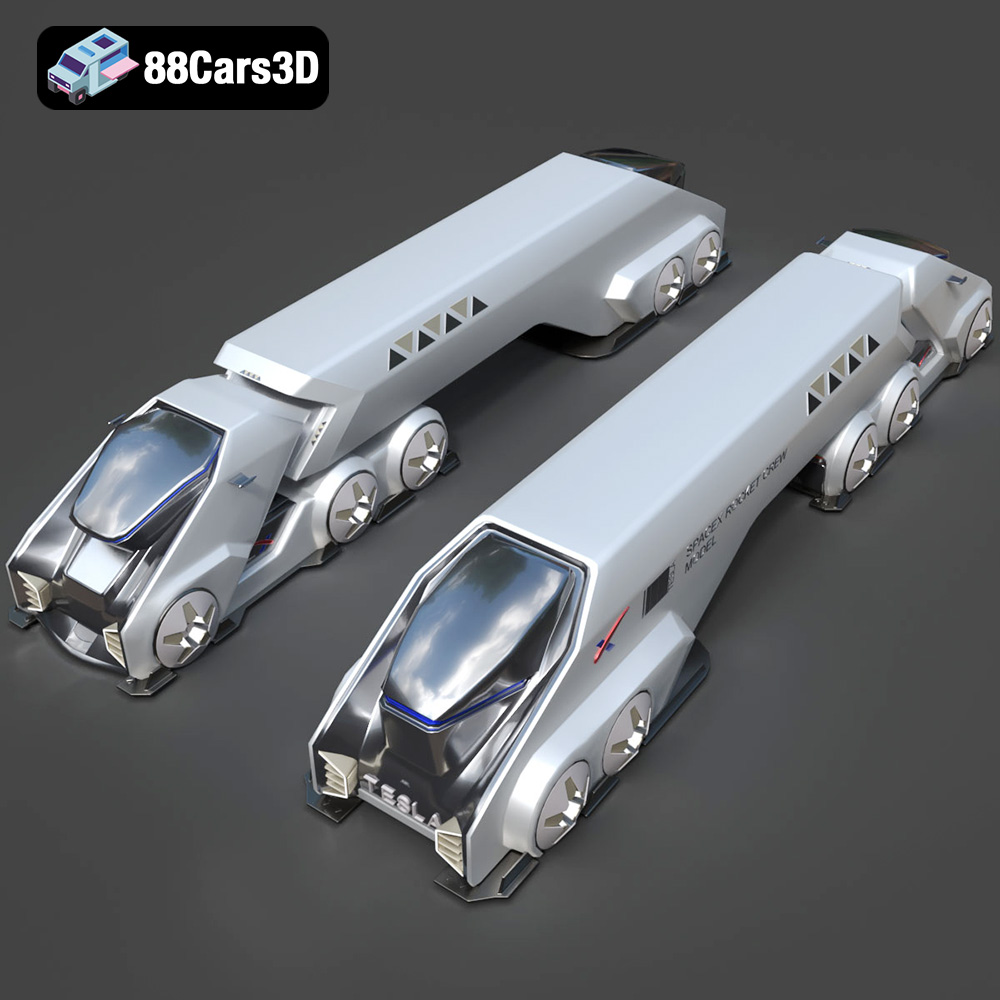
Today, we’re diving deep into what makes a 3D model truly exceptional, using a prime example of digital craftsmanship: the Tesla Space Rocket-001 3D Model. This asset, available on 88cars3d.com, is engineered to meet the stringent demands of professional visual projects. It embodies the precision, optimized topology, and realistic materials that designers, developers, and artists require to push the boundaries of their creative endeavors. Whether you’re a seasoned professional looking to streamline your workflow or an aspiring creator seeking a robust foundation, understanding the technical nuances behind such an asset is crucial for maximizing its potential.
One of the most critical aspects when selecting a 3D model, especially for professional pipelines, is its availability in various file formats. Each format serves a specific purpose, offering unique advantages for different stages of development, software ecosystems, and deployment targets. The Tesla Space Rocket-001 3D Model provides a comprehensive suite of formats, ensuring unparalleled compatibility and flexibility for virtually any project requirement. Let’s explore these essential formats in detail.
The .blend file format is Blender’s native project file. It’s not just a model; it’s a complete scene package. When you acquire the Tesla Space Rocket-001 in .blend format, you gain access to the fully editable Blender scene, which typically includes the model’s geometry, materials, textures, lighting setups, camera positions, animation data, and even modifiers. This format is ideal for artists who primarily work within Blender, offering maximum flexibility for modifications, rigging, and rendering using Cycles or Eevee. Technical artists can dissect the scene, understand the shader networks, and adapt the model precisely to their project’s aesthetic and performance needs without any loss of data during import/export processes.
The .fbx (Filmbox) format, developed by Autodesk, is an industry standard for interoperability, especially within game development and animation pipelines. It supports not only mesh data but also animations, skinning, camera, and lighting information, making it incredibly versatile. For the Tesla Space Rocket-001, the .fbx version is optimized for seamless integration into real-time engines like Unreal Engine and Unity. Its ability to preserve hierarchies and animation data ensures that the rocket model can be imported with its full structural integrity and any pre-baked animation if applicable. Its binary nature also often results in smaller file sizes compared to text-based formats. In contrast, the .obj (Wavefront Object) format is a more universal, widely supported plaintext format that describes geometry (vertices, normals, texture coordinates) and references external material files (.mtl). While it doesn’t support animation or rigging, its simplicity and ubiquitous compatibility make it an excellent choice for cross-software sharing and basic mesh import across virtually all 3D applications, from ZBrush to Cinema 4D. It’s a robust “lowest common denominator” for model exchange.
The .glb (GLB/glTF Binary) format is rapidly becoming the standard for web-based 3D, AR (Augmented Reality), and VR (Virtual Reality) applications. It’s a self-contained, compact binary file that embeds models, textures, and animations, making it highly efficient for transmission and rendering in browsers and mobile devices. For the Tesla Space Rocket-001, the .glb format is optimized to provide an interactive, high-quality visual experience with minimal loading times, perfect for product showcases or immersive AR experiences. The .stl (Stereolithography) format is the de facto standard for 3D printing. It represents a 3D model as a series of connected triangles, defining only the surface geometry. While it lacks color and texture information, its simplicity makes it ideal for rapid prototyping and physical realization of the Tesla Space Rocket-001. Designers can use this format to create miniature replicas, test physical dimensions, or use it as a base for custom modifications for manufacturing.
The .ply (Polygon File Format) is another popular format for storing 3D data, particularly from 3D scanners. It’s known for its precision in representing polygon meshes and can store a wide range of properties beyond just geometry, such as color, transparency, and normal vectors for each vertex or face. This makes the .ply version of the Tesla Space Rocket-001 valuable for technical analysis, scientific visualization, or scenarios requiring highly accurate mesh data for CAD or simulation software. The .unreal format, or more accurately, assets pre-configured for Unreal Engine, implies that the model has been specifically prepared and potentially exported from Unreal Engine, or structured to import seamlessly, often with pre-built materials, collision meshes, and LODs (Levels of Detail). This dramatically accelerates development for Unreal-centric projects. Finally, the .max format is Autodesk 3ds Max’s native scene file. Similar to .blend, it provides a fully editable project, including all modeling, animation, lighting, and rendering data. For professionals using 3ds Max, this format offers the highest level of control and flexibility for integrating the Tesla Space Rocket-001 into complex scenes, leveraging Max’s powerful modeling tools, and rendering with engines like V-Ray or Corona.
Creating compelling visuals goes beyond just having a great model; it involves strategic implementation within powerful 3D software. The Tesla Space Rocket-001 3D Model, with its clean geometry and realistic materials, is designed to shine in professional rendering environments, from high-fidelity cinematics to captivating product visualizations.
Autodesk 3ds Max remains a cornerstone of architectural visualization, product rendering, and cinematic animation. When working with the Tesla Space Rocket-001 in 3ds Max, artists can leverage its robust toolset for scene assembly, lighting, and animation. The provided .max file ensures that the model is already structured and potentially pre-configured with materials compatible with popular rendering engines like V-Ray or Corona Renderer.
Blender has emerged as a powerful, open-source alternative, highly favored for its versatility and active community. The .blend file for the Tesla Space Rocket-001 provides a ready-to-render setup, often including a basic studio lighting environment and camera.
The demands of real-time rendering in game development are distinct from offline rendering. Performance, optimization, and seamless integration are paramount. The Tesla Space Rocket-001 3D Model, optimized for real-time engines, is an ideal game asset for various interactive applications.
Game engines like Unreal Engine and Unity require assets that are not only visually appealing but also efficient in terms of poly count, draw calls, and texture memory. The provided .fbx and .unreal (pre-configured) formats for the Tesla Space Rocket-001 are specifically tailored for these environments.
Beyond basic import, maximizing a 3D model for game development involves several optimization steps, which a high-quality asset like the Tesla Space Rocket-001 facilitates.
The utility of a high-quality 3D model extends far beyond traditional rendering and game development. The Tesla Space Rocket-001 3D Model is versatile enough to be a cornerstone for emerging technologies like Augmented Reality (AR) and Virtual Reality (VR), as well as practical applications such as 3D printing.
AR and VR offer new dimensions of interaction and visualization, demanding highly optimized yet detailed 3D assets. The Tesla Space Rocket-001’s design and format availability make it perfectly suited for these platforms.
The journey from a digital model to a tangible object is a fascinating one, and 3D printing makes this possible. The .stl format of the Tesla Space Rocket-001 is specifically prepared for this purpose.
Behind every visually stunning 3D model lies a foundation of meticulous digital engineering. For an asset like the Tesla Space Rocket-001 to be truly professional-grade, its underlying structure – topology, UV mapping, and material definitions – must be expertly crafted. These elements directly impact performance, flexibility, and overall realism.
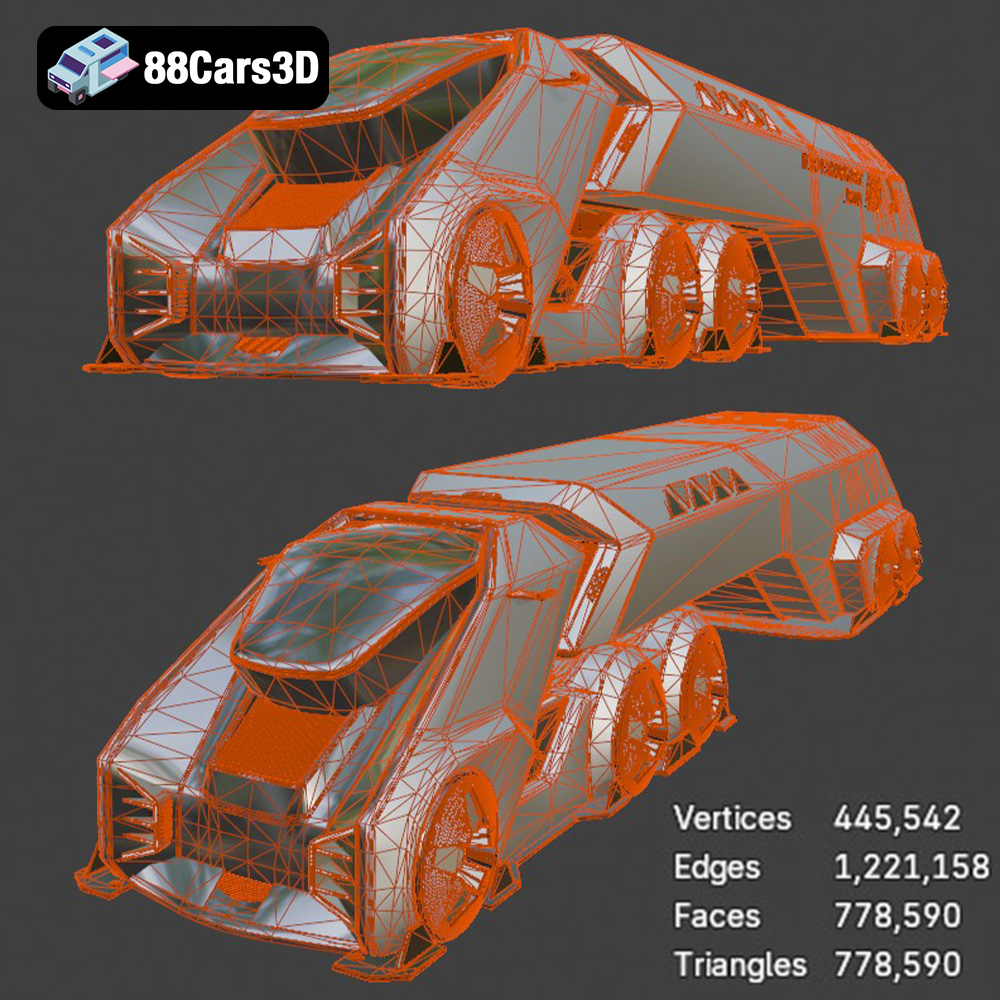
Topology refers to the arrangement of polygons (usually quads or triangles) that make up a 3D model’s surface. “Clean geometry” means the model has a well-structured, efficient mesh. For the Tesla Space Rocket-001, this implies:
Clean topology ensures that the Tesla Space Rocket-001 is easy to modify, rig, and animate, providing maximum utility to the user.
UV mapping is the process of unwrapping a 3D model’s surface into a 2D plane, allowing textures to be painted onto it without distortion. “Fully textured components” and “realistic materials” depend heavily on a well-executed UV layout.
Proper UV mapping guarantees that the detailed textures of the Tesla Space Rocket-001 render flawlessly, providing a consistent and high-quality visual experience across all platforms.
The term “realistic materials” usually refers to Physically Based Rendering (PBR) workflows. PBR materials simulate how light interacts with surfaces in a physically accurate manner, resulting in highly convincing visuals under various lighting conditions.
The Tesla Space Rocket-001’s realistic materials, built with a PBR workflow, ensure that it looks fantastic whether rendered in a V-Ray scene, a Blender animation, or an Unreal Engine game, maintaining visual consistency and quality.
In the dynamic world of 3D visualization, the quality of your digital assets can significantly impact the success and efficiency of your projects. The Tesla Space Rocket-001 3D Model stands as a testament to what a professional-grade asset should be: meticulously crafted, technically optimized, and versatile across numerous applications. From its clean geometry and realistic PBR materials to its comprehensive array of file formats, this model is designed to integrate seamlessly into diverse workflows, be it for high-end rendering in 3ds Max, interactive game development in Unreal Engine, immersive AR/VR experiences, or even practical 3D printing.
By investing in high-quality 3D models like the Tesla Space Rocket-001, you’re not just acquiring a digital object; you’re gaining a powerful tool that saves production time, ensures visual consistency, and empowers you to create truly exceptional content. Whether your project involves cinematic sequences, game environments, or futuristic product visualizations, this model provides the robust foundation you need to launch your creativity to new heights.
Explore this and many other premium 3D models, from realistic 3D car models to cutting-edge spacecraft, at 88cars3d.com, your trusted source for professional digital assets.
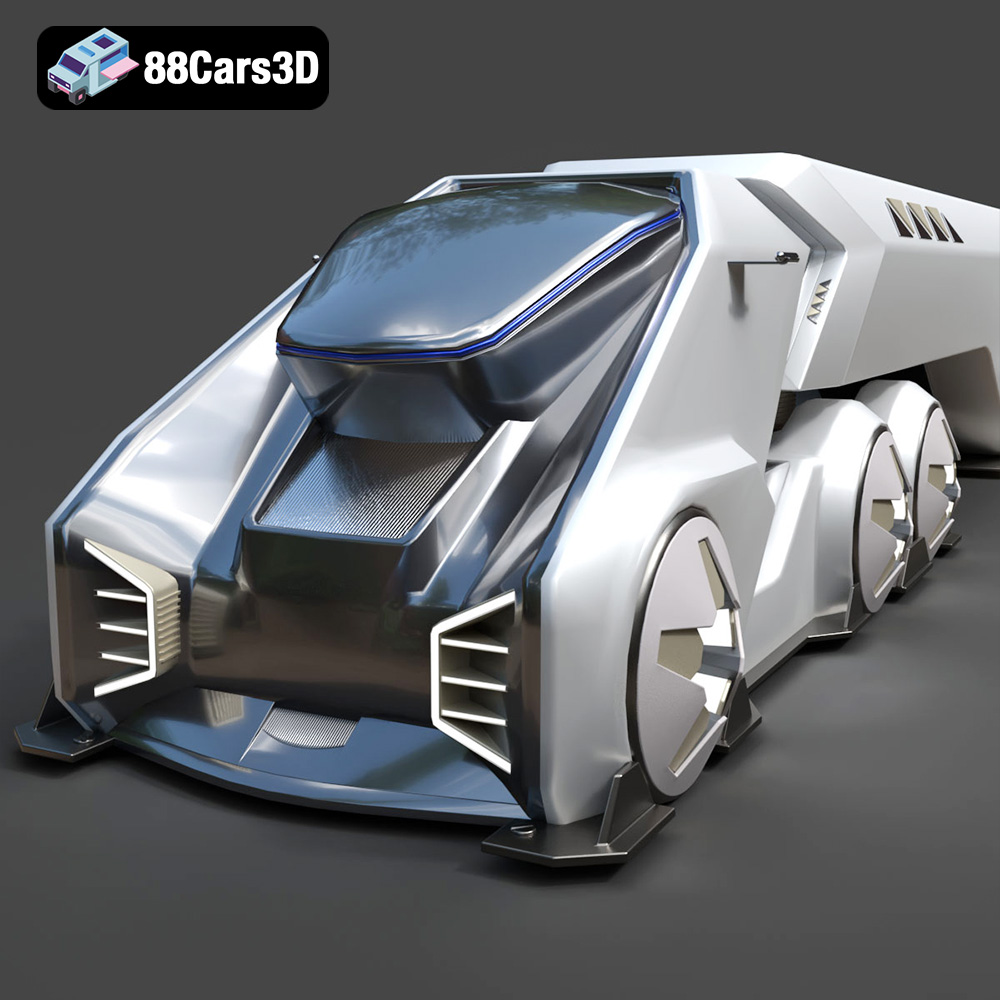
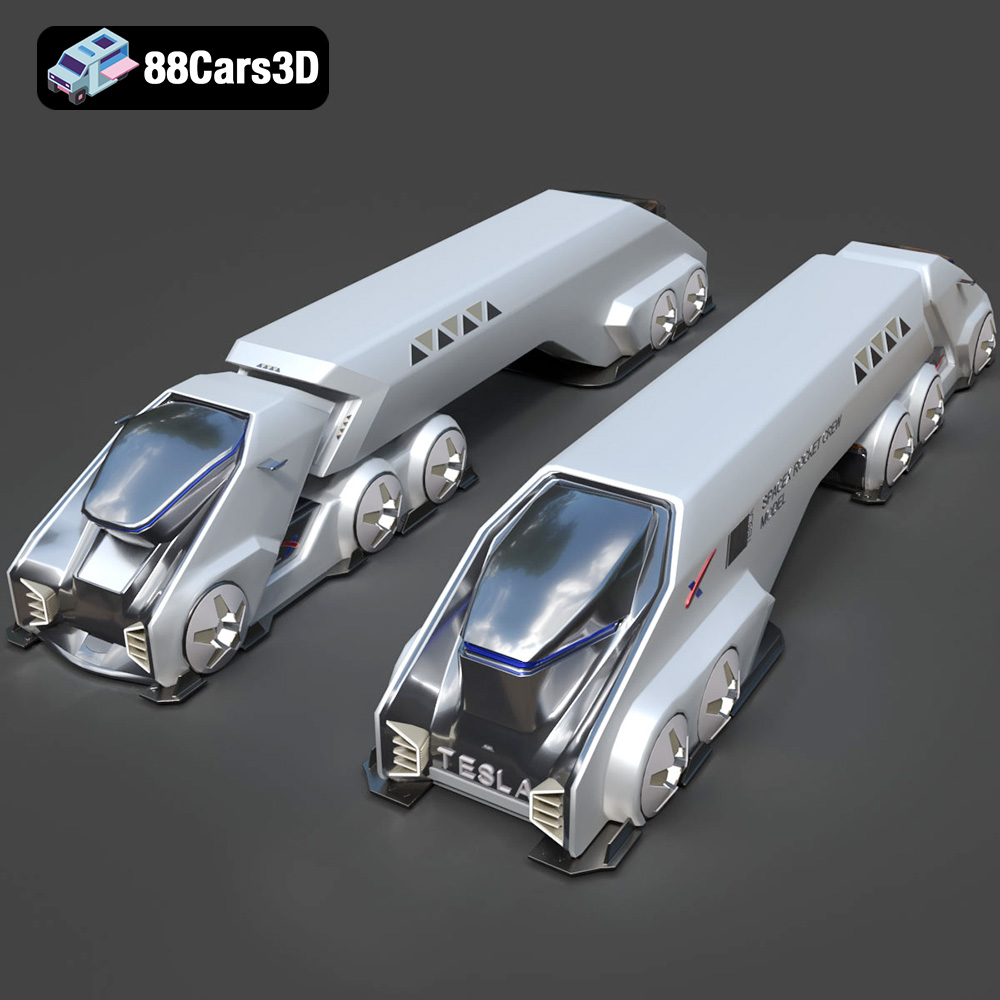
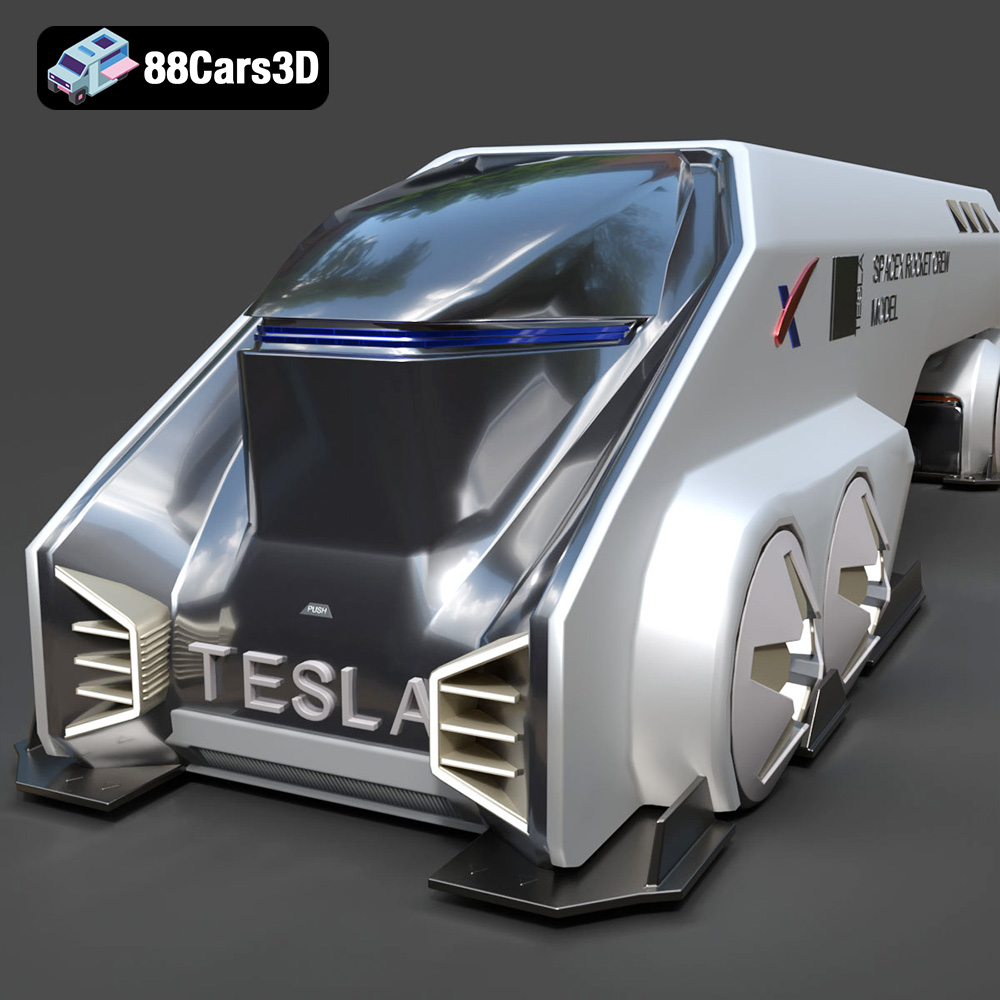
Discover the Tesla Space Rocket-001 3D Model, a highly detailed digital asset crafted for professional visual projects. This model accurately captures the futuristic design and structural elements of the Tesla Space Rocket-001, providing a robust foundation for dynamic rendering and interactive environments.
Engineered with precision, this model features clean geometry, realistic materials, and optimized topology. The fully textured components ensure that it stands up to close-up renders and complex lighting setups while maintaining optimal system performance across different engines.
Ideal for diverse applications, this model is perfectly suited for video game development, architectural rendering, immersive AR/VR experiences, and detailed technical visualization.
Available in a comprehensive range of file formats to integrate seamlessly into your preferred workflow:
$19.99
.arvr
.blend
.car3dmodel
.concept
.fbx
.gameasset
.glb
.max
.obj
.ply
.rendering
.rocket
.simulation
.spacecraft
.spacerocket
.stl
.tesla
.unreal