Get 20% OFF All Premium 3D & STL Models!

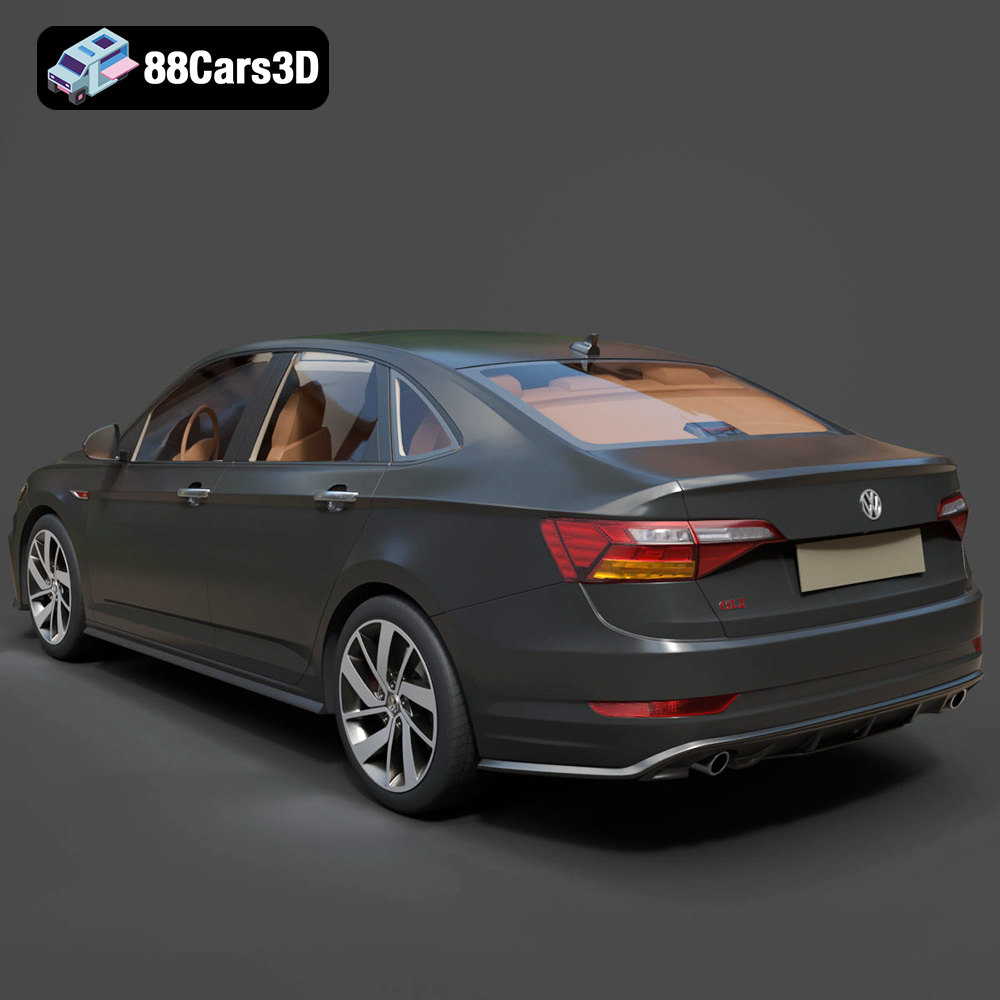
The Volkswagen Jetta GLI 2019 is a fantastic subject for 3D printing, capturing the essence of a sporty sedan in a scale model. Its detailed design, from the aggressive front grille to the iconic red accents, offers a rewarding challenge for additive manufacturing enthusiasts. This guide provides a comprehensive overview of how to successfully 3D print this model, covering everything from pre-print preparation to post-processing techniques. Let’s dive into the world of 3D printing your own Jetta GLI.
Before sending the STL file to your 3D printer, proper preparation is crucial for a successful outcome. This involves inspecting the model, scaling it appropriately, and selecting the right slicing settings.
* **Mesh Analysis:** Utilize software like MeshLab, Netfabb, or the built-in tools within your slicing software to inspect the STL file for errors. Look for non-manifold edges, holes, or intersecting faces. These issues can lead to printing failures or artifacts in the final print.
* **Repairing Errors:** Employ the repair tools available in your chosen software to automatically fix common mesh errors. These tools can fill holes, stitch edges, and remove self-intersections, ensuring a watertight model ready for printing. This is especially important for more complex models like cars that have small details.
* **Choosing a Scale:** The product description suggests scales of 1:12, 1:18, or 1:24. Select a scale that aligns with your printer’s build volume and desired level of detail. A smaller scale (e.g., 1:24) will print faster and require less material but may sacrifice some fine details.
* **Print Orientation:** Optimizing the print orientation is vital. As recommended, print the frame angled to enhance structural integrity. Consider orienting the model with the flattest surface down to minimize support material. Complex overhangs may require strategic support placement. Wheels and other components should be printed separately for optimal results.
Selecting the right file format for 3D printing is crucial for compatibility, detail retention, and overall print quality. While the Volkswagen Jetta GLI 2019 model is available in various formats, understanding their strengths and weaknesses is essential for a seamless experience.
The .stl (stereolithography) format is the workhorse of 3D printing. It represents a 3D model’s surface as a collection of triangles, creating a mesh-like structure. This simplicity makes it universally compatible with almost all 3D printers and slicing software. However, .stl files only store geometric data (shape and size) and lack color, texture, or material information. When preparing the Jetta GLI model for printing, the STL format ensures reliable compatibility.
* **Slicing Software Compatibility:** Virtually every slicing software package, including Cura, Simplify3D, PrusaSlicer, and others, readily accepts and processes STL files. This wide compatibility makes it easy to integrate the model into your existing 3D printing workflow.
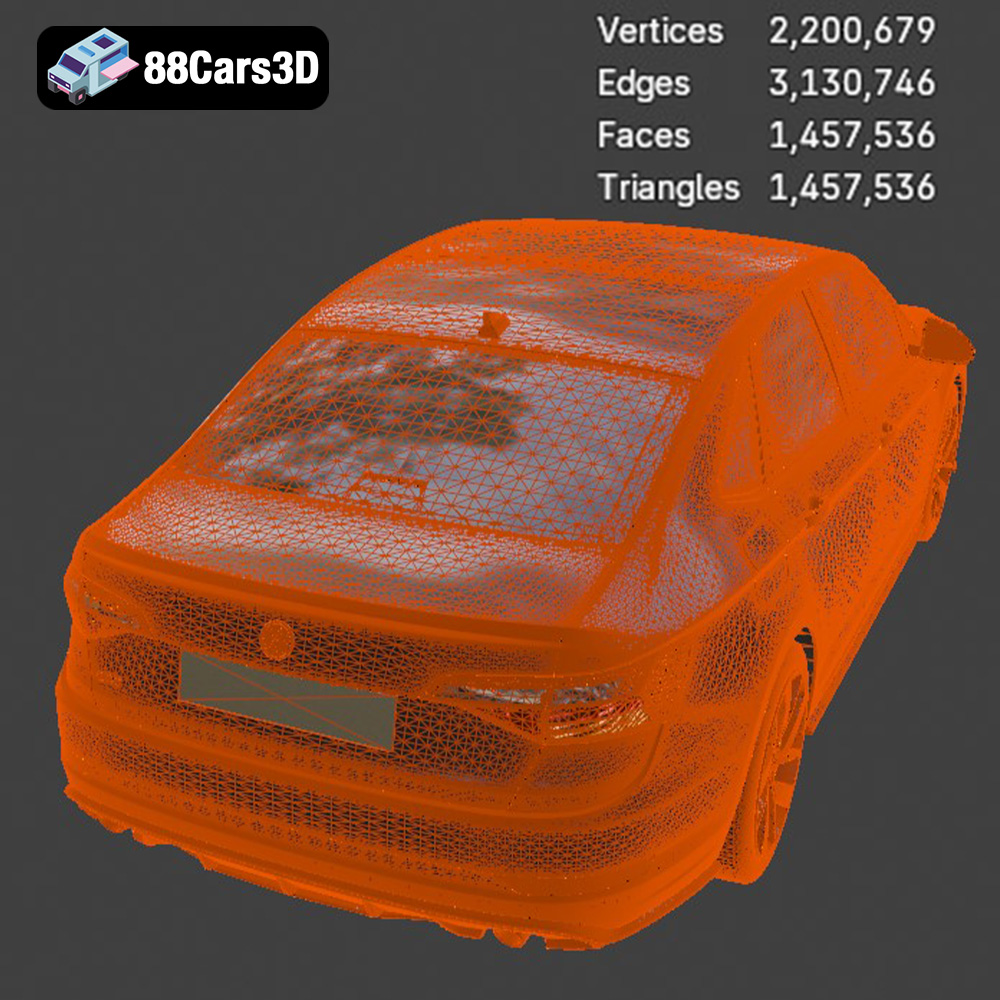
* **Mesh Quality Considerations:** The resolution of the STL file (the number of triangles used to represent the surface) directly impacts print quality. A low-resolution STL will result in a faceted, blocky print, while a high-resolution STL will capture finer details but may increase file size and processing time. When exporting to STL, choose a resolution that balances detail and manageability.
* **Best Use Cases:** The STL format is ideal for 3D printing the Volkswagen Jetta GLI 2019 model due to its simplicity and wide compatibility. It allows you to focus on printer settings and material selection without worrying about format-related issues.
The .obj (object) format is another popular choice, offering a significant advantage over STL: it supports color and texture information. This allows for the possibility of printing multi-colored models or applying textures to the surface. However, not all 3D printers can utilize this color data directly; it often requires specialized hardware and software.
The .ply (polygon) format excels at capturing high-detail mesh data. It’s often used in 3D scanning and applications where preserving fine details is paramount. While offering excellent precision, .ply files can be large and may not be as universally supported as STL or OBJ.
The .blend format is specific to Blender, a free and open-source 3D creation suite. This file contains the entire Blender scene, allowing you to fully customize the model before exporting it to a printable format like STL. You can adjust the geometry, add details, and modify the materials. If you plan on extensive modifications to the Jetta GLI model, working with the .blend file is highly recommended.
The .fbx (Filmbox) format is widely used in game development and animation. It supports a variety of data, including geometry, textures, materials, and animations. While .fbx can be imported into some slicing software, it’s primarily useful for transferring the model between different 3D applications before the 3D printing stage. The material information may not translate directly to printing, but the geometry will.
The .glb (GL Transmission Format Binary) format is designed for efficient transmission and loading of 3D models, particularly in web-based applications and augmented reality (AR) environments. It’s a compact format that includes geometry, textures, and animations. You can use .glb to preview the Jetta GLI model in AR before committing to a print.
The .max format is specific to Autodesk 3ds Max, a professional 3D modeling and rendering software. Similar to .blend, the .max file contains the entire 3ds Max project, allowing for extensive customization. If you are familiar with 3ds Max, this format provides the most flexibility for modifying the Jetta GLI model.
The choice of material significantly impacts the final appearance, strength, and durability of your 3D printed Jetta GLI 2019. Consider the following options:
* **Pros:** PLA is a biodegradable thermoplastic polymer derived from renewable resources. It is easy to print, exhibits low warping, and produces a smooth surface finish. PLA is ideal for beginners and hobbyists.
* **Cons:** PLA is not as strong or heat-resistant as other materials. It is also prone to moisture absorption, which can affect print quality.
* **Recommended Uses:** PLA is well-suited for printing display models of the Jetta GLI, especially for showcasing intricate details.
* **Pros:** PETG combines the ease of printing of PLA with improved strength, flexibility, and heat resistance. It also exhibits good chemical resistance.
* **Cons:** PETG can be more prone to stringing than PLA, requiring careful tuning of retraction settings.
* **Recommended Uses:** PETG is a great choice for printing functional parts of the Jetta GLI model, such as wheels or suspension components, that may require more durability.
* **Pros:** Resin printing offers unparalleled detail and accuracy, making it perfect for capturing the intricate features of the Jetta GLI. Resin prints are also smooth and require minimal post-processing.
* **Cons:** Resin printing can be more expensive than FDM (filament-based) printing. It also requires proper ventilation and handling due to the potentially toxic nature of the resin.
* **Recommended Uses:** Resin printing is ideal for printing the main body of the Jetta GLI, especially at smaller scales, to maximize detail. The recommended layer height of 0.04-0.12 mm in the product description alludes to resin being the ideal choice.
Achieving a high-quality 3D print of the Volkswagen Jetta GLI 2019 requires careful adjustment of printer settings. The optimal settings will vary depending on your printer, material, and desired level of detail.
* **Impact:** Layer height affects the print resolution and surface finish. Lower layer heights result in smoother surfaces but increase print time.
* **Recommendations:** The product description suggests a layer height of 0.04–0.12 mm, aligning with resin printing’s strengths. For FDM printing with PLA or PETG, consider a layer height of 0.1-0.2 mm for a good balance of quality and speed.
* **Impact:** Infill density affects the strength and weight of the print. Higher infill densities increase strength but also increase print time and material consumption.
* **Recommendations:** The product description suggests an infill of 20–30%. This provides adequate strength for a display model without making it overly heavy or time-consuming to print.
* **Impact:** Support structures are necessary for printing overhangs and complex geometries. However, they can leave marks on the printed surface and require removal during post-processing.
* **Recommendations:** Carefully consider where support structures are needed. Orient the model to minimize overhangs and use support blockers in your slicing software to prevent supports from being generated in unwanted areas. The exhaust, mirrors, and handlebars, as noted in the product description, will definitely require supports.
* **Impact:** Print speed affects both print quality and print time. Slower print speeds generally result in higher quality prints but increase print time.
* **Recommendations:** Experiment with different print speeds to find the optimal balance for your printer and material. Start with a moderate speed and adjust as needed based on your results.
Once the 3D printing is complete, post-processing is essential to refine the model’s appearance and achieve a professional finish.
* **Technique:** Carefully remove support structures using pliers, cutters, or a sharp knife. Take care not to damage the underlying model surface.
* **Tips:** Soaking the model in warm water can soften the support material, making it easier to remove.
* **Technique:** Use sandpaper of varying grits (e.g., 220, 400, 600) to smooth the surface of the model. Start with a coarser grit to remove larger imperfections and gradually move to finer grits to achieve a smooth finish.
* **Tips:** Wet sanding can help to reduce dust and improve the surface finish.
* **Technique:** Apply a primer coat to the model to create a uniform surface for painting. Once the primer is dry, apply multiple thin coats of paint, allowing each coat to dry completely before applying the next.
* **Tips:** Research the factory colors of the Volkswagen Jetta GLI 2019 to achieve an authentic finish. Consider using metallic paints for a realistic look.
* **Technique:** If the model was printed in multiple parts, assemble them using glue or other adhesives. Ensure that the parts are properly aligned before bonding them together.
* **Tips:** Use clamps or weights to hold the parts in place while the glue dries.
Even with careful preparation, you may encounter some common 3D printing issues. Here are some troubleshooting tips:
* **Cause:** Warping occurs when the printed part detaches from the build plate due to uneven cooling.
* **Solutions:** Ensure that the build plate is properly leveled and heated. Use a brim or raft to increase adhesion. Reduce print speed and increase cooling fan speed.
* **Cause:** Stringing occurs when molten plastic oozes from the nozzle during travel moves.
* **Solutions:** Increase retraction distance and speed. Decrease print temperature. Ensure that the filament is dry.
* **Cause:** Poor layer adhesion occurs when layers do not properly bond together.
* **Solutions:** Increase print temperature. Decrease print speed. Ensure that the filament is dry.
3D printing the Volkswagen Jetta GLI 2019 model offers a rewarding experience for 3D printing enthusiasts. By carefully preparing the model, selecting the right materials and printer settings, and applying appropriate post-processing techniques, you can create a stunning replica of this iconic sports sedan. Remember to inspect and repair the STL file, choose an appropriate scale and orientation, and experiment with different settings to optimize your results. With patience and attention to detail, you’ll be able to showcase your 3D printing skills with a beautiful Jetta GLI model. Explore 88cars3d.com for more high-quality 3D car models optimized for various applications including 3D printing. And remember to share your 3D printed Jetta GLI 2019 with the 3D printing community!
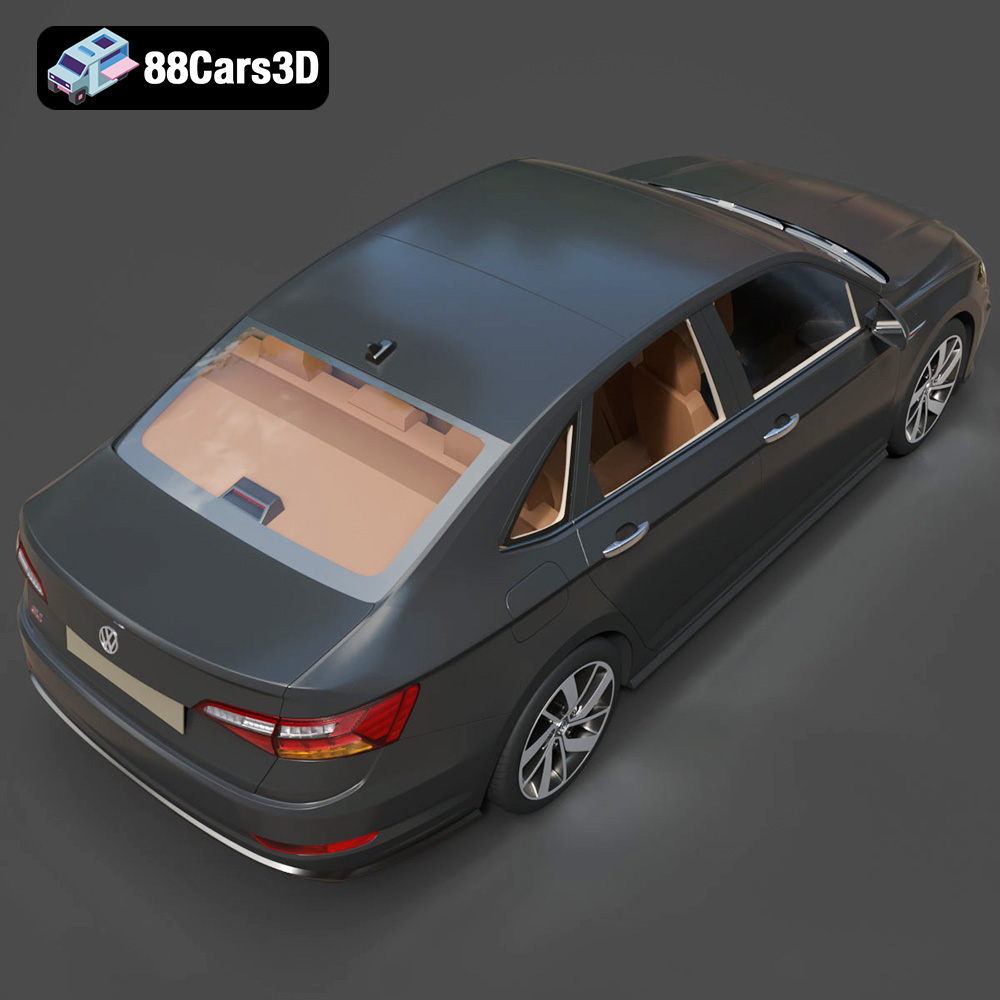
The Volkswagen Jetta GLI 2019 combines everyday practicality with thrilling performance, standing out as a premier sports sedan in its class. Known for its GTI-borrowed turbocharged engine, aggressive honeycomb grille with iconic red accents, and sleek aerodynamic profile, this vehicle strikes the perfect balance between track-ready styling and modern sophistication. This meticulously crafted 3D model features game-ready optimization with approximately 250,000 triangles, ensuring high-end visual fidelity without compromising real-time performance in modern engines.
$19.99
.2019
.blend
.fbx
.glb
.max
.obj
.ply
.rendering
.sedan
.stl
.unreal
.volkswagen
car-3d-model
game asset
game-ready
jetta-gli
low-poly
optimized
sports-sedan
VR/AR