Get 20% OFF All Premium 3D & STL Models!

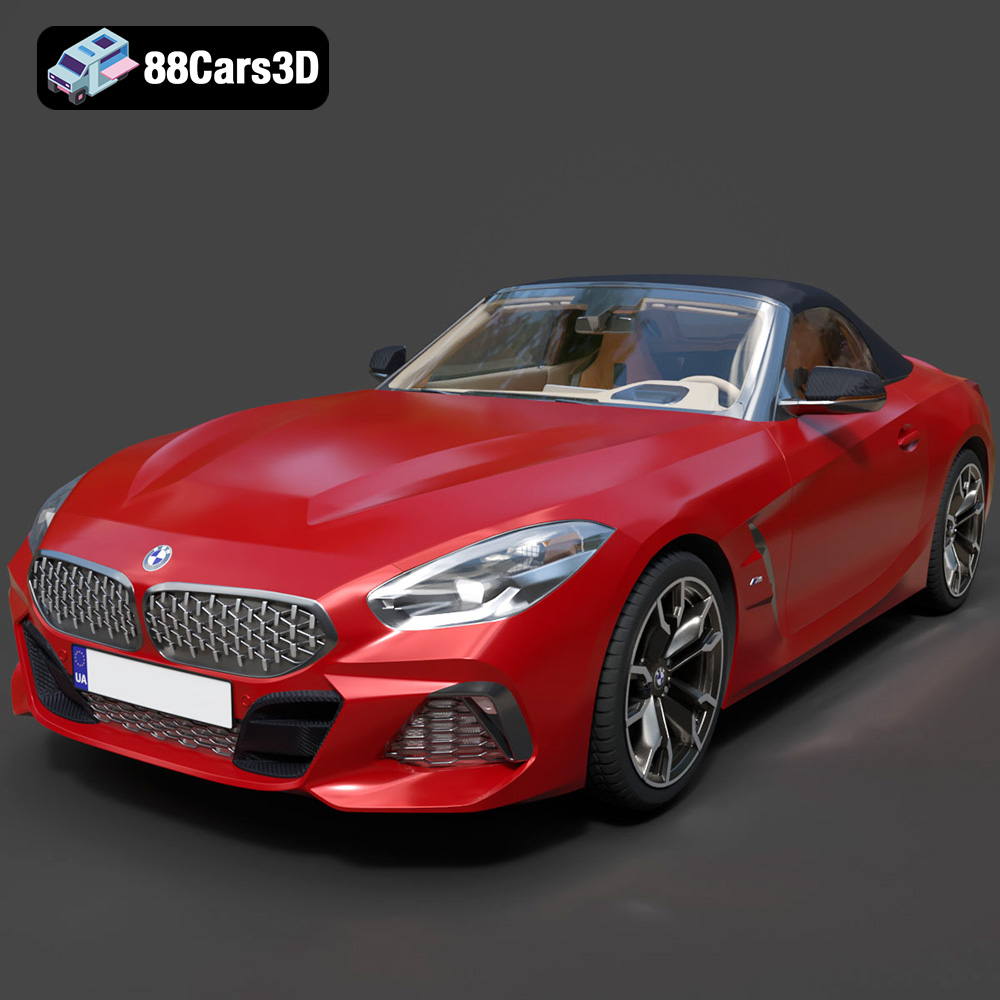
The BMW Z4 Mk3 G29 Roadster M40i 2019 – a symbol of open-top exhilaration and German engineering. Now, thanks to the availability of high-quality 3D models, you can bring this iconic vehicle to life right on your desktop. This article is a comprehensive guide to 3D printing the BMW Z4 Mk3 G29 Roadster M40i 2019 model, covering everything from choosing the right materials and settings to post-processing and finishing. Whether you’re a seasoned 3D printing enthusiast or a beginner looking for a rewarding project, this guide will provide you with the knowledge and techniques to create a stunning replica of this legendary roadster. Models like the one available from 88cars3d.com offer a great starting point due to their high quality and print-ready STL format.
Choosing the right file format is the first step towards a successful 3D print. While numerous formats exist, some are better suited for 3D printing than others. Let’s examine some common formats and their suitability for bringing your BMW Z4 Mk3 G29 Roadster M40i 2019 model to life.
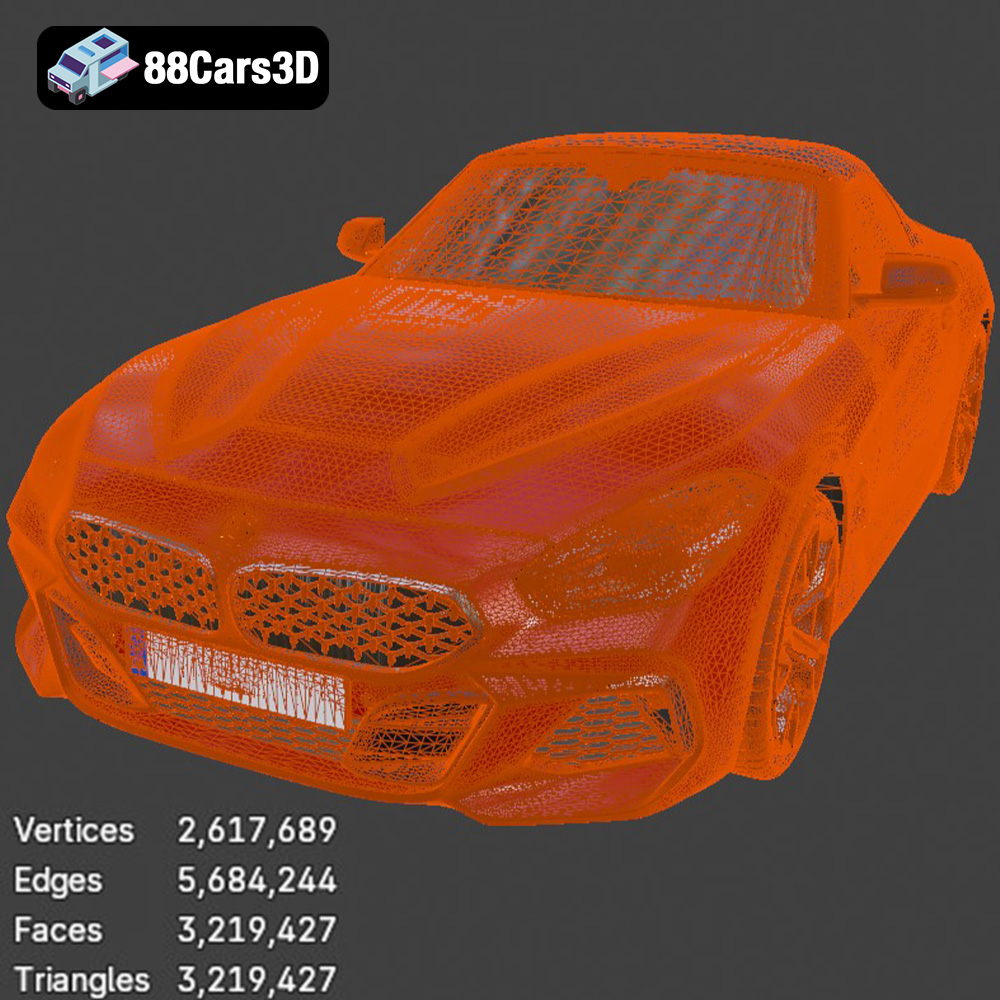
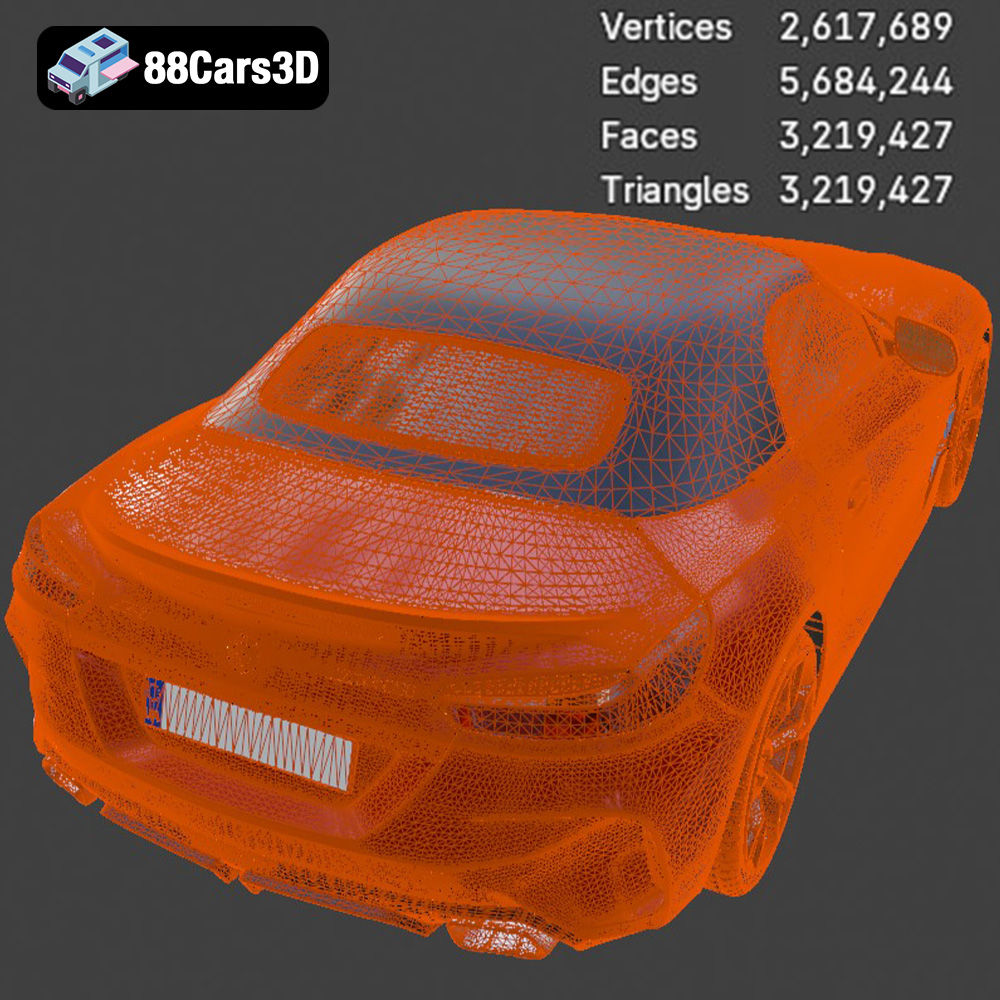
The STL (Stereolithography) format is the workhorse of 3D printing. It represents the surface geometry of a 3D object as a collection of triangles. This simplicity makes it universally compatible with slicing software and 3D printers. The STL format is the go-to choice for 3D printing because virtually every slicer can read it, and it contains the essential geometric information needed for your printer to build the object layer by layer. The resolution of the STL file (the size and number of triangles) directly affects the smoothness of the printed surface. Higher resolution means smaller triangles and a smoother surface, but also a larger file size. 88cars3d.com provides models in STL format, ensuring seamless compatibility with your 3D printer.
OBJ is another widely used 3D model format. Unlike STL, OBJ files can store color and texture information, making them suitable for 3D printing in color if you have a printer capable of multi-material or multi-color printing. However, for the BMW Z4 Mk3 G29 Roadster M40i 2019 model, unless you’re using a specialized printer, the STL format will likely be more practical.
PLY (Polygon File Format) is designed for storing 3D data acquired from 3D scanners. It supports color, texture, and other properties, making it suitable for high-detail models. However, PLY files can be large and may not be as widely supported by all slicing software as STL.
BLEND files are native to Blender, a popular open-source 3D modeling software. While you can’t directly 3D print a BLEND file, it’s incredibly useful for customizing the BMW Z4 Mk3 G29 Roadster M40i 2019 model before exporting it as an STL. You can modify the model’s geometry, add details, or split it into separate parts for easier printing and assembly.
FBX (Filmbox) is a proprietary format developed by Autodesk. It’s commonly used for exchanging 3D models between different software applications, especially in game development. While FBX supports materials and animations, it’s typically converted to STL for 3D printing. Some advanced slicing software might be able to import material information from FBX files, but this is not a common practice.
GLB (GL Transmission Format Binary) is designed for efficient transmission and loading of 3D models, particularly in web and AR/VR applications. It’s often used for previewing models before printing. While you can’t directly 3D print a GLB file, it allows you to visualize the BMW Z4 Mk3 G29 Roadster M40i 2019 model in augmented reality on your phone or tablet, giving you a better sense of its scale and appearance.
Similar to .blend, .max files are native to 3ds Max, another professional 3D modeling and animation software. You can use 3ds Max to modify the BMW Z4 Mk3 G29 Roadster M40i 2019 model before exporting it as an STL for 3D printing. This is useful for advanced users who want to make significant changes to the model’s design.
For 3D printing purposes, the STL format remains the most practical and widely supported choice. When obtaining models from sources like 88cars3d.com, you can be confident in the file’s compatibility with your 3D printing workflow.
Once you have the STL file for your BMW Z4 Mk3 G29 Roadster M40i 2019, you need to prepare it for printing using slicing software. This involves converting the 3D model into a series of instructions (G-code) that your 3D printer can understand.
Numerous slicing software options are available, each with its own strengths and weaknesses. Popular choices include Cura, Simplify3D, PrusaSlicer, and ideaMaker. Cura is a free and open-source option that’s excellent for beginners, while Simplify3D offers more advanced features for experienced users. PrusaSlicer is known for its excellent support for Prusa printers but works well with other printers too. Explore a few options to find the software that best suits your needs and printer.
Proper model orientation is critical for a successful print. Consider the following:
* **Minimize Support:** Orient the model to minimize the need for support structures, which can be difficult to remove and can leave blemishes on the surface.
* **Surface Finish:** Orient the model to prioritize the surface finish of important areas, such as the exterior body panels of the BMW Z4 Mk3 G29 Roadster M40i 2019.
* **Strength:** If the printed model will be subjected to stress, orient it so that the layers are aligned to provide maximum strength in the direction of the force.
Support structures are often necessary to support overhangs and bridges during printing. Choose a support pattern that is easy to remove but provides adequate support. Consider using dissolvable support material (e.g., PVA for PLA) for complex geometries. Tree supports can also be a good option to minimize material usage and support scarring.
You may want to scale the BMW Z4 Mk3 G29 Roadster M40i 2019 model to a specific size before printing. Ensure that the scaling is uniform in all directions to avoid distortion. Most slicing software includes scaling tools. Before slicing, it’s also a good idea to check the model for errors, such as non-manifold geometry or holes. Some slicing software includes basic repair tools, or you can use dedicated software like MeshMixer or Netfabb.
The choice of material significantly impacts the appearance, strength, and durability of your 3D printed BMW Z4 Mk3 G29 Roadster M40i 2019 model.
PLA is a biodegradable thermoplastic derived from renewable resources like corn starch or sugarcane. It’s easy to print, has low warping, and produces a smooth surface finish. PLA is a good choice for beginners and for models that don’t require high strength or heat resistance. It’s ideal for creating display models of the BMW Z4 Mk3 G29 Roadster M40i 2019. PLA is cost-effective, which makes it an excellent choice for prototypes and initial prints.
PETG offers a good balance of strength, flexibility, and ease of printing. It’s more durable and heat-resistant than PLA, making it suitable for models that may be subjected to some stress or outdoor use. PETG also has good layer adhesion, reducing the risk of delamination. This makes it a versatile choice for the BMW Z4 Mk3 G29 Roadster M40i 2019, especially if you plan to handle the model frequently.
Resin 3D printing (SLA or DLP) offers exceptional detail and surface finish compared to FDM (Fused Deposition Modeling) printing. Resin is ideal for printing small, intricate parts with fine details, such as the interior of the BMW Z4 Mk3 G29 Roadster M40i 2019. However, resin printing can be more complex and requires careful handling of the resin and proper ventilation. Resin prints also tend to be more brittle than FDM prints.
Other materials like ABS, ASA, Nylon, and Polycarbonate can be used for 3D printing, but they generally require more advanced printers and printing techniques. These materials offer higher strength, heat resistance, or chemical resistance, but they can be more prone to warping and require higher printing temperatures.
Fine-tuning your printer settings is crucial for achieving the best possible results when 3D printing the BMW Z4 Mk3 G29 Roadster M40i 2019.
Layer height determines the vertical resolution of the print. Lower layer heights (e.g., 0.1mm or 0.05mm) produce smoother surfaces and finer details, but they also increase print time. Higher layer heights (e.g., 0.2mm or 0.3mm) print faster but result in a less refined surface finish. A good starting point for PLA or PETG is 0.15mm to 0.2mm.
Infill density determines the amount of material inside the model. Higher infill densities increase the strength and weight of the print but also increase print time and material consumption. A good starting point is 15-20% infill for a display model of the BMW Z4 Mk3 G29 Roadster M40i 2019. Common infill patterns include rectilinear, grid, gyroid, and honeycomb. Gyroid offers a good balance of strength and print time.
The optimal printing temperature depends on the material you’re using. PLA typically prints well between 190°C and 220°C, while PETG usually requires temperatures between 220°C and 250°C. Print speed affects the surface finish and strength of the print. Slower speeds generally produce better results, but they also increase print time. A good starting point is 40-60mm/s for PLA and PETG.
Ensuring good bed adhesion is essential to prevent warping and detachment during printing. Use a heated bed (typically 60°C for PLA and 70-80°C for PETG) and apply a bed adhesion aid like glue stick, hairspray, or painter’s tape. A brim or raft can also improve bed adhesion, especially for models with small contact areas.
Post-processing is the final step in creating a stunning 3D printed BMW Z4 Mk3 G29 Roadster M40i 2019 model.
Carefully remove any support structures from the printed model. Use pliers, cutters, or a sharp knife to remove the supports. Be gentle to avoid damaging the model. For dissolvable supports (e.g., PVA), simply soak the model in water until the supports dissolve.
Sanding is essential for smoothing the surface of the 3D printed model and removing layer lines. Start with coarse sandpaper (e.g., 220 grit) and gradually move to finer grits (e.g., 400, 600, 800, 1000 grit). Wet sanding can help to reduce dust and improve the surface finish. For a very smooth finish, consider using filler primer, which can be sanded down to fill in any remaining imperfections.
Painting can transform the appearance of your 3D printed BMW Z4 Mk3 G29 Roadster M40i 2019 model. Apply a primer coat to improve adhesion and create a uniform base. Use acrylic paints or spray paints designed for plastic models. Apply multiple thin coats for the best results. Consider using masking tape to create clean lines and details. After painting, apply a clear coat to protect the paint and add a glossy or matte finish.
If the model was printed in multiple parts, carefully assemble them using glue or screws. Ensure that the parts fit together properly and that the glue is applied evenly.
Even with careful preparation, you may encounter some common 3D printing issues.
Warping occurs when the corners of the print lift off the bed. This is often caused by poor bed adhesion or temperature fluctuations. To prevent warping, ensure that the bed is properly leveled and heated, use a bed adhesion aid, and avoid drafts.
Stringing occurs when thin strands of filament are left between different parts of the print. This is often caused by excessive retraction, high printing temperature, or slow travel speed. To prevent stringing, adjust the retraction settings in your slicing software, lower the printing temperature, and increase the travel speed.
Layer delamination occurs when the layers of the print separate. This is often caused by insufficient layer adhesion, low printing temperature, or inadequate cooling. To prevent layer delamination, increase the printing temperature, reduce the cooling fan speed, and ensure that the layers are properly bonded together.
Elephant’s foot is when the first few layers of a print are wider than the rest of the model. This is often caused by the nozzle being too close to the bed or the bed temperature being too high. To prevent elephant’s foot, adjust the Z-offset in your printer settings or lower the bed temperature.
By following these tips and techniques, you can successfully 3D print a stunning replica of the BMW Z4 Mk3 G29 Roadster M40i 2019 and showcase your passion for automotive excellence. Remember to check out 88cars3d.com for more high-quality 3D car models.
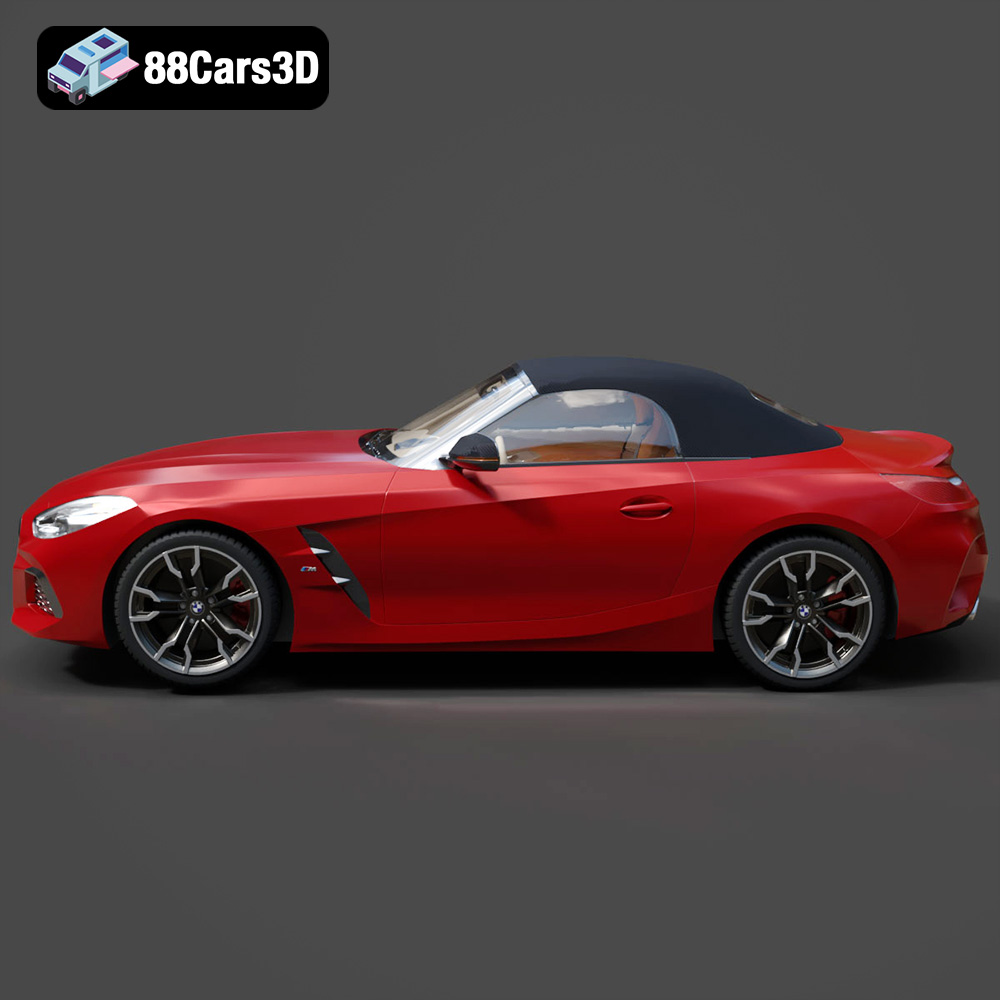
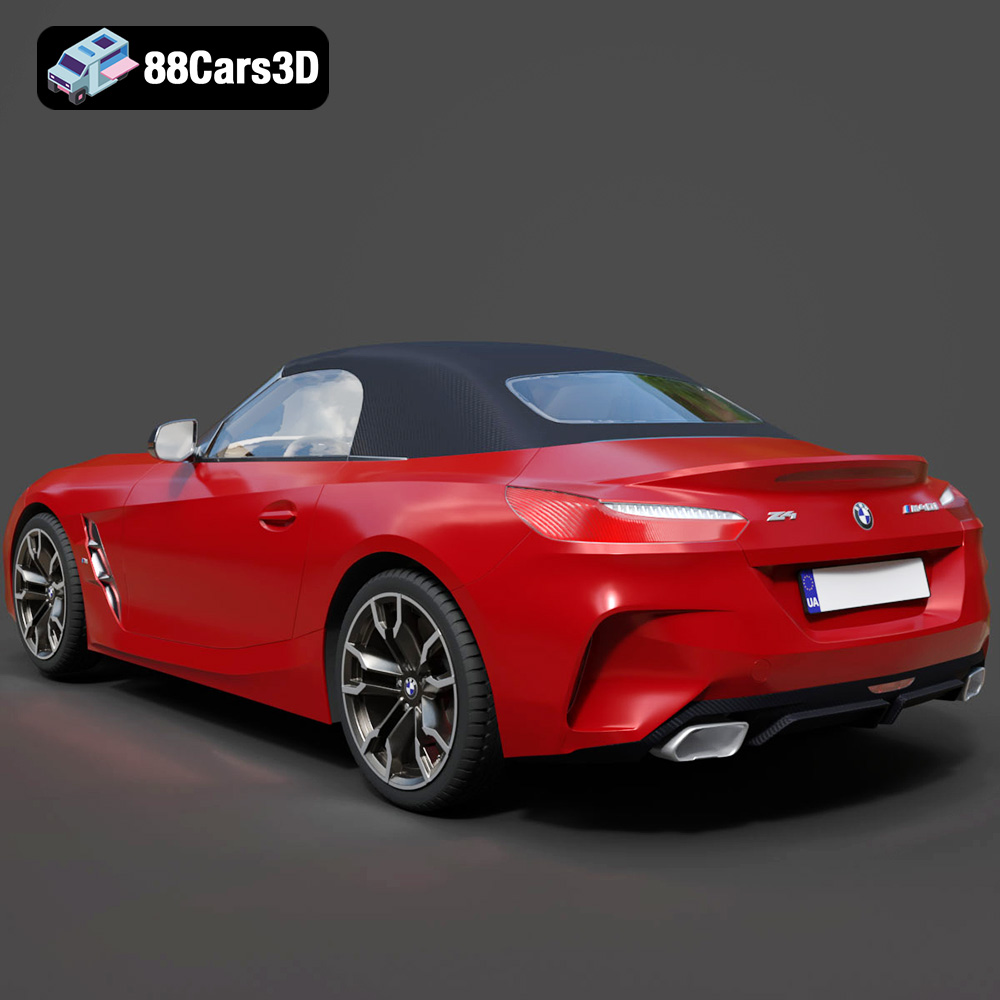
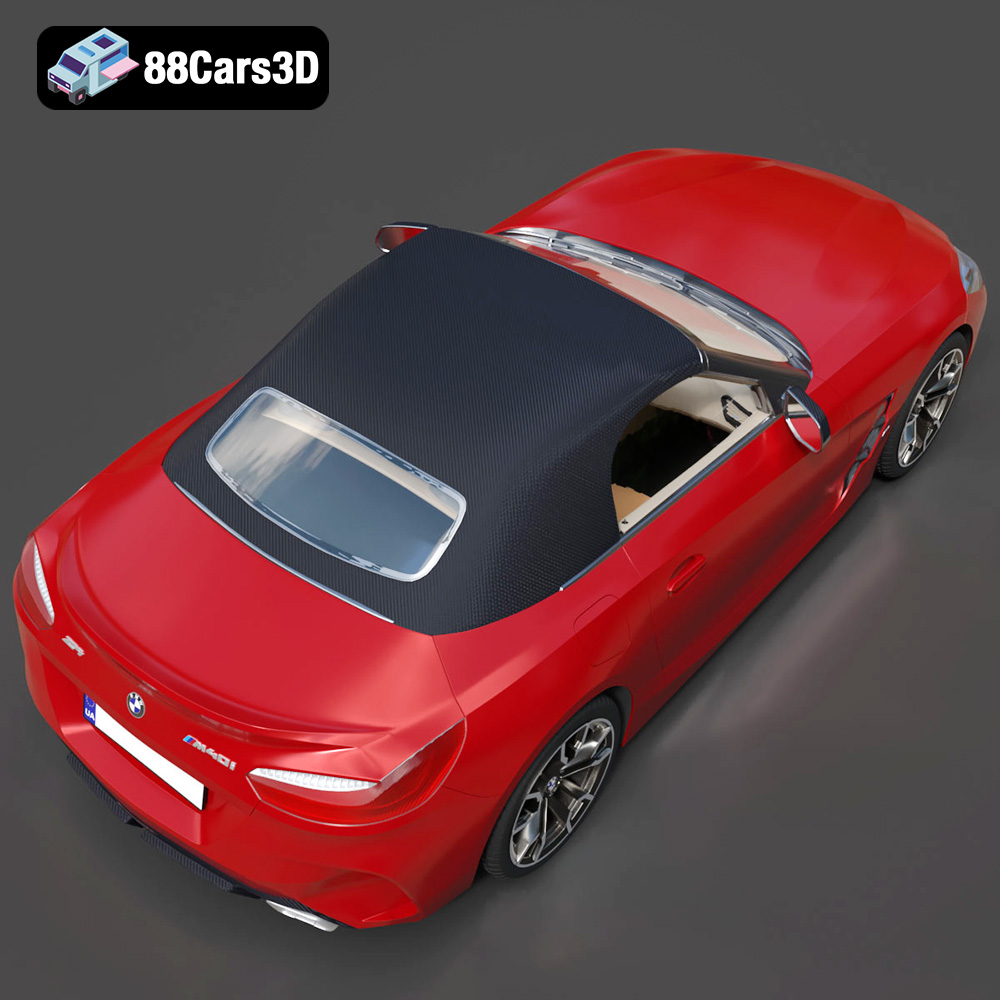
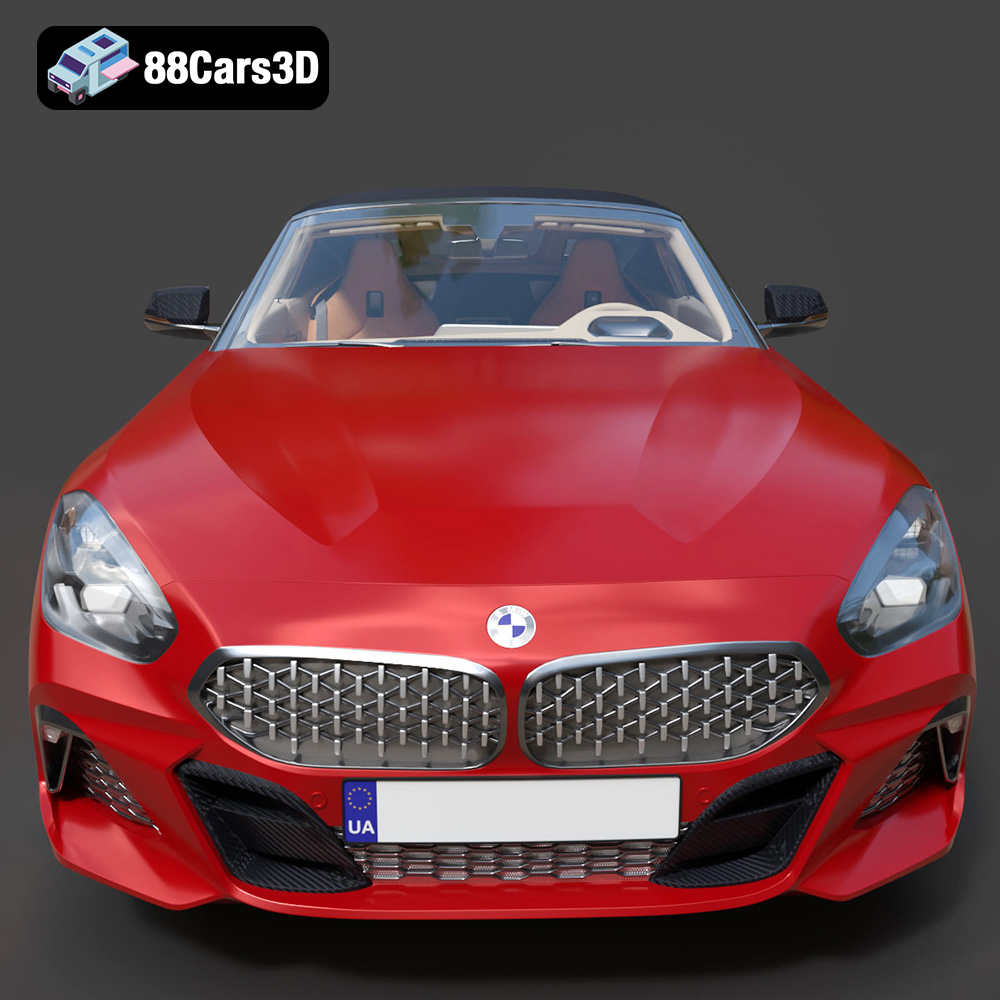
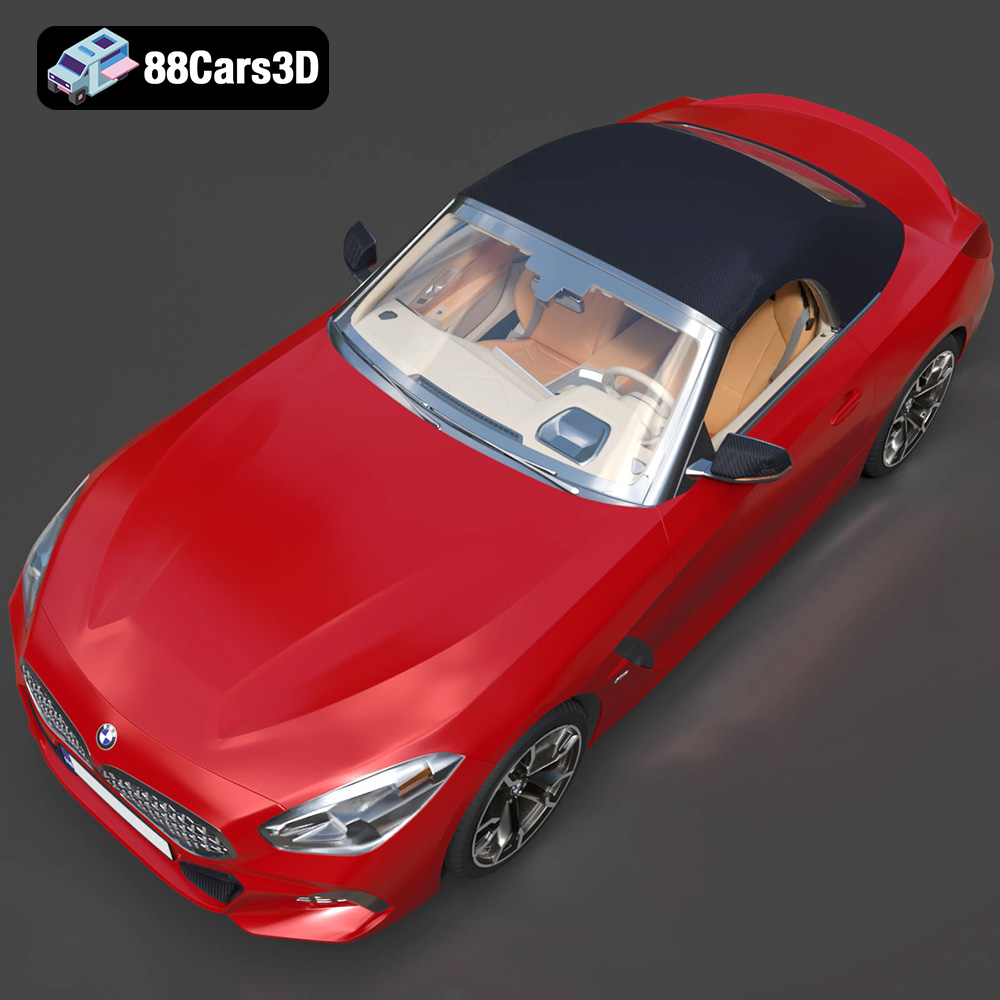
Experience true realism with the BMW Z4 Mk3 G29 Roadster M40i 2019 3D Model. Crafted with precision, this model perfectly captures the dynamic lines, aggressive stance, and elegant curves of the iconic roadster. This premium 3D model features clean geometry, realistic materials, and professional-grade detailing. The exterior and interior are meticulously built to ensure an accurate representation from every angle, providing a reliable asset for any professional digital workspace.
$19.99
.arvr
.blend
.bmw
.car3dmodel
.convertible
.fbx
.g29
.gameasset
.glb
.m40i
.max
.mk3
.obj
.ply
.rendering
.roadster
.simulation
.sportsCar
.stl
.unreal
.z4