Get 20% OFF All Premium 3D & STL Models!

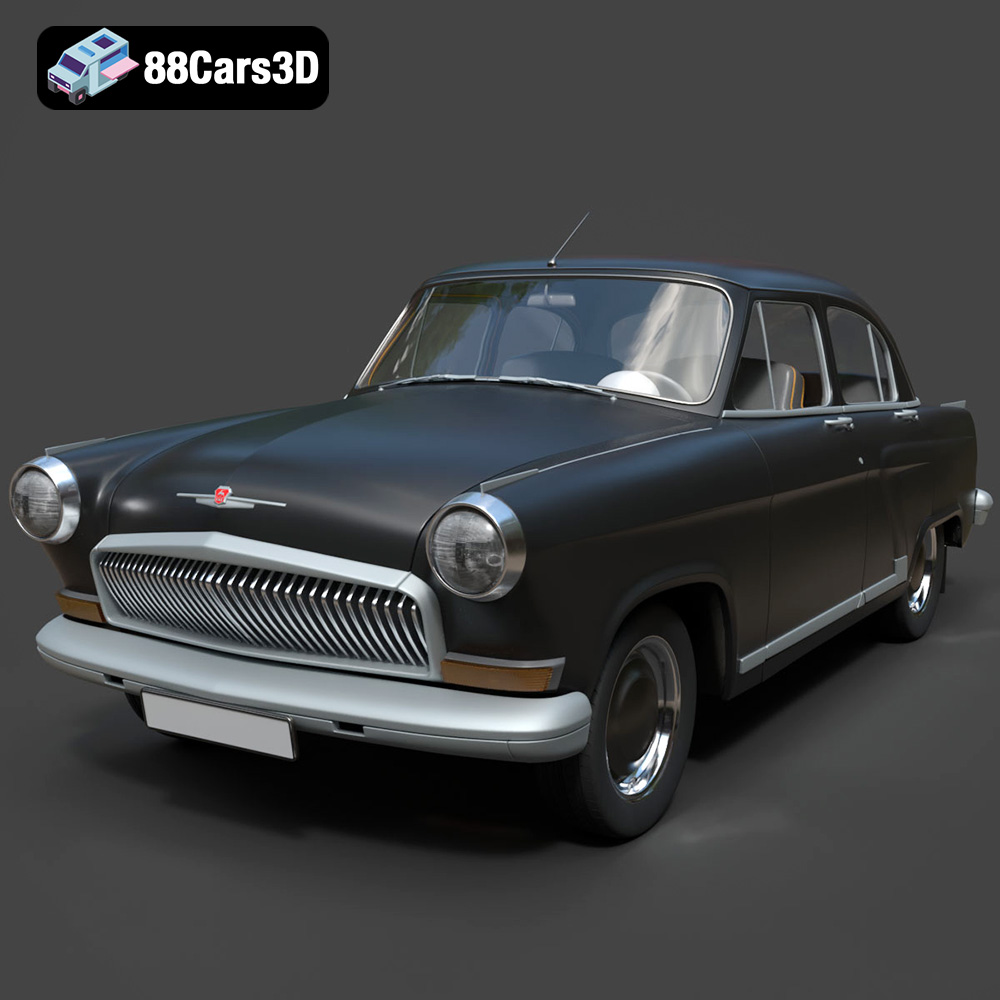
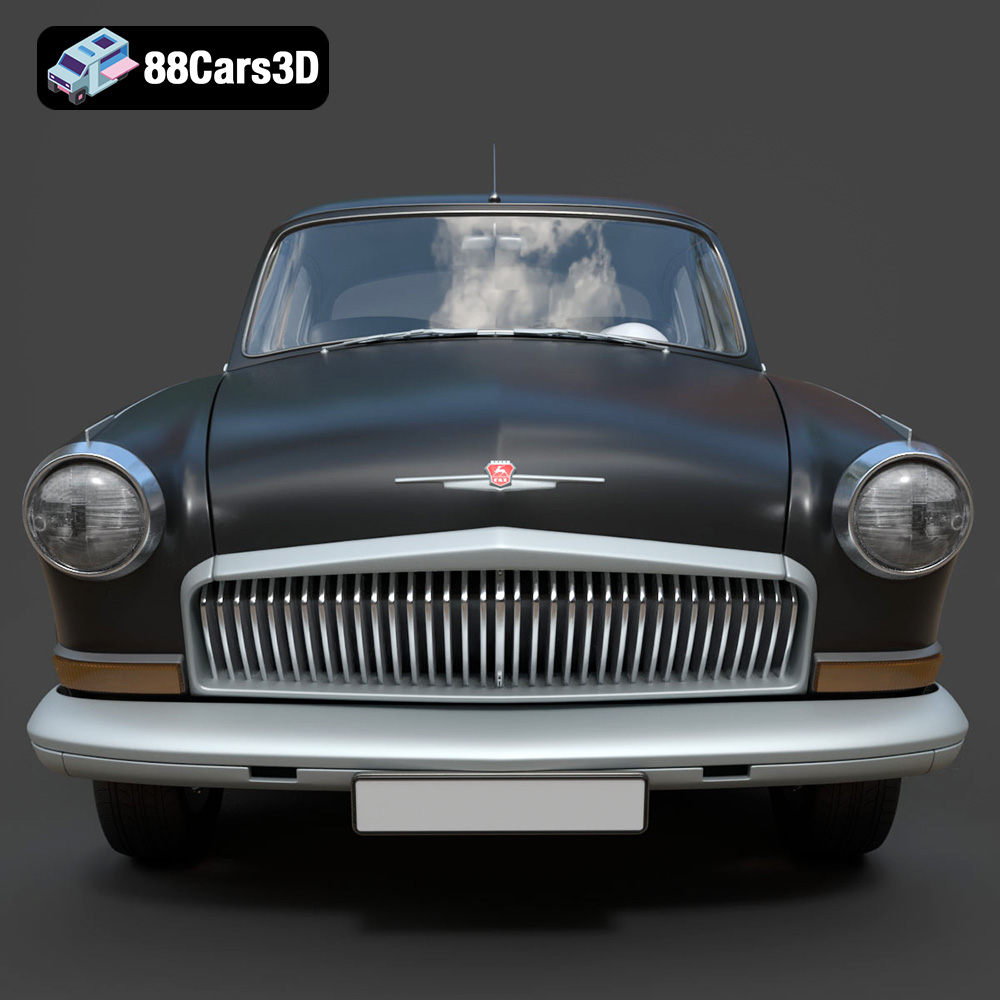
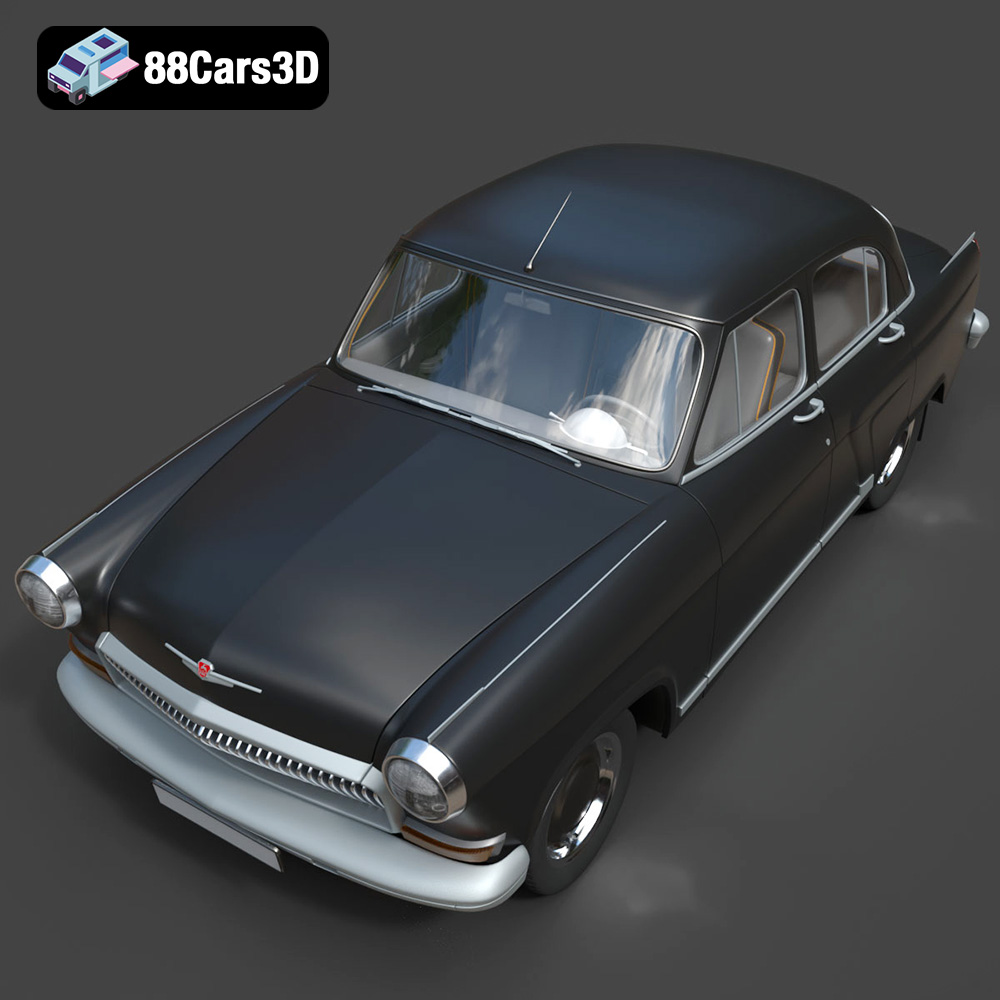
The GAZ 21-001, a symbol of Soviet automotive history, is now within reach of every 3D printing enthusiast. With a detailed 3D model available at 88cars3d.com, you can recreate this iconic vehicle on your own 3D printer. This blog post serves as a comprehensive guide to 3D printing the GAZ 21-001 model successfully, covering everything from pre-print preparations to post-processing techniques. Whether you’re a seasoned 3D printing veteran or a newcomer eager to start your first project, this guide will provide the knowledge you need to bring this classic car to life.
Before diving into the specifics of printing the GAZ 21-001, it’s crucial to understand the different file formats available and their suitability for 3D printing. The model comes with a range of formats, each designed for different applications, from game development to rendering. However, for 3D printing, the STL format is the most important.
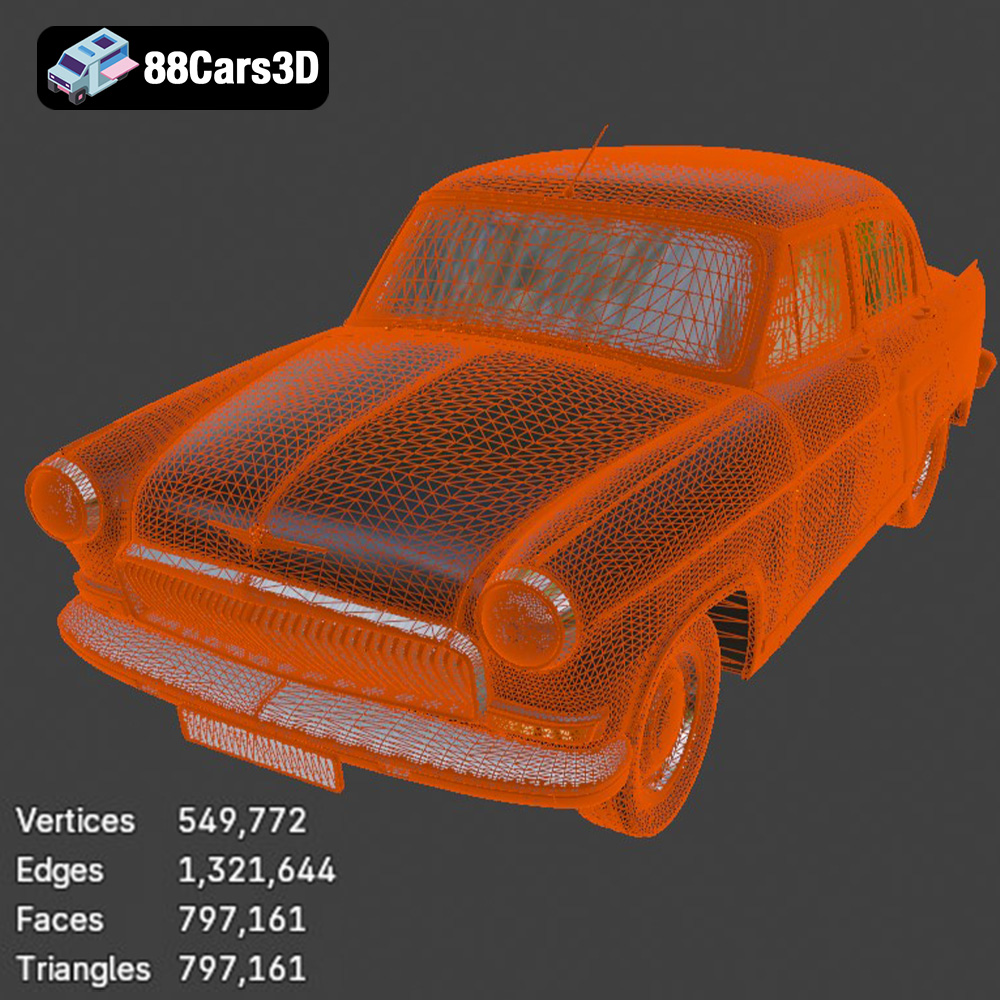
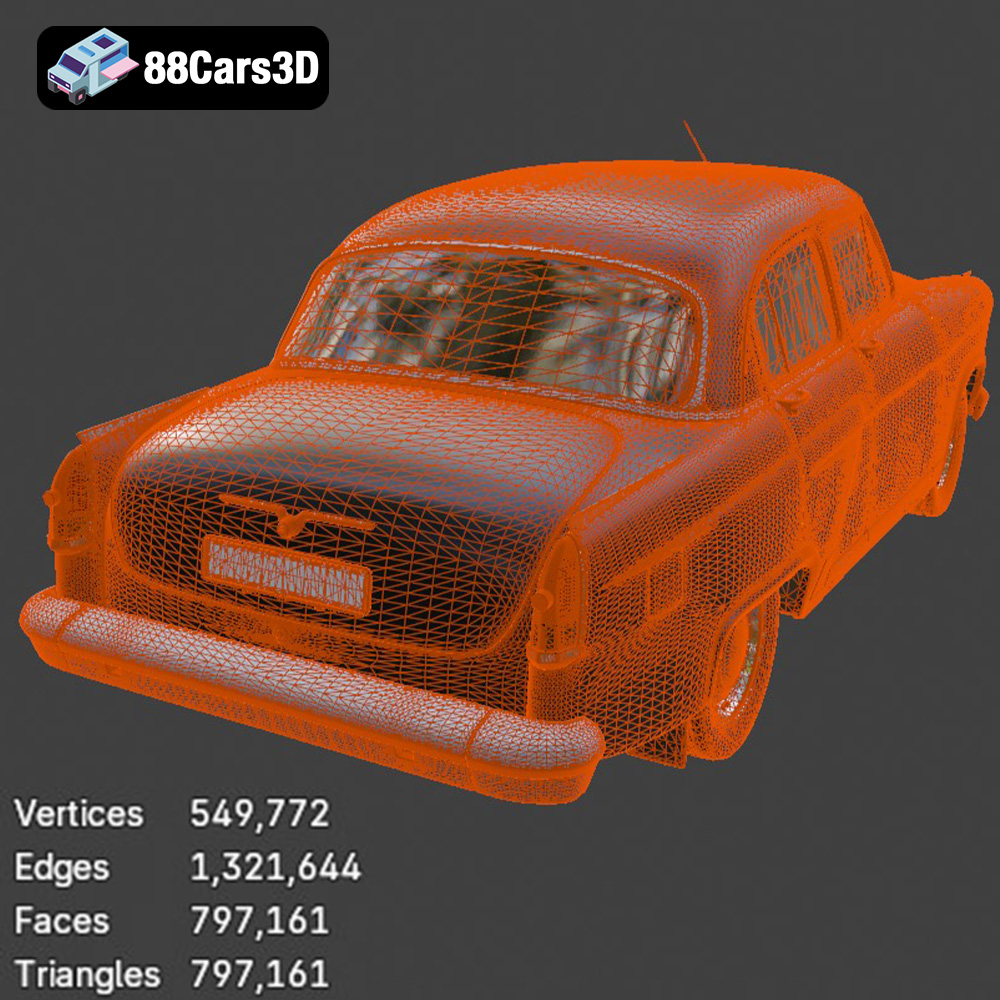
The STL (Stereolithography) file format has become the industry standard for 3D printing. It represents the surface geometry of a 3D object as a collection of triangles, forming a mesh. The denser the mesh (more triangles), the smoother and more detailed the final print will be. For the GAZ 21-001 model, a well-designed STL file will accurately capture the vehicle’s curves and features. However, remember that STL files only contain geometric data; they don’t store color or texture information. This means your 3D printed GAZ 21-001 will initially be a single color, ready for post-processing like painting.
When working with STL files, it’s important to check for errors like non-manifold edges (edges that belong to more than two triangles) or holes in the mesh. Most slicing software can automatically detect and repair these errors, but it’s always good practice to inspect the model beforehand using software like MeshLab or Netfabb.
While STL is the primary format for 3D printing, it’s worth understanding the role of other formats provided with the GAZ 21-001 model:
* **OBJ:** This format supports color and texture information, making it suitable for colored 3D prints if your printer has that capability. However, OBJ files are typically larger than STL files and may require more processing power during slicing.
* **PLY:** Similar to OBJ, PLY can store color and texture data, but it is often used for storing data from 3D scanners. It offers a high level of precision in mesh representation.
* **BLEND:** This is the native file format for Blender, a popular open-source 3D modeling software. It allows you to make modifications to the model before exporting it as an STL file for printing.
* **FBX:** Primarily used for game development, FBX supports animation and materials. It can be imported into some slicing software, but its main purpose is not 3D printing.
* **GLB:** This format is designed for efficient transmission and loading of 3D models, particularly in AR/VR applications. While you can preview the model in AR before printing, GLB isn’t directly used for 3D printing.
* **MAX:** The native format of 3ds Max, another professional 3D modeling software. Like BLEND, it allows for extensive model editing before preparing the STL.
Virtually all 3D printing slicing software programs are compatible with STL files. Popular options include Cura, Simplify3D, PrusaSlicer, and IdeaMaker. These programs take the STL file and convert it into G-code, which is a set of instructions that your 3D printer understands. The slicing software allows you to control various printing parameters such as layer height, infill density, support structures, and printing speed. Different slicing software programs offer varying levels of control and customization, so it’s worth experimenting to find the one that best suits your needs and printer. The choice of slicing software significantly impacts the final print quality and efficiency.
The choice of 3D printing technology and material will greatly influence the final appearance, strength, and cost of your 3D printed GAZ 21-001 model. Fused Deposition Modeling (FDM) and Stereolithography (SLA) are the two most common technologies.
FDM printing involves extruding a thermoplastic filament through a heated nozzle, layer by layer, to build the object. It is a cost-effective and versatile option, suitable for creating larger parts of the GAZ 21-001 model.
* **Material Recommendations:** PLA is a popular choice for FDM printing due to its ease of use and biodegradability. It is suitable for creating the body and interior parts of the car. PETG offers higher strength and temperature resistance compared to PLA, making it ideal for parts that require more durability. ABS is another option, known for its high impact resistance and ability to withstand higher temperatures, but it can be more challenging to print with due to its tendency to warp.
* **Estimated Print Time and Material Cost:** The print time will depend on the size and complexity of the model, layer height, and printing speed. A full-sized GAZ 21-001 model could take anywhere from 20 to 50 hours to print using FDM. The material cost will also vary depending on the type of filament used and the amount required, but it is generally quite affordable, ranging from $10 to $30 for a typical spool of filament.
Resin printing, also known as SLA or DLP, uses a liquid resin that is cured by a UV light source, layer by layer. It produces parts with much higher detail and smoother surfaces than FDM printing, making it suitable for smaller, intricate parts of the GAZ 21-001 model, such as the badges, trim pieces, or detailed interior components.
* **Material Recommendations:** Standard resin is a good all-around choice for resin printing. It offers good detail and strength. ABS-like resin provides increased strength and impact resistance, making it suitable for parts that need to withstand stress.
* **Estimated Print Time and Material Cost:** Resin printing tends to be faster for smaller parts compared to FDM printing. However, the cost of resin is generally higher than FDM filament. A set of small, detailed parts for the GAZ 21-001 model could take 5 to 15 hours to print, with a material cost of $20 to $50.
Preparing the GAZ 21-001 3D model for printing is crucial for achieving the best possible results. This involves scaling, orientation, and support generation.
The GAZ 21-001 3D model can be scaled to any size you desire, depending on your printer’s build volume and your personal preferences. A larger model will showcase more detail but will require more material and printing time. A smaller model will be quicker and more cost-effective to print but may sacrifice some detail.
* **Consider the Printer’s Build Volume:** Ensure that the scaled model fits within your printer’s build volume.
* **Maintain Proportions:** When scaling, maintain the original proportions of the model to avoid distorting its appearance.
The orientation of the GAZ 21-001 model on the print bed can significantly impact the strength and surface finish of the final print.
* **Minimize Support Structures:** Orient the model in a way that minimizes the need for support structures, as these can leave blemishes on the surface.
* **Consider Layer Lines:** Orient the model so that the layer lines are aligned in a visually appealing way. For example, orienting the body of the car with the roof facing upwards will result in smoother curves on the sides.
Support structures are necessary for printing overhanging parts of the GAZ 21-001 model, such as the roof, fenders, and bumpers.
* **Automatic Support Generation:** Most slicing software programs offer automatic support generation, which can be a good starting point.
* **Manual Support Placement:** For more control, you can manually place support structures to optimize their placement and minimize their impact on the surface finish.
* **Support Density:** Adjust the support density to balance strength and ease of removal.
The specific printer settings will depend on your chosen 3D printing technology and material. However, here are some general guidelines to get you started.
* **Layer Height:** 0.1mm to 0.2mm for a good balance between detail and printing time.
* **Infill Density:** 15% to 25% for the body and interior parts. Increase infill for parts that require more strength.
* **Printing Speed:** 40mm/s to 60mm/s for optimal results.
* **Bed Temperature:** 60°C for PLA, 80°C for PETG, and 100°C for ABS.
* **Nozzle Temperature:** 200°C for PLA, 230°C for PETG, and 240°C for ABS.
* **Layer Height:** 0.025mm to 0.05mm for high detail.
* **Exposure Time:** Follow the resin manufacturer’s recommendations.
* **Lift Speed:** Moderate speed to avoid warping.
* **Support Settings:** Adjust support thickness and density to ensure adequate support without being too difficult to remove.
Post-processing is essential for achieving a polished and professional-looking GAZ 21-001 3D model.
Carefully remove support structures using pliers, cutters, or a sharp knife. Take your time to avoid damaging the model.
Sand the surface of the model to remove any imperfections and layer lines. Start with coarse sandpaper and gradually move to finer grits for a smoother finish.
Apply a primer to the model to create a smooth and uniform surface for painting. Choose paints that are compatible with your chosen material. Use multiple thin coats of paint for the best results.
If the GAZ 21-001 model consists of multiple parts, carefully assemble them using glue or fasteners. Ensure that all parts are properly aligned for a seamless finish.
Even with careful preparation, 3D printing can sometimes present challenges. Here are some common issues and how to address them.
Warping occurs when the corners of the model lift off the print bed during printing. This is more common with ABS.
* **Solution:** Use a heated bed, apply an adhesive to the bed, or enclose the printer to maintain a consistent temperature.
Stringing occurs when thin strands of filament are left between parts of the model.
* **Solution:** Adjust retraction settings, decrease printing temperature, or increase travel speed.
Layer separation occurs when the layers of the model do not adhere properly.
* **Solution:** Increase printing temperature, decrease printing speed, or increase layer height.
Elephant’s foot is when the first layer of the print spreads out more than intended.
* **Solution:** Reduce the bed temperature slightly, adjust the Z-offset, or reduce the flow rate for the first layer.
By following these guidelines and tips, you can successfully 3D print a stunning GAZ 21-001 model. Remember to experiment with different settings and techniques to find what works best for your printer and chosen materials. You can find the high-quality 3D model of this iconic car at 88cars3d.com, ready for your next 3D printing project. With the right approach and some patience, you’ll soon have a beautiful replica of this classic vehicle to display and admire.
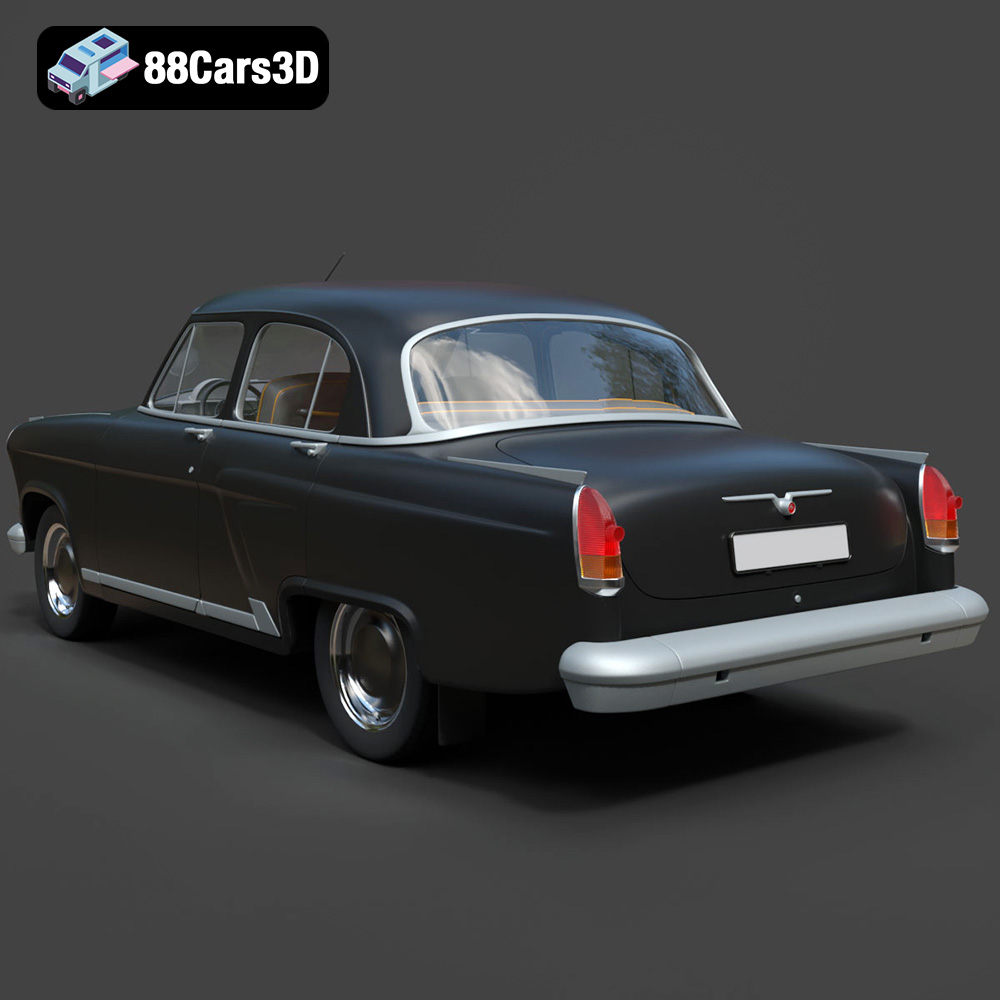
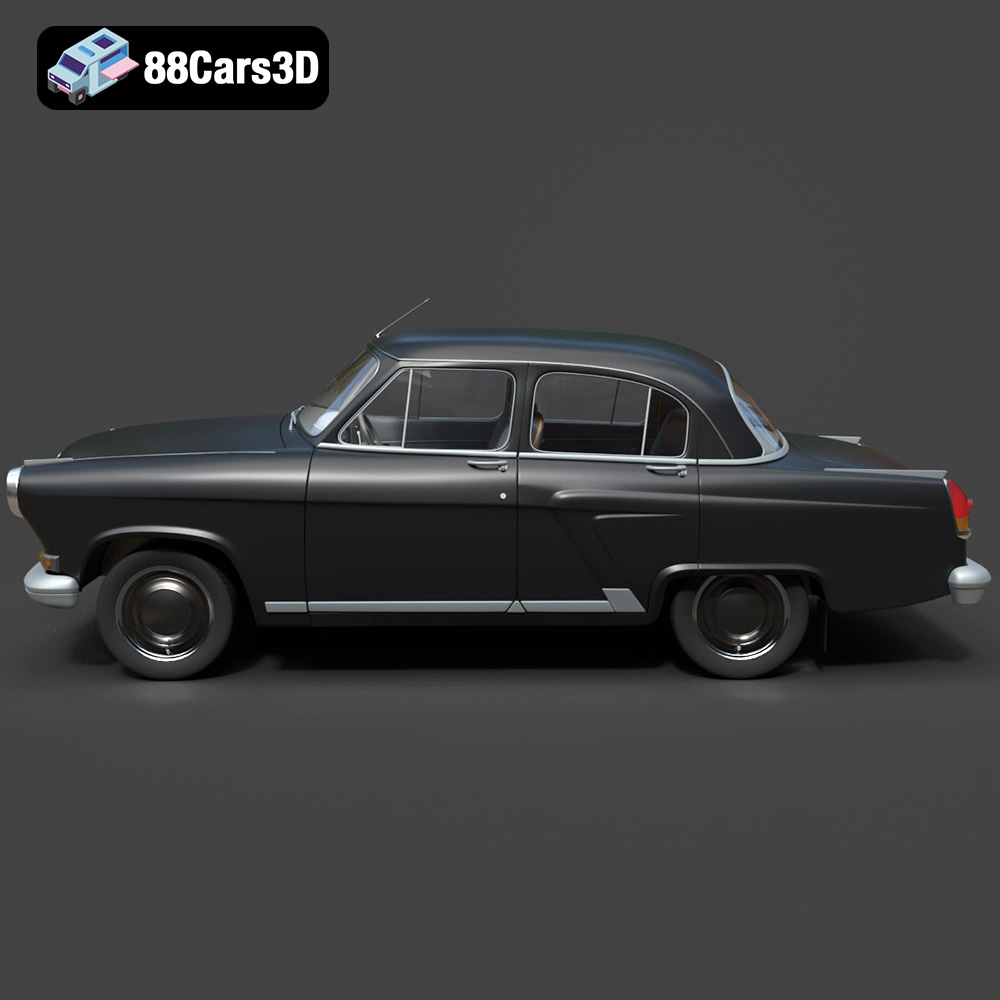
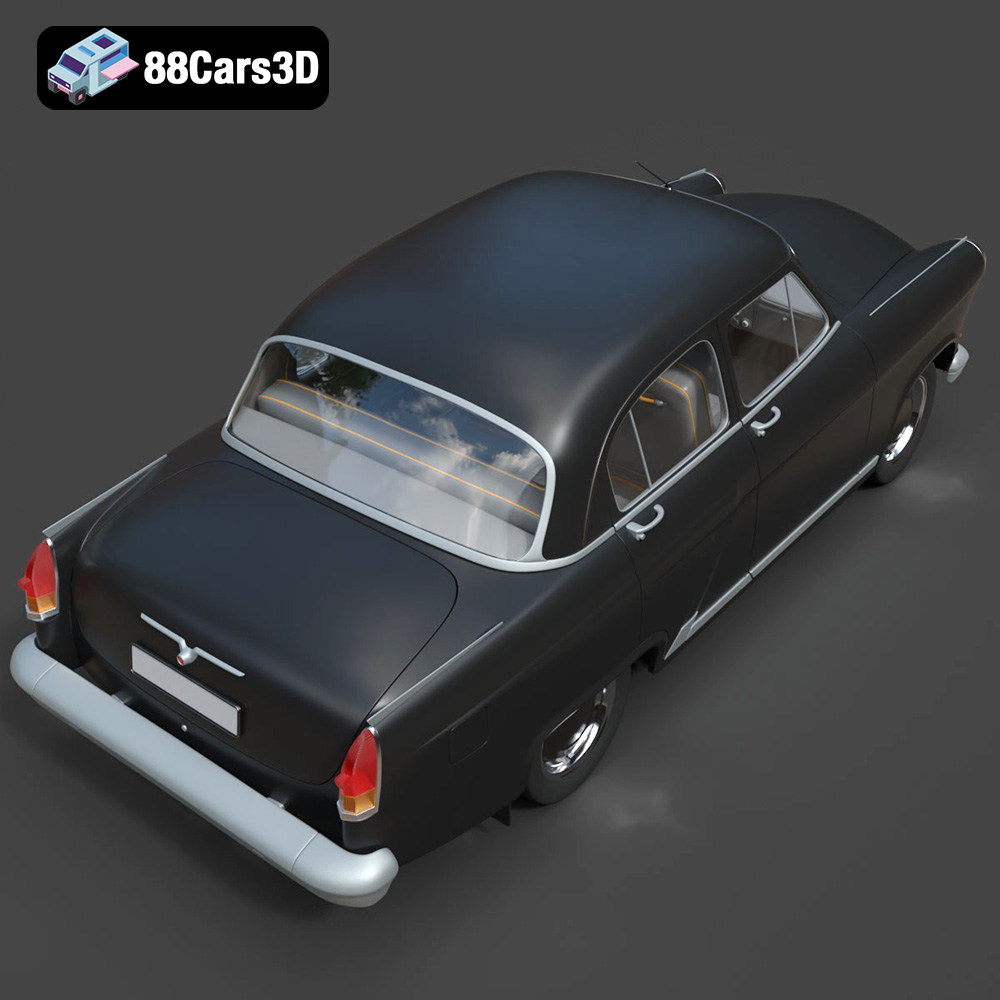
Experience precision and realism with the GAZ 21-001 3D Model. This meticulously modeled digital asset delivers an accurate representation of the iconic classic vehicle, offering realistic materials, accurate proportions, and professional detailing suitable for a wide variety of digital projects.
Perfect for diverse applications, this model excels in game development, architectural rendering, AR/VR experiences, film production, and visual simulations. Whether you are building an interactive environment or producing realistic still visualizations, this asset provides the necessary fidelity and ease of use.
$19.99
.21001
.arvr
.blend
.car3dmodel
.classiccar
.fbx
.gameasset
.gaz
.glb
.max
.obj
.ply
.rendering
.sedan
.simulation
.stl
.unreal
.vintagecar