Get 20% OFF All Premium 3D & STL Models!

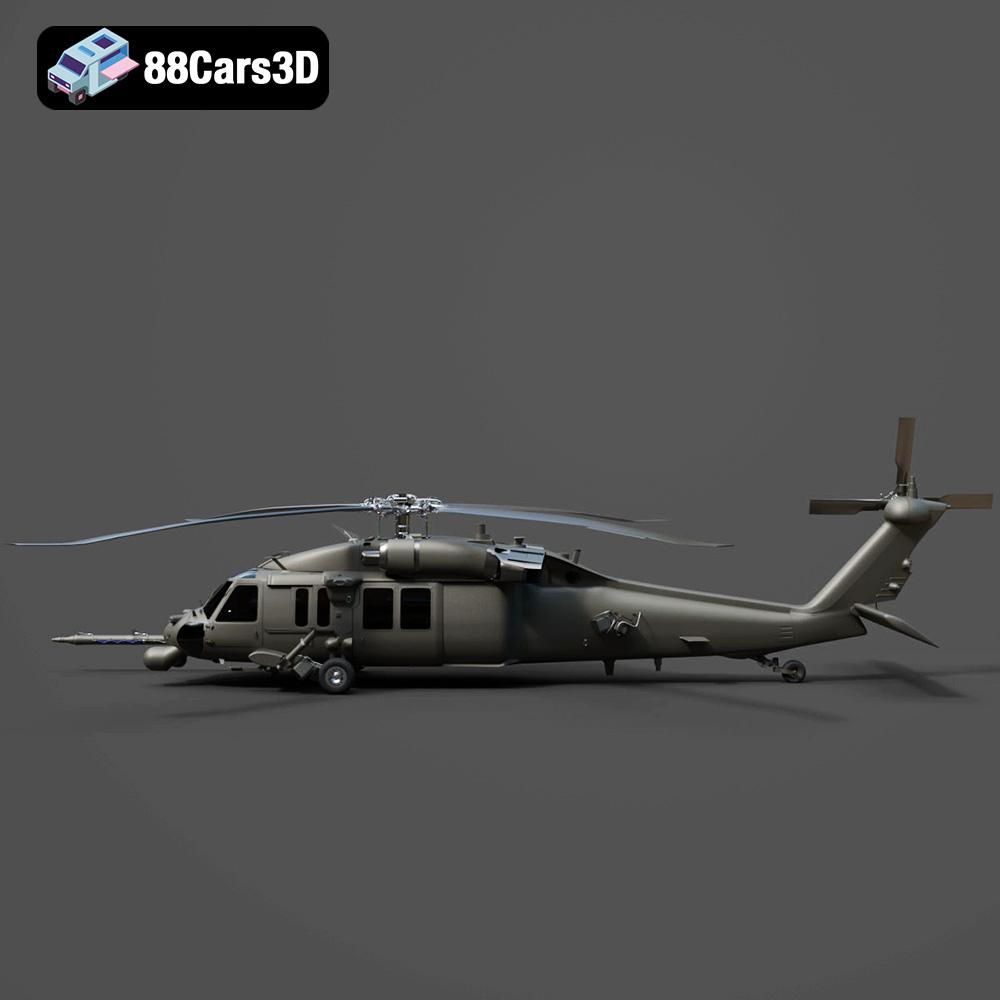
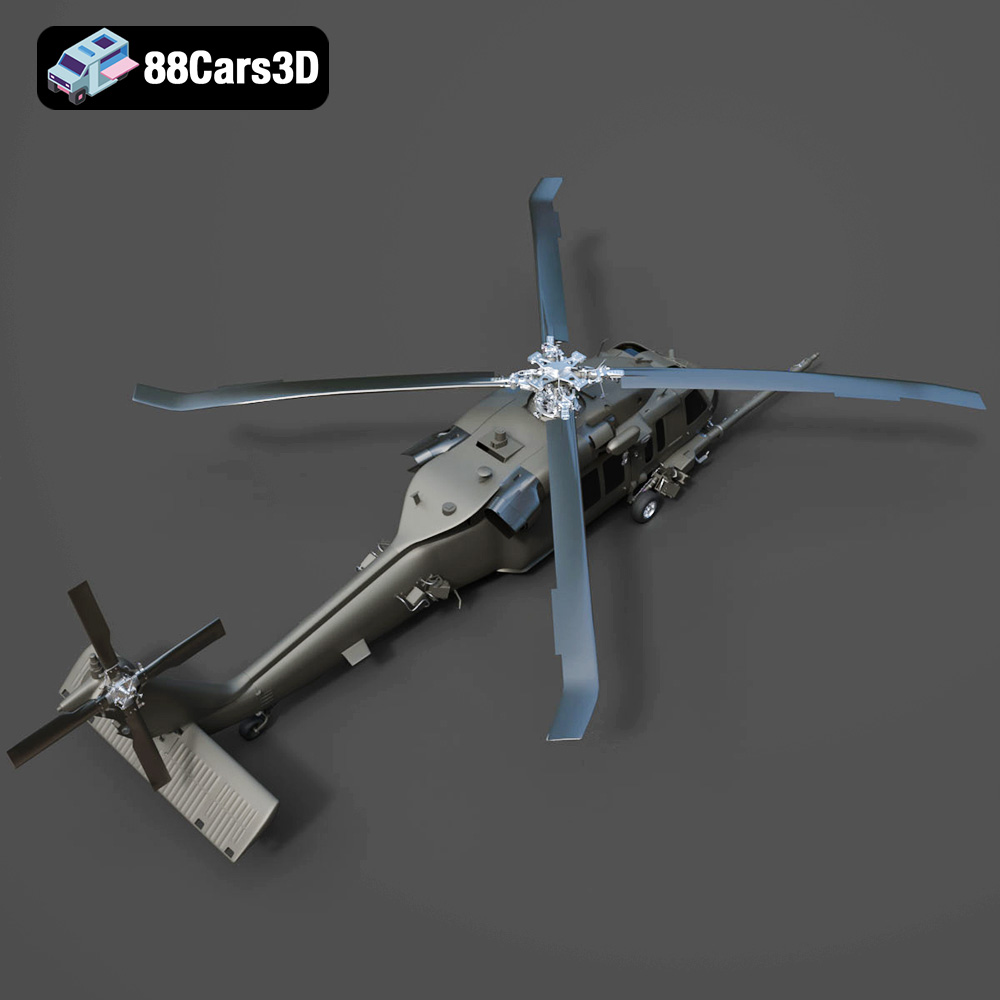
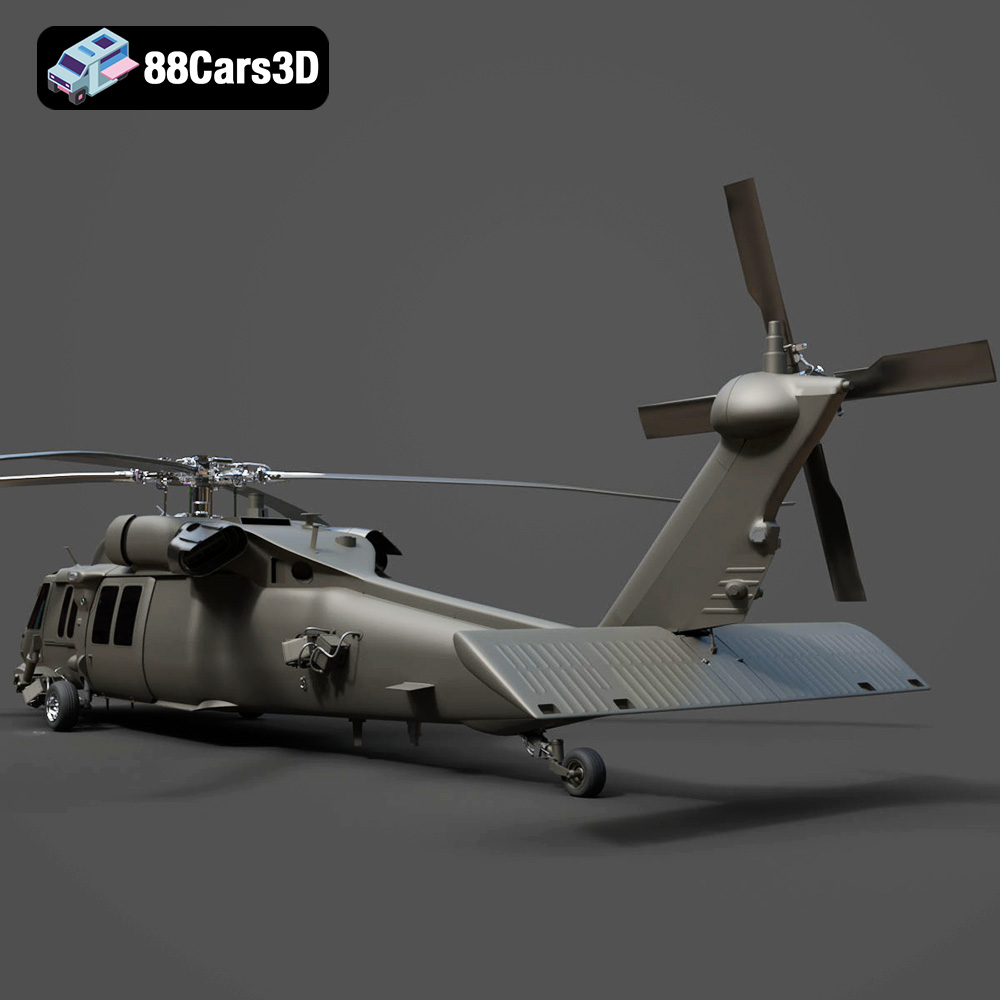
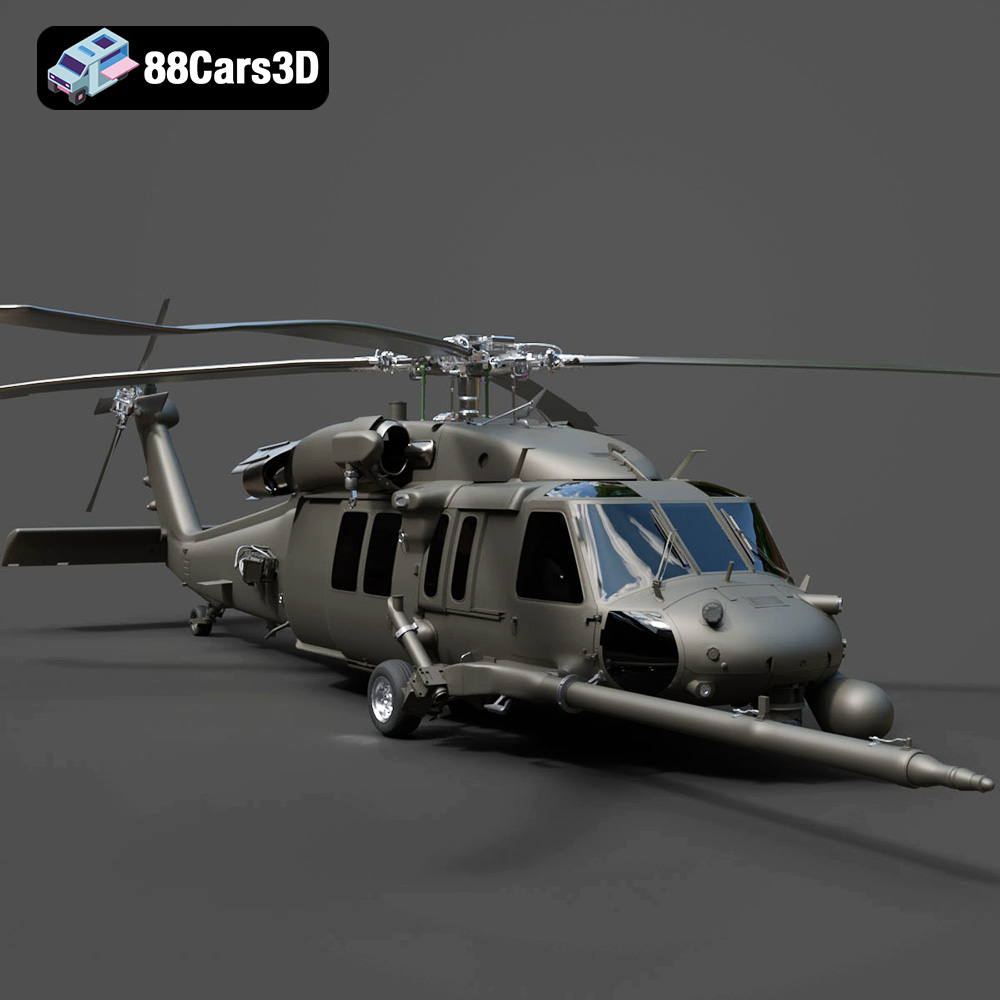
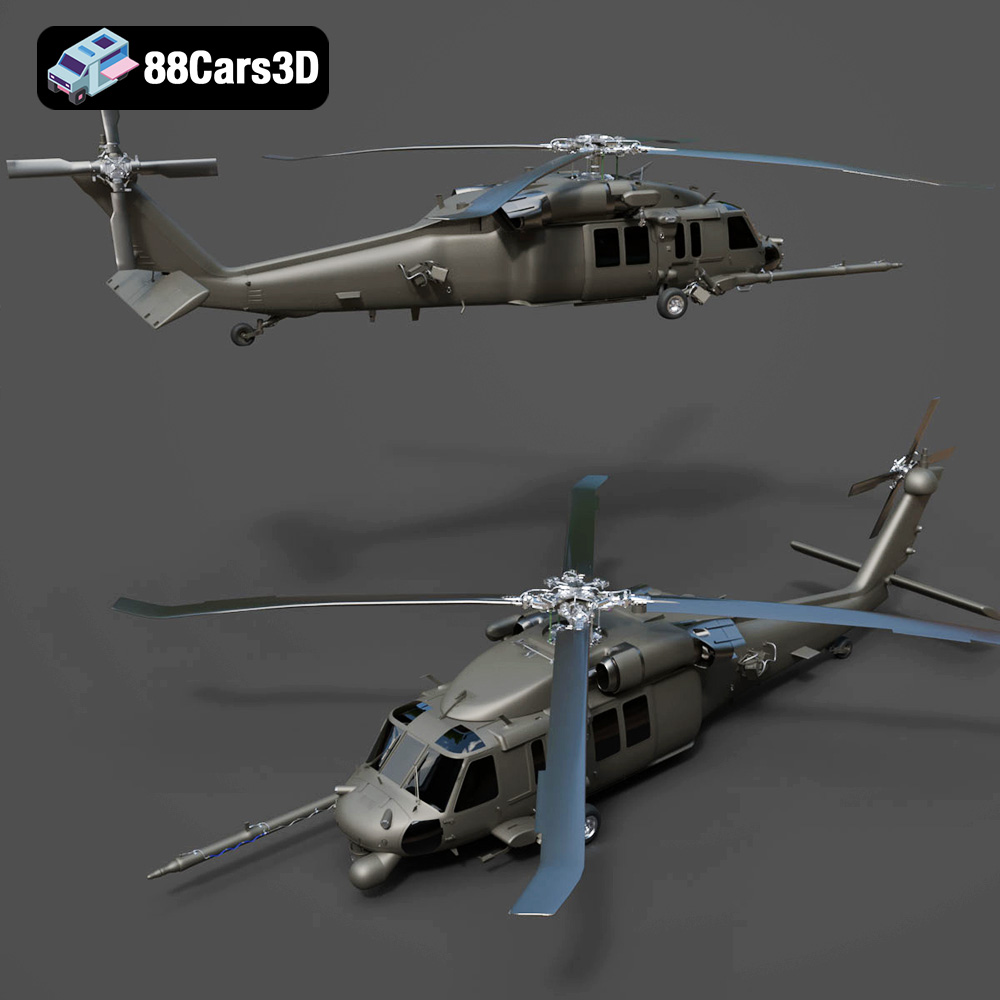
The Helicopter UH-40 3D Model from 88cars3d.com is a fantastic digital asset, packed with detail and optimized for various applications, including the one we’re most interested in: 3D printing. This blog post will guide you through the process of bringing this impressive model to life on your 3D printer, covering everything from file preparation and slicing to printing parameters and post-processing techniques. Get ready to transform digital data into a tangible masterpiece!
Before diving into the specifics of printing the Helicopter UH-40, it’s crucial to understand the different file formats available and how they relate to 3D printing. The UH-40 model, like many offered on 88cars3d.com, comes with a variety of formats, each serving a different purpose. Let’s break them down:
The STL (Stereolithography) format is the workhorse of 3D printing. It represents the surface geometry of a 3D object as a collection of triangles. This simplicity makes it universally compatible with almost all slicing software and 3D printers. However, STL files only contain mesh data; they don’t store color, texture, or material information. Therefore, if you’re looking to 3D print the UH-40, the .stl file is your primary choice.
For successful 3D printing, the STL file must be “watertight,” meaning it has no holes or gaps in the mesh. Slicing software will attempt to interpret any imperfections, leading to potential errors during the printing process. Fortunately, tools like Meshmixer or Netfabb can repair minor issues in STL files.
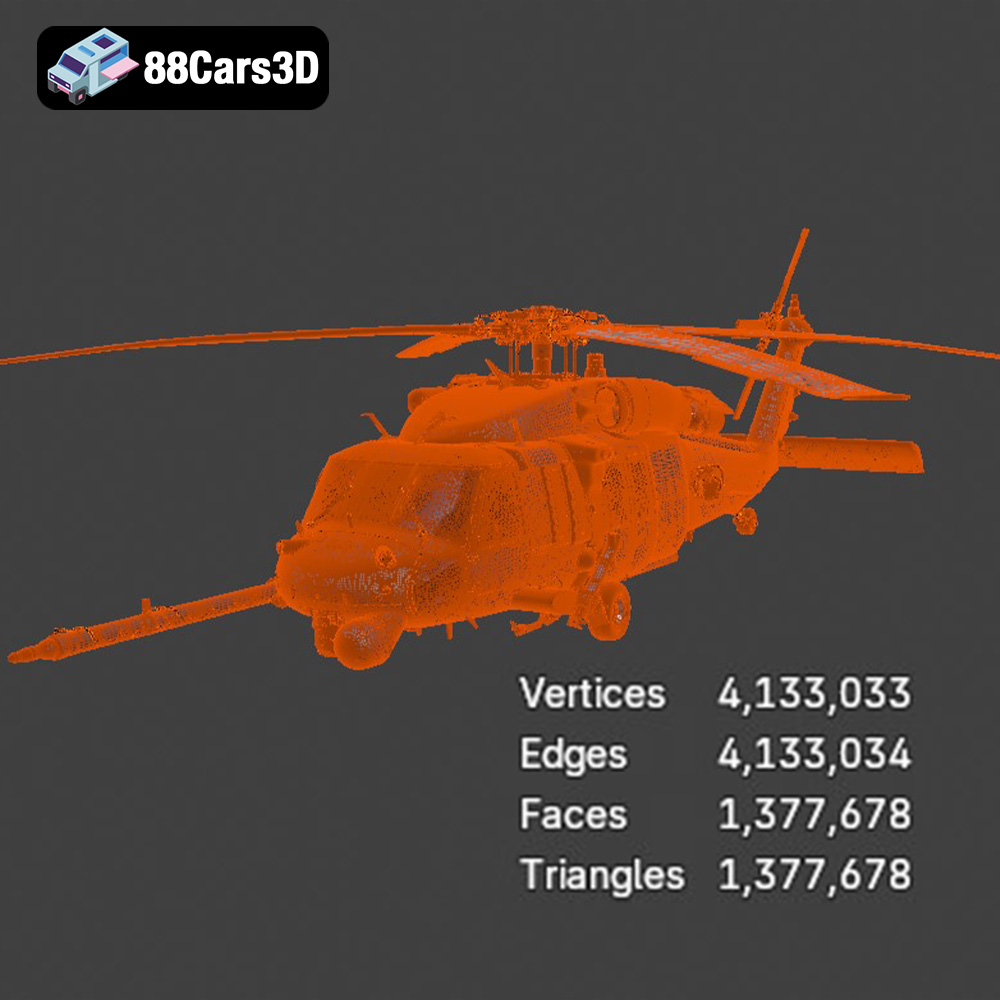
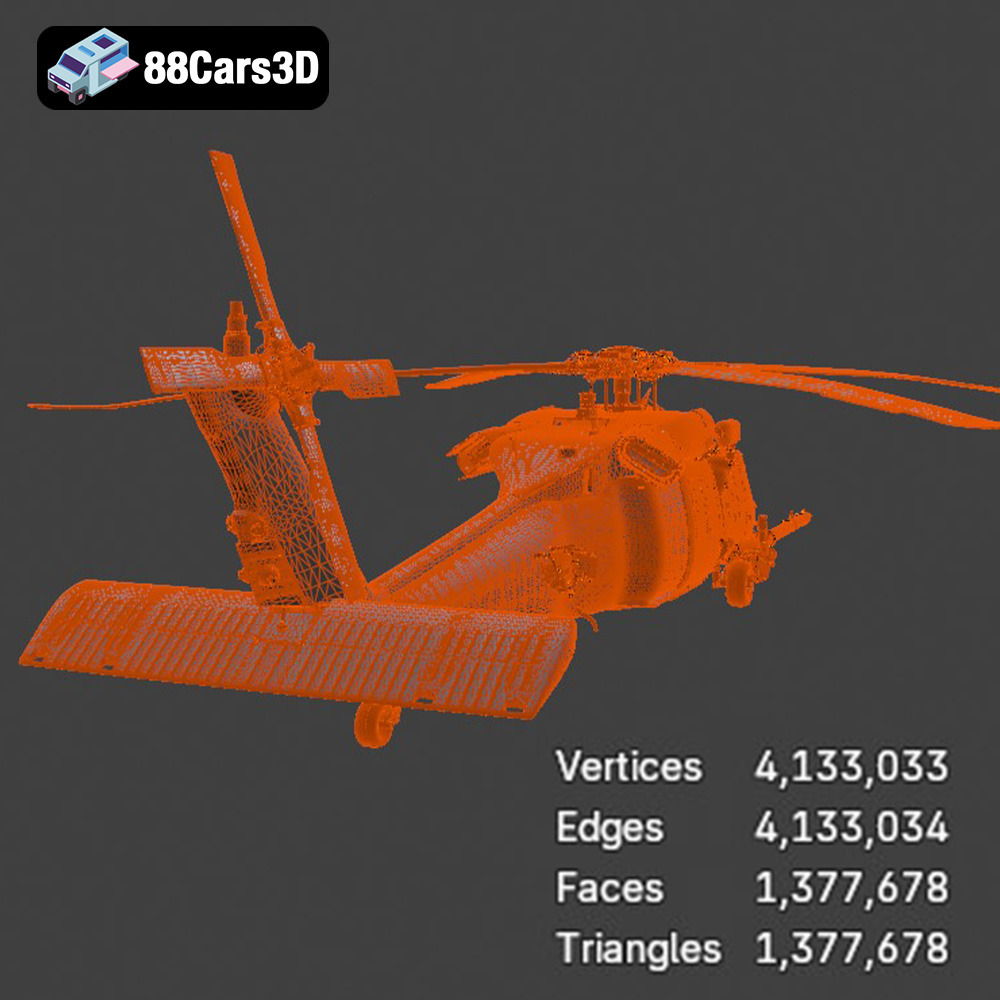
When exporting an STL file, you typically have options for resolution or mesh quality. Higher resolution results in a smoother surface on the final print but also increases the file size and processing time. For the UH-40, a balance between detail and manageability is key. A resolution setting that results in triangle edges no longer than 0.1mm usually strikes a good balance, especially for visually important external surfaces.
OBJ files, unlike STL, can store color and texture information along with the geometry. This is particularly useful for models designed for rendering or game development. While some 3D printers can handle color OBJ files, they are typically specialized and expensive. For standard FDM or resin printing, the color information is generally ignored, and the model is printed in a single material. You *can* technically print an .obj, but typically the .stl derived from it is what you want for 3D printing.
PLY (Polygon File Format or Stanford Triangle Format) is another format capable of storing color and texture data, and it is also designed to store 3D scanning data. PLY is designed for high-resolution 3D scans, making it suitable for retaining fine details. While not as universally supported as STL, some advanced slicing software can handle PLY files. PLY files are not usually needed for models from 88cars3d.com because the .STL is usually optimized for 3D printing already.
The .blend format is the native file format for Blender, a popular open-source 3D modeling software. It contains the entire Blender scene, including the model, materials, textures, lighting, and animation setups. While you can’t directly 3D print a .blend file, it’s incredibly useful for customizing the UH-40 model before exporting it as an STL. If you want to modify the design, add details, or split the model into smaller parts for easier printing, Blender is your tool of choice.
FBX (Filmbox) is a proprietary file format developed by Autodesk, commonly used in game development and animation. It supports geometry, materials, textures, animations, and even skeletal rigs. While some slicing software can import FBX files, the primary use case for 3D printing is to extract the mesh data and convert it to STL.
GLB is a binary file format representing 3D models, using the glTF (GL Transmission Format) standard. GLB files are designed to be compact and efficient for web-based viewing and AR/VR applications. They can contain geometry, textures, and animations. Before committing to a 3D print, you can use a GLB file to preview the UH-40 model in augmented reality on your smartphone or tablet to get a sense of its scale and appearance.
Similar to .blend, .max is the native file format for Autodesk 3ds Max, another professional 3D modeling software. It contains the complete scene data, allowing for extensive modifications to the UH-40 model before exporting it for 3D printing. If you are using 3ds Max, this file is perfect for you.
Once you have the STL file of the Helicopter UH-40, the next step is to prepare it for printing using slicing software like Cura, PrusaSlicer, Simplify3D, or others. Slicing software converts the 3D model into a series of instructions (G-code) that your 3D printer can understand.
The orientation of the model on the print bed significantly impacts the print’s strength, surface finish, and the amount of support material required. For the UH-40, consider these factors:
* **Minimizing Support:** Orient the model to minimize the need for support structures, especially on detailed areas. Printing the fuselage at an angle might reduce support on the body but could increase it on the tail. Experiment with different orientations to find the best balance.
* **Strength Considerations:** If the UH-40 is intended for display, focus on aesthetics. If you need it to be durable, consider how the layers will be oriented relative to potential stress points. For example, printing the landing gear vertically might make them weaker than printing them horizontally.
* **Detail Preservation:** Certain orientations can better preserve fine details. If specific parts of the UH-40 have intricate features, orient them facing upwards to capture those details more accurately.
* **Layer Height:** A smaller layer height (e.g., 0.1mm or 0.15mm) will result in a smoother surface finish and finer details, but it will also increase the print time. A larger layer height (e.g., 0.2mm or 0.3mm) will print faster but sacrifice some detail. For the UH-40, a layer height of 0.15mm is a good starting point.
* **Infill Density:** Infill density determines the internal solidity of the print. A higher infill density (e.g., 20-25%) will make the UH-40 stronger but will also increase the material usage and print time. A lower infill density (e.g., 10-15%) will be lighter and faster to print but less durable. For a display model, a 15% infill is usually sufficient.
* **Support Structures:** Due to the complex geometry of the UH-40, support structures will likely be necessary, particularly for overhangs and bridges. Use the support generation features in your slicing software. Experiment with support placement to minimize their impact on the surface finish and make removal easier. Consider using soluble support material (e.g., PVA) if your printer supports it for effortless removal.
* **Brim/Raft:** A brim or raft can improve adhesion to the print bed, especially for large or complex models like the UH-40. A brim is a single-layer outline around the base of the model, while a raft is a thicker grid-like structure.
The choice of material depends on the desired properties of the 3D printed UH-40, such as strength, flexibility, and surface finish.
PLA is a popular, biodegradable thermoplastic known for its ease of printing and good surface finish. It’s a great choice for display models and prototypes. However, PLA is not very heat-resistant and can become brittle over time. For the UH-40, PLA is suitable if it’s primarily for visual display.
PETG is a more durable and heat-resistant alternative to PLA. It’s also more flexible, making it less prone to cracking. PETG can be a good choice if you want the UH-40 to be more robust and withstand some handling.
Resin 3D printing (SLA/DLP) offers significantly higher resolution and detail than FDM printing. If you want to capture the finest details of the UH-40, resin printing is the way to go. However, resin prints tend to be more brittle than FDM prints and may require more post-processing. It’s important to properly ventilate your printing area, and wear gloves when handling resin.
Before printing the UH-40, it’s essential to calibrate your 3D printer properly. This includes:
* **Nozzle Temperature:** The optimal nozzle temperature depends on the material you’re using. For PLA, a temperature between 200°C and 220°C is usually recommended. For PETG, a temperature between 230°C and 250°C is typical.
* **Bed Temperature:** A heated bed is crucial for good adhesion. For PLA, a bed temperature between 60°C and 70°C is recommended. For PETG, a bed temperature between 70°C and 80°C is typical.
* **Bed Adhesion:** Ensure that your print bed is clean and level. Use adhesive solutions like glue stick, hairspray, or specialized bed adhesion products to improve adhesion.
* **Print Speed:** A slower print speed generally results in better quality prints. A speed of 40-60 mm/s is a good starting point for the UH-40.
* **Flow Rate:** Calibrate your flow rate to ensure that the correct amount of material is extruded. Too little material will result in gaps, while too much material will cause over-extrusion.
Once the UH-40 is printed, post-processing can enhance its appearance and durability.
Carefully remove the support structures using pliers, a hobby knife, or other suitable tools. Be patient and avoid damaging the model. After removing the supports, sand the surface to smooth out any imperfections. Start with coarse sandpaper (e.g., 220 grit) and gradually move to finer grits (e.g., 400, 600, 800 grit) for a smoother finish.
Apply a primer to the model to create a uniform surface for painting. Use spray paint or airbrush to apply the desired colors. Consider using stencils or masking tape for intricate details. Apply a clear coat to protect the paint and add a glossy or matte finish.
If the UH-40 was printed in multiple parts, assemble them using glue or screws. Ensure that the parts fit together properly and that the assembly is strong and stable.
Even with careful preparation, 3D printing can sometimes be challenging. Here are some common issues and their solutions:
* **Warping:** Warping occurs when the corners of the print lift off the print bed. This can be caused by poor bed adhesion or temperature fluctuations. Ensure that your bed is properly leveled and heated. Use a brim or raft to improve adhesion.
* **Stringing:** Stringing occurs when thin strands of plastic are left between different parts of the print. This can be caused by excessive nozzle temperature or retraction settings. Lower the nozzle temperature and increase the retraction distance and speed.
* **Layer Separation:** Layer separation occurs when the layers of the print don’t adhere properly. This can be caused by insufficient nozzle temperature or poor bed adhesion. Increase the nozzle temperature and ensure that the bed is properly leveled and heated.
* **Under-Extrusion:** Under-extrusion occurs when not enough material is extruded. Check your filament diameter settings in your slicing software and ensure that your extruder is not clogged.
By following these steps, you can successfully 3D print the Helicopter UH-40 3D Model and add it to your collection. Remember that 3D printing is an iterative process, so don’t be afraid to experiment with different settings and techniques to achieve the best results. The UH-40 available at 88cars3d.com is an excellent choice for improving your 3D printing skill set.
Enhance your digital hangar with the detailed Helicopter UH-40 3D Model. Designed to meet the demands of visualizers and developers, this model delivers precise structural accuracy. The exterior captures the robust aerodynamics of the UH-40 aircraft, while the internal layout provides a fully modeled interior, ensuring it stands up to close-up renders and immersive experiences.
$39.99
.aircraft
.arvr
.aviation
.blend
.car3dmodel
.fbx
.gameasset
.glb
.helicopter
.max
.military
.obj
.ply
.rendering
.simulation
.stl
.uh40
.unreal