Get 20% OFF All Premium 3D & STL Models!

The Jaguar XFR-S 2014 is a striking performance sedan, and now, thanks to advancements in 3D printing technology, you can bring this iconic car to life in miniature form. Whether you’re a seasoned 3D printing enthusiast or a beginner looking for a challenging and rewarding project, this guide will walk you through the entire process of 3D printing the Jaguar XFR-S 2014 3D model from 88cars3d.com, ensuring a stunning final product. From selecting the right materials to mastering post-processing techniques, we’ll cover everything you need to know.
Before diving into the specifics of 3D printing the Jaguar XFR-S, it’s crucial to understand the various file formats in which 3D models are available and which ones are best suited for additive manufacturing. Different formats store model data in different ways, impacting print quality, compatibility, and ease of use.
The STL (Stereolithography) file format is the workhorse of 3D printing. It represents the surface geometry of a 3D object as a collection of triangles. This simplicity makes it universally compatible with virtually all 3D printers and slicing software. However, STL files only store the mesh data, lacking information about color, texture, or materials. For 3D printing, STL is often the go-to choice because it’s readily accepted by slicing programs which can then generate the specific instructions (G-code) for your printer. The Jaguar XFR-S 2014 3D model available at 88cars3d.com includes an STL file, ensuring easy integration into your 3D printing workflow.
OBJ files are another popular format, offering more advanced features than STL. Unlike STL, OBJ supports color and texture information, making it suitable for applications where visual appearance is critical. While OBJ files can be used for 3D printing, the lack of native support for features like overhangs and bridges means that the models still often require careful orientation and support structure generation within your chosen slicing software.
The PLY format, short for Polygon File Format or Stanford Triangle Format, is designed to store 3D data acquired from 3D scanners. It’s capable of representing color, texture, and other properties, making it suitable for high-detail prints. PLY files are often larger than STL files due to the extra data they contain, and the support for PLY can vary between different slicing software packages.
Blender is a powerful and free 3D modeling software. The .blend file format contains all the information about a Blender scene, including the model geometry, materials, textures, lighting, and camera settings. While you can’t directly 3D print a .blend file, it’s incredibly useful for modifying the Jaguar XFR-S 2014 3D model before exporting it to a printable format like STL. This allows you to customize the model, add details, or optimize it for 3D printing.
FBX (Filmbox) is a proprietary file format developed by Autodesk. It’s primarily used for exchanging 3D data between different software applications, particularly in game development and animation. FBX supports a wide range of data, including geometry, materials, textures, animation, and skeletal rigging. While FBX files can be imported into some slicing software, their primary use is for transferring models between different stages of a production pipeline rather than directly 3D printing.
GLB is a binary file format that represents 3D models using the glTF (GL Transmission Format) standard. It’s designed for efficient transmission and loading of 3D models on the web and in AR/VR applications. GLB files are typically smaller than other 3D model formats, making them ideal for online use. While you can’t directly 3D print a GLB file, it’s a great way to preview the Jaguar XFR-S 2014 3D model in AR before committing to printing it.
Similar to .blend files, .max files are project files specific to Autodesk 3ds Max. They contain all the scene information, including model geometry, materials, textures, lighting, and animation. They are ideal for customization and modification before exporting to a printable format such as STL.
For 3D printing, the STL format is generally the most reliable and widely supported option. It ensures compatibility with a broad range of slicing software and 3D printers. When preparing the Jaguar XFR-S 2014 3D model for printing, start with the STL file provided by 88cars3d.com. This file is optimized for 3D printing, but you may still need to adjust the model’s orientation, scale, and support structures within your slicing software.
Before you can begin the 3D printing process, you need to prepare the Jaguar XFR-S 2014 3D model using slicing software. This software converts the 3D model into a series of layers, generating the G-code instructions that your 3D printer will follow. Proper preparation is crucial for achieving a successful print.
There are numerous slicing software options available, each with its own strengths and weaknesses. Popular choices include Cura, Simplify3D, PrusaSlicer, and IdeaMaker. Select a slicing software that is compatible with your 3D printer and that you are comfortable using.
Once you’ve chosen your slicing software, you’ll need to configure it with the appropriate settings for your printer and material. This includes:
* **Printer Profile:** Select the profile for your specific 3D printer model. This will ensure that the software generates G-code that is compatible with your printer’s hardware.
* **Material Profile:** Choose the profile for the material you plan to use (e.g., PLA, PETG, ABS, Resin). This will set the appropriate printing temperature, bed temperature, and other material-specific settings.
* **Layer Height:** Set the layer height. A lower layer height (e.g., 0.1mm) will result in a smoother surface finish but will increase print time. A higher layer height (e.g., 0.2mm) will print faster but may result in a less detailed surface. For the Jaguar XFR-S 2014, a layer height of 0.15mm to 0.2mm is a good starting point.
The orientation of the Jaguar XFR-S 2014 model on the print bed can significantly impact the print quality and the amount of support material required. Consider the following:
* **Minimize Overhangs:** Orient the model to minimize the number of overhanging features, as these require support structures to prevent them from collapsing during printing.
* **Surface Finish:** Orient the model to prioritize the surface finish of the most visible areas. For example, you might want to orient the model with the roof facing upwards to ensure a smooth finish on the car’s body.
* **Support Placement:** Use the slicing software to automatically generate support structures, or manually add them where needed. Ensure that the support structures are easy to remove after printing without damaging the model. For the Jaguar XFR-S 2014, pay close attention to the bumpers, side skirts, and rear spoiler, as these areas may require significant support.
The material you choose for 3D printing the Jaguar XFR-S 2014 will affect the final appearance, strength, and durability of the model. Different materials have different properties and require different printing parameters.
For Fused Deposition Modeling (FDM) printers, the most common materials are PLA, PETG, and ABS.
* **PLA (Polylactic Acid):** PLA is a biodegradable thermoplastic derived from renewable resources. It’s easy to print, has low warping, and produces good surface detail. PLA is a good choice for beginners and for models that don’t require high heat resistance or strength. It is suitable for the Jaguar XFR-S 2014 model if it’s primarily for display purposes.
* **PETG (Polyethylene Terephthalate Glycol-modified):** PETG is a stronger and more durable alternative to PLA. It has good impact resistance, is water-resistant, and has a higher heat resistance. PETG can be more challenging to print than PLA, as it requires higher printing temperatures and can be prone to stringing. However, its superior properties make it a good choice for models that will be handled frequently or exposed to the elements.
* **ABS (Acrylonitrile Butadiene Styrene):** ABS is a strong and heat-resistant thermoplastic commonly used in automotive and industrial applications. ABS is more difficult to print than PLA or PETG, as it requires a heated bed and enclosure to prevent warping and cracking. It also emits fumes during printing, so proper ventilation is necessary. However, its high strength and durability make it a good choice for functional parts or models that will be subjected to stress.
For Stereolithography (SLA) and Digital Light Processing (DLP) printers, resin is the material of choice. Resins offer exceptional detail and smooth surface finishes, making them ideal for intricate models like the Jaguar XFR-S 2014.
* **Standard Resin:** Standard resin is a good all-around choice for general-purpose printing. It’s relatively inexpensive and produces good detail.
* **Tough Resin:** Tough resin is designed for parts that require high impact resistance and durability. It’s a good choice for functional prototypes or models that will be subjected to stress.
* **Flexible Resin:** Flexible resin is designed for parts that need to be pliable or bendable. It’s not typically used for car models but could be used for specific components.
The choice of material depends on your specific needs and the capabilities of your 3D printer. For the Jaguar XFR-S 2014, PLA is a good starting point for FDM printing, while standard or tough resin would be excellent choices for SLA/DLP printing, if you want extreme detail and a smooth finish.
Achieving a high-quality 3D print of the Jaguar XFR-S 2014 requires careful attention to printer settings. The optimal settings will vary depending on the material you choose, the specific 3D printer you are using, and the desired level of detail.
* **Layer Height:** As mentioned earlier, a layer height of 0.15mm to 0.2mm is a good starting point. Lower layer heights will produce finer details but will increase print time.
* **Infill Density:** The infill density determines the amount of material inside the model. A higher infill density will result in a stronger but heavier model, while a lower infill density will be lighter but less strong. For the Jaguar XFR-S 2014, an infill density of 15% to 25% is generally sufficient.
* **Print Speed:** The print speed affects both the print quality and the print time. A slower print speed will generally result in better quality but will increase print time. A print speed of 40mm/s to 60mm/s is a good starting point.
* **Temperature:** Set the printing temperature according to the material manufacturer’s recommendations. PLA typically prints at 200°C to 220°C, PETG at 230°C to 250°C, and ABS at 230°C to 260°C. The bed temperature should also be set according to the material manufacturer’s recommendations.
* **Support Settings:** Configure the support settings to generate appropriate support structures for overhanging features. Experiment with different support densities and patterns to find the optimal balance between support strength and ease of removal.
* **Layer Height:** Resin printing allows for much finer layer heights than FDM printing. A layer height of 0.025mm to 0.05mm is common.
* **Exposure Time:** The exposure time determines how long each layer is exposed to the UV light. The optimal exposure time will vary depending on the resin you are using and the power of your printer’s UV light. Consult the resin manufacturer’s recommendations.
* **Lift Speed and Distance:** The lift speed and distance determine how quickly the build platform moves up after each layer is cured. Optimizing these settings can help prevent print failures and improve surface finish.
* **Support Settings:** Resin printing also requires support structures for overhanging features. Experiment with different support densities and thicknesses to find the optimal balance between support strength and ease of removal.
Once the Jaguar XFR-S 2014 has finished printing, some post-processing is usually required to achieve the desired final appearance.
Carefully remove the support structures from the model using pliers, cutters, or a sharp knife. Be careful not to damage the model during this process. After removing the supports, clean the model with isopropyl alcohol to remove any remaining resin or adhesive.
Sanding the model will smooth out any imperfections and layer lines. Start with a coarse grit sandpaper (e.g., 220 grit) and gradually move to finer grits (e.g., 400 grit, 600 grit, 800 grit) until the surface is smooth. For resin prints, wet sanding is recommended to prevent the sandpaper from clogging.
Painting the Jaguar XFR-S 2014 will bring it to life and add a professional touch. Start with a primer to prepare the surface for paint. Then, apply several thin coats of paint, allowing each coat to dry completely before applying the next. Consider using an airbrush for a smoother and more even finish. Finally, apply a clear coat to protect the paint and add a glossy or matte finish.
If the Jaguar XFR-S 2014 model consists of multiple parts, you will need to assemble them after painting. Use glue or epoxy to bond the parts together. Be sure to align the parts carefully to ensure a seamless fit.
Even with careful preparation and optimized settings, you may still encounter some common 3D printing issues. Here are some tips for troubleshooting:
* **Warping:** Warping occurs when the corners of the model lift off the print bed. This is more common with ABS than with PLA or PETG. To prevent warping, use a heated bed, an enclosure, and a brim or raft.
* **Stringing:** Stringing occurs when thin strands of filament are left between different parts of the model. This is more common with PETG than with PLA or ABS. To prevent stringing, reduce the printing temperature, increase the retraction distance, and decrease the travel speed.
* **Layer Separation:** Layer separation occurs when the layers of the model do not adhere properly to each other. This can be caused by low printing temperature, insufficient cooling, or poor bed adhesion. To prevent layer separation, increase the printing temperature, reduce the cooling fan speed, and ensure that the print bed is properly leveled and cleaned.
* **Support Failures:** Support failures occur when the support structures collapse during printing. This can be caused by insufficient support density, weak support material, or excessive overhangs. To prevent support failures, increase the support density, use a stronger support material, and orient the model to minimize overhangs.
By following these tips and troubleshooting techniques, you can overcome common 3D printing challenges and achieve a stunning final product. The Jaguar XFR-S 2014 3D model from 88cars3d.com offers a fantastic opportunity to showcase your 3D printing skills.
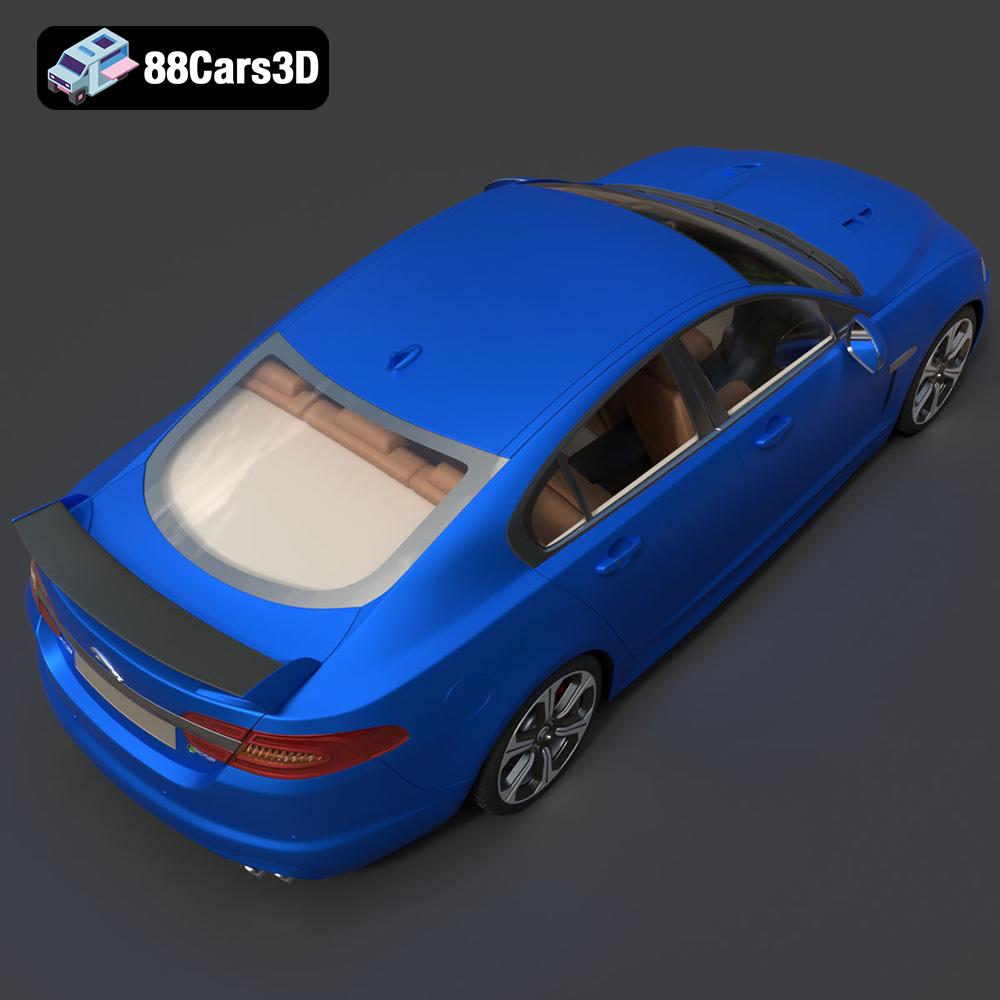
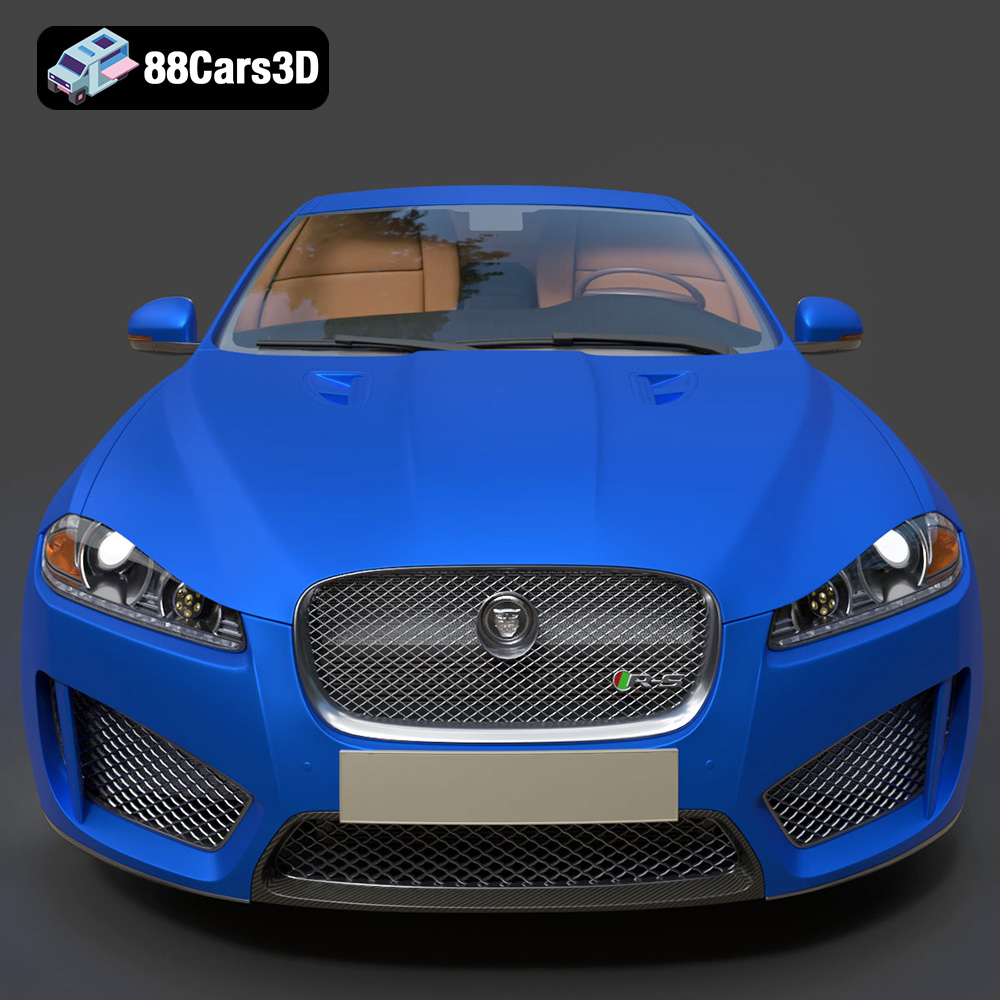
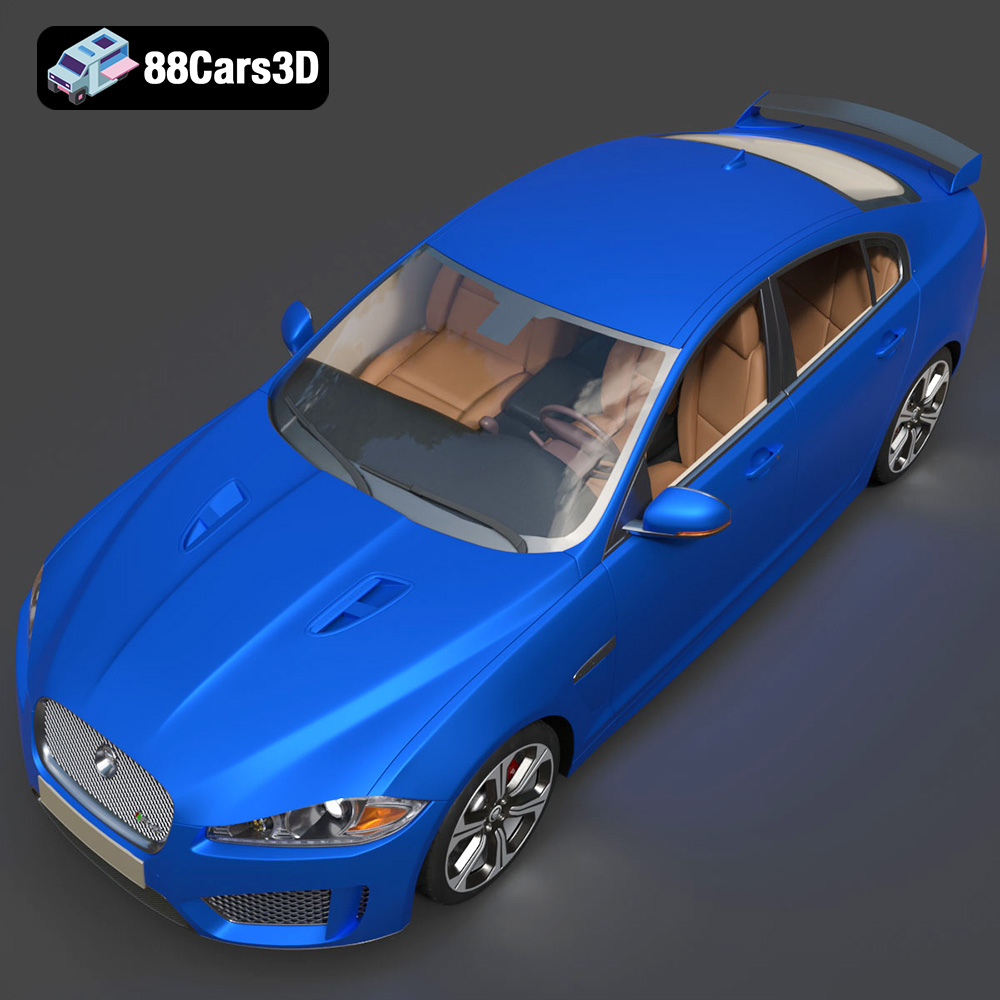
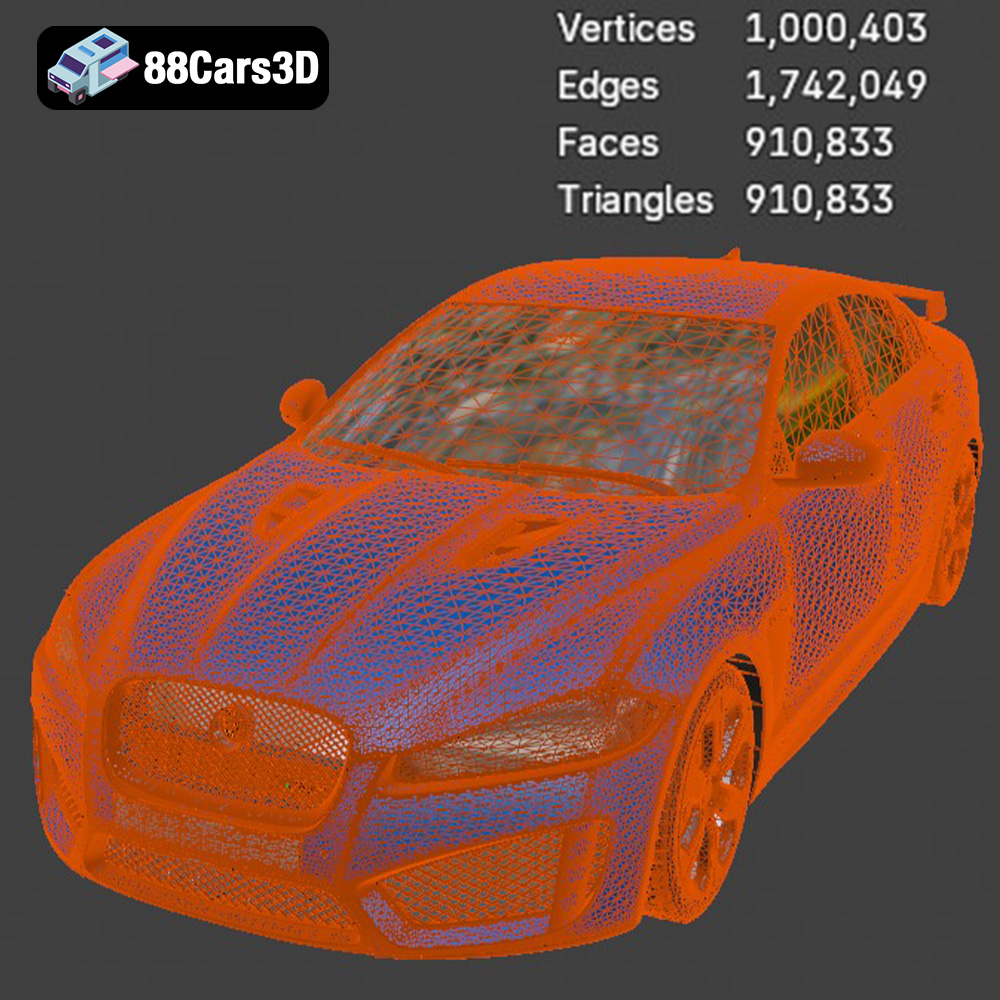
The Jaguar XFR-S 2014 3D Model delivers an exceptionally realistic representation of the iconic performance sedan. Designed with precision, this asset captures the aggressive styling, aerodynamic profile, and distinct characteristics of the XFR-S. Featuring clean geometry, meticulously crafted realistic materials, and an optimized polygon count, this model ensures professional-grade performance. The fully modeled interior and detailed exterior make it versatile for close-up shots and expansive scenes. Perfectly suited for game development, architectural visualization, cinematic rendering, and AR/VR applications, it provides a seamless integration into any production pipeline.
$19.99
.arvr
.blend
.car3dmodel
.fbx
.gameasset
.glb
.jaguar
.luxurycar
.max
.obj
.ply
.rendering
.sedan
.simulation
.sportssedan
.stl
.unreal
.xfrs