Get 20% OFF All Premium 3D & STL Models!

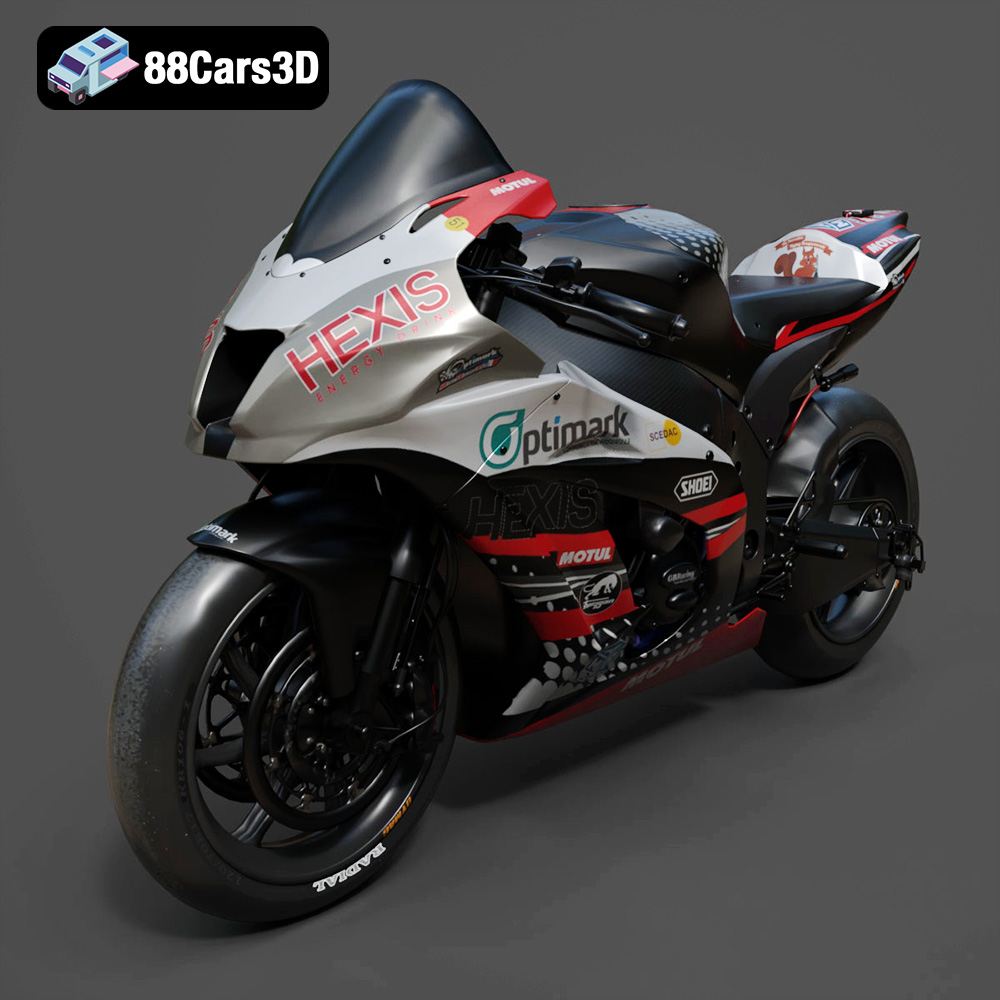
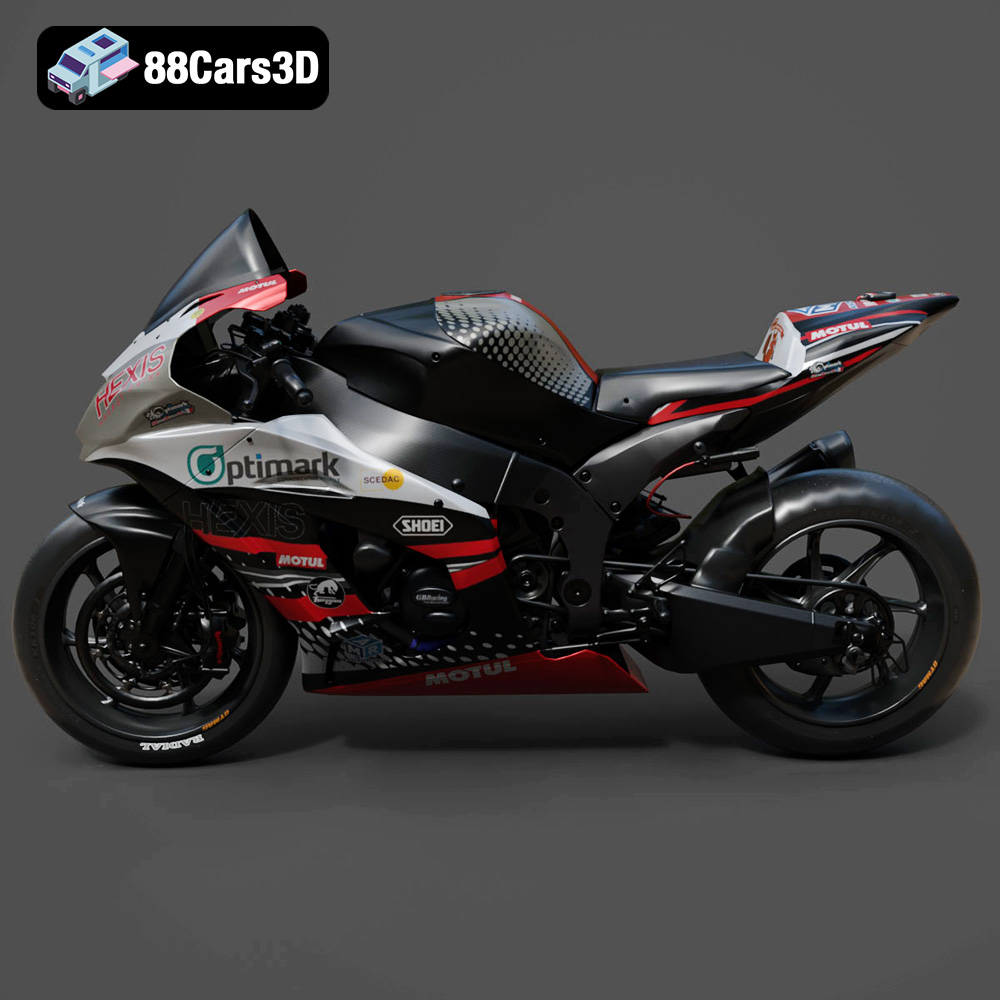
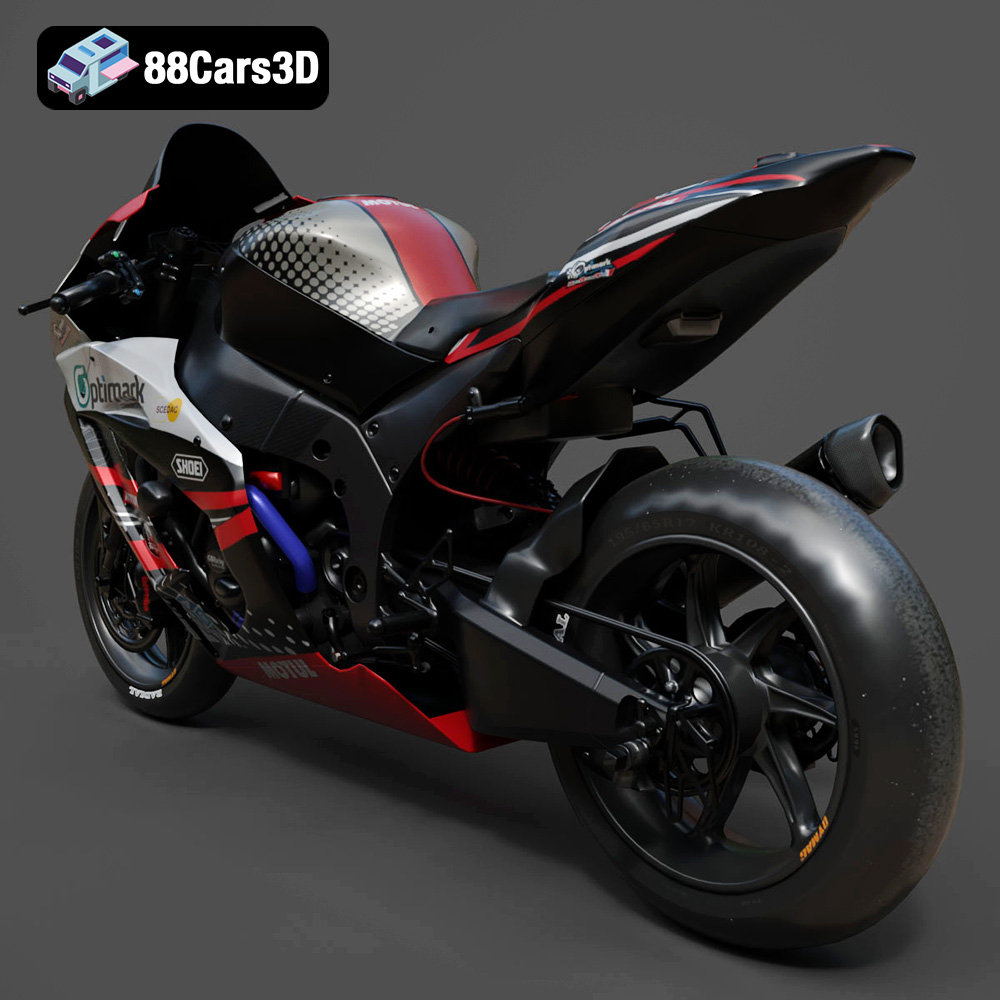
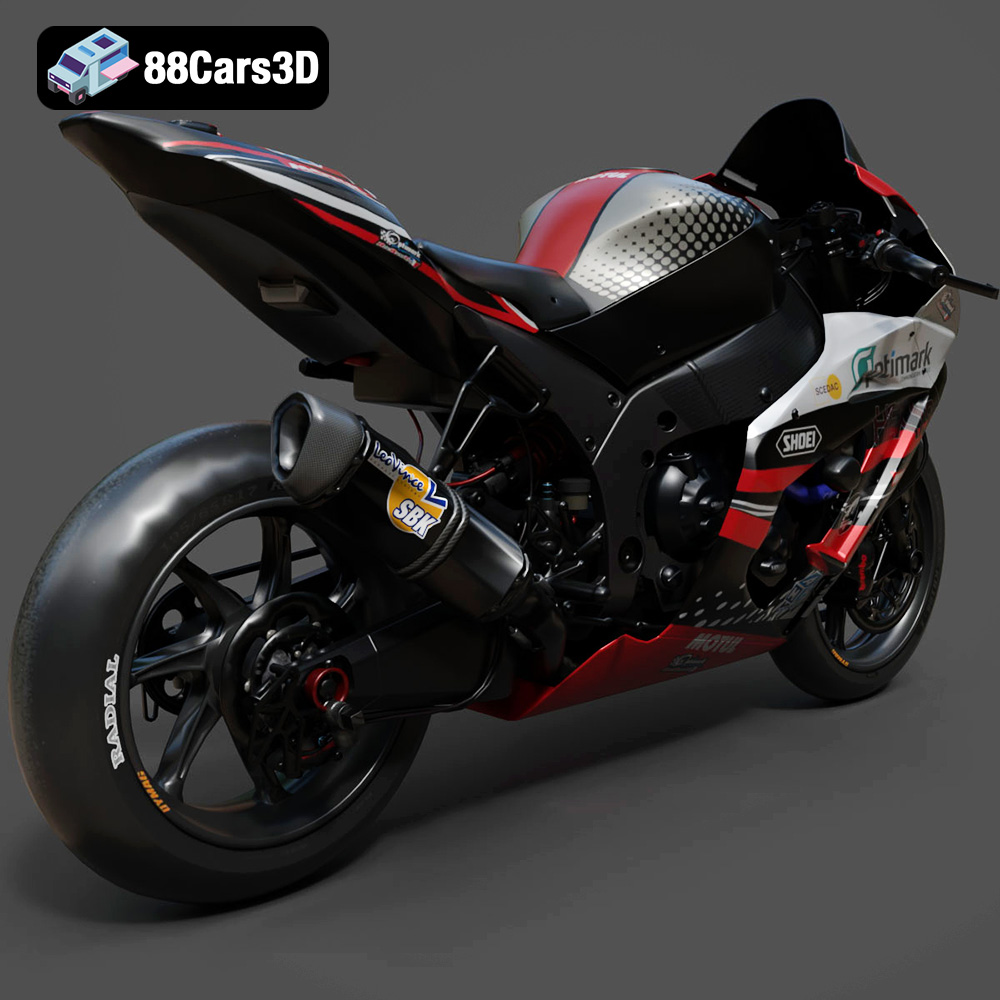
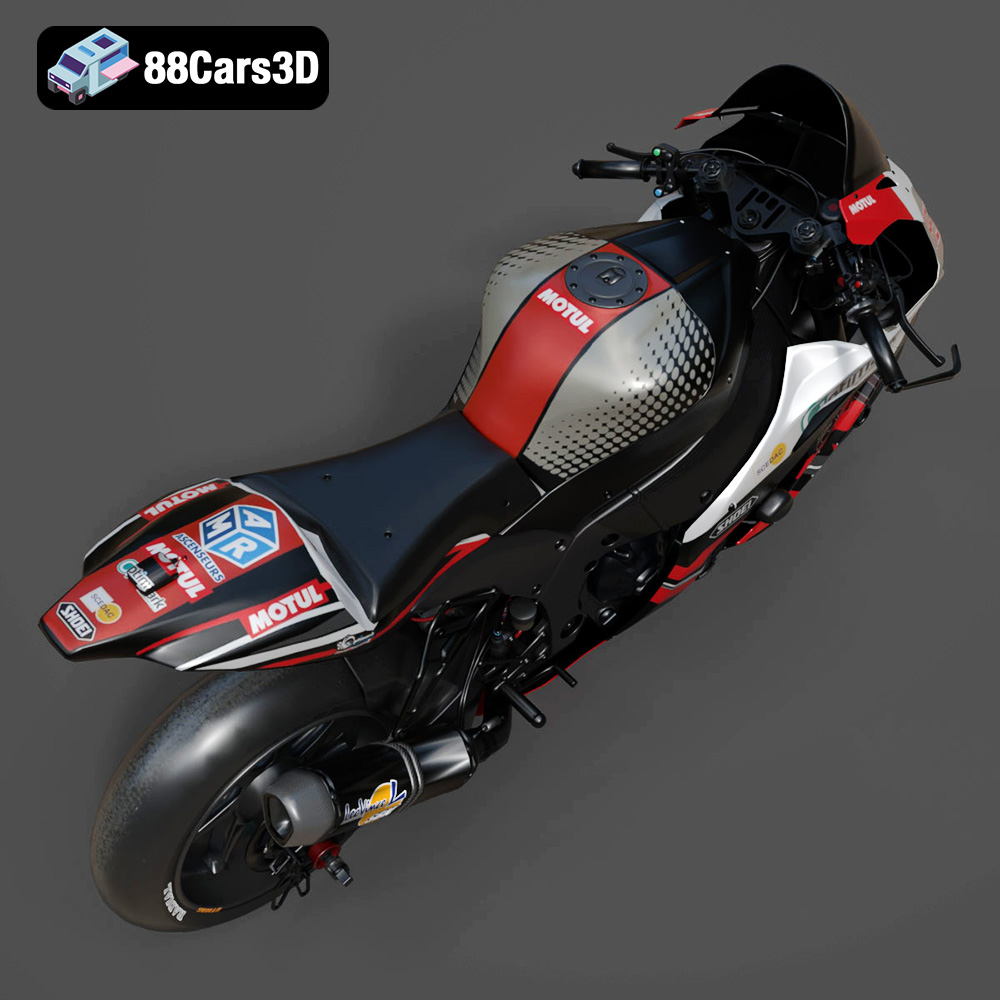
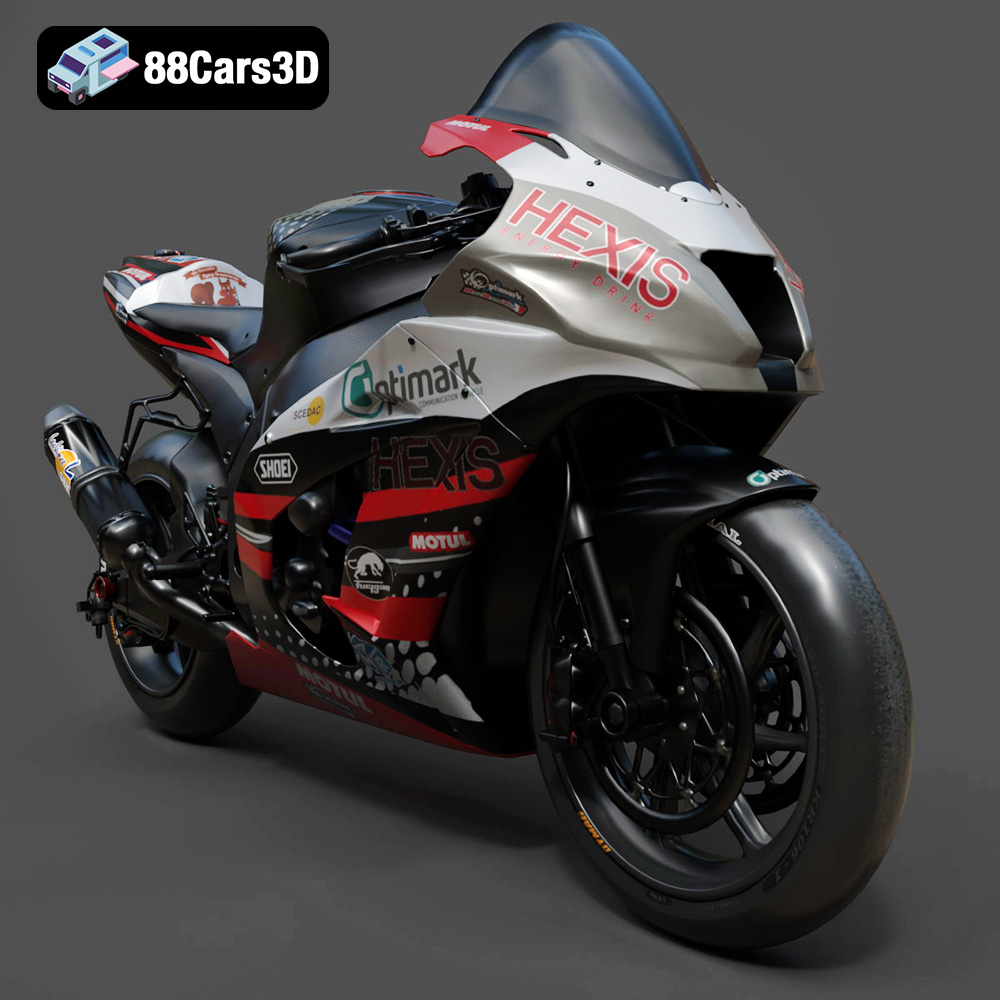
The Kawasaki ZX-10R, a legendary superbike, embodies speed, precision, and aggressive styling. Now, thanks to the intricate 3D model available at 88cars3d.com, you can bring this iconic machine to life through the magic of 3D printing. This article provides a comprehensive guide to 3D printing the Kawasaki ZX-10R 3D model, covering everything from pre-print preparation to post-processing techniques, ensuring a successful and rewarding additive manufacturing experience. Whether you’re a seasoned 3D printing enthusiast or a newcomer eager to tackle an exciting project, this guide will equip you with the knowledge and skills to create a stunning replica of this superbike.
Before diving into the printing process, it’s crucial to understand the nuances of the 3D model itself. The Kawasaki ZX-10R 3D model from 88cars3d.com is designed for both visual fidelity and printability. The model boasts a high level of detail, capturing the aerodynamic curves and intricate mechanical components of the real superbike. However, these details also present certain challenges for 3D printing, requiring careful consideration of printer settings and material choices.
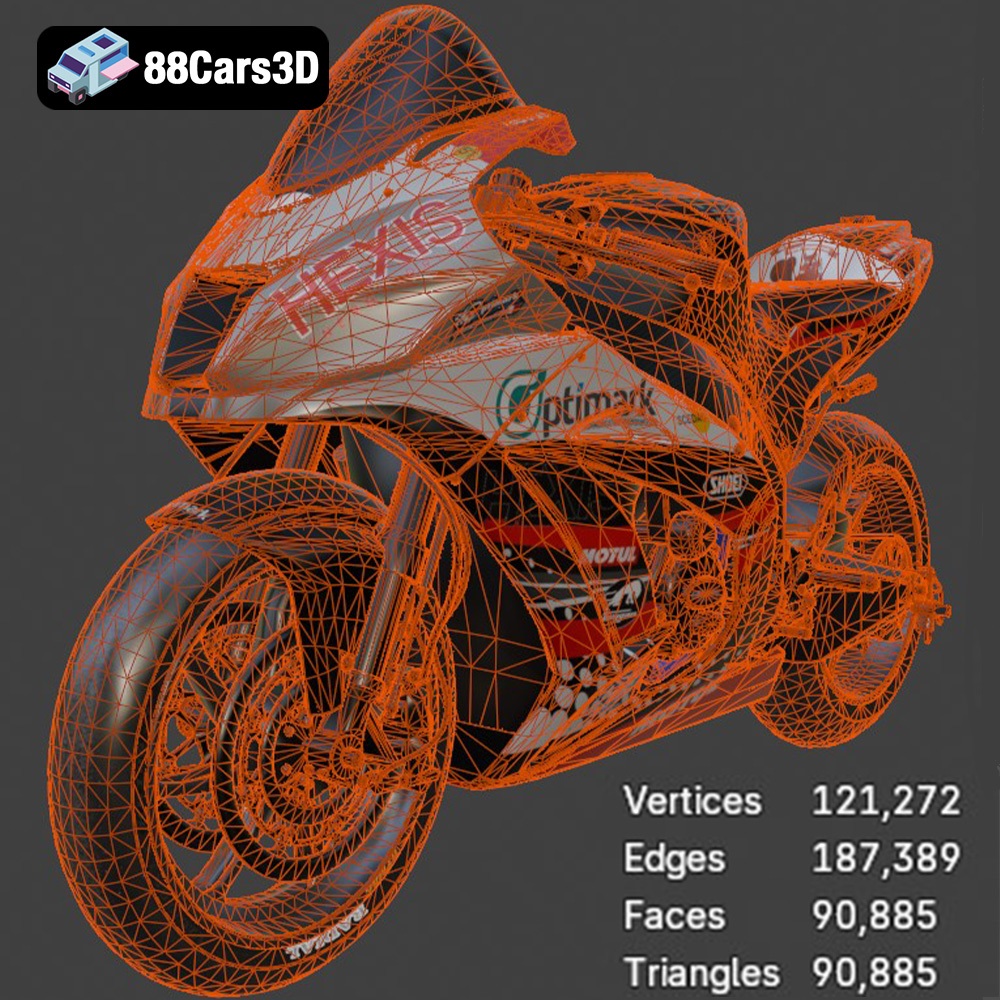
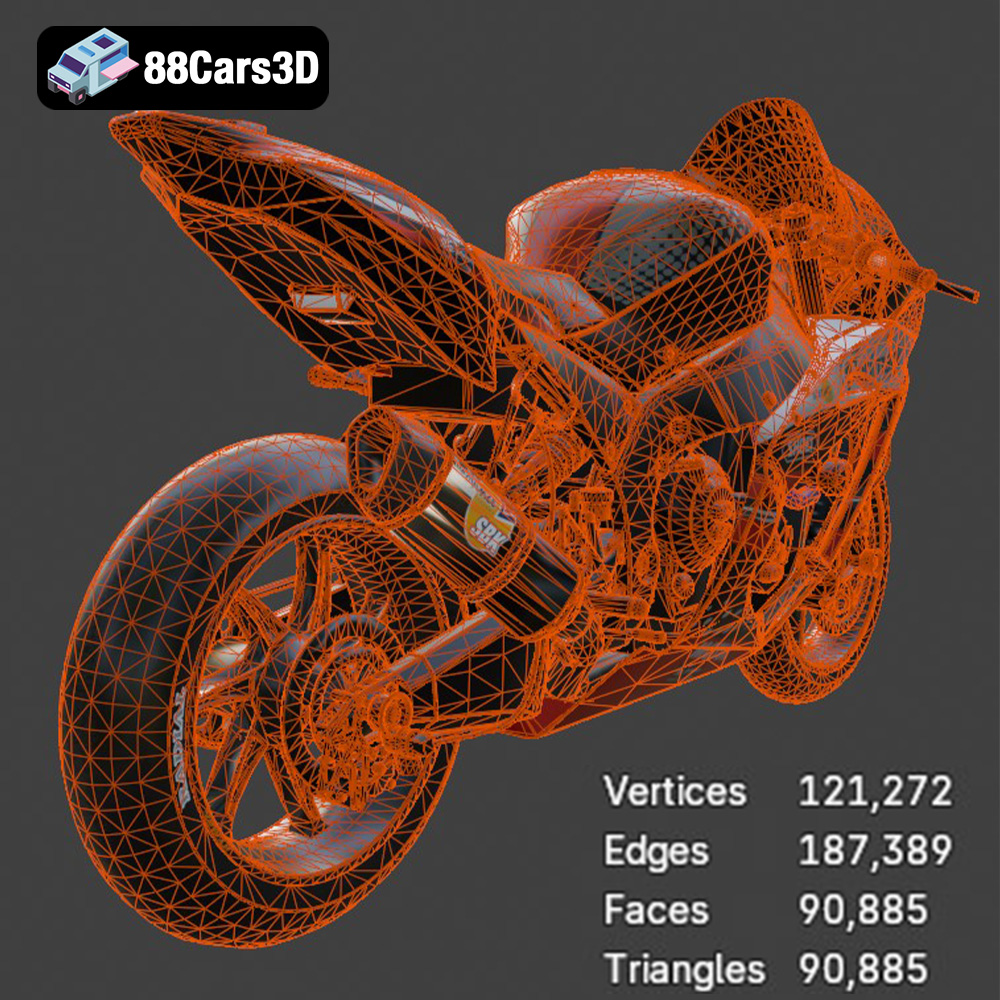
Begin by thoroughly inspecting the model in your slicing software. Look for any potential issues such as non-manifold geometry, intersecting faces, or thin walls. These imperfections, though often invisible to the naked eye, can cause problems during slicing and printing, leading to failed prints or weakened structures. Most slicing programs have built-in tools to detect and repair these issues.
The size at which you choose to print the Kawasaki ZX-10R will significantly impact the level of detail achievable and the overall print time. Smaller scales require finer layer heights and more precise printer calibration. Consider the capabilities of your 3D printer and choose a scale that balances detail and printability. Furthermore, the orientation of the model on the print bed will affect the need for supports and the overall surface finish. Experiment with different orientations to minimize support material and ensure critical details are printed optimally.
Selecting the right file format is essential for successful 3D printing. While the Kawasaki ZX-10R 3D model is available in various formats, some are better suited for 3D printing than others. This section dives into the specifics of each format and their suitability for additive manufacturing.
The .stl (stereolithography) format is the workhorse of 3D printing. It represents a 3D object as a collection of triangles, effectively creating a mesh. The density of these triangles determines the resolution of the model; more triangles equal a smoother, more detailed surface. STL files are widely supported by slicing software and are universally accepted by 3D printers. However, STL files only store geometric data; they do not contain information about color, texture, or materials. When printing the Kawasaki ZX-10R, the STL file will be your primary choice for its simplicity and compatibility. The quality of the STL file directly impacts the final print. Ensure the source STL file is high-resolution to capture the intricate details of the superbike.
The .obj (object) format is another common 3D model format. Unlike STL, OBJ files can store color and texture information, making them suitable for colored 3D prints (though this is less common in standard FDM printing). While OBJ files are compatible with many slicing programs, they can sometimes be more complex to handle than STL files, especially if they contain a large number of textures or materials.
The .ply (polygon) format is designed for storing 3D data acquired from 3D scanners. It’s a precision mesh format capable of handling high-detail prints, making it suitable for complex geometries like the ZX-10R. However, .ply files can be larger than STL files and may not be supported by all slicing software.
.blend files are native to Blender, a popular open-source 3D modeling software. This format allows for direct editing and customization of the Kawasaki ZX-10R model before exporting it for printing. You can modify the geometry, add details, or simplify the model to optimize it for your specific 3D printer. However, .blend files cannot be directly used by slicing software; you must export the model to a printable format like STL.
.fbx (Filmbox) is a proprietary format developed by Autodesk, commonly used in game development and animation. It supports complex scene data, including meshes, textures, materials, and animations. While .fbx is not directly used for 3D printing, it can be imported into some slicing software that supports material assignments, allowing for more advanced print settings based on different parts of the model.
.glb (GL Transmission Format Binary) is a modern format designed for efficient transmission and loading of 3D models in web and AR/VR applications. It’s a compact, self-contained format that includes all necessary data (geometry, textures, materials) in a single file. While not directly printable, GLB files are excellent for previewing the model in augmented reality before committing to a print.
.max files are native to 3ds Max, another professional 3D modeling and animation software. Similar to .blend files, .max files allow for extensive editing and customization of the Kawasaki ZX-10R model. You can modify the geometry, add details, or optimize the model for specific printing requirements. However, you’ll need to export the model to a printable format like STL before slicing.
For printing the Kawasaki ZX-10R from 88cars3d.com, the **.stl** format will likely be your primary choice due to its widespread compatibility and suitability for representing complex geometries. Ensure the STL file you use is of high quality to preserve the intricate details of the superbike. Slicing software such as Cura, PrusaSlicer, and Simplify3D readily accept STL files.
The choice of material significantly impacts the final appearance, strength, and durability of your 3D printed Kawasaki ZX-10R. Different materials offer varying levels of detail, flexibility, and resistance to heat and impact.
PLA (Polylactic Acid) is a biodegradable thermoplastic derived from renewable resources. It’s a popular choice for 3D printing due to its ease of use, low printing temperature, and wide availability. PLA produces relatively detailed prints with minimal warping, making it suitable for the Kawasaki ZX-10R. However, PLA is not very heat-resistant and can become brittle over time, especially in direct sunlight.
PETG (Polyethylene Terephthalate Glycol-modified) offers a good balance of strength, flexibility, and heat resistance. It’s more durable than PLA and can withstand higher temperatures, making it a better choice for parts that may be subjected to stress or heat. PETG also exhibits good layer adhesion, resulting in stronger and more reliable prints. However, PETG can be more prone to stringing than PLA, requiring careful tuning of retraction settings.
For unparalleled detail and surface finish, resin 3D printing is the way to go. Resin printers use liquid photopolymer resin that is cured by UV light. This process allows for extremely fine layer heights, resulting in incredibly smooth surfaces and the ability to capture even the most intricate details of the Kawasaki ZX-10R. However, resin printing requires more post-processing, including washing and curing, and the materials can be more expensive and potentially hazardous.
For most users, PETG offers an excellent balance of printability, durability, and detail. If you prioritize maximum detail and are willing to invest in a resin printer and the associated post-processing, resin is the ideal choice. PLA can be a good option for initial test prints or for parts that won’t be subjected to stress or heat.
Achieving a high-quality 3D printed Kawasaki ZX-10R requires careful attention to print settings. The following parameters will significantly impact the outcome of your print:
Layer height determines the resolution of your print. Smaller layer heights (e.g., 0.1mm) result in smoother surfaces and finer details but also increase print time. Larger layer heights (e.g., 0.2mm) are faster but may sacrifice some detail. For the Kawasaki ZX-10R, a layer height of 0.1mm to 0.15mm is recommended to capture the intricate details of the model.
Infill density determines the internal solidity of your print. Higher infill densities (e.g., 20%) result in stronger parts but also consume more material. Lower infill densities (e.g., 10%) are faster and more economical but may compromise structural integrity. A rectilinear or gyroid infill pattern is generally recommended for its strength and efficiency. For the Kawasaki ZX-10R, an infill density of 15% is usually sufficient for most parts.
Support structures are necessary for printing overhanging parts of the model. However, supports can leave blemishes on the surface of the print and require removal. Carefully consider the orientation of the model to minimize the need for supports. Use tree supports or manually placed supports to optimize support structure placement.
Ensuring proper bed adhesion is crucial for preventing warping, especially with larger prints. Use a brim or raft to increase the surface area in contact with the print bed. Ensure the print bed is clean and level, and consider using an adhesive such as glue stick or hairspray.
Once the print is complete, post-processing is necessary to refine the surface finish, remove supports, and assemble the final model.
Carefully remove support structures using pliers or a sharp knife. Be mindful of delicate parts and avoid applying excessive force. Sand the surface of the print using progressively finer grits of sandpaper to smooth out any imperfections and layer lines.
Painting is essential for achieving a realistic and visually appealing finish. Prime the surface of the print to create a smooth base for paint. Apply multiple thin coats of paint, allowing each coat to dry completely before applying the next. Consider using masking tape to create intricate paint schemes. Finish with a clear coat to protect the paint and add a glossy or matte finish.
The Kawasaki ZX-10R 3D model may consist of multiple parts that need to be assembled. Use glue or other adhesives to join the parts together. Ensure proper alignment and allow the glue to dry completely before handling the assembled model.
Even with careful preparation and optimized settings, 3D printing can sometimes present challenges. Here are some common issues and their solutions:
Warping occurs when the corners of the print lift off the print bed. This can be caused by insufficient bed adhesion, improper temperature settings, or drafts. Ensure the print bed is clean and level, use a brim or raft, and adjust the bed temperature accordingly.
Stringing occurs when thin strands of filament are left between parts of the print. This is often caused by excessive retraction distance or insufficient cooling. Adjust retraction settings and increase cooling fan speed to minimize stringing.
Layer delamination occurs when the layers of the print separate. This can be caused by insufficient layer adhesion, low printing temperature, or drafts. Increase the printing temperature, reduce cooling fan speed, and ensure proper bed adhesion.
Print failure can occur for various reasons, including nozzle clogging, power outages, or slicer errors. Regularly clean the nozzle, ensure a stable power supply, and double-check slicer settings before printing.
By following these guidelines and tips, you can successfully 3D print the Kawasaki ZX-10R 3D model from 88cars3d.com and create a stunning replica of this iconic superbike. Remember to experiment with different settings and materials to find what works best for your printer and desired outcome. Happy printing! The quality 3D models at 88cars3d.com make projects like this possible.
Bring dynamic realism to your digital projects with the Kawasaki ZX-10R 3D Model. This exceptionally detailed replica captures the aggressive styling, aerodynamic profile, and intricate mechanical components of the legendary superbike, making it an essential asset for digital environments requiring absolute precision.
$19.99
.arvr
.blend
.car3dmodel
.fbx
.gameasset
.glb
.kawasaki
.max
.motorcycle
.obj
.ply
.rendering
.simulation
.sportbike
.stl
.superbike
.unreal
zx10r