Get 20% OFF All Premium 3D & STL Models!

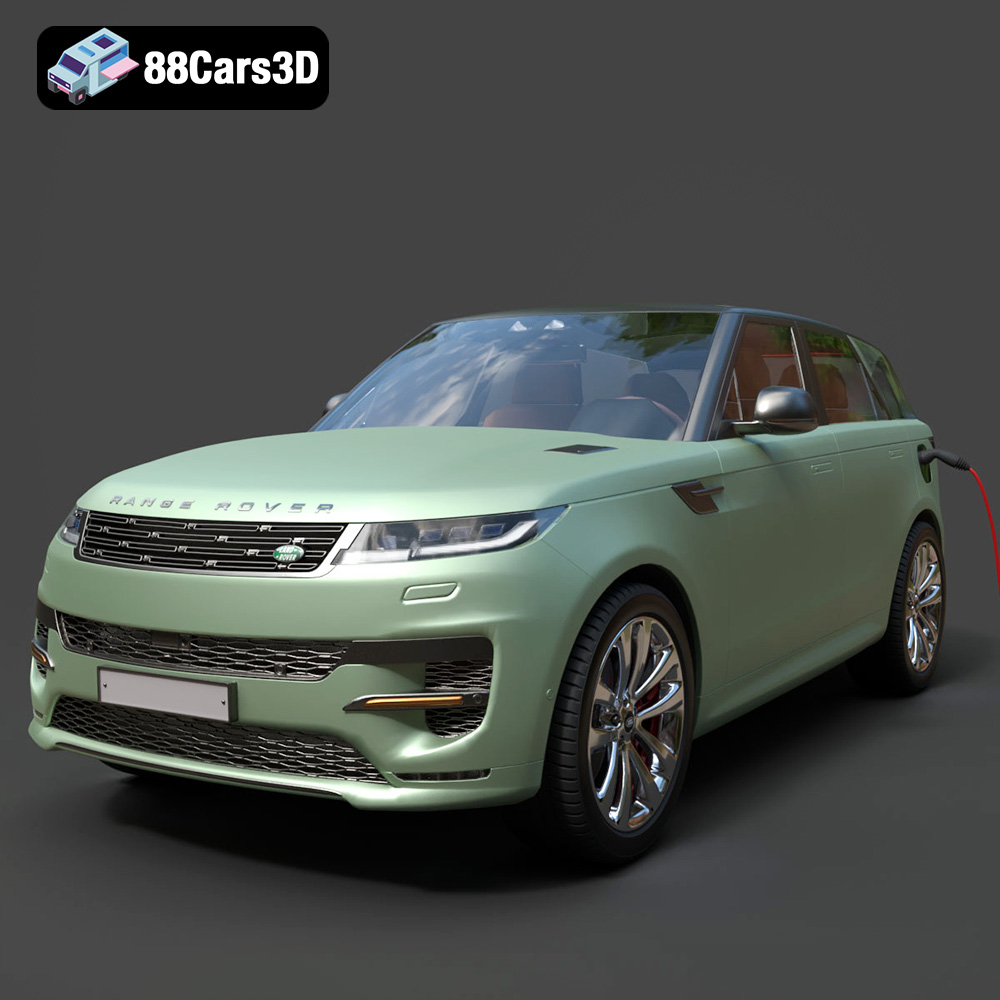
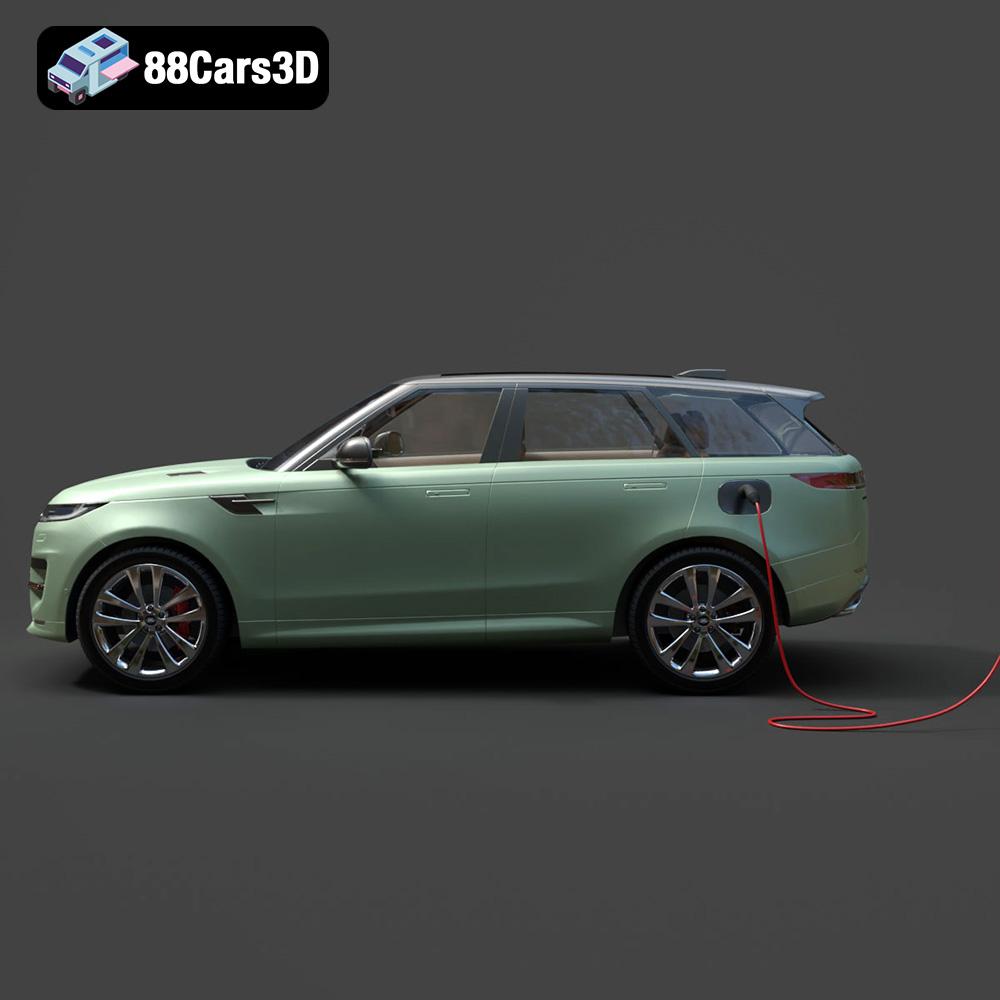
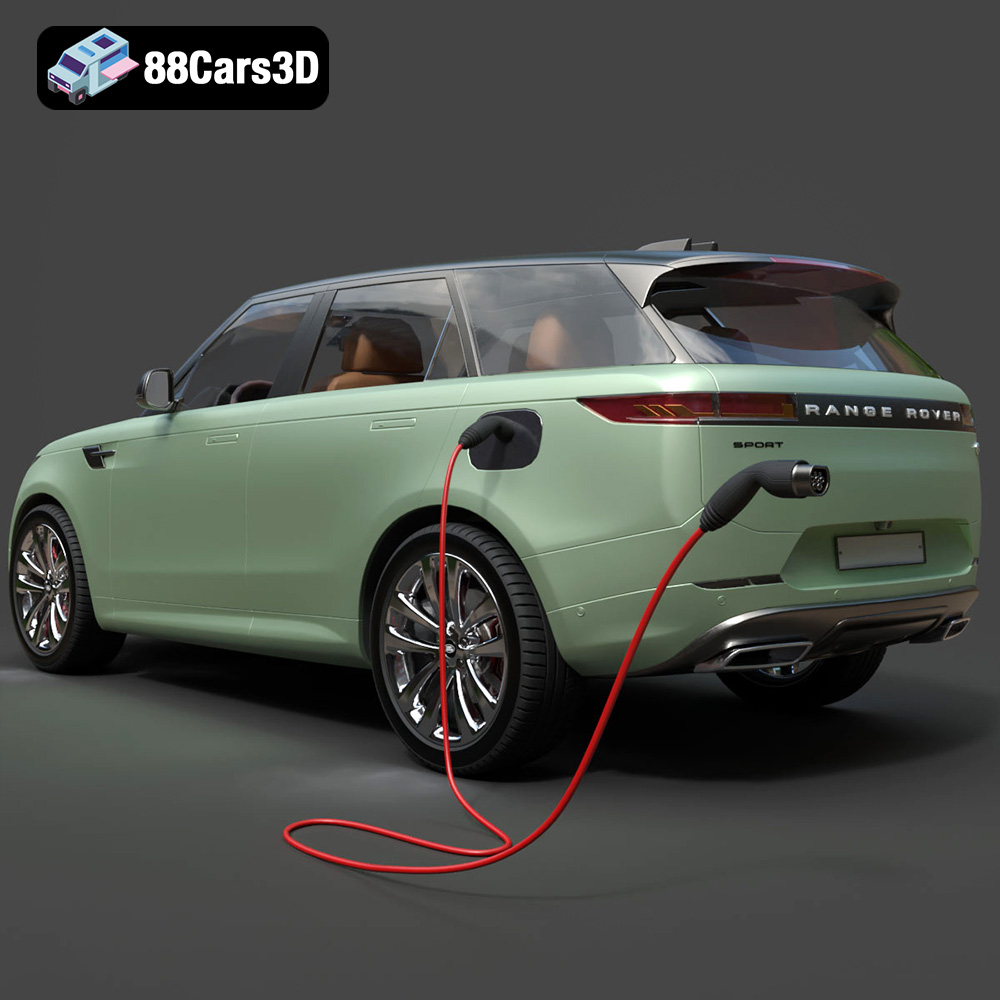
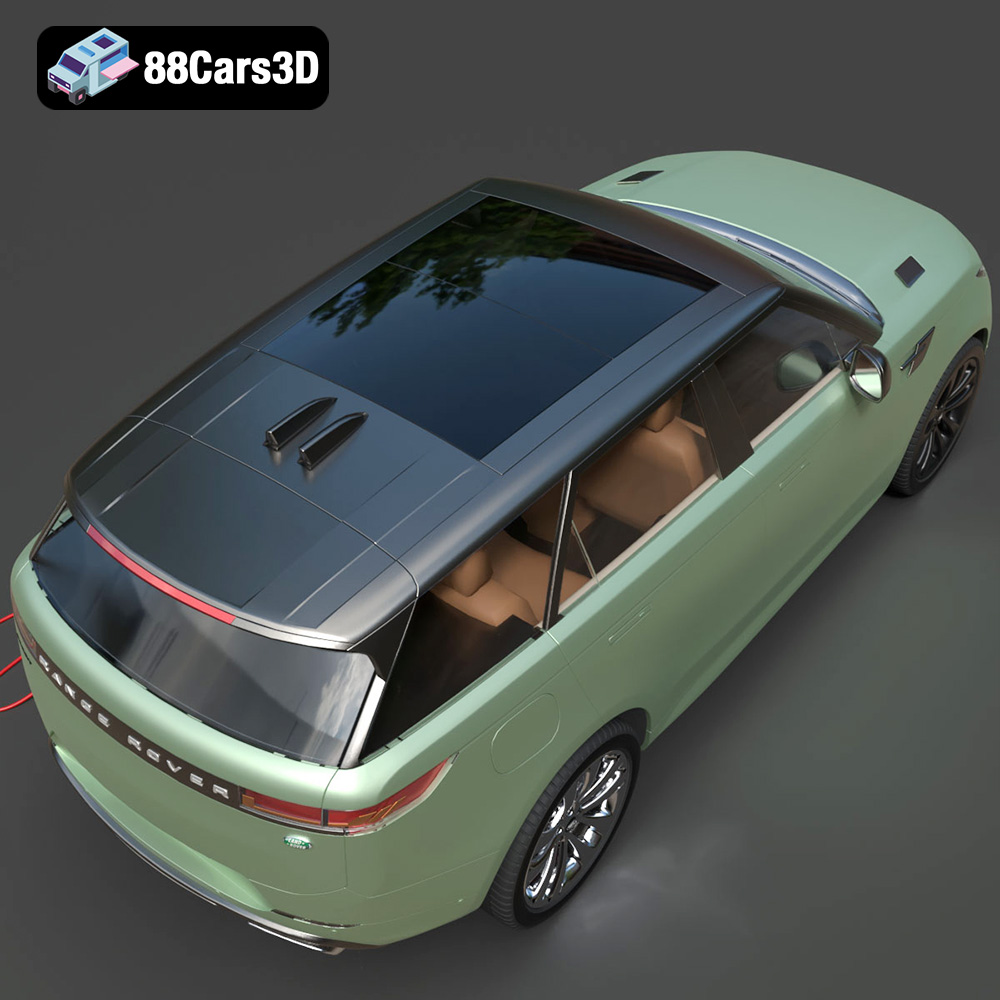
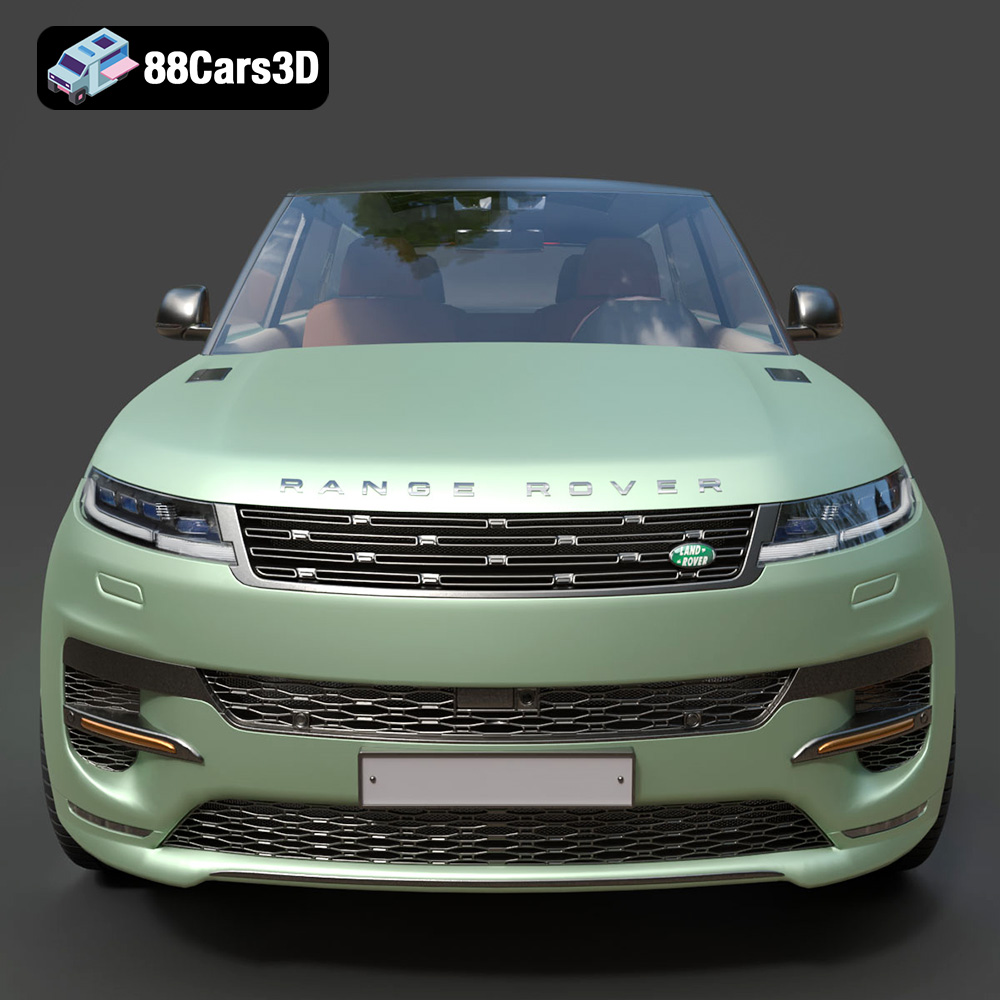
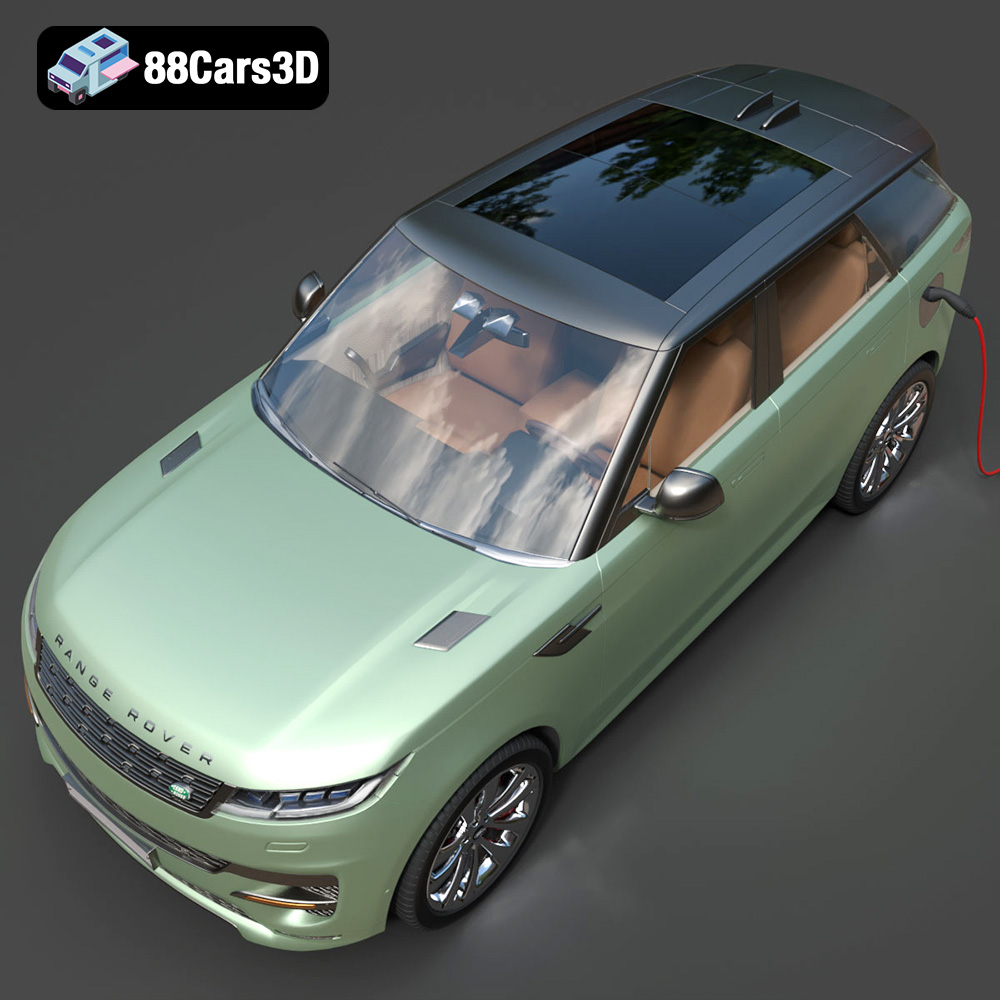
The Range Rover Sport Hybrid PHEV 2023 3D model, available on 88cars3d.com, offers a fantastic opportunity to bring a piece of automotive excellence to life through 3D printing. Whether you’re a car enthusiast, a model maker, or simply looking for a challenging and rewarding 3D printing project, this guide will walk you through the process of successfully 3D printing this highly detailed model. From selecting the right materials and printer settings to post-processing techniques, we’ll cover everything you need to know.
Before diving into the specifics of 3D printing the Range Rover Sport Hybrid PHEV 2023, it’s crucial to ensure your 3D printer is properly calibrated and your workspace is prepared. A well-maintained printer and organized workspace will significantly improve your chances of a successful print.
Calibration is key to achieving accurate and consistent 3D prints. Start by leveling your print bed meticulously. An uneven bed is a common cause of first-layer adhesion issues. Next, calibrate the extruder to ensure it’s feeding the correct amount of filament. You can find calibration tutorials specific to your printer model online. Temperature calibration is also crucial, particularly for filaments like PETG. Run temperature towers to determine the optimal printing temperature for your chosen material.
A clean and organized workspace not only makes the printing process more enjoyable but also safer. Ensure you have adequate ventilation, especially if you’re printing with materials that emit fumes (like ABS). Keep your tools organized and easily accessible. A well-lit workspace will also help you monitor the printing process and spot any potential issues early on. Finally, always wear appropriate safety gear, such as gloves and eye protection, when handling chemicals or performing post-processing tasks.
The Range Rover Sport Hybrid PHEV 2023 model from 88cars3d.com is available in several file formats, each with its own strengths and weaknesses. Understanding these formats is crucial for a successful 3D printing experience.
The STL (Stereolithography) file format is the workhorse of 3D printing. It represents the surface geometry of a 3D object as a collection of triangles. This simplicity makes it universally compatible with virtually all 3D printing software and printers. However, STL files only contain information about the shape of the object; they don’t include color, texture, or material properties.
For 3D printing, the STL format is the preferred choice. It is simple to process by slicing software and creates a printable mesh. It is important to check the STL file for errors such as non-manifold edges or flipped normals before printing, as these can lead to print failures. Many free tools exist to repair STL files, such as MeshLab or Netfabb Basic. When exporting to STL, pay close attention to the resolution settings. A higher resolution results in a smoother surface but also a larger file size. Finding the right balance between detail and file size is crucial for efficient printing.
The OBJ format is another widely used 3D model format. Unlike STL, OBJ files can store color and texture information, making them suitable for full-color 3D printing (though this is less common with FDM printers and more relevant for technologies like inkjet-based 3D printing). However, the complexity of OBJ files can sometimes pose challenges for slicing software, potentially leading to longer processing times or even compatibility issues.
PLY (Polygon File Format) is designed for storing 3D data acquired from 3D scanners. It can represent not only the geometry but also color, transparency, and other surface properties. PLY files are known for their ability to store high-detail meshes, making them suitable for complex models with intricate surfaces. However, their large file size can be a drawback.
The .blend format is the native file format for Blender, a popular free and open-source 3D modeling software. Having the .blend file allows you to modify the Range Rover Sport Hybrid PHEV 2023 model before exporting it to a printable format. You can adjust the geometry, add details, or even split the model into smaller parts for easier printing.
FBX (Filmbox) is a proprietary file format developed by Autodesk. It supports a wide range of data, including geometry, materials, textures, and animations. While primarily used for game development and animation, FBX can also be imported into some slicing software, allowing you to preserve material assignments when preparing the model for 3D printing.
GLB is a binary file format that represents 3D models in the glTF (GL Transmission Format). It is designed for efficient transmission and loading of 3D scenes, making it ideal for AR/VR applications and web-based visualization. You can use GLB files to preview the Range Rover Sport Hybrid PHEV 2023 model in augmented reality before committing to a print.
The .max format is the native file format for 3ds Max, another professional 3D modeling software. Similar to .blend, having the .max file allows you to make detailed modifications to the model before exporting it for 3D printing.
Selecting the appropriate 3D printing material is crucial for achieving the desired aesthetic and functional properties for your Range Rover Sport Hybrid PHEV 2023 model. Several materials are well-suited for this project, each offering a unique set of advantages and disadvantages.
PLA is a biodegradable thermoplastic derived from renewable resources, making it an environmentally friendly option. It’s easy to print with, requiring lower temperatures and minimal warping. PLA is ideal for models with intricate details, offering good surface quality and dimensional accuracy. However, PLA is not as durable or heat-resistant as other materials, making it less suitable for functional parts or models exposed to high temperatures. For the Range Rover Sport Hybrid PHEV 2023, PLA is a good choice for display models that prioritize visual appeal over structural integrity.
PETG combines the ease of printing of PLA with the strength and durability of ABS. It’s more flexible and impact-resistant than PLA, making it suitable for parts that need to withstand some stress. PETG also has better temperature resistance than PLA. It can be slightly more challenging to print with than PLA, requiring higher temperatures and careful bed adhesion. PETG is a versatile option for the Range Rover Sport Hybrid PHEV 2023, offering a good balance of printability and performance.
Resin printing, using technologies like SLA or DLP, offers the highest level of detail and surface finish. This is achieved by curing liquid resin layer by layer using a UV light source. Resin is ideal for small, intricate models where fine details are paramount. However, resin printers typically have a smaller build volume compared to FDM printers, and the resin material can be more expensive. Post-processing is also required, including washing and curing the printed part. For the Range Rover Sport Hybrid PHEV 2023, resin printing is a good option if you prioritize exceptional detail and a smooth surface finish, particularly for smaller-scale models.
Once you’ve chosen your material, the next step is to prepare the Range Rover Sport Hybrid PHEV 2023 model for printing using slicing software. This software converts the 3D model into a series of instructions (G-code) that the printer can understand. The right settings are crucial for a successful print.
Several excellent slicing software options are available, both free and paid. Cura is a popular free option known for its user-friendly interface and comprehensive features. Simplify3D is a paid software that offers advanced control over print settings and excellent support. PrusaSlicer is another free option that’s continuously updated and offers a wide range of features. Experiment with different slicers to find one that suits your needs and printer.
* **Layer Height:** A layer height of 0.1mm to 0.2mm is recommended for achieving good detail on the Range Rover Sport Hybrid PHEV 2023 model. Finer layer heights (e.g., 0.05mm) will result in smoother surfaces but will also increase print time.
* **Infill Density:** An infill density of 15-20% is generally sufficient for models that are primarily for display. For parts that need to be stronger, increase the infill density to 30-40%.
* **Supports:** Supports are essential for overhangs and complex geometries. Use tree supports or automatic support generation in your slicing software. Experiment with support settings to minimize material usage and facilitate easy removal.
* **Print Speed:** A print speed of 40-60mm/s is a good starting point. Adjust the speed based on your printer and material.
* **Bed Adhesion:** Ensure good bed adhesion by using a heated bed (if available) and applying a bed adhesive like glue stick or hairspray.
* **Orientation:** Carefully consider the orientation of the model on the print bed. Orient the model to minimize the need for supports and to optimize the surface finish of critical areas.
Depending on your printer’s build volume, you may need to scale down the Range Rover Sport Hybrid PHEV 2023 model. Be mindful of the loss of detail that can occur when scaling down significantly. If your printer has a small build volume, consider splitting the model into multiple parts using Blender or other 3D modeling software. This allows you to print larger models by assembling them after printing.
Post-processing is the final step in transforming your 3D printed Range Rover Sport Hybrid PHEV 2023 model from a raw print into a polished masterpiece. This involves removing supports, sanding, filling gaps, and painting.
Carefully remove supports using pliers, flush cutters, or a hobby knife. Take your time to avoid damaging the model. After removing the supports, clean the model with a brush and warm soapy water to remove any residue.
Sanding is essential for smoothing out layer lines and imperfections. Start with coarse sandpaper (e.g., 220 grit) and gradually move to finer grits (e.g., 400, 600, 800 grit). For larger gaps or imperfections, use a filler like Bondo or spot putty. Apply the filler, let it dry, and then sand it smooth.
Painting is the final touch that brings your Range Rover Sport Hybrid PHEV 2023 model to life. Apply a primer coat to improve paint adhesion and create a uniform surface. Use acrylic paints or automotive paints for a realistic finish. Consider using an airbrush for smoother and more even application. Apply multiple thin coats of paint, allowing each coat to dry completely before applying the next. Finally, apply a clear coat to protect the paint and add a glossy or matte finish.
Even with careful preparation, 3D printing can sometimes present challenges. Here are some common issues and their solutions:
Warping occurs when the corners of the print lift off the bed. This is often caused by poor bed adhesion or temperature fluctuations. Ensure your bed is properly leveled and heated, and use a bed adhesive. An enclosure can also help to maintain a consistent temperature.
Stringing is when thin strands of filament are left between parts of the print. This is usually caused by the filament oozing from the nozzle during travel moves. Increase retraction distance and speed, and lower the printing temperature.
Layer shifting occurs when the layers of the print become misaligned. This can be caused by loose belts, stepper motor issues, or obstructions on the print bed. Check your printer’s belts and tighten them if necessary. Ensure the stepper motors are functioning correctly, and clear any obstructions from the print bed.
If your print detaches from the bed mid-print, there are several potential causes. Ensure the bed is clean and properly leveled. Use a bed adhesive and increase the bed temperature. Also, check that the first layer is printing correctly.
Before starting your 3D printing project, it’s helpful to estimate the print time and material costs. The slicing software will provide an estimated print time based on your chosen settings. The material cost can be calculated based on the weight of the filament used and the price per kilogram. Keep in mind that these are just estimates, and the actual print time and material cost may vary. You can purchase high-quality STL files for additive manufacturing at 88cars3d.com.
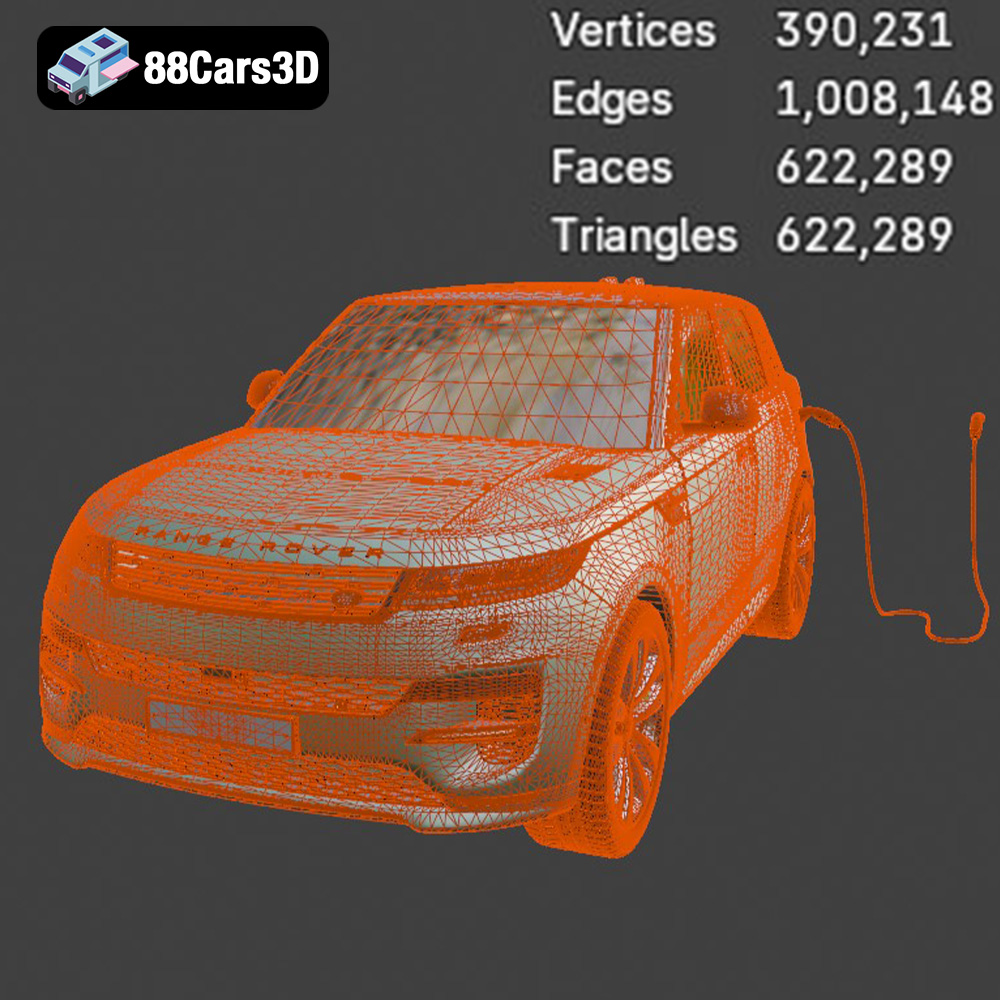
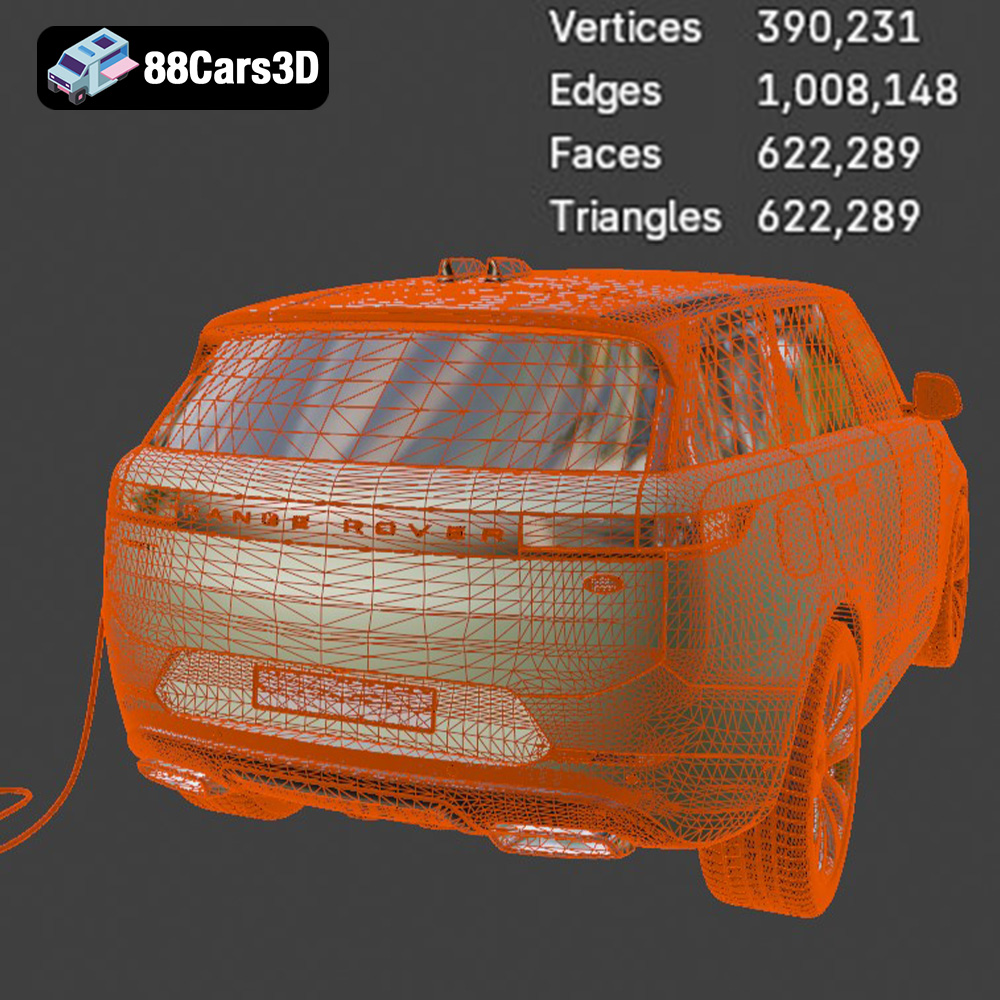
The Range Rover Sport Hybrid PHEV 2023 3D Model brings an incredible level of realism to your digital projects. Accurately modeled to reflect the sophisticated design and dynamic stance of the real vehicle, this asset features a meticulously detailed exterior and a fully modeled interior. Designed with clean geometry and professional-grade polygon topology, this model ensures optimal performance across various platforms. It comes fully equipped with realistic materials and detailed textures, allowing for seamless integration into complex scenes without the need for extensive adjustments. This versatile 3D asset is perfectly suited for a wide array of applications, including game development, architectural visualization, cinematic rendering, AR/VR experiences, and automotive simulations.
$19.99
.arvr
.blend
.car3dmodel
.fbx
.gameasset
.glb
.hybrid
.landrover
.luxurycar
.max
.obj
.phev
.ply
.rangerover
.rendering
.simulation
.sport
.sporthybrid
.stl
.unreal
SUV