Get 20% OFF All Premium 3D & STL Models!

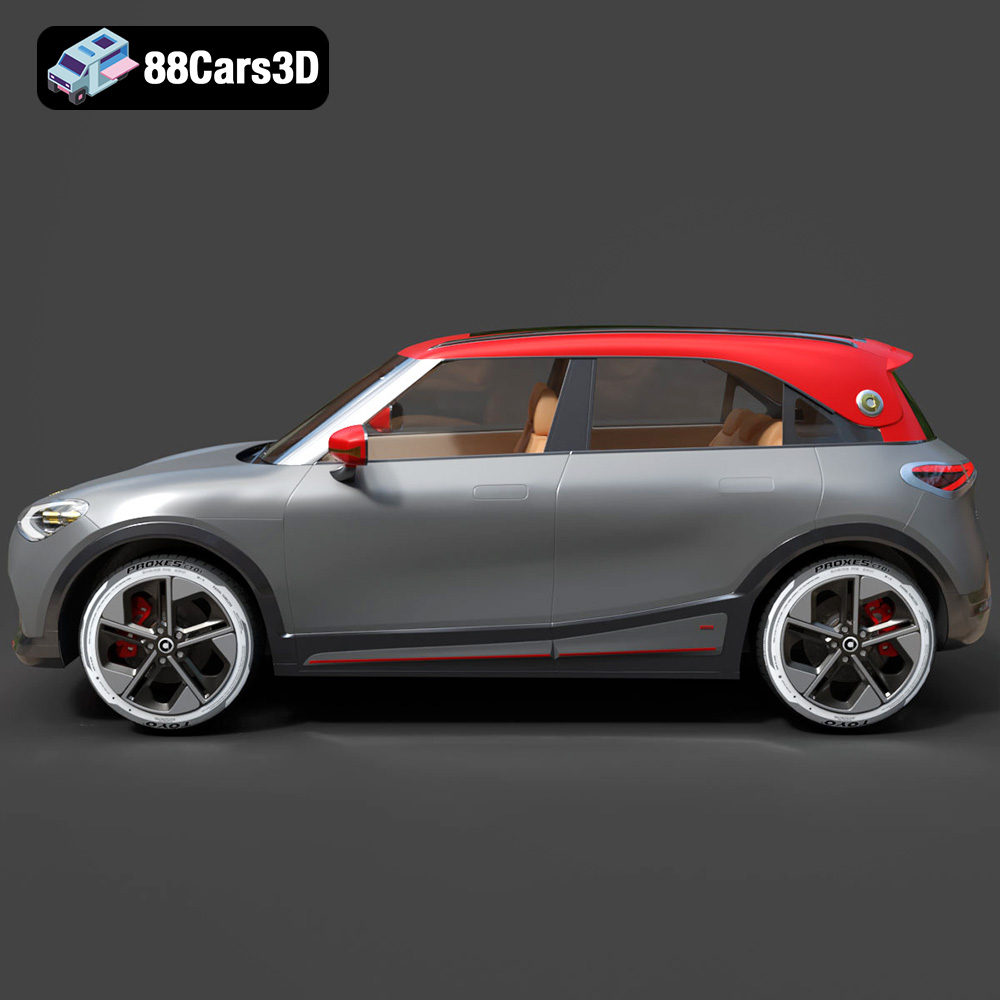
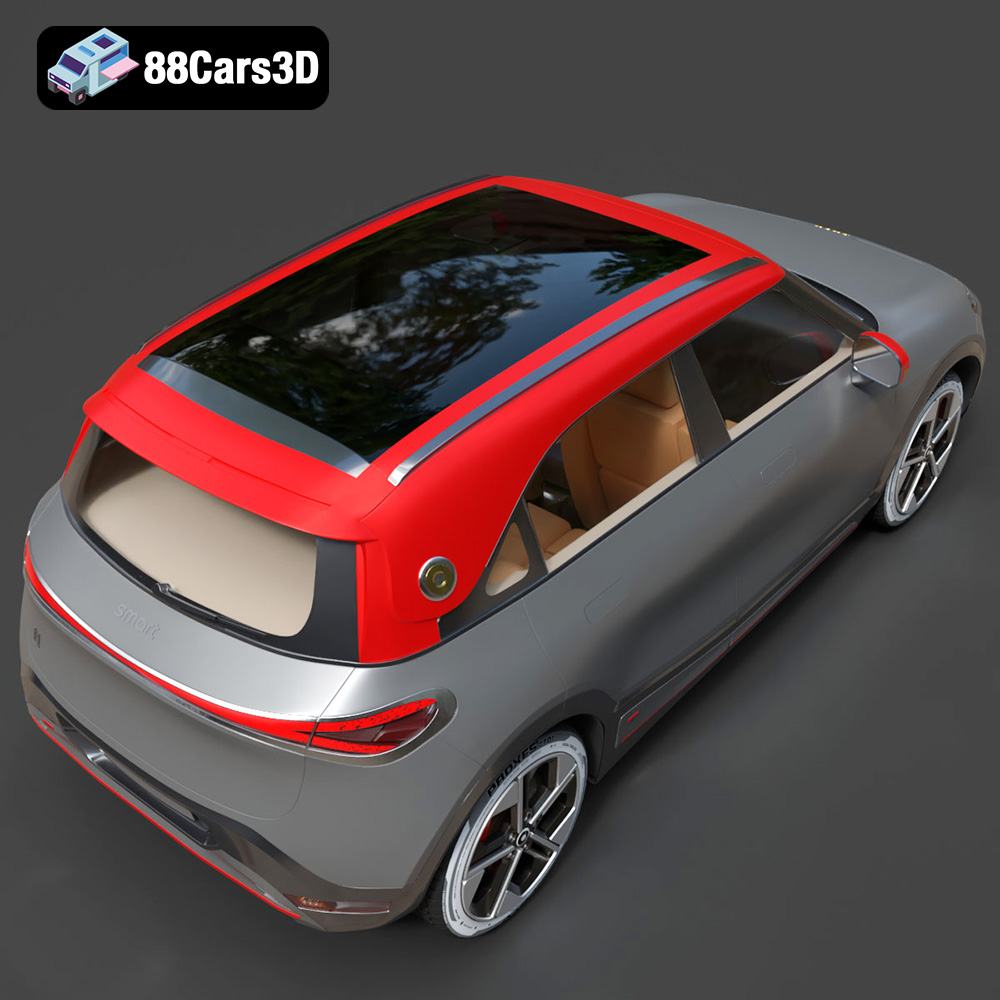
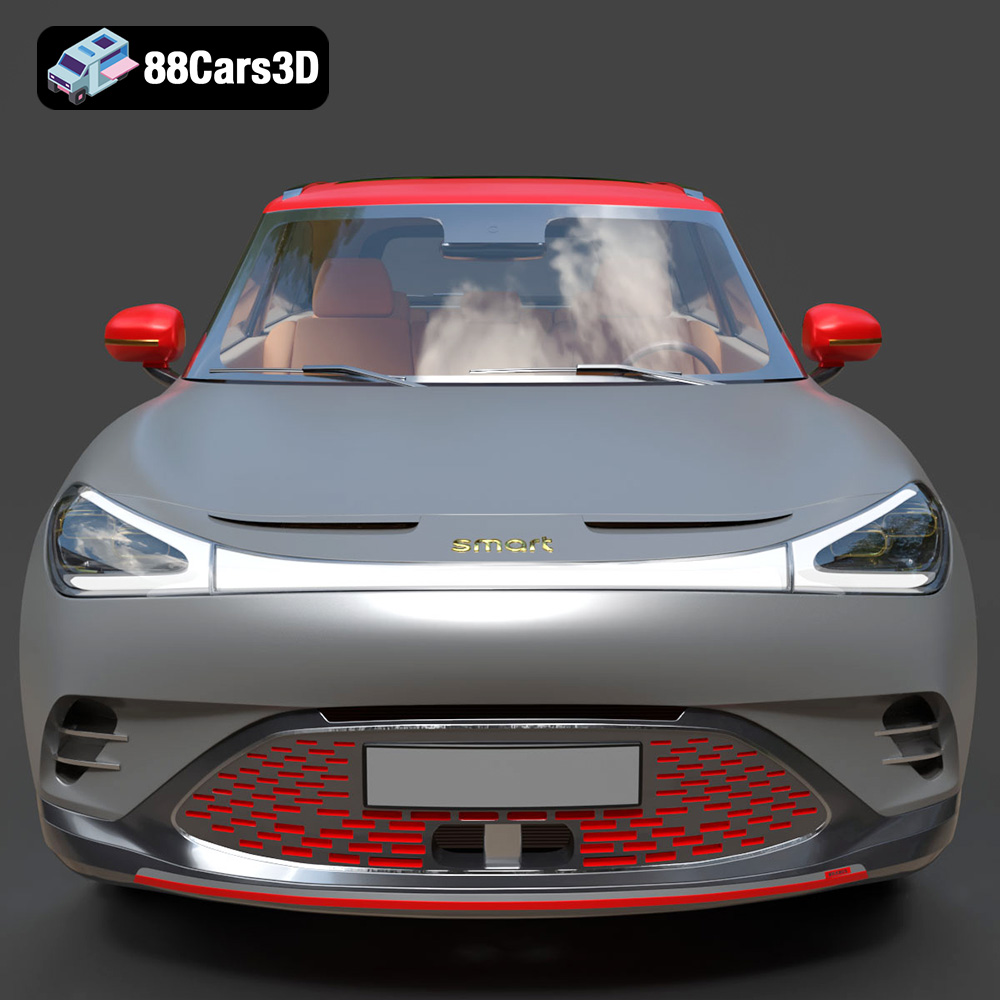
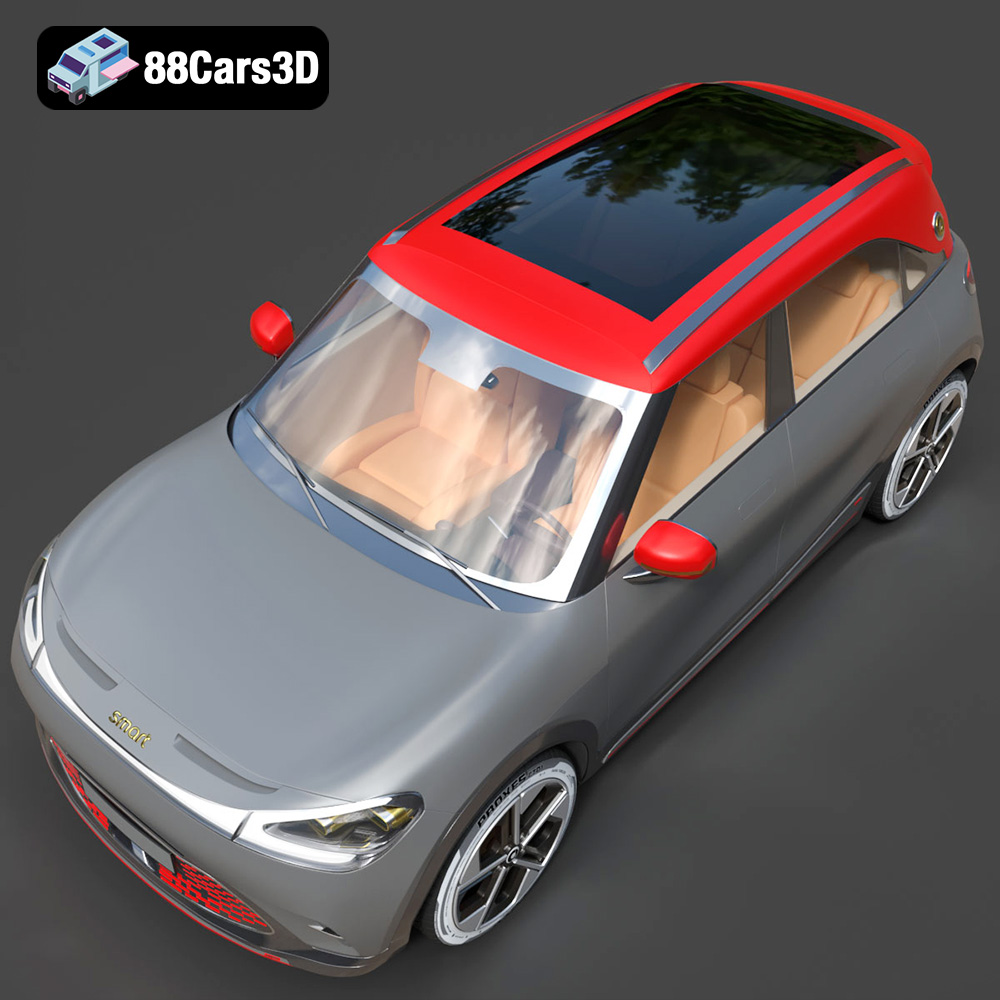
The Smart 1 Brabus 3D model from 88cars3d.com is a fantastic project for anyone interested in 3D printing, whether you’re a seasoned enthusiast or just starting out. This meticulously crafted model offers a chance to bring a digital design to life, capturing the essence of this modern electric crossover. This blog post will guide you through the entire 3D printing process, from selecting the right material and preparing the STL files to post-processing and finishing your printed model. Get ready to transform your digital file into a tangible replica of the Smart 1 Brabus!
Selecting the correct 3D printing technology is the first step towards a successful print. Several options are available, each with its strengths and weaknesses:
FDM is the most common and affordable 3D printing technology. It works by melting and extruding thermoplastic filaments, layer by layer, to build the object. For the Smart 1 Brabus model, FDM is a viable option, especially for larger prints or functional prototypes. The detailed exterior and interior present some challenges, which we’ll address in the settings section.
SLA and DLP printers use liquid resin that is cured by UV light. These technologies are known for their high resolution and smooth surface finish, making them ideal for intricate details. If you prioritize a flawless finish and capturing the finer aspects of the Smart 1 Brabus, resin printing is an excellent choice, especially for smaller scale models.
SLS uses a laser to fuse powdered material (typically nylon) layer by layer. SLS printers produce strong and durable parts without the need for support structures. This method is less common for hobbyists due to the higher cost of the equipment, but it’s an option if you need a robust and functional model.
Choosing the right file format is crucial for seamless 3D printing. The Smart 1 Brabus model on 88cars3d.com comes with a variety of formats to suit different needs. Here’s a breakdown of the most relevant formats for 3D printing:
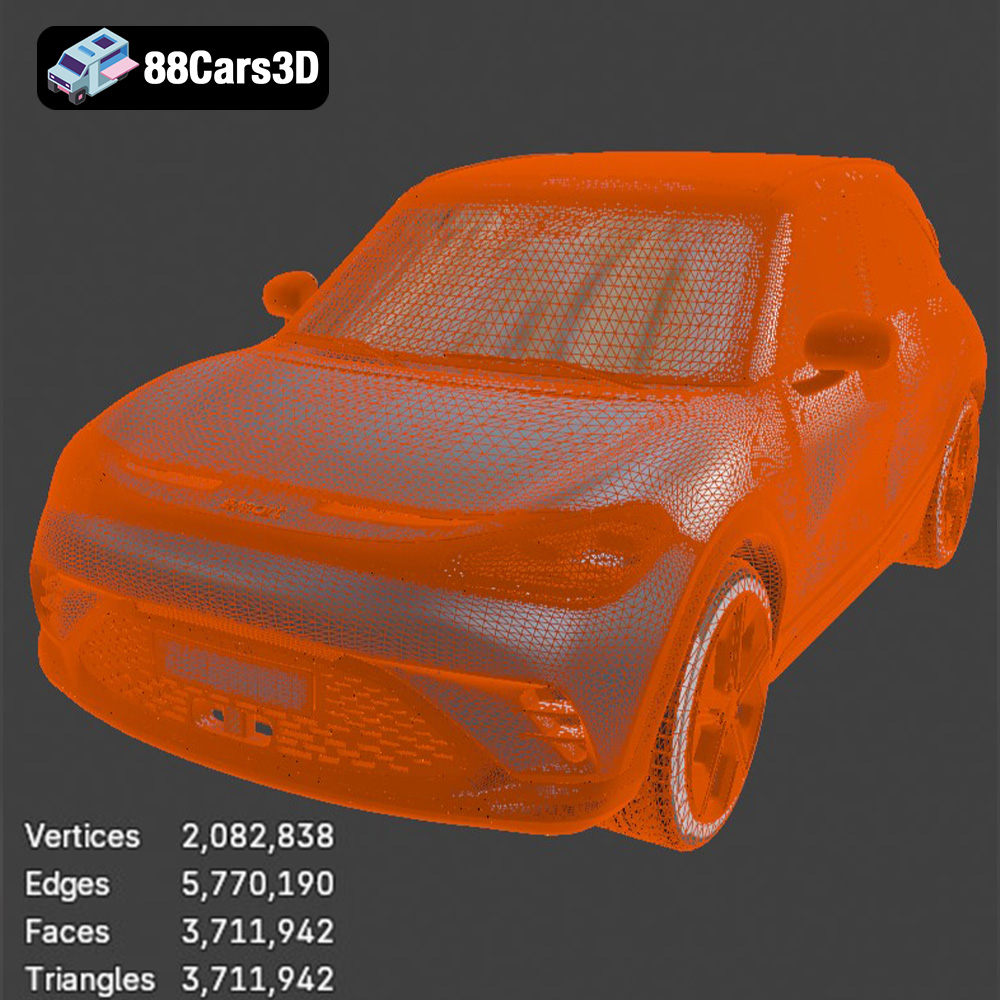
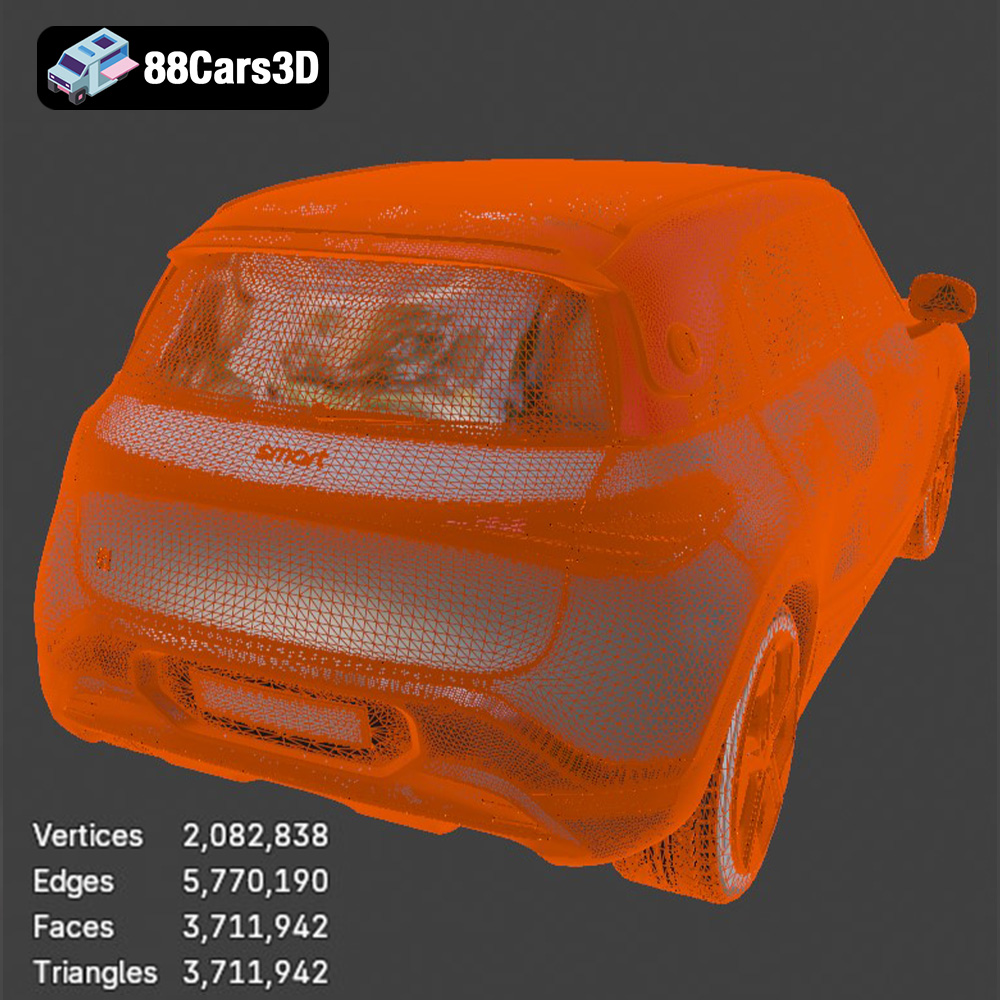
The .stl (Stereolithography) format is the industry standard for 3D printing. It represents the surface geometry of a 3D object as a collection of triangles. This format is universally compatible with slicing software and 3D printers. For printing the Smart 1 Brabus, the .stl file is your go-to option. It’s simple, efficient, and widely supported. However, .stl files only store the mesh data and don’t contain information about color, texture, or materials. Mesh quality is vital with .stl files; a high-resolution mesh will result in a smoother printed surface, but also a larger file size and longer processing times. Slicing software interprets the .stl file and generates the instructions for your 3D printer, so ensuring the mesh is clean and free of errors is essential for a successful print.
The .obj (Object) format is another popular 3D model format. Unlike .stl, .obj files can store color and texture information, making them suitable for colored 3D prints (if your printer supports it). However, .obj files are typically larger than .stl files and may not be as universally supported by all slicing software.
The .ply (Polygon File Format) is designed for storing 3D data acquired from 3D scanners. It can represent color, texture, and other properties per vertex, making it a precise format for high-detail models. While .ply is great for capturing intricate details, it’s not as widely used for 3D printing as .stl or .obj.
The .blend format is the native file format for Blender, a powerful open-source 3D creation suite. This format allows you to directly edit the Smart 1 Brabus model within Blender, making modifications, adding details, or optimizing it for 3D printing before exporting it as an .stl file. If you want to customize the model before printing, the .blend file is a great starting point.
The .fbx (Filmbox) format is primarily used for transferring 3D models between different software applications. It supports storing animation, materials, and other data. While some advanced slicing software might be able to import .fbx files, it’s generally recommended to convert the model to .stl for 3D printing.
The .glb (GL Transmission Format Binary) is designed for efficient delivery and loading of 3D models, particularly in web and AR/VR applications. It’s a compact format that includes all the necessary information, such as geometry, textures, and animations, in a single file. While .glb is excellent for previewing the Smart 1 Brabus model in augmented reality, it’s not directly used for 3D printing.
.max is the native file format for Autodesk 3ds Max. Similar to .blend, this format allows you to directly edit the Smart 1 Brabus model within 3ds Max, making modifications, adding details, or optimizing it for 3D printing before exporting it as an .stl file.
For 3D printing the Smart 1 Brabus model, the .stl format is your best bet. It’s widely supported, efficient, and optimized for the additive manufacturing process. Ensure the .stl file you use has a sufficiently high polygon count to capture the details of the model without being excessively large. If you need to make modifications or add details, use the .blend or .max file, and then export it as an .stl for printing.
Once you have the .stl file, you need to prepare it for printing using slicing software like Cura, PrusaSlicer, or Simplify3D. This software converts the 3D model into a series of layers that the printer can understand.
These settings dramatically influence the final print quality. Consider these recommendations for the Smart 1 Brabus model:
* **Layer Height:** A layer height of 0.1mm to 0.2mm is recommended for FDM printing. Lower layer heights (0.1mm) capture finer details but increase print time. For resin printing, you can go even lower, down to 0.025mm to 0.05mm for exceptional detail.
* **Infill Density:** The infill density determines the internal structure of the model. A density of 15-20% is sufficient for most parts of the Smart 1 Brabus model. Increase the infill for areas that require more strength, such as the wheels or chassis.
* **Supports:** The Smart 1 Brabus model will likely require supports, especially for overhanging areas like the roof, mirrors, and parts of the interior. Use tree supports in your slicing software, as they often use less material and are easier to remove. Experiment with support settings to find the optimal balance between support strength and ease of removal.
* **Print Speed:** Start with a moderate print speed of 40-60 mm/s for FDM. Resin printing speeds are typically much slower, as dictated by the resin and printer manufacturer.
The orientation of the model on the print bed is crucial. Here are some tips for the Smart 1 Brabus:
* **Minimize Support:** Position the model to minimize the amount of support material needed. For example, printing the body of the car with the roof facing up will require significant support. Consider printing it at an angle to reduce the overhang.
* **Surface Finish:** Think about which surfaces you want to be the smoothest. The bottom layer will always be less smooth. Orient the model so that the most visible surfaces are not directly on the print bed.
* **Strength:** If certain parts need to be strong, orient them so that the layers are aligned in the direction of the stress. This is more important for functional parts, like the wheels if you intend for them to be load-bearing.
The choice of material depends on the desired properties of the printed model. Here’s a comparison of the most common materials:
PLA is a biodegradable thermoplastic that is easy to print and offers good detail. It’s a good option for the Smart 1 Brabus if you prioritize ease of use and a smooth surface finish. PLA is suitable for aesthetic models that don’t need to withstand high temperatures or stress.
PETG is stronger and more flexible than PLA, and it also has better temperature resistance. If you need a more durable model or one that will be exposed to sunlight, PETG is a better choice. However, PETG can be slightly more challenging to print than PLA, requiring higher temperatures and careful adhesion to the print bed.
Resin provides the highest level of detail and a smooth surface finish. It’s ideal for printing small, intricate parts of the Smart 1 Brabus, such as the interior details or badges. However, resin prints are typically more brittle than PLA or PETG, and they require post-curing with UV light.
After printing, post-processing is essential to refine the appearance of the Smart 1 Brabus model.
Sanding removes layer lines and imperfections. Start with coarse sandpaper (e.g., 220 grit) and gradually move to finer grits (e.g., 400, 600, 800 grit) for a smooth finish. For resin prints, wet sanding is recommended to prevent dust from becoming airborne.
Painting brings the model to life. Use primer to prepare the surface for paint. Apply multiple thin coats of acrylic or enamel paint for a smooth, even finish. Consider using masking tape to create clean lines and details. Applying a clear coat will protect the paint and add a glossy or matte finish.
If the Smart 1 Brabus model is printed in multiple parts, you’ll need to assemble them. Use super glue or epoxy to join the parts. Ensure the parts are aligned correctly before the glue dries. Consider using clamps or tape to hold the parts together while the glue sets.
Even with careful preparation, 3D printing can present challenges. Here are some common issues and their solutions:
Warping occurs when the corners of the print lift off the print bed. Ensure good bed adhesion by using a heated bed, applying a bed adhesive (e.g., glue stick or hairspray), and leveling the bed properly.
Stringing is when thin strands of plastic are left between different parts of the print. Reduce stringing by adjusting the retraction settings in your slicing software, lowering the printing temperature, and increasing travel speed.
Layer shifting occurs when the layers of the print are misaligned. This can be caused by loose belts, a wobbly print bed, or a clogged nozzle. Ensure your printer is properly maintained and calibrated.
Removing supports can sometimes damage the printed model. Use sharp tools, like hobby knives or pliers, to carefully remove the supports. Consider using dissolvable support material for complex prints.
The print time and material cost for the Smart 1 Brabus model depend on the size, complexity, and settings used. A typical FDM print of the model at a moderate size (e.g., 20cm long) with 20% infill could take 10-20 hours and use 100-200 grams of filament. A resin print of a smaller model could take 5-10 hours and use 50-100 ml of resin. Use your slicing software to get a more accurate estimate based on your specific settings and printer. The detailed interior will increase print time.
Here are some specific tips for printing the Smart 1 Brabus model from 88cars3d.com:
* **Separate Complex Parts:** Consider splitting the model into smaller, easier-to-print parts, especially the interior. This will reduce the need for supports and improve the overall print quality.
* **Hollow Out the Body:** Hollowing out the body of the car reduces material consumption and print time. Ensure you leave a small hole for the excess resin or filament to escape.
* **Reinforce Weak Areas:** Identify any weak areas in the model, such as thin walls or delicate features, and reinforce them in your slicing software by increasing the infill or adding extra perimeters.
* **Add Drainage Holes:** If printing with resin, ensure there are drainage holes in the model to allow the excess resin to escape during printing.
With careful planning and execution, you can create a stunning 3D printed replica of the Smart 1 Brabus using the model available on 88cars3d.com. Remember to experiment with different settings and materials to find what works best for your printer and your desired outcome.
Experience the impressive realism of the Smart 1 Brabus 3D Model. Carefully crafted with precision, this model captures the dynamic stance, signature design elements, and detailed interior of the original vehicle. Built to meet professional standards, it serves as an exceptional digital twin for any demanding project.
$19.99
.1brabus
.arvr
.blend
.car3dmodel
.crossover
.electricvehicle
.fbx
.gameasset
.glb
.max
.obj
.ply
.rendering
.simulation
.smart
.stl
.unreal
SUV