Get 20% OFF All Premium 3D & STL Models!

The Vespa P200E, a symbol of Italian style and freedom, can now be brought to life through the magic of 3D printing. This blog post serves as your comprehensive guide to successfully 3D printing a detailed model of this classic scooter, optimized from 88cars3d.com. We’ll cover everything from selecting the right materials and printer settings to pre-print preparation and post-processing techniques, ensuring you achieve a stunning replica of this legendary two-wheeler. Let’s dive in and explore the exciting world of additive manufacturing with the Vespa P200E.
Selecting the right 3D printer is crucial for achieving a high-quality print of the Vespa P200E. The level of detail in this model, particularly in areas like the engine housing, exhaust, and dashboard, demands a printer capable of fine resolution.
For the highest level of detail, a resin printer (SLA or DLP) is generally recommended. Resin printers excel at capturing intricate features and producing smooth surfaces. However, they often have a smaller build volume compared to filament printers. Filament printers (FDM) are a viable option, especially for larger scale models, but you’ll need to carefully dial in your settings to minimize layer lines and maximize detail.
When choosing a printer, consider the scale you intend to print the Vespa P200E at. The recommended scales are 1:12, 1:18, and 1:24. Ensure your chosen printer’s build volume can accommodate these dimensions. Accuracy is paramount; look for printers with a proven track record of dimensional precision to faithfully reproduce the model’s features.
The Vespa P200E model from 88cars3d.com comes in a variety of file formats, each designed for different applications. Understanding these formats is crucial for ensuring a smooth 3D printing experience.
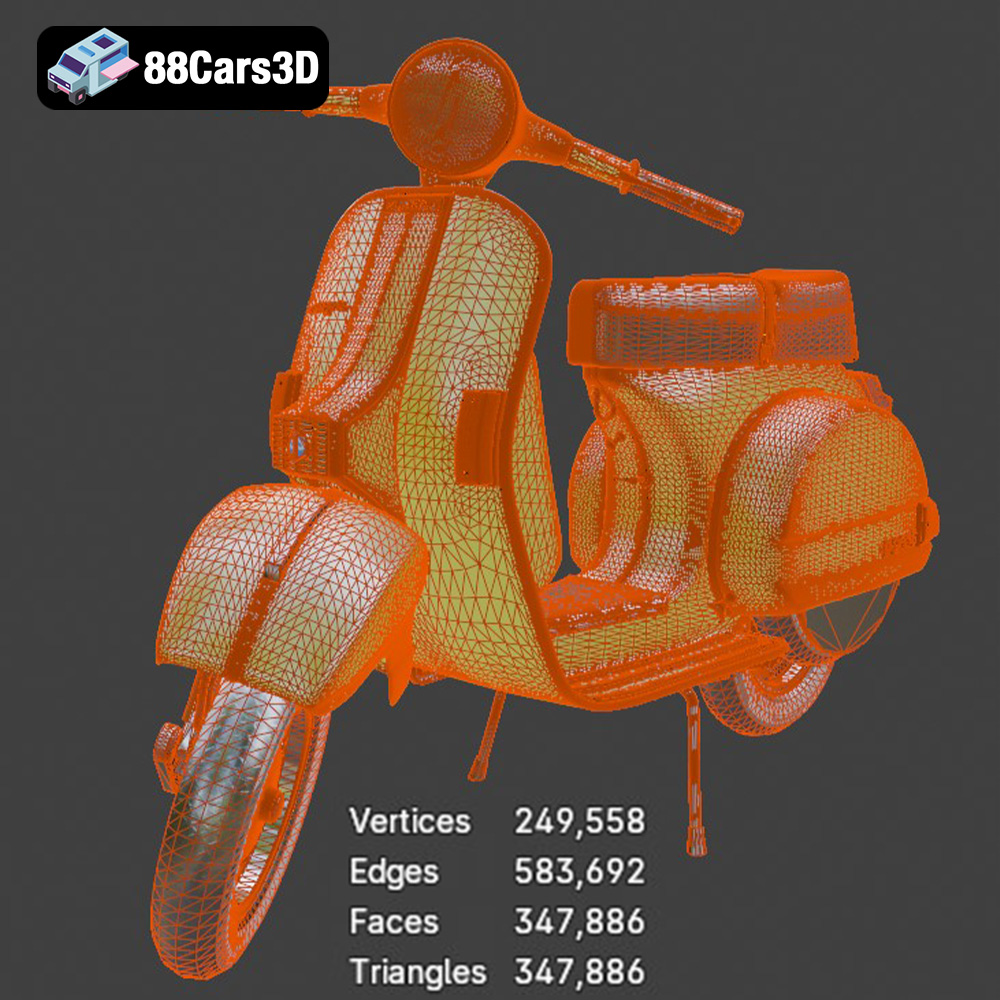
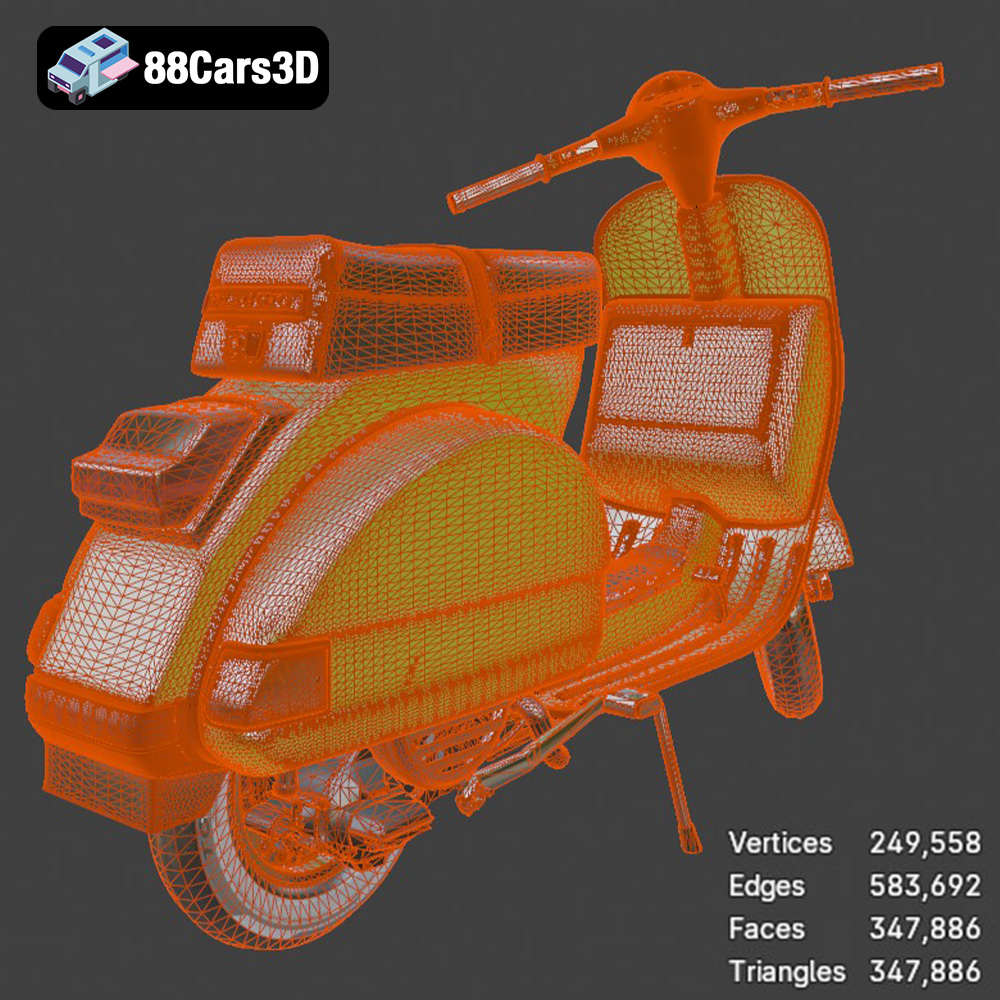
The STL (stereolithography) format is the workhorse of 3D printing. It represents the surface geometry of a 3D object as a collection of triangles. The smaller the triangles, the higher the resolution of the model. STL files are universally compatible with slicing software, making them ideal for 3D printing. However, STL files only contain information about the shape of the object; they do not store color or texture data. When preparing an STL file, ensure the mesh is watertight (no holes) and has a consistent orientation to prevent errors during slicing. Mesh quality is directly related to the number of triangles used to define the shape. A higher triangle count means a smoother surface but also a larger file size. Finding the right balance is key for efficient printing. Slicing software such as Cura, PrusaSlicer, and Simplify3D can import and process .stl files for your 3D printer.
The OBJ format is a more versatile file format that can store not only the geometry of a 3D model but also color and texture information. This makes it suitable for applications where visual appearance is important, such as rendering and game development. While some 3D printers can print in multiple colors, OBJ files are not commonly used directly for 3D printing unless color printing capabilities are available.
The PLY format is designed to store 3D data acquired from 3D scanners. It’s capable of representing complex geometry with high precision and can store additional information such as color and surface normals. Like OBJ, PLY files are more commonly used in scanning and reverse engineering workflows, but not as often used as STL for basic 3D printing purposes.
The .blend file is the native format for Blender, a popular open-source 3D modeling software. This format allows you to directly edit the 3D model of the Vespa P200E before exporting it in a 3D printable format like STL. You can use Blender to modify the design, add details, or split the model into smaller parts for easier printing.
FBX is a proprietary file format developed by Autodesk. It supports the transfer of 3D data between different software packages, including geometry, materials, textures, and animations. While FBX files can be imported into some slicing software, they are primarily used in game development and animation workflows rather than direct 3D printing.
GLB is a binary file format that represents 3D models in the glTF (Graphics Language Transmission Format) standard. GLB files are designed to be compact and efficient for transmitting 3D models over the internet. They are often used for previewing models in augmented reality (AR) applications before printing.
.max is the native file format for Autodesk 3ds Max. Like Blender’s .blend format, this allows you to fully edit the 3D model before exporting to STL or another printable format. 3ds Max is a professional-grade modeling program, and may be suitable for advanced users seeking intricate customization options.
When preparing the Vespa P200E model for 3D printing, the STL format will generally be the most compatible and straightforward choice for most slicing software and 3D printers. Ensure the STL file is properly scaled and oriented before proceeding to the slicing stage.
Proper pre-print preparation is essential for a successful 3D printing outcome. This involves using slicing software to convert the 3D model into instructions for your printer and strategically orienting the model on the build plate.
Several excellent slicing software options are available, including Cura, PrusaSlicer, Simplify3D, and others. Each offers a range of features and settings to optimize your print. Experiment with different software to find the one that best suits your printer and workflow.
The orientation of the Vespa P200E model on the build plate significantly impacts the print’s strength, surface finish, and the amount of support material required. As the included 3D print settings suggest, printing the frame at an angle can improve its structural integrity. Print wheels separately for better detail. Consider the orientation of detailed parts like the exhaust, mirrors, and handlebars, ensuring they are printed in a way that minimizes the need for excessive supports or sacrifices in surface quality.
The material you choose for 3D printing the Vespa P200E will influence its appearance, strength, and durability. Each material has its own set of advantages and disadvantages.
PLA (polylactic acid) is a popular choice for beginners due to its ease of printing, low odor, and biodegradability. It’s a good option for creating a display model of the Vespa P200E. However, PLA is not as heat-resistant or durable as other materials.
PETG (polyethylene terephthalate glycol-modified) offers a good balance of strength, heat resistance, and ease of printing. It’s a suitable choice if you want a more durable model that can withstand higher temperatures.
Resin is the ideal material for achieving the highest level of detail and smoothest surfaces. It’s particularly well-suited for printing small, intricate parts like the engine components and dashboard details. However, resin prints tend to be more brittle than filament prints and require careful handling.
Fine-tuning your 3D printing settings is crucial for achieving optimal results with the Vespa P200E model. Layer height, infill density, and support structures all play a vital role.
A lower layer height results in finer details and smoother surfaces but increases print time. The recommended layer height range of 0.04-0.12 mm is a good starting point. Experiment with different layer heights to find the optimal balance between detail and print speed for your specific printer and material.
Infill density affects the strength and weight of the printed model. A higher infill density results in a stronger, heavier model but consumes more material and increases print time. The recommended infill density of 20-30% is a good compromise for most applications.
Support structures are necessary for printing overhanging features like the exhaust, mirrors, and handlebars. Carefully consider the placement and type of supports to minimize their impact on the surface finish of the model and reduce the amount of material wasted.
Post-processing is an essential step in refining your 3D printed Vespa P200E model. It involves removing support structures, sanding surfaces, painting, and assembling the various components.
Carefully remove support structures using pliers or a sharp knife. Sand the surfaces of the model to smooth out any imperfections and layer lines. Start with a coarse grit sandpaper and gradually move to finer grits for a smooth, polished finish.
Painting is a critical step in bringing your 3D printed Vespa P200E to life. Use primer to prepare the surfaces for paint and then apply multiple thin coats of paint to achieve a smooth, even finish. Consider using authentic factory colors and metallic finishes to replicate the original Vespa P200E’s appearance.
Once all the components are printed and post-processed, carefully assemble them using glue or other suitable adhesives. Refer to reference images of the original Vespa P200E to ensure accurate placement of all the parts. The model’s design from 88cars3d.com includes separate wheels, suspension, and steering components to make it easy to assemble.
Even with careful preparation, you may encounter some common 3D printing issues. Here are some tips for troubleshooting these problems.
Warping occurs when the corners of the print lift off the build plate due to uneven cooling. Ensure your build plate is properly leveled and heated. Use a brim or raft to improve bed adhesion.
Stringing is caused by excess filament oozing from the nozzle during travel moves. Increase retraction settings, decrease printing temperature, or adjust travel speed to minimize stringing.
Layer shifting occurs when the print head or build plate shifts unexpectedly during printing. Check your printer’s belts, pulleys, and stepper motors to ensure they are properly tightened and functioning correctly.
3D printing the Vespa P200E from 88cars3d.com is a challenging but rewarding project that allows you to create a stunning replica of this iconic scooter. By carefully selecting the right materials and printer settings, preparing your model meticulously, and employing proper post-processing techniques, you can achieve a museum-quality piece that you’ll be proud to display.
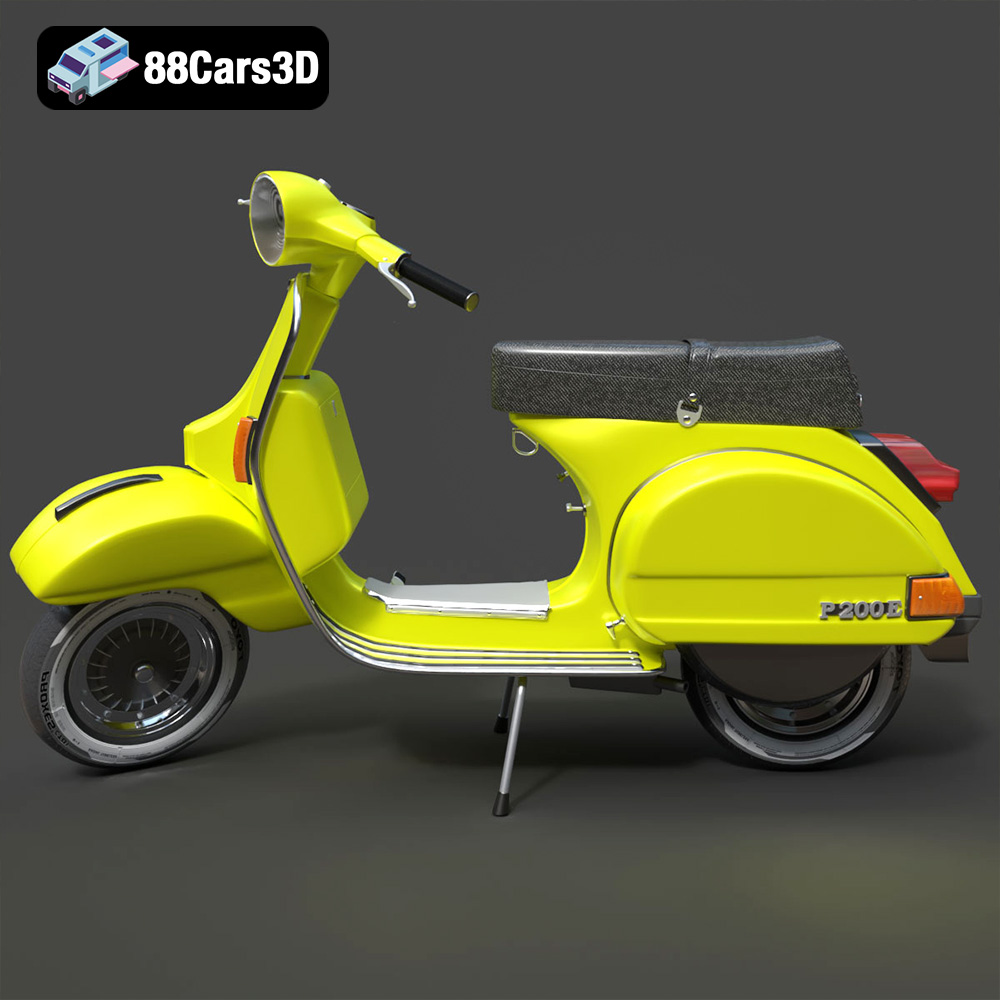
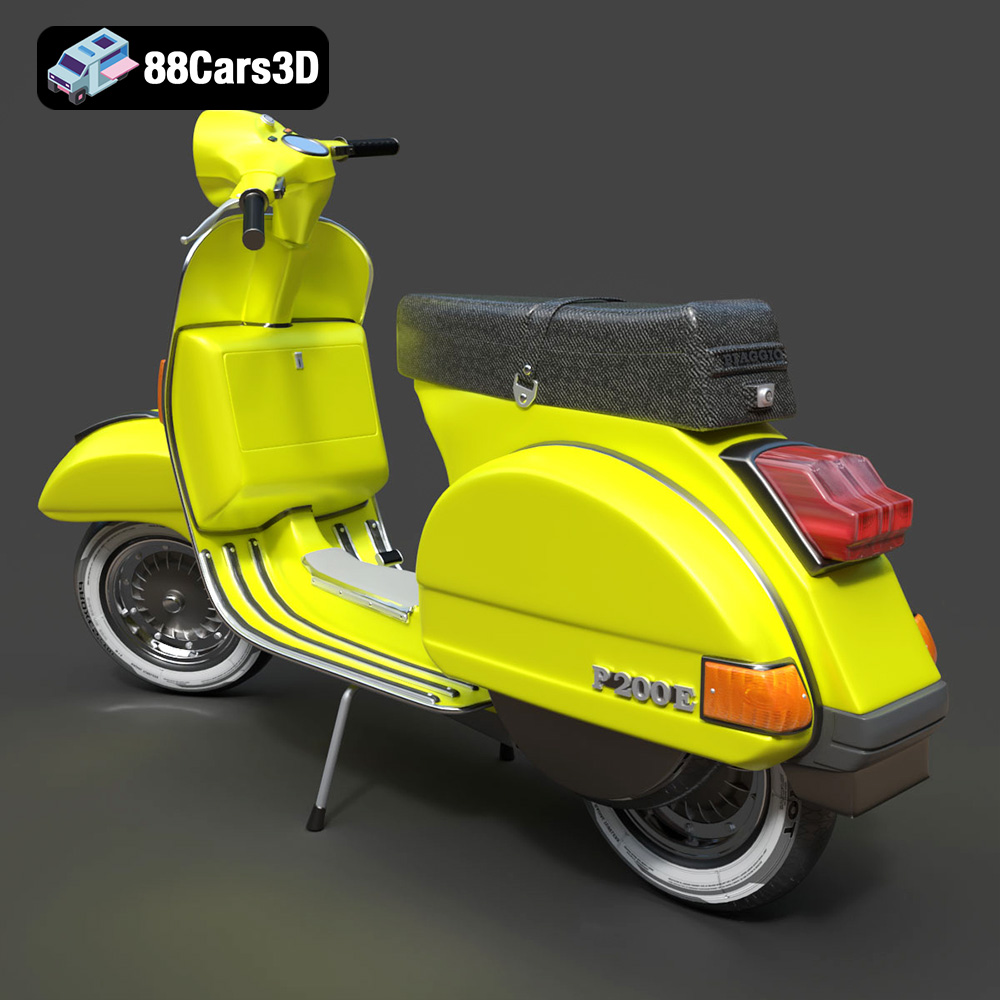
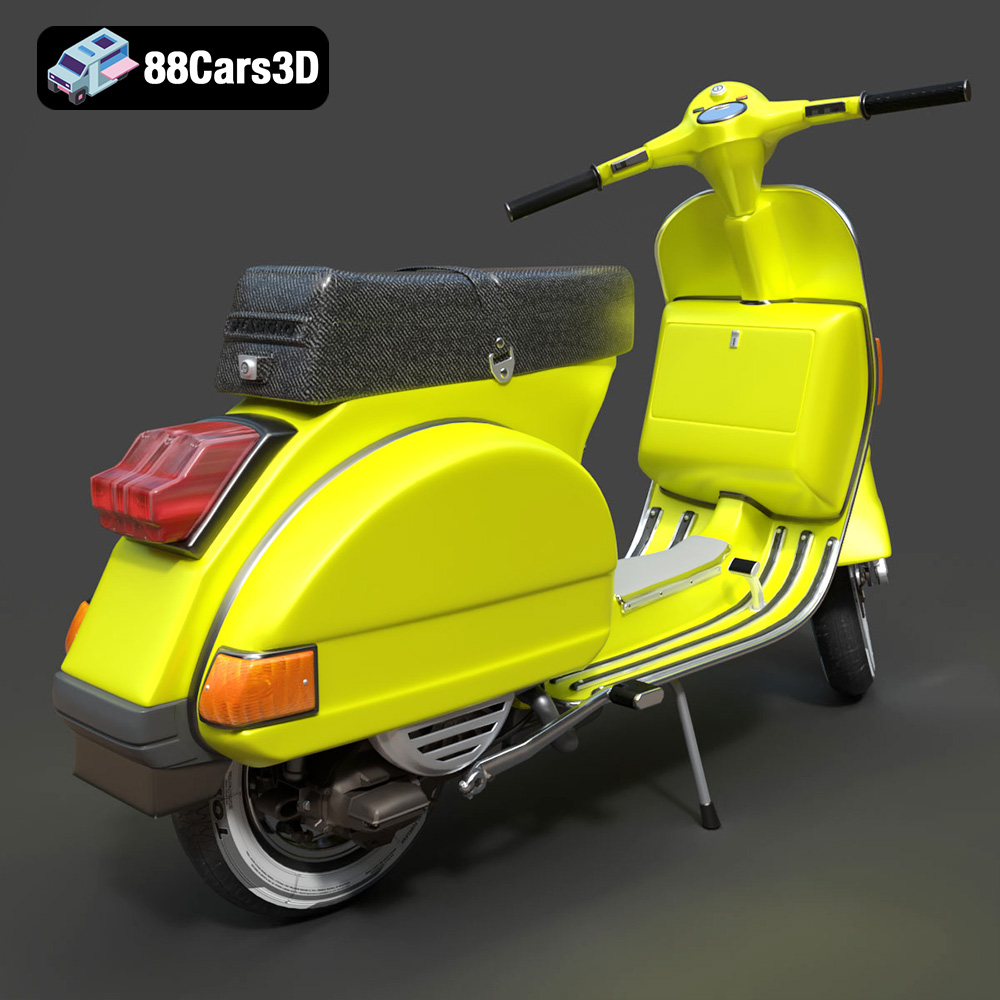
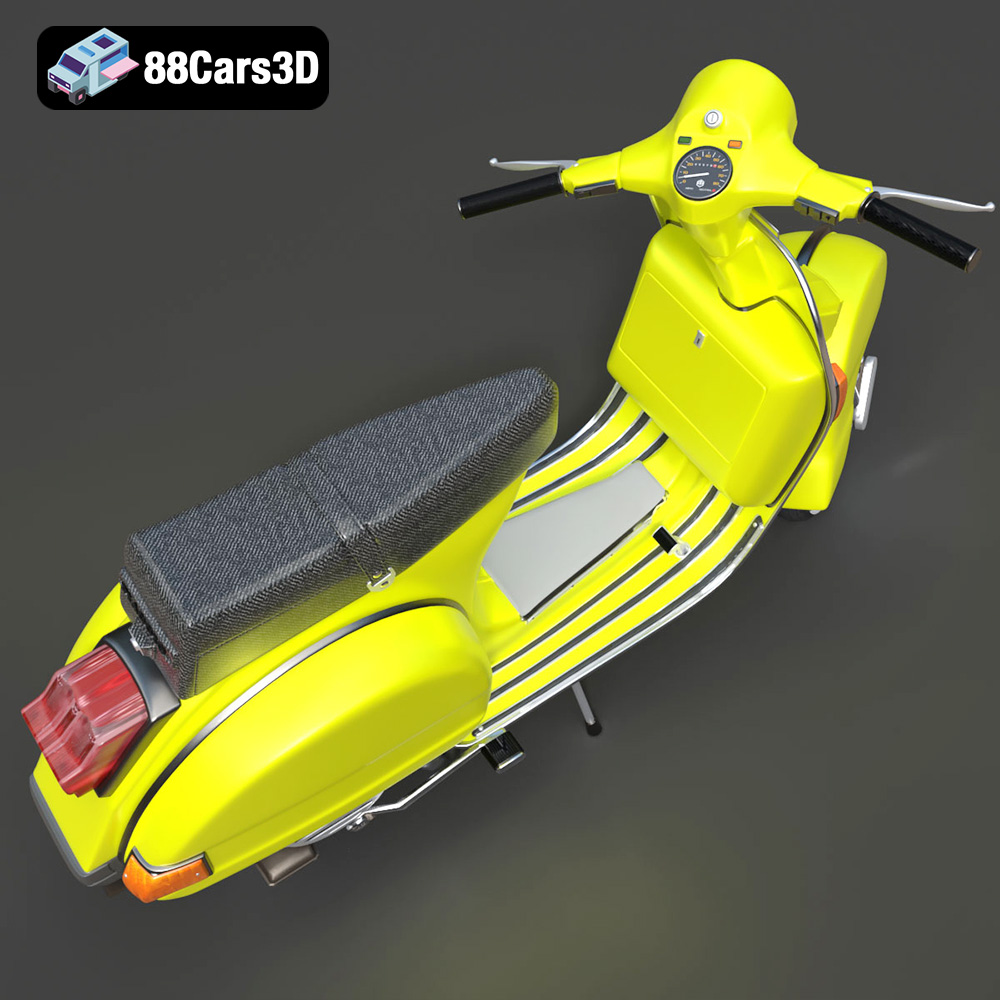
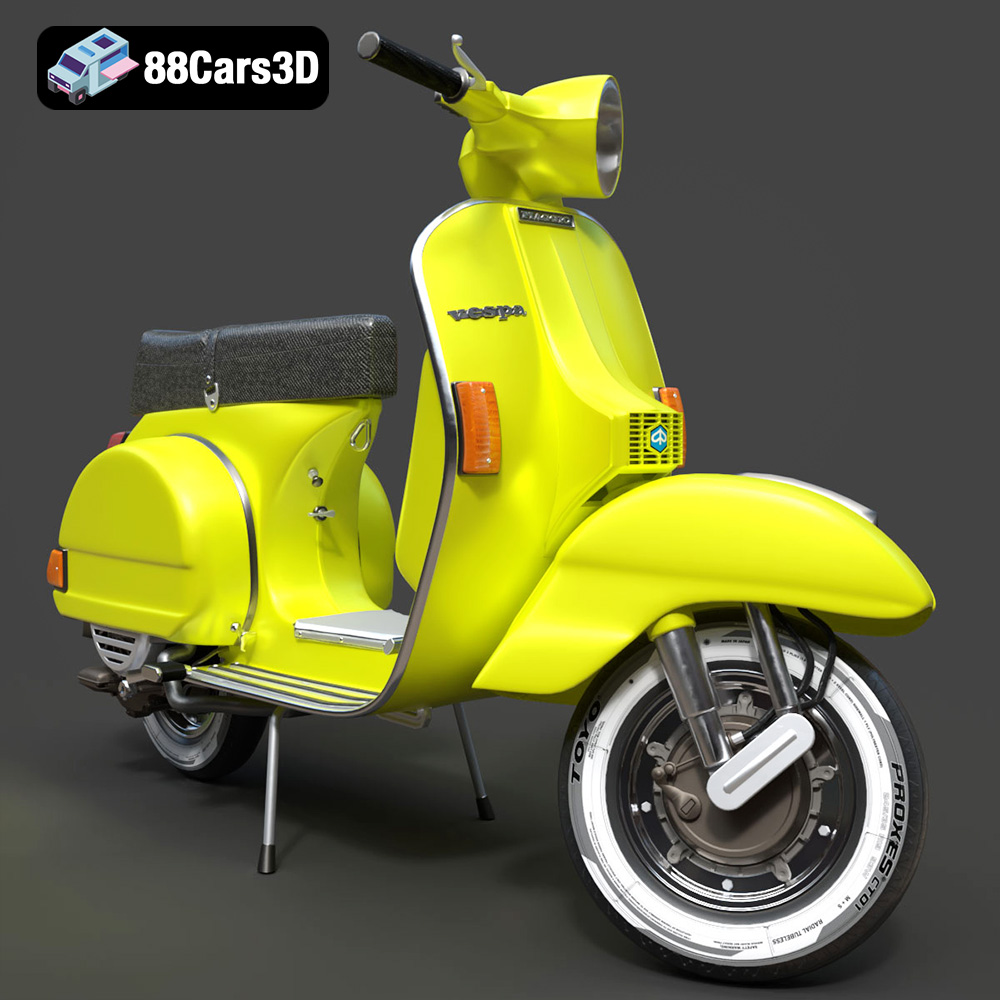
The Vespa P200E is a true icon of Italian design, celebrated for its timeless styling and reliable 2-stroke engine. This 3D model perfectly captures the scooter’s distinctive step-through frame, signature rear engine cowlings, and classic vintage aesthetic that made it a cultural phenomenon. Crafted with a focus on optimization and visual fidelity, this model features a game-ready topology of approximately 50,000 triangles.
$19.99
.blend
.fbx
.glb
.max
.obj
.ply
.rendering
.scooter
.stl
.unreal
.vespa
.vintage
classic-scooter
game asset
game-ready
low-poly
motorcycle-3d-model
optimized
p200e
VR/AR