Get 20% OFF All Premium 3D & STL Models!

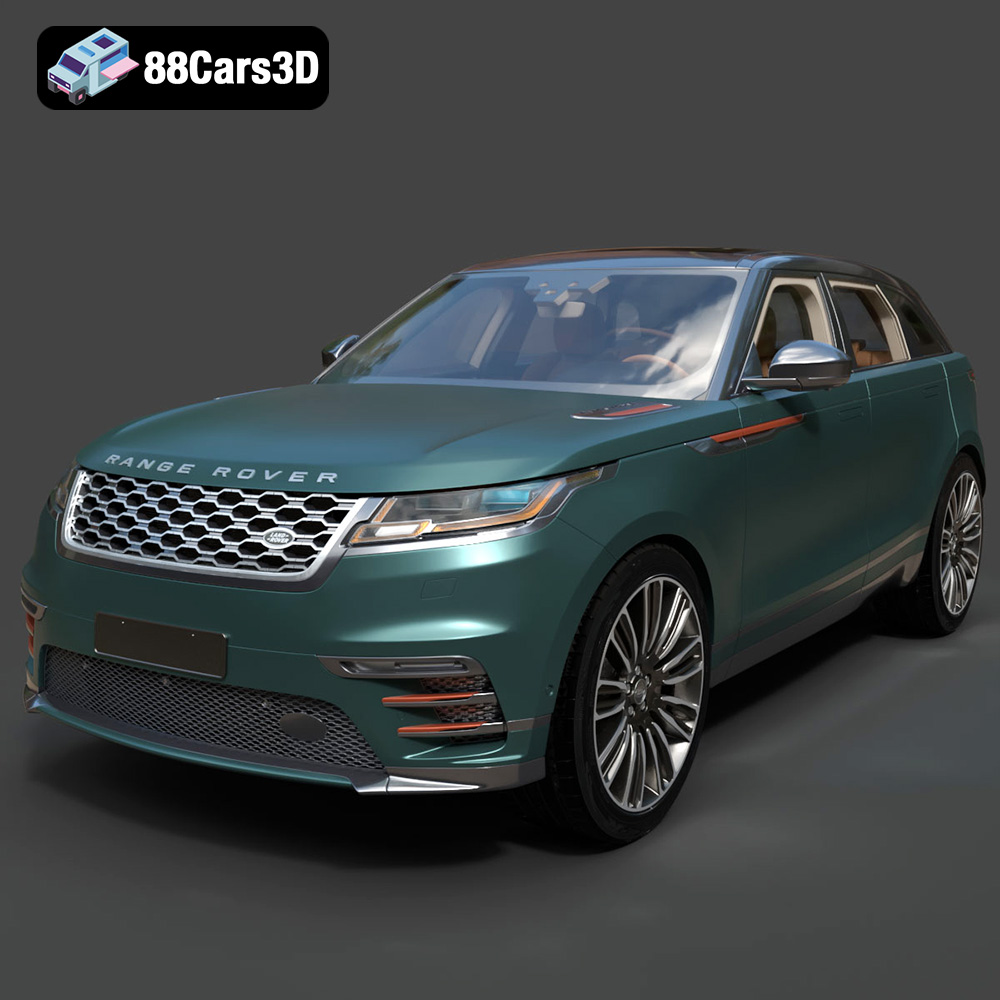
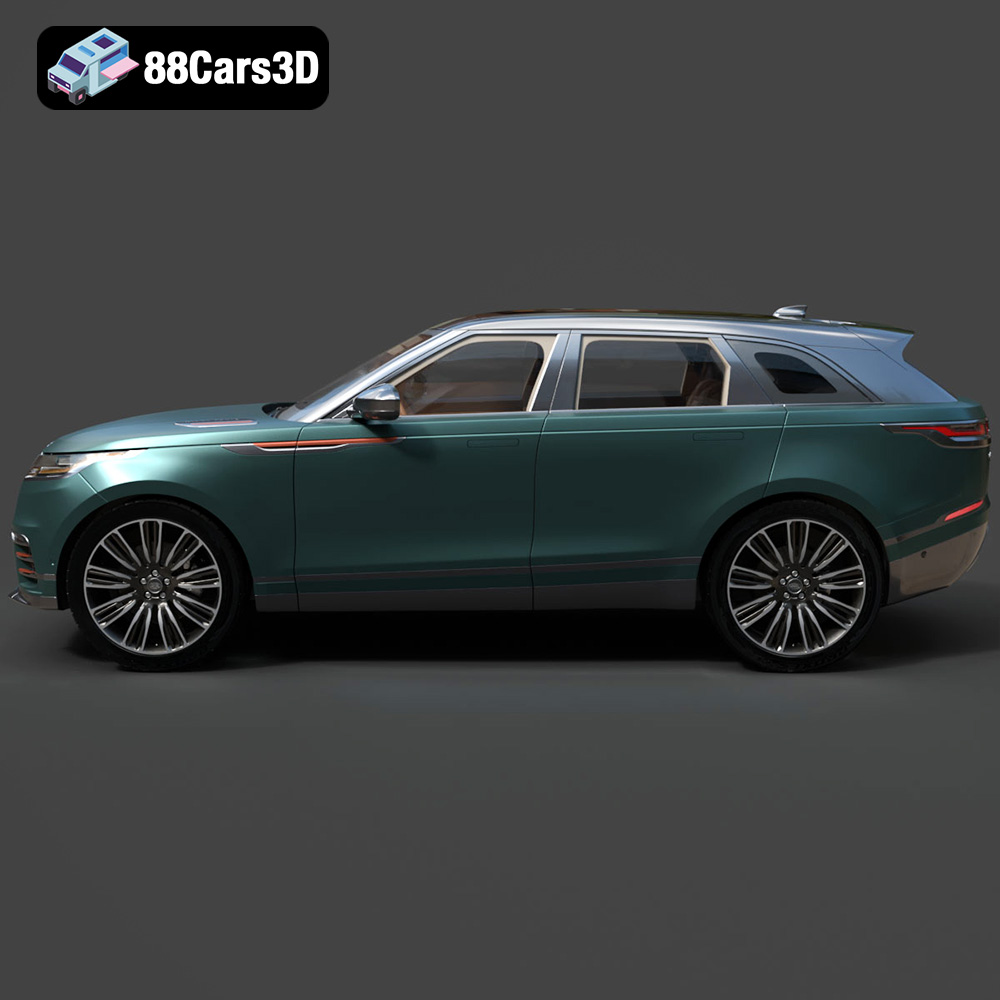
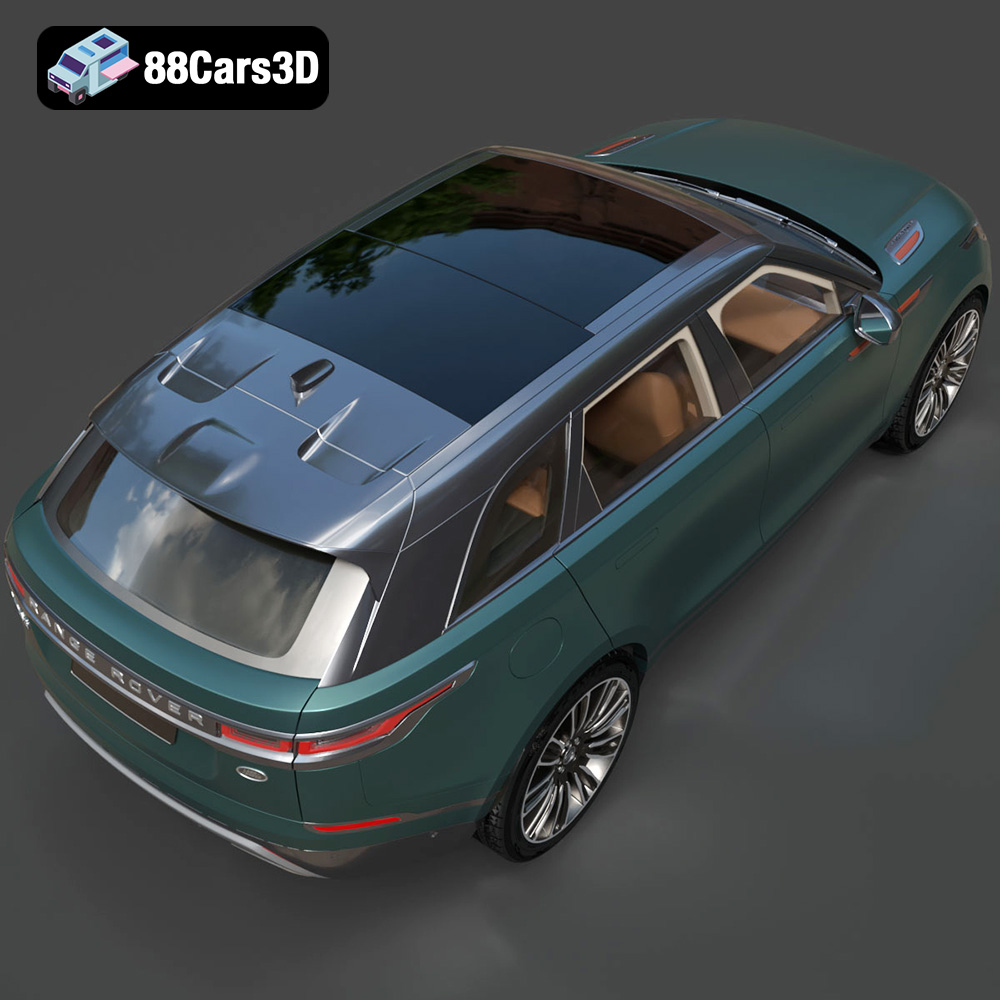
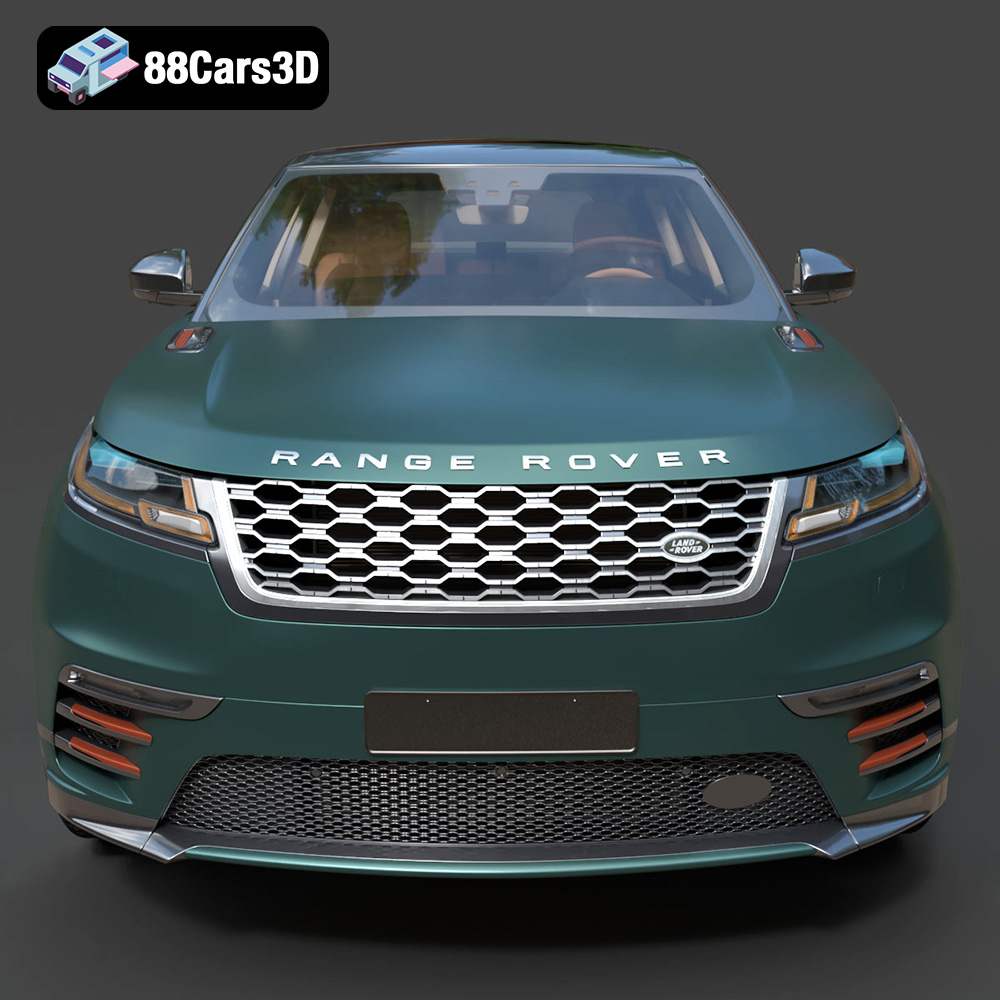
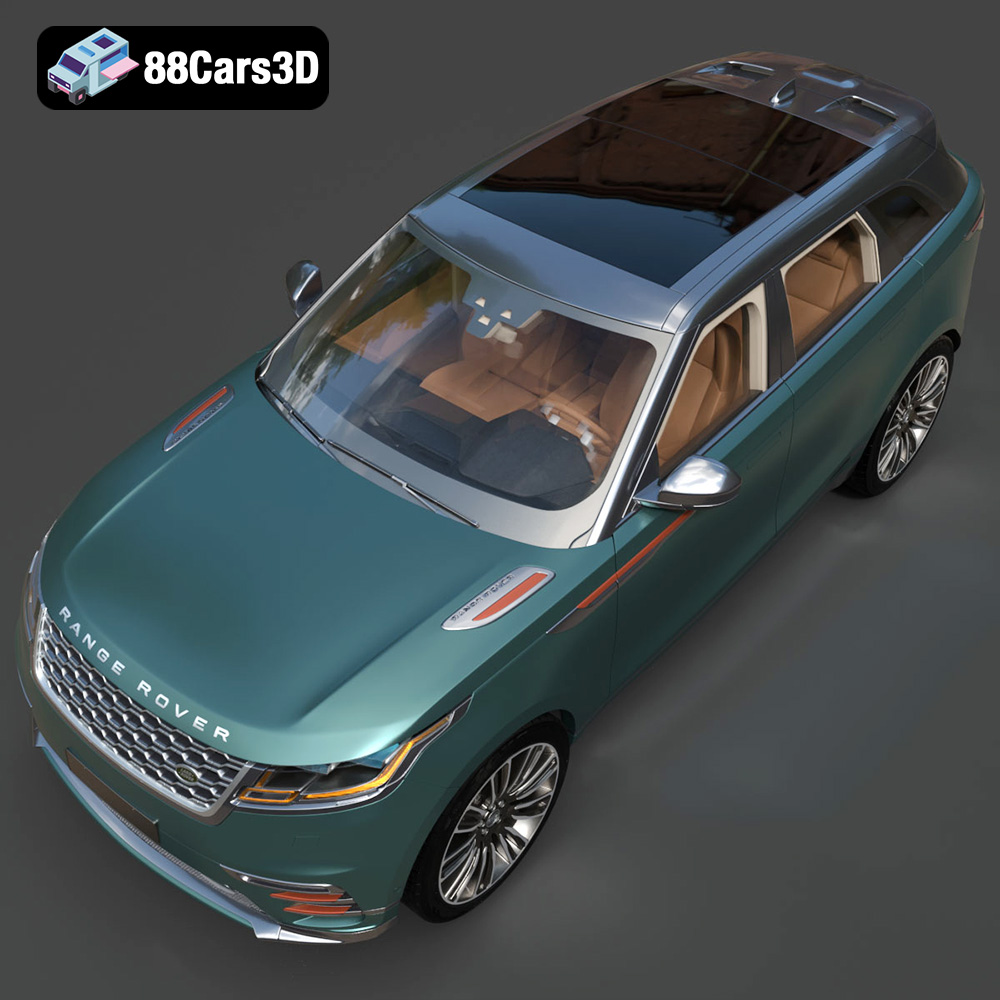
The Land Rover Range Rover Velar 2018 is a stunning example of automotive design, blending luxury and capability into a sleek SUV. Bringing this iconic vehicle to life through 3D printing is a rewarding project for hobbyists and professionals alike. This guide will walk you through the process, from selecting the right materials and preparing the STL files to post-processing and final assembly. Whether you aim for a display model, a detailed replica for a diorama, or a custom piece for a larger project, this guide provides the technical insights you need to achieve outstanding results with your 3D printed Velar.
Selecting the appropriate 3D printer and material is crucial for achieving the desired quality and durability in your printed Land Rover Range Rover Velar 2018 model. The level of detail in the model, especially the interior, demands a printer capable of producing fine details.
* **FDM (Fused Deposition Modeling):** FDM printers are a popular choice due to their affordability and ease of use. They work by extruding melted plastic filament layer by layer. For the Velar model, an FDM printer with a nozzle size of 0.4mm or smaller is recommended to capture the details of the body panels and interior.
* **Resin (SLA/DLP):** Resin printers offer superior detail and surface finish compared to FDM printers. They use a liquid resin that is cured by UV light. If you prioritize detail, especially for smaller scale models or intricate parts like the dashboard, a resin printer is the better choice.
* **PLA (Polylactic Acid):** PLA is a biodegradable thermoplastic polymer derived from renewable resources. It’s easy to print, has low warping, and is suitable for beginners. It’s a good choice for initial prototypes or display models. However, PLA is not as durable or heat-resistant as other materials.
* **PETG (Polyethylene Terephthalate Glycol-modified):** PETG offers a good balance of strength, flexibility, and ease of printing. It’s more heat-resistant and impact-resistant than PLA, making it a suitable option for parts that require durability. PETG also has better layer adhesion than PLA.
* **ABS (Acrylonitrile Butadiene Styrene):** ABS is a strong and durable thermoplastic polymer known for its high impact resistance and heat resistance. It is more challenging to print than PLA and PETG, as it is prone to warping. ABS is suitable for parts that require high strength and durability, but is less beginner friendly.
* **Resin (Various Types):** Resin options vary widely, from standard resins for general use to tough resins for functional parts and flexible resins for tires. Select a resin that matches the desired properties for your project. For the Velar model, a standard or tough resin is recommended for the body and interior, while a flexible resin could be used for the tires.
The Land Rover Range Rover Velar 2018 3D model is available in multiple file formats, each designed for specific applications. Understanding these formats is crucial for a successful 3D printing experience.
STL (Stereolithography) is the most widely used file format in 3D printing. It represents the surface geometry of a 3D object as a collection of triangles. STL files are simple, containing only information about the vertices and normals of each triangle, without any color or texture data. This simplicity makes them universally compatible with slicing software and 3D printers. However, the lack of color and texture information means that the printed model will be a single color, unless post-processing techniques like painting are used. For the Velar model, the STL file provides a solid foundation for 3D printing, offering a balance between file size and detail.
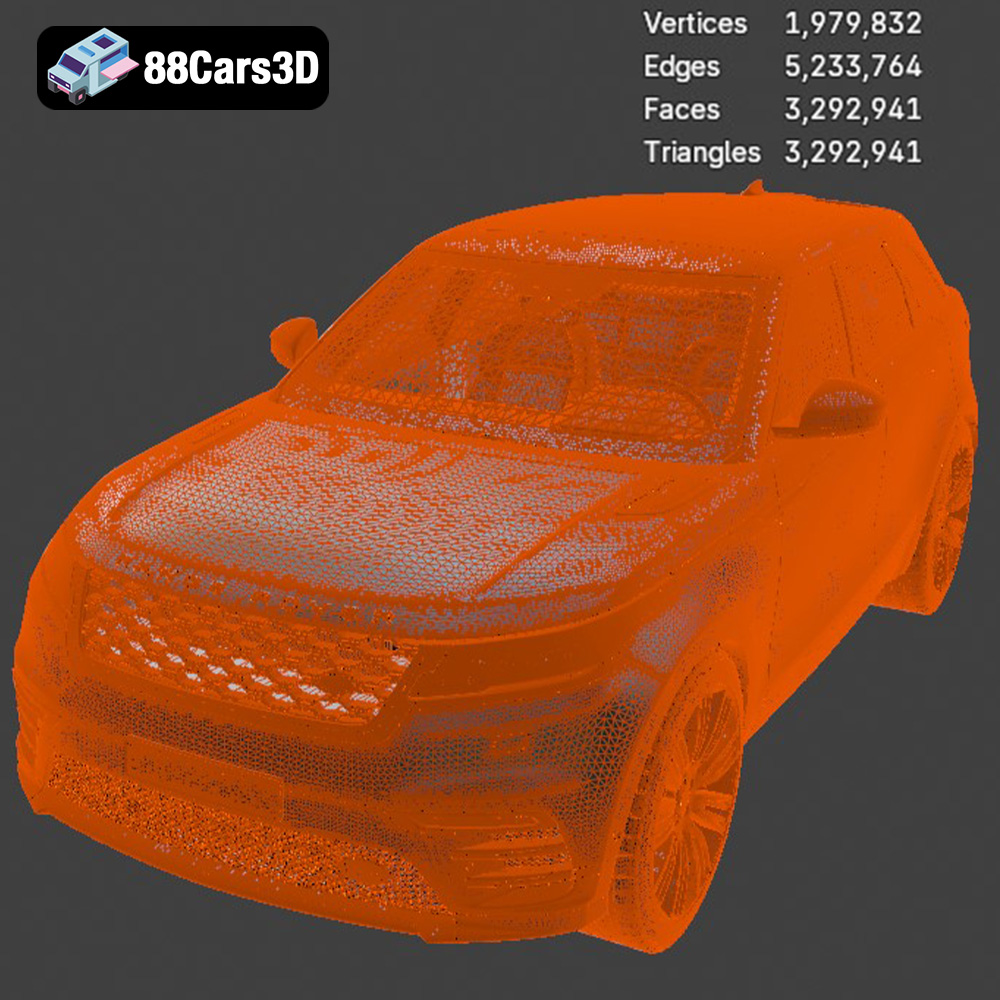
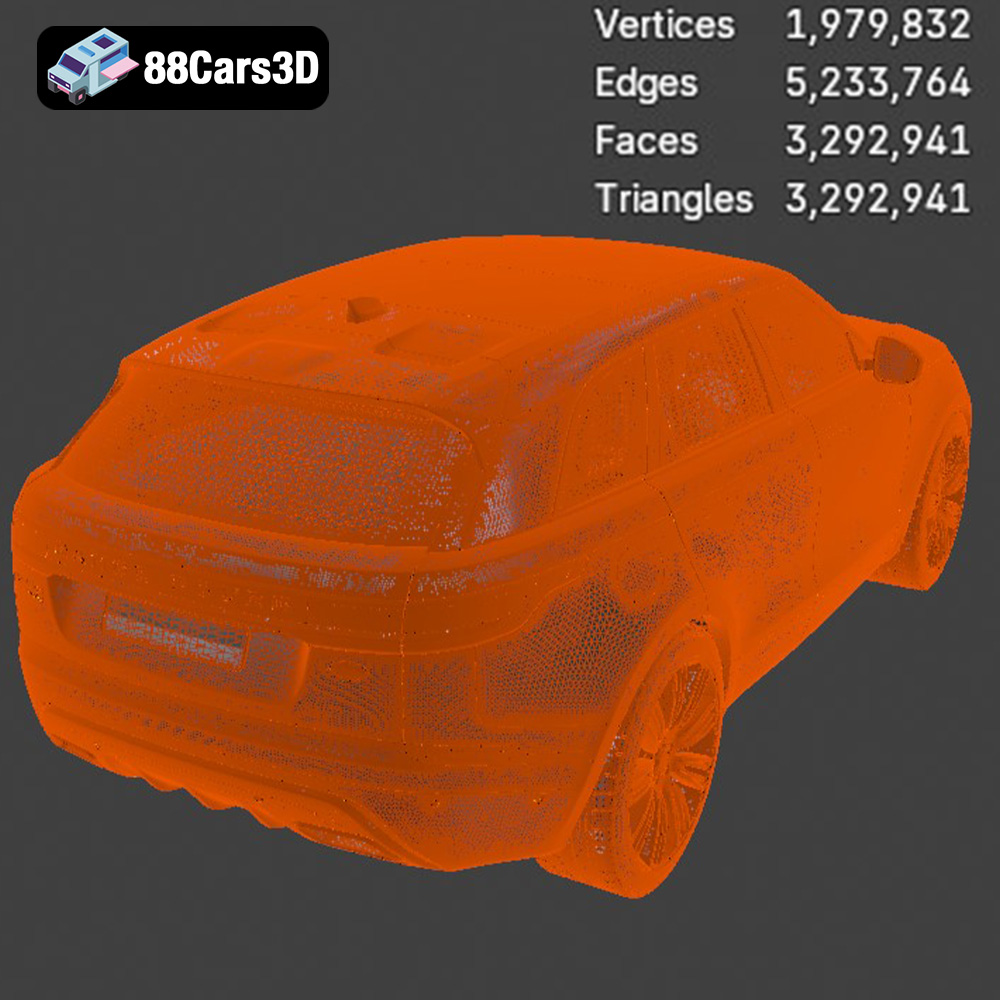
When working with STL files, it’s essential to ensure the mesh is watertight (i.e., has no holes or gaps) and has properly oriented normals (i.e., the triangles’ faces point outwards). Non-manifold geometry (edges shared by more than two faces) can also cause issues. Many slicing software programs have built-in tools to automatically repair these issues, but it’s always a good idea to inspect the mesh beforehand using a mesh analysis tool. Optimizing the mesh density is another important consideration. A higher triangle count will result in a smoother surface but also increase the file size and processing time. Finding the right balance between detail and performance is key to a successful print.
OBJ (Object) is a more versatile format than STL, as it can store color and texture information in addition to geometry. It is often used in 3D modeling software and is supported by many slicing software programs. However, the texture information is stored in separate files (e.g., .mtl files), which need to be kept alongside the .obj file. OBJ files can be larger than STL files, especially if they contain high-resolution textures.
PLY (Polygon File Format) is another format that can store color and texture information, but it is less commonly used than OBJ. PLY files can also store additional data, such as vertex normals and face colors, making them suitable for high-detail prints.
BLEND is the native file format for Blender, a popular open-source 3D modeling software. It contains the entire scene, including the model, materials, textures, and lighting setup. BLEND files are not directly compatible with slicing software and need to be exported to a printable format like STL or OBJ. The BLEND file allows for extensive customization of the Velar model before printing. You can modify the geometry, add details, or change the materials to suit your specific needs.
FBX (Filmbox) is a proprietary file format developed by Autodesk. It is widely used in the game development and animation industries. FBX files can store geometry, materials, textures, animations, and other data. While some slicing software programs can import FBX files, it’s generally recommended to export to STL for 3D printing, as it is the most universally supported format.
GLB (GL Transmission Format Binary) is a file format designed for efficient transmission and loading of 3D models. It is commonly used in AR/VR applications and web-based visualization. GLB files are self-contained, meaning they include all the necessary data (geometry, materials, textures) in a single file. While GLB is not directly used for 3D printing, it can be useful for previewing the model in AR before printing to ensure it meets your expectations.
MAX is the native file format for 3ds Max, another popular 3D modeling software. Similar to BLEND files, MAX files contain the entire scene and are not directly compatible with slicing software. You will need to export the model to a printable format like STL.
Proper pre-print preparation is critical for a successful 3D printing outcome. This involves using slicing software to convert the 3D model into a series of instructions for the printer and orienting the model for optimal printing.
* **Cura:** A popular open-source slicing software that is compatible with most FDM printers. It offers a wide range of settings and features, making it suitable for both beginners and advanced users.
* **PrusaSlicer:** Another open-source slicing software that is known for its advanced features and accuracy. It is compatible with most FDM printers and offers support for multi-material printing.
* **Simplify3D:** A commercial slicing software that offers advanced features and customization options. It is known for its ease of use and reliability.
* **ChiTuBox:** A slicing software specifically designed for resin printers. It offers features such as automatic support generation and hollowing.
The orientation of the Land Rover Range Rover Velar 2018 model on the print bed can significantly impact the print quality, support requirements, and overall success of the print. Consider the following:
* **Minimizing Support Structures:** Orient the model to minimize the need for support structures, as these can leave blemishes on the surface of the print.
* **Hiding Seams:** Position the model so that the Z-seam (the point where each layer starts and ends) is hidden in an inconspicuous location, such as the underside of the chassis.
* **Surface Finish:** Orient the model to ensure that the most visible surfaces are printed with the highest possible resolution. For example, the hood and roof should be oriented parallel to the print bed to achieve a smooth surface finish.
* **Structural Integrity:** If the model is intended for functional use, orient it to maximize the strength of the printed parts. For example, orient load-bearing parts along the Z-axis to increase their resistance to bending.
* **FDM Printing:** For FDM printing, consider using tree supports, which are more efficient and leave fewer blemishes than traditional linear supports. Adjust the support density and overhang angle to optimize support removal and surface finish.
* **Resin Printing:** For resin printing, use a combination of light, medium, and heavy supports to ensure that the model is securely attached to the build plate and that all overhangs are properly supported. Pay attention to the support placement to avoid damaging delicate features of the model.
Fine-tuning your printer settings is crucial for achieving a high-quality 3D printed Land Rover Range Rover Velar 2018 model. Here are some recommended settings for both FDM and resin printing:
* **Layer Height:** 0.1mm – 0.2mm. A lower layer height will result in a smoother surface finish but will also increase print time.
* **Infill Density:** 15% – 25%. An infill density within this range will provide sufficient strength for most display models without adding excessive weight or print time. Consider increasing the infill density for parts that require more strength.
* **Print Speed:** 40mm/s – 60mm/s. A slower print speed will generally result in better print quality, especially for intricate details.
* **Nozzle Temperature:** According to filament manufacturer’s recommendations.
* **Bed Temperature:** According to filament manufacturer’s recommendations.
* **Support Settings:** Tree supports, 45-degree overhang angle, 15% support density.
* **Retraction Settings:** Adjust retraction settings to minimize stringing and oozing. This will vary depending on the filament and printer being used.
* **Layer Height:** 0.05mm – 0.1mm. A lower layer height will result in finer details but will also increase print time.
* **Exposure Time:** According to resin manufacturer’s recommendations.
* **Bottom Layer Exposure Time:** According to resin manufacturer’s recommendations.
* **Lift Distance:** 5mm – 7mm. A higher lift distance will help prevent the model from sticking to the FEP film.
* **Lift Speed:** 60mm/min – 80mm/min. A slower lift speed will reduce the risk of layer separation.
* **Support Settings:** Light, medium, and heavy supports, 45-degree overhang angle, 1.0mm – 1.5mm support tip diameter.
Post-processing is the final step in the 3D printing process and involves cleaning, sanding, painting, and assembling the printed parts. This step is crucial for achieving a polished and professional finish.
* **FDM Printing:** Carefully remove the support structures using pliers, cutters, or a deburring tool. Be careful not to damage the surface of the model. Sand down any remaining support marks with fine-grit sandpaper.
* **Resin Printing:** Rinse the printed parts in isopropyl alcohol (IPA) to remove any uncured resin. Cure the parts under UV light to fully harden the resin. Remove the support structures using cutters or a sharp knife. Sand down any remaining support marks with fine-grit sandpaper.
* Start with coarse-grit sandpaper (e.g., 220 grit) to remove any major imperfections or layer lines. Gradually move to finer-grit sandpaper (e.g., 400 grit, 600 grit, 800 grit) to smooth the surface. Wet sanding can help to reduce dust and improve the surface finish.
* Apply a primer to the model to create a smooth and uniform surface for painting. Use acrylic paints or enamel paints for the base coat and details. Apply multiple thin coats of paint for best results. Use masking tape to create clean lines and separate different colors. Consider using an airbrush for a professional finish.
* Add details such as panel lines, rivets, and emblems using fine-tipped markers or paintbrushes. Apply a clear coat to protect the paint and add a glossy or matte finish.
* Assemble the printed parts using super glue or epoxy. Use clamps or rubber bands to hold the parts in place while the glue dries. Ensure all parts fit together properly and make any necessary adjustments.
Despite careful preparation, 3D printing issues can arise. Here are some common problems and their solutions:
* **Warping:** This is a common issue with FDM printing, especially with ABS. Ensure the print bed is level and heated to the correct temperature. Use a brim or raft to improve adhesion to the print bed.
* **Stringing:** This occurs when the printer extrudes filament while moving between parts. Adjust the retraction settings to minimize stringing.
* **Layer Separation:** This happens when layers do not adhere properly to each other. Increase the nozzle temperature or reduce the print speed.
* **Elephant’s Foot:** This is a phenomenon where the first few layers of the print are wider than the rest. Reduce the bed temperature or adjust the Z-offset.
* **Resin Printing Failures:** Ensure the resin is properly mixed and degassed. Increase the exposure time or adjust the lift settings.
The print time and material cost for the Land Rover Range Rover Velar 2018 model will vary depending on the size of the model, the printer settings, and the material used. As a general estimate:
* **FDM Printing:** Print time can range from 20 to 50 hours, depending on the size and complexity of the model. Material cost can range from $10 to $30, depending on the type of filament used.
* **Resin Printing:** Print time can range from 10 to 30 hours, depending on the layer height and size of the model. Material cost can range from $20 to $50, depending on the type of resin used.
These are estimates. Always check your slicing software for a more accurate prediction before starting your print.
By following this comprehensive guide, you can successfully 3D print a stunning Land Rover Range Rover Velar 2018 model. Remember to choose the right printer and material, prepare the STL files carefully, fine-tune your printer settings, and pay attention to post-processing. Happy printing! And don’t forget to visit 88cars3d.com for more amazing 3D car models. 88cars3d.com offers a wide variety of STL files optimized for 3D printing.
Experience unparalleled realism with the Land Rover Range Rover Velar 2018 3D Model. Crafted with precision, this digital replica captures the distinctive elegance, streamlined proportions, and modern aesthetic of the iconic luxury SUV. Whether viewed up close or from a distance, the model showcases exceptional attention to detail, making it an ideal asset for professional projects requiring true-to-life accuracy.
$39.99
.arvr
.blend
.car3dmodel
.fbx
.gameasset
.glb
.landrover
.luxurycar
.luxurysuv
.max
.obj
.ply
.rangerover
.rangerovervelar
.rendering
.simulation
.stl
.unreal
.velar
SUV