Get 20% OFF All Premium 3D & STL Models!

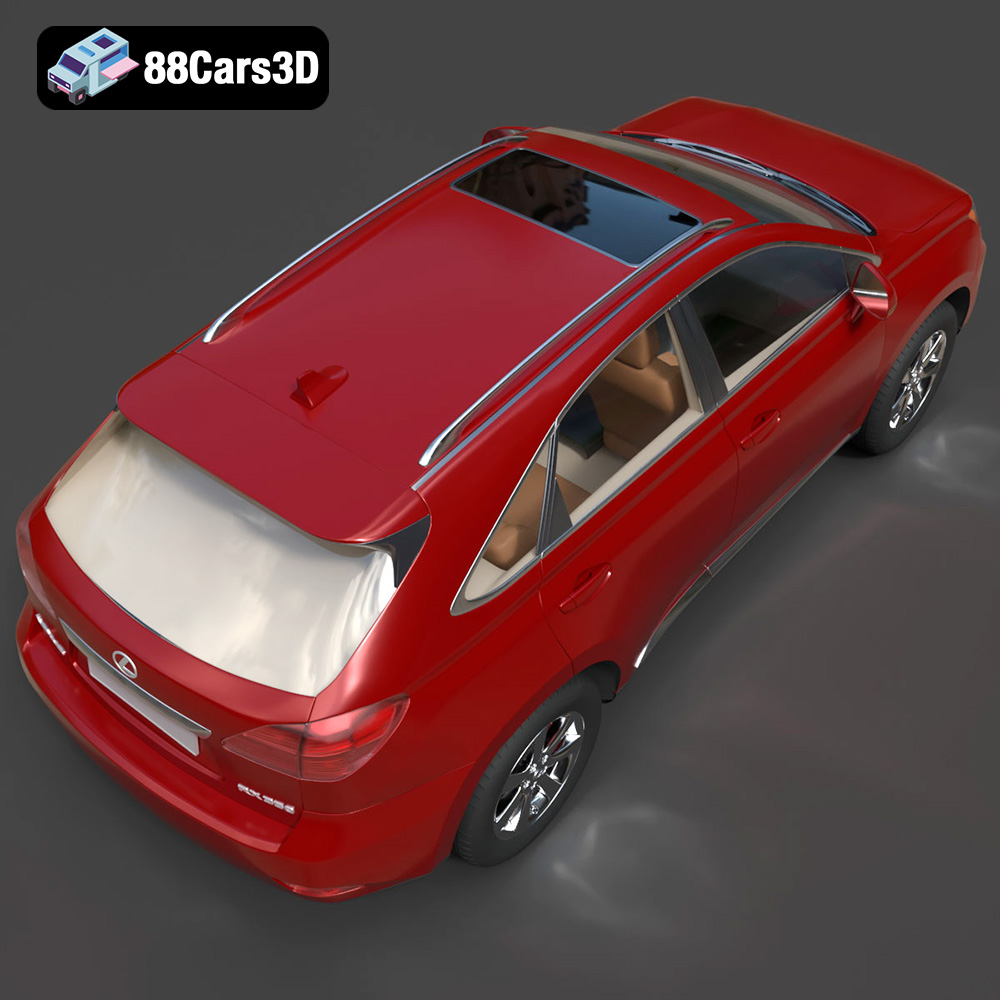
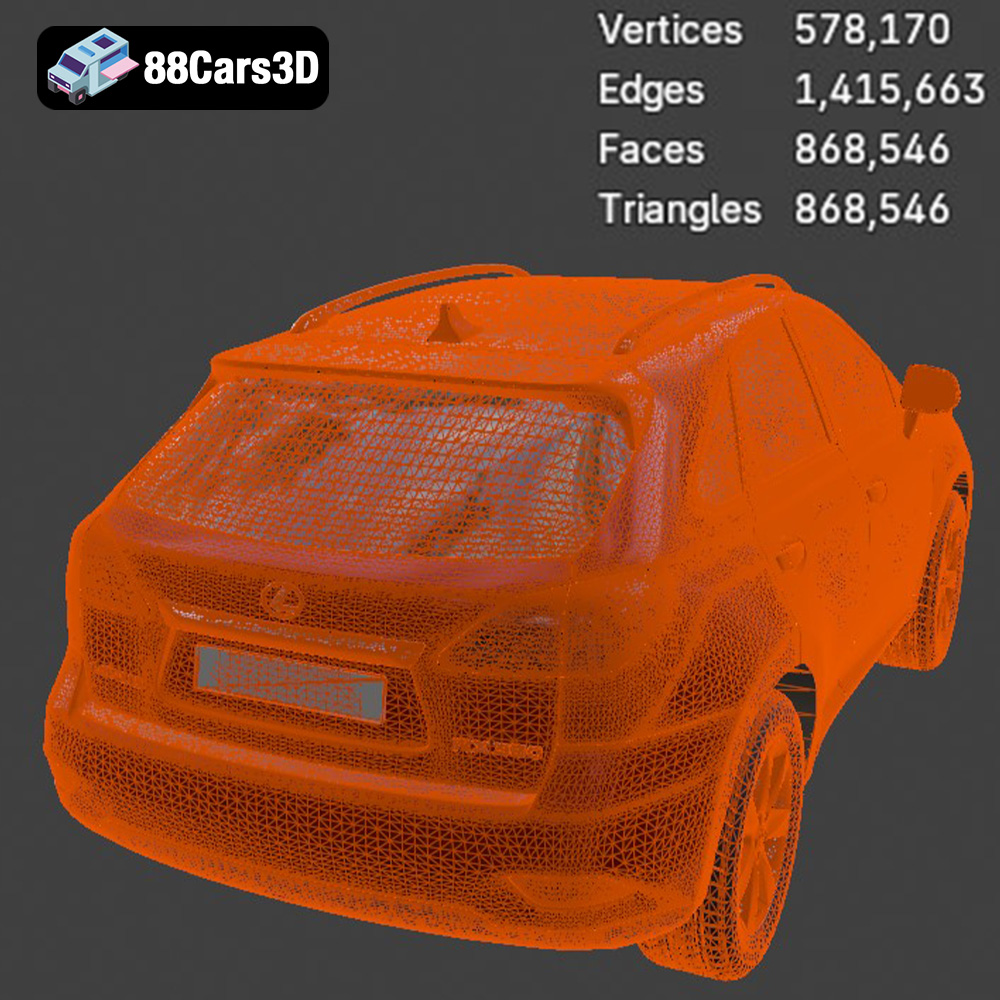
The Lexus RX350 2010, a symbol of luxury and versatility, can now grace your desk or collection as a meticulously 3D printed model. Thanks to the high-quality STL files available at 88cars3d.com, replicating this iconic crossover SUV is within reach for any enthusiast with a 3D printer. This guide provides a comprehensive walkthrough of the 3D printing process, from pre-print preparation to post-processing finesse, ensuring a rewarding and successful project. This 3D model, optimized with approximately 200k triangles, presents a perfect balance between detail and printability.
The success of your 3D printed Lexus RX350 2010 largely depends on selecting the appropriate printer and material. Both Fused Deposition Modeling (FDM) and Stereolithography (SLA) printers are viable options, each with its own strengths and considerations.
FDM printers, known for their affordability and versatility, are a great starting point for 3D printing the Lexus RX350 2010.
* **Material Selection:** PLA (Polylactic Acid) is a popular choice due to its ease of use, biodegradability, and wide availability. PETG (Polyethylene Terephthalate Glycol) offers enhanced strength and heat resistance, making it suitable for parts that may be subject to stress or higher temperatures. ABS (Acrylonitrile Butadiene Styrene) provides excellent durability but requires a heated bed and enclosed chamber to prevent warping.
* **Printer Settings:** Layer height should be set between 0.1mm and 0.2mm for a good balance between print speed and detail. A 20-30% infill density provides sufficient internal support without excessive material consumption. Consider using a brim or raft to improve bed adhesion, especially for larger parts.
* **Supports:** Due to the complex geometry of the Lexus RX350 2010, supports will be necessary, especially for overhanging features such as the side mirrors, exhaust system, and portions of the undercarriage. Strategically place supports in your slicing software to minimize their impact on visible surfaces.
SLA printers, utilizing resin-based printing, offer superior detail and smoother surface finishes compared to FDM. This makes them ideal for capturing the intricate design of the Lexus RX350 2010.
* **Material Selection:** Standard resin is a versatile option for general-purpose printing. However, consider using a tough or durable resin for increased strength and resistance to breakage. ABS-like resins offer a good compromise between detail and durability.
* **Printer Settings:** Layer height should be set between 0.04mm and 0.08mm for optimal detail resolution. Exposure time will depend on the specific resin used and should be calibrated accordingly.
* **Supports:** Like FDM printing, supports are crucial for SLA printing. Use your slicing software to generate supports that are thin and easily removable to minimize surface blemishes.
Selecting the correct file format is crucial for a seamless 3D printing experience. The Lexus RX350 2010 model from 88cars3d.com is available in several formats, each with its own advantages and use cases.
* **.stl – Industry standard for 3D printing, mesh-only format:** STL (Stereolithography) is the most widely used file format for 3D printing. It represents the surface geometry of a 3D object as a collection of triangles. This simplicity makes it universally compatible with slicing software and 3D printers. However, STL files do not contain color or texture information. STL files work best for 3D printing due to the format’s efficient data storage optimized for conversion to machine instructions that the 3D printer can interpret. When exporting to STL, pay attention to the mesh quality settings in your modeling software. Higher resolution settings result in a smoother surface but also increase file size and processing time. For the Lexus RX350 2010, aim for a resolution that captures the vehicle’s curves and edges without generating an excessively large file.
* **.obj – Universal format with texture support for colored prints:** OBJ files are more versatile than STL, as they can store color and texture information in addition to the 3D geometry. This format is often used for colored 3D prints, although the process is more complex and requires specialized printers.
* **.ply – Precision mesh format for high-detail prints:** PLY files are designed for storing 3D data acquired from scanning technologies. They support color and texture information and are known for their ability to represent high-detail meshes accurately. While suitable for viewing detailed models, PLY files are not always the most practical choice for 3D printing due to their large file size.
* **.blend – Editable Blender scene for customization before export:** BLEND files are the native file format for Blender, a popular open-source 3D modeling software. This format allows for complete customization of the Lexus RX350 2010 model before exporting it to a printable format like STL. Users can modify the geometry, add details, or even create variations of the design.
* **.fbx – For importing into slicing software with materials:** FBX (Filmbox) is a proprietary file format developed by Autodesk. It supports complex scenes with animations, materials, and textures. While FBX files can be imported into some slicing software, they are primarily used for transferring 3D data between different applications.
* **.glb – For previewing models in AR before printing:** GLB (GL Transmission Format Binary) is a binary file format that stores 3D models in a compact and efficient manner. It is commonly used for displaying 3D models on the web and in augmented reality (AR) applications. While not directly used for 3D printing, GLB files can be useful for previewing the Lexus RX350 2010 model in AR before committing to a print.
* **.max – Editable 3ds Max project for modifications:** MAX files are the native file format for 3ds Max, another popular 3D modeling software. Similar to BLEND files, MAX files allow for complete customization of the Lexus RX350 2010 model.
For 3D printing the Lexus RX350 2010, the STL format is generally the most suitable choice. It ensures compatibility with virtually all slicing software and 3D printers. The other formats are more relevant for editing, rendering, or previewing the model.
Before sending the Lexus RX350 2010 model to your 3D printer, thorough preparation is essential. This involves using slicing software to convert the 3D model into a set of instructions that the printer can understand.
Several excellent slicing software options are available, including Cura, Simplify3D, and PrusaSlicer. Each software offers a range of settings that can be adjusted to optimize the print quality, speed, and material usage.
* **Orientation:** Carefully consider the orientation of the model on the print bed. Angling the frame of the Lexus RX350 2010 can improve structural integrity and reduce the need for supports. Print the wheels separately for easier post-processing.
* **Layer Height:** A layer height of 0.1mm to 0.2mm is recommended for FDM printing, while 0.04mm to 0.08mm is ideal for SLA printing.
* **Infill:** Adjust the infill density based on the desired strength and weight of the model. A 20-30% infill is generally sufficient for display purposes.
* **Supports:** Generate supports using the slicing software’s automatic support generation feature. Manually adjust the support placement to minimize their impact on visible surfaces.
* **Adhesion:** Use a brim or raft to improve bed adhesion, especially for larger parts or materials prone to warping.
Before slicing, inspect the STL file for any errors or imperfections. Use a mesh repair tool, such as those included in Meshmixer or Netfabb, to fix any issues. The recommended scales for the Lexus RX350 2010 model are 1:12, 1:18, or 1:24. Choose a scale that suits your printer’s build volume and desired level of detail.
Once the model is prepared, setting the correct printing parameters is critical for achieving optimal results.
* **Nozzle Temperature:** Follow the material manufacturer’s recommendations for nozzle temperature. PLA typically prints between 190°C and 220°C, while PETG requires a higher temperature range of 220°C to 250°C.
* **Bed Temperature:** A heated bed is essential for most materials. PLA benefits from a bed temperature of 60°C, while PETG requires 70°C to 80°C. ABS requires a higher bed temperature of 100°C to 110°C.
* **Print Speed:** A print speed of 40-60mm/s is a good starting point for FDM printing. Reduce the speed for intricate details or overhangs. SLA printing speed depends on the resin and printer settings.
* **Support Density:** Adjust the support density based on the complexity of the model and the material used. Higher support density provides better support but can be more difficult to remove.
* **Support Interface:** Use a support interface layer to improve the adhesion between the supports and the model.
* **Bed Adhesion:** Ensure proper bed adhesion to prevent warping or detachment during printing. Use a clean and level print bed, apply a layer of adhesive (such as glue stick or hairspray), and use a brim or raft if necessary.
After printing, post-processing is essential to refine the surface finish and assemble the Lexus RX350 2010 model.
Carefully remove the supports using pliers or a hobby knife. Take your time to avoid damaging the model. Use sandpaper of varying grits (starting with a coarse grit and gradually moving to finer grits) to smooth out any imperfections and remove support marks.
Apply a primer coat to the model to prepare the surface for painting. Primer fills in small imperfections and provides a better surface for paint adhesion. Use spray paint or an airbrush to apply the desired colors. The Lexus RX350 2010 is available in a range of colors, such as Starfire Pearl and Obsidian. Consider using metallic finishes for a more realistic look.
Assemble the individual parts of the model, such as the wheels, suspension, and interior components. Use glue or epoxy to secure the parts together. Add fine details, such as window trim, emblems, and lights, using paint pens or decals.
Even with careful preparation, 3D printing can sometimes present challenges. Here are some common issues and their solutions.
* **Cause:** Uneven cooling or poor bed adhesion.
* **Solution:** Use a heated bed, apply a layer of adhesive, and use a brim or raft. Enclose the printer to maintain a consistent temperature.
* **Cause:** Excessive nozzle temperature or retraction issues.
* **Solution:** Lower the nozzle temperature and increase the retraction distance and speed.
* **Cause:** Insufficient layer adhesion or low temperature.
* **Solution:** Increase the nozzle temperature and reduce the print speed. Ensure proper bed leveling and adhesion.
* **Cause:** Over-adhesion to the print bed
* **Solution:** Lower bed temperature or adjust first layer height in slicing software
By following this comprehensive guide, you can successfully 3D print the Lexus RX350 2010 model from 88cars3d.com and add a stunning replica of this iconic vehicle to your collection. Remember to carefully select your materials, optimize your printer settings, and take your time with post-processing for the best results.
The Lexus RX350 2010 is a definitive representation of the luxury crossover SUV segment, bringing together refined elegance, advanced comfort, and robust versatility. This 3D model is meticulously crafted to deliver exceptional visual fidelity while maintaining an optimized topology of approximately 200k triangles. Engineered for game-ready performance and 3D printing!
$39.99
.2010
.blend
.crossover
.fbx
.glb
.lexus
.luxury suv
.max
.obj
.ply
.rendering
.stl
.unreal
car-3d-model
game asset
game-ready
low-poly
optimized
rx350
SUV
vehicle-3d-model
VR/AR