Get 20% OFF All Premium 3D & STL Models!

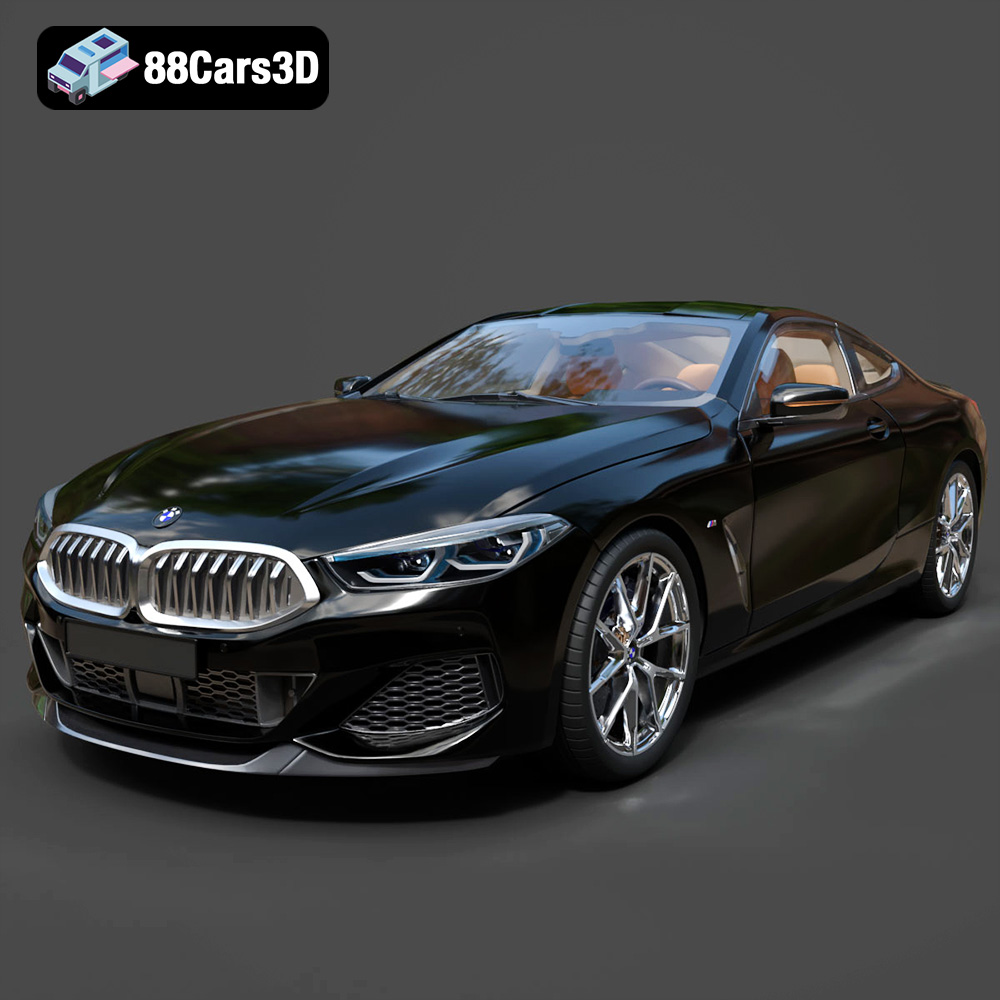
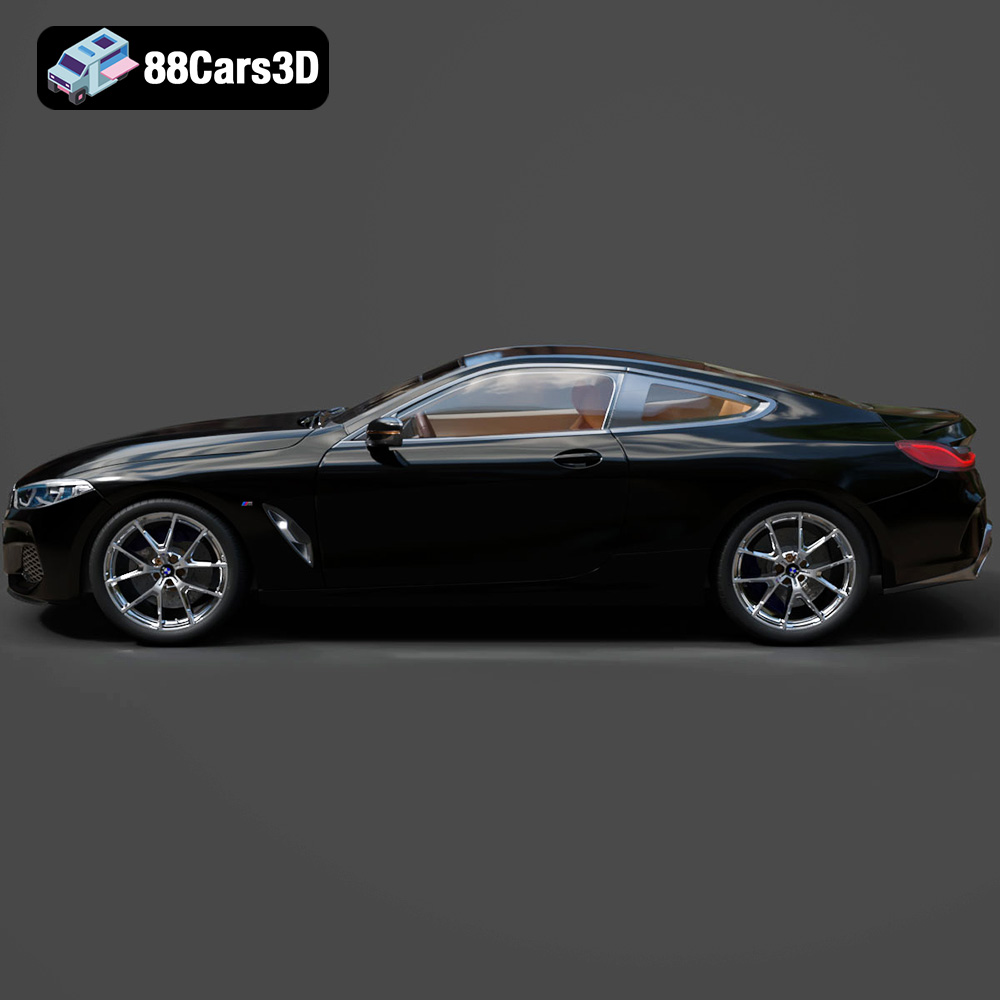
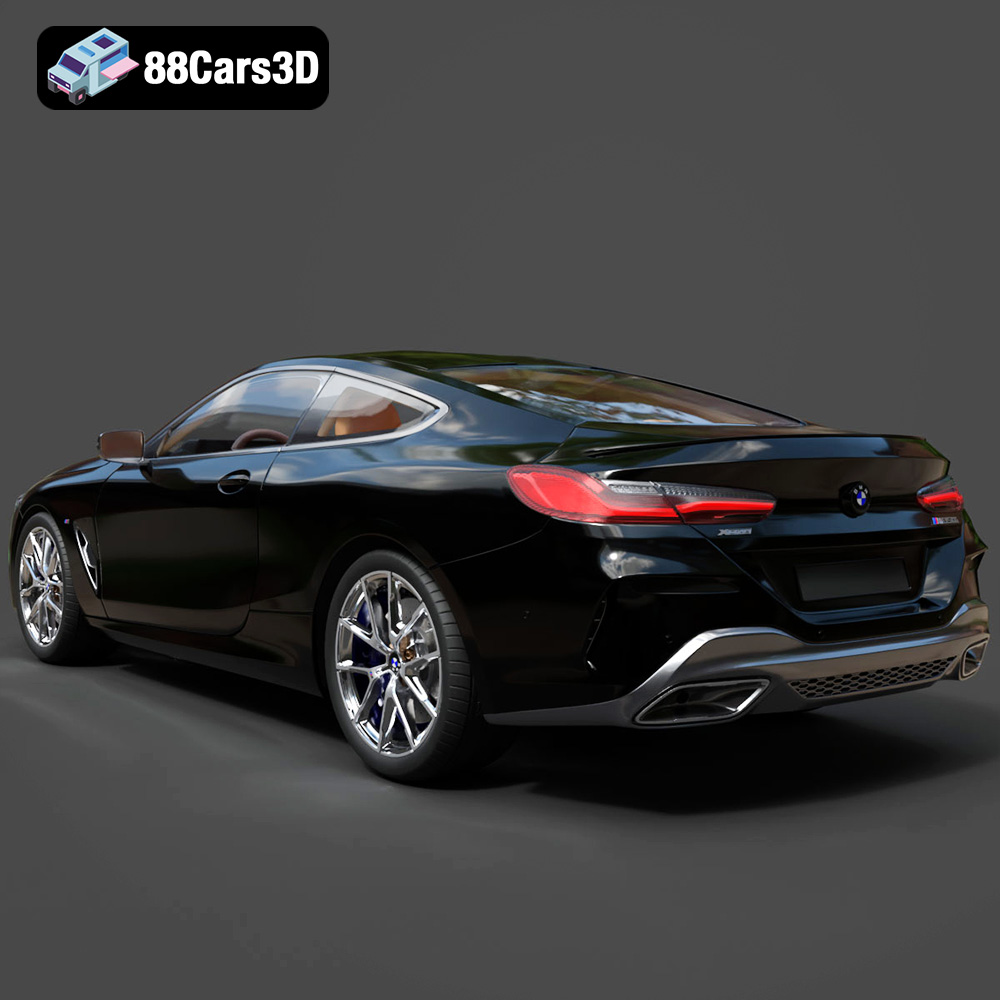
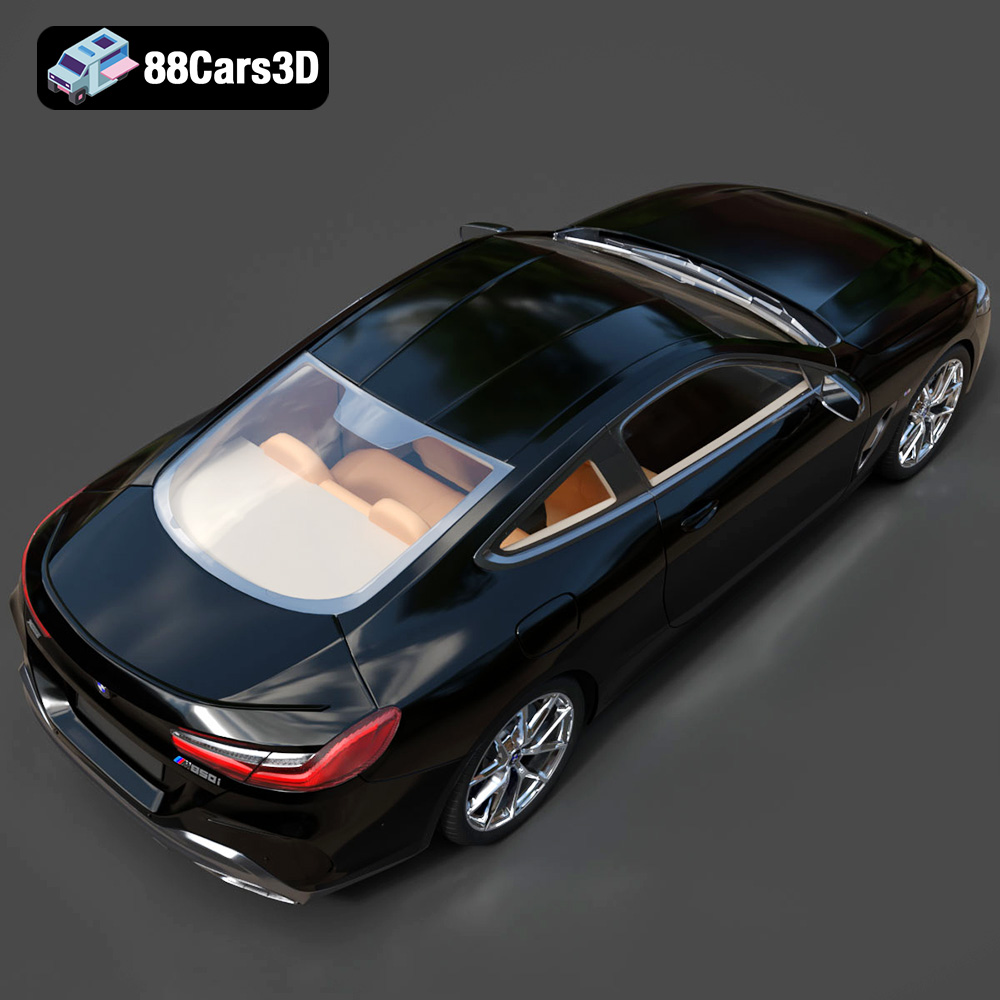
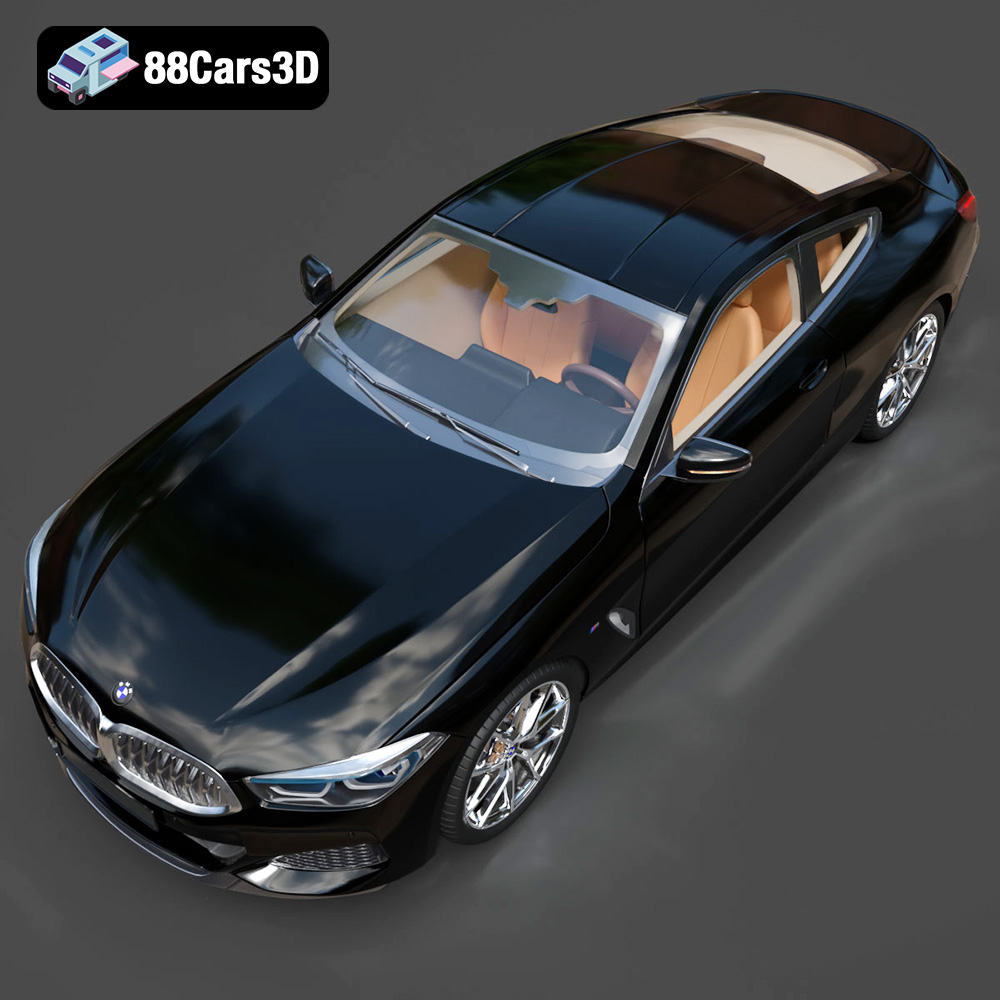
The BMW 8 Series M850i Coupe 2019 is a beautiful machine, and now you can bring it to life using the power of 3D printing. This guide will provide you with the necessary information to successfully 3D print a high-quality replica of this iconic vehicle, leveraging the STL files available for purchase at 88cars3d.com. We’ll cover everything from pre-print preparation to post-processing techniques, ensuring a satisfying and rewarding additive manufacturing experience.
Before diving into the specifics of printing the BMW 8 Series M850i Coupe 2019 model, it’s crucial to understand the different file formats included in the package and their suitability for 3D printing. While the model comes in various formats catering to different applications, the .stl format is the primary choice for 3D printing.
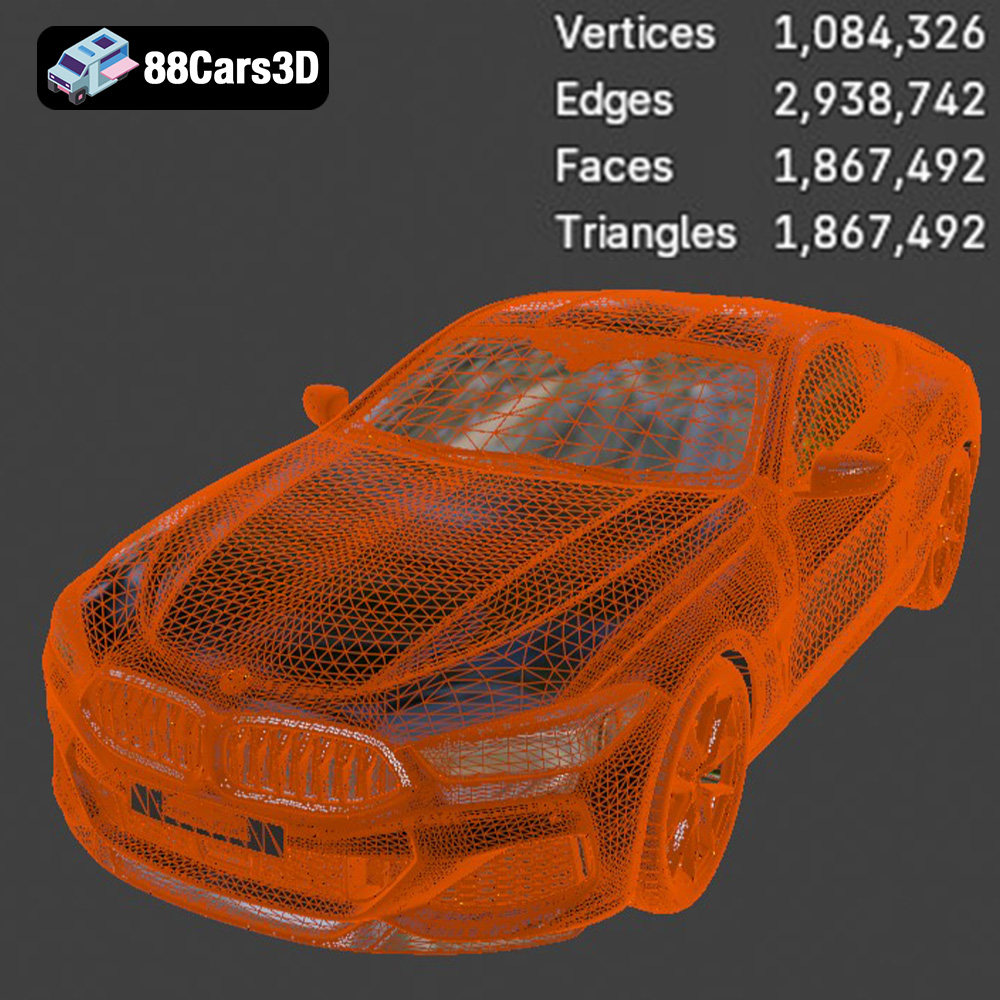
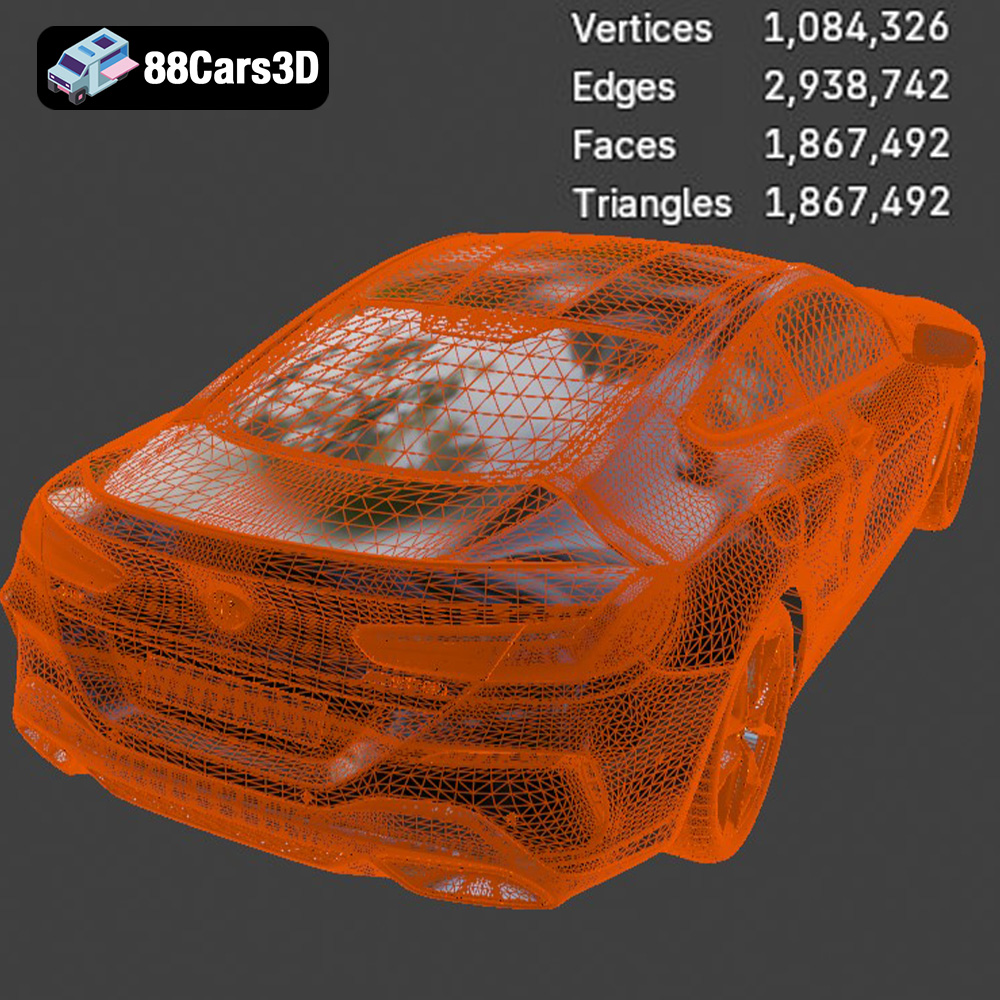
The STL (Stereolithography) file format is the workhorse of the 3D printing world. It represents the surface geometry of a 3D object as a collection of triangles. This simplicity makes it universally compatible with nearly all 3D printers and slicing software. When preparing the BMW 8 Series M850i Coupe 2019 model for printing, you’ll primarily work with the STL file. The quality of the STL file directly impacts the quality of the final print. A well-optimized STL file will have a balanced number of triangles – enough to accurately represent the curves and details of the car without being excessively dense, which can lead to slower slicing and printing times. Always inspect the STL file in your slicing software to ensure there are no visible gaps, holes, or overlapping triangles, as these can cause printing errors.
While STL is the go-to format for printing, understanding the other formats can be beneficial:
* **.obj:** This format is more universal than STL and supports color and texture information. While you can technically print an OBJ file, it’s generally not the best choice for standard FDM or resin printing unless you plan to paint the model afterward.
* **.ply:**PLY is a precision mesh format that can store high-detail polygon data and is useful for high-resolution scans. This is generally not optimized for 3D printing.
* **.blend:** This is the native file format for Blender, a popular open-source 3D modeling software. It allows you to make modifications to the model before exporting it to STL for printing.
* **.fbx:** Often used for game development, FBX files can contain animation data and materials. While not directly printable, you might use it to extract specific parts of the model for printing.
* **.glb:** GLB is designed for AR/VR applications and is efficient for web-based visualization. Not ideal for printing directly.
* **.max:** The native file format for 3ds Max, a professional 3D modeling and rendering software package.
Almost all slicing software, such as Cura, Simplify3D, PrusaSlicer, and others, readily accept STL files. When importing the STL file of the BMW 8 Series M850i Coupe 2019 into your chosen slicer, pay close attention to the mesh quality. The slicer will convert the triangular mesh into a series of layers that the 3D printer can understand. A high-quality STL file will result in smoother, more accurate layers. If you notice any faceting or jagged edges, it might be necessary to increase the mesh resolution (number of triangles) in the original 3D modeling software (like Blender, using the provided .blend file) before exporting to STL again. However, increasing the mesh resolution too much can lead to excessively large file sizes and slower processing times. The goal is to find a balance between detail and efficiency. Before printing, you can use mesh repair tools within your slicer, or dedicated software like MeshMixer, to fix minor errors.
The success of your BMW 8 Series M850i Coupe 2019 3D print hinges on selecting the appropriate 3D printing technology and material. Here’s a breakdown of common options:
* Description: FDM is the most widely accessible 3D printing technology, extruding molten plastic layer by layer.
* Material Recommendations:
* PLA (Polylactic Acid): PLA is a biodegradable thermoplastic known for its ease of use and relatively low printing temperature. It’s an excellent choice for beginners and general-purpose printing of the car model.
* PETG (Polyethylene Terephthalate Glycol-modified): PETG offers improved strength, flexibility, and temperature resistance compared to PLA. It’s a good option if you want a more durable and heat-resistant model, especially if it will be displayed in a warm environment.
* ABS (Acrylonitrile Butadiene Styrene): ABS is a more durable plastic with higher temperature resistance than PLA, but it’s more challenging to print due to its tendency to warp. Consider it if you require the highest possible durability.
* Pros: Affordable, wide range of materials available, relatively simple to use.
* Cons: Layer lines are visible (can be mitigated with fine layer heights and post-processing), lower precision compared to resin printing.
* Description: Resin printing uses liquid photopolymer resin that is cured by UV light.
* Material Recommendations:
* Standard Resin: Offers excellent detail and smooth surfaces, ideal for showcasing the intricate design of the BMW 8 Series M850i Coupe 2019.
* Tough Resin: Provides increased durability and impact resistance, making the model less prone to breakage.
* Flexible Resin: Can be used for specific parts like tires, but requires more advanced printing skills.
* Pros: Exceptional detail, smooth surfaces, high precision.
* Cons: More expensive than FDM, requires post-processing (washing and curing), resin can be messy and potentially hazardous.
For a detailed display model, resin printing will generally yield the best results. However, FDM printing with PLA or PETG is a viable option for larger models or when budget is a concern. If you plan on painting the model, the material choice becomes less critical, as the paint will cover the layer lines and imperfections.
Before sending the STL file to your 3D printer, it’s crucial to prepare it using slicing software. This involves setting the printing parameters and optimizing the model for successful printing.
* Layer Height: For FDM printing, a layer height of 0.1mm to 0.2mm is recommended for a good balance between detail and print time. For resin printing, layer heights can go as low as 0.025mm for incredibly fine detail.
* Infill Density: For most of the car body, an infill density of 15-20% is sufficient. Increase the infill to 50-75% for parts that require more strength, such as the wheels or axles.
* Print Speed: A print speed of 40-60mm/s is a good starting point for FDM printing. Adjust as needed based on your printer and material. For resin printing, consult your resin manufacturer’s recommendations for exposure times.
* Support Structures: Support structures are essential for overhangs and complex geometries. Use tree supports or automatically generated supports in your slicing software. Be mindful of where supports are placed, as they can leave marks on the surface of the model after removal.
* Bed Adhesion: Ensure good bed adhesion to prevent warping or detachment during printing. Use a brim or raft for FDM printing, and properly level your print bed. For resin printing, make sure your build plate is clean and properly calibrated.
The orientation of the model on the print bed significantly impacts print quality and support requirements. Experiment with different orientations in your slicing software to minimize overhangs and reduce the amount of support material needed. For the BMW 8 Series M850i Coupe 2019, printing the body with the roof facing upwards can minimize support material on the visible surfaces.
Scaling the model is another important consideration. You can print the model at its original size or scale it up or down to suit your needs. Be aware that scaling the model can affect the level of detail and the structural integrity of the printed parts. For very small models, consider increasing the wall thickness to ensure sufficient strength.
Sometimes, STL files can have minor imperfections that can cause printing problems. Use the mesh repair tools in your slicing software or dedicated software like MeshMixer to fix any errors before printing. If you want to customize the model, you can use Blender (using the included .blend file) or other 3D modeling software to add details, modify the design, or separate parts for easier printing and painting.
Now that you’ve prepared the model and chosen your settings, it’s time to start printing.
1. Load the prepared STL file into your slicing software.
2. Configure the printing parameters (layer height, infill, speed, supports, etc.).
3. Orient the model on the print bed for optimal results.
4. Generate the G-code file.
5. Transfer the G-code file to your 3D printer.
6. Start the print and monitor its progress.
7. Once the print is complete, carefully remove the model from the build plate.
8. Remove the support structures.
1. Pour the resin into the printer’s vat.
2. Load the prepared STL file into your slicing software.
3. Configure the printing parameters (layer height, exposure time, etc.).
4. Orient the model on the build plate.
5. Generate the sliced files for your printer.
6. Transfer the sliced files to your 3D printer.
7. Start the print and monitor its progress.
8. Once the print is complete, carefully remove the build plate from the printer.
9. Wash the model in isopropyl alcohol (IPA) to remove uncured resin.
10. Cure the model under UV light to fully harden the resin.
11. Remove the support structures.
The print time and material costs will vary depending on the size of the model, the printing technology used, and the chosen settings. A typical FDM print of the BMW 8 Series M850i Coupe 2019 at a reasonable size could take anywhere from 10 to 30 hours and use 100-300 grams of filament. A resin print of a smaller, highly detailed version might take 5-15 hours and use 50-150 ml of resin. Use your slicing software’s estimate feature to get a more accurate prediction before starting the print. You can source high-quality STL files like this one at 88cars3d.com
After the print is complete, post-processing is crucial to achieve a professional-looking finish.
Carefully remove the support structures using pliers or a sharp knife. Be patient and avoid damaging the surface of the model. Sand down any remaining support marks or imperfections using sandpaper of varying grits (start with a coarser grit and gradually move to finer grits). For resin prints, you may need to use a specialized scraper or sanding tool to remove support marks.
Apply a primer coat to the model to create a smooth surface for painting. Choose a primer that is compatible with your chosen material (PLA, PETG, or resin). Once the primer is dry, you can paint the model using acrylic paints, spray paints, or airbrush paints. Use masking tape to create clean lines and protect areas that you don’t want to paint. Apply multiple thin coats of paint for a smoother, more even finish.
If you printed the model in multiple parts, carefully assemble them using glue or epoxy. Add any final details, such as decals, badges, or clear coat, to complete the model. You can purchase aftermarket detailing parts online or create your own using 3D printing or other techniques.
Even with careful preparation, you may encounter some common 3D printing issues:
* Cause: Uneven cooling or poor bed adhesion.
* Solution: Ensure good bed adhesion with a brim or raft, use an enclosure to maintain a consistent temperature, reduce print speed, and increase bed temperature.
* Cause: Excessive retraction or high printing temperature.
* Solution: Adjust retraction settings in your slicing software, lower printing temperature, and ensure proper cooling.
* Cause: Loose belts, vibrations, or stepper motor issues.
* Solution: Tighten belts, stabilize the printer, and check stepper motor drivers.
* Cause: Insufficient support density or incorrect support placement.
* Solution: Increase support density, experiment with different support types (tree supports, linear supports), and carefully position supports to minimize damage to the model.
* Cause: Incorrect exposure times, insufficient support, or resin contamination.
* Solution: Consult your resin manufacturer’s recommendations for exposure times, increase support density, filter resin regularly, and ensure proper cleaning of the vat.
By understanding these common issues and their solutions, you can troubleshoot problems and improve the quality of your 3D prints.
Experience the exceptional realism of the BMW 8 Series M850i Coupe 2019 3D Model, expertly crafted to bring authentic automotive design to your digital projects. This meticulously built digital asset captures the sophisticated, sporty silhouette and luxurious details of the renowned coupe, providing a stunning visual centerpiece for any scene.
$39.99
.8series
.arvr
.blend
.bmw
.car3dmodel
.coupe
.fbx
.gameasset
.glb
.luxurycar
.m850i
.max
.obj
.ply
.rendering
.simulation
.sportsCar
.stl
.unreal