Get 20% OFF All Premium 3D & STL Models!

The Harley Davidson Knucklehead is a true legend, a symbol of American motorcycle history. Now, thanks to 3D printing and the detailed model available at 88cars3d.com, you can bring this classic to life in your own home. This guide will provide a comprehensive overview of how to successfully 3D print the Harley Davidson Knucklehead model, covering everything from pre-print preparation to post-processing techniques. Whether you’re a seasoned 3D printing enthusiast or just starting out, this guide will equip you with the knowledge to create a stunning replica of this iconic motorcycle.
The success of your 3D printed Harley Davidson Knucklehead hinges on selecting the right 3D printer. While the STL files from 88cars3d.com are designed for optimal printability, different printer technologies offer varying levels of detail and material compatibility.
* **FDM (Fused Deposition Modeling):** FDM printers are a popular choice for their affordability and ease of use. They work by extruding melted plastic filament layer by layer. For the Knucklehead, an FDM printer with a nozzle size of 0.4mm or smaller is recommended to capture finer details. Consider printers with a heated bed for better adhesion and reduced warping.
* **Resin (SLA/DLP/LCD):** Resin printers offer superior detail and a smoother surface finish compared to FDM. They use liquid resin that is cured by UV light. If you prioritize highly detailed parts, especially for smaller components of the Knucklehead like the engine details or gauges, a resin printer is an excellent option. However, resin printers typically have a smaller build volume, which may require splitting the model into smaller parts.
Regardless of the printer type you choose, proper calibration is essential. Ensure your printer’s bed is level, and the Z-offset is correctly configured. For FDM printers, calibrate the extruder temperature and flow rate. For resin printers, optimize the exposure time for your chosen resin. Calibration cubes and test prints are invaluable for dialing in your printer’s settings.
Before you even load the Harley Davidson Knucklehead model into your slicing software, it’s crucial to understand the different file formats it comes in and how they relate to 3D printing. The model from 88cars3d.com includes a variety of formats to suit different uses, but not all are equally suitable for additive manufacturing.
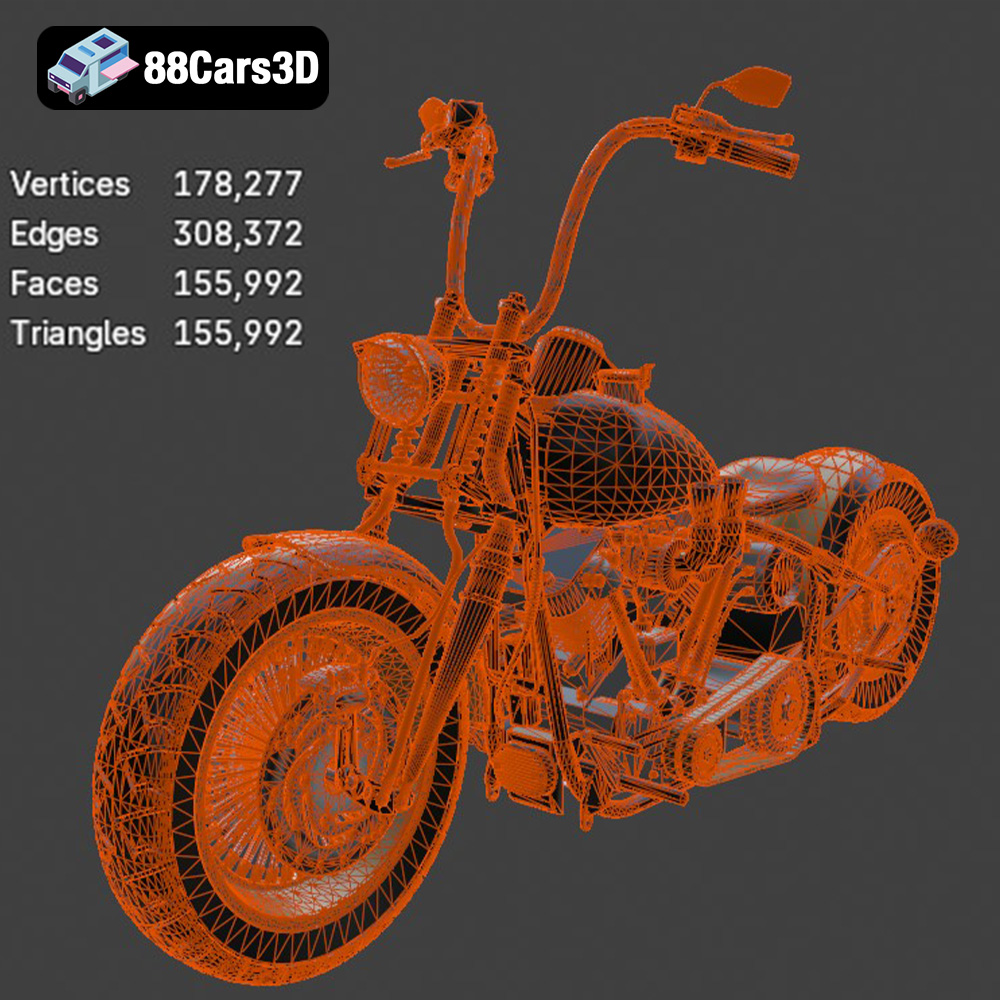
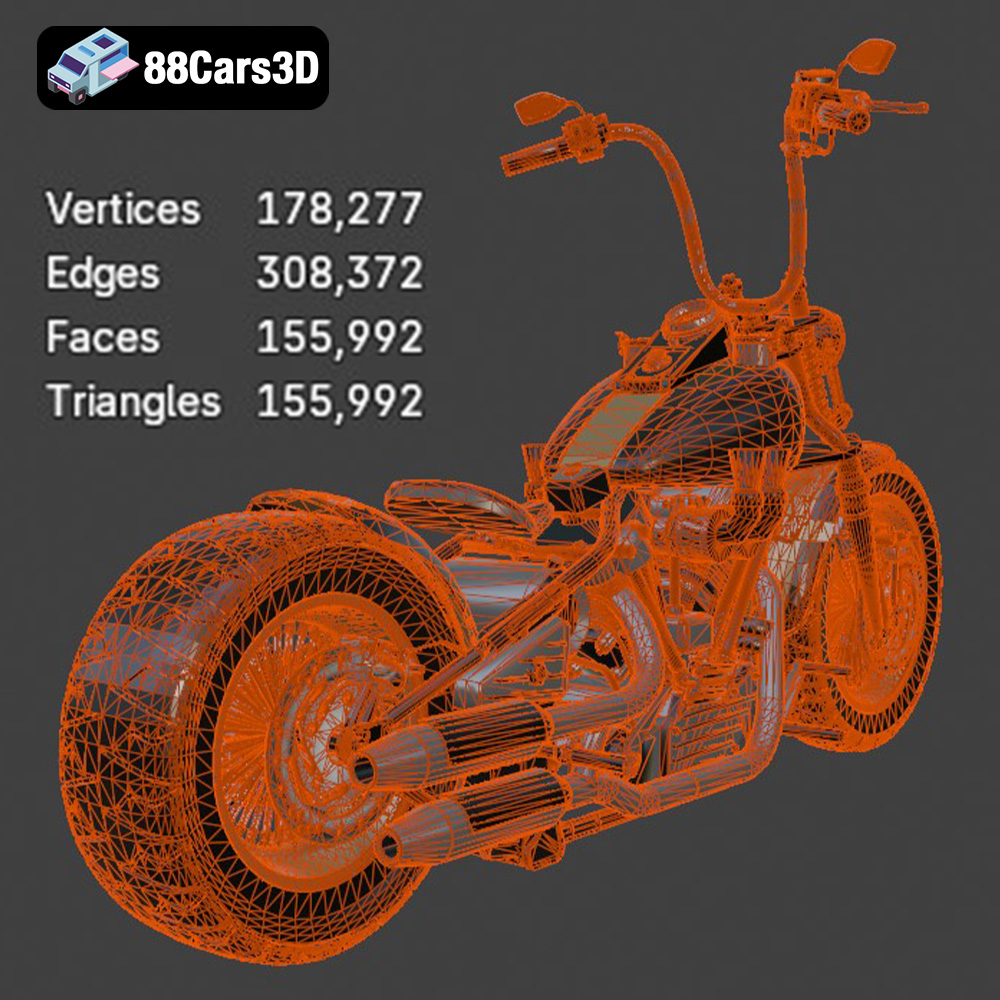
The .stl (stereolithography) file format is the industry standard for 3D printing. It represents the 3D model’s surface geometry as a collection of triangles. This format is universally compatible with virtually all slicing software and 3D printers. The quality of an STL file is determined by the number of triangles used to represent the surface – a higher triangle count results in a smoother, more detailed print, but also a larger file size. For the Harley Davidson Knucklehead, ensure the STL file you choose has a sufficiently high triangle count to capture the intricate details of the motorcycle. STL files do not contain any color or texture information; they are purely geometric representations.
The .obj (object) file format is another common format, known for its ability to store color and texture information along with the geometry. While .obj files can be used for 3D printing, they are often preferred for rendering and visualization where color and texture are important. If you plan to paint your 3D printed Knucklehead, the .obj file can be useful for reference, but the .stl file is still the primary format for printing.
The .ply (polygon) file format is designed for storing 3D data acquired from 3D scanners. It’s known for its ability to represent complex geometries with high precision. While not as widely used as .stl for general 3D printing, .ply can be useful if you need to analyze or modify the model’s mesh in detail.
Formats like .blend (Blender), .fbx (Filmbox), .glb (GL Transmission Format), and .max (3ds Max) are primarily used for 3D modeling, animation, and game development. These formats contain additional information like materials, lighting, and animation data, which are not directly relevant to 3D printing. While you can export an .stl file from these programs, the .stl file provided with the Harley Davidson Knucklehead model from 88cars3d.com is already optimized for 3D printing. The .glb format is useful for previewing the model in AR applications before printing.
All of the formats, when properly exported as STL, should be able to work with slicing software such as Cura, PrusaSlicer, Simplify3D, and Chitubox. Pay close attention to the mesh quality, especially on curved surfaces. Ensure that the STL file does not have any holes, non-manifold edges, or flipped normals, as these can cause printing errors. Many slicing software packages include tools to automatically repair minor mesh issues.
Once you have chosen the right printer and understand the file formats, the next crucial step is preparing the Harley Davidson Knucklehead model for printing using slicing software. This involves setting the optimal orientation, adding supports, and configuring print settings.
The orientation of the model on the build plate significantly impacts print quality, support requirements, and overall printing time. For the Knucklehead, consider these guidelines:
* **Minimize Support Structures:** Orient the model to minimize the need for support structures, especially on visible surfaces. For example, tilting the frame slightly can reduce supports on the top surfaces.
* **Strength Considerations:** If the final 3D printed model will be functional or load-bearing, orient the parts to align the layers along the direction of the applied force.
* **Detail Preservation:** Ensure that critical details, such as the engine components or the Harley Davidson logo, are oriented facing upwards to maximize resolution and minimize support marks.
Support structures are essential for printing overhanging features and complex geometries. However, they can leave marks on the surface and increase printing time and material usage.
* **Support Placement:** Manually place supports in areas that require them most, such as under the seat, the fuel tank, and the handlebars. Avoid placing supports on visible surfaces whenever possible.
* **Support Settings:** Optimize support settings, such as support density, overhang angle, and support interface layers, to balance support strength with ease of removal. Tree supports or lightweight supports can be a good option.
* **Layer Height:** A layer height of 0.1mm to 0.2mm is recommended for FDM printing to capture the Knucklehead’s details. For resin printing, a layer height of 0.05mm or lower will result in even finer detail.
* **Infill Density:** The infill density determines the internal strength of the print. For a display model, an infill density of 15-20% is sufficient. For functional parts, increase the infill density to 50% or higher.
* **Print Speed:** Reduce the print speed for intricate details and overhangs to improve print quality. A speed of 40-60 mm/s is a good starting point for FDM printing.
Choosing the right material is crucial for achieving the desired aesthetic and functional properties of your 3D printed Harley Davidson Knucklehead.
PLA (Polylactic Acid) is a biodegradable thermoplastic known for its ease of use and wide availability. It’s a good choice for beginners due to its low printing temperature and minimal warping. PLA is ideal for creating display models of the Knucklehead, but it’s not as durable or heat-resistant as other materials.
PETG (Polyethylene Terephthalate Glycol-modified) offers a good balance of strength, durability, and ease of printing. It’s more heat-resistant than PLA and has better impact resistance. PETG is a good option for printing parts that need to withstand some stress or outdoor conditions.
ABS (Acrylonitrile Butadiene Styrene) is a strong and durable thermoplastic known for its high heat resistance. It’s commonly used for automotive parts and other applications where durability is essential. However, ABS is more challenging to print than PLA or PETG due to its higher printing temperature and tendency to warp.
For resin printing, choose a resin that is appropriate for your printer and desired application. Standard resins are suitable for display models, while engineering resins offer higher strength and heat resistance.
Once the printing is complete, the real work begins: post-processing. This involves removing support structures, sanding, painting, and assembling the parts to create a polished and realistic replica of the Harley Davidson Knucklehead.
Carefully remove the support structures using pliers or a sharp knife. Be patient and avoid damaging the model’s surface. Once the supports are removed, use sandpaper to smooth out any imperfections and support marks. Start with a coarse grit sandpaper (e.g., 220 grit) and gradually move to finer grits (e.g., 400 grit, 600 grit, 800 grit) for a smooth finish.
Painting is a crucial step in bringing the Knucklehead to life. Use spray paint or acrylic paints to apply the desired colors. Consider using masking tape to create clean lines and multi-tone finishes. Add fine details with small brushes and paint markers. Research the original Harley Davidson Knucklehead color schemes for an authentic look.
If the model was printed in multiple parts, carefully assemble them using glue or screws. Ensure that the parts are aligned correctly and securely fastened. Consider using epoxy for a strong and permanent bond.
Even with careful preparation, you may encounter some common 3D printing issues. Here are some troubleshooting tips:
Warping occurs when the printed part lifts off the build plate due to uneven cooling. To prevent warping:
* Use a heated bed.
* Apply an adhesive like glue stick or hairspray to the build plate.
* Enclose the printer to maintain a consistent temperature.
* Increase the bed temperature.
Stringing is the formation of thin strands of plastic between different parts of the print. To prevent stringing:
* Reduce the printing temperature.
* Increase retraction distance and speed.
* Ensure the filament is dry.
Layer separation occurs when the layers of the print do not adhere properly. To prevent layer separation:
* Increase the printing temperature.
* Reduce the print speed.
* Ensure the bed is level.
The print time and material cost for the Harley Davidson Knucklehead model will depend on the size of the model, the chosen print settings, and the material used. Expect print times to range from several hours to several days for larger models. Material costs can range from a few dollars for a small PLA model to several tens of dollars for a larger model printed in more expensive materials.
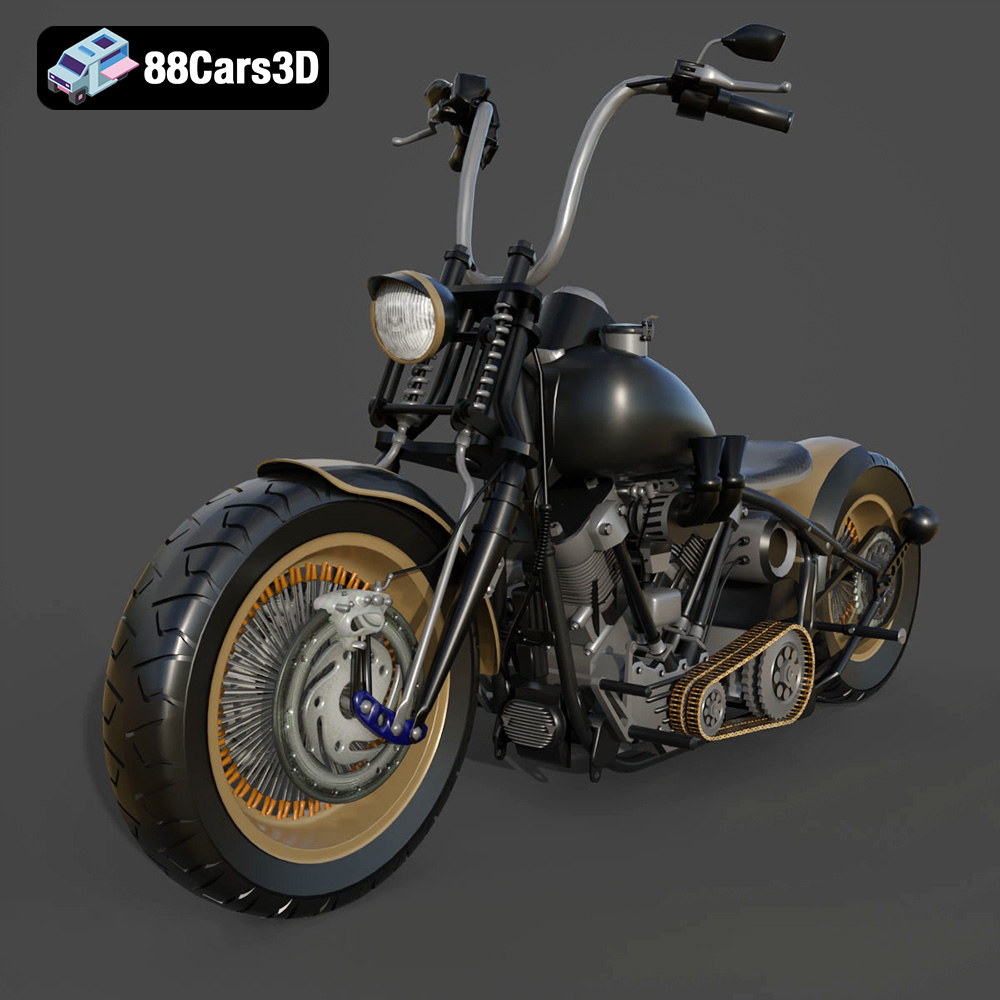
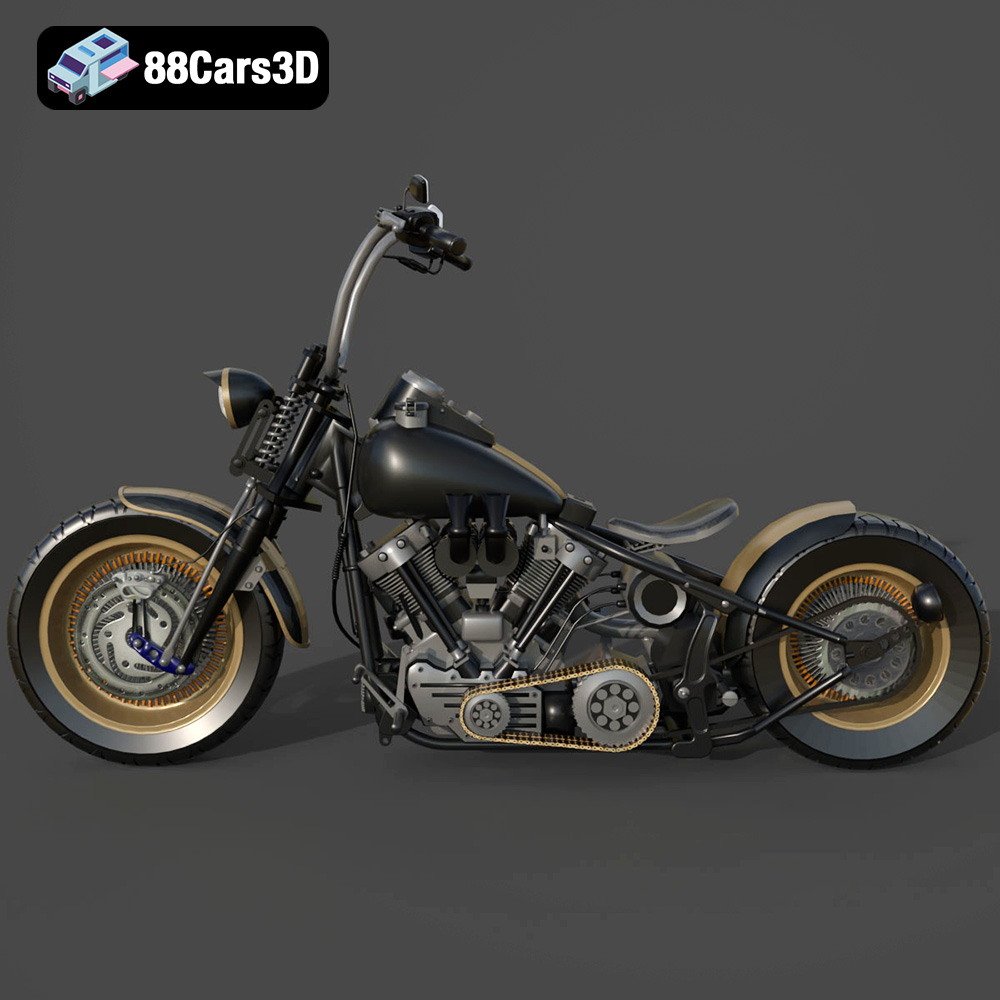
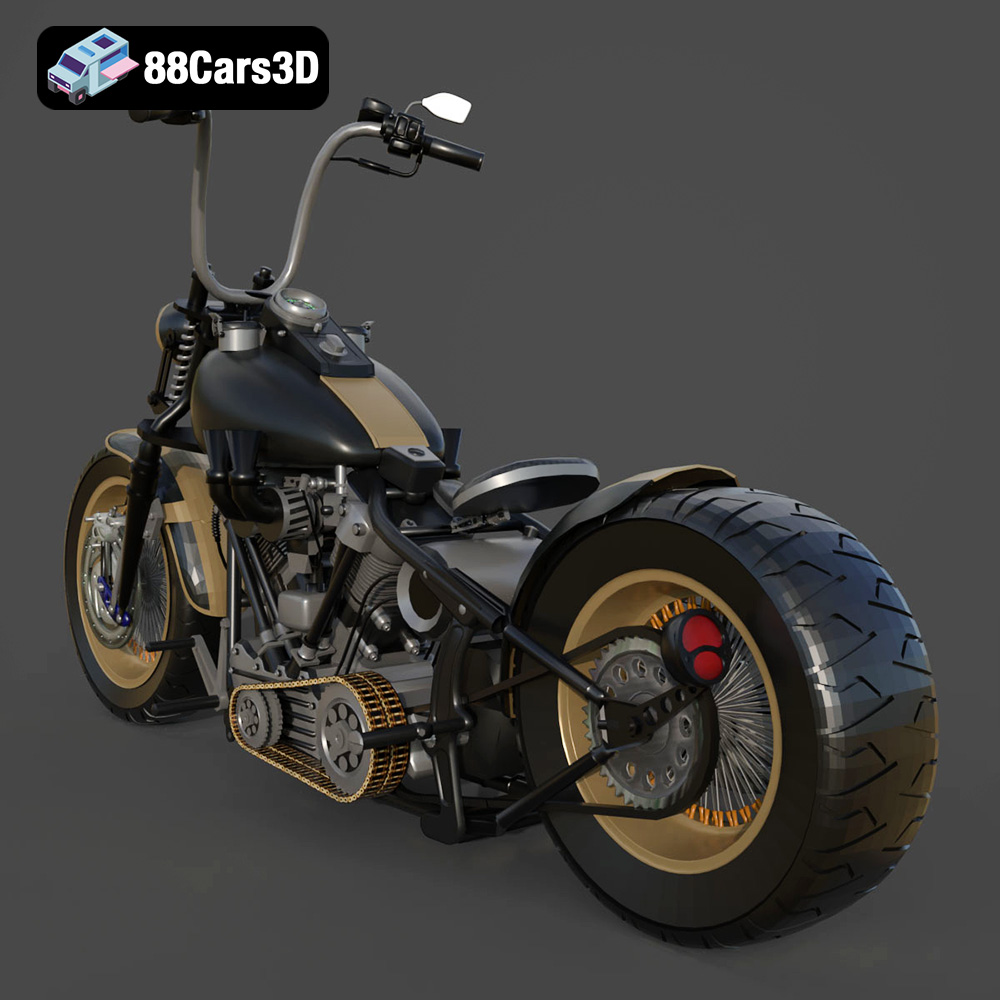
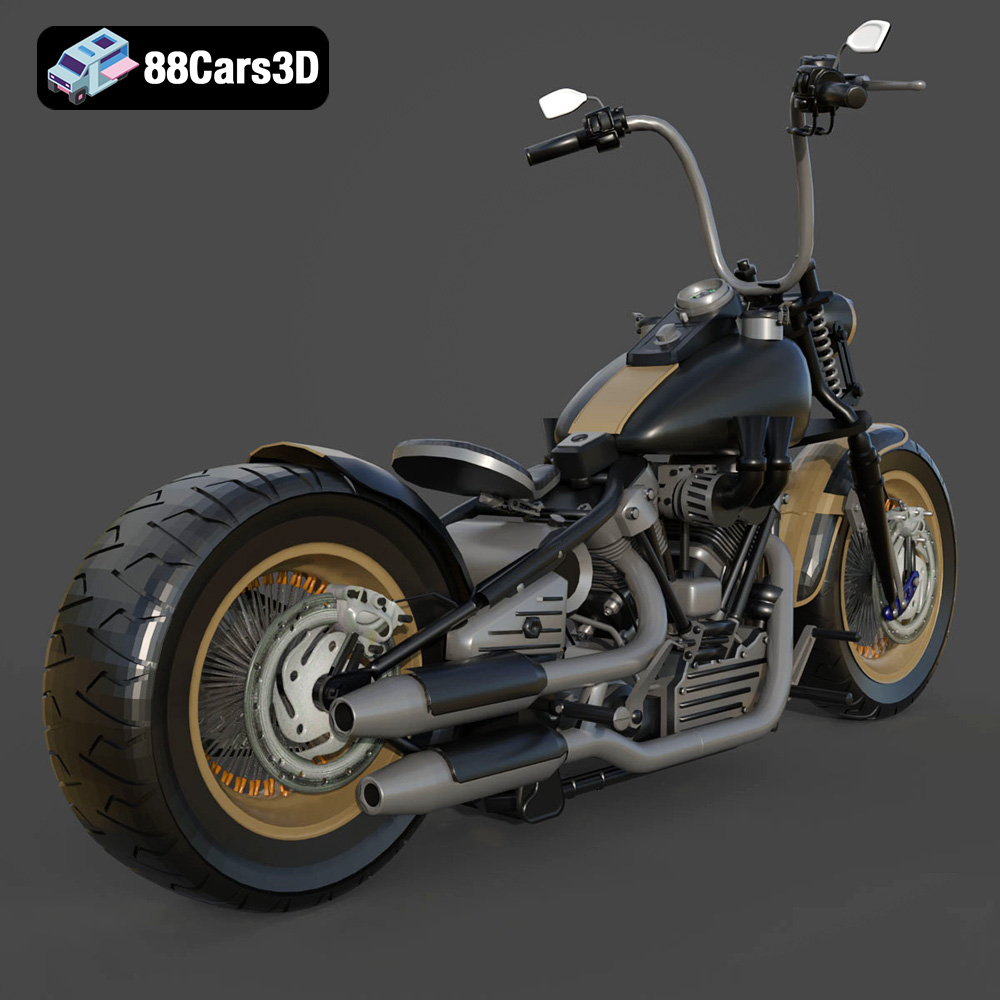
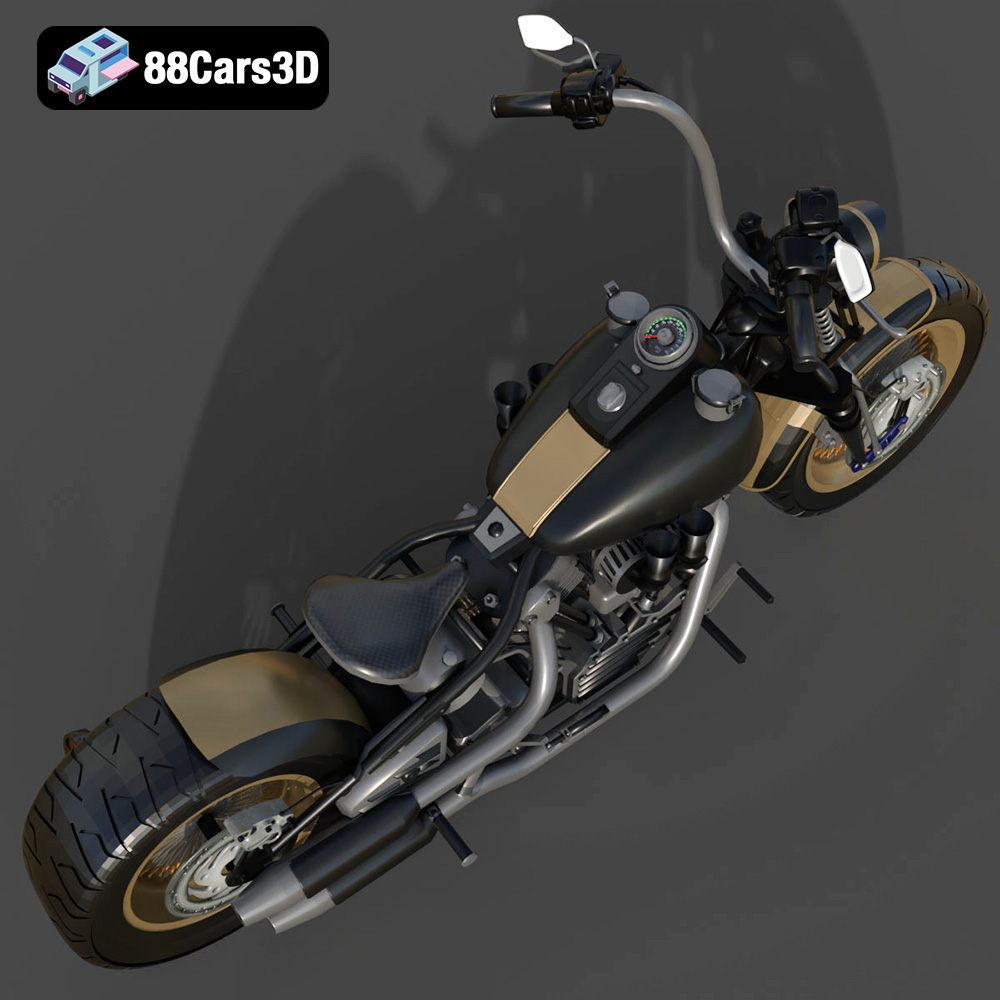
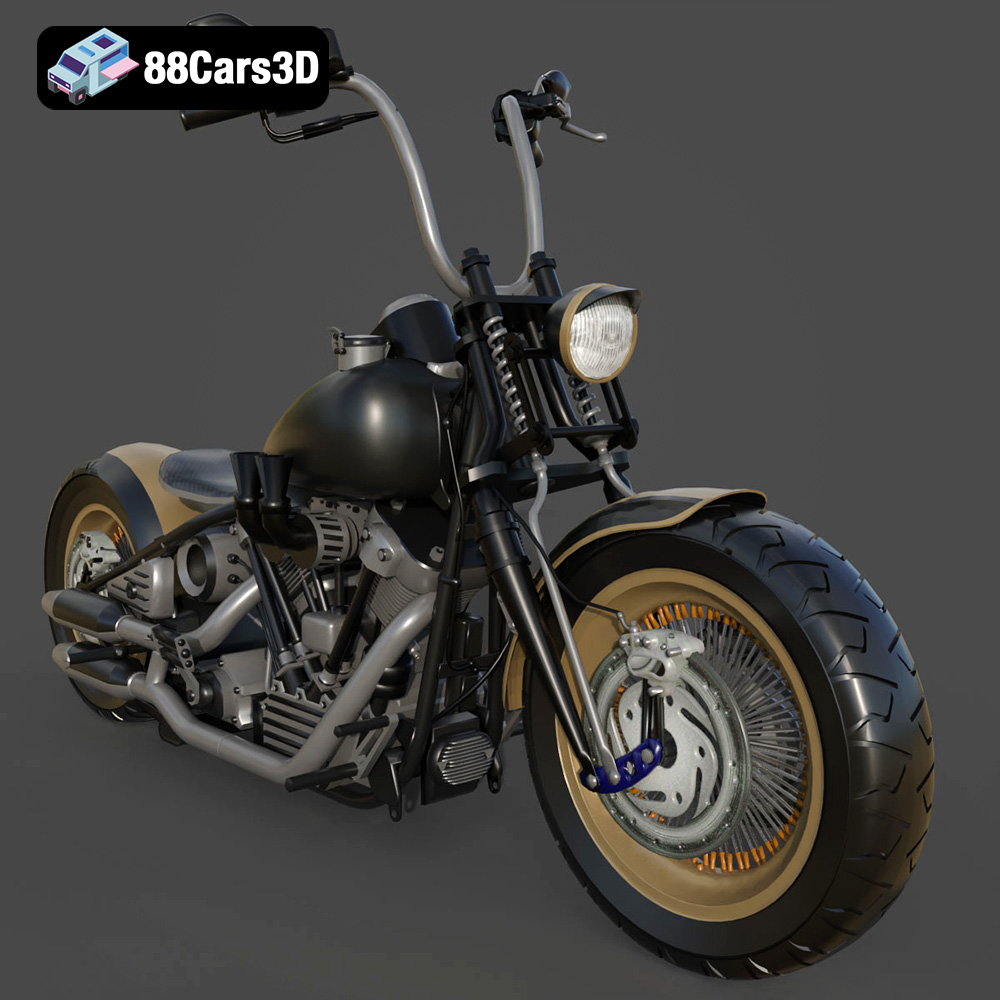
Experience the iconic design of the classic American motorcycle with the Harley Davidson Knucklehead 3D model. Designed for exceptional realism, this asset perfectly replicates the legendary engine, sweeping lines, and mechanical intricacies that make this vintage bike a timeless masterpiece.
$39.99
3D printing the Harley Davidson Knucklehead model from 88cars3d.com offers a rewarding experience for motorcycle enthusiasts and 3D printing aficionados alike. By carefully selecting the right printer, understanding the file formats, optimizing print settings, and mastering post-processing techniques, you can create a stunning replica of this iconic machine. Remember to experiment with different materials and painting techniques to achieve your desired aesthetic. Happy printing!
.arvr
.blend
.car3dmodel
.classicmotorcycle
.cruiser
.fbx
.gameasset
.glb
.harleydavidson
.knucklehead
.max
.motorcycle
.obj
.ply
.rendering
.simulation
.stl
.unreal