Get 20% OFF All Premium 3D & STL Models!

The Toyota RAV4 LE 2019, with its bold design and practical functionality, has become a favorite among compact SUV enthusiasts. Now, thanks to 88cars3d.com, you can own a meticulously crafted 3D model of this iconic vehicle and even bring it to life through 3D printing. This guide will walk you through the entire process, from preparing the STL files to achieving a showroom-worthy finish. Whether you’re a seasoned 3D printing veteran or a curious beginner, this comprehensive guide will provide you with the knowledge and techniques necessary to successfully 3D print your own Toyota RAV4 LE 2019 model.
Before diving into the specifics of 3D printing the Toyota RAV4 LE 2019 model, it’s crucial to understand the different file formats available and their suitability for additive manufacturing. While 88cars3d.com provides a variety of formats for different applications, not all are created equal when it comes to 3D printing.
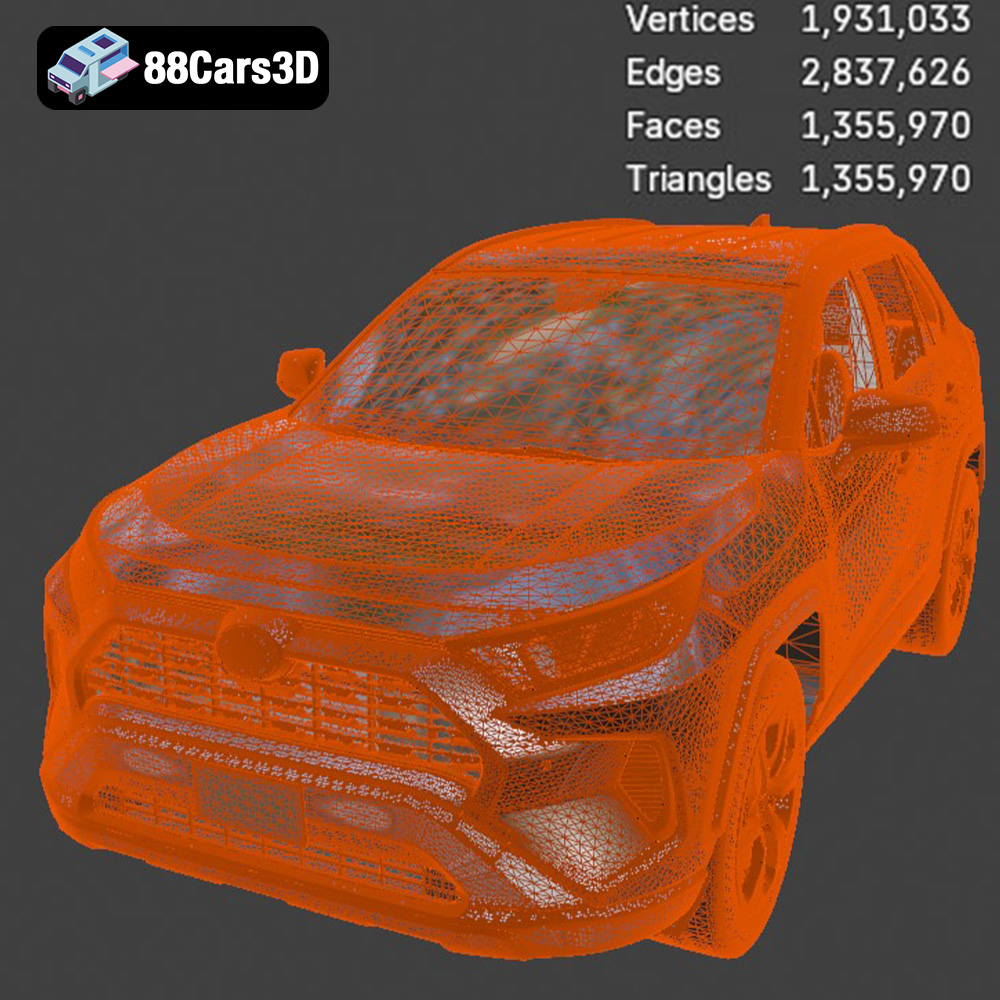
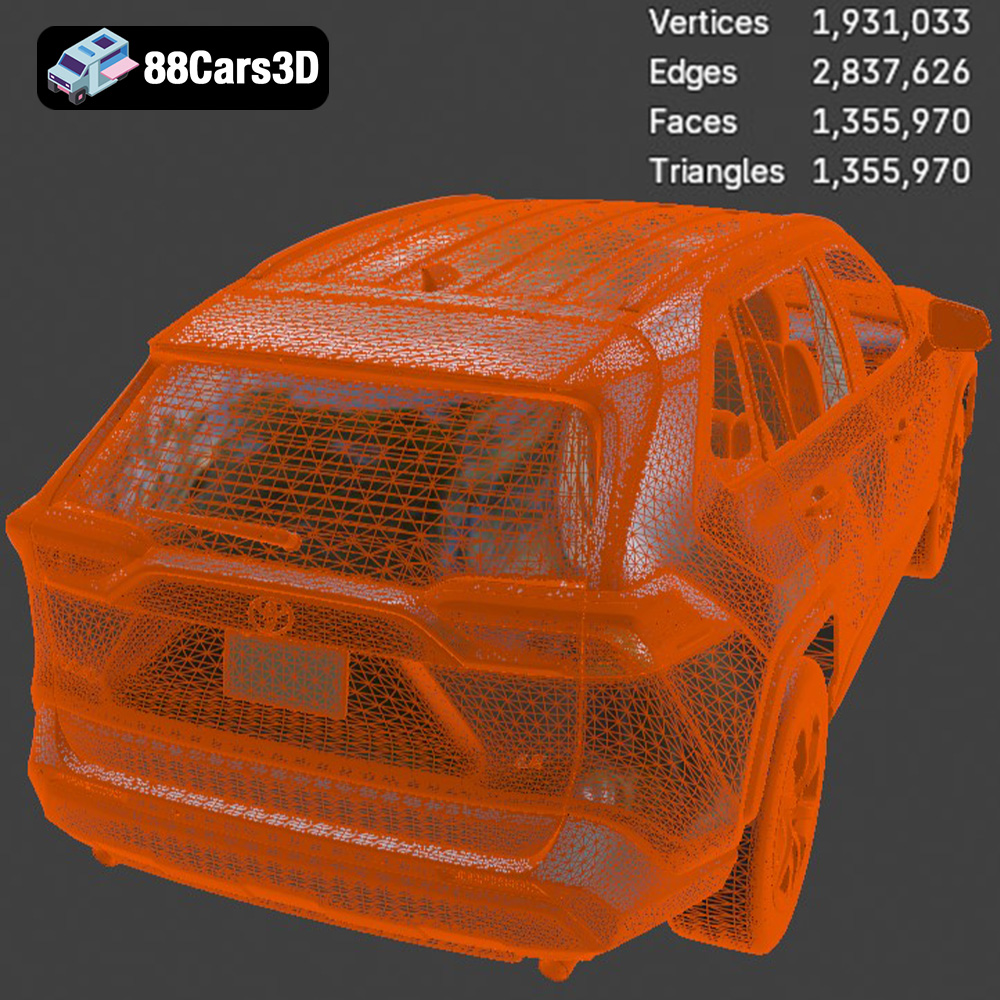
The STL (Stereolithography) file format is the undisputed king of 3D printing. It represents the surface geometry of a 3D object as a collection of triangles. This simplicity makes it universally compatible with virtually all 3D printing software and hardware. The Toyota RAV4 LE 2019 model from 88cars3d.com includes STL files specifically optimized for 3D printing. When working with STL files, pay attention to the mesh quality. A higher triangle count results in a smoother surface finish but can increase file size and processing time. Slicing software uses STL files to generate the toolpath for your 3D printer.
OBJ files, unlike STL, can store color and texture information along with the geometry. This can be useful if you’re planning to create a multi-colored 3D print or if you intend to use the model for rendering purposes after printing. However, not all 3D printers support color printing, and OBJ files can be more complex to handle than STL files, potentially leading to slicing issues.
PLY files are another format capable of storing color and texture data, often used for representing 3D scanned objects. They can handle extremely high levels of detail, making them suitable for complex geometries. However, the increased file size and processing requirements can be a drawback for 3D printing, especially on less powerful computers or older slicing software.
The .blend format is the native file format for Blender, a popular open-source 3D modeling software. This format is invaluable if you want to customize the Toyota RAV4 LE 2019 model before printing. You can modify the design, add details, or even separate parts for easier printing and assembly. However, to use this format, you’ll need to have Blender installed and possess some basic 3D modeling skills. Before printing, you’ll need to export the model from Blender as an STL file.
FBX is a versatile format often used in game development and animation. It supports a wide range of data, including geometry, textures, and animations. While you can import FBX files into some slicing software, they are typically not the ideal choice for direct 3D printing. It’s usually best to convert the FBX file to STL after making any necessary modifications in a 3D modeling program.
GLB files are designed for real-time viewing and are often used for augmented reality (AR) applications. They are optimized for fast loading and rendering. While you can’t directly 3D print a GLB file, it’s a great way to preview the model on your mobile device before committing to a print.
Similar to .blend, .max files are project files created by Autodesk 3ds Max. This format allows for extensive modification and customization of the 3D model. You will need a license of 3ds Max to open and edit this file type. Exporting to .STL for printing is required.
In summary, for 3D printing the Toyota RAV4 LE 2019 model from 88cars3d.com, the STL format is generally the best choice due to its widespread compatibility and simplicity. Ensure that the STL file is properly scaled and repaired before sending it to your slicing software.
Before you hit that “print” button, meticulous preparation is key. This involves using slicing software to convert the 3D model into instructions your printer can understand, and optimizing the model for successful printing.
Slicing software acts as the bridge between your 3D model and your 3D printer. Popular options include Cura (free and user-friendly), Simplify3D (paid, with advanced features), and PrusaSlicer (free, known for its excellent profiles). The choice depends on your experience level and the specific features you need. For the Toyota RAV4 LE 2019 model, Cura or PrusaSlicer offer a great balance of ease of use and functionality.
Before slicing, inspect the STL file for any errors using a mesh repair tool (often integrated into slicing software). Look for non-manifold edges, holes, or flipped normals. Repairing these errors ensures a smooth and accurate print. Next, determine the optimal print orientation. For the Toyota RAV4 LE 2019, printing the frame at an angle (e.g., 45 degrees) can improve structural integrity and reduce the need for extensive supports. Print wheels separately for better detail and easier post-processing.
The product description from 88cars3d.com suggests scales of 1:12, 1:18, or 1:24. Choose a scale that suits your printer’s build volume and desired level of detail. Once scaled, generate supports in your slicing software. Pay close attention to areas like the exhaust system, mirrors, and any overhanging parts. Use tree supports or adaptive supports to minimize material waste and improve surface finish.
The choice of printing material and printer settings significantly impacts the final quality of your 3D printed Toyota RAV4 LE 2019 model.
* **PLA (Polylactic Acid):** PLA is a biodegradable thermoplastic known for its ease of use and low printing temperature. It’s a great option for beginners and produces excellent detail. However, PLA is less heat-resistant and can be brittle. It’s a good choice for display models.
* **PETG (Polyethylene Terephthalate Glycol-modified):** PETG offers a balance of strength, flexibility, and heat resistance. It’s more durable than PLA and can withstand higher temperatures. PETG can be slightly more challenging to print than PLA, requiring careful temperature and speed adjustments. It is well-suited for functional parts or models that need to withstand some stress.
* **Resin:** Resin printing (SLA or DLP) offers the highest level of detail and surface finish. It’s ideal for intricate parts and complex geometries, making it a great choice for smaller-scale models of the Toyota RAV4 LE 2019. However, resin printing requires post-processing steps like washing and curing, and the materials can be more expensive than filament.
* **Layer Height:** A smaller layer height (e.g., 0.04-0.12mm, as recommended by 88cars3d.com) results in finer details and smoother surfaces, especially crucial for resin printing. However, it also increases print time. Experiment to find the optimal balance between detail and speed.
* **Infill:** Infill provides internal support to the model. A higher infill percentage (20-30% as recommended) increases strength but also increases material consumption and print time. For a display model, a lower infill percentage might suffice.
* **Print Speed:** Slower print speeds generally result in better print quality, especially for complex geometries. Reduce the speed for external perimeters to improve surface finish.
* **Temperature:** Follow the material manufacturer’s recommendations for nozzle and bed temperature. PLA typically prints at 200-220°C with a bed temperature of 60°C. PETG usually requires 230-250°C and a bed temperature of 70-80°C.
* **Bed Adhesion:** Ensure proper bed adhesion to prevent warping or detachment during printing. Use a heated bed, apply a bed adhesive like glue stick or hairspray, and level the bed carefully.
Once your 3D print is complete, post-processing is essential to achieve a professional-looking finish for your Toyota RAV4 LE 2019 model.
Carefully remove the support structures using pliers or a sharp knife. Be patient to avoid damaging the model. Sand down any rough edges or support scars with progressively finer grits of sandpaper (e.g., 220, 400, 600). For resin prints, remove the model from the build plate, wash it in isopropyl alcohol, and cure it under UV light.
Apply a primer coat to the model to create a smooth surface for painting and improve paint adhesion. Use spray paint or an airbrush to apply the desired colors. Consider using authentic factory colors for a realistic look. Multiple thin coats are better than one thick coat to avoid drips and runs. 88cars3d.com suggests metallic finishes for an authentic touch.
If you printed the wheels and other parts separately, carefully assemble them using glue or epoxy. Add details like window decals, badges, and interior trim to enhance realism. Consider using weathering techniques to simulate wear and tear for a more authentic look.
Even with careful preparation, 3D printing can sometimes present challenges. Here are some common issues and their solutions:
Warping occurs when the corners of the print lift off the build plate. This can be caused by poor bed adhesion, insufficient bed temperature, or drafts. Ensure proper bed adhesion, increase bed temperature, and enclose the printer to prevent drafts.
Stringing is the formation of thin strands of plastic between different parts of the print. This is often caused by excessive nozzle temperature, retraction settings that are too low, or travel speed that is too slow. Lower the nozzle temperature, increase retraction distance and speed, and increase travel speed.
Layer shifting occurs when the print shifts horizontally during printing. This can be caused by loose belts, stepper motor issues, or excessive print speed. Tighten the belts, check the stepper motors for any issues, and reduce the print speed.
Elephant’s foot is a widening of the first layer due to excessive squish. This can be caused by the nozzle being too close to the bed or the bed temperature being too high. Adjust the Z-offset to increase the distance between the nozzle and the bed, and lower the bed temperature.
The print time and material costs for the Toyota RAV4 LE 2019 model will vary depending on the scale, material, and printer settings you choose. A smaller model printed in PLA with low infill will be faster and cheaper than a larger model printed in PETG with high infill. As a rough estimate, a 1:24 scale model printed in PLA could take anywhere from 10 to 20 hours and cost $5-$10 in materials. A larger 1:12 scale model printed in PETG could take 20-40 hours and cost $15-$30 in materials. Resin prints typically take less time but the resin itself may be more costly.
Once you’ve successfully 3D printed and post-processed your Toyota RAV4 LE 2019 model, share your creation with the world! Post photos on social media, participate in online forums, and inspire others to explore the world of 3D printing. Remember to credit 88cars3d.com for the high-quality 3D model.
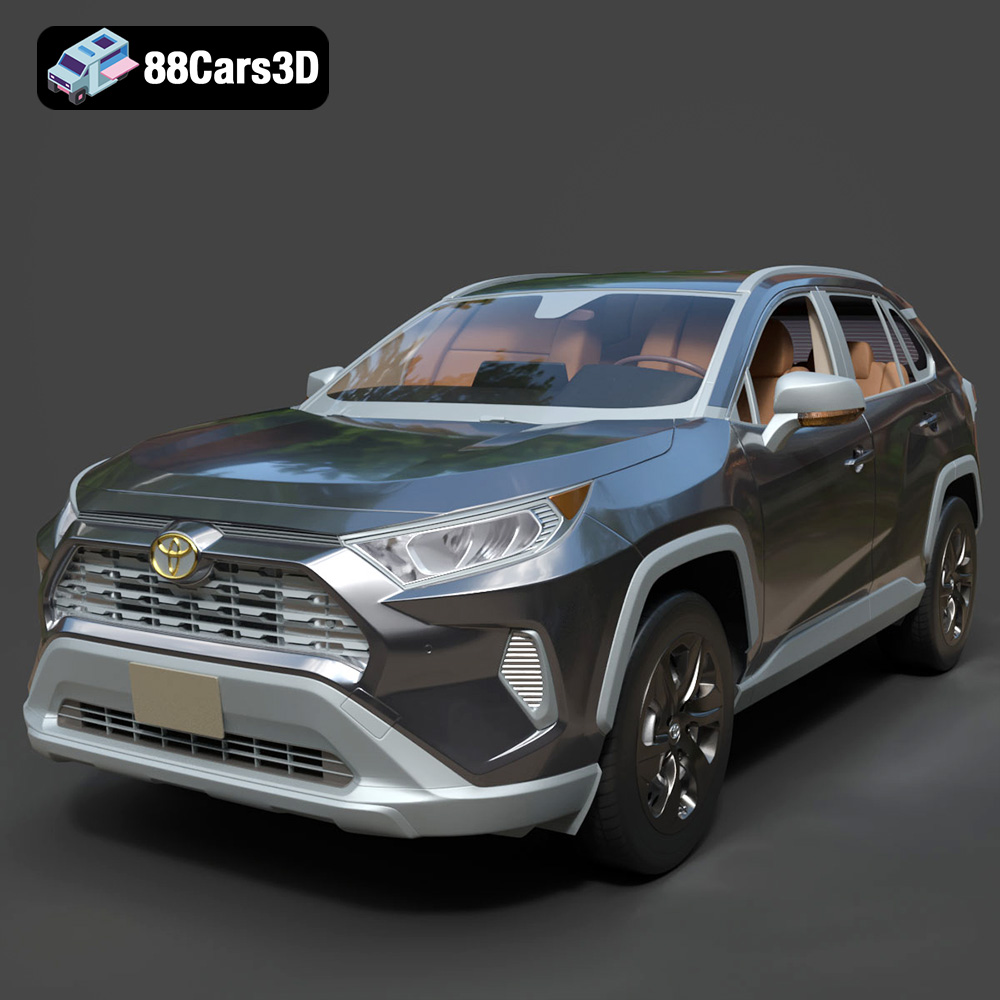
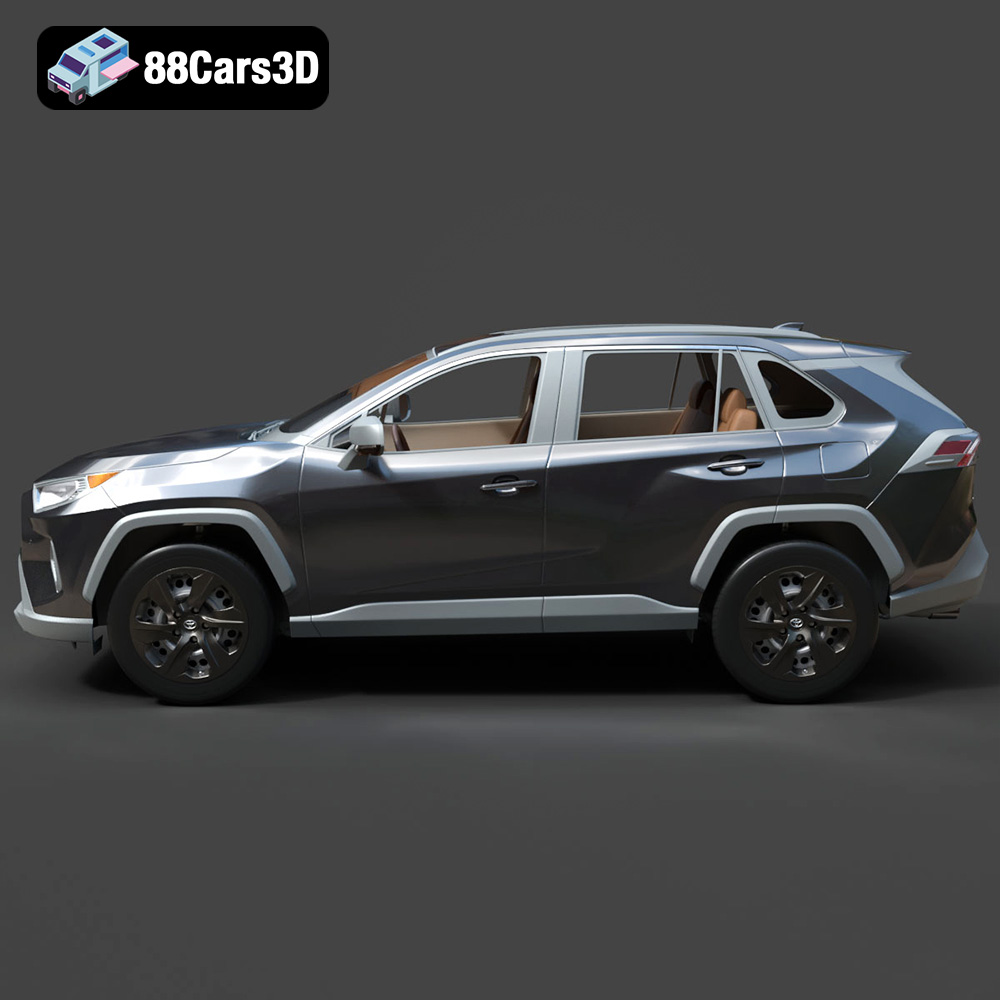
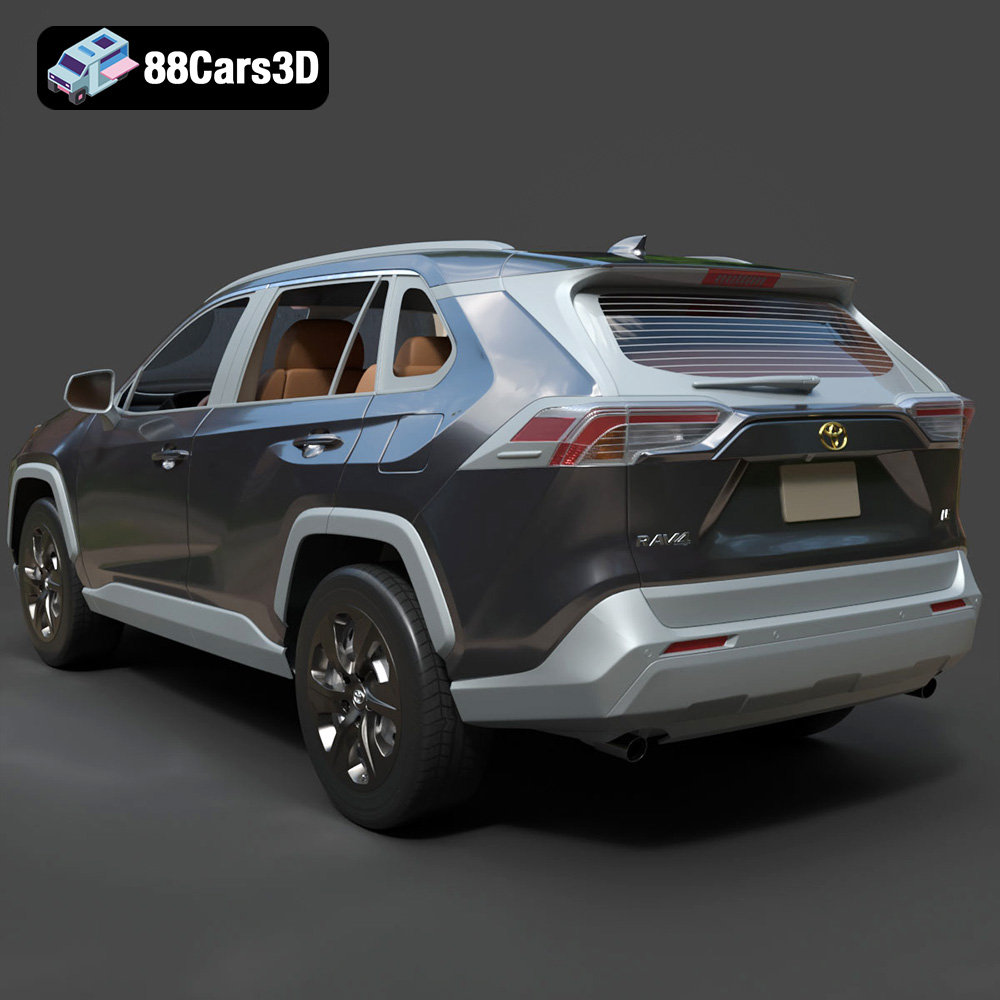
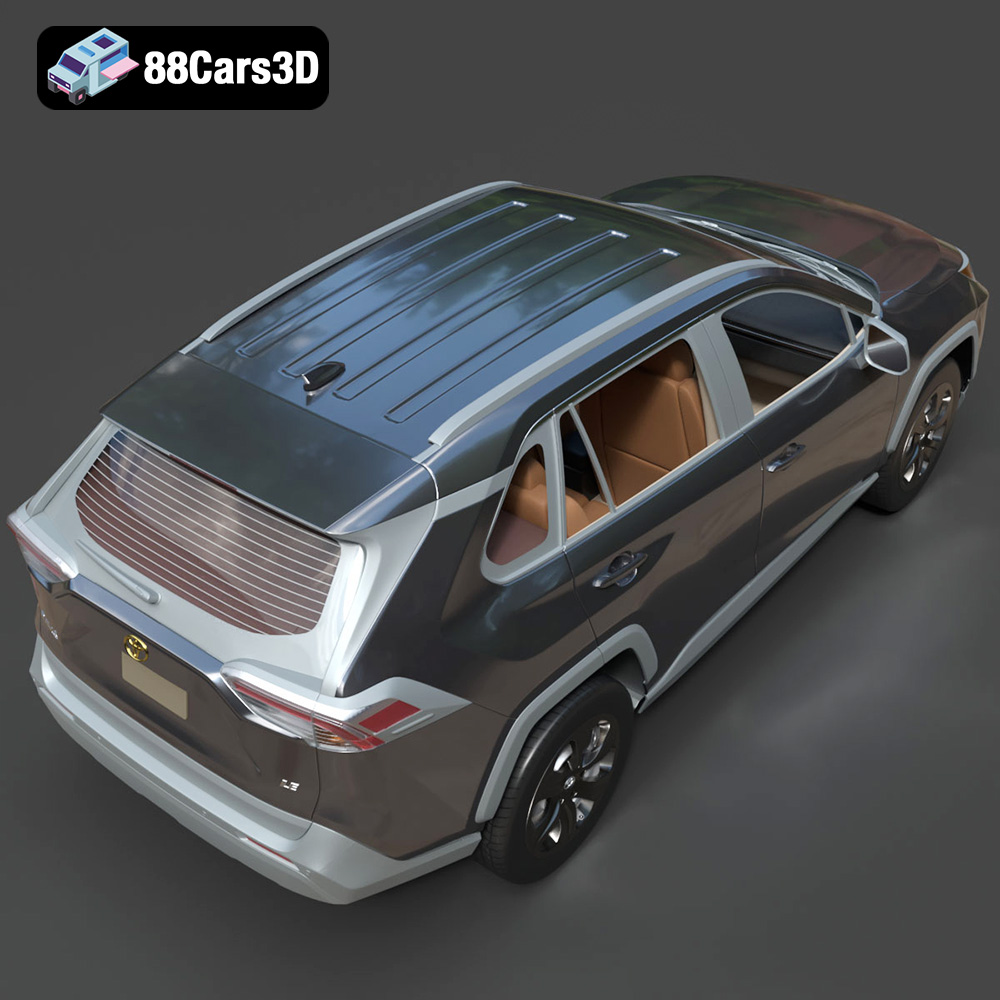
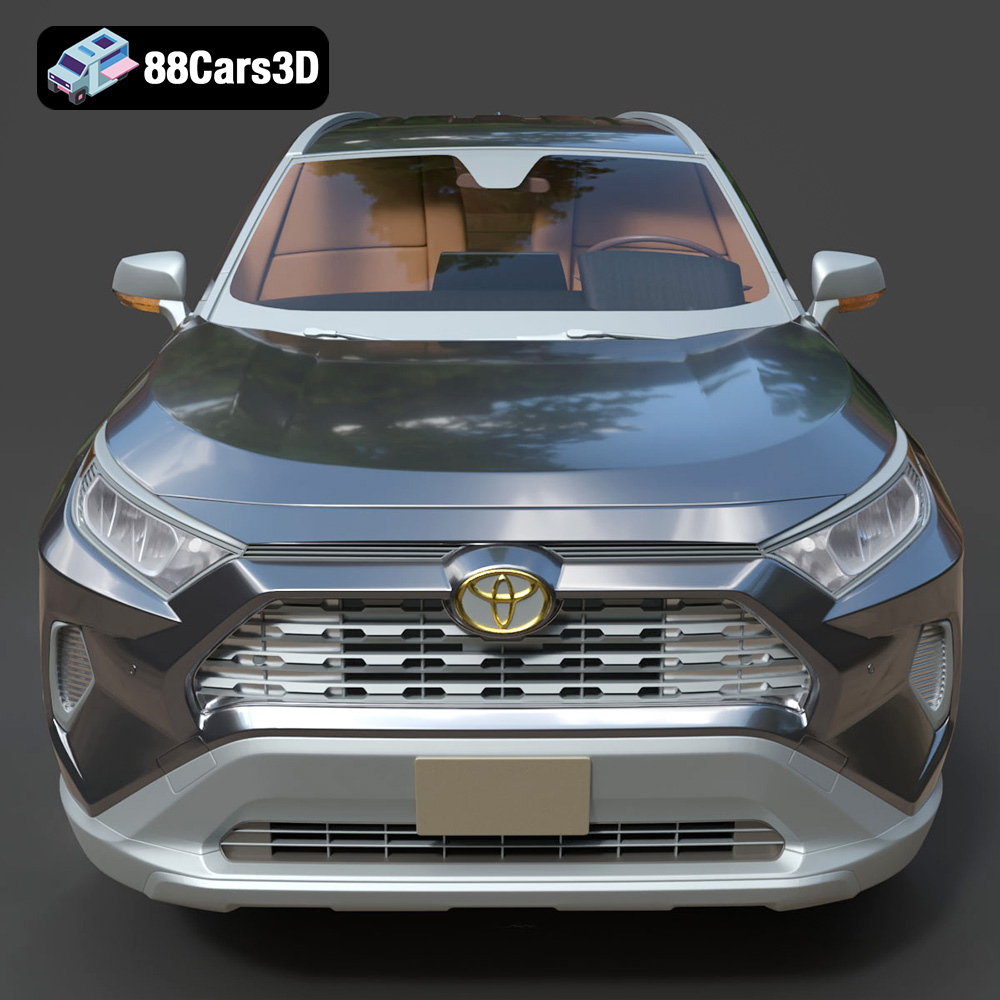
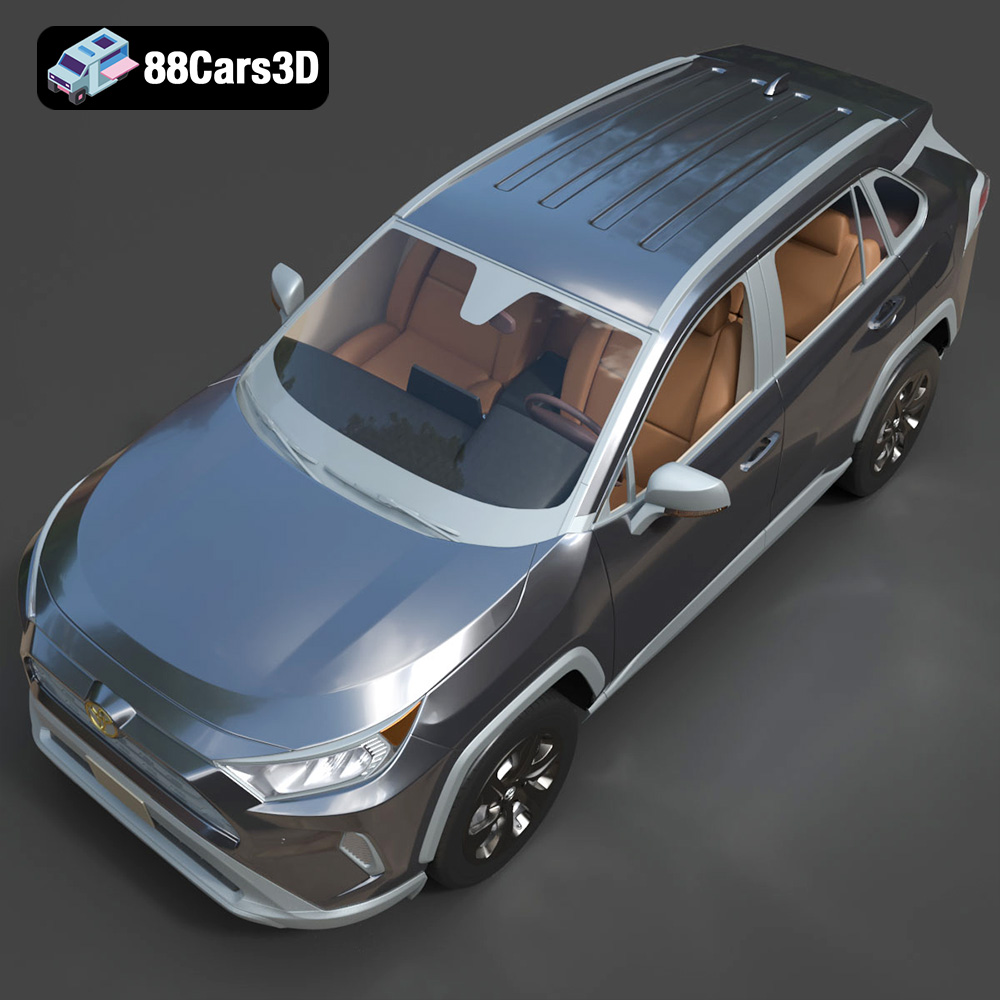
The Toyota RAV4 LE 2019 represents a bold, dynamic shift in the compact SUV segment. Known for its rugged, chiseled styling inspired by Toyota’s off-road heritage, this 3D model captures the essence of the LE trim with its distinctive front grille, striking LED headlights, and aerodynamic profile. Perfect for urban driving simulations, virtual showrooms, suburban environment renderings, and interactive vehicle configurators.
$39.99
.blend
.fbx
.glb
.max
.obj
.ply
.rendering
.stl
.toyota
.unreal
car-3d-model
compact-suv
game asset
game-ready
low-poly
optimized
rav4
rav4-le-2019
SUV
VR/AR