Get 20% OFF All Premium 3D & STL Models!

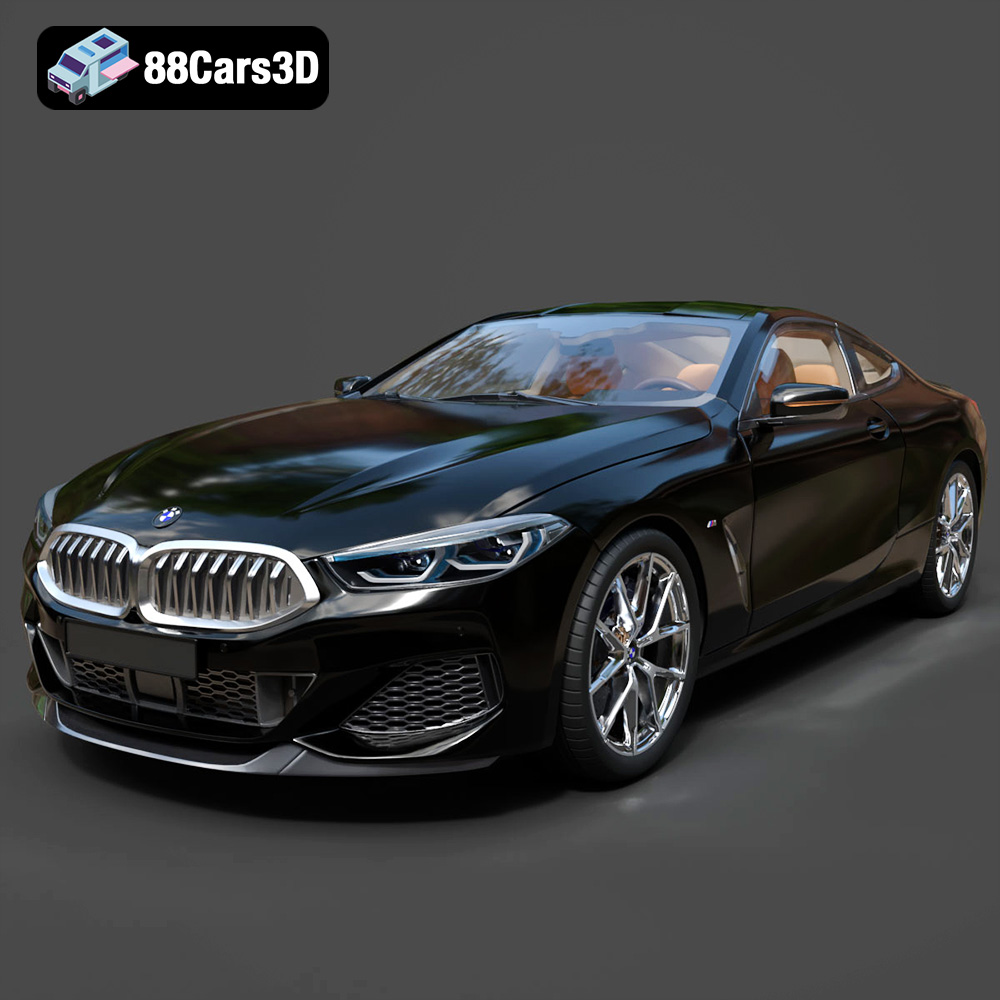
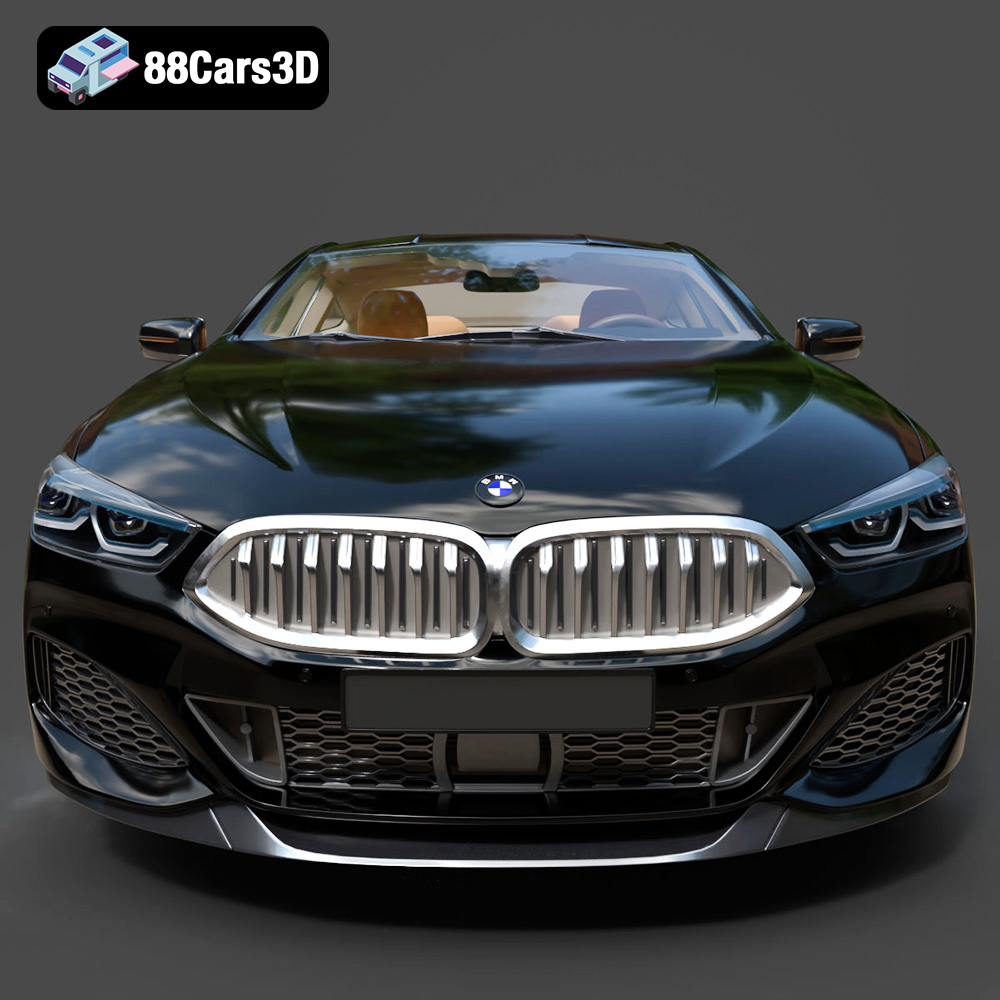
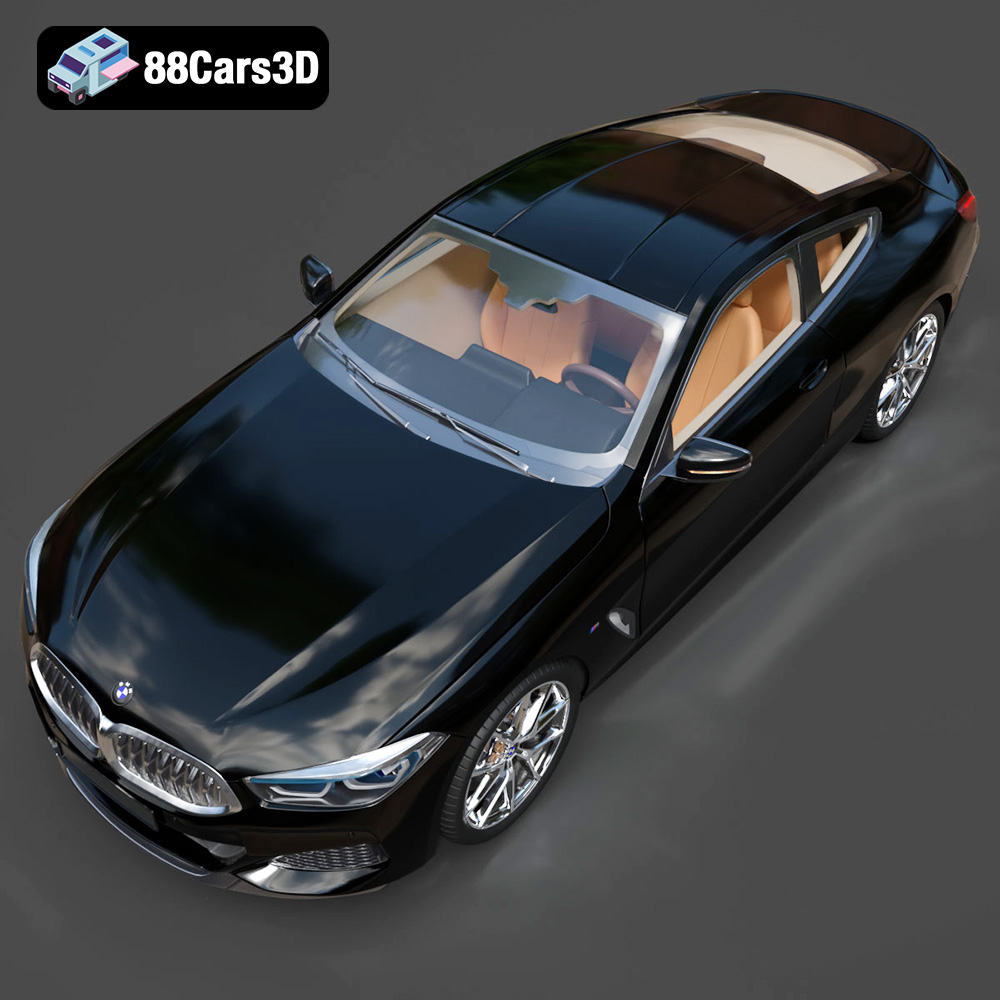
The BMW 8 Series M850i Coupe 2019 is a stunning vehicle, known for its sleek lines and powerful presence. Now, thanks to 88cars3d.com, you can bring a piece of that automotive excellence into the physical world through 3D printing. This guide provides a detailed walkthrough on how to successfully 3D print this model, covering everything from printer settings to post-processing techniques. We’ll focus primarily on the STL file format, as it’s the industry standard for additive manufacturing. Get ready to transform a digital file into a tangible masterpiece!
The success of your 3D print largely depends on the capabilities of your printer. Here’s what to consider:
* **FDM (Fused Deposition Modeling):** FDM printers are generally more affordable and easier to use. They extrude melted plastic filament layer by layer. For the BMW 8 Series M850i Coupe 2019, an FDM printer can produce a decent model, especially if you’re aiming for a larger scale. However, expect to see layer lines, which will require post-processing to smooth out.
* **Resin (SLA/DLP/LCD):** Resin printers use liquid resin that is cured by UV light. They offer much higher resolution and finer detail than FDM printers. If you’re looking for a highly detailed, smaller-scale model of the BMW 8 Series M850i Coupe 2019, a resin printer is the better choice. The trade-off is that resin printers can be messier to use, require more ventilation, and the resin itself can be more expensive.
* Ensure your printer’s build volume is large enough to accommodate the BMW 8 Series M850i Coupe 2019 model. You might need to scale the model down in your slicing software if your printer has a smaller build volume. Consider the level of detail you’re willing to sacrifice when scaling.
Choosing the right file format is crucial for a successful 3D printing experience. While 88cars3d.com provides a range of formats for the BMW 8 Series M850i Coupe 2019 model, the **.stl** format is the workhorse of 3D printing. Here’s a breakdown of each format:
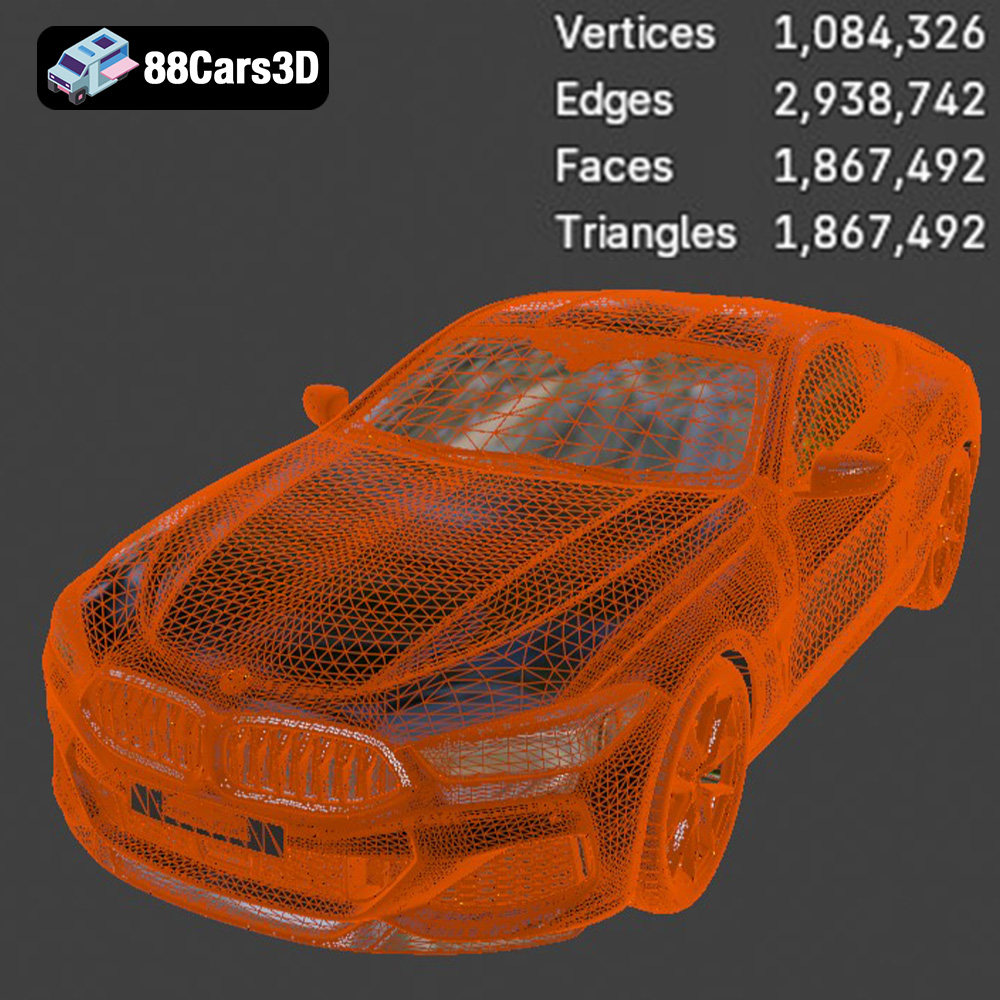
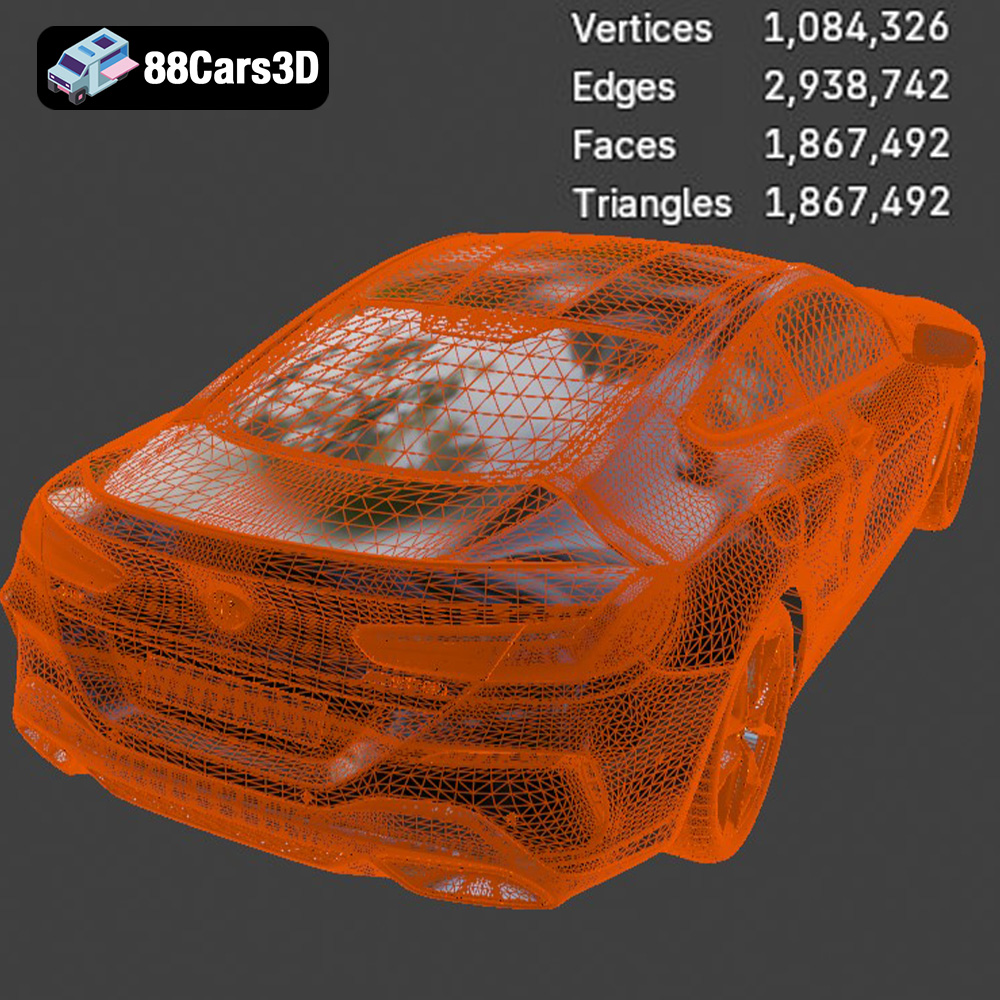
The STL (Stereolithography) format is the most common file type used in 3D printing. It represents the surface geometry of a 3D object as a collection of triangles. This simplicity makes it universally compatible with virtually all 3D printing software and printers. However, STL files only contain information about the shape of the object; they don’t store color, texture, or material properties. For printing the BMW 8 Series M850i Coupe 2019, the STL file will provide the fundamental geometric data for your slicer to generate printing instructions. Mesh quality is paramount with STL files. A poorly constructed mesh with gaps, overlaps, or non-manifold geometry can lead to printing errors. Before slicing, use mesh repair tools in programs like Meshmixer or Netfabb to ensure a clean, watertight STL file.
The OBJ format is a more versatile file type that can store color and texture information alongside the geometry. This is particularly useful if you plan to paint or apply decals to your 3D printed BMW 8 Series M850i Coupe 2019 and want to maintain a reference for the original textures. While many slicers can import OBJ files, they often treat them as simple geometry for printing purposes. The texture information might not directly translate into the printed model, but it can be invaluable during post-processing for accurate painting.
The PLY format, also known as the Polygon File Format or Stanford Triangle Format, is designed to store 3D data acquired from 3D scanners. It can handle complex geometries and often retains more detail than STL files. While PLY files are supported by some slicing software, their primary use is in reverse engineering and data analysis rather than direct 3D printing. The BMW 8 Series M850i Coupe 2019 model in PLY format could be useful if you intend to perform detailed mesh analysis or modifications before converting it to STL for printing.
The BLEND format is the native file format for Blender, a powerful open-source 3D modeling software. This format contains the complete Blender scene, including the model geometry, materials, textures, lighting, and animation data. The .blend file of the BMW 8 Series M850i Coupe 2019 allows you to fully customize the model before exporting it to a printable format like STL. You can modify the design, add details, or even create variations of the model to suit your specific needs.
The FBX format is a proprietary file format developed by Autodesk, commonly used for exchanging 3D data between different software applications, especially in game development. It supports geometry, materials, textures, animation, and other scene information. While some advanced slicing software may be able to import FBX files and preserve some material properties, it’s generally recommended to convert the FBX model to STL for optimal 3D printing compatibility.
The GLB format is a binary file format that represents 3D models using the glTF (GL Transmission Format) standard. It’s designed for efficient transmission and loading of 3D scenes, making it ideal for AR/VR applications and web-based visualization. You can use the GLB file of the BMW 8 Series M850i Coupe 2019 to preview the model in augmented reality on your smartphone or tablet before committing to printing it. This allows you to visualize the model in a real-world environment and assess its size and appearance.
The MAX format is the native file format for 3ds Max, another professional 3D modeling and animation software package. Similar to the BLEND file, the .max file of the BMW 8 Series M850i Coupe 2019 gives you complete control over the model’s design. You can use 3ds Max to make advanced modifications, create detailed textures, and prepare the model for rendering or 3D printing. As with Blender, you’ll typically export the modified model to STL for printing.
For direct 3D printing of the BMW 8 Series M850i Coupe 2019, the **.stl format is your best bet**. It’s universally compatible and specifically designed for additive manufacturing. However, if you plan to customize the model before printing, the .blend or .max files offer the most flexibility. Just remember to export your final design as an STL file before slicing.
Slicing software is essential for converting the 3D model into instructions that your printer can understand.
* Popular options include Cura, PrusaSlicer, Simplify3D, and Chitubox (for resin printers). Each slicer has its own strengths and weaknesses, so experiment to find one that suits your needs and printer.
* The orientation of the model on the print bed significantly impacts print quality and the need for supports. For the BMW 8 Series M850i Coupe 2019, consider printing it at an angle to minimize the need for supports on the curved surfaces. Experiment with different orientations to find the best balance between detail and support material.
* **Layer Height:** Lower layer heights (e.g., 0.1mm on FDM, 0.05mm on resin) produce finer details but increase print time. Higher layer heights (e.g., 0.2mm on FDM, 0.1mm on resin) print faster but may result in more visible layer lines.
* **Infill:** Infill refers to the internal structure of the print. Higher infill percentages increase strength but also increase material usage and print time. For a display model of the BMW 8 Series M850i Coupe 2019, a low to medium infill (10-20%) should be sufficient.
* Supports are necessary for overhanging features. In your slicer, enable support generation and carefully consider the support density and placement. Too many supports can be difficult to remove and leave blemishes, while too few may lead to print failures. For the BMW 8 Series M850i Coupe 2019, pay close attention to the roof, bumpers, and side mirrors, as these areas may require supports.
The material you choose will affect the appearance, durability, and overall quality of your 3D printed model.
* PLA is a biodegradable thermoplastic that’s easy to print and widely available. It’s a good choice for initial prints of the BMW 8 Series M850i Coupe 2019, especially if you’re new to 3D printing. PLA comes in a wide range of colors, making it easy to find a shade that closely matches the car’s original color.
* PETG is a more durable and heat-resistant alternative to PLA. It’s also more flexible, which can be advantageous for parts that might be subject to stress. PETG is a good option if you plan to display your 3D printed BMW 8 Series M850i Coupe 2019 in a warm environment or if you want a more robust model.
* Resin offers the highest level of detail and is ideal for smaller-scale models. However, resin prints require post-processing, including washing and curing, to achieve their final properties. Resin can be brittle, so handle your 3D printed BMW 8 Series M850i Coupe 2019 with care.
Post-processing is the key to transforming a raw 3D print into a polished masterpiece.
* Carefully remove supports using pliers or cutters. Be patient and avoid damaging the model. If the supports are difficult to remove, try softening them with heat from a heat gun or hairdryer. Remove any rafts or brims that were used to improve bed adhesion.
* Sanding is essential for smoothing out layer lines and imperfections. Start with coarse sandpaper (e.g., 220 grit) and gradually move to finer grits (e.g., 400, 600, 800 grit) to achieve a smooth surface. For resin prints, wet sanding is often recommended to reduce dust.
* Apply a primer to the model to create a uniform surface for painting. Choose a primer that is compatible with your chosen paint. Once the primer is dry, apply several thin coats of paint, allowing each coat to dry completely before applying the next. Consider using automotive paints for a realistic finish.
* If the BMW 8 Series M850i Coupe 2019 model is designed with separate parts, carefully assemble them using glue or fasteners. Ensure that all parts fit together properly and that the assembly is strong and durable.
Even with careful preparation, 3D printing can sometimes present challenges.
* Warping occurs when the corners of the print lift off the print bed. This is often caused by poor bed adhesion or temperature fluctuations. To prevent warping, ensure your print bed is clean and level, use a heated bed, and consider using a brim or raft.
* Stringing is the formation of thin strands of plastic between different parts of the print. This is usually caused by excessive retraction or high printing temperatures. Adjust your retraction settings and lower your printing temperature to minimize stringing.
* Layer shifting occurs when the print head suddenly shifts position, resulting in misaligned layers. This can be caused by loose belts, stepper motor issues, or mechanical problems with the printer. Check your printer’s belts and motors and ensure that everything is properly aligned.
* Clean the print bed thoroughly with isopropyl alcohol. Ensure the bed is level and the nozzle is at the correct height. Use a bed adhesion aid like hairspray or painter’s tape if necessary.
By following these guidelines, you’ll be well on your way to creating a stunning 3D printed replica of the BMW 8 Series M850i Coupe 2019. Remember to experiment with different settings and materials to find what works best for your printer and your desired outcome. 88cars3d.com provides the high-quality models; you bring the creativity and craftsmanship to life! Don’t be afraid to try different techniques and learn from your experiences. Happy printing!
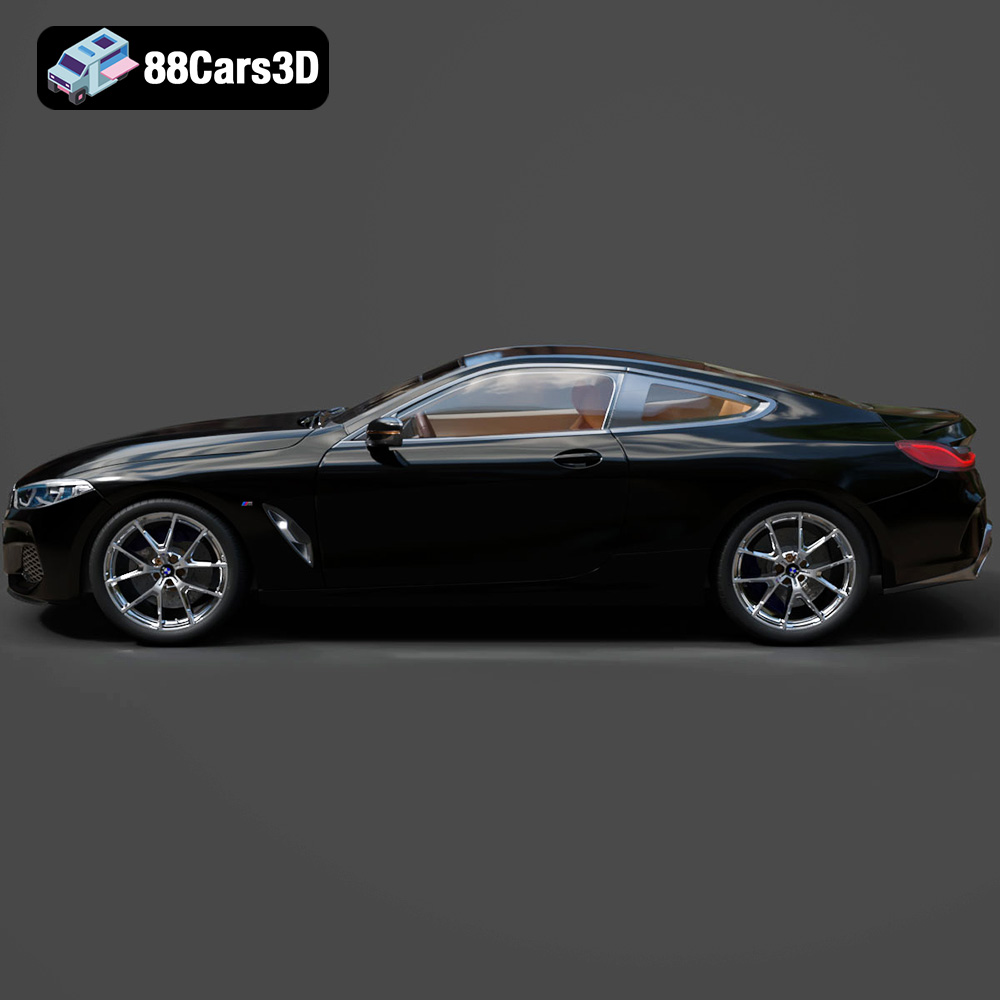
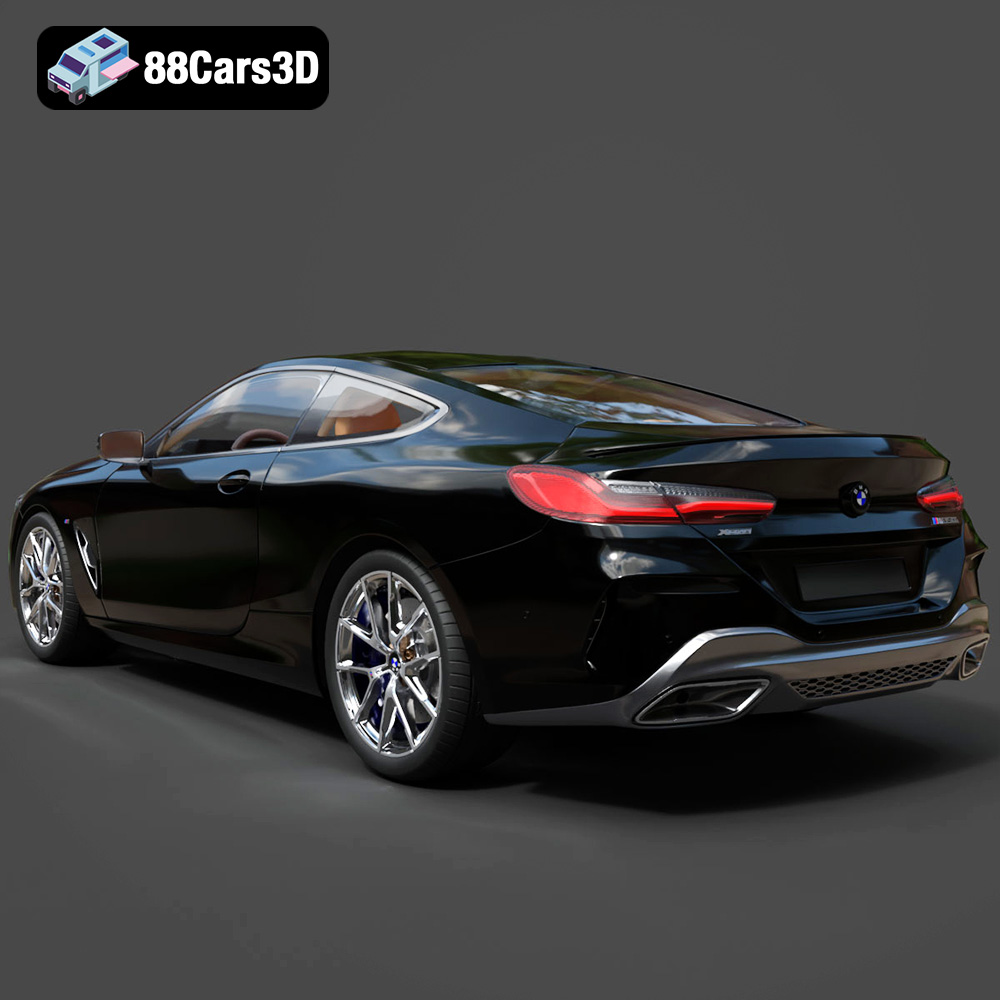
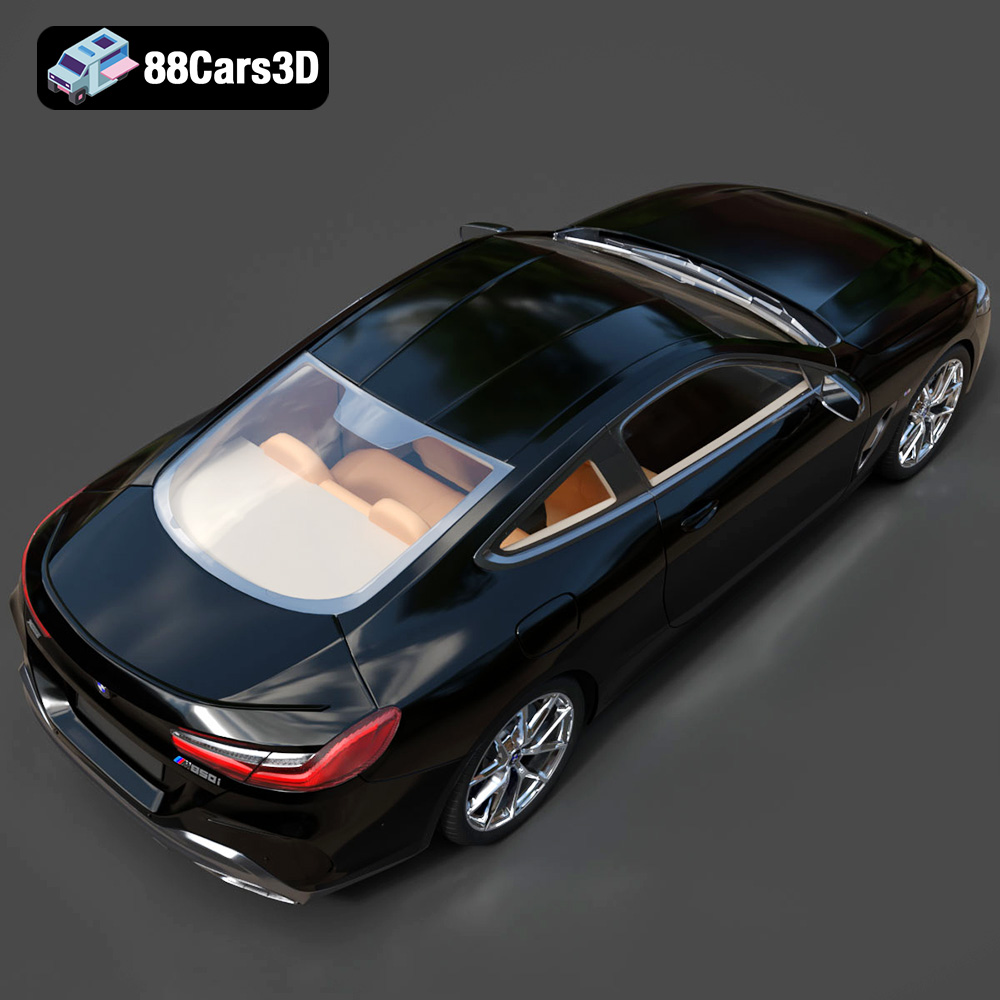
Experience the exceptional realism of the BMW 8 Series M850i Coupe 2019 3D Model, expertly crafted to bring authentic automotive design to your digital projects. This meticulously built digital asset captures the sophisticated, sporty silhouette and luxurious details of the renowned coupe, providing a stunning visual centerpiece for any scene. Perfectly suited for demanding workflows, this versatile 3D model excels in game development, architectural visualization, photorealistic rendering, cutting-edge AR/VR experiences, and interactive simulation.
$39.99
.8series
.arvr
.blend
.bmw
.car3dmodel
.coupe
.fbx
.gameasset
.glb
.luxurycar
.m850i
.max
.obj
.ply
.rendering
.simulation
.sportsCar
.stl
.unreal