Get 20% OFF All Premium 3D & STL Models!

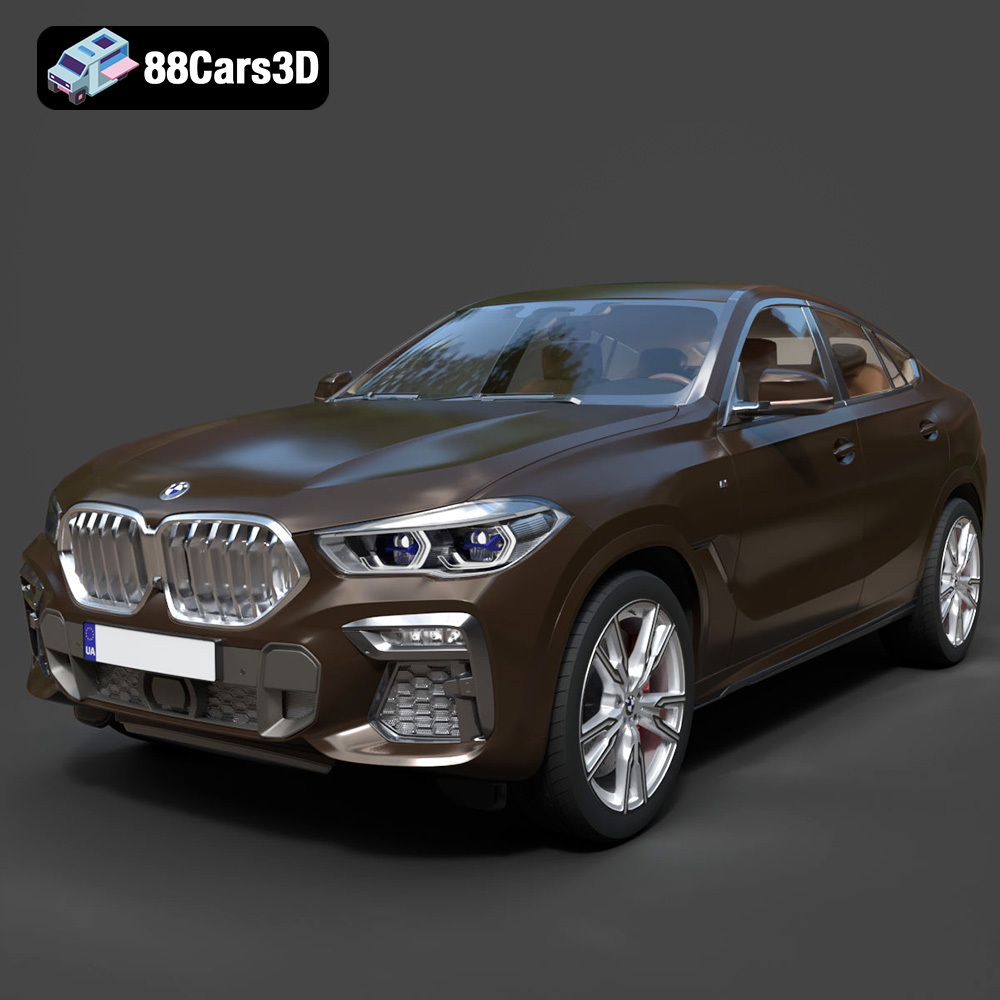
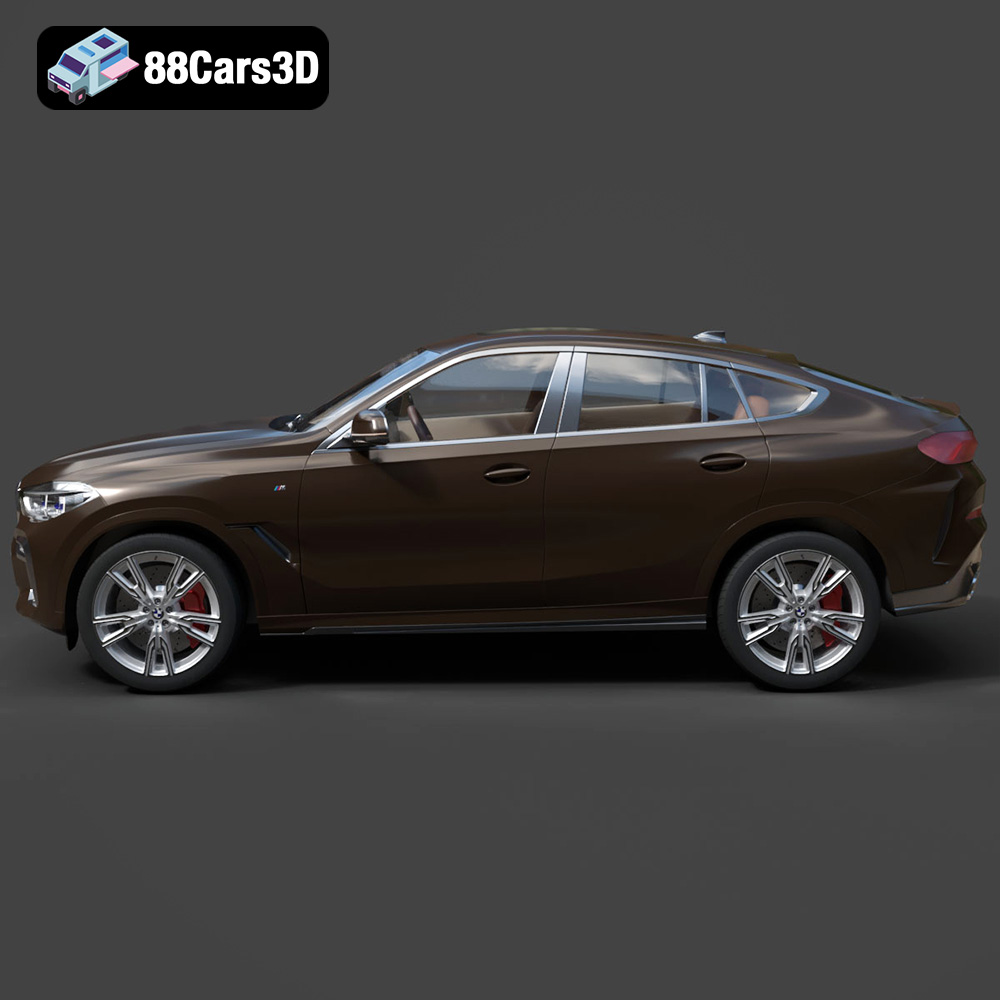
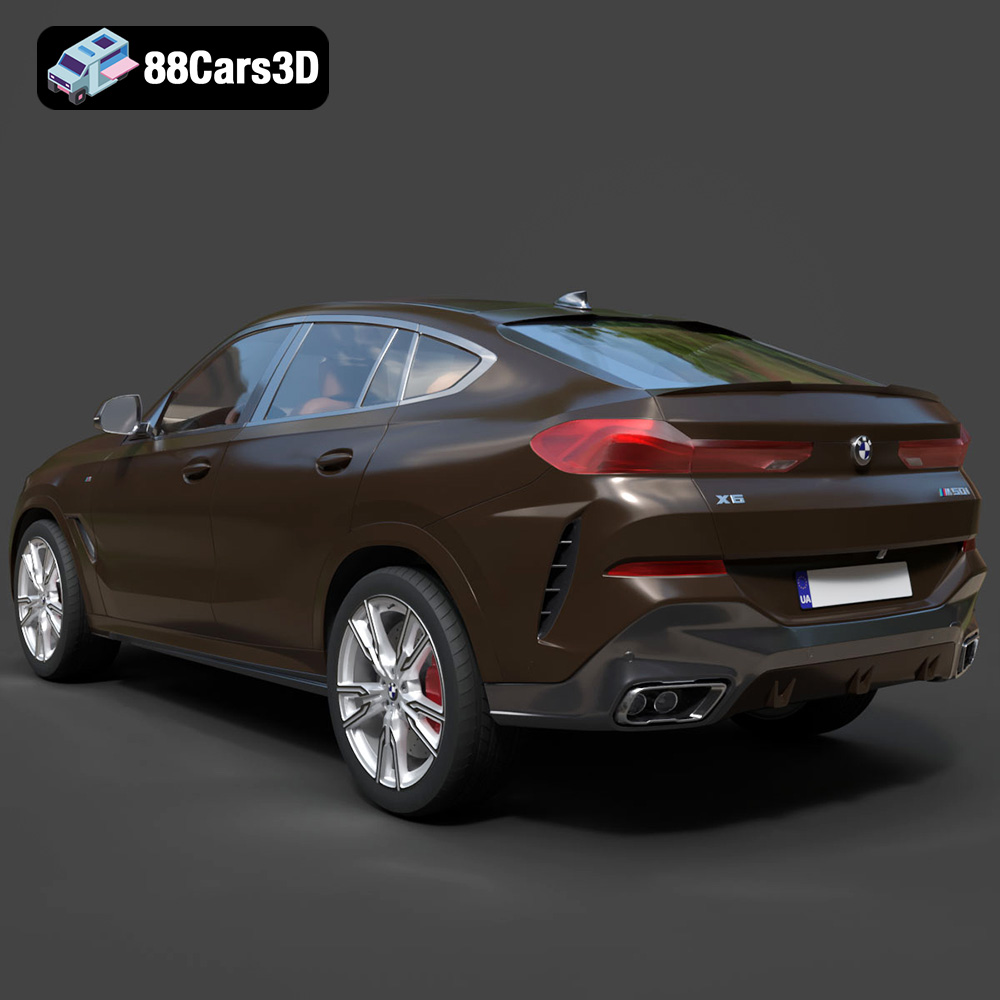
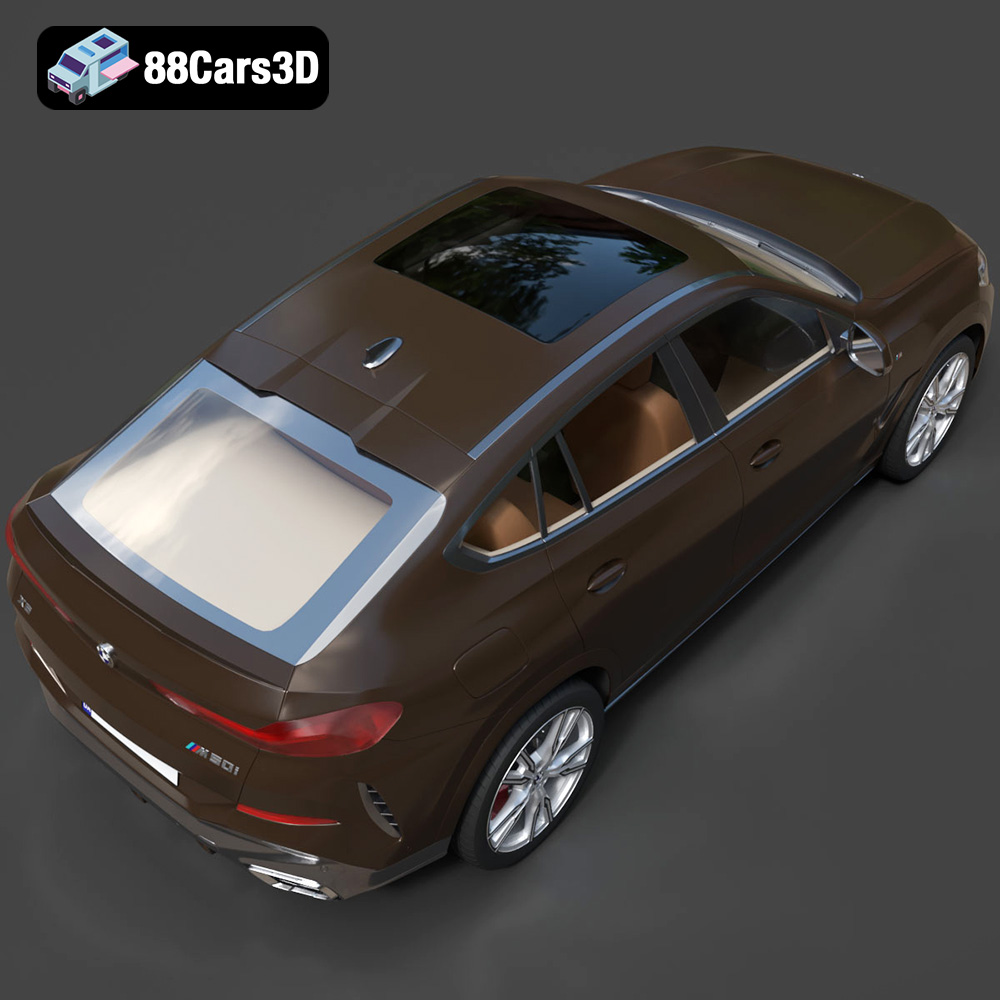
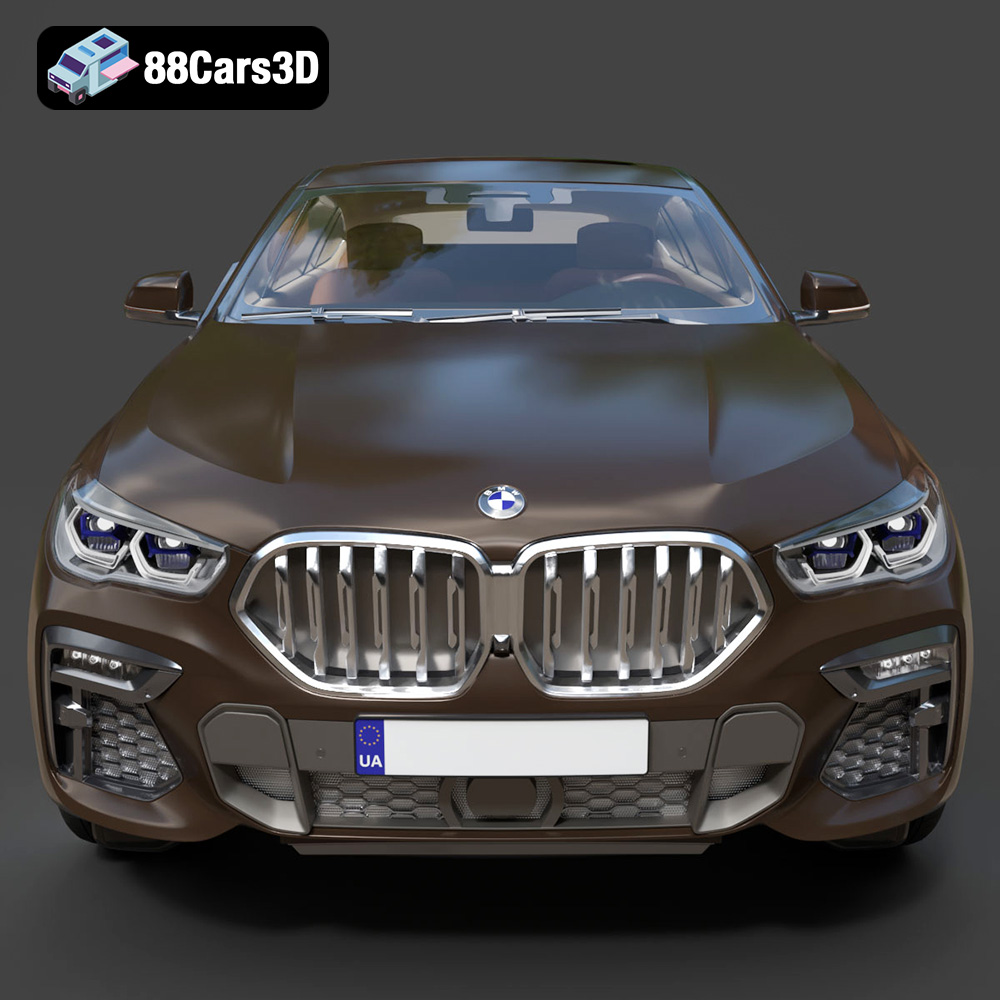
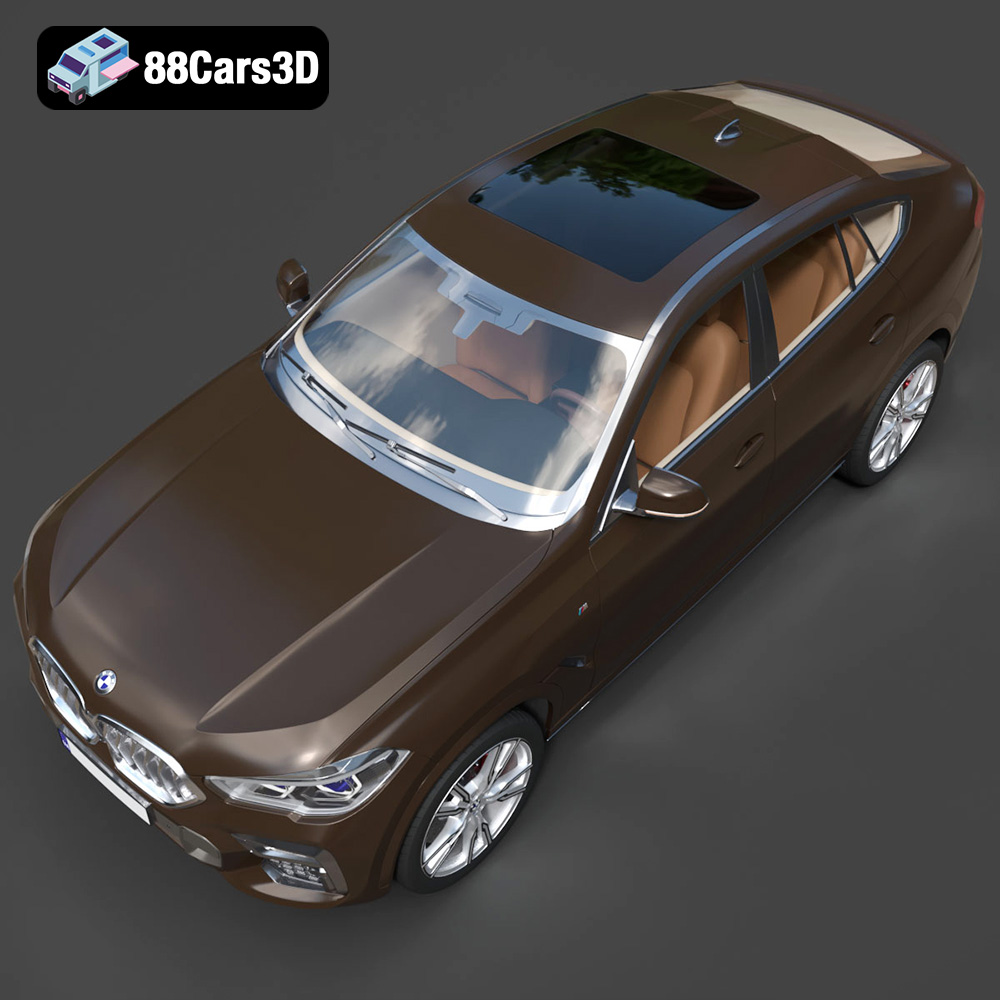
The BMW X6 (Mk3) (G06) M Sport 2020 is an iconic vehicle, blending SUV practicality with coupe aesthetics. Now, thanks to advancements in 3D printing, you can bring this automotive masterpiece to life on your desktop. This guide provides a comprehensive overview of 3D printing the BMW X6 model, covering everything from pre-print preparation to post-processing techniques. Whether you’re a seasoned 3D printing enthusiast or just starting, this article will equip you with the knowledge to create a stunning replica. You can find the meticulously crafted 3D model of this vehicle at 88cars3d.com.
Selecting the appropriate 3D printer is crucial for a successful outcome. Consider the level of detail you want to achieve and the size of the final model.
* **FDM (Fused Deposition Modeling):** FDM printers are a popular choice due to their affordability and ease of use. They work by extruding molten plastic filament layer by layer. While FDM printers are suitable for larger models, they may struggle with intricate details. Layer lines are also more visible, requiring more post-processing.
* **Resin (SLA/DLP/LCD):** Resin printers offer superior detail and smoother surfaces compared to FDM printers. They use liquid resin cured by UV light. Resin printing is ideal for smaller, highly detailed parts of the BMW X6 model, such as the interior components or intricate grilles. However, resin printers typically have a smaller build volume and require more stringent safety precautions due to the resin’s toxicity.
The BMW X6 model can be scaled to various sizes. Ensure your chosen printer has a sufficient build volume to accommodate your desired scale. For larger prints, consider splitting the model into multiple parts and assembling them after printing. If you’re focusing on smaller, detailed components, a smaller build volume resin printer might be adequate.
Choosing the right file format is crucial for a smooth 3D printing experience. Different formats offer varying levels of detail, compatibility, and suitability for specific applications. Understanding these differences will help you optimize your workflow and achieve the best possible results when 3D printing the BMW X6 (Mk3) (G06) M Sport 2020 model from 88cars3d.com.
The .stl (stereolithography) format is the de facto standard for 3D printing. It represents the surface geometry of a 3D object as a collection of triangles. This simplicity makes it universally compatible with virtually all slicing software and 3D printers. However, .stl files only store mesh data; they don’t contain information about color, textures, or materials.
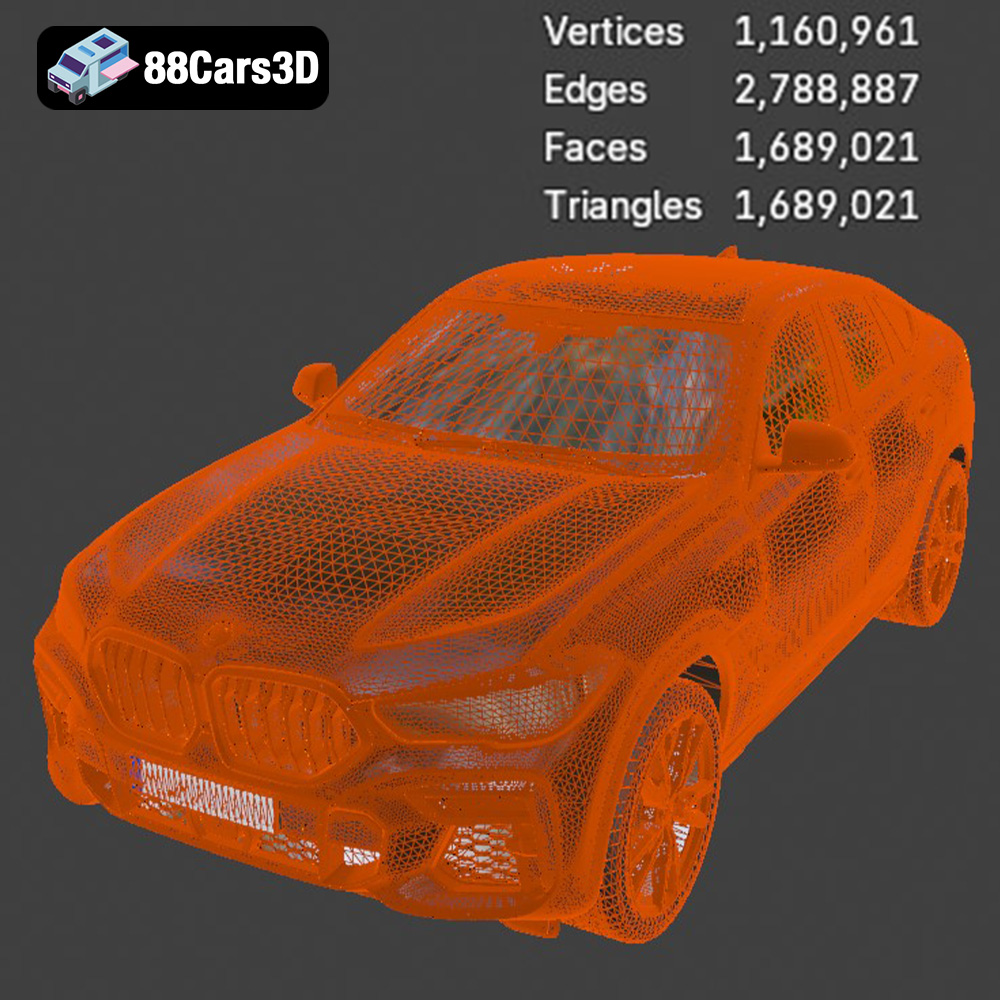
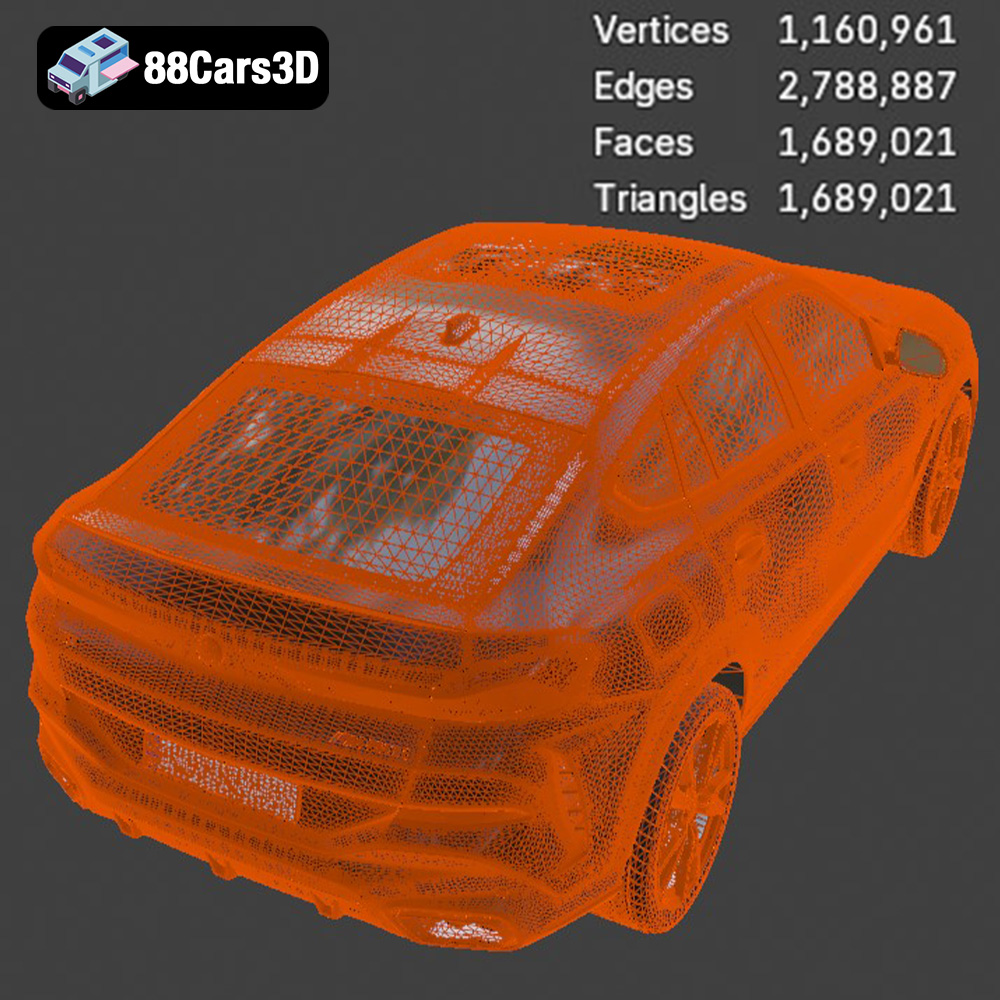
When preparing the BMW X6 model for 3D printing, the .stl format is often the initial choice. It provides a solid foundation for creating a printable mesh. However, the quality of the .stl file directly impacts the final print. High-resolution .stl files, with a larger number of triangles, capture finer details but result in larger file sizes. Lower-resolution files are smaller but may exhibit faceted surfaces, especially on curved areas of the car model.
Slicing software interprets the .stl file and generates toolpaths for the 3D printer. The software analyzes the triangular mesh and determines how to deposit material layer by layer to recreate the object. Ensure the .stl file is “watertight” (i.e., has no holes or gaps in the mesh) to avoid errors during slicing and printing. Mesh repair tools within slicing software can often fix minor issues.
The .obj (object) format is another widely supported 3D model format. Unlike .stl, .obj files can store color and texture information, allowing for the possibility of colored 3D prints, although this requires specialized multi-material printers. .obj files also represent geometry as a mesh, but they can use more complex polygons than just triangles.
For the BMW X6, if you plan to print with a multi-material printer or apply textures later through post-processing, the .obj format can be useful. However, it’s essential to ensure your slicing software fully supports the .obj format and its associated material files (.mtl).
The .ply (polygon file format) is designed to store 3D data acquired from 3D scanners. It’s capable of representing high-resolution meshes with detailed information about color and surface normals. While not as universally supported as .stl or .obj, .ply can be valuable when working with highly detailed models.
While the BMW X6 model from 88cars3d.com is already meticulously crafted, the .ply format could be considered if further refinement or scanning data needs to be incorporated.
The .blend format is the native file format for Blender, a popular open-source 3D modeling software. It stores the entire Blender scene, including the model’s geometry, materials, textures, lighting, and animation data. The .blend file allows for extensive customization of the BMW X6 model before exporting it to a printable format.
If you want to modify the design, add custom features, or optimize the model specifically for 3D printing, working with the .blend file is highly recommended. You can adjust the mesh density, repair any imperfections, and fine-tune the model for optimal printing results. After making the necessary changes, you can export the modified model as an .stl file for slicing.
The .fbx (Filmbox) format is primarily used for exchanging 3D data between different software applications, especially in game development and animation. It supports geometry, materials, textures, animations, and skeletal rigs. While not directly used for 3D printing, .fbx can be helpful for importing the BMW X6 model into certain slicing software that support material properties, potentially streamlining the workflow for multi-material printing.
The .glb (GL Transmission Format Binary) format is designed for efficient delivery and loading of 3D models on the web and in augmented reality (AR) applications. It’s a binary format that includes geometry, textures, and animations in a single file, making it ideal for real-time rendering.
While not directly related to 3D printing, the .glb format allows you to preview the BMW X6 model in AR using a smartphone or tablet before committing to a physical print. This can help you visualize the size and appearance of the model in a real-world context.
The .max format is the native file format for 3ds Max, a professional 3D modeling and animation software. Similar to .blend, .max files store the entire scene, allowing for extensive customization of the BMW X6 model. If you’re familiar with 3ds Max, working with the .max file provides the most flexibility for modifying and optimizing the model before exporting it to a printable format like .stl.
Proper pre-print preparation is essential for achieving a high-quality 3D print of the BMW X6. This involves using slicing software to convert the 3D model into a set of instructions that the printer can understand.
Popular slicing software options include Cura, PrusaSlicer, Simplify3D, and others. Each slicer has its strengths and weaknesses, so experiment to find the one that best suits your needs and printer.
* **Minimize Supports:** Carefully consider the model’s orientation on the build plate. Orient the BMW X6 model to minimize the need for support structures. Overhanging features require supports, which can be challenging to remove and may leave blemishes on the final print.
* **Surface Finish:** The orientation also affects the surface finish. The bottom layer of the print will typically have a smoother finish than the top layers. Consider which surfaces you want to be the smoothest and orient the model accordingly. For example, placing the roof of the car facing down may result in a smoother roof finish.
* **Stress Distribution:** For functional parts or larger models, consider the stress distribution during printing. Orient the model to minimize stress on delicate features.
* **Support Type:** Choose the appropriate support type based on your model and printer. Tree supports are generally easier to remove than linear supports and can be a good option for the BMW X6 model.
* **Support Density:** Adjust the support density to balance support strength and material usage. A higher density provides more support but also uses more material.
* **Support Placement:** Manually adjust the support placement to ensure critical overhangs are adequately supported while minimizing support on visible surfaces.
The material you choose for printing the BMW X6 will significantly impact its appearance, durability, and functionality.
* **Pros:** PLA is a biodegradable thermoplastic polymer derived from renewable resources. It’s easy to print, widely available, and comes in a vast range of colors. PLA is a good choice for non-functional prototypes or display models.
* **Cons:** PLA has a relatively low melting point and is not very heat-resistant. It can also be brittle and prone to cracking under stress.
* **Pros:** PETG is a strong and durable material with good impact resistance and flexibility. It’s also more heat-resistant than PLA. PETG is a good option for parts that need to withstand some stress or exposure to higher temperatures.
* **Cons:** PETG can be more challenging to print than PLA, requiring higher temperatures and careful bed adhesion.
* **Pros:** ABS is a strong and heat-resistant thermoplastic. It’s commonly used for automotive parts and other demanding applications.
* **Cons:** ABS is more difficult to print than PLA and PETG. It requires a heated bed and an enclosed printer to prevent warping. ABS also emits fumes during printing, so good ventilation is necessary.
* **Pros:** Resin offers exceptional detail and smooth surfaces. It’s ideal for intricate parts and models that require a high level of precision.
* **Cons:** Resin is more expensive than filament and requires specialized equipment and safety precautions. Resin prints also need to be washed and cured after printing.
* **For Display Models:** PLA or a high-quality resin are excellent choices. PLA offers a wide range of colors, while resin provides superior detail.
* **For Functional Parts:** PETG or ABS are better options due to their strength and durability.
Fine-tuning your printer settings is crucial for achieving the desired print quality and speed. These settings will vary depending on your printer, material, and slicing software.
* **Lower Layer Height:** A lower layer height results in smoother surfaces and finer details but increases print time. Consider using a layer height of 0.1mm or 0.15mm for highly detailed parts of the BMW X6 model, such as the grille or wheels.
* **Higher Layer Height:** A higher layer height reduces print time but sacrifices surface quality. You can use a layer height of 0.2mm or 0.25mm for less critical areas of the model, such as the body panels.
* **Lower Infill Density:** A lower infill density reduces material usage and print time but makes the model weaker. Use a low infill density (10-15%) for purely decorative models.
* **Higher Infill Density:** A higher infill density increases the model’s strength and rigidity but uses more material and takes longer to print. Consider using a higher infill density (20-30%) for parts that need to withstand some stress.
* **Slower Print Speed:** A slower print speed generally results in better print quality, especially for intricate details.
* **Faster Print Speed:** A faster print speed reduces print time but may sacrifice print quality. Experiment with different print speeds to find the optimal balance for your printer and material.
* Refer to your material manufacturer’s recommendations for optimal temperature settings. PLA typically prints at 200-220°C, PETG at 230-250°C, and ABS at 230-260°C. Adjust the bed temperature accordingly to ensure proper adhesion.
Post-processing is the final step in creating a polished and professional-looking 3D printed BMW X6.
Carefully remove support structures using pliers, cutters, or a sharp knife. Take your time and avoid damaging the model.
Sand the model to smooth out any imperfections and layer lines. Start with a coarse grit sandpaper (e.g., 220 grit) and gradually move to finer grits (e.g., 400, 600, 800 grit). Wet sanding can help reduce dust and improve the surface finish.
Apply a primer to the model to create a smooth and uniform surface for painting. Use multiple thin coats of primer instead of one thick coat to avoid runs and drips.
Paint the model using acrylic paints or automotive paints. Use masking tape to create clean lines and sharp details. Apply multiple thin coats of paint and allow each coat to dry completely before applying the next.
If the model was printed in multiple parts, carefully assemble them using glue or fasteners.
Even with careful preparation, 3D printing can sometimes be challenging. Here are some common issues and their solutions:
* **Warping:** Warping occurs when the bottom layers of the print curl up from the build plate. This is more common with ABS. To prevent warping, use a heated bed, ensure good bed adhesion, and print in an enclosed environment.
* **Stringing:** Stringing occurs when thin strands of filament are left between parts of the print. This is often caused by excessive retraction or high printing temperatures. Adjust your retraction settings and lower the printing temperature to reduce stringing.
* **Layer Shifting:** Layer shifting occurs when the printer’s X or Y axis shifts during printing. This can be caused by loose belts, stepper motor issues, or obstructions in the printer’s path. Check your printer’s belts and motors and ensure there are no obstructions.
* **Poor Bed Adhesion:** Poor bed adhesion can cause the print to detach from the build plate. Clean the build plate with isopropyl alcohol and use a bed adhesive such as glue stick or hairspray.
The print time and material cost for the BMW X6 model will depend on several factors, including the size of the model, the layer height, the infill density, and the material used. As a rough estimate, a moderately sized BMW X6 model printed in PLA with a 0.2mm layer height and 20% infill could take anywhere from 10 to 30 hours to print and cost $5 to $15 in material. Resin prints will generally take less time but may cost more in resin.
Remember to visit 88cars3d.com for a wide variety of 3D car models optimized for printing.
Experience unparalleled realism with the BMW X6 (Mk3) (G06) M Sport 2020 3D Model. This meticulously crafted digital asset accurately replicates the distinct proportions, aggressive styling, and luxurious detailing of the renowned sports activity coupe. Engineered with precision, this model provides an exceptional level of accuracy, making it an indispensable resource for creators seeking top-tier automotive models.
$39.99
.arvr
.blend
.bmw
.car3dmodel
.fbx
.g06
.gameasset
.glb
.luxurycar
.max
.mk3
.msport
.obj
.ply
.rendering
.simulation
.sportSUV
.stl
.unreal
.x6
SUV