Get 20% OFF All Premium 3D & STL Models!

The Vespa 946 is a modern classic, a design icon that seamlessly blends retro aesthetics with cutting-edge technology. Now, thanks to readily available 3D models, you can bring this stylish scooter to life right on your desktop. This guide focuses on the nuances of 3D printing the Vespa 946 3D model, covering everything from selecting the right materials to perfecting your post-processing techniques. Whether you’re a seasoned 3D printing enthusiast or just starting out, this comprehensive walkthrough will help you achieve a stunning, tangible replica of this beloved vehicle. We’ll explore the best practices for preparing the STL files, choosing optimal printer settings, and finishing your print to achieve a showroom-worthy result.
Before diving into the specifics of 3D printing the Vespa 946 model, it’s essential to understand the various file formats available and their implications for the additive manufacturing process. Different formats offer varying levels of detail, texture support, and compatibility with slicing software. Choosing the right format can significantly impact the quality and printability of your 3D model.
The STL (Stereolithography) format is the undisputed king of 3D printing. It represents a 3D object as a collection of triangles, forming a mesh that defines the object’s surface. This simplicity is both its strength and weakness. STL files are universally compatible with slicing software and 3D printers, making them the go-to choice for most printing applications. However, STL files only store geometric data, meaning they don’t contain information about color, texture, or materials. This limitation means that any color or texture must be applied during post-processing.
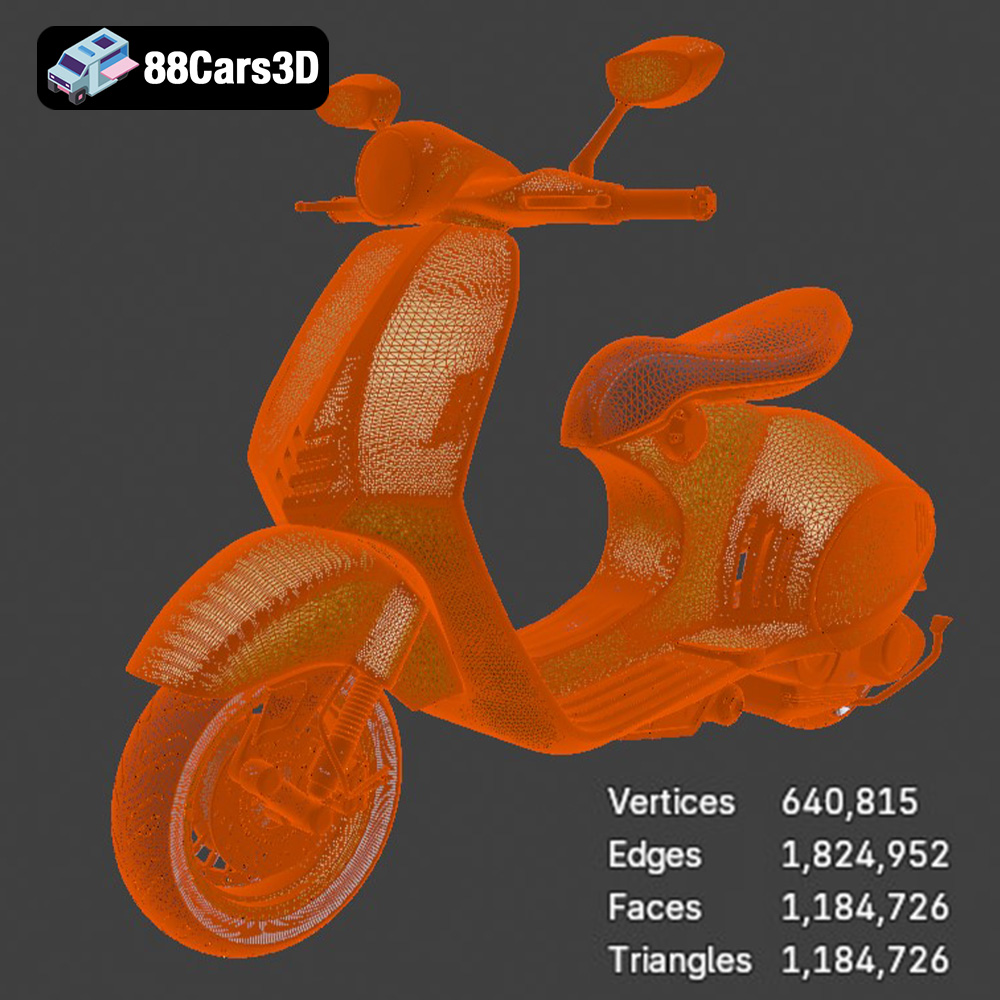
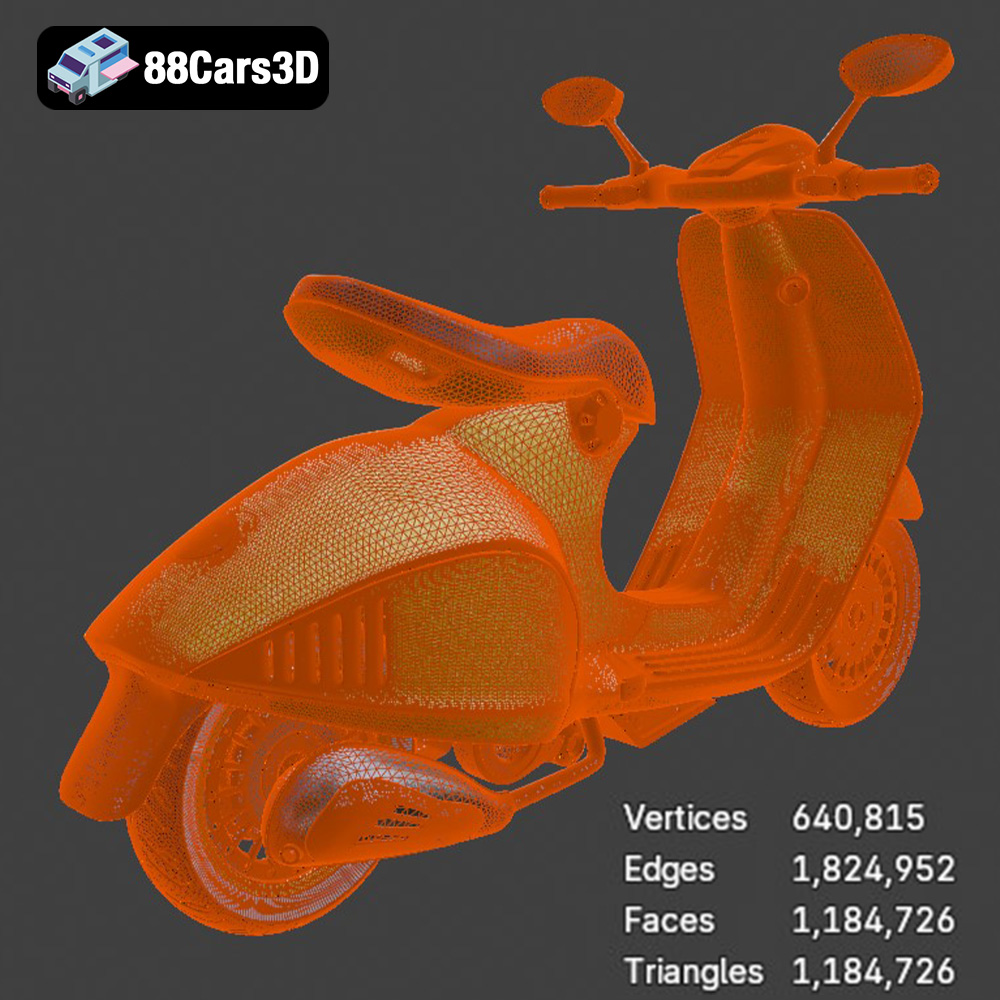
For 3D printing the Vespa 946 model, the STL file is the most crucial. It provides the essential geometric data that your printer needs to build the physical object layer by layer. Ensure that the STL file you use is of high quality, with a sufficient number of triangles to accurately represent the curves and details of the scooter. A poorly meshed STL file can result in a jagged or faceted print, losing the smooth, elegant lines of the Vespa 946.
OBJ files are more versatile than STL files, as they can store color and texture information in addition to geometric data. This makes them suitable for printing multi-colored models, although this typically requires specialized multi-material 3D printers. OBJ files are also widely supported by 3D modeling and slicing software, making them a convenient alternative to STL.
While the Vespa 946 model is primarily a single-color design, the OBJ format could be useful if you plan to customize the model with different colors or textures in a 3D modeling program before printing. However, be aware that not all slicing software fully supports OBJ textures, so you may need to convert the textures to a compatible format or apply them manually after printing.
PLY (Polygon File Format) is designed for storing 3D data acquired from 3D scanning. It can store color, texture, and other properties per vertex, making it suitable for high-detail models. However, PLY files are not as widely supported by 3D printing software as STL or OBJ files.
While the .ply file might be present, it is unlikely to be the primary choice for 3D printing the Vespa 946. It could be used for analysis, but the .stl is preferred for direct printing.
.blend files are specific to Blender, a popular open-source 3D modeling software. This format contains the entire Blender scene, including the model, materials, lighting, and other settings. If you’re a Blender user, the .blend file provides the most flexibility for customizing the Vespa 946 model before exporting it to a printable format like STL.
You can use the .blend file to modify the model’s geometry, add details, adjust the scale, or create separate parts for easier printing and assembly. Once you’re satisfied with your changes, you can export the model as an STL file for 3D printing.
FBX (Filmbox) is a widely used format for exchanging 3D data between different software applications, particularly in game development. It supports geometric data, textures, materials, and animations. While FBX files can be imported into some slicing software, they are not typically used for direct 3D printing. Their main purpose is for transferring assets between different stages of a design workflow.
GLB is a binary file format representing 3D models, primarily used for AR/VR and web-based visualization. It’s designed to be compact and efficient, making it ideal for displaying 3D models on mobile devices and web browsers. While not directly used for 3D printing, the .glb file can be useful for previewing the Vespa 946 model in augmented reality before you commit to printing it, giving you a better sense of its size and appearance in the real world.
.max files are specific to 3ds Max, a professional 3D modeling, rendering, and animation software. Similar to .blend files for Blender, the .max file contains the entire 3ds Max project, allowing for extensive customization of the Vespa 946 model. If you are a 3ds Max user, this format provides the most control over the model’s details and appearance before exporting it for 3D printing.
Ultimately, for 3D printing the Vespa 946 model from 88cars3d.com, the STL file is the primary format you’ll be working with. Ensure that the STL file is well-meshed and free of errors before importing it into your slicing software. The other formats (.obj, .blend, etc.) offer flexibility for customization and visualization, but the STL file is the essential link between the digital model and the physical print.
Once you have your STL file, the next step is to prepare it for 3D printing using slicing software. This software converts the 3D model into a series of layers that the printer can understand and build upon. Proper preparation is crucial for a successful print.
Several excellent slicing software options are available, each with its own strengths and weaknesses. Popular choices include Cura, PrusaSlicer, Simplify3D, and IdeaMaker. Cura is a free and open-source option that’s easy to learn and use, making it a great choice for beginners. PrusaSlicer is another excellent free option, known for its advanced features and precise control over printing parameters. Simplify3D is a paid software that offers a wide range of advanced features and customization options, making it a popular choice for experienced users. IdeaMaker is a free slicer created by Raise3D. The optimal choice depends on your experience level and the specific features you need. For the Vespa 946, consider software that allows fine-tuning of support structures, crucial for the model’s intricate details.
Before slicing, it’s essential to check the STL file for any errors or imperfections that could cause problems during printing. Common issues include non-manifold geometry, holes in the mesh, and self-intersecting faces. Most slicing software includes built-in repair tools that can automatically fix these issues. You can also use dedicated mesh repair software like Meshmixer or Netfabb. For the Vespa 946, pay special attention to areas with fine details, such as the handlebars and the seat. These areas are prone to errors and may require manual repair.
Consider splitting the model into smaller, more manageable parts. This can improve print quality, reduce warping, and make post-processing easier. For example, you could separate the frame, wheels, and seat into individual parts. Ensure the final model is correctly oriented for printing; for the Vespa 946, consider the orientation that minimizes the need for support structures on visible surfaces.
Decide on the desired size of your 3D printed Vespa 946. Scaling the model is straightforward in most slicing software, but consider the limitations of your printer’s build volume. For intricate models like this, avoid scaling down too much, as it can make fine details difficult to print. Experiment with different orientations to minimize the need for support structures and optimize print time. A 45-degree angle might work well for some sections.
The choice of material significantly impacts the final appearance, strength, and durability of your 3D printed Vespa 946. Different materials offer different properties, so selecting the right one is crucial.
PLA (Polylactic Acid) is a biodegradable thermoplastic derived from renewable resources like corn starch or sugarcane. It’s one of the most popular materials for 3D printing due to its ease of use, low printing temperature, and minimal warping. PLA is a good choice for beginners printing the Vespa 946, as it’s relatively forgiving and produces good results with minimal effort. However, PLA is not as strong or heat-resistant as other materials, so it may not be suitable for functional parts or outdoor use.
PETG (Polyethylene Terephthalate Glycol-modified) is a thermoplastic that combines the strength and durability of ABS with the ease of use of PLA. It’s more resistant to heat and impact than PLA, making it a better choice for parts that need to withstand some wear and tear. PETG is also food-safe, so it’s suitable for printing containers and other items that come into contact with food. PETG can be a good middle ground for the Vespa 946, offering better durability than PLA without being too difficult to print.
Resin 3D printing, also known as stereolithography (SLA) or digital light processing (DLP), uses liquid resin that is cured by UV light. Resin printing offers significantly higher resolution and smoother surfaces than FDM printing, making it ideal for intricate models like the Vespa 946. Resin printers can capture fine details that are impossible to achieve with FDM printers. However, resin printing also has its drawbacks. Resin is more expensive than filament, and the printing process is more complex and requires more post-processing. Resin prints also tend to be more brittle than FDM prints. Given the Vespa 946’s curves and small features, resin is an excellent choice if detail is prioritized.
Achieving a high-quality 3D printed Vespa 946 requires careful attention to printer settings. The optimal settings will vary depending on your printer, material, and desired level of detail, but here are some general guidelines to get you started.
Layer height is a critical setting that affects both the print quality and print time. A lower layer height results in smoother surfaces and finer details but also increases print time. A higher layer height results in faster printing but reduces the surface quality. For the Vespa 946, a layer height of 0.1mm to 0.2mm is a good starting point for PLA or PETG. If you’re using a resin printer, you can go even lower, down to 0.025mm or even lower, to achieve maximum detail.
Infill is the internal structure of the 3D printed object. The infill density determines how solid the object is, and the infill pattern affects its strength and weight. For the Vespa 946, an infill density of 15% to 20% is usually sufficient for most parts. Choose an infill pattern that provides good strength and stability, such as gyroid or honeycomb. Areas requiring more strength, such as the wheel axles, might benefit from a higher infill percentage.
Support structures are necessary to support overhanging parts of the model during printing. However, they can also leave marks on the surface of the print. To minimize these marks, use support structures sparingly and strategically. Orient the model so that the most visible surfaces are facing upwards, minimizing the need for supports in those areas. Use a support interface layer to make it easier to remove the supports without damaging the surface of the print. For the Vespa 946, pay close attention to the handlebars, seat, and fenders, as these areas are likely to require support.
Post-processing is the final step in the 3D printing process, and it’s essential for achieving a professional-looking result. Post-processing techniques can include removing support structures, sanding, filling, priming, and painting.
The first step in post-processing is to remove the support structures. Use a sharp knife or pliers to carefully remove the supports, being careful not to damage the surface of the print. Once the supports are removed, use sandpaper to smooth out any rough edges or marks left by the supports. Start with a coarse grit sandpaper (e.g., 220 grit) and gradually work your way up to a finer grit (e.g., 400 grit) for a smooth finish. For the Vespa 946, pay close attention to areas with fine details, such as the handlebars and the seat, as these areas are more prone to damage during sanding.
If there are any gaps or imperfections in the surface of the print, you can fill them with a filler material, such as epoxy putty or spot putty. Apply the filler material to the affected areas and let it dry completely. Then, sand the filler material smooth to match the surrounding surface. Once the surface is smooth, apply a primer to the entire model. The primer will help to create a uniform surface for painting and will also help the paint to adhere better.
Painting is the final step in post-processing, and it’s where you can really bring your 3D printed Vespa 946 to life. Choose a high-quality paint that is suitable for plastic, such as acrylic or enamel paint. Apply the paint in thin, even coats, allowing each coat to dry completely before applying the next. For the Vespa 946, consider using multiple colors to replicate the original design. You can also add details, such as decals or chrome accents, to enhance the realism of the model.
Even with careful preparation and attention to detail, 3D printing can sometimes be challenging. Here are some common issues you may encounter when printing the Vespa 946 and how to solve them.
Warping occurs when the corners of the print lift off the build plate during printing. This is often caused by temperature fluctuations or poor bed adhesion. To prevent warping, ensure that your build plate is properly leveled and clean. Use a build plate adhesive, such as glue stick or hairspray, to improve bed adhesion. Increase the bed temperature and reduce the printing speed. Enclosing the printer can also help to maintain a consistent temperature and prevent warping.
Stringing occurs when thin strands of plastic are left between different parts of the print. This is often caused by excessive retraction or a too-high printing temperature. To prevent stringing, reduce the printing temperature and increase the retraction distance and speed. Make sure the filament is dry, as moisture can contribute to stringing.
Layer separation occurs when the layers of the print don’t adhere properly to each other. This can be caused by a too-low printing temperature, insufficient cooling, or a dirty build plate. To prevent layer separation, increase the printing temperature and reduce the cooling fan speed. Clean the build plate with isopropyl alcohol to ensure good adhesion.
By following these tips and techniques, you can successfully 3D print a stunning replica of the iconic Vespa 946. Remember to take your time, experiment with different settings, and don’t be afraid to learn from your mistakes. Happy printing! Models from 88cars3d.com are a great way to get started.
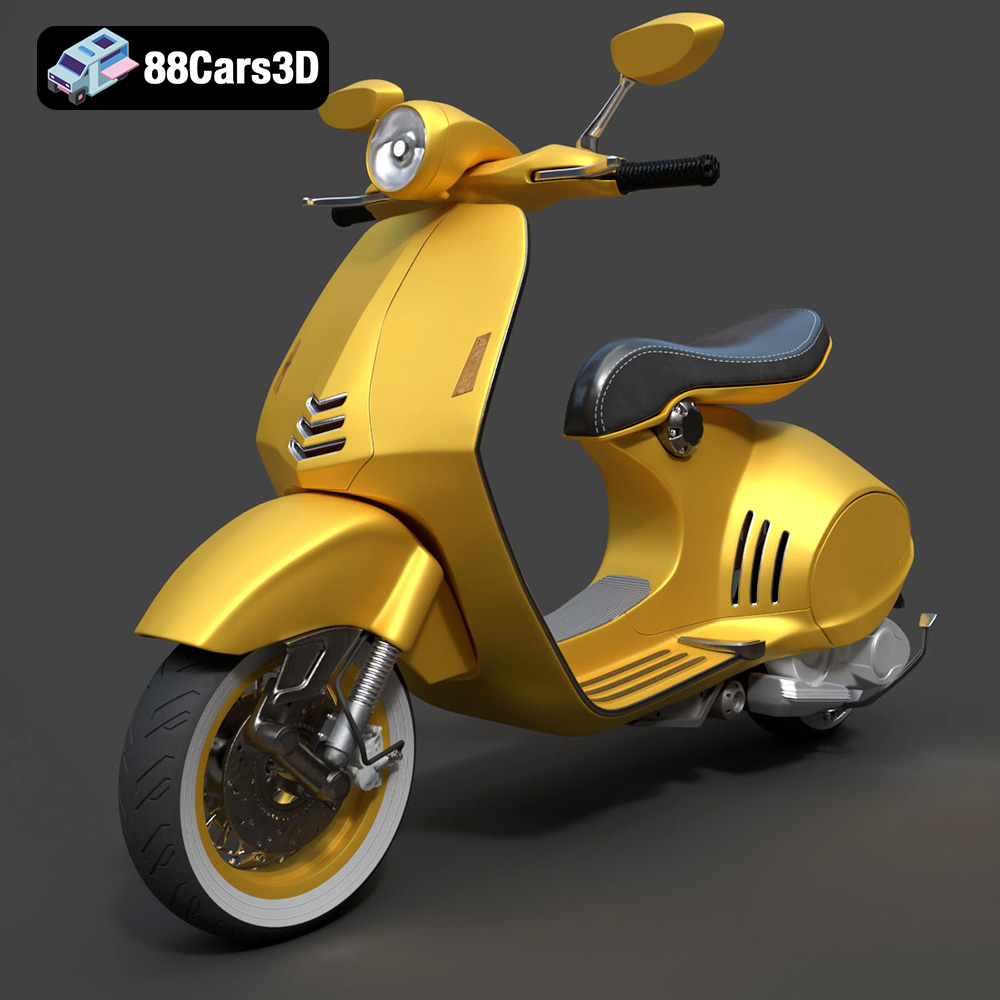
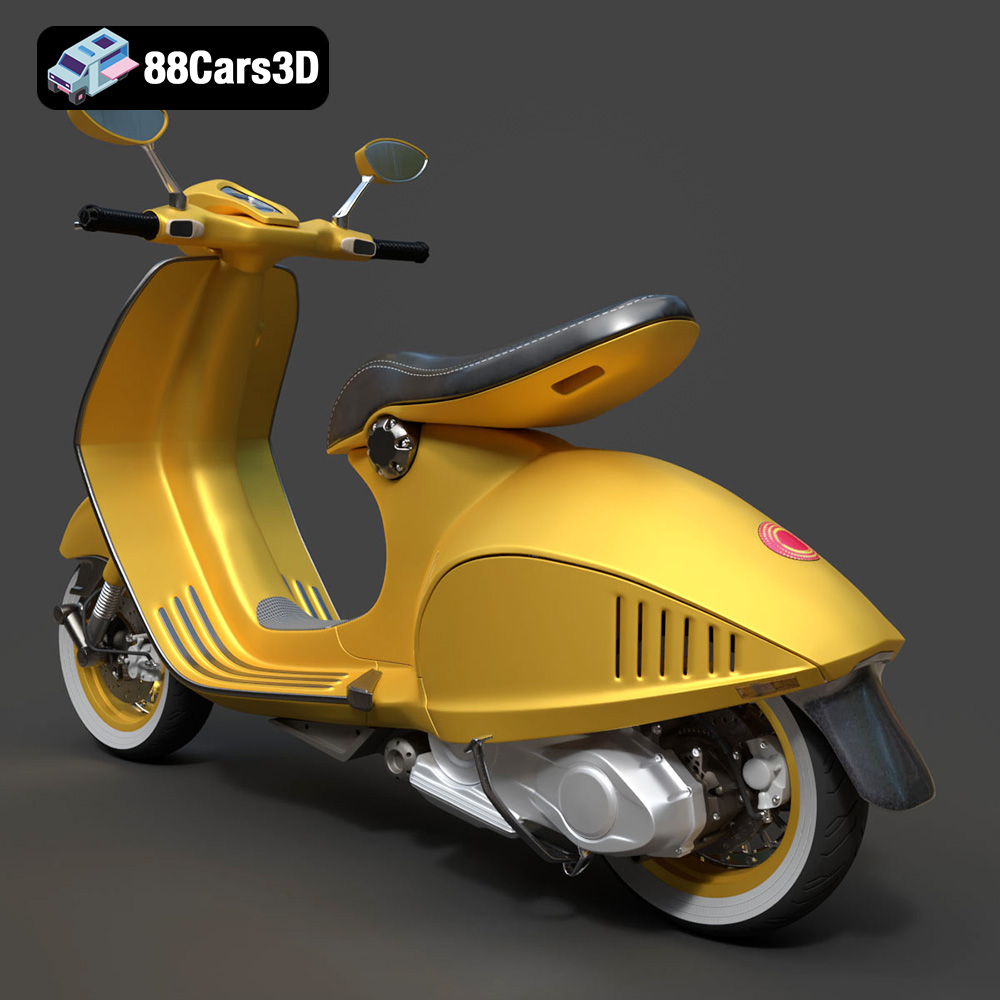
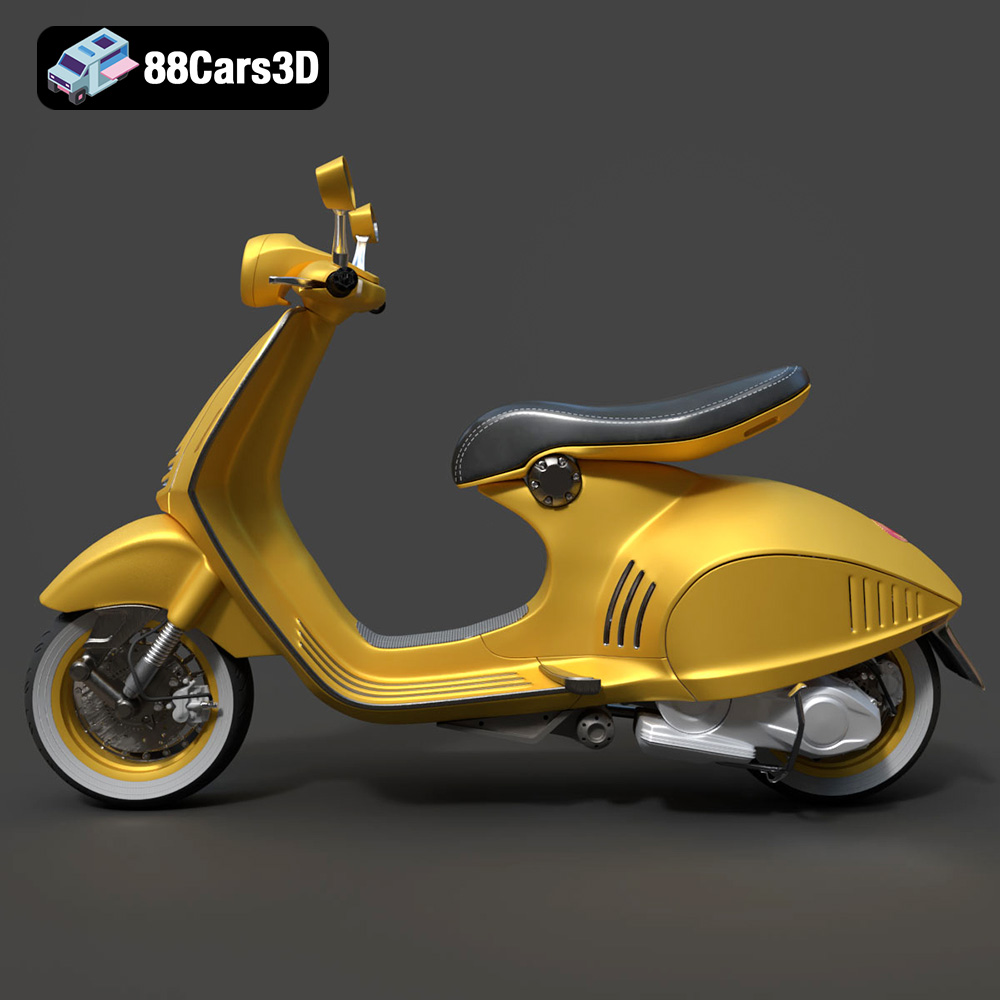
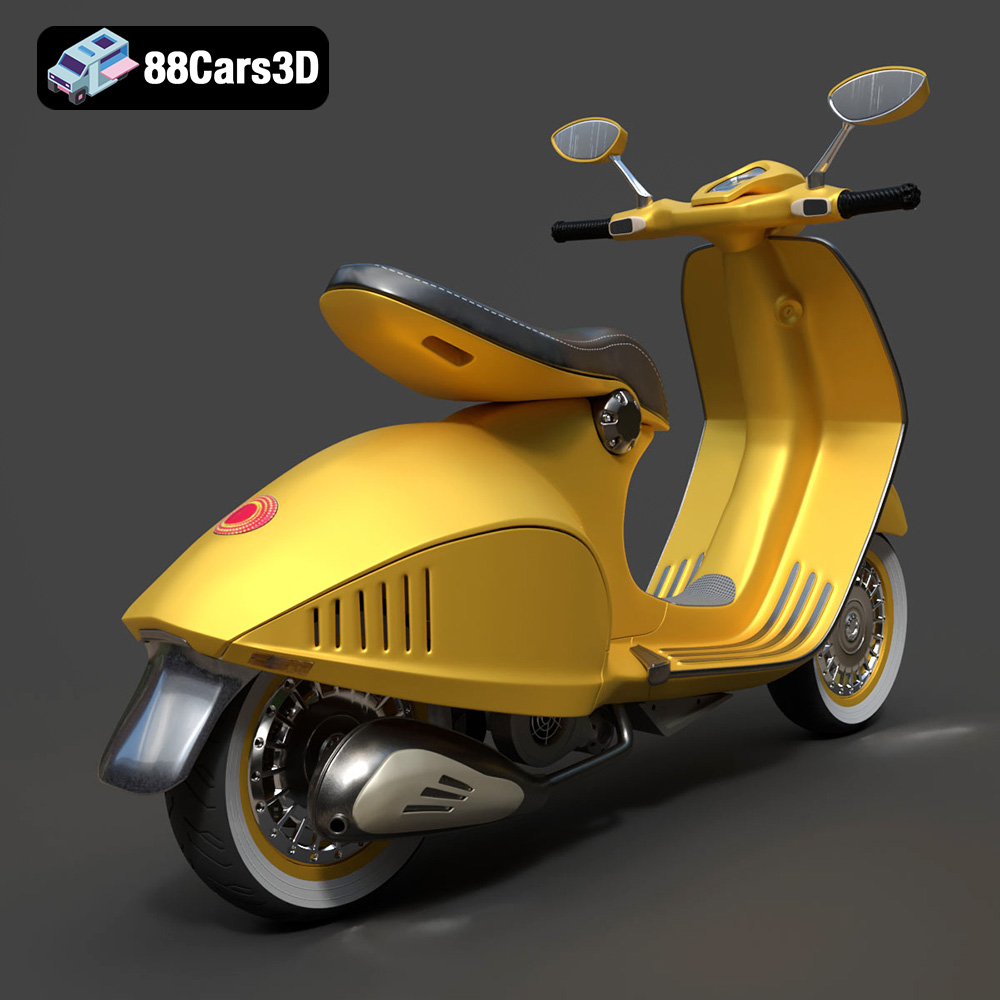
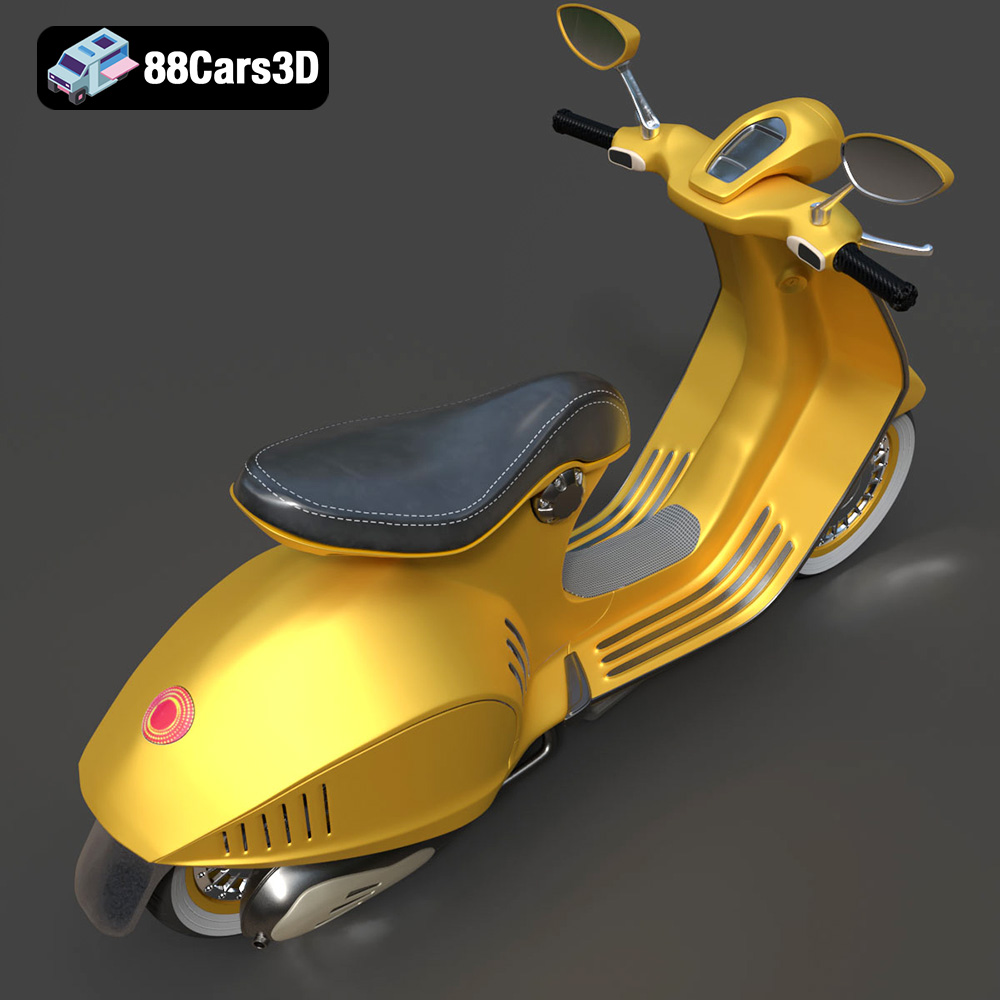
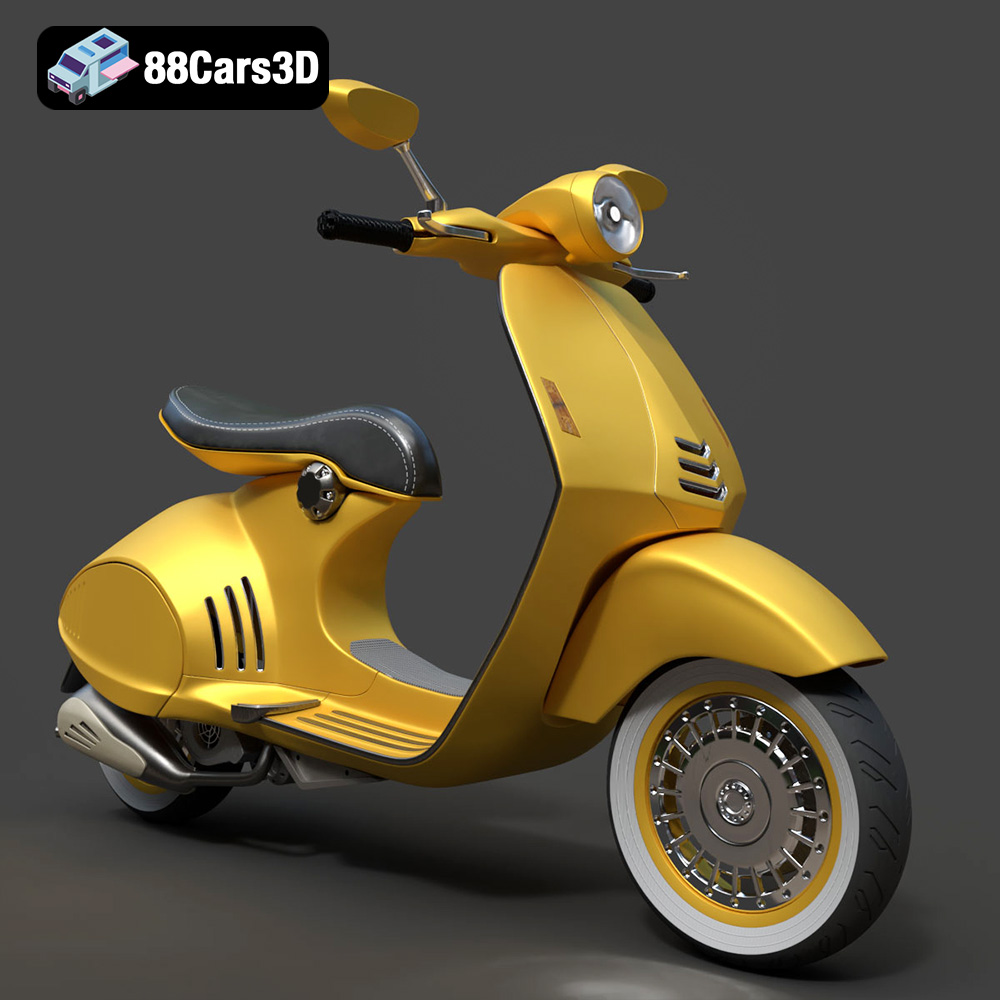
Experience the iconic elegance of the Vespa 946 with this meticulously crafted 3D model. Designed to replicate the authentic curves and refined aesthetics of the renowned scooter, this asset provides true-to-life realism for professional projects. Whether for close-up studio renders or dynamic environments, every detail from the distinct seating to the polished chassis has been modeled with precision.
$39.99
.946
.arvr
.blend
.car3dmodel
.fbx
.gameasset
.glb
.max
.motorcycle
.obj
.ply
.rendering
.scooter
.simulation
.stl
.unreal
.vespa