Get 20% OFF All Premium 3D & STL Models!

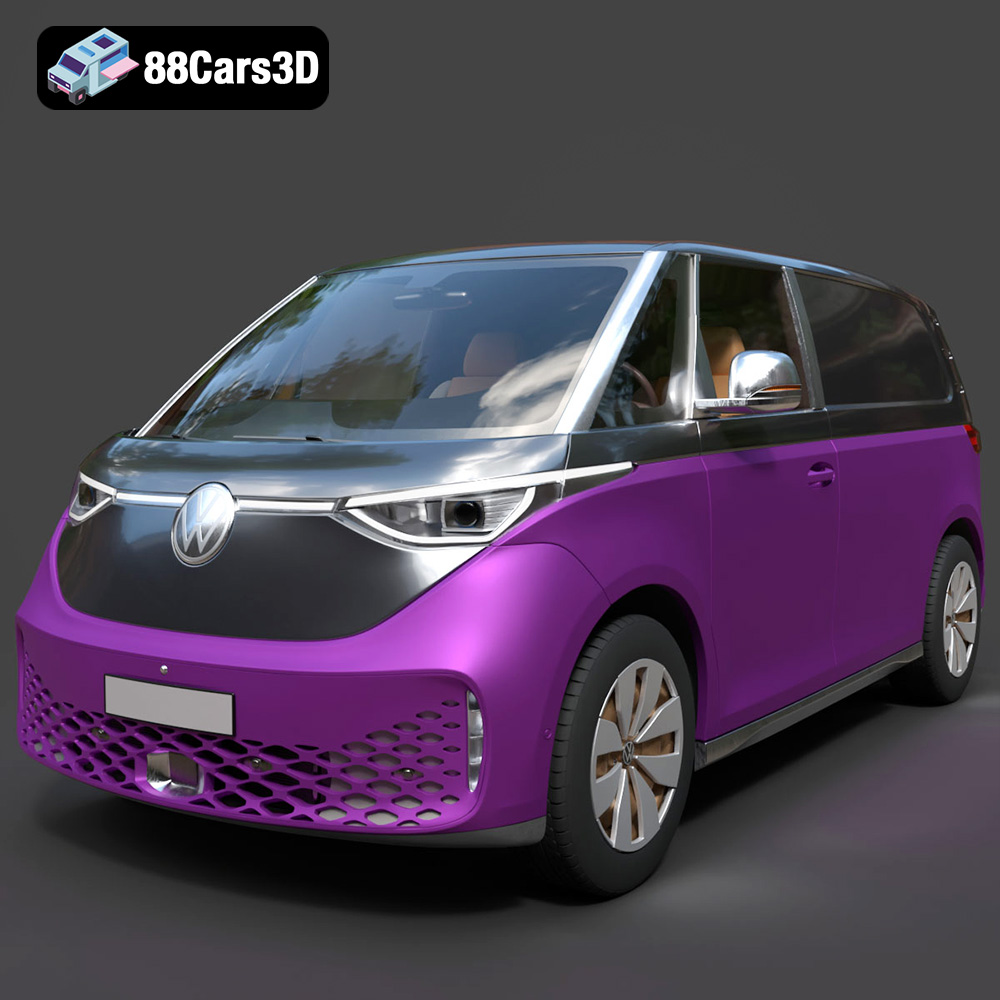
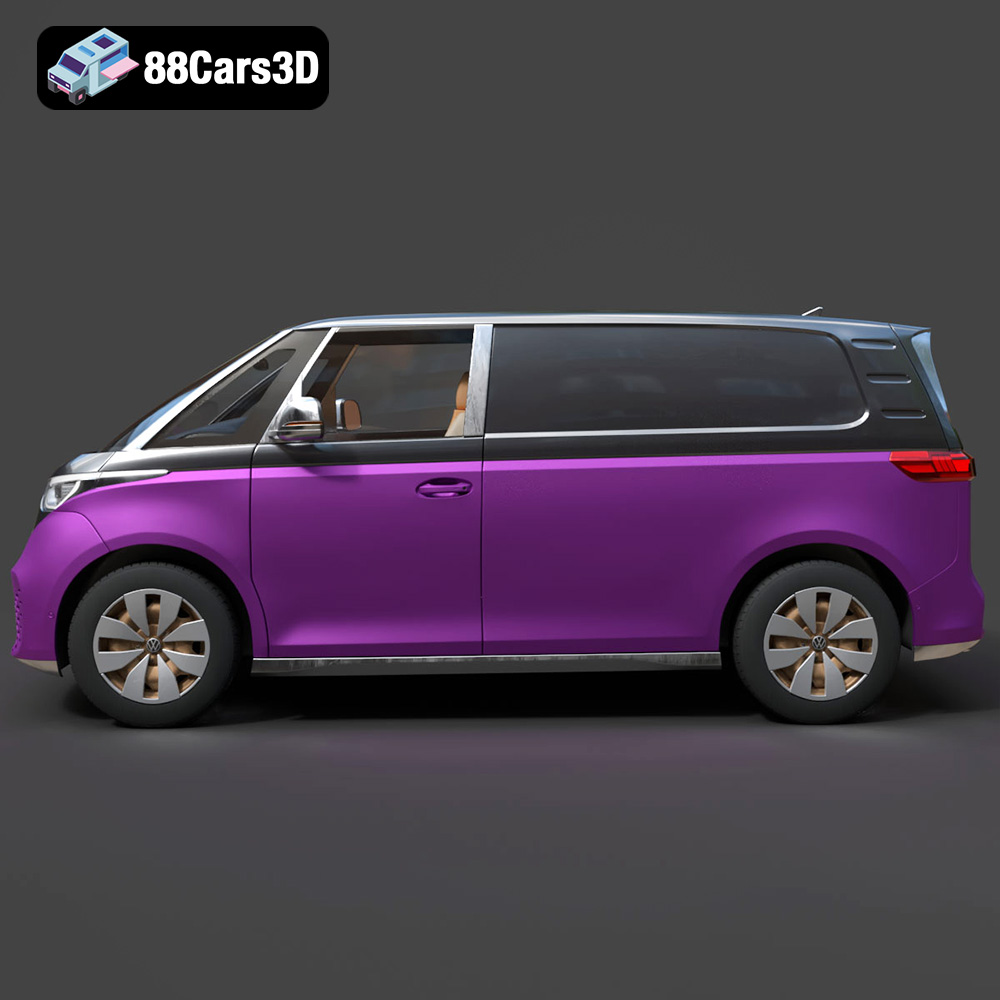
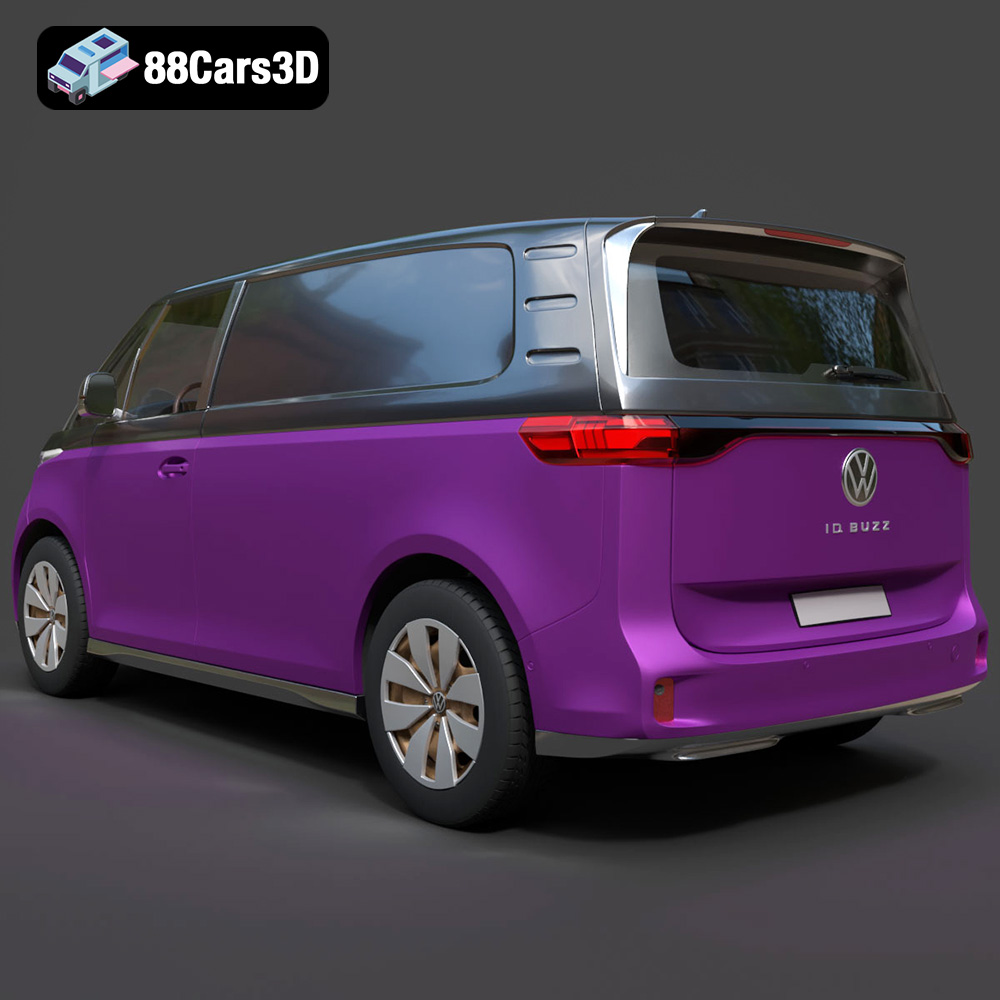
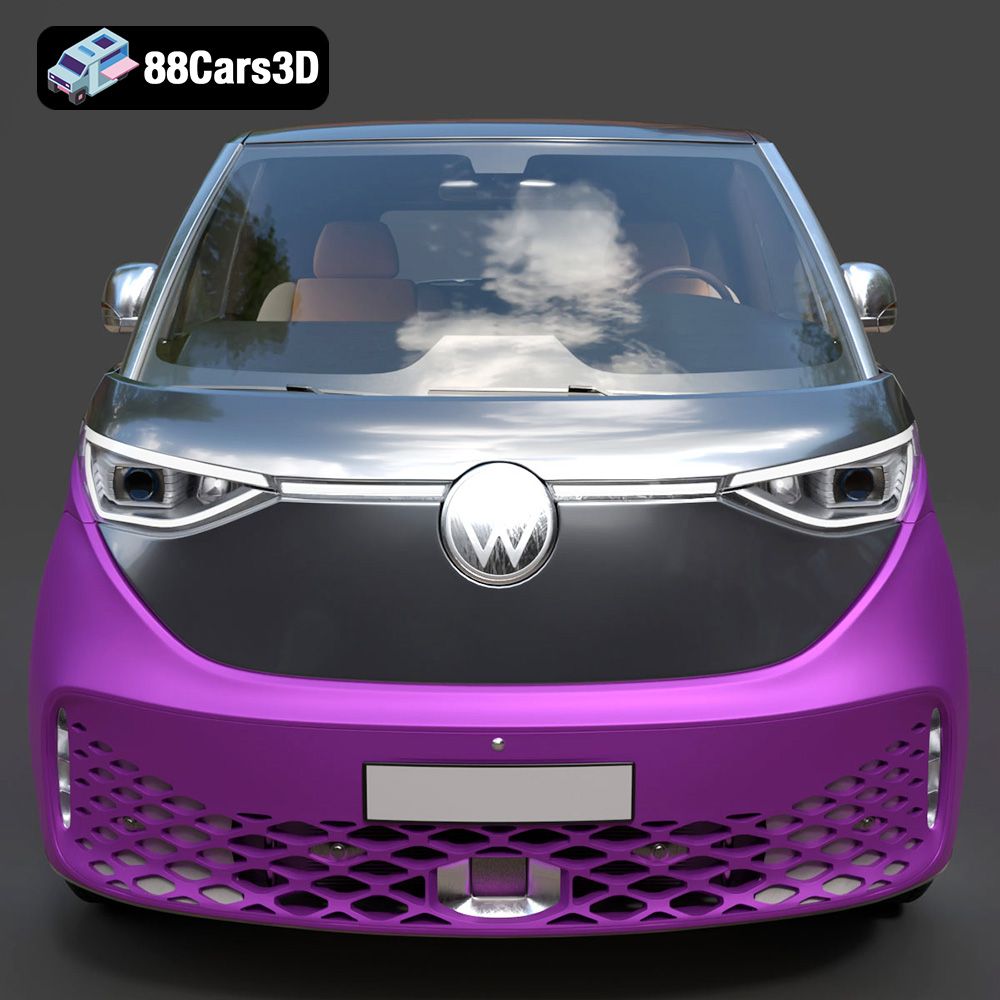
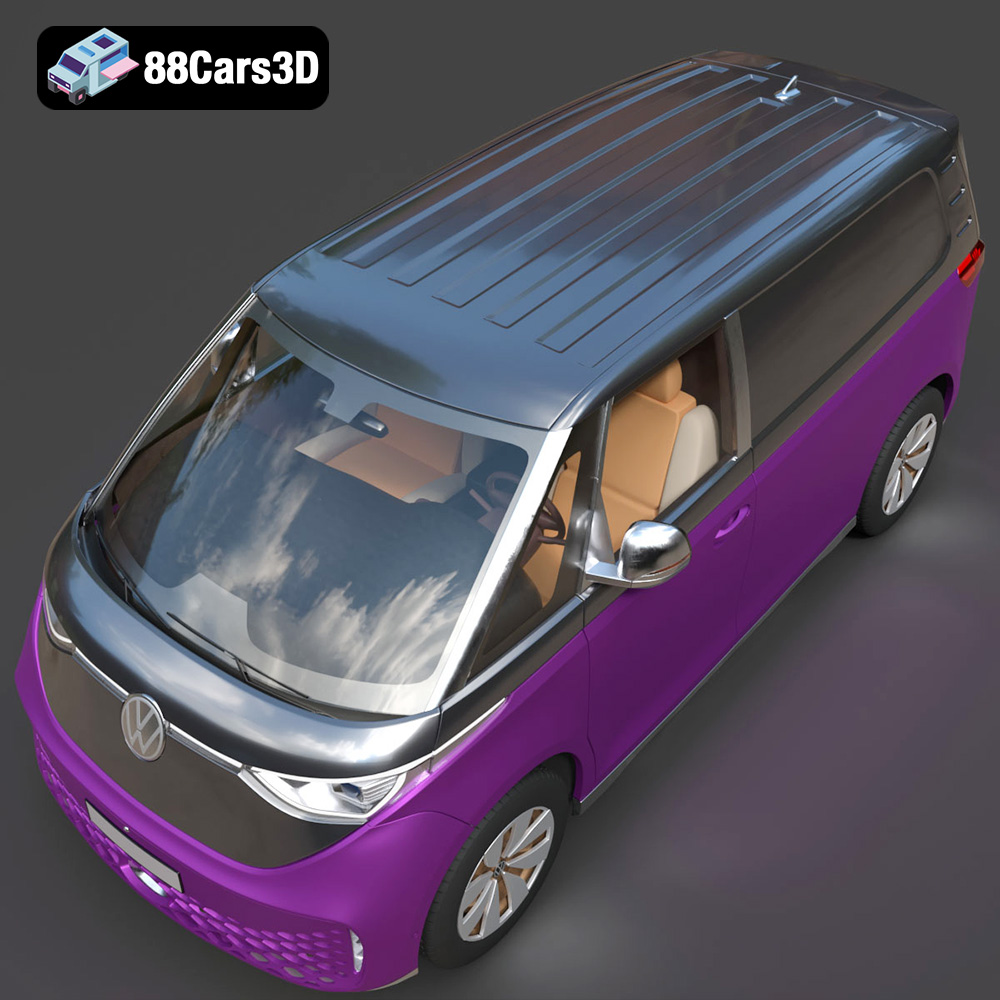
The Volkswagen ID. Buzz Cargo 2023, a modern electric van, has captured the imagination of many. Now, thanks to 3D printing, you can bring a miniature version of this iconic vehicle to life. This guide provides a comprehensive overview of how to 3D print the Volkswagen ID. Buzz Cargo 2023 3D model successfully, covering everything from pre-print preparation to post-processing techniques. Whether you’re a seasoned 3D printing enthusiast or just starting out, this article will equip you with the knowledge to create a stunning replica. The high-quality STL files available, like those on 88cars3d.com, make the process much smoother.
The quality of your 3D print is heavily influenced by the capabilities of your printer. Selecting the right one is crucial for capturing the intricate details of the Volkswagen ID. Buzz Cargo 2023 model.
* **FDM (Fused Deposition Modeling):** FDM printers are a popular choice due to their affordability and ease of use. They work by melting and extruding plastic filament, layer by layer, to build the object. While FDM printers are great for larger models and functional parts, they may struggle with fine details compared to resin printers. For the ID. Buzz Cargo, an FDM printer is suitable if you’re prioritizing size and robustness over ultra-high resolution. However, keep in mind that post-processing, such as sanding and filling, might be necessary to achieve a smooth finish.
* **Resin (SLA/DLP/LCD):** Resin printers offer superior detail and smoother surfaces, making them ideal for intricate models and miniatures. They use liquid resin that is cured by UV light, layer by layer. Resin printing is excellent for capturing the fine lines and curves of the ID. Buzz Cargo, resulting in a more accurate and visually appealing replica. However, resin printers typically have a smaller build volume than FDM printers, which may require the model to be printed in multiple parts. Resin prints also necessitate thorough washing and curing processes due to the nature of the material.
* **Build Volume:** Ensure your printer’s build volume is large enough to accommodate the ID. Buzz Cargo model, either as a single print or in multiple parts.
* **Resolution:** Higher resolution printers (lower layer height for FDM, smaller pixel size for resin) will produce finer details and smoother surfaces.
* **Bed Adhesion:** A stable print bed and good bed adhesion are essential to prevent warping or detachment during printing.
Selecting the right file format is a critical first step in preparing any 3D model for printing. The chosen format dictates how the model’s geometry, textures (if any), and other data are interpreted by your slicing software and, ultimately, your 3D printer. Understanding the nuances of each format will help you optimize your workflow and achieve the best possible print quality.
* **.stl – Industry standard for 3D printing, mesh-only format:** The STL (stereolithography) format is the workhorse of 3D printing. It represents the surface geometry of a 3D object as a collection of triangles. It’s universally supported by almost all slicing software and 3D printers, making it the most reliable choice for printing. However, STL files only contain mesh data; they do not store information about color, texture, or materials. This means that if you want to print a multi-colored object, you’ll need to handle the coloring in post-processing. For the Volkswagen ID. Buzz Cargo 2023, the STL format is perfect for creating a single-color, detailed model. The mesh quality of the STL file is paramount; a highly detailed model will require a large number of triangles, leading to a larger file size. Ensure that the STL file you use from 88cars3d.com is optimized for your desired level of detail without being excessively large, which can slow down slicing and printing.
* **.obj – Universal format with texture support for colored prints:** The OBJ format is another widely supported format that, unlike STL, can store color and texture information along with the mesh geometry. This makes it suitable for printing models with multiple colors or intricate surface details, but these models often require specialized printing equipment (MMU – multi material unit) or manual intervention between prints. Slicing software handles OBJ files well, but keep in mind the increased complexity when dealing with textures.
* **.ply – Precision mesh format for high-detail prints:** The PLY format, originally developed at Stanford University, is designed to store 3D data acquired from 3D scanners. It supports not only color and texture but also other properties like normals and transparency. PLY is excellent for preserving the high-resolution detail captured by scanners, making it a good choice if you have a highly detailed scan of the Volkswagen ID. Buzz Cargo that you want to 3D print.
* **.blend – Editable Blender scene for customization before export:** BLEND files are the native format for Blender, a popular open-source 3D creation suite. These files contain the entire Blender scene, including the model, materials, textures, lighting, and camera settings. If you want to modify the Volkswagen ID. Buzz Cargo model before printing, downloading the .blend file allows you to make changes directly in Blender. After customization, you’ll need to export the model to a printable format like STL.
* **.fbx – For importing into slicing software with materials:** FBX is a proprietary file format developed by Autodesk, widely used for exchanging 3D data between different software applications, particularly in game development and animation. It supports geometry, materials, textures, animations, and more. While some advanced slicing software can import FBX files, it’s generally not the preferred format for 3D printing. The primary use of FBX is to transfer the model’s appearance data into slicing software for visual reference, rather than for direct printing.
* **.glb – For previewing models in AR before printing:** GLB is a binary file format representing 3D models, typically used for real-time rendering applications, including AR (augmented reality) and VR (virtual reality). It’s designed to be compact and efficient, making it ideal for web-based viewing. While GLB is not directly used for 3D printing, it’s a great way to preview the model’s appearance on your phone before committing to a print.
* **.max – Editable 3ds Max project for modifications:** MAX files are the native format for 3ds Max, another popular 3D modeling and animation software. Similar to BLEND files, MAX files contain the entire 3ds Max project, allowing for extensive customization. If you have access to 3ds Max, you can use the .max file available from 88cars3d.com to modify the Volkswagen ID. Buzz Cargo model before exporting it to a printable format.
**Which Format Works Best for 3D Printing?**
For the vast majority of 3D printing applications, **STL is the preferred and most reliable format.** Its simplicity and widespread compatibility make it the go-to choice for converting a 3D model into instructions that your printer can understand. While OBJ and PLY offer advantages in terms of color and detail, they also introduce complexity that may not be necessary or even supported by your printer.
**Slicing Software Compatibility**
Most slicing software packages are designed to work seamlessly with STL files. Popular options include Cura, Simplify3D, PrusaSlicer, and Chitubox (for resin printers). These programs take the STL file as input and generate the G-code instructions that control your 3D printer’s movements and settings. Some slicers also support OBJ and PLY formats, but STL remains the most consistently reliable option.
**Mesh Quality**
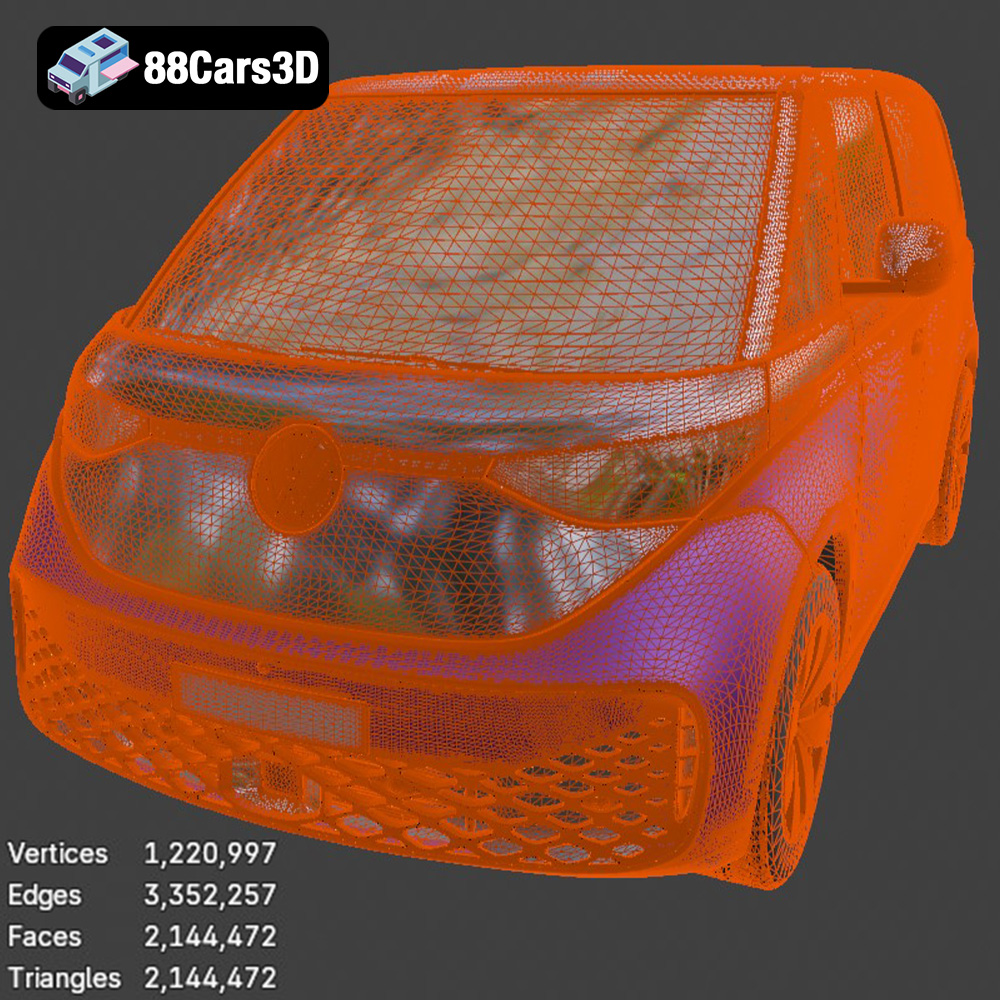
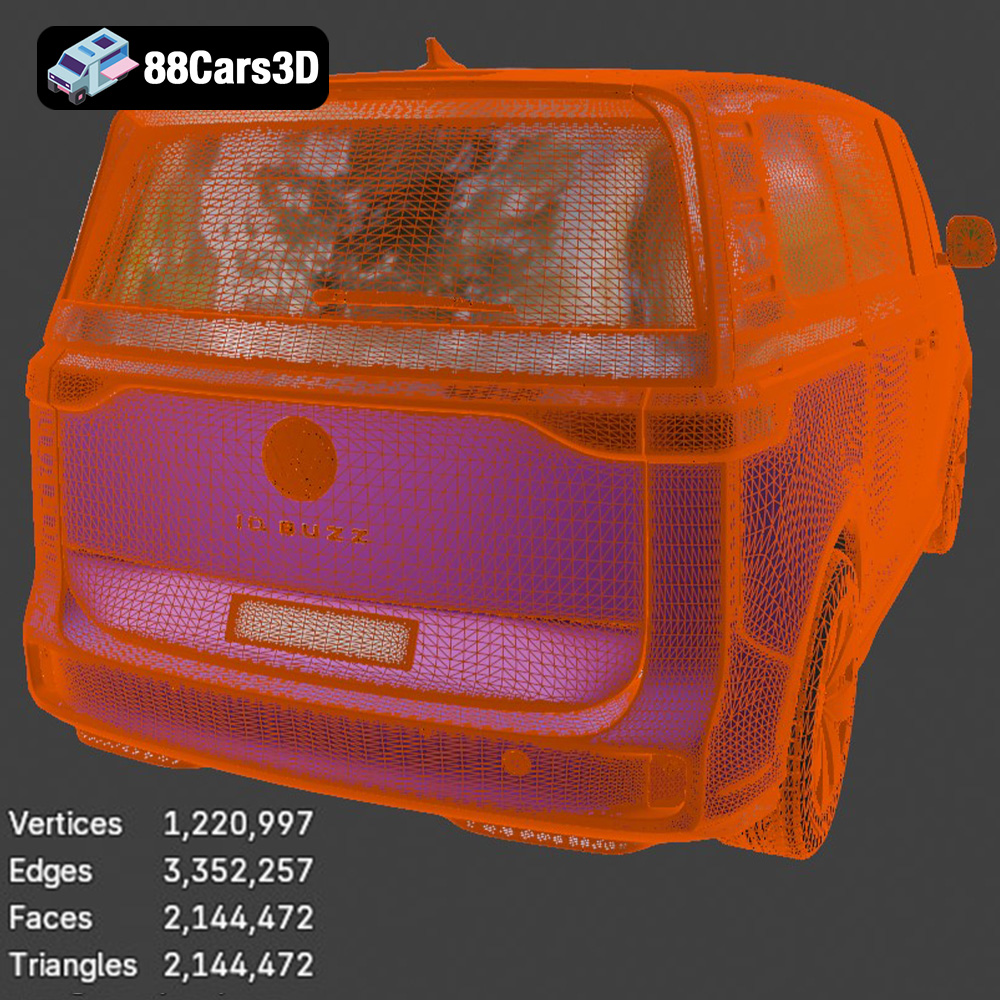
The quality of the mesh in your STL file is crucial for a successful print. A mesh that is too coarse will result in a blocky, faceted appearance, while a mesh that is too dense can create excessively large files and slow down slicing. Ideally, you want a mesh that is finely detailed enough to capture the curves and features of the Volkswagen ID. Buzz Cargo, but not so dense that it becomes unmanageable.
Once you have chosen your 3D printer and understand the importance of the STL file format, the next step is to prepare the model for printing using slicing software. This involves setting the appropriate parameters and optimizing the model’s orientation for the best possible results.
* **Layer Height:** Layer height determines the resolution and smoothness of your print. Lower layer heights result in finer details but increase print time. A layer height of 0.1mm to 0.2mm is a good starting point for the Volkswagen ID. Buzz Cargo model when using an FDM printer. For resin printing, layer heights can go even lower, typically ranging from 0.025mm to 0.05mm for maximum detail.
* **Infill Density:** Infill density affects the strength and weight of the print. A higher infill density makes the print stronger but also increases material usage and print time. For a display model, an infill density of 15% to 25% is generally sufficient. If you need a more durable model, increase the infill density accordingly.
* **Print Speed:** Print speed influences both print quality and time. Slower print speeds generally result in better quality prints, especially for intricate details. Start with a print speed of 40-60mm/s for FDM printing and adjust as needed. Resin printing speeds are determined by the resin type and layer height, so refer to the resin manufacturer’s recommendations.
* **Support Structures:** Support structures are necessary to hold up overhanging parts of the model during printing. The Volkswagen ID. Buzz Cargo has several areas that may require supports, such as the roof, windows, and side mirrors. Use your slicing software to generate appropriate support structures, and consider using tree supports for easier removal and less surface scarring.
* **Minimize Support Usage:** Orient the model in a way that minimizes the need for support structures. This can be achieved by tilting the model or printing it on its side. Reducing the number of supports will save material and reduce post-processing effort.
* **Optimize for Detail:** Consider the orientation that best showcases the model’s details. For example, if the front of the ID. Buzz Cargo has intricate features, orienting it facing upwards can improve the resolution in that area.
* **Consider Bed Adhesion:** Ensure that the model has a stable base to adhere to the print bed. A large, flat surface in contact with the bed will improve adhesion and prevent warping.
The choice of material is another critical factor influencing the appearance, durability, and overall success of your 3D printed Volkswagen ID. Buzz Cargo. Different materials offer unique properties, making them suitable for various applications.
* **Pros:** PLA is a biodegradable thermoplastic derived from renewable resources like cornstarch or sugarcane. It’s easy to print, requires low printing temperatures, and produces minimal warping. PLA is an excellent choice for beginners and for creating visually appealing models.
* **Cons:** PLA is not as heat-resistant or durable as other materials like ABS or PETG. It can soften or deform in high-temperature environments and may be brittle under stress.
* **Use Case:** Ideal for creating display models of the Volkswagen ID. Buzz Cargo that will not be subjected to high temperatures or mechanical stress.
* **Pros:** PETG combines the ease of printing of PLA with improved strength and heat resistance. It’s more durable than PLA and can withstand higher temperatures without deforming. PETG also offers good chemical resistance.
* **Cons:** PETG can be more prone to stringing than PLA, requiring careful adjustment of printing parameters. It may also require a heated bed for optimal adhesion.
* **Use Case:** Suitable for creating more durable models of the ID. Buzz Cargo that may be handled frequently or exposed to moderate temperatures.
* **Pros:** Resin offers exceptional detail and smooth surfaces, making it ideal for capturing the fine lines and curves of the Volkswagen ID. Buzz Cargo. Resin prints are typically stronger and more accurate than FDM prints.
* **Cons:** Resin printing requires specialized equipment, including a resin printer, washing station, and curing station. Resin is also more expensive than filament and can be messy to work with. Resin prints need thorough post-processing to remove uncured resin and ensure they are fully cured.
* **Use Case:** The best choice for creating highly detailed and visually stunning replicas of the ID. Buzz Cargo, especially for smaller scales where intricate details are crucial.
After the 3D printing process is complete, post-processing is essential to refine the model and achieve a professional-looking finish. This involves removing supports, smoothing the surface, and adding paint or other finishing touches.
* **Careful Removal:** Gently remove support structures using pliers, cutters, or a sharp knife. Be careful not to damage the model during removal.
* **Dissolvable Supports:** If you used dissolvable support material (e.g., PVA with PLA), submerge the print in water until the supports dissolve completely.
* **Sanding:** After removing the supports, sand down any remaining stubs or rough edges using fine-grit sandpaper.
* **Sanding:** Start with coarse-grit sandpaper to remove layer lines and imperfections, then gradually move to finer grits for a smoother surface.
* **Filler Primer:** Apply a filler primer to fill in any remaining gaps or imperfections. Sand the primer after it dries for an even smoother surface.
* **Chemical Smoothing (for ABS):** For ABS prints, chemical smoothing using acetone vapor can create a very smooth surface. However, this process requires caution and proper ventilation.
* **Priming:** Apply a primer coat to the model to prepare it for painting. Primer helps the paint adhere better and provides a uniform base color.
* **Painting:** Use acrylic paints or spray paints to add color to the Volkswagen ID. Buzz Cargo model. Apply multiple thin coats for the best results.
* **Detailing:** Use fine brushes or paint markers to add details such as panel lines, lights, and logos.
* **Clear Coat:** Apply a clear coat to protect the paint and add a glossy or matte finish.
Even with careful preparation, 3D printing can sometimes present challenges. Here are some common issues and their solutions:
* **Cause:** Warping occurs when the corners of the print lift off the print bed due to uneven cooling.
* **Solution:** Ensure the print bed is level and heated to the correct temperature. Use a brim or raft to increase bed adhesion. Reduce print speed and layer height.
* **Cause:** Stringing is caused by melted filament oozing from the nozzle during travel moves.
* **Solution:** Reduce printing temperature and retraction distance. Increase travel speed. Ensure the filament is dry.
* **Cause:** Layer shifting occurs when the print head suddenly moves out of alignment, causing a visible shift in the layers.
* **Solution:** Check the printer’s belts and pulleys for tightness. Reduce print speed. Ensure the printer is stable and not subject to vibrations.
* **Cause:** Poor bed adhesion can result in the print detaching from the print bed during printing.
* **Solution:** Clean the print bed with isopropyl alcohol. Use a heated bed and adjust the bed temperature. Apply an adhesive such as glue stick or hairspray. Ensure the nozzle is the correct distance from the bed.
The print time and material cost for the Volkswagen ID. Buzz Cargo 2023 model will vary depending on the size of the model, the chosen material, and the printer settings. Here are some general estimates:
* **FDM Printing:**
* Print Time: 10-30 hours
* Material Cost: $5-$20
* **Resin Printing:**
* Print Time: 5-15 hours
* Material Cost: $10-$30
These are just estimates, and the actual values may vary. Factors like infill density, layer height, and support usage will all impact the final print time and material cost. You can use your slicing software to get a more accurate estimate before starting the print. Remember to account for electricity costs in your final calculations.
Enhance your digital projects with the meticulously crafted Volkswagen ID. Buzz Cargo 2023 3D Model. Designed to meet professional standards, this model delivers exceptional realism, making it an excellent choice for a wide variety of 3D applications. This model features clean geometry and realistic materials, ensuring a smooth integration into your workflow.
$39.99
.arvr
.blend
.car3dmodel
.commercialvehicle
.electricvan
.ev
.fbx
.gameasset
.glb
.idbuzzcargo
.max
.obj
.ply
.rendering
.simulation
.stl
.unreal
.van
.volkswagen