Get 20% OFF All Premium 3D & STL Models!

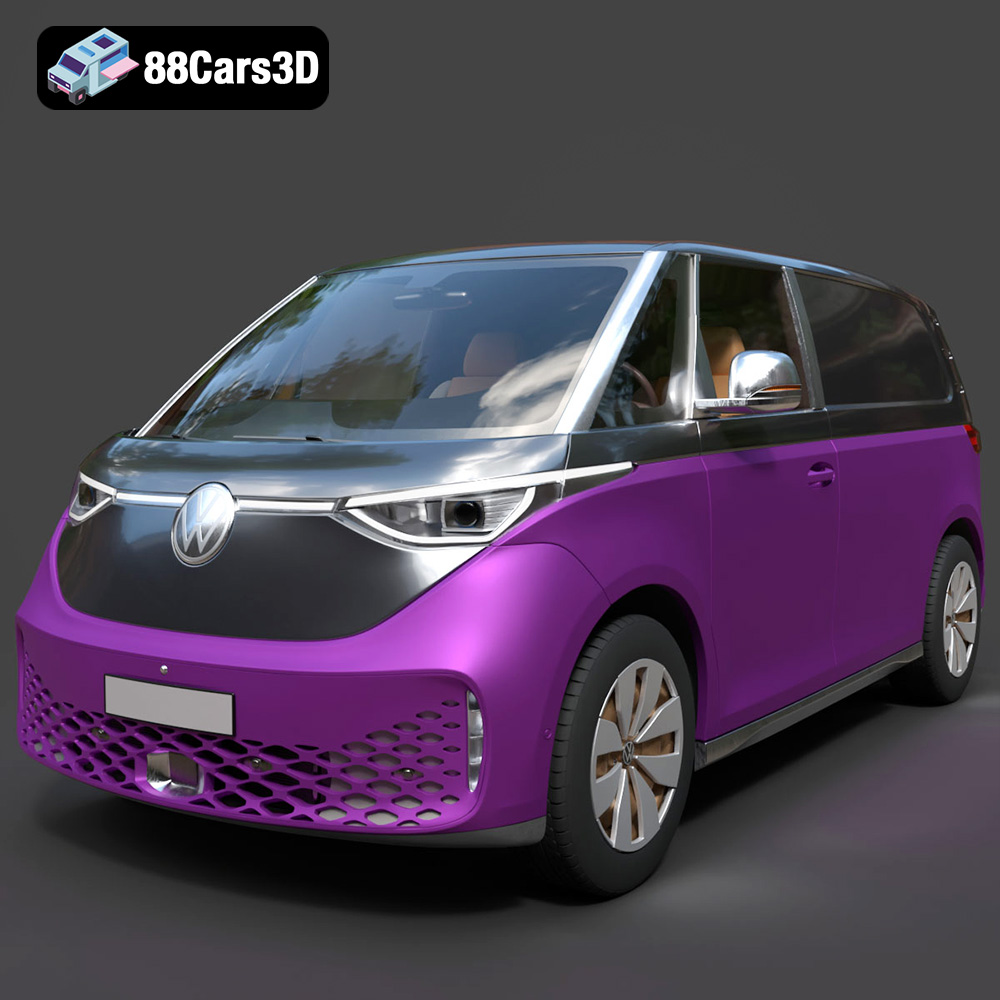
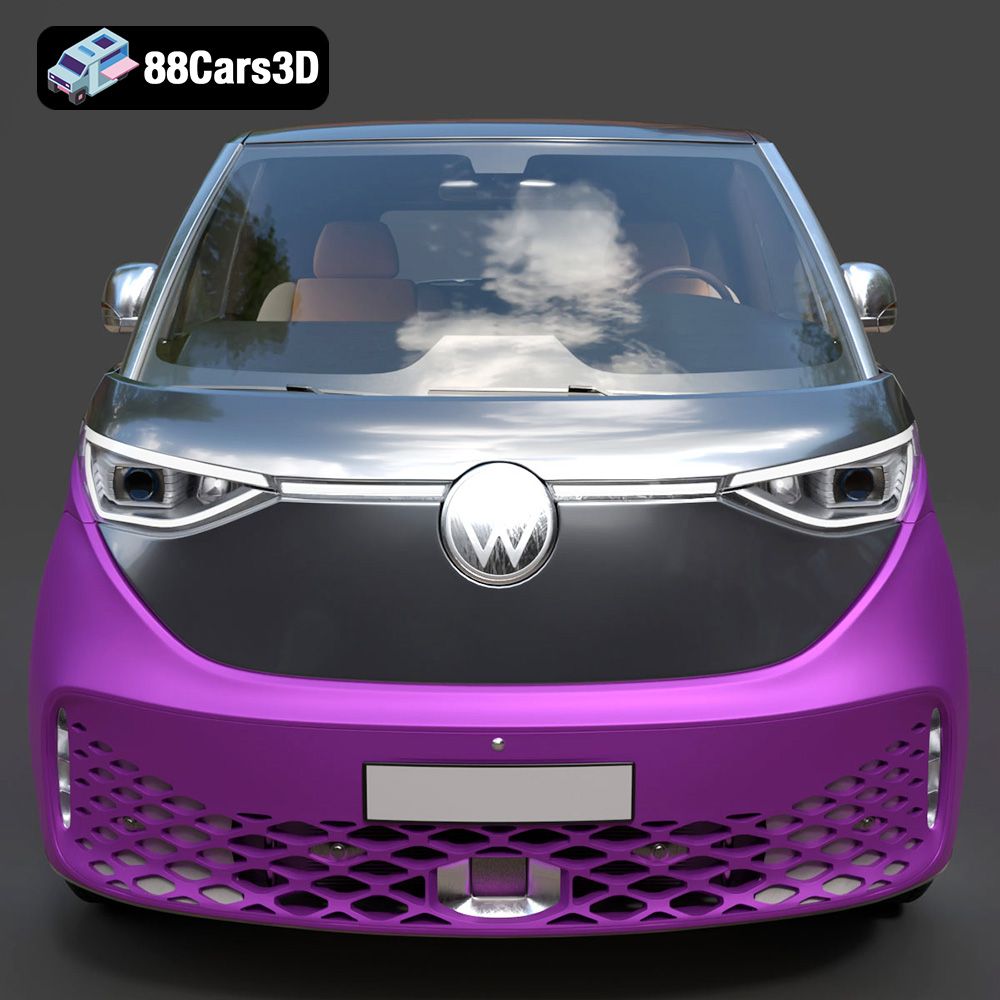
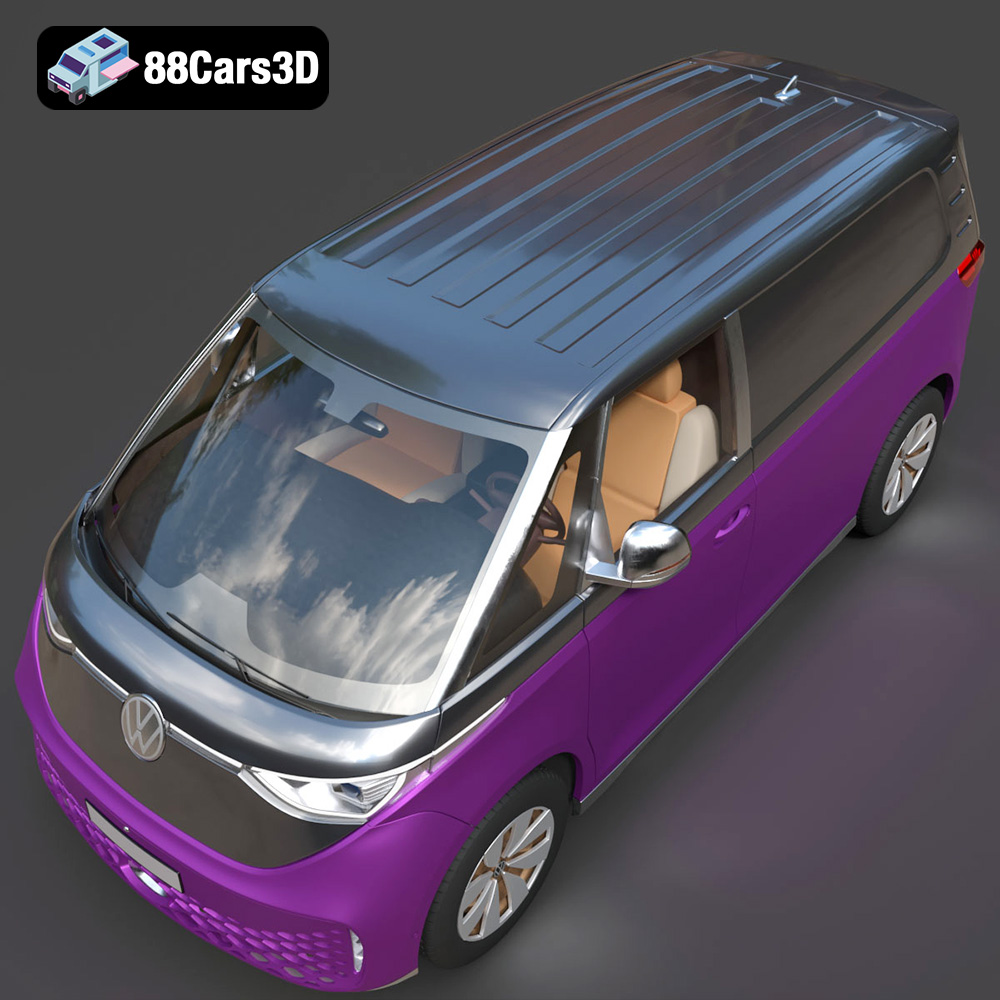
The Volkswagen ID. Buzz Cargo 2023 is an iconic vehicle, and now you can bring it to life in miniature form through the power of 3D printing. This guide will walk you through the entire process, from preparing the STL files to post-processing your finished 3D printed model. Whether you’re a seasoned 3D printing enthusiast or a beginner, this detailed guide will provide the knowledge you need to successfully 3D print the Volkswagen ID. Buzz Cargo 2023. The high-quality 3D model available at 88cars3d.com is designed to be easily 3D printed, allowing you to create a detailed replica of this modern electric van.
Selecting the right 3D printer is crucial for achieving the best possible results. Different 3D printing technologies offer varying levels of detail, material compatibility, and print volume.
FDM printers are the most common type of 3D printer for hobbyists and enthusiasts. They work by extruding a heated thermoplastic filament, such as PLA or PETG, layer by layer to build the model. FDM printers are relatively affordable and easy to use, making them a great choice for printing the Volkswagen ID. Buzz Cargo. For best results, choose an FDM printer with a nozzle size of 0.4mm or smaller to capture finer details.
Resin printers use liquid resin that is cured by UV light to create 3D models. These printers are capable of producing incredibly detailed prints with smooth surfaces, making them ideal for intricate models like the Volkswagen ID. Buzz Cargo 2023. However, resin printers are typically more expensive than FDM printers, and require more careful handling of materials and post-processing. If you prioritize detail and surface finish, a resin printer is an excellent choice.
For the Volkswagen ID. Buzz Cargo 2023 model, consider the scale at which you want to print it. A larger scale will require a printer with a larger build volume. If you plan to print the model in multiple parts and assemble them later, the accuracy and consistency of your printer are essential for seamless assembly.
Choosing the right file format is a critical step in preparing your 3D model for printing. Different file formats offer different levels of compatibility with slicing software and can affect the final print quality. Understanding the nuances of each format will enable you to select the optimal option for your project.
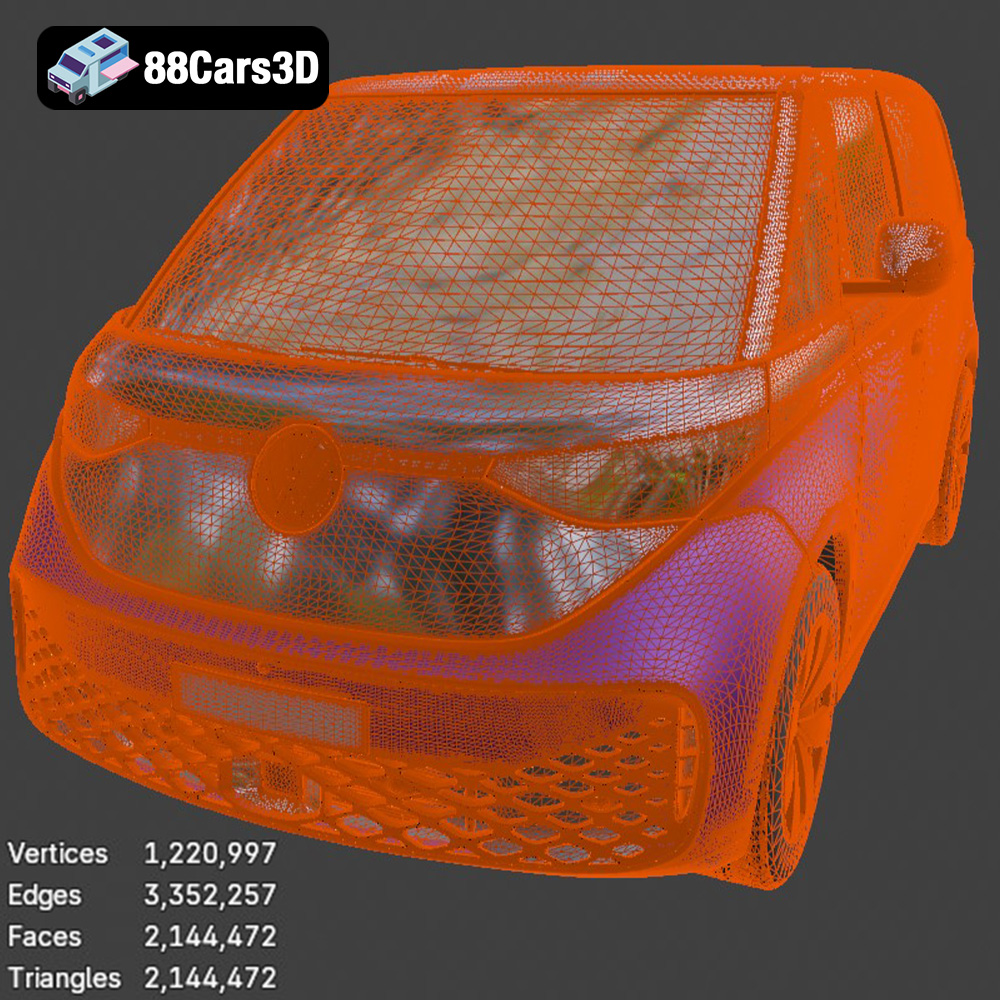
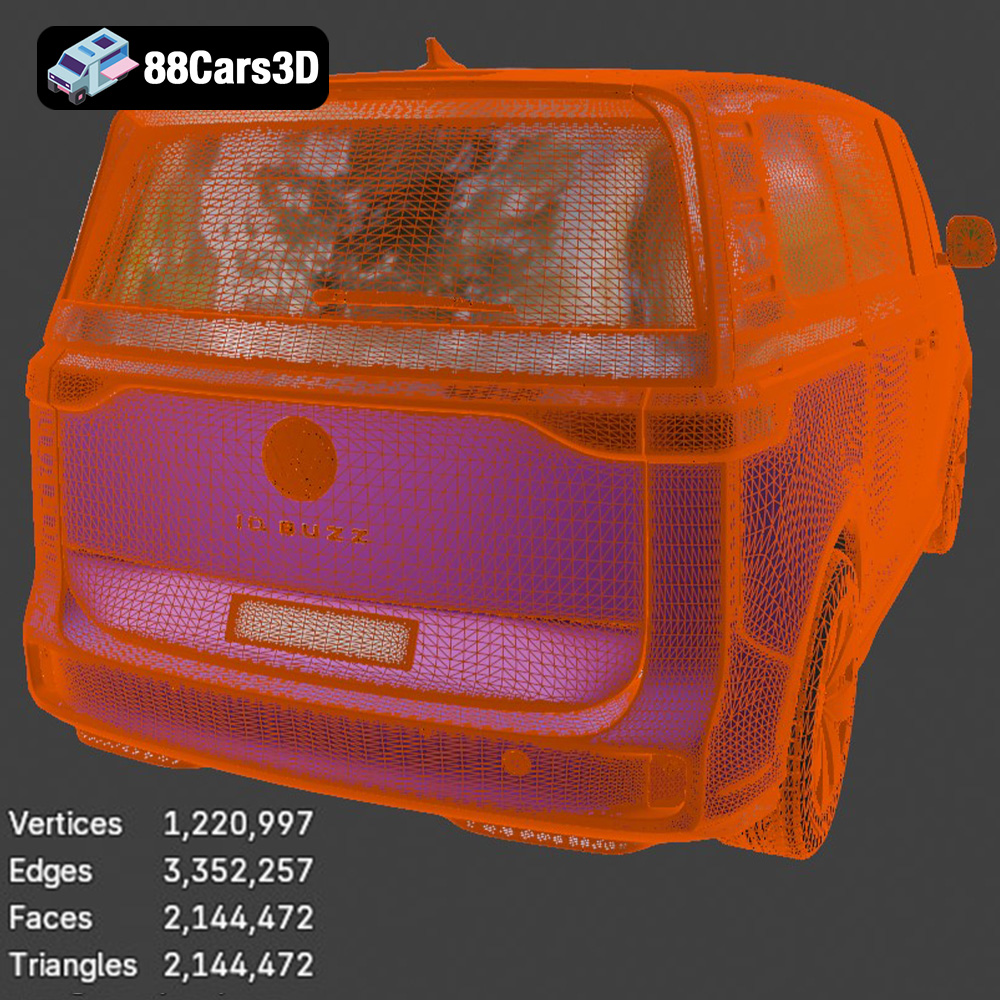
The STL (Stereolithography) file format is the de facto standard for 3D printing. It represents the surface geometry of a 3D object as a collection of triangles. This simplicity makes it universally compatible with slicing software, but it also has limitations. STL files do not store color, texture, or material information; they only contain the mesh data. For 3D printing, the STL format is generally the most reliable and widely supported option. Ensure that your STL file has sufficient resolution (number of triangles) to accurately capture the details of the Volkswagen ID. Buzz Cargo without becoming excessively large. Too few triangles will result in a faceted appearance, while too many can increase processing time and file size. When exporting to STL, pay attention to the chord height setting, which controls the deviation of the STL mesh from the original model. A lower chord height results in a more accurate mesh but increases file size. The STL files available on 88cars3d.com are optimized for 3D printing, ensuring high quality and ease of use.
The OBJ (Object) file format is another common format for 3D models. Unlike STL, OBJ supports color, texture, and material information. This makes it suitable for 3D printing in full color using specialized printers that can deposit different colored materials. However, most standard 3D printers are not capable of printing in color, so the color information in an OBJ file is often ignored.
The PLY (Polygon File Format) is designed to store 3D data acquired from 3D scanners. It can store color, texture, and other properties in addition to the mesh geometry. PLY is often used for high-resolution scans where preserving detail is crucial. While PLY can be used for 3D printing, it’s less common than STL due to its larger file size and potential compatibility issues with some slicing software.
The BLEND file format is specific to Blender, a popular open-source 3D modeling software. It contains the entire Blender scene, including the model, materials, textures, lighting, and camera settings. While BLEND files cannot be directly used for 3D printing, they allow you to make modifications to the model before exporting it to a 3D printable format like STL.
The FBX (Filmbox) format is a proprietary format developed by Autodesk. It is commonly used for exchanging 3D data between different software applications, such as game engines and 3D modeling programs. FBX supports animation, materials, and textures, making it a versatile format for complex 3D scenes. While some slicing software can import FBX files, it’s generally recommended to convert them to STL for 3D printing to ensure compatibility and avoid potential issues with material handling.
The GLB format is a binary file format that represents 3D models in the glTF (Graphics Language Transmission Format) standard. GLB is optimized for web-based applications and augmented reality (AR) experiences. It supports textures, materials, and animations, making it suitable for previewing models in AR before committing to a 3D print.
The MAX file format is specific to 3ds Max, another popular 3D modeling software. Similar to BLEND, MAX files contain the entire 3ds Max project, including the model, materials, textures, lighting, and camera settings. You can use MAX files to modify the Volkswagen ID. Buzz Cargo 2023 model before exporting it to a 3D printable format.
Before you can start printing, you’ll need to prepare the 3D model using slicing software. This involves importing the STL file, adjusting settings, and generating the G-code that your 3D printer will use.
There are many slicing software options available, both free and paid. Popular choices include:
* **Cura:** A free and open-source slicer with a user-friendly interface and a wide range of features.
* **PrusaSlicer:** Another free and open-source slicer based on Slic3r, with advanced features and support for Prusa printers.
* **Simplify3D:** A paid slicer with advanced customization options and excellent print quality.
The orientation of the model on the print bed can significantly impact the print quality and the need for support structures. For the Volkswagen ID. Buzz Cargo 2023, consider printing it with the chassis facing down to minimize the need for supports on the body. However, this orientation may require more supports for the wheels and other overhanging features. Experiment with different orientations to find the best balance between print quality and support material usage. Use automatic support generation in your slicing software and then manually adjust the placement and density of supports as needed. Focus on supporting areas like the wheel wells, bumpers, and roof.
Determine the desired size of your 3D printed Volkswagen ID. Buzz Cargo 2023 and scale the model accordingly in your slicing software. Keep in mind that smaller scales may lose some of the finer details, while larger scales will require more material and printing time. Choose a layer height that balances print quality and printing speed. A layer height of 0.1mm to 0.2mm is generally a good starting point for FDM printers. For resin printers, layer heights can be much smaller, typically in the range of 0.025mm to 0.05mm, resulting in smoother surfaces and finer details.
The choice of material will influence the strength, appearance, and durability of your 3D printed Volkswagen ID. Buzz Cargo 2023. Different materials have different properties, so selecting the right one is essential for achieving the desired outcome.
PLA is a biodegradable thermoplastic that is easy to print and widely available. It’s a great choice for beginners due to its low printing temperature and minimal warping. PLA is suitable for creating display models of the Volkswagen ID. Buzz Cargo 2023.
PETG is a more durable and heat-resistant material than PLA. It offers good strength and flexibility, making it suitable for parts that may experience stress or impact. PETG is a good option for printing functional parts of the Volkswagen ID. Buzz Cargo 2023, such as wheels or axles.
Resin is used in SLA, DLP, and MSLA printers. It produces incredibly detailed prints with smooth surfaces. However, resin prints tend to be more brittle than FDM prints and require careful post-processing. Resin is an excellent choice for printing highly detailed display models of the Volkswagen ID. Buzz Cargo 2023 where aesthetics are a priority.
If you plan to paint your 3D printed Volkswagen ID. Buzz Cargo 2023, choose a material that is easy to sand and prime. PLA and PETG are both good options for painting. For added realism, consider using different materials for different parts of the model. For example, you could print the body in PLA and the wheels in a flexible TPU filament.
Optimizing your printer settings is crucial for achieving a high-quality 3D print of the Volkswagen ID. Buzz Cargo 2023. Experiment with different settings to find what works best for your printer and material.
Set the nozzle temperature according to the manufacturer’s recommendations for the chosen material. PLA typically prints at around 200°C to 220°C, while PETG requires temperatures between 230°C and 250°C. Adjust the print speed to balance print quality and printing time. A slower print speed will generally result in smoother surfaces and more accurate details. A speed of 40mm/s to 60mm/s is a good starting point for FDM printers.
Infill density affects the strength and weight of the 3D printed model. A higher infill density will result in a stronger but heavier model. For the Volkswagen ID. Buzz Cargo 2023, an infill density of 15% to 20% is generally sufficient for display models. Choose an infill pattern that provides good support without consuming excessive material. Gyroid and honeycomb are popular choices.
Proper bed adhesion is essential for preventing warping and ensuring that the print sticks to the print bed. Use a heated bed and apply a bed adhesion agent, such as glue stick or hairspray, to improve adhesion. Ensure that the print bed is level before starting the print.
Post-processing is an important step in refining the appearance and functionality of your 3D printed Volkswagen ID. Buzz Cargo 2023.
Carefully remove the support structures using pliers, a hobby knife, or other suitable tools. Be gentle to avoid damaging the model. Sand down any remaining support marks with sandpaper.
Sand the surface of the model with progressively finer grits of sandpaper to smooth out layer lines and imperfections. Apply filler primer to fill any gaps or imperfections, and then sand again.
Prime the model with a suitable primer before painting. Use acrylic paints or spray paints to apply the desired colors. Add details with fine brushes or paint markers. Consider using stencils or masking tape for complex paint schemes. Apply a clear coat to protect the paint and give the model a glossy or matte finish.
If the Volkswagen ID. Buzz Cargo 2023 was printed in multiple parts, assemble them using glue or screws. Ensure that the parts fit together properly before applying glue.
Even with careful preparation, you may encounter issues during the 3D printing process. Here are some common problems and their solutions:
Warping occurs when the corners of the print lift off the print bed. To prevent warping, ensure that the print bed is level, use a heated bed, and apply a bed adhesion agent.
Stringing is caused by excess material oozing from the nozzle during travel moves. To reduce stringing, decrease the printing temperature, increase retraction distance, and increase travel speed.
Layer shifting occurs when the layers of the print are misaligned. This can be caused by loose belts, excessive print speed, or mechanical issues with the printer. Check and tighten the belts, reduce the print speed, and ensure that the printer is properly calibrated.
A print failure can occur for various reasons, such as poor bed adhesion, clogged nozzle, or power outage. Monitor the print closely during the first few layers to ensure that it is adhering properly. Clean the nozzle regularly and check for any clogs. Use a UPS (uninterruptible power supply) to protect against power outages.
Before starting your 3D print, it’s helpful to estimate the printing time and material costs. Slicing software typically provides estimates of printing time based on the chosen settings. Material costs can be calculated based on the weight of the filament or resin used and the cost per unit weight. Keep in mind that these are just estimates, and the actual printing time and material costs may vary depending on the specific model and printer.
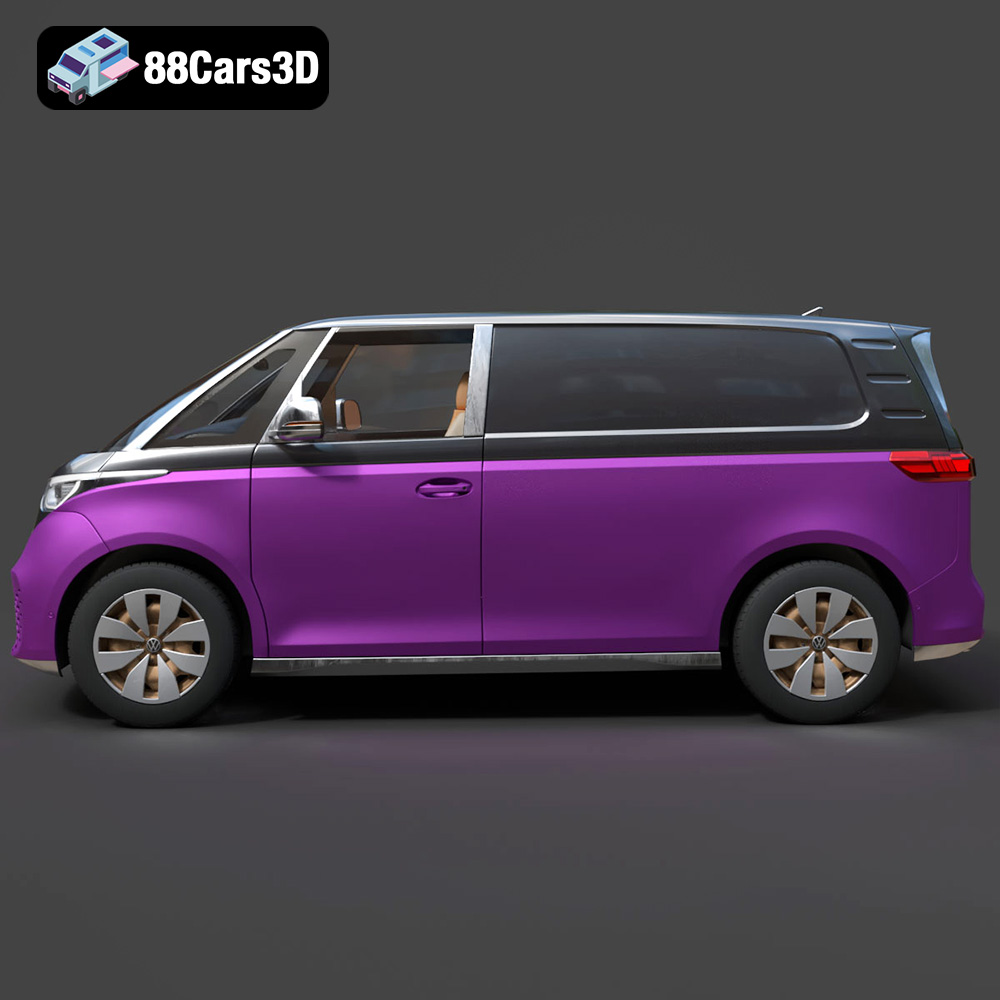
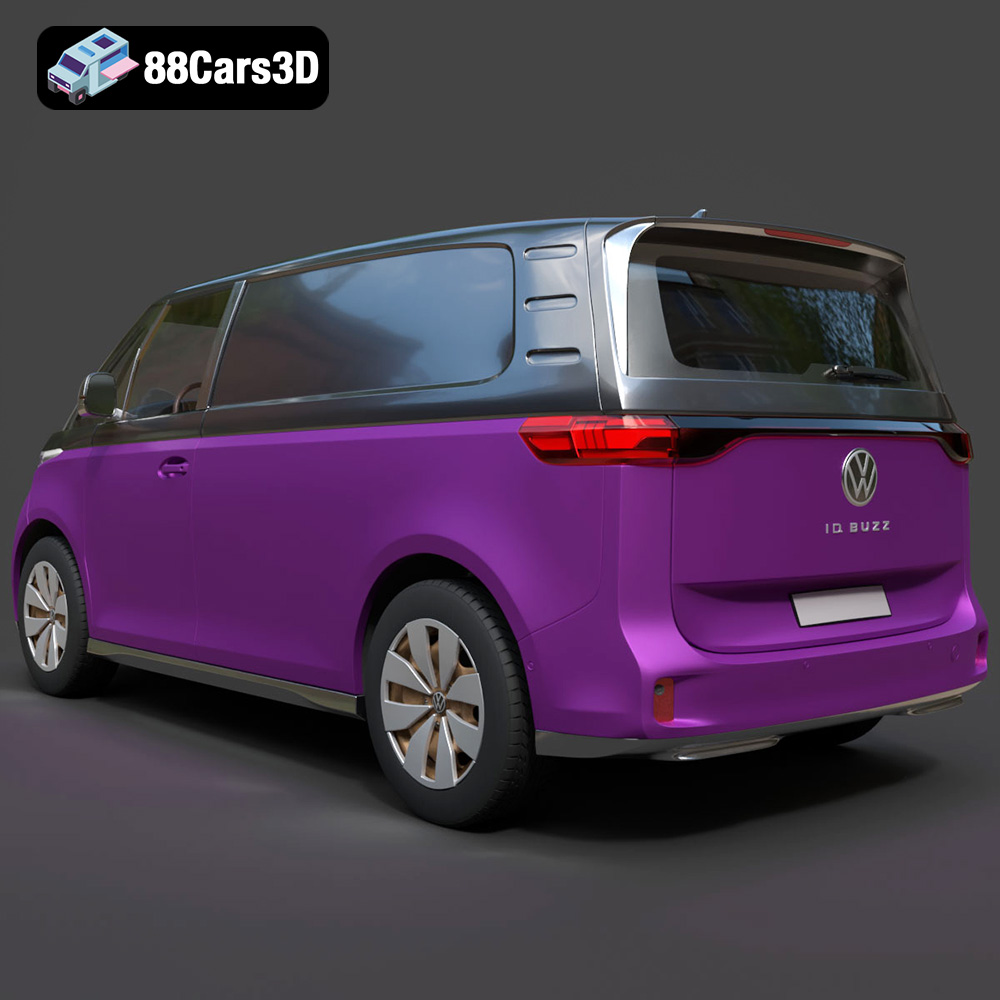
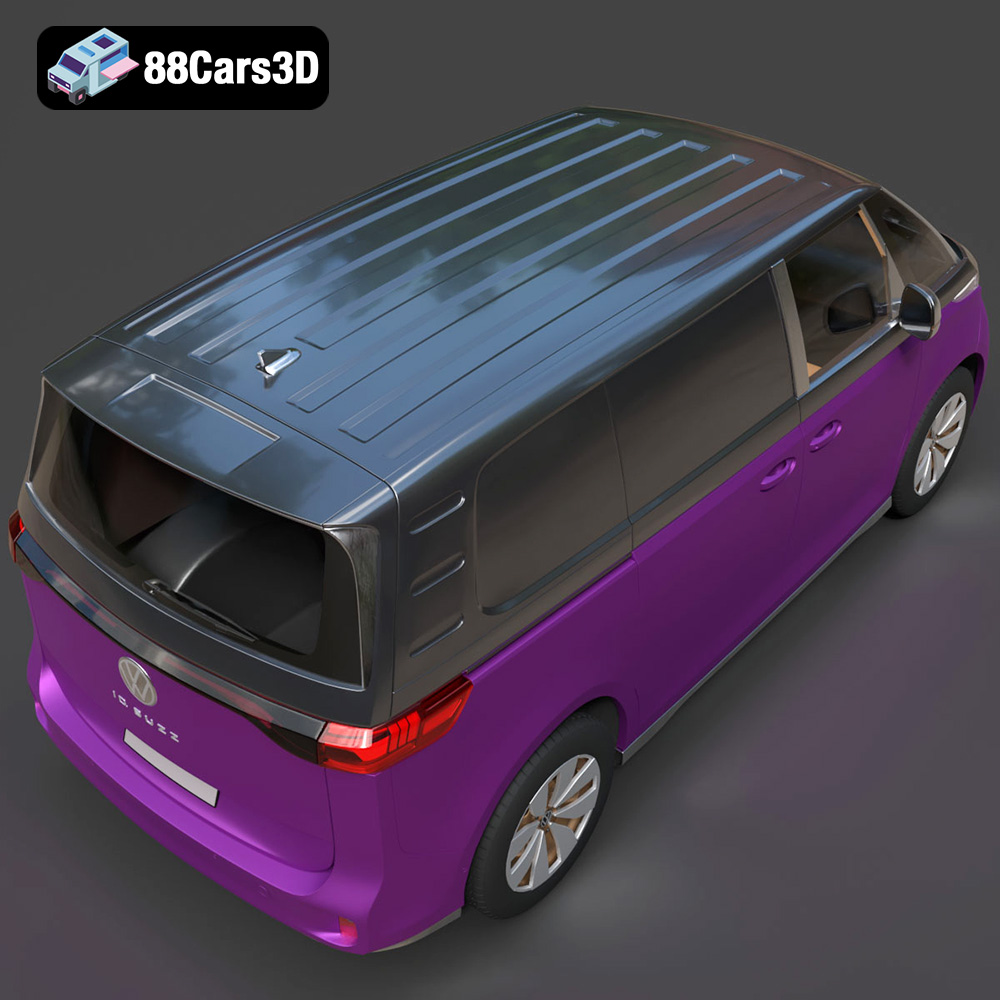
Enhance your digital projects with the meticulously crafted Volkswagen ID. Buzz Cargo 2023 3D Model. Designed to meet professional standards, this model delivers exceptional realism, making it an excellent choice for a wide variety of 3D applications. This model features clean geometry and realistic materials, ensuring a smooth integration into your workflow. Whether you are focusing on close-up shots or wide-angle scenes, the precise detailing and optimized mesh structure guarantee an impressive visual output without compromising performance. Ideal for game development, architectural visualization, AR/VR experiences, and cinematic rendering, this versatile 3D model adapts seamlessly to your specific project needs. The accurate proportions and authentic design elements bring a true-to-life representation of the Volkswagen ID. Buzz Cargo to your digital environment.
$39.99
3D printing the Volkswagen ID. Buzz Cargo 2023 is a rewarding project that allows you to create a tangible representation of this iconic vehicle. By carefully selecting your printer, preparing the STL files, optimizing your printer settings, and mastering post-processing techniques, you can achieve stunning results. Remember to visit 88cars3d.com for high-quality 3D models optimized for 3D printing. Happy printing!
.arvr
.blend
.car3dmodel
.commercialvehicle
.electricvan
.ev
.fbx
.gameasset
.glb
.idbuzzcargo
.max
.obj
.ply
.rendering
.simulation
.stl
.unreal
.van
.volkswagen