Get 20% OFF All Premium 3D & STL Models!

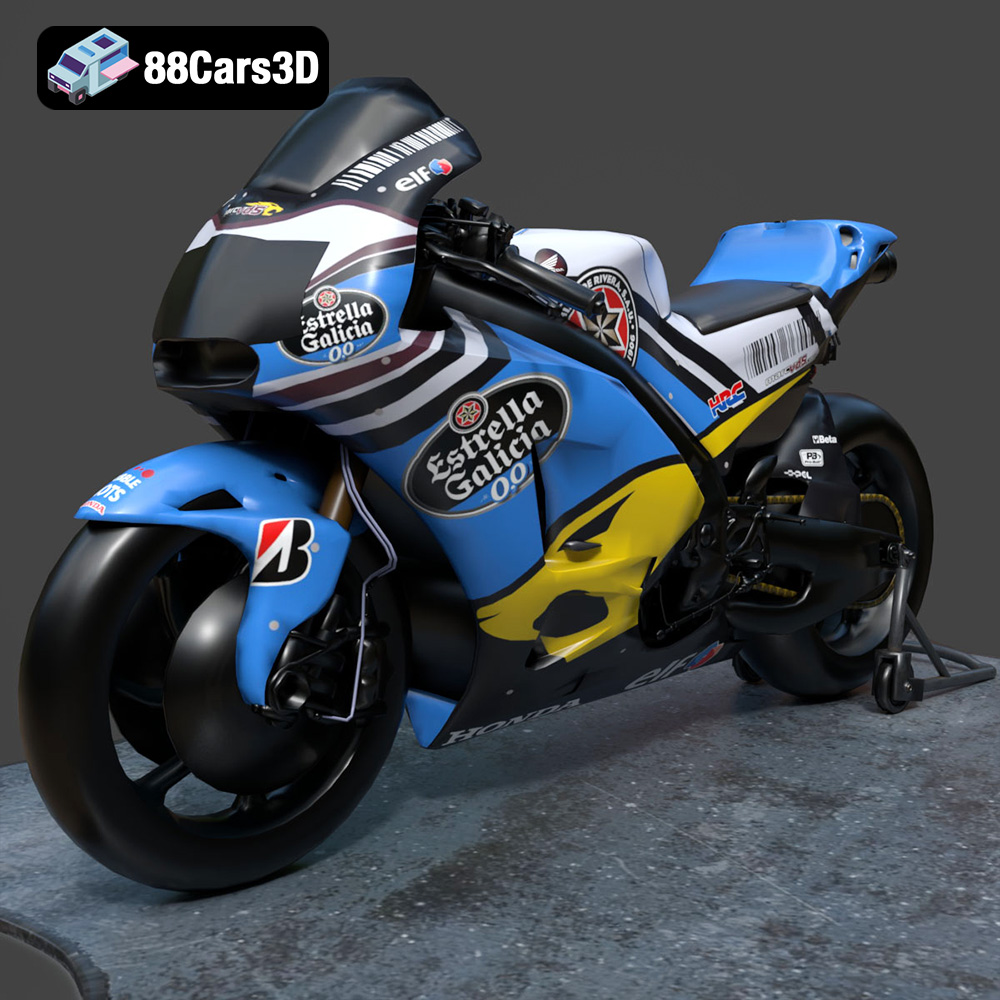
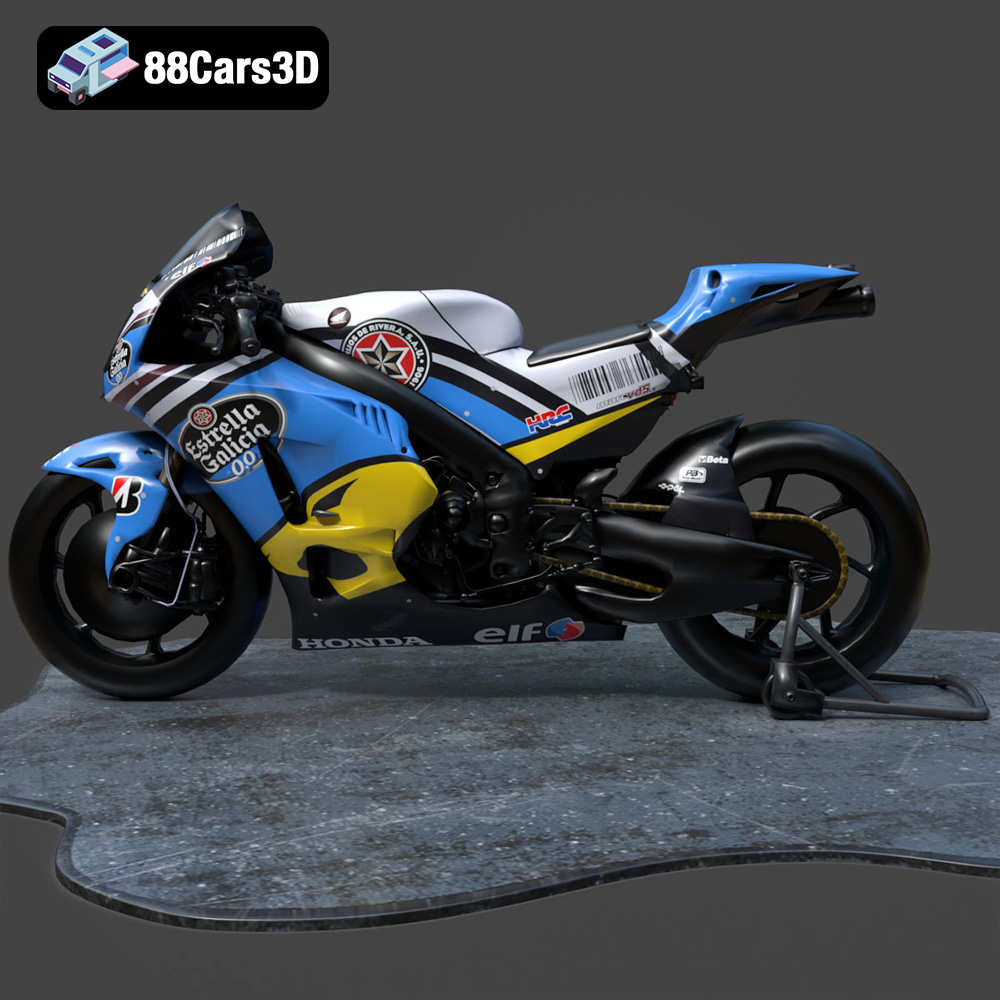
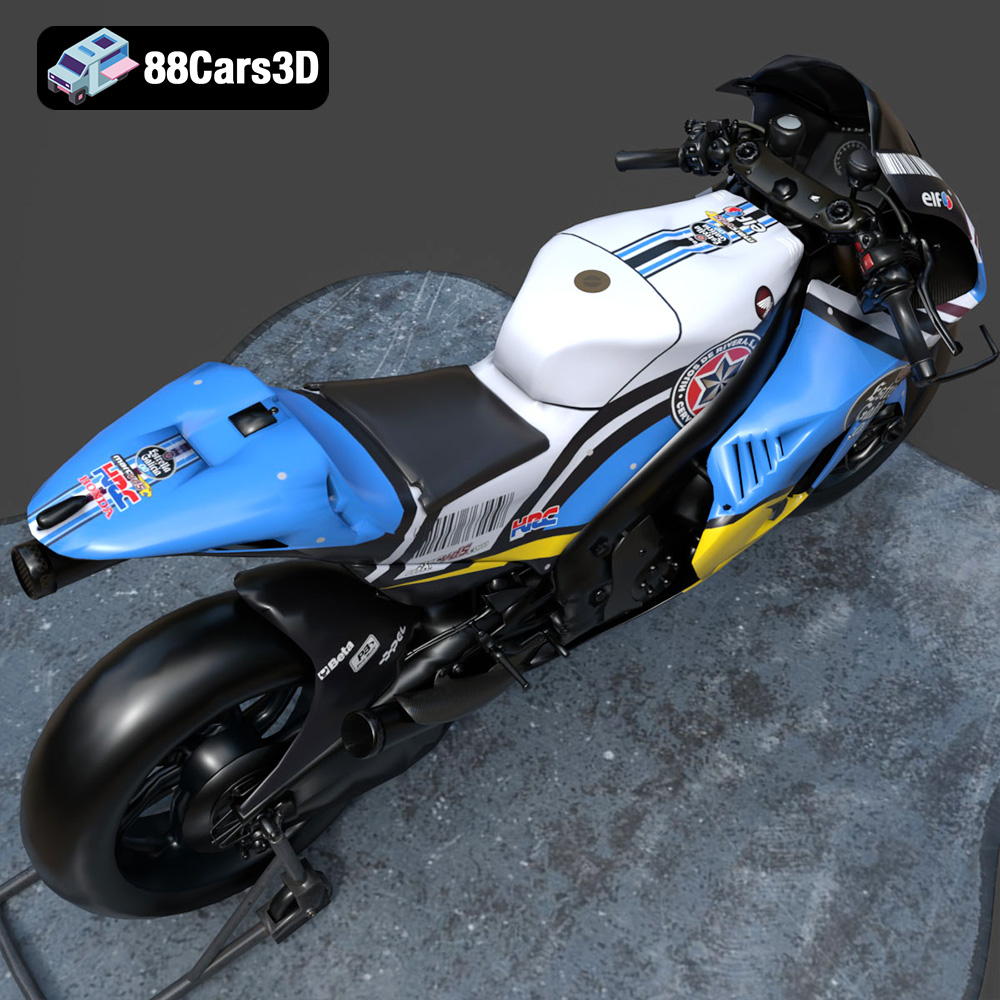
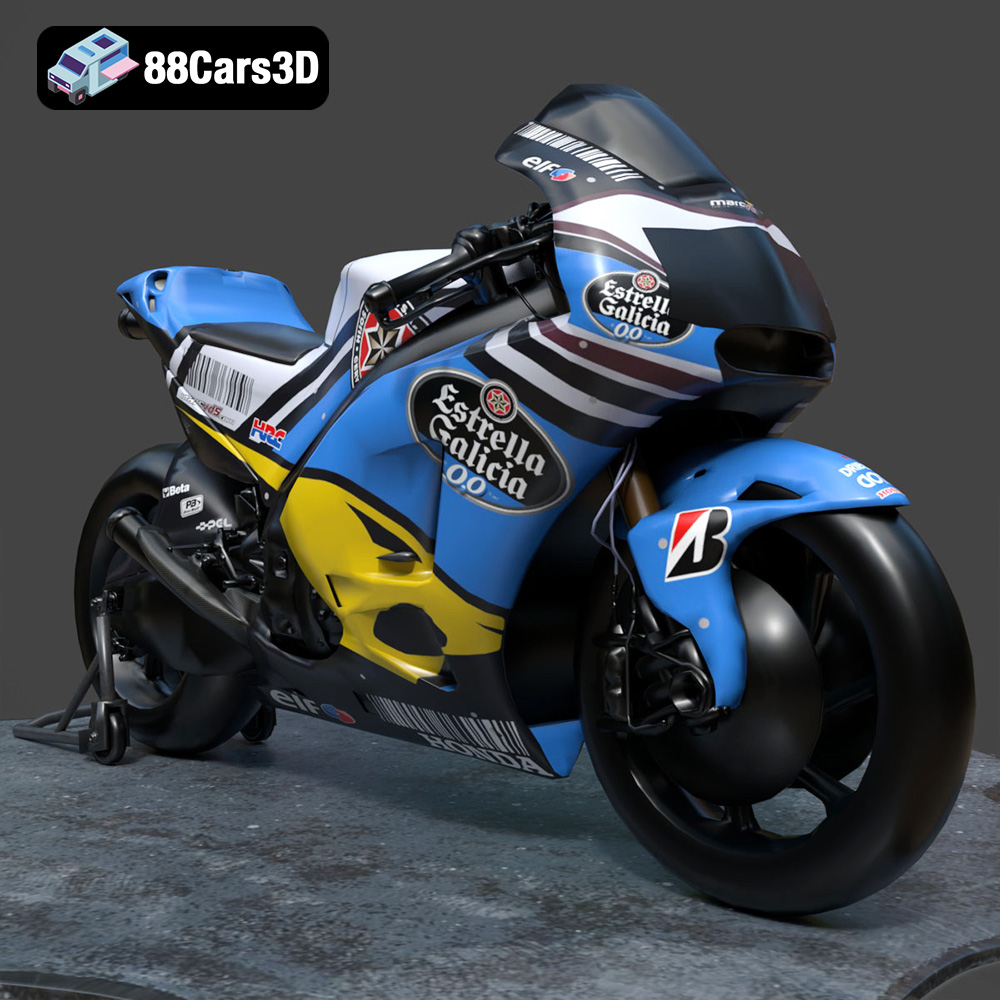
The Honda RCV-213-001 is an iconic racing motorcycle, and owning a meticulously detailed 3D printed replica is a dream for many automotive and motorsports enthusiasts. Thanks to the high-quality 3D model available at 88cars3d.com, that dream can become a reality. This guide will walk you through the entire process of 3D printing the Honda RCV-213-001, from pre-print preparation to post-processing finishing touches. We’ll cover essential printer settings, material recommendations, and troubleshooting tips to ensure a successful and satisfying 3D printing experience.
Before diving into the specifics of 3D printing the Honda RCV-213-001, it’s crucial to understand the various file formats available and which ones are best suited for additive manufacturing. While the 3D model download includes several formats optimized for rendering, game development, and AR/VR, the .STL format is generally the go-to for 3D printing.
The STL (Stereolithography) file format is the workhorse of the 3D printing world. It represents the 3D model’s surface geometry as a collection of interconnected triangles, forming a mesh. The simplicity of the STL format makes it universally compatible with slicing software and 3D printers across different manufacturers. The Honda RCV-213-001 model from 88cars3d.com includes a high-quality STL file optimized for printing, but it’s still important to understand its limitations.
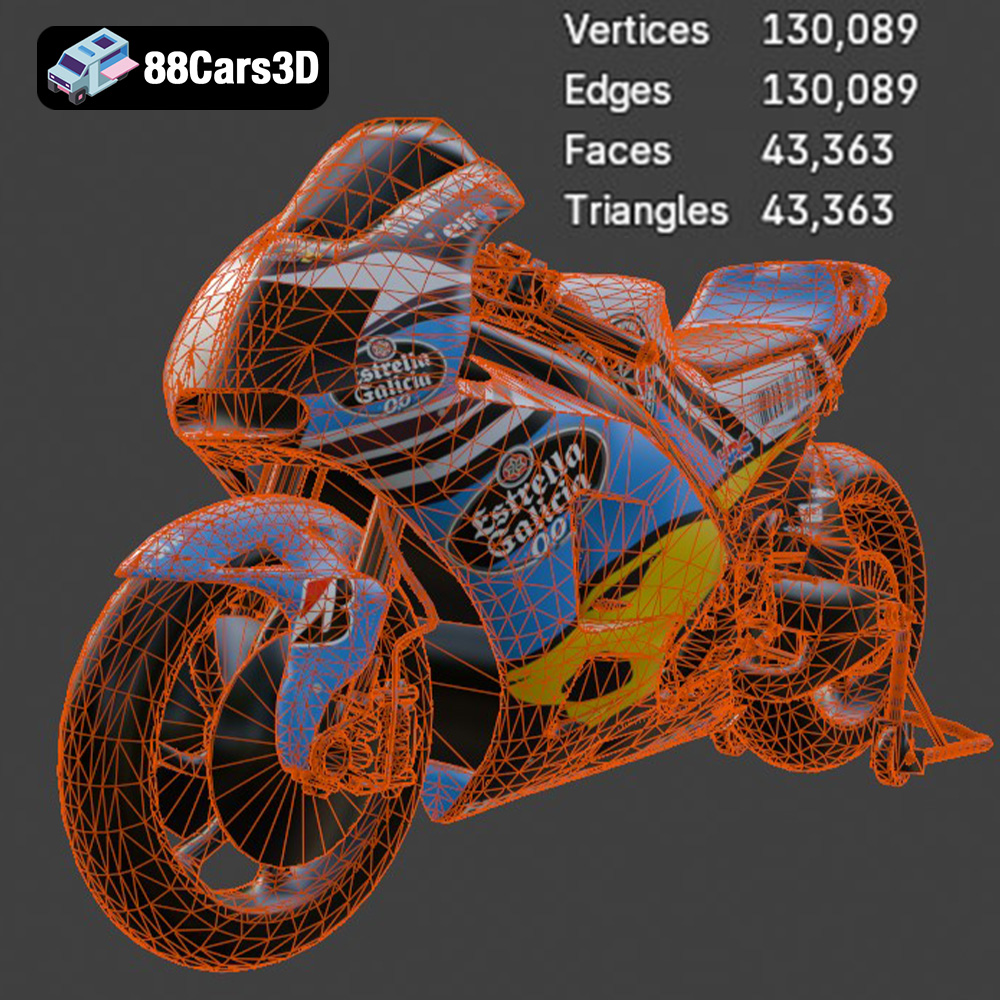
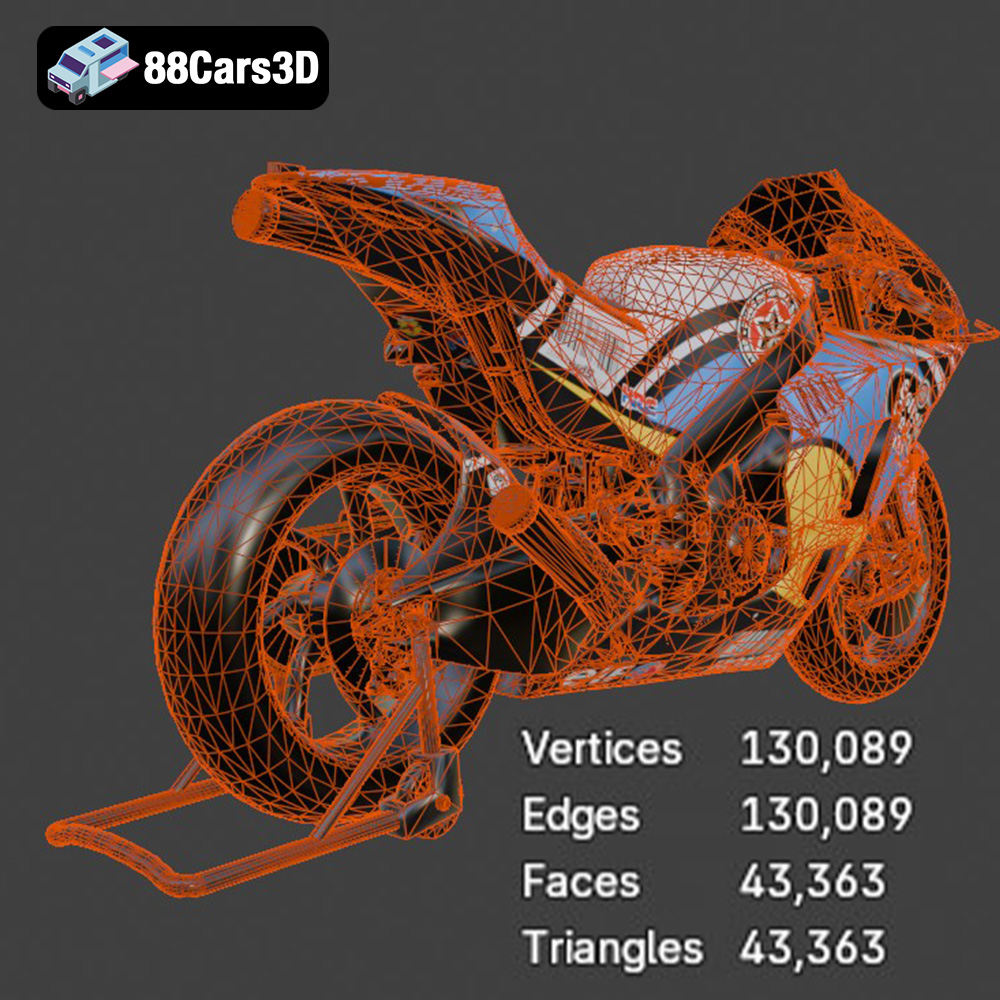
STL files do not contain information about color, texture, or materials. They only describe the shape. Therefore, post-processing techniques like painting are necessary to achieve a realistic finish. Additionally, the resolution of the STL file, determined by the number of triangles, directly affects the smoothness of the printed object. A higher triangle count results in a smoother surface but also increases file size and processing time. Slicing software plays a crucial role in interpreting the STL file and generating the instructions (G-code) that the 3D printer follows.
When preparing the Honda RCV-213-001 STL file for printing, ensure the mesh is watertight (no holes or gaps) and that the normals are correctly oriented (pointing outwards). Mesh repair tools within slicing software like Cura, PrusaSlicer, or Simplify3D can automatically fix many common mesh issues.
OBJ files are another common 3D model format. Unlike STL, OBJ files can store color and texture information. This is advantageous if you’re aiming for a multi-colored 3D print using specialized printers capable of material deposition or color blending. However, for most standard 3D printers, the OBJ’s color data is ignored, and only the geometry is considered. OBJ files can sometimes be larger and more complex than STL files.
PLY files are designed to store 3D data acquired from 3D scanners. They can capture very intricate details and are typically used in applications requiring high precision, such as reverse engineering or scientific visualization. While PLY files can be 3D printed, they are often overkill for most hobbyist 3D printing projects and may require significant processing power in slicing software.
The .blend file is Blender’s native format, containing the entire scene with all its objects, materials, textures, and lighting setups. This is extremely useful for users who want to customize the Honda RCV-213-001 model before 3D printing. You can modify the design, add details, or even split the model into separate parts for easier printing and assembly. However, Blender experience is required to effectively use this format. Once you’ve made your changes, you’ll need to export the modified model as an STL file for 3D printing.
FBX is a proprietary format developed by Autodesk, primarily used for exchanging 3D data between different software applications. It supports a wide range of data, including geometry, textures, materials, and animations. While some slicing software can import FBX files, their primary use is not for 3D printing. The FBX version of the Honda RCV-213-001 is mainly intended for game development and animation projects.
GLB is a binary file format that represents 3D models in a compact and efficient manner. It’s designed for real-time applications like augmented reality (AR) and web-based viewers. The GLB file allows you to preview the Honda RCV-213-001 model in AR on your smartphone or tablet before committing to a print. This can be helpful for visualizing the size and scale of the model in your environment.
Similar to .blend, the .max file is a native project file for 3ds Max, another professional 3D modeling and animation software. It provides access to the complete scene setup of the Honda RCV-213-001, allowing advanced users to modify and customize the model to their exact specifications. After customization, the model can be exported as an STL file for 3D printing.
Successfully 3D printing the Honda RCV-213-001 requires careful pre-print preparation. This involves examining the STL file, making any necessary repairs, and optimizing the model’s orientation and support structures within your chosen slicing software.
Before loading the STL file into your slicer, use a mesh inspection tool (often included within slicing software or as a separate program like Meshmixer) to check for errors. Look for non-manifold edges, flipped normals, and holes in the mesh. These imperfections can lead to printing problems, such as gaps or incomplete layers. Most mesh repair tools can automatically fix these issues, ensuring a watertight and printable model. The high-quality STL from 88cars3d.com should be relatively clean, but it’s always a good practice to double-check.
Model orientation is crucial for minimizing support material and maximizing print quality. Consider the Honda RCV-213-001’s geometry. Orienting the model with the largest, flattest surface facing down (towards the build plate) generally provides the best adhesion and stability. However, this might create a need for extensive support structures for overhanging features like the handlebars, seat, and fairings.
Experiment with different orientations to find a balance between minimizing support material and preserving critical details. Rotate the model around each axis to identify the orientation that requires the least amount of support while still ensuring that all features are properly supported.
The type of support structures you use also impacts the final print. Tree supports, for instance, use less material and are easier to remove than linear supports. However, they may not provide sufficient support for delicate overhangs. Consider using a combination of support types to optimize both material usage and print quality.
Depending on your printer’s build volume and desired size, you may need to scale the Honda RCV-213-001 model. Be mindful of the impact scaling has on the model’s details. Reducing the size too much can cause fine features to become unprintable.
For larger prints, consider hollowing out the model to reduce material consumption and print time. This involves creating an internal void within the model, leaving only a thin outer shell. Slicing software typically offers hollowing tools that allow you to specify the wall thickness and infill density. Make sure to add drainage holes to allow resin or melted filament to escape during the printing process.
The material you choose significantly impacts the final look, feel, and durability of your 3D printed Honda RCV-213-001. The choice depends on your desired aesthetics, functionality, and budget.
PLA (Polylactic Acid) is a biodegradable thermoplastic known for its ease of use and affordability. It’s an excellent choice for beginners and for prints that prioritize visual appearance over mechanical strength. PLA is available in a wide range of colors, making it easy to match the Honda RCV-213-001’s original livery.
However, PLA has limitations. It’s relatively brittle and has a low heat resistance, meaning it can warp or deform in high-temperature environments. Therefore, PLA is best suited for static display models.
PETG (Polyethylene Terephthalate Glycol-modified) is a more durable and heat-resistant alternative to PLA. It offers a good balance of strength, flexibility, and ease of printing. PETG is also less prone to warping than ABS, making it a suitable option for larger prints.
PETG is a good choice if you want a 3D printed Honda RCV-213-001 that can withstand some handling and environmental exposure.
Resin printing offers unparalleled detail and smooth surface finishes, making it ideal for intricate models like the Honda RCV-213-001. Resin printers use liquid photopolymer resins that are cured by UV light, resulting in extremely fine layer resolution.
However, resin printing also has its drawbacks. Resin printers are generally more expensive than filament printers, and the resins themselves can be costly and require careful handling. Resin prints also require post-processing steps like washing and curing.
For advanced users, materials like ABS (Acrylonitrile Butadiene Styrene), Nylon, and composites offer specialized properties. ABS is strong and heat-resistant but more challenging to print than PLA or PETG. Nylon is incredibly durable and flexible but requires high printing temperatures and a dry environment. Composite materials, such as carbon fiber-filled filaments, offer enhanced strength and stiffness but can be abrasive and require specialized nozzles.
The ideal printer settings for the Honda RCV-213-001 will depend on your chosen material and printer capabilities. However, here are some general guidelines to get you started.
Layer height determines the vertical resolution of your print. Lower layer heights (e.g., 0.1mm) result in smoother surfaces and finer details but increase print time. Higher layer heights (e.g., 0.2mm) are faster but produce less detailed prints. A layer height of 0.15mm to 0.2mm is a good starting point for the Honda RCV-213-001.
Infill density controls the amount of material used inside the model. Higher infill densities increase strength and weight but also increase print time and material consumption. For a display model like the Honda RCV-213-001, an infill density of 15-20% is usually sufficient.
Print speed affects both print quality and print time. Slower speeds generally result in better print quality, especially for intricate models. A print speed of 40-60mm/s is a good starting point.
The optimal printing temperature will depend on your chosen material. Consult the filament or resin manufacturer’s recommendations for specific temperature settings. Proper bed adhesion is crucial for preventing warping and ensuring a successful print. Use bed adhesion aids like glue stick, hairspray, or painter’s tape to improve adhesion.
Post-processing is essential for achieving a professional finish on your 3D printed Honda RCV-213-001. This involves removing support structures, sanding down imperfections, and painting the model to match the original motorcycle’s livery.
Carefully remove the support structures using pliers, cutters, or a hobby knife. Take your time to avoid damaging the model’s surface. For resin prints, soak the model in warm water to soften the supports before removal.
Sand the model using progressively finer grits of sandpaper to smooth out layer lines and imperfections. Start with a coarse grit (e.g., 220) and gradually work your way up to a fine grit (e.g., 600 or higher). For resin prints, wet sanding is recommended to prevent dust from clogging the sandpaper.
Apply a primer to the model to create a smooth and uniform surface for painting. Choose a primer that is compatible with your chosen paint. Once the primer is dry, apply several thin coats of paint, allowing each coat to dry completely before applying the next. Use masking tape to create clean lines and separate different colors.
Consider using an airbrush for a professional-looking finish. Airbrushes provide precise control over paint application and can create smooth gradients and blends.
If you printed the Honda RCV-213-001 in multiple parts, carefully assemble them using glue or epoxy. Ensure that the parts are aligned correctly before the adhesive sets.
Even with careful preparation, 3D printing can sometimes be challenging. Here are some common issues and their solutions.
Warping occurs when the printed object lifts off the build plate, often due to uneven cooling or poor bed adhesion. To prevent warping, ensure that your bed is properly leveled and heated, use bed adhesion aids, and avoid drafts in your printing environment.
Stringing occurs when thin strands of filament are left between different parts of the print. This is often caused by excessive retraction distance or high printing temperatures. Try increasing the retraction distance or lowering the printing temperature.
Layer separation occurs when the layers of the print do not adhere properly to each other. This can be caused by low printing temperatures, insufficient cooling, or poor bed adhesion. Try increasing the printing temperature, reducing the cooling fan speed, or improving bed adhesion.
By following this comprehensive guide, you’ll be well-equipped to successfully 3D print a stunning replica of the Honda RCV-213-001. The detailed model from 88cars3d.com, combined with careful preparation and execution, will result in a 3D printed masterpiece that you can proudly display.
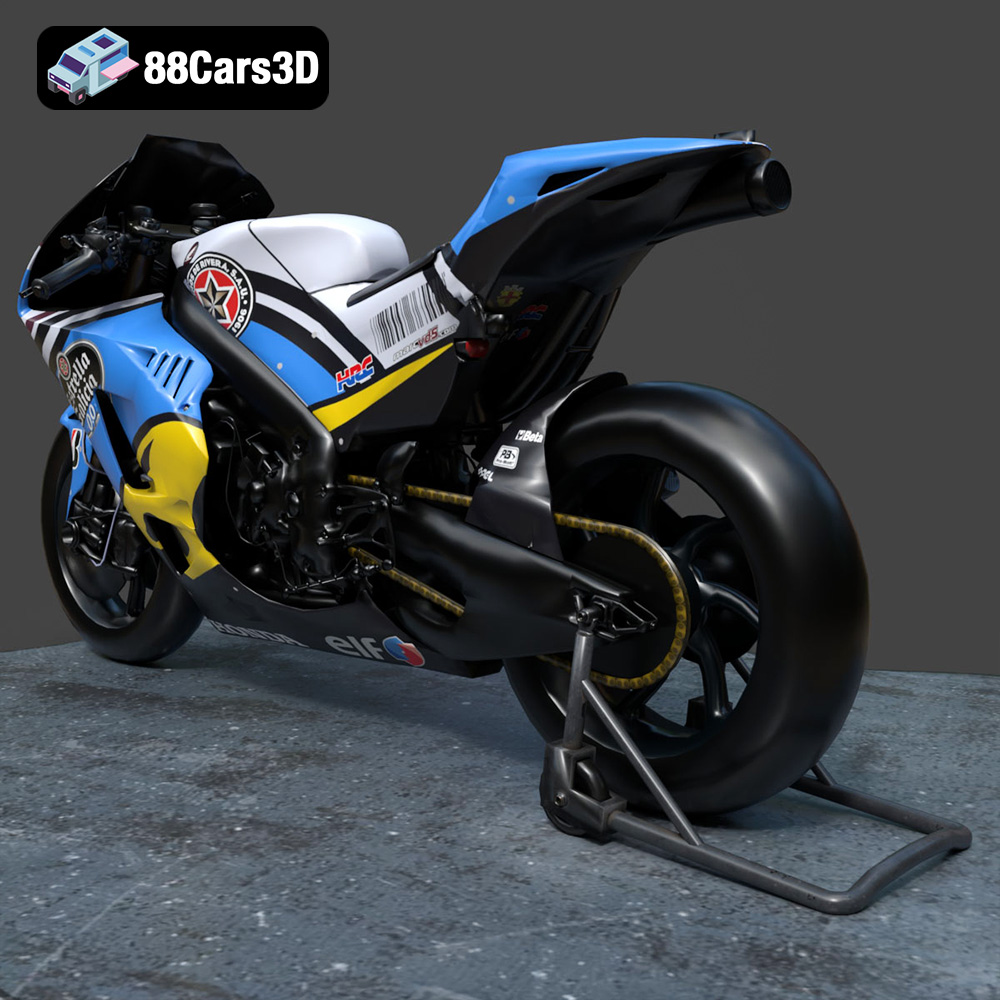
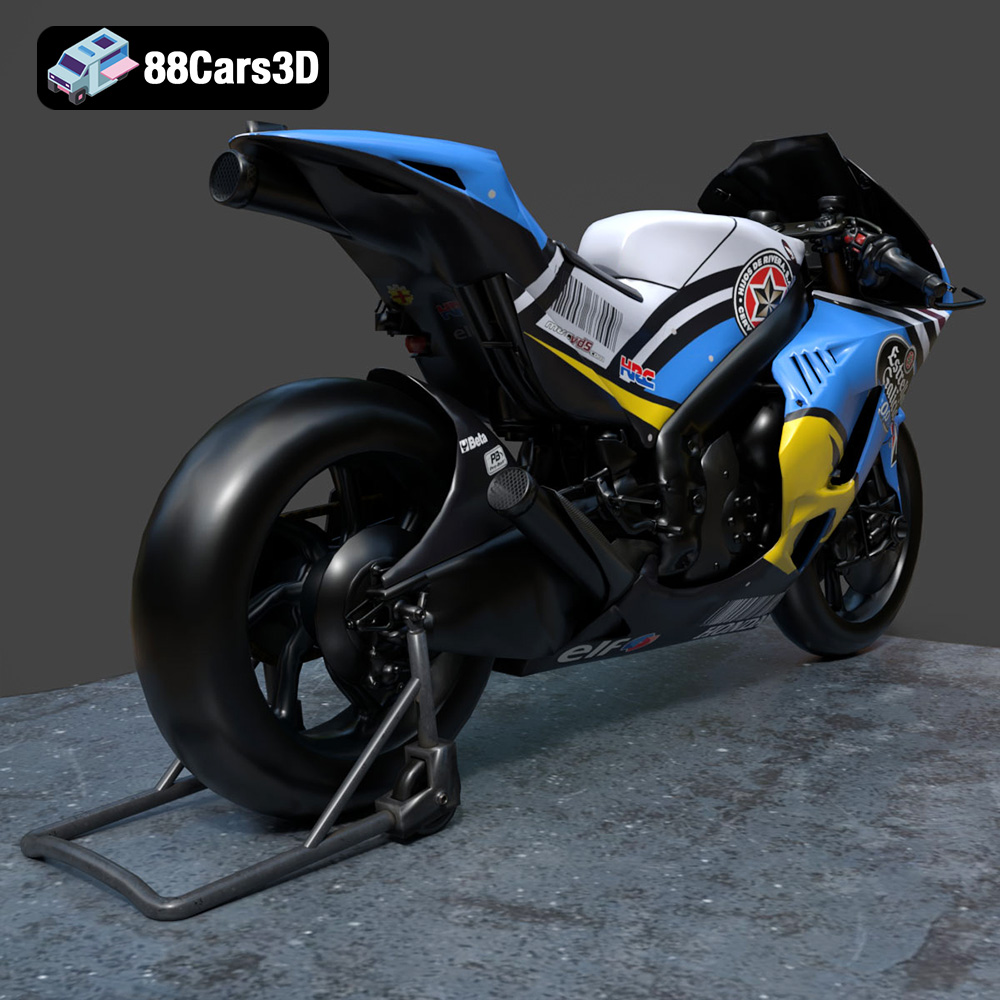
Experience true realism with the Honda RCV-213-001 3D Model, meticulously crafted to represent the iconic racing motorcycle. This model is engineered to provide stunning visual fidelity, making it an exceptional choice for automotive enthusiasts and digital creators. Key features of this 3D model include clean geometry, realistic materials, and a professional quality build.
$39.99
.arvr
.blend
.car3dmodel
.fbx
.gameasset
.glb
.honda
.max
.motorcycle
.obj
.ply
.racingbike
.rcv213001
.rendering
.simulation
.stl
.unreal