Get 20% OFF All Premium 3D & STL Models!

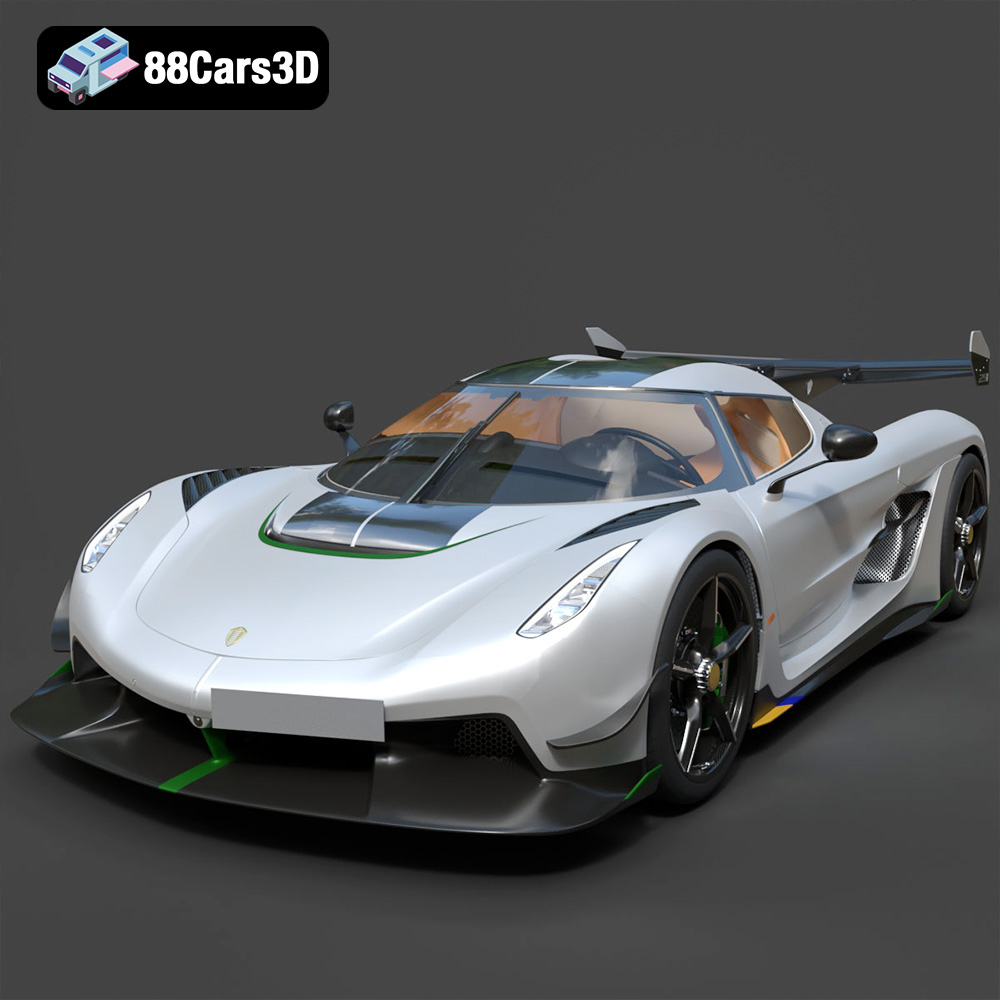
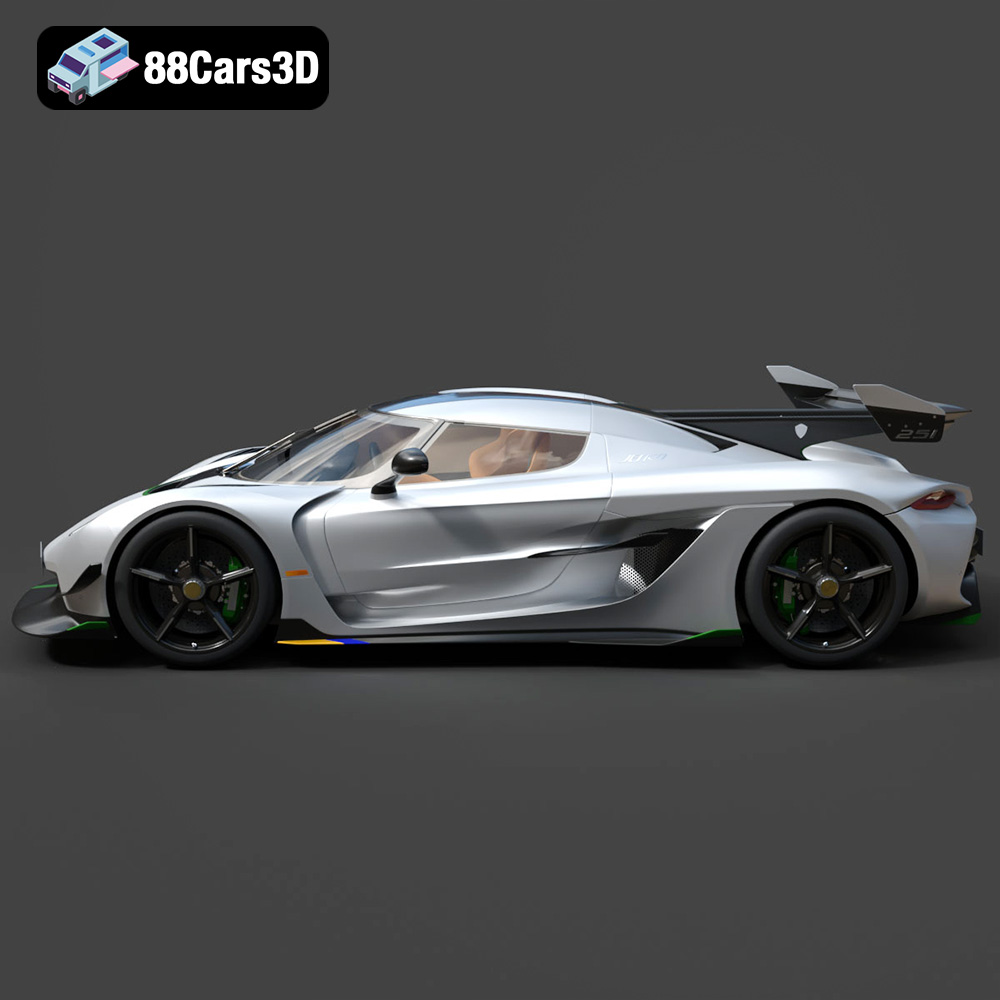
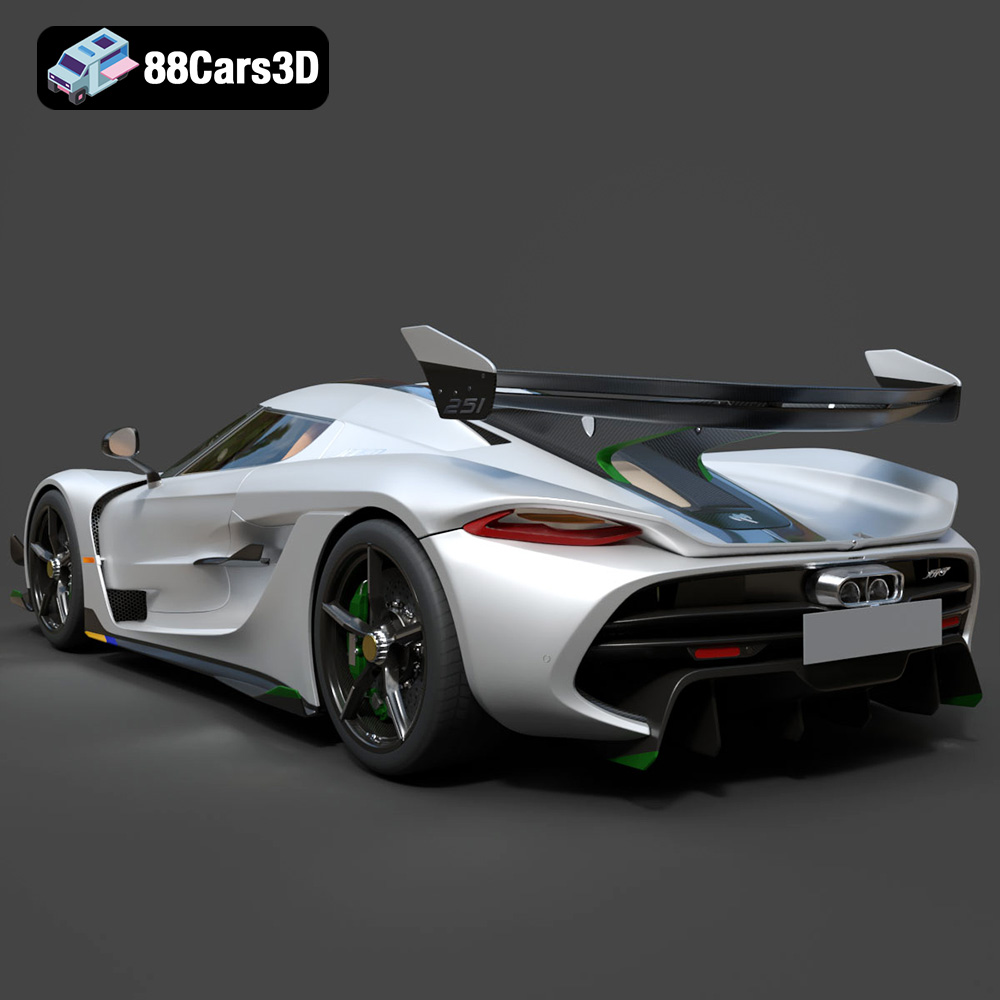
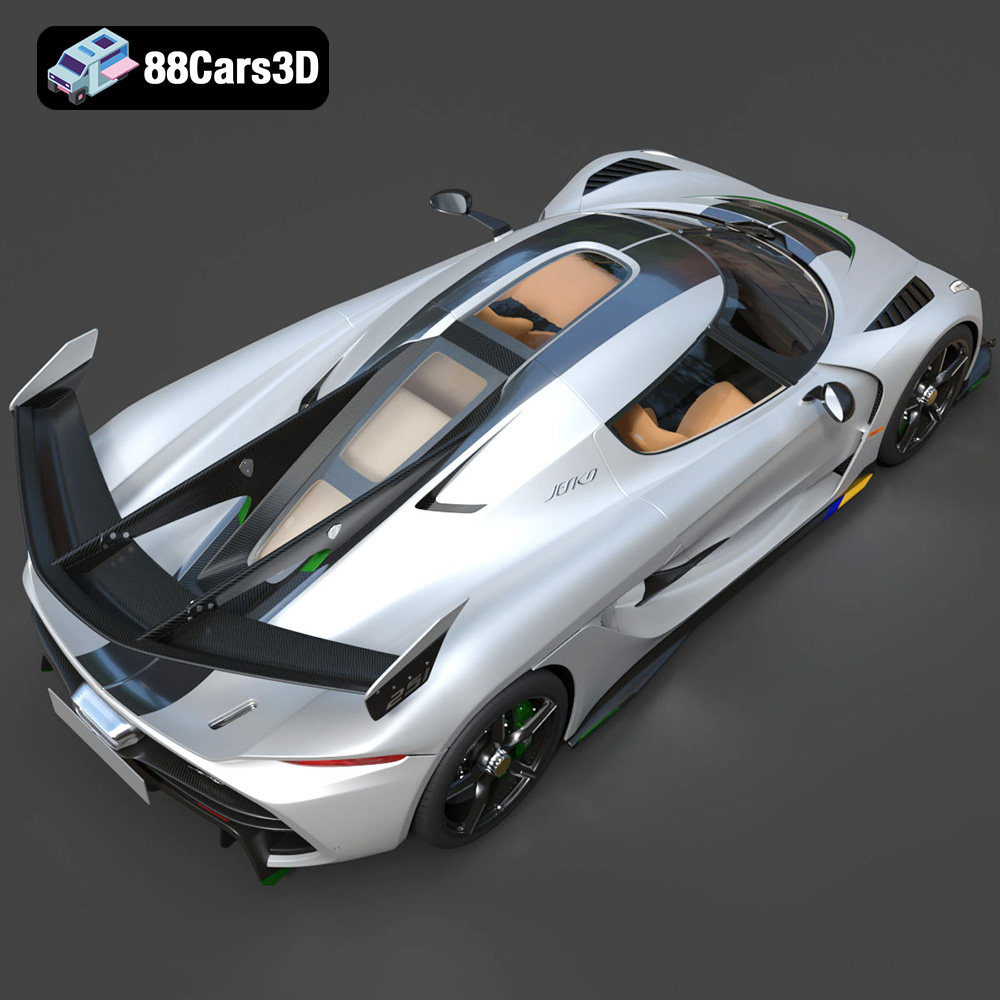
The Koenigsegg Jesko. A name synonymous with speed, innovation, and breathtaking design. Owning the real thing might be a dream for most, but with the power of 3D printing, you can bring a meticulously crafted replica of this hypercar into your home. This comprehensive guide will walk you through every step of successfully 3D printing the Koenigsegg Jesko 2020 3D Model, available at 88cars3d.com, ensuring a rewarding and impressive final result. From choosing the right materials and slicer settings to mastering post-processing techniques, we’ll cover everything you need to know to transform digital data into a tangible masterpiece.
Before you even think about loading filament into your printer, careful preparation is crucial. This stage determines the overall quality and success of your 3D printed Koenigsegg Jesko.
* **Mesh Integrity:** The STL file, while generally reliable, might contain minor imperfections. Use software like MeshMixer, Netfabb, or even the built-in repair tools in your slicer to identify and fix any non-manifold edges, holes, or flipped normals. These errors can cause print failures.
* **Scaling Considerations:** The default size of the model may not be ideal for your printer’s build volume or desired display scale. Decide on the final size you want and scale the model accordingly in your slicer. Be mindful that smaller scales can lose fine details, while larger scales require more material and print time.
* **Orientation Optimization:** This is perhaps the most important pre-printing step. The orientation of the model on the build plate significantly impacts support structure requirements, print time, and surface finish. Experiment with different orientations in your slicer to minimize overhangs and maximize detail resolution on critical surfaces like the body panels. Orienting the chassis with the flat side down often provides the best adhesion and stability.
* **Choosing Your Slicer:** Popular slicing software options include Cura, PrusaSlicer, Simplify3D, and others. Each has its strengths and weaknesses, but all can adequately prepare the STL file for printing. Consider factors like ease of use, advanced features, and compatibility with your printer when making your choice.
* **Profile Creation:** Create a dedicated printing profile specifically for the Koenigsegg Jesko model. This allows you to save and easily reuse the optimal settings for this particular project.
The Koenigsegg Jesko 2020 3D Model comes in several file formats, each designed for different applications. Understanding these formats is key to successful 3D printing and beyond.
The STL (Stereolithography) format is the workhorse of 3D printing. It represents the surface geometry of a 3D object as a collection of triangles. This simplicity makes it universally compatible with virtually all 3D printers and slicing software. However, STL files only contain mesh data; they do not store information about color, texture, or materials.
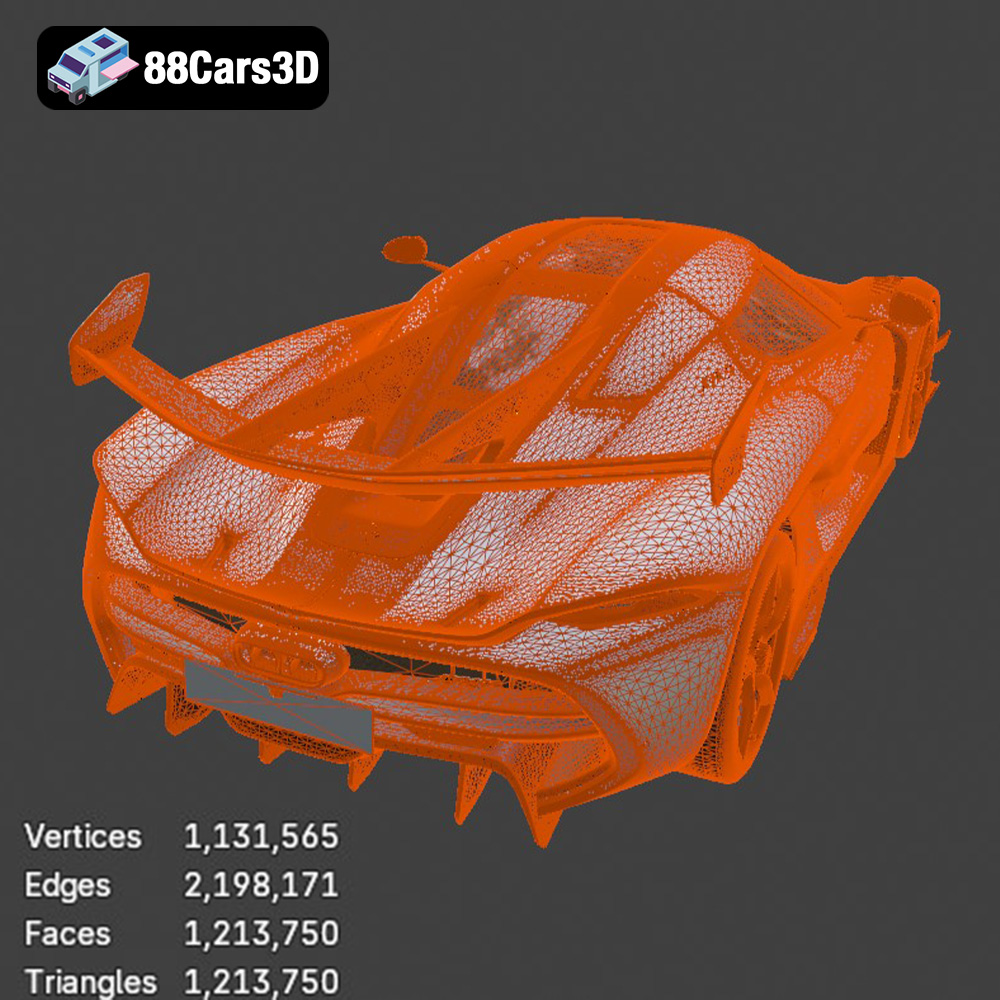
When working with STL files for the Koenigsegg Jesko, it’s crucial to ensure a high-quality mesh. A finely tessellated mesh (more triangles) results in a smoother, more detailed print. However, excessively dense meshes can increase file size and processing time. The key is to find a balance between detail and efficiency. 88cars3d.com provides STL files designed for optimal printing performance.
When importing the STL file into your slicing software, pay attention to any warnings or errors related to mesh quality. If the software detects issues like holes, self-intersections, or non-manifold geometry, use the built-in repair tools or a dedicated mesh editing program (like MeshMixer) to fix them before proceeding. Neglecting these errors can lead to print failures or artifacts in the final product.
OBJ is another widely supported 3D model format that, unlike STL, can store color and texture information. This makes it suitable for applications like rendering and game development, where visual fidelity is paramount. While OBJ files can be used for 3D printing, the color and texture data are typically ignored unless you’re using a full-color 3D printer.
PLY is a format known for its ability to store high-detail mesh data, often used in 3D scanning and reverse engineering. It supports color and other vertex properties, making it useful for specialized applications. For 3D printing the Koenigsegg Jesko, the advantages of PLY over STL are generally minimal unless you require extremely high accuracy and detail capture.
The .blend format is the native file format for Blender, a popular open-source 3D creation suite. It contains the entire Blender scene, including the model, materials, textures, lighting, and animation data. If you’re familiar with Blender, you can use the .blend file to customize the Koenigsegg Jesko model before exporting it to STL for 3D printing. This allows for modifications such as adding personalized details, simplifying the geometry, or splitting the model into multiple parts for easier printing and assembly.
FBX is a proprietary format developed by Autodesk, widely used in the game development and animation industries. It supports a wide range of data, including geometry, materials, textures, animation, and rigging. While some advanced slicing software may be able to import FBX files, the primary use case for this format with the Koenigsegg Jesko model is for importing into game engines like Unreal Engine or Unity.
GLB is a binary file format that represents 3D models in a compact and efficient manner. It is specifically designed for web and mobile applications, including AR (Augmented Reality) and VR (Virtual Reality). With the .glb file, you can preview the Koenigsegg Jesko model in your physical environment using a smartphone or tablet before committing to 3D printing it.
Similar to .blend, the .max format is the native file format for 3ds Max, another popular professional 3D modeling and animation software package. It contains the entire scene setup, allowing for extensive customization and modification of the Koenigsegg Jesko model before exporting for other uses, including creating an STL for 3D printing.
The material you choose will significantly impact the appearance, strength, and durability of your 3D printed Koenigsegg Jesko.
* **Pros:** PLA (Polylactic Acid) is a biodegradable thermoplastic known for its ease of use, low printing temperature, and minimal warping. It’s an excellent choice for beginners and produces aesthetically pleasing results. PLA also comes in a wide variety of colors and finishes.
* **Cons:** PLA is relatively brittle and has low heat resistance, making it unsuitable for functional parts that will be subjected to stress or high temperatures. It can also be susceptible to moisture absorption.
* **Printing Settings:** Bed Temperature: 60°C, Nozzle Temperature: 200-220°C, Print Speed: 40-60 mm/s.
* **Pros:** PETG (Polyethylene Terephthalate Glycol-modified) offers a good balance of strength, flexibility, and heat resistance. It’s more durable than PLA and less prone to warping than ABS. PETG also exhibits good layer adhesion and is relatively easy to print.
* **Cons:** PETG can be stringy, requiring careful retraction settings. It also tends to be more expensive than PLA.
* **Printing Settings:** Bed Temperature: 70-80°C, Nozzle Temperature: 230-250°C, Print Speed: 40-50 mm/s.
* **Pros:** Resin 3D printing (SLA/DLP/MSLA) offers unmatched detail resolution and a smooth surface finish. This is ideal for capturing the intricate details of the Koenigsegg Jesko. Resin prints are typically stronger and more durable than PLA prints.
* **Cons:** Resin printing is more expensive than FDM (Fused Deposition Modeling) printing. It also requires post-processing steps like washing and curing. Resins can be toxic, requiring proper ventilation and handling precautions.
* **Printing Settings:** Settings vary significantly depending on the resin type and printer. Follow the manufacturer’s recommendations.
Getting the right printer settings is paramount to achieving a high-quality 3D print. These settings control how the printer deposits material and ultimately determine the final outcome.
* **Layer Height:** Lower layer heights (e.g., 0.1mm) produce smoother surfaces and capture finer details, but they also increase print time significantly. Higher layer heights (e.g., 0.2mm) are faster but result in less detailed prints. For the Koenigsegg Jesko, a layer height of 0.1-0.15mm is a good compromise between detail and speed, especially for visible surfaces.
* **Initial Layer Height:** Setting a slightly higher initial layer height (e.g., 0.2mm) can improve bed adhesion, preventing warping and ensuring a successful start to the print.
* **Infill Density:** Infill is the internal structure of the 3D print. Higher infill densities increase the strength and weight of the print but also consume more material and increase print time. For a display model like the Koenigsegg Jesko, a moderate infill density (15-25%) is usually sufficient.
* **Infill Pattern:** Choose an infill pattern that provides good structural support without adding excessive weight or material. Gyroid, honeycomb, and rectilinear patterns are popular choices.
* **Support Generation:** Support structures are necessary to support overhangs and prevent them from collapsing during printing. Use your slicer’s support generation feature to automatically create supports where needed.
* **Support Placement:** Manually adjust support placement to minimize their impact on visible surfaces. Focus supports on areas that will be hidden after assembly.
* **Support Density and Interface:** Optimize support density and interface settings to make them easier to remove without damaging the model. Using a lower support density and a smaller air gap between the supports and the model can help.
Post-processing is the key to transforming a raw 3D print into a polished and professional-looking model.
* **Support Removal:** Carefully remove support structures using pliers, cutters, or a sharp knife. Take your time to avoid damaging the model.
* **Sanding:** Sand the surface of the print to remove layer lines and smooth out imperfections. Start with coarse-grit sandpaper (e.g., 150-grit) and gradually move to finer grits (e.g., 400-grit, 600-grit) to achieve a smooth finish. Wet sanding can help reduce dust and improve the sanding process.
* **Priming:** Apply a primer to the model to create a smooth and uniform surface for painting. Primer also helps the paint adhere better and prevents it from being absorbed into the plastic.
* **Painting:** Use high-quality paints designed for plastic models. Apply multiple thin coats of paint, allowing each coat to dry completely before applying the next. Consider using an airbrush for a smoother and more professional finish. For the Koenigsegg Jesko, pay close attention to matching the complex paint schemes of the real car.
* **Assembly:** The Koenigsegg Jesko 3D model may consist of multiple parts that need to be assembled. Use adhesive or screws to join the parts together.
* **Detailing:** Add fine details like decals, badges, and trim to enhance the realism of the model. You can purchase pre-made decals or create your own using a vinyl cutter.
Even with careful preparation and precise settings, 3D printing can sometimes present challenges. Here are some common issues and their solutions:
* **Problem:** The corners of the print lift off the build plate.
* **Solution:** Improve bed adhesion by using a heated bed, applying a bed adhesive (e.g., glue stick, hairspray), or increasing the initial layer height.
* **Problem:** Thin strands of plastic are left between different parts of the print.
* **Solution:** Increase retraction distance and speed, decrease printing temperature, and ensure the filament is dry.
* **Problem:** Layers are misaligned, resulting in a stepped appearance.
* **Solution:** Tighten belts, reduce printing speed, and ensure the printer is stable.
* **Problem:** The bottom layers of the print are wider than the rest of the model.
* **Solution:** Reduce the initial layer flow rate, decrease the bed temperature, or adjust the Z offset.
By understanding these common issues and their solutions, you can troubleshoot problems effectively and improve the quality of your 3D prints. Remember that iterative testing and experimentation are key to mastering 3D printing.
3D printing the Koenigsegg Jesko 2020 3D Model is a rewarding project that combines technical skill with artistic expression. By carefully preparing your model, selecting the right materials, fine-tuning your printer settings, and mastering post-processing techniques, you can create a stunning replica of this iconic hypercar. Remember to leverage the resources available at 88cars3d.com to ensure a successful and enjoyable 3D printing experience. Happy printing!
Experience unparalleled realism with the Koenigsegg Jesko 2020 3D Model. This meticulously crafted asset captures every intricate detail of the iconic hypercar, providing a professional-grade solution for advanced digital projects. Perfect for a wide range of applications, this 3D model excels in game development, architectural rendering, automotive visualization, and immersive AR/VR experiences. Whether you are creating a cinematic animation or a real-time interactive simulation, this asset delivers outstanding digital results.
$39.99
.arvr
.blend
.car3dmodel
.fbx
.gameasset
.glb
.hypercar
.jesko
.koenigsegg
.max
.obj
.ply
.rendering
.simulation
.sportsCar
.stl
.unreal