Get 20% OFF All Premium 3D & STL Models!

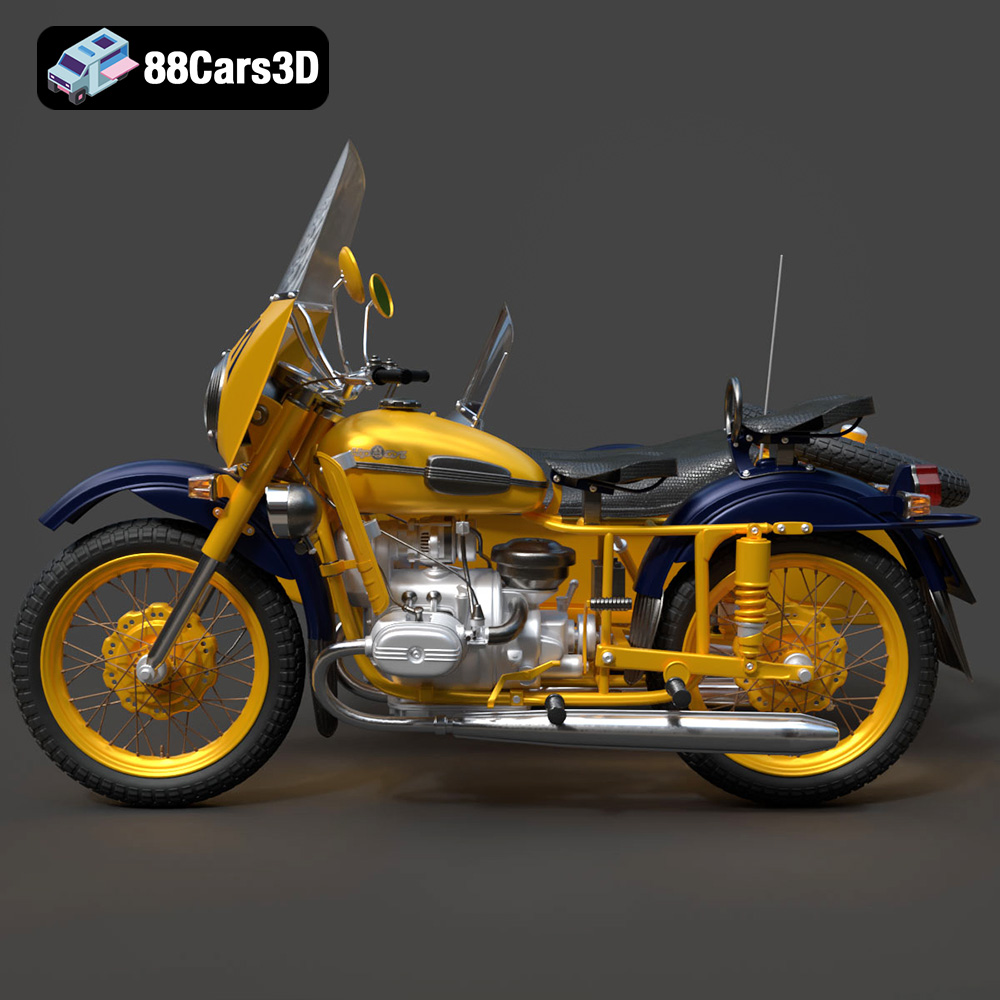
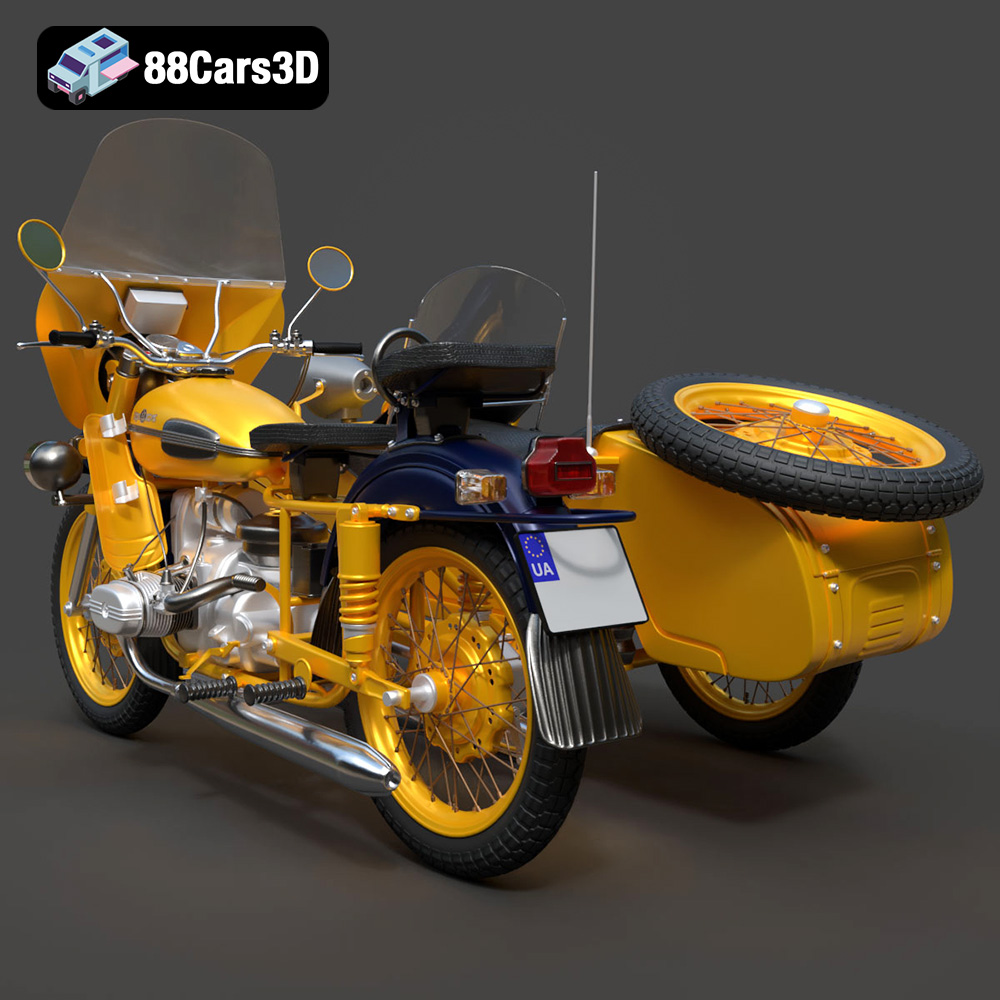
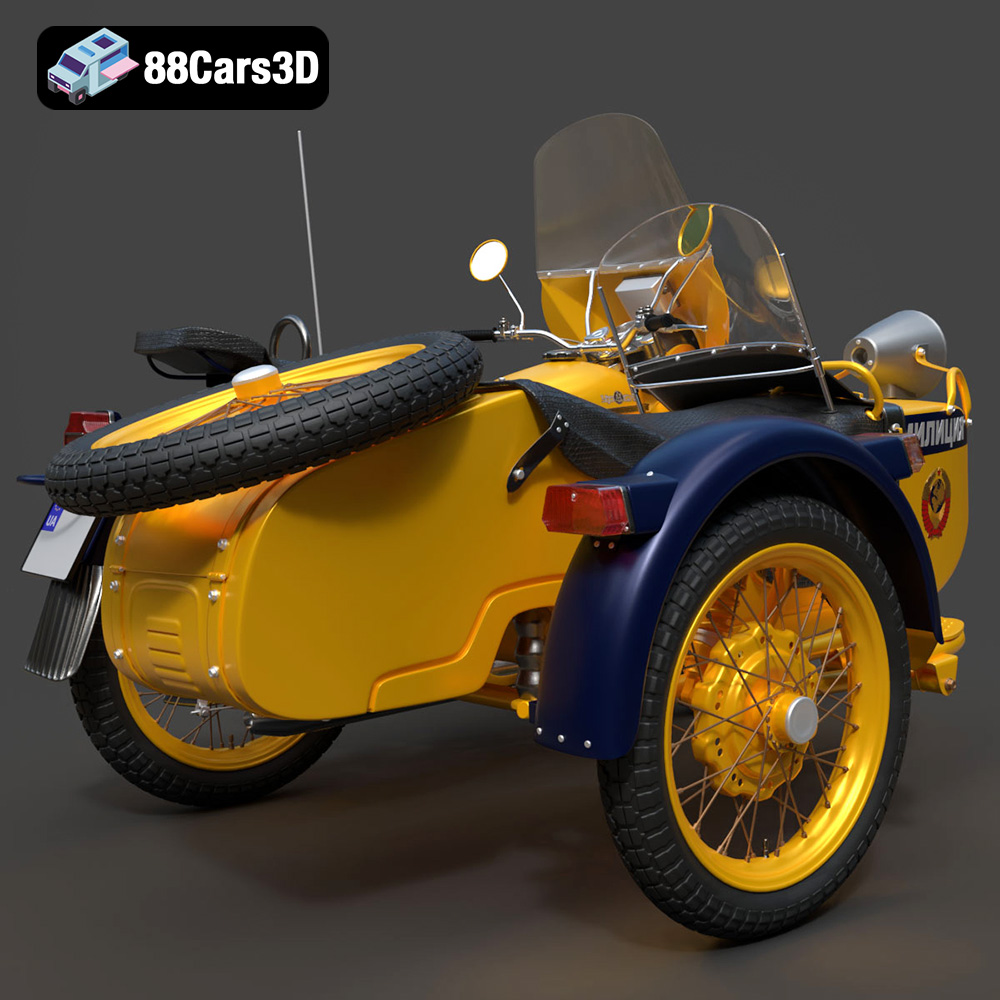
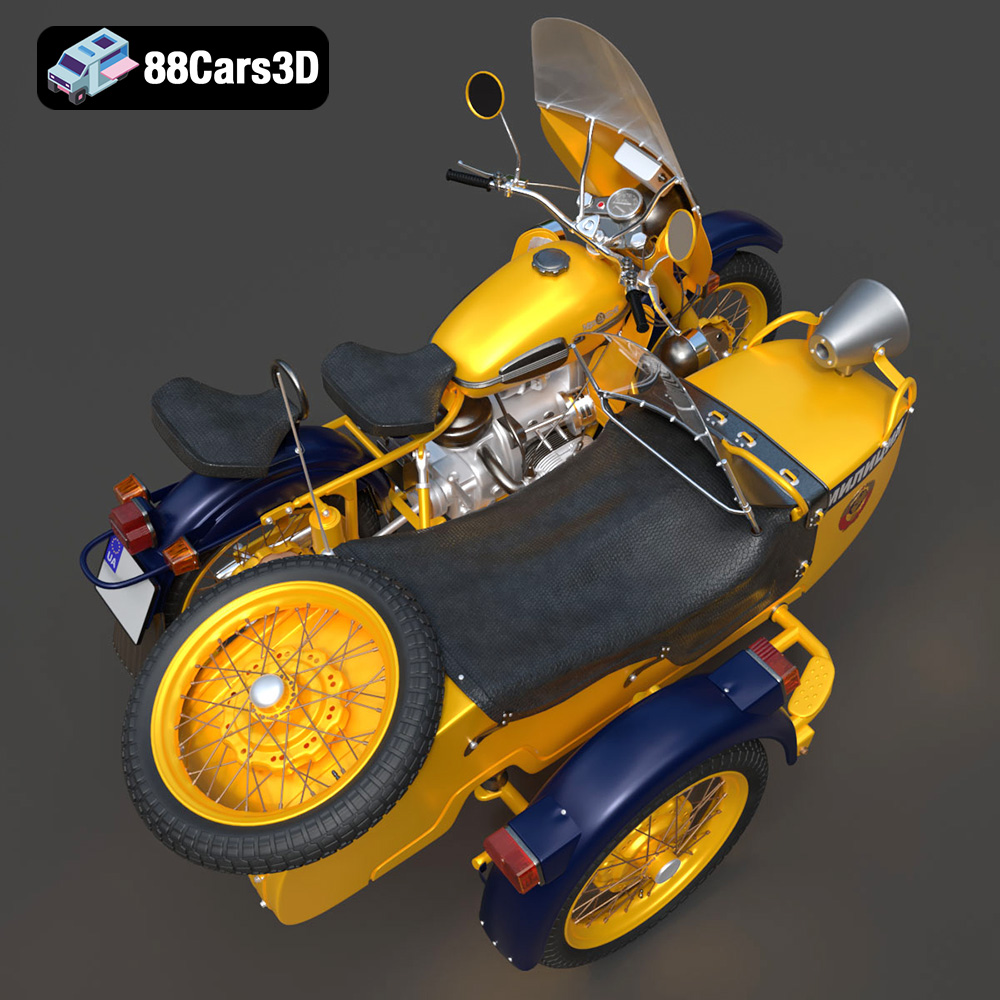
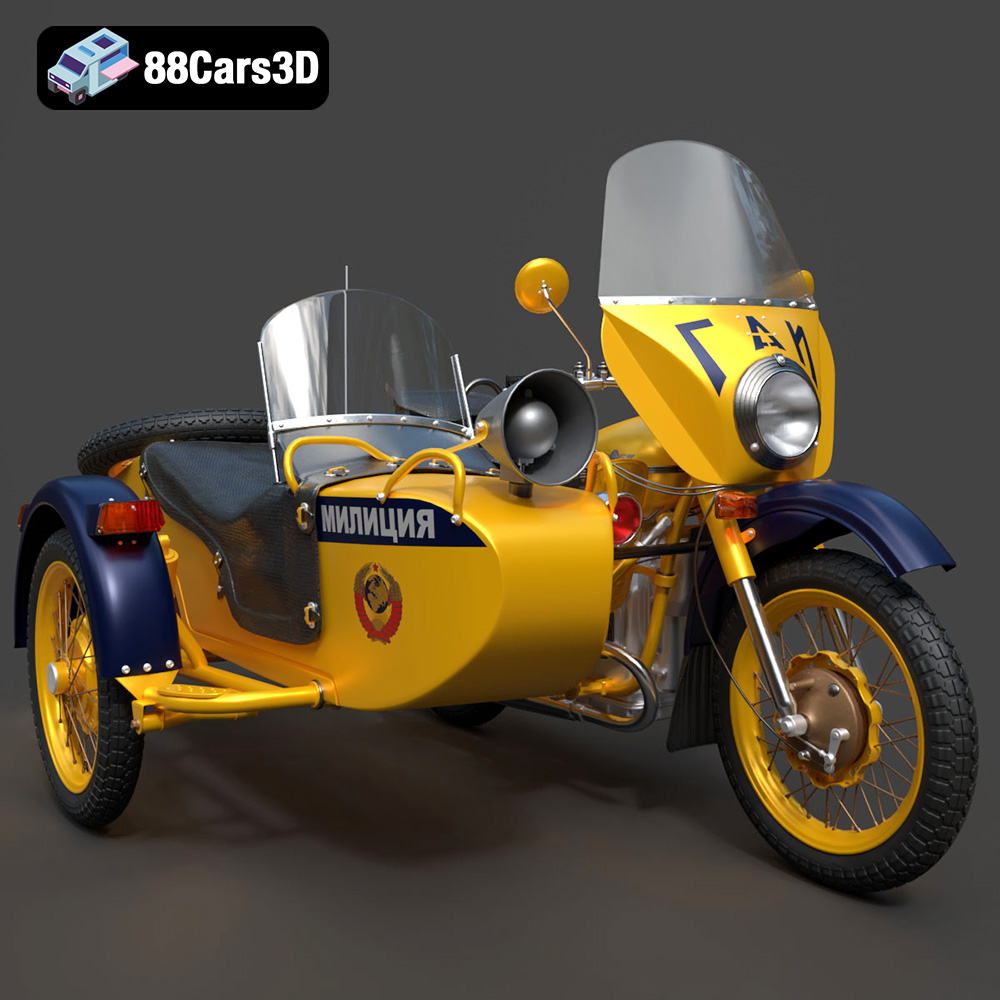
The 1976 Ural M67-36-P is a motorcycle steeped in history, known for its rugged design and utilitarian charm. Now, thanks to 3D printing, you can bring this iconic piece of Soviet engineering to life in miniature. This blog post will guide you through the process of 3D printing a detailed replica of the Ural M67-36-P, transforming the digital model from 88cars3d.com into a tangible piece of art. We’ll cover everything from selecting the right materials and printer settings to post-processing techniques for a truly authentic finish. Whether you’re a seasoned 3D printing enthusiast or a beginner looking for a challenging and rewarding project, this guide will provide the insights you need to succeed.
Before diving into printer settings and slicing, it’s crucial to understand the different file formats available and their suitability for 3D printing. The Ural M67-36-P model from 88cars3d.com is provided in several formats, but not all are created equal when it comes to additive manufacturing. Let’s explore the common formats:
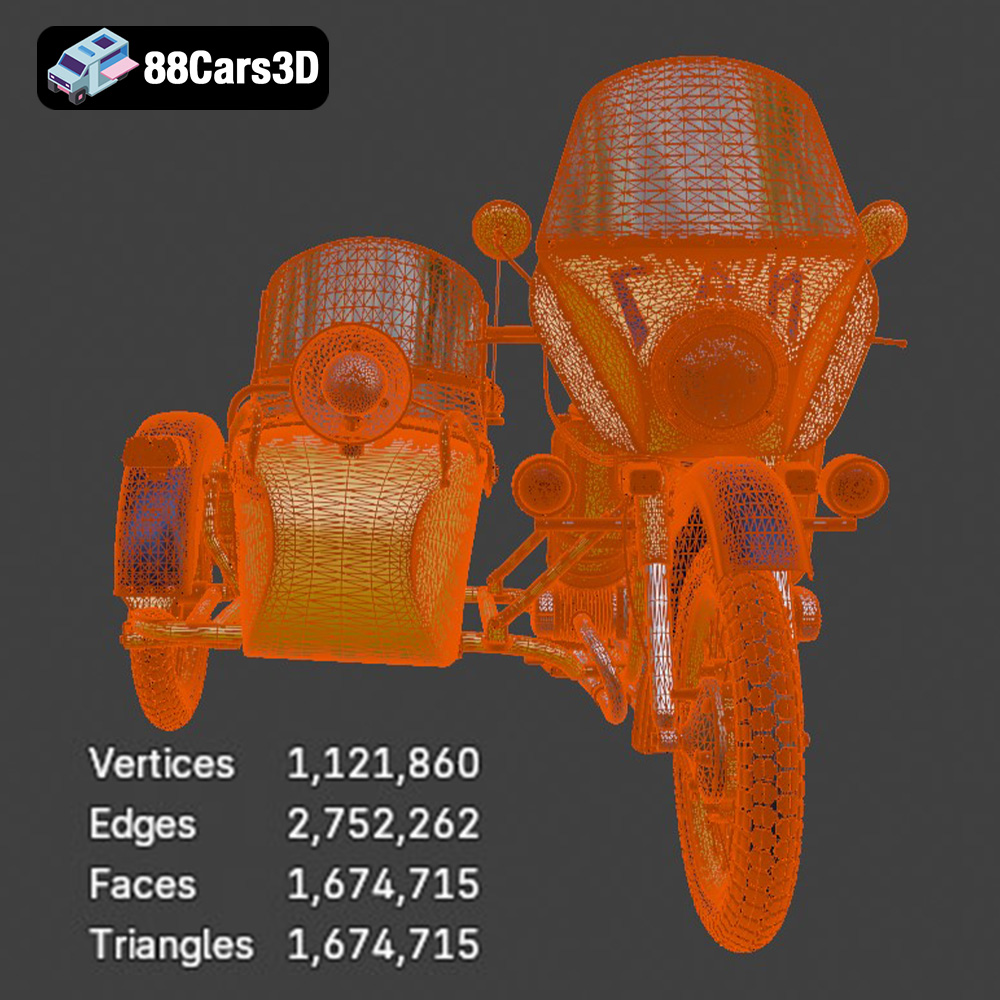
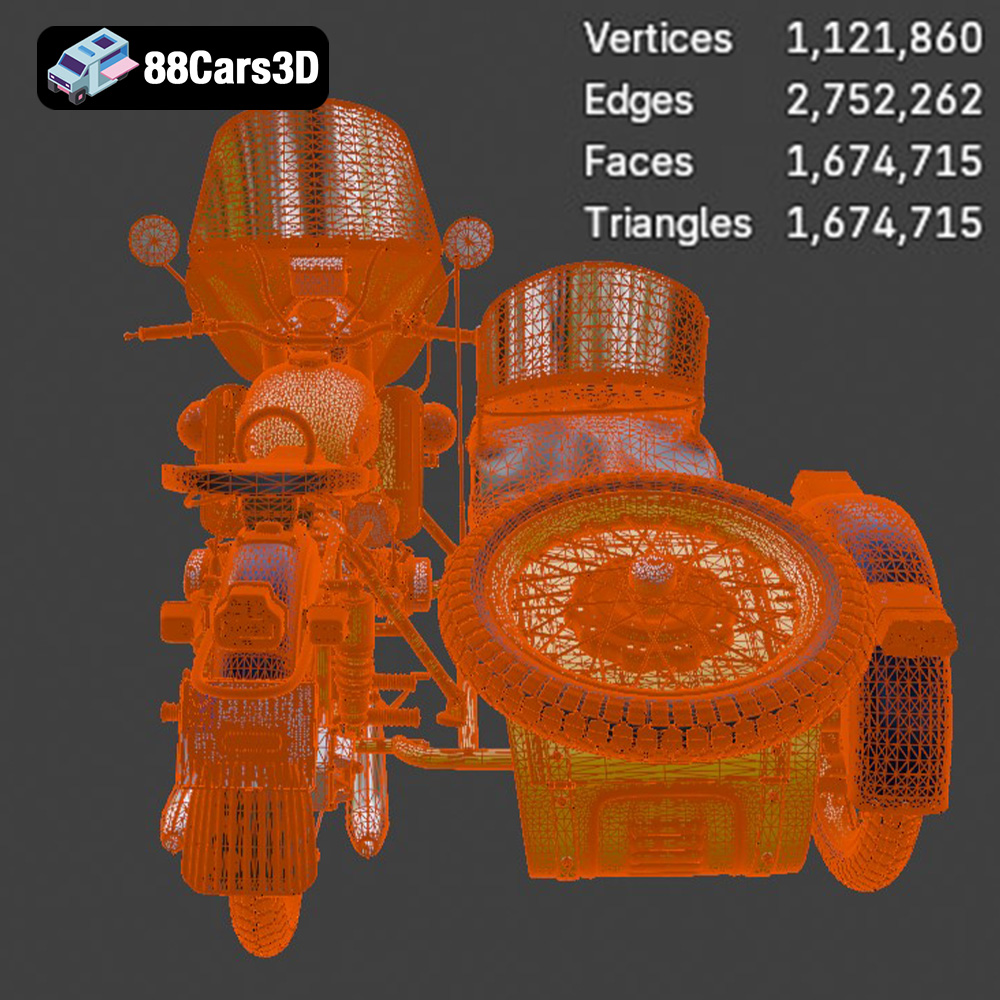
.stl (Stereolithography) is the industry standard for 3D printing. It represents the 3D model’s surface geometry as a collection of triangles, forming a mesh. The density of this mesh (number of triangles) directly impacts the model’s resolution and smoothness. Higher triangle counts result in finer details but also increase file size and processing time. STL files only contain mesh data; they do not store color or texture information. For the Ural M67-36-P, the .stl format is the primary choice for 3D printing due to its compatibility with virtually all slicing software and 3D printers. The quality of the printed model hinges on the original STL file’s resolution. A well-prepared STL, optimized for 3D printing, ensures accurate reproduction of the motorcycle’s details.
.obj (Wavefront Object) is a more versatile format than STL, as it can store color and texture information along with the geometry. This makes it suitable for 3D printing in full color (if your printer supports it) or for applications where visual appearance is paramount. However, .obj files can be more complex than STL files, potentially leading to compatibility issues with some older slicing software. While not as universally supported as STL, the .obj format can be valuable if you plan to paint the Ural M67-36-P model and want to use the texture maps as a guide.
.ply (Polygon File Format) is another format that supports color and texture information. It’s known for its ability to capture high-detail scans and models, making it suitable for representing complex geometries with accuracy. However, like .obj, .ply files are not as widely supported by 3D printing software as STL files. If the Ural M67-36-P model’s .ply version contains significantly more detail than the .stl, it might be worth converting it to STL with a higher triangle count to preserve those details during printing.
Formats like .blend (Blender), .fbx (Autodesk Filmbox), .glb (GL Transmission Format), and .max (3ds Max) are primarily used for editing and previewing the 3D model before printing. .blend files are native to Blender, a free and open-source 3D creation suite. .fbx is a common interchange format used across various 3D software packages. .glb is designed for efficient transmission and loading of 3D models, often used for web-based viewers and AR applications. .max files are native to 3ds Max, another popular 3D modeling software. These formats allow you to modify the model, adjust its scale, or even create variations before exporting it to STL for 3D printing. The .glb format is particularly useful for previewing the model in augmented reality before committing to a print.
For 3D printing the Ural M67-36-P, the .stl format is the recommended starting point. Its widespread compatibility ensures that you can open and slice the model in almost any 3D printing software. If you plan to add color to your print through painting or other post-processing techniques, having the .obj or .ply file for reference can be helpful. If you want to customize the model before printing, use the .blend or .max files, make your changes, and then export the modified model as an .stl file for printing.
Choosing the right material is paramount to achieving a successful and aesthetically pleasing 3D printed Ural M67-36-P. The choice depends on your desired level of detail, strength, and the intended use of the finished model.
PLA (Polylactic Acid) is a popular thermoplastic known for its ease of use and biodegradability. It’s a great choice for beginners due to its low printing temperature, minimal warping, and wide availability. PLA is ideal for creating display models of the Ural M67-36-P, especially if you’re not concerned about high heat resistance or impact strength. It’s easy to paint and can capture a good level of detail. However, PLA can be brittle and may not be suitable for parts that require significant structural integrity. For the Ural, PLA is suitable for the body panels, seat, and other non-functional components.
PETG (Polyethylene Terephthalate Glycol-modified) offers a good balance of strength, flexibility, and ease of printing. It’s more durable and heat-resistant than PLA, making it a better choice for parts that might experience some stress or outdoor exposure. PETG also has good layer adhesion, resulting in stronger prints. Consider using PETG for the Ural’s frame, wheels, and suspension components where some structural integrity is desired. It’s slightly more challenging to print than PLA, requiring higher temperatures and careful bed adhesion, but the improved durability is worth the effort.
For exceptional detail and smooth surfaces, resin printing is the way to go. Resin printers use liquid photopolymer resins that are cured by UV light, allowing for incredibly fine layer heights and intricate details. If you want to capture the Ural M67-36-P’s engine details, intricate exhaust system, or the small details of the instrument cluster, resin printing is highly recommended. However, resin prints tend to be more brittle than FDM prints (PLA or PETG) and require post-processing steps like washing and curing. Resin is also more expensive than filament. For the Ural, resin would be excellent for printing smaller, highly detailed components that can then be assembled with the larger, more structural parts printed in PLA or PETG.
ABS (Acrylonitrile Butadiene Styrene) is a strong and durable thermoplastic known for its high impact resistance and heat resistance. It’s commonly used in automotive parts and other demanding applications. However, ABS is more challenging to print than PLA or PETG due to its tendency to warp and require higher printing temperatures. Enclosed printers are generally recommended for ABS to maintain a consistent temperature. While ABS could be used for the Ural’s frame, PETG offers a better balance of printability and durability for this particular model.
Once you’ve selected your material, the next step is preparing the 3D model for printing using slicing software. This involves importing the STL file, orienting the model, setting print parameters, and generating support structures.
The orientation of the Ural M67-36-P model on the print bed significantly impacts print quality, support requirements, and structural integrity. Orienting the frame at an angle (approximately 45 degrees) can improve its strength by aligning the layers along the stress points. Wheels should be printed flat on the bed for optimal roundness and layer adhesion. Detailed parts like the exhaust system, handlebars, and mirrors will require supports to prevent drooping and ensure accurate reproduction. Use your slicing software’s support generation features to add adequate support structures to these areas. Consider using tree supports, which use less material and are easier to remove than traditional linear supports.
Layer height determines the resolution of the print. A lower layer height (e.g., 0.1mm or 0.04mm for resin) will result in smoother surfaces and finer details, but it will also increase print time. A layer height of 0.15mm-0.2mm is a good starting point for FDM printing (PLA or PETG). Infill density affects the strength and weight of the print. A higher infill percentage (e.g., 30%) will make the model stronger but also increase material consumption. For display models, 20% infill is usually sufficient. Wall thickness determines the thickness of the outer shell. A wall thickness of 1.2mm-2.0mm is recommended for most parts of the Ural M67-36-P to provide adequate strength and prevent warping.
Before slicing, it’s essential to check the STL file for any errors or imperfections that could lead to printing problems. Use your slicing software’s mesh repair tools to fix any non-manifold edges, holes, or other issues. You can also use mesh editing software like MeshMixer or Blender to further optimize the model by reducing the polygon count in areas where detail is not critical. This can help to reduce file size and processing time without significantly affecting print quality.
Achieving optimal results requires fine-tuning your printer settings based on the chosen material and printer type. Here are some recommended settings for printing the Ural M67-36-P.
Resin printing settings vary significantly depending on the specific resin and printer model. Consult your resin manufacturer’s recommendations for exposure time, lift speed, and other parameters. Generally, lower layer heights (e.g., 0.04mm or 0.02mm) are recommended for resin printing to capture fine details. Support structures are essential for resin prints, especially for overhanging features.
Post-processing is crucial for achieving a professional and authentic finish on your 3D printed Ural M67-36-P. This involves removing supports, sanding, priming, painting, and assembling the various parts.
Carefully remove the support structures using pliers or a sharp knife. Take your time to avoid damaging the model. Once the supports are removed, use sandpaper to smooth any rough edges or blemishes. Start with a coarse grit sandpaper (e.g., 220 grit) and gradually move to finer grits (e.g., 400 grit, 600 grit) to achieve a smooth surface. For resin prints, wet sanding is recommended to prevent dust from becoming airborne.
Apply a thin layer of primer to the entire model to create a smooth and uniform surface for painting. Let the primer dry completely before proceeding. Use acrylic paints or model paints to achieve the desired colors and finishes. Consider researching the original factory colors of the 1976 Ural M67-36-P for an authentic look. Use masking tape to create clean lines between different colors. For metallic finishes, use metallic paints or apply a clear coat with metallic flakes.
Assemble the various parts of the Ural M67-36-P using glue or small screws. Pay attention to the alignment of the parts to ensure a accurate representation of the motorcycle. Add any final details, such as decals, miniature cables, or weathering effects, to enhance the realism of the model. Consider using a wash (thinned-down paint) to accentuate the details and create a sense of depth.
Even with careful preparation, you may encounter some common 3D printing issues. Here are some solutions to address them:
Warping occurs when the corners of the print lift off the build plate due to uneven cooling. To prevent warping, ensure your build plate is level and clean, use a heated bed, and apply an adhesive like glue stick or hairspray. For ABS, an enclosed printer is highly recommended.
Stringing is caused by molten filament oozing from the nozzle during travel moves. To reduce stringing, increase retraction distance and speed, lower the nozzle temperature, and adjust travel speed.
Poor layer adhesion can result in weak prints that easily delaminate. To improve layer adhesion, increase the nozzle temperature, decrease the print speed, and ensure the first layer is properly squished onto the build plate.
If supports are difficult to remove or leave behind blemishes, try using tree supports, reducing the support density, or adjusting the support angle.
By following these guidelines and troubleshooting tips, you can successfully 3D print a stunning replica of the 1976 Ural M67-36-P motorcycle. The high-quality 3D models available at 88cars3d.com make this project achievable for enthusiasts of all skill levels.
The 1976 Ural M67-36-P is a legendary Soviet-era motorcycle, renowned for its rugged durability, classic utilitarian styling, and historic patrol heritage. Featuring its iconic opposed-twin (boxer) engine, robust dual exhaust system, and sturdy frame design, this classic workhorse captures the absolute essence of 1970s Eastern Bloc engineering and heavy-duty performance. This highly detailed 3D model is game-ready and optimized for various applications including rendering, AR/VR, and of course, 3D printing!
$39.99
.blend
.fbx
.glb
.max
.obj
.ply
.rendering
.stl
.unreal
.ural
1976
classic-motorcycle
game asset
game-ready
low-poly
m67-36-p
motorcycle-3d-model
optimized
soviet-motorcycle
vintage-bike
VR/AR