Get 20% OFF All Premium 3D & STL Models!

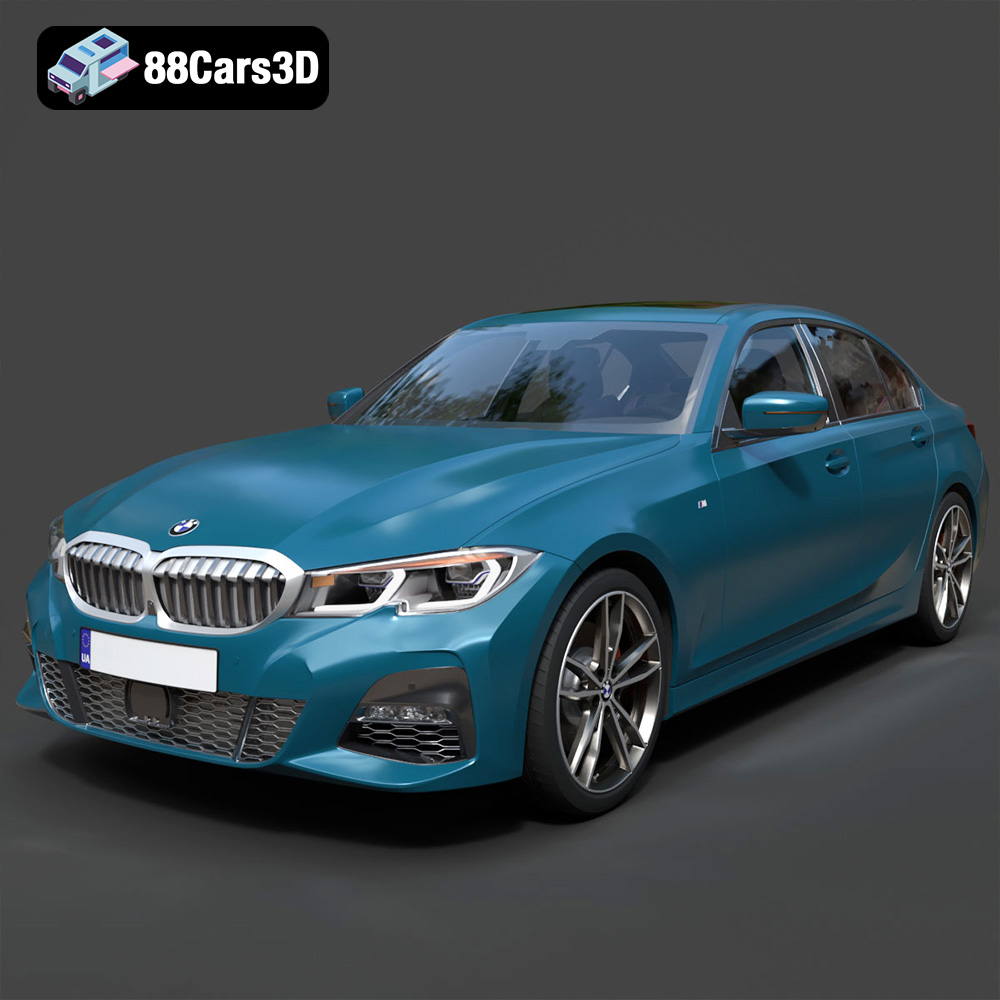
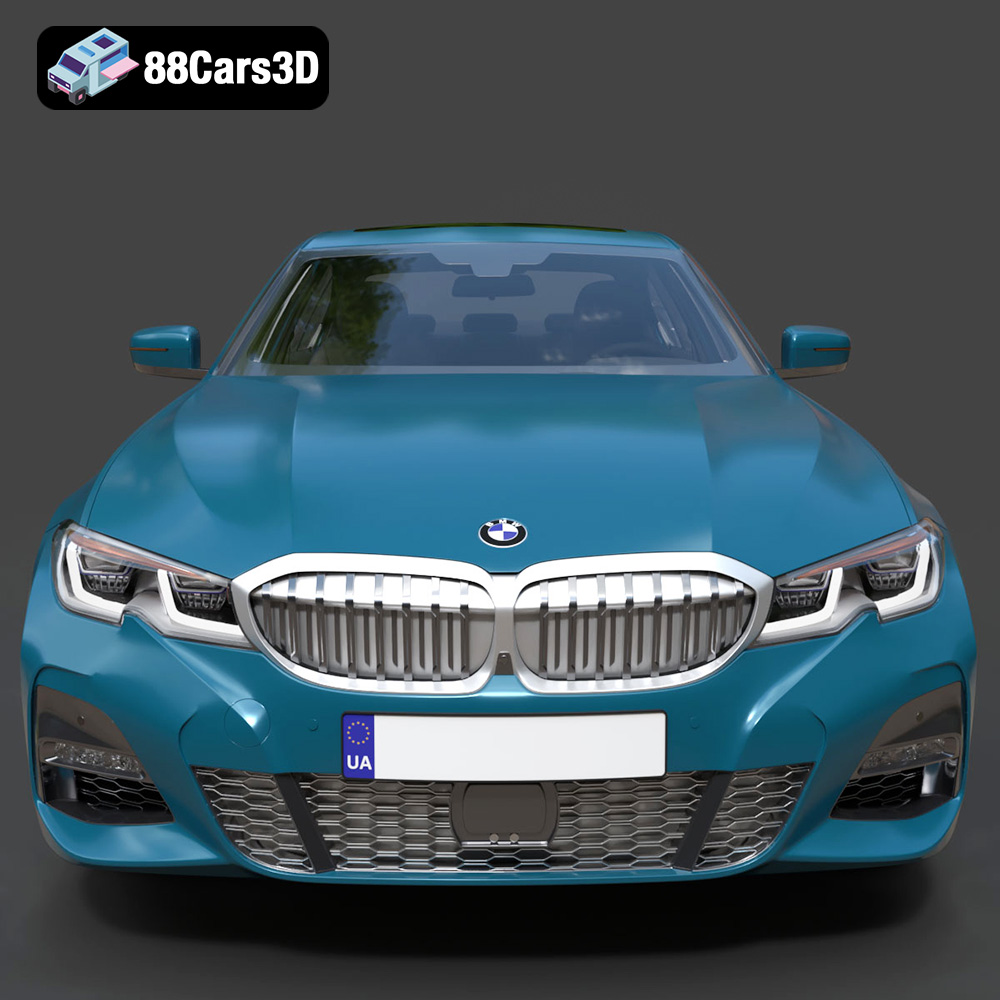
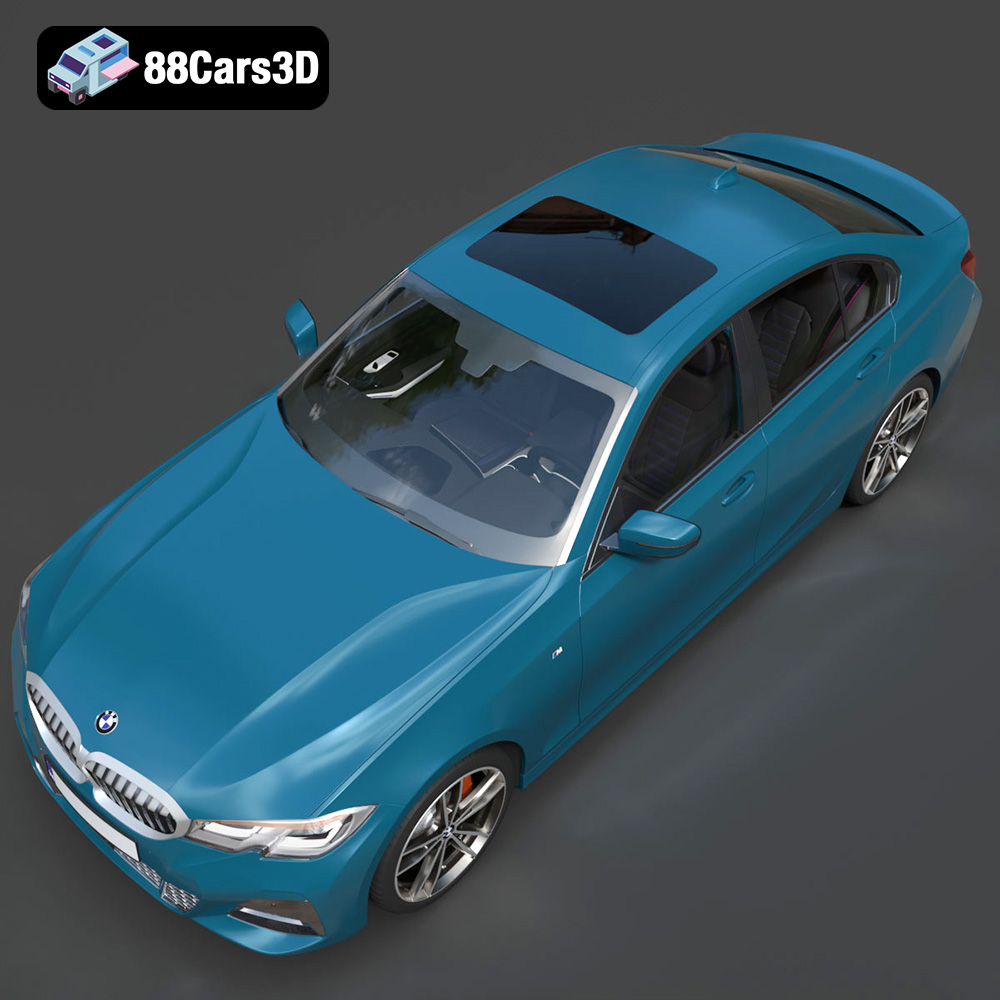
The BMW 3 Series M-Sport Sedan 2019 is an iconic vehicle, representing a perfect blend of luxury and performance. Now, thanks to advancements in 3D printing technology and resources like 88cars3d.com, enthusiasts and hobbyists can create their own miniature versions of this stunning car. This article will guide you through the process of 3D printing the BMW 3 Series M-Sport Sedan 2019 3D model, covering everything from file preparation to post-processing. Whether you’re aiming for a display piece, a gift for a BMW aficionado, or a component for a larger diorama, the possibilities are endless. Let’s dive into the world of additive manufacturing and bring this digital model into the physical realm.
Before you start printing your BMW 3 Series M-Sport Sedan 2019, it’s crucial to understand the different file formats available and how they impact the printing process. The model from 88cars3d.com comes in several formats, but not all are equally suited for 3D printing.
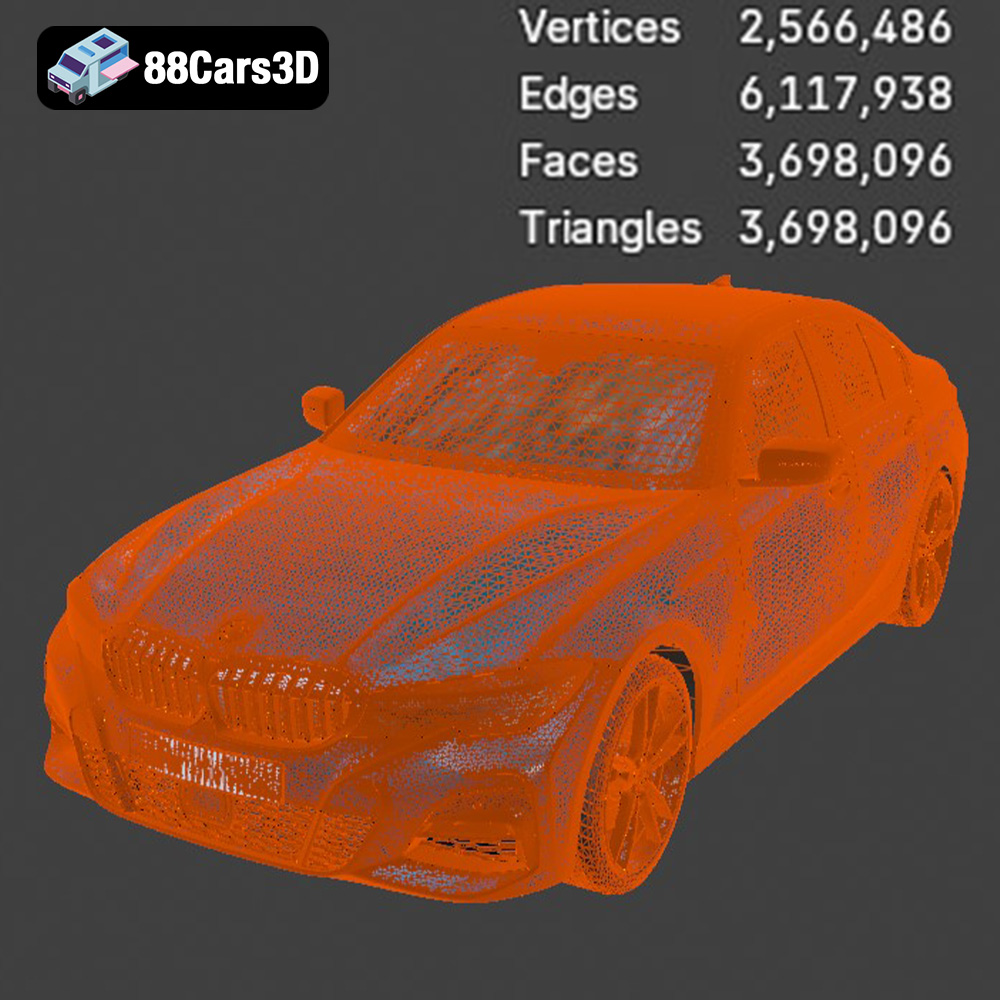
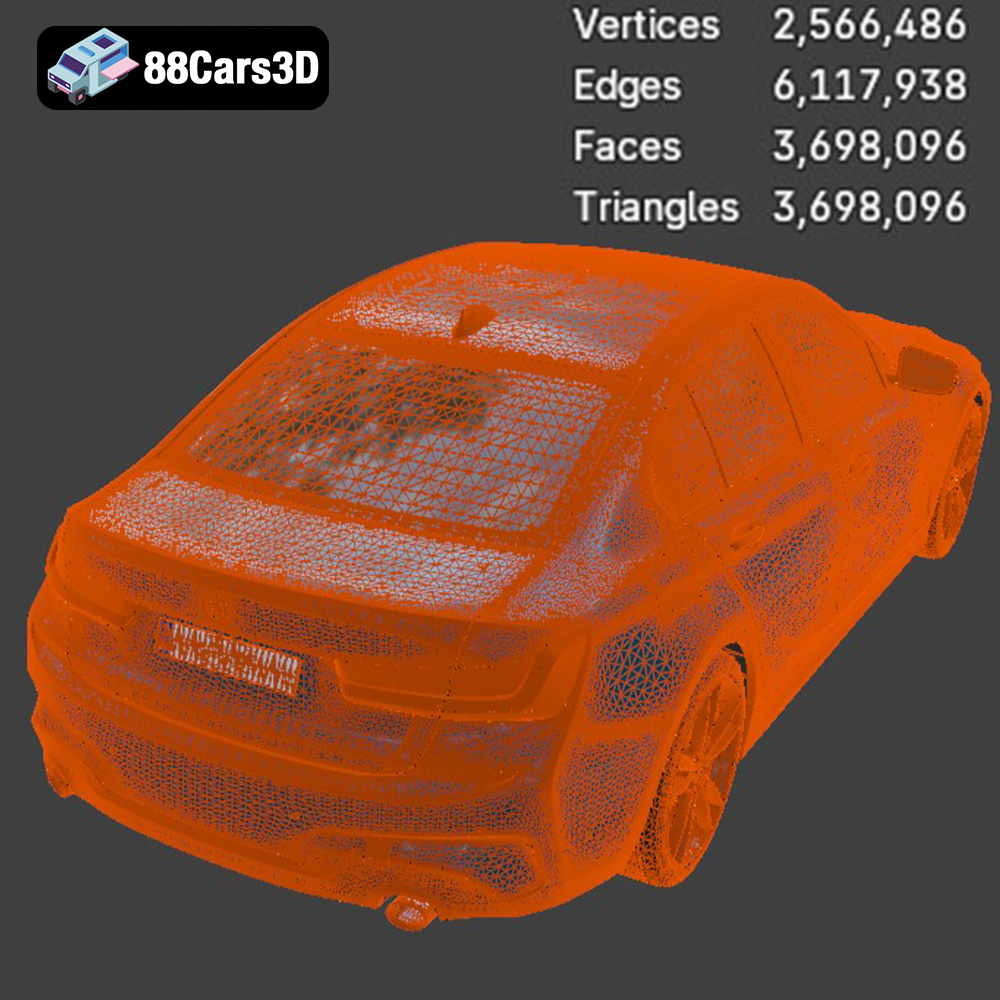
The .stl (stereolithography) format is the industry standard for 3D printing. It represents the 3D model’s surface as a collection of triangles, forming a mesh. The finer the mesh (more triangles), the smoother the surface of the printed object will be. However, a very fine mesh can significantly increase file size and processing time. For the BMW 3 Series M-Sport Sedan 2019, ensure the .stl file has a reasonable level of detail – enough to capture the car’s curves and features without overburdening your printer.
.stl files are universally compatible with slicing software, which translates the 3D model into instructions (G-code) for your 3D printer. The slicing process involves setting parameters like layer height, infill density, support structures, and printing speed. These parameters directly influence the print’s quality, strength, and printing time. Because the STL format is only mesh-based, it doesn’t contain any color or texture information.
The .obj (object) format is another widely used 3D model format. Unlike .stl, .obj files can store color and texture information, making them suitable for colored 3D prints (if your printer supports it). However, printing in multiple colors requires specialized equipment and software. For the BMW 3 Series M-Sport Sedan 2019, the .obj format might be useful if you want to experiment with applying textures and colors to the model in a 3D modeling program before printing.
.ply (Polygon File Format) is a less common format but is often used for storing 3D data acquired from 3D scanners. It can handle more complex mesh data compared to .stl, potentially resulting in more accurate representation of highly detailed models.
The .blend, .fbx, .glb and .max formats, including the Blender, FBX, GLB and 3ds Max formats, are primarily intended for editing, visualization, and use in game engines and AR/VR applications. These formats preserve information like materials, lighting setups, and animations, which are not relevant for standard 3D printing. You may wish to use the .blend or .max files to make modifications to the model before exporting to .stl for printing, such as hollowing the model to reduce material usage.
For 3D printing the BMW 3 Series M-Sport Sedan 2019, the .stl format is generally the best choice. It’s universally supported by slicing software, and its simple mesh-based structure ensures compatibility with a wide range of 3D printers. Focus on obtaining a high-quality .stl file that accurately represents the car’s geometry. While other formats like .obj might be interesting for experimentation, .stl is the most reliable and practical option for most 3D printing scenarios.
Before hitting the “print” button, several crucial steps are necessary to ensure a successful outcome. This involves preparing the 3D model, choosing appropriate settings in your slicing software, and making any necessary repairs.
Slicing software is the bridge between your 3D model and your 3D printer. Popular options include Cura, PrusaSlicer, Simplify3D, and others. Each software offers a range of settings that influence the print quality, speed, and material usage.
* **Layer Height:** This determines the thickness of each printed layer. A lower layer height (e.g., 0.1mm) results in smoother surfaces and finer details, but increases printing time. A higher layer height (e.g., 0.2mm) prints faster but sacrifices some surface quality. For the BMW 3 Series M-Sport Sedan 2019, a layer height of 0.15mm to 0.2mm is a good starting point, balancing detail and speed.
* **Infill Density:** This refers to the amount of material used inside the model. A higher infill density (e.g., 20%) increases strength and weight but also increases printing time and material consumption. For a display model like the BMW, a lower infill density (e.g., 10-15%) is usually sufficient.
* **Support Structures:** Overhanging parts of the model require support structures to prevent them from collapsing during printing. The slicing software automatically generates these supports. Consider using tree supports or customizable supports for better efficiency and easier removal. The undercarriage and potentially the rear spoiler of the BMW 3 Series M-Sport Sedan 2019 might require supports.
* **Print Speed:** This controls how fast the printer moves during printing. A slower print speed (e.g., 40-50 mm/s) generally results in better print quality, especially for intricate details.
* **Bed Adhesion:** Ensuring the first layer sticks firmly to the print bed is crucial. Use a brim or raft to improve adhesion, especially for models with small contact areas.
Sometimes, .stl files contain errors like non-manifold edges, holes, or flipped normals. These errors can cause printing issues. Use software like MeshMixer or Netfabb to repair the model before slicing. These tools can automatically detect and fix common errors. Furthermore, you can use these tools to hollow the model to save on material and weight.
The size of the printed BMW 3 Series M-Sport Sedan 2019 is entirely up to you. Consider the limitations of your printer’s build volume and the level of detail you want to achieve. Scaling the model too small might result in loss of detail, while scaling it too large might exceed your printer’s capabilities.
The choice of material significantly impacts the appearance, durability, and functionality of your 3D printed BMW 3 Series M-Sport Sedan 2019. Here’s a breakdown of common materials and their suitability:
PLA is a biodegradable thermoplastic derived from renewable resources like corn starch or sugarcane. It’s easy to print, doesn’t require a heated bed (although it helps), and produces minimal warping. PLA is a good choice for beginners and for creating display models like the BMW 3 Series M-Sport Sedan 2019. However, PLA is not very heat-resistant and can become brittle over time, especially when exposed to sunlight.
PETG is a more durable and heat-resistant alternative to PLA. It’s also food-safe, making it suitable for functional parts. PETG can be slightly more challenging to print than PLA, requiring a heated bed and careful temperature control to avoid stringing. However, the added strength and durability make it a worthwhile choice for parts that need to withstand some wear and tear.
ABS is a strong and heat-resistant plastic commonly used in automotive parts and other demanding applications. However, ABS is more difficult to print than PLA or PETG, requiring a heated bed, an enclosed printer to prevent warping, and good ventilation due to the fumes it emits during printing. While ABS might seem like a natural choice for a car model, it’s generally not recommended for beginners.
For incredibly detailed models, resin printing is the way to go. Resin printers use liquid photopolymer resin that is cured by UV light. This process allows for much higher resolution and smoother surfaces compared to FDM (Fused Deposition Modeling) printing, which uses filaments. If you want to capture every fine detail of the BMW 3 Series M-Sport Sedan 2019, consider using a resin printer. However, resin printing requires more specialized equipment, is messier, and involves post-curing the printed parts.
* **Display Model:** PLA or PETG are good choices. PLA is easier to print, while PETG offers better durability.
* **Functional Model:** PETG or ABS are recommended. ABS is stronger but more difficult to print.
* **High-Detail Model:** Resin printing is the best option.
The orientation of the model on the print bed and the placement of support structures are critical for achieving a successful print.
The orientation affects the surface quality, the amount of support material needed, and the print time. Consider these factors when choosing the orientation for the BMW 3 Series M-Sport Sedan 2019:
* **Minimize Support Material:** Orient the model to minimize the number of overhanging parts that require support.
* **Surface Quality:** Choose an orientation that places the most visible surfaces facing upwards, as these will generally have the best surface finish.
* **Strength:** Orient the model so that the strongest parts are aligned with the direction of stress.
A good starting point for the BMW 3 Series is to print it with the roof facing upwards, slightly angled to minimize the amount of support needed for the windshield and rear window. Experiment with different orientations to find the best balance between surface quality, support material usage, and print time.
Support structures are essential for printing overhanging parts, but they can also be a source of frustration. Poorly designed supports can be difficult to remove and can leave unsightly marks on the printed surface.
* **Tree Supports:** These are a type of support structure that branch out like a tree, providing support only where needed. Tree supports are generally easier to remove than traditional linear supports.
* **Customizable Supports:** Some slicing software allows you to manually place and customize support structures. This gives you more control over the support placement and allows you to optimize them for specific areas of the model.
* **Support Interface:** A support interface is a thin layer of material that is printed between the support structure and the model. This interface makes the supports easier to remove and reduces the risk of damaging the model’s surface.
Consider using a combination of tree supports and customizable supports for the BMW 3 Series M-Sport Sedan 2019. Pay close attention to the areas around the windshield, rear window, and undercarriage, as these are likely to require support.
Once the 3D printing process is complete, post-processing is essential to achieve a polished and professional-looking result. This involves removing support structures, sanding the surface, painting the model, and assembling any separate parts.
Carefully remove the support structures using pliers, a hobby knife, or other suitable tools. Be patient and avoid applying too much force, as this can damage the model. For difficult-to-remove supports, try using a heat gun or hairdryer to soften the plastic.
Sanding is essential for smoothing out the surface of the printed model and removing any imperfections left by the printing process. Start with coarse-grit sandpaper (e.g., 180-grit) and gradually work your way up to finer grits (e.g., 400-grit, 600-grit, 800-grit). Wet sanding can help to reduce dust and improve the surface finish. For hard-to-reach areas, use small sanding sticks or flexible sanding pads.
Painting is the final step in transforming your 3D printed BMW 3 Series M-Sport Sedan 2019 into a realistic replica.
* **Priming:** Apply a primer to the model to create a smooth and uniform surface for the paint to adhere to.
* **Painting:** Use acrylic paints or spray paints designed for models. Apply thin, even coats of paint and allow each coat to dry completely before applying the next.
* **Detailing:** Use fine brushes and detailing paints to add small details like the BMW logo, headlights, and taillights.
* **Clear Coating:** Apply a clear coat to protect the paint and give the model a glossy finish.
If the model consists of multiple parts, carefully assemble them using glue or screws. Ensure that the parts fit together properly and that the glue is fully cured before handling the finished model.
Even with careful preparation, 3D printing can sometimes present challenges. Here are some common issues and their solutions:
* **Warping:** This occurs when the corners of the model lift off the print bed. To prevent warping, use a heated bed, apply a brim or raft, and ensure the print bed is properly leveled.
* **Stringing:** This is when thin strands of plastic are left between parts of the model. To reduce stringing, decrease the printing temperature, increase the retraction speed, and ensure the filament is dry.
* **Layer Separation:** This is when the layers of the model don’t adhere properly to each other. To prevent layer separation, increase the printing temperature, decrease the printing speed, and ensure the print bed is properly leveled.
* **Support Removal Issues:** As discussed before, using tree supports or customizable supports and a support interface can greatly improve support removal.
By understanding these common issues and their solutions, you can troubleshoot problems and improve your 3D printing success rate.
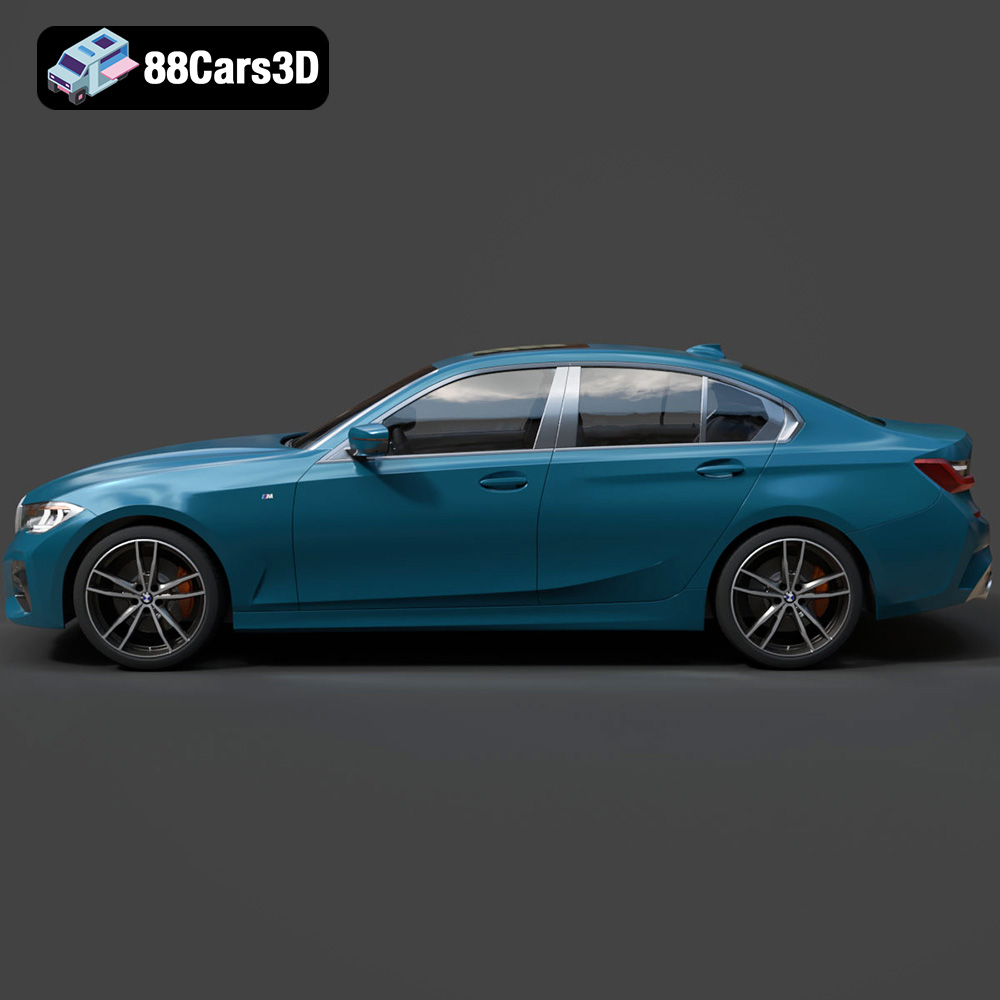
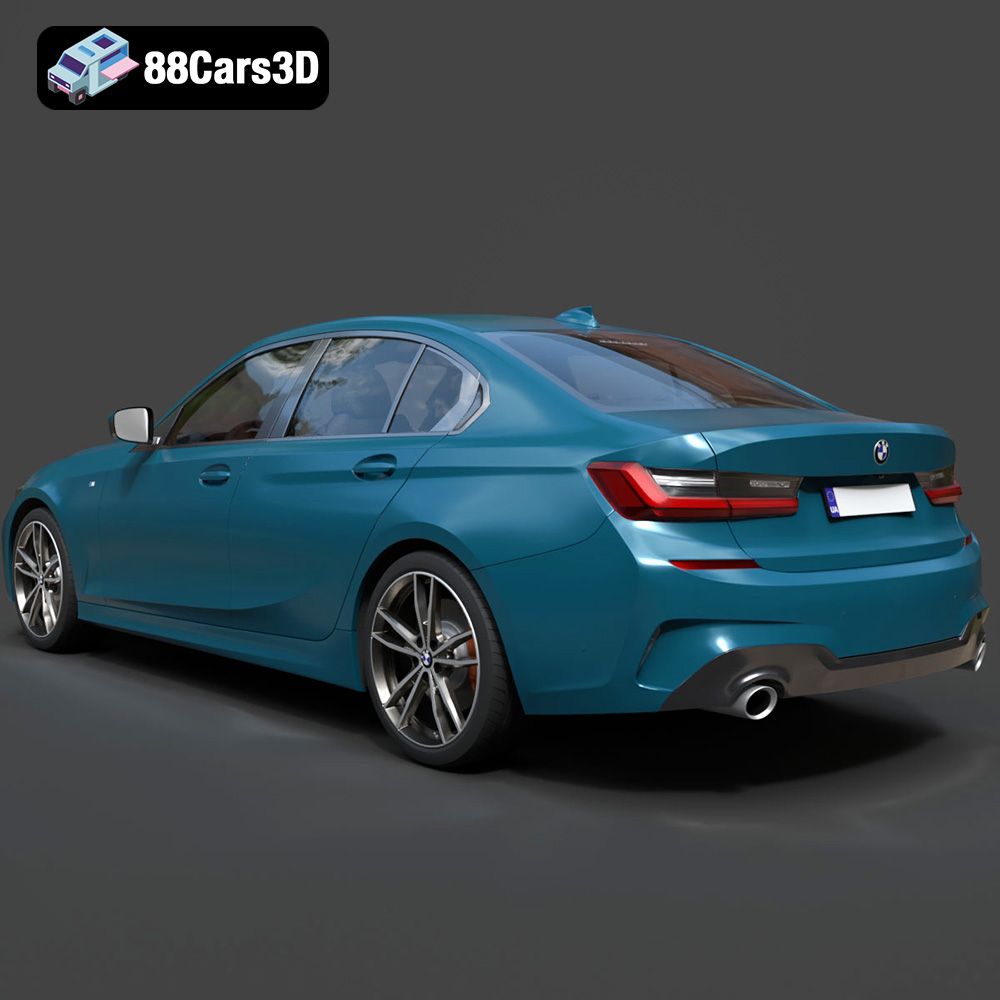
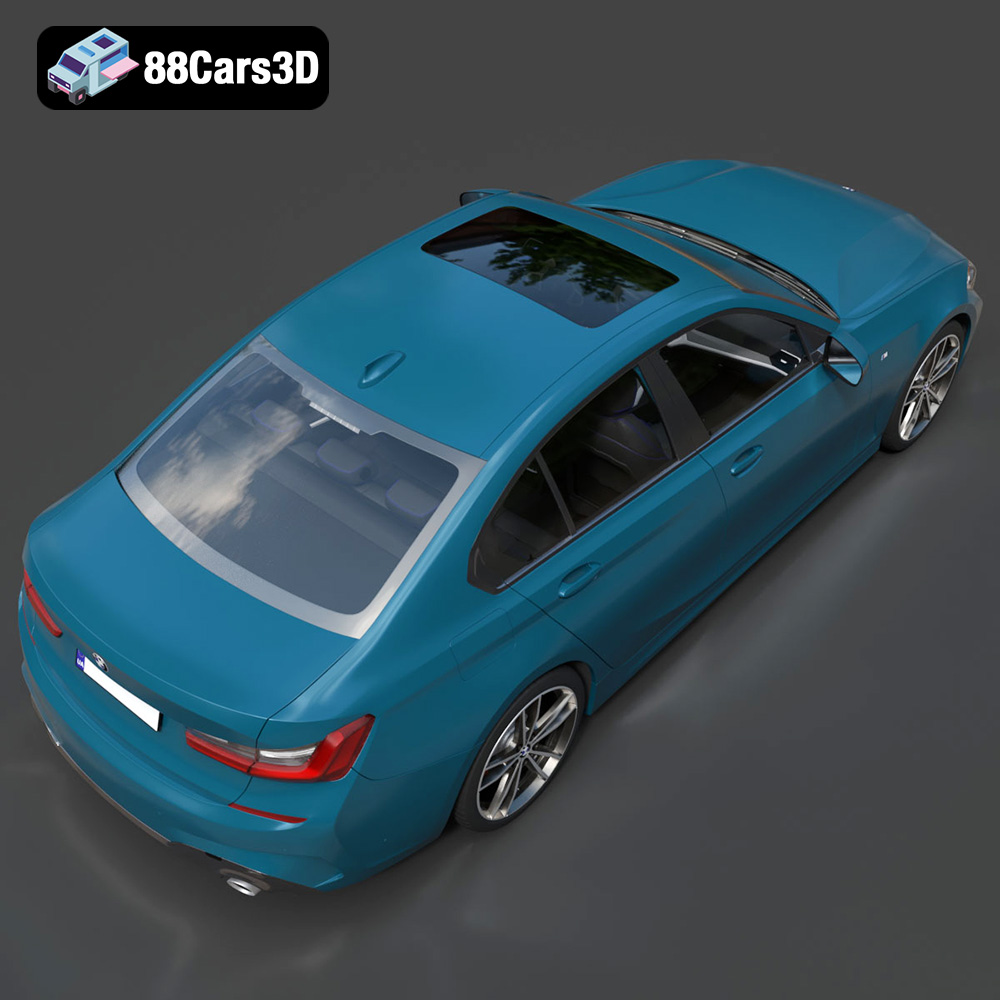
Experience true realism with the BMW 3 Series M-Sport Sedan 2019 3D Model. Crafted to exact specifications, this digital vehicle replica captures the sophisticated contours, aggressive styling, and dynamic presence of the iconic luxury sports sedan. Designed for versatility, this model delivers precise proportions and authentic detailing suitable for demanding digital environments.
$39.99
3D printing the BMW 3 Series M-Sport Sedan 2019 3D model is a rewarding project that combines technical skill with creative expression. By understanding the nuances of file formats, carefully preparing the model, choosing the right materials, optimizing print settings, and mastering post-processing techniques, you can create a stunning replica of this iconic vehicle. Remember to visit 88cars3d.com for a wide selection of high-quality 3D car models, including the BMW 3 Series M-Sport Sedan 2019. Whether you’re a seasoned 3D printing enthusiast or just starting out, this project offers a unique opportunity to explore the world of additive manufacturing and bring your automotive dreams to life. Happy printing!
.3series
.arvr
.blend
.bmw
.car3dmodel
.fbx
.gameasset
.glb
.luxurycar
.max
.msport
.obj
.ply
.rendering
.sedan
.simulation
.sportssedan
.stl
.unreal