Get 20% OFF All Premium 3D & STL Models!

The Honda CBR600RR. A name synonymous with speed, precision, and adrenaline. Now, you can bring this legendary machine to life with the power of 3D printing. Whether you’re a seasoned model maker, a passionate motorsports enthusiast, or simply looking for a challenging and rewarding project, this guide will walk you through every step of 3D printing the highly detailed Honda CBR600RR 3D model available at 88cars3d.com. From selecting the right materials and optimizing printer settings to mastering post-processing techniques, prepare to transform digital data into a tangible testament to Honda’s engineering prowess.
Selecting the appropriate 3D printer is crucial for achieving a high-quality replica of the Honda CBR600RR. The intricate details of the model, from the engine casing to the exhaust system, demand a printer capable of fine resolution and dimensional accuracy.
* **Resin Printers (SLA/DLP/MSLA):** Resin printers excel at capturing fine details and producing smooth surfaces. They are ideal for printing smaller components like the engine, handlebars, and intricate bodywork. The recommended layer height for resin printing is 0.04-0.05mm to maximize detail resolution. The downside is the smaller build volume compared to filament printers, which may require printing the CBR600RR in multiple parts. Resin printing also necessitates proper ventilation and post-processing with isopropyl alcohol and UV curing.
* **Filament Printers (FDM/FFF):** Filament printers offer larger build volumes and are generally more cost-effective for printing larger parts like the frame and wheels. However, they typically produce less detailed prints with visible layer lines. To minimize this, opt for a printer with a small nozzle (0.4mm or smaller) and use a layer height of 0.1-0.12mm. Post-processing, such as sanding and filler application, will be necessary to achieve a smooth finish.
The Honda CBR600RR 3D model may need to be scaled down to fit on your printer’s build plate. The product description at 88cars3d.com suggests scales of 1:12, 1:18, or 1:24. Always measure your printer’s build volume before purchasing the model to ensure compatibility. If your printer has a smaller build volume, you’ll need to split the model into more parts using software like Meshmixer or Blender.
The Honda CBR600RR 3D model from 88cars3d.com includes a variety of file formats to cater to different applications and user preferences. Understanding these formats and their suitability for 3D printing is essential for a successful outcome.
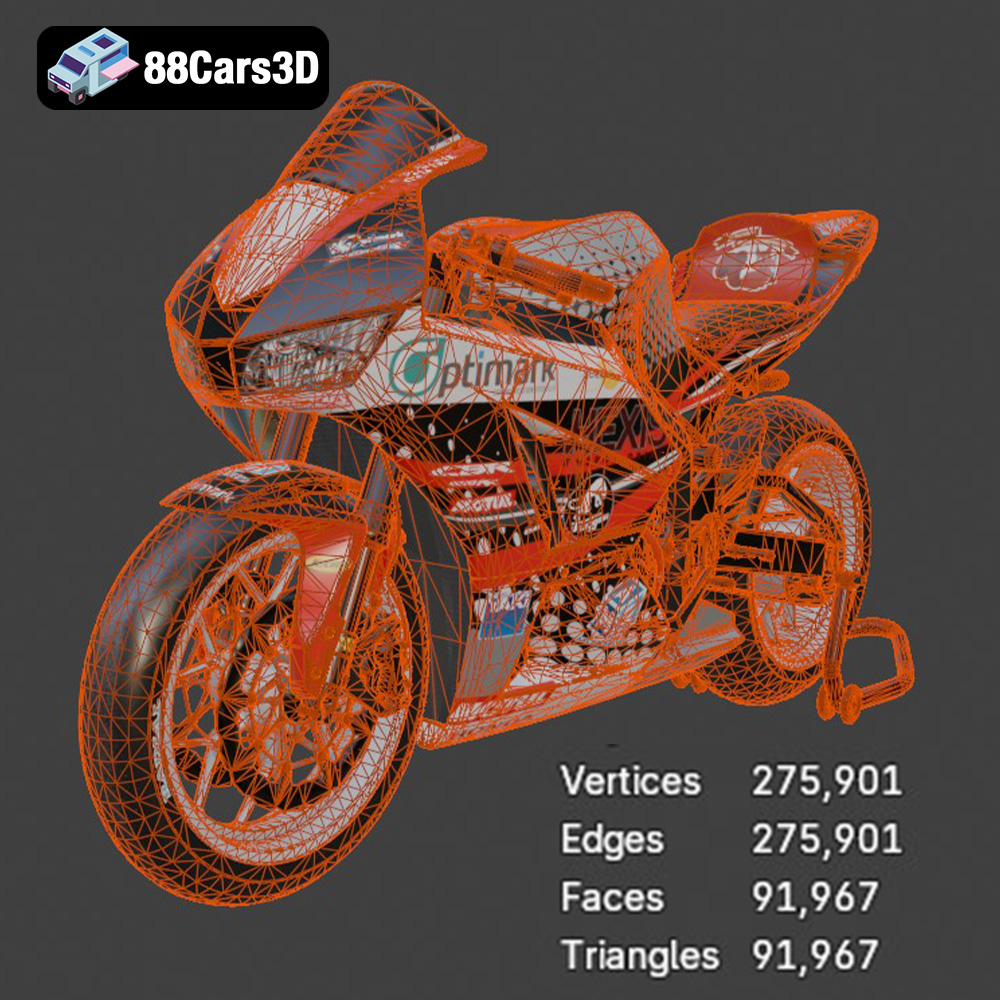
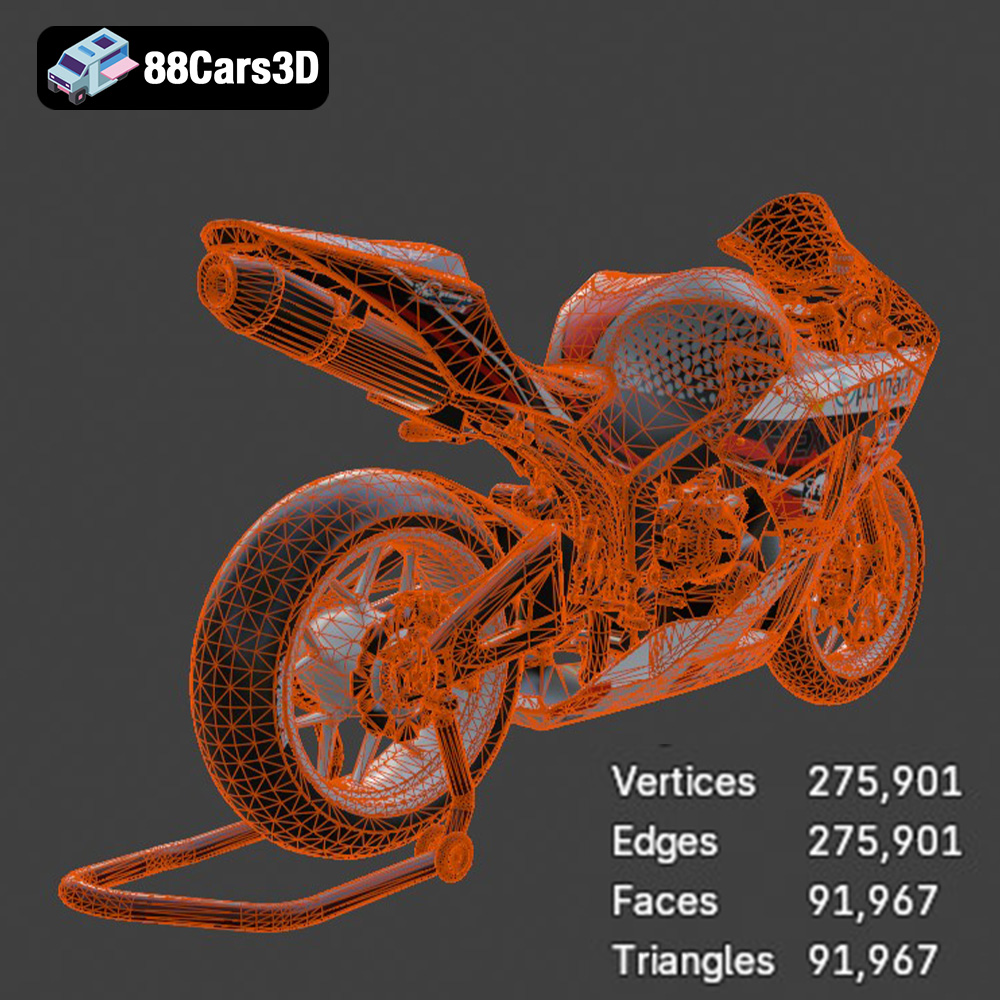
The .stl (stereolithography) format is the workhorse of 3D printing. It represents the 3D model’s surface geometry as a collection of triangles, effectively creating a mesh. The density of this triangle mesh dictates the level of detail captured in the .stl file. For 3D printing, .stl is the most universally compatible format with slicing software. When exporting to .stl, pay close attention to the resolution settings in your 3D modeling software. A higher resolution will result in a smoother surface but will also increase the file size. Overly high resolution can be detrimental, leading to unnecessary processing strain on your slicing software and printer. It’s crucial to strike a balance between detail and file size. Most slicing software allows you to adjust settings to refine the .stl further before printing. For the Honda CBR600RR, ensure critical curved surfaces like the fairings and fuel tank are adequately tessellated to avoid a faceted appearance in the final print.
While .stl focuses on geometry, .obj (Wavefront Object) files can also store color and texture information, offering the possibility of colored 3D prints, provided your printer supports multi-material or color blending. However, for purely 3D printing purposes where you intend to paint the model after printing, the texturing capability of .obj is often unnecessary. .obj files are generally compatible with most slicing software, but .stl remains the preferred format due to its simplicity and widespread support within the 3D printing community.
* **.ply:** The Polygon File Format (.ply) is designed to store 3D data acquired from 3D scanners. It can contain color and other per-vertex data, making it suitable for high-detail prints where color information is crucial, though less common for standard 3D printing workflows than .stl.
* **.blend:** This is the native file format for Blender, a free and open-source 3D creation suite. You can use .blend files to modify the Honda CBR600RR model before exporting it to a 3D printable format like .stl.
* **.fbx:** Filmbox (.fbx) is a proprietary file format developed by Autodesk. It’s primarily used for exchanging data between different 3D software packages. While it can store geometry, textures, and animation data, it’s less commonly used directly for 3D printing. You can import the .fbx file into your 3D software, make any necessary modifications, and then export it as an .stl file for printing.
* **.glb:** GL Transmission Format (.glb) is a file format for 3D models that’s designed to be compact and efficient, making it ideal for displaying 3D models on the web and in AR/VR applications. It can contain geometry, textures, and animations, but its primary use is for viewing and sharing 3D content rather than 3D printing.
* **.max:** The .max format is specific to 3ds Max, another professional 3D modeling, rendering, and animation software package. Similar to .blend, you can use .max files to customize the Honda CBR600RR model before exporting it for 3D printing.
Before sending the Honda CBR600RR model to your 3D printer, meticulous preparation is essential. This involves using slicing software to convert the 3D model into a set of instructions that your printer can understand, as well as optimizing the model for successful printing.
* **Popular Slicing Software:** Cura, Simplify3D, PrusaSlicer, and Chitubox (for resin printers) are popular choices.
* **Key Slicing Settings:**
* **Layer Height:** As mentioned earlier, a layer height of 0.04-0.05mm for resin and 0.1-0.12mm for filament printers is recommended.
* **Infill Density:** An infill density of 20-30% provides a good balance between strength and material usage. Experiment with different infill patterns (e.g., gyroid, honeycomb) to find the best combination of strength and print time.
* **Wall Thickness:** A wall thickness of 1.2-2.0mm ensures sufficient strength for the printed parts.
* **Support Structures:** The Honda CBR600RR model will likely require support structures for overhanging features like the exhaust, mirrors, and handlebars. Carefully consider the placement and type of supports. Tree supports are generally easier to remove than linear supports.
* **Mesh Repair:** Use the mesh repair tools in your slicing software (or dedicated software like Meshmixer) to fix any errors in the 3D model, such as non-manifold edges or inverted normals. These errors can cause printing problems.
* **Orientation:** Proper print orientation is critical for minimizing support material and maximizing print quality. For the CBR600RR frame, printing it at an angle can improve structural integrity. Print wheels separately for optimal surface finish. Experiment with different orientations in your slicing software to find the most suitable option.
The choice of material greatly impacts the final appearance, strength, and durability of your 3D printed Honda CBR600RR.
* **PLA:** PLA is a biodegradable and easy-to-print filament. It’s a good choice for beginners and for printing parts that don’t require high heat resistance.
* **PETG:** PETG offers better strength and heat resistance than PLA. It’s a good all-around filament for functional parts and for parts that may be exposed to sunlight.
* **ABS:** ABS is a strong and durable filament with good heat resistance. However, it’s more difficult to print than PLA and PETG and requires a heated bed and enclosure to prevent warping.
* **TPU:** Flexible filaments like TPU can be used for parts like tires or grips, adding realism to your model.
* **Standard Resin:** Standard resins are a good starting point for printing the CBR600RR. They offer good detail and are relatively affordable.
* **Tough Resin:** Tough resins offer improved strength and impact resistance. They are ideal for printing parts that may be subject to stress.
* **High-Detail Resin:** High-detail resins are formulated to capture extremely fine details. They are a good choice for printing intricate parts like the engine and dashboard.
Post-processing is where your 3D printed Honda CBR600RR truly comes to life. This involves removing support structures, sanding, painting, and assembling the various parts.
* **Support Removal:** Carefully remove support structures using pliers, cutters, or a sharp knife. Take care not to damage the printed parts.
* **Sanding:** Start with coarse sandpaper (e.g., 220 grit) to remove any imperfections and layer lines. Gradually move to finer grits (e.g., 400, 600, 800) to achieve a smooth surface. Wet sanding can help to minimize scratches.
* **Priming:** Apply a primer to the sanded parts. Primer helps to fill in any remaining imperfections and provides a better surface for paint to adhere to.
* **Paint Selection:** Use model paints (e.g., acrylics or enamels) specifically designed for plastic models. Research the authentic factory colors of the Honda CBR600RR for a realistic finish.
* **Painting Techniques:** Apply thin, even coats of paint using an airbrush or spray can. Allow each coat to dry completely before applying the next. Use masking tape to create clean lines and protect areas that you don’t want to paint.
* **Detailing:** Add details like panel lines, rivets, and decals to enhance the realism of your model. Use fine-tipped brushes and weathering techniques to create a worn and realistic look.
Carefully assemble the printed and painted parts, using glue or screws where necessary. Refer to reference photos of the real Honda CBR600RR to ensure accurate assembly.
Even with careful preparation, 3D printing can sometimes present challenges. Here are some common issues and their solutions:
* **Cause:** Uneven cooling during printing, especially with ABS filament.
* **Solution:** Use a heated bed, enclosure, and brim or raft to improve adhesion.
* **Cause:** Insufficient bed temperature, incorrect nozzle temperature, or poor bed adhesion.
* **Solution:** Increase bed temperature, adjust nozzle temperature, and ensure the bed is properly leveled and clean.
* **Cause:** Excessive retraction, high nozzle temperature, or wet filament.
* **Solution:** Adjust retraction settings, lower nozzle temperature, and dry the filament.
* **Cause:** Bed too close to the nozzle, causing the first layer to spread out.
* **Solution:** Re-level the bed and adjust the Z-offset.
The print time and material cost for the Honda CBR600RR 3D model will vary depending on the printer, material, and settings used. However, here’s a rough estimate:
* **Print Time:** 20-50 hours (depending on the size, detail, and printer type)
* **Material Cost:** $20-$50 (depending on the filament or resin type and amount used)
Remember that these are just estimates. It’s always a good idea to print a small test piece first to dial in your settings and get a more accurate estimate of the print time and material cost.
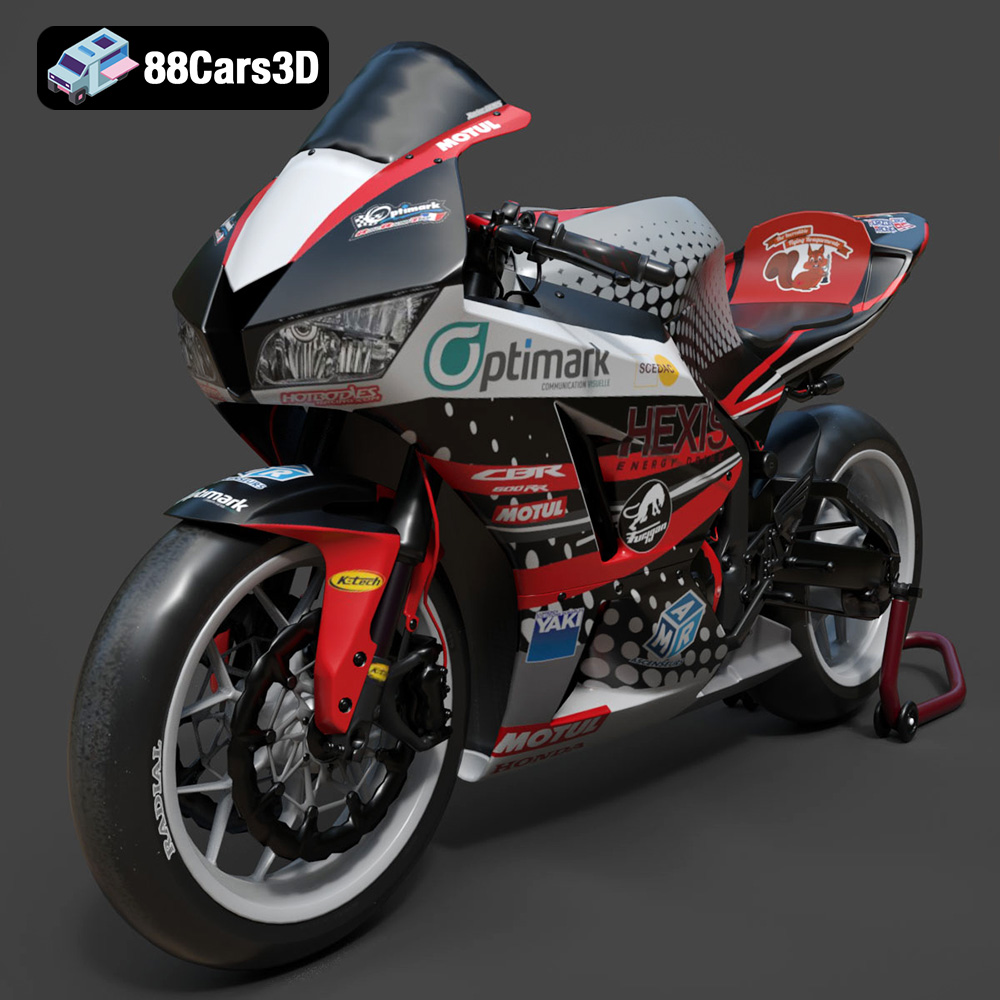
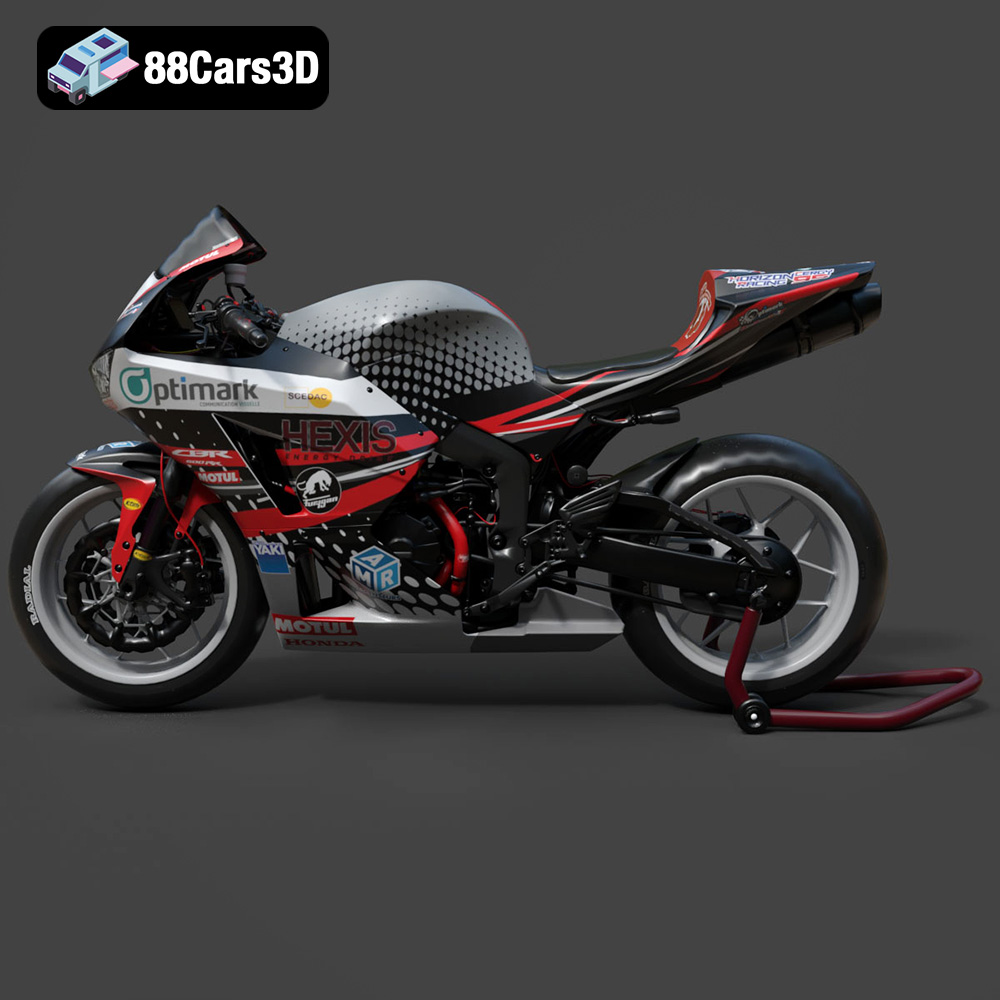
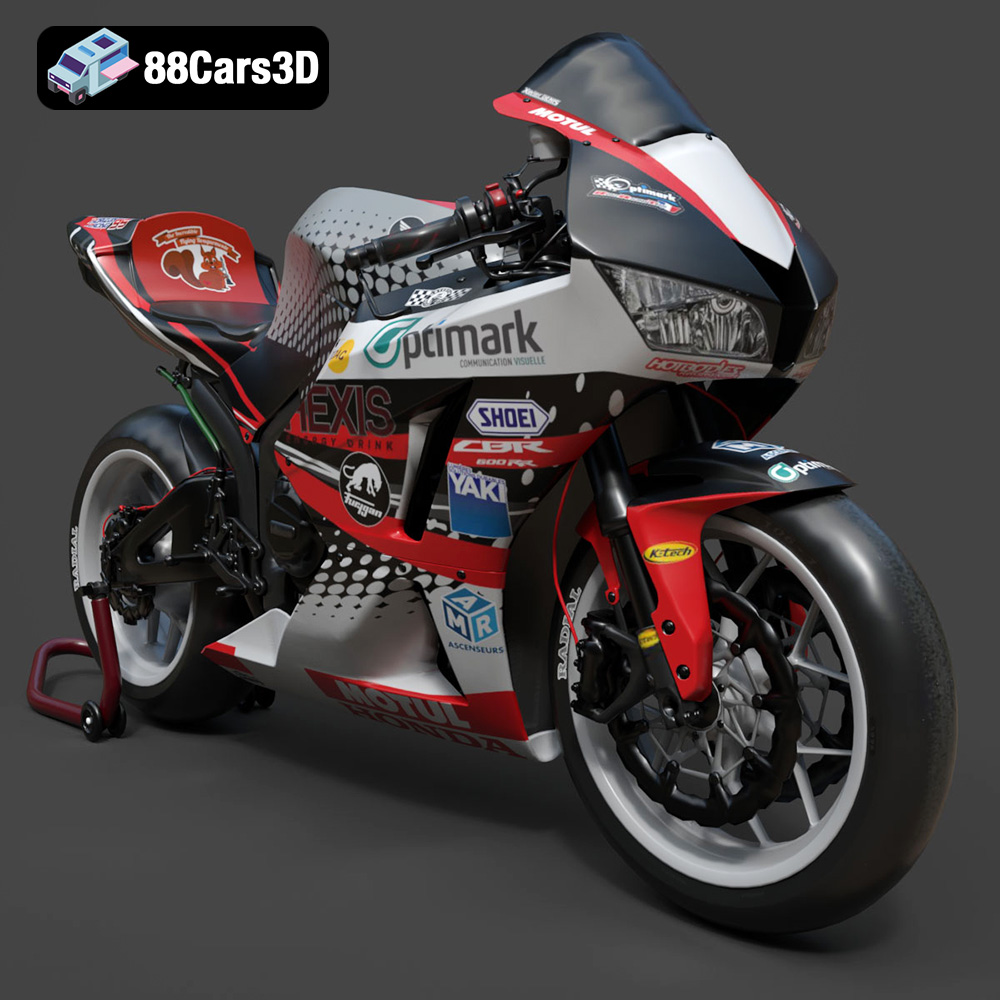
Experience the thrill of the track with our highly detailed 3D model of the Honda CBR600RR, a legendary middleweight supersport motorcycle celebrated for its racing heritage and razor-sharp handling. This model perfectly captures the aerodynamic fairings, the iconic center-up under-seat exhaust system, and the aggressive stance that defines Honda’s performance lineage.
$39.99
.blend
.cbr600rr
.fbx
.glb
.honda
.max
.motorcycle
.obj
.ply
.rendering
.sportbike
.stl
.supersport
.unreal
game asset
game-ready
low-poly
motorcycle-3d-model
optimized
VR/AR