Get 20% OFF All Premium 3D & STL Models!

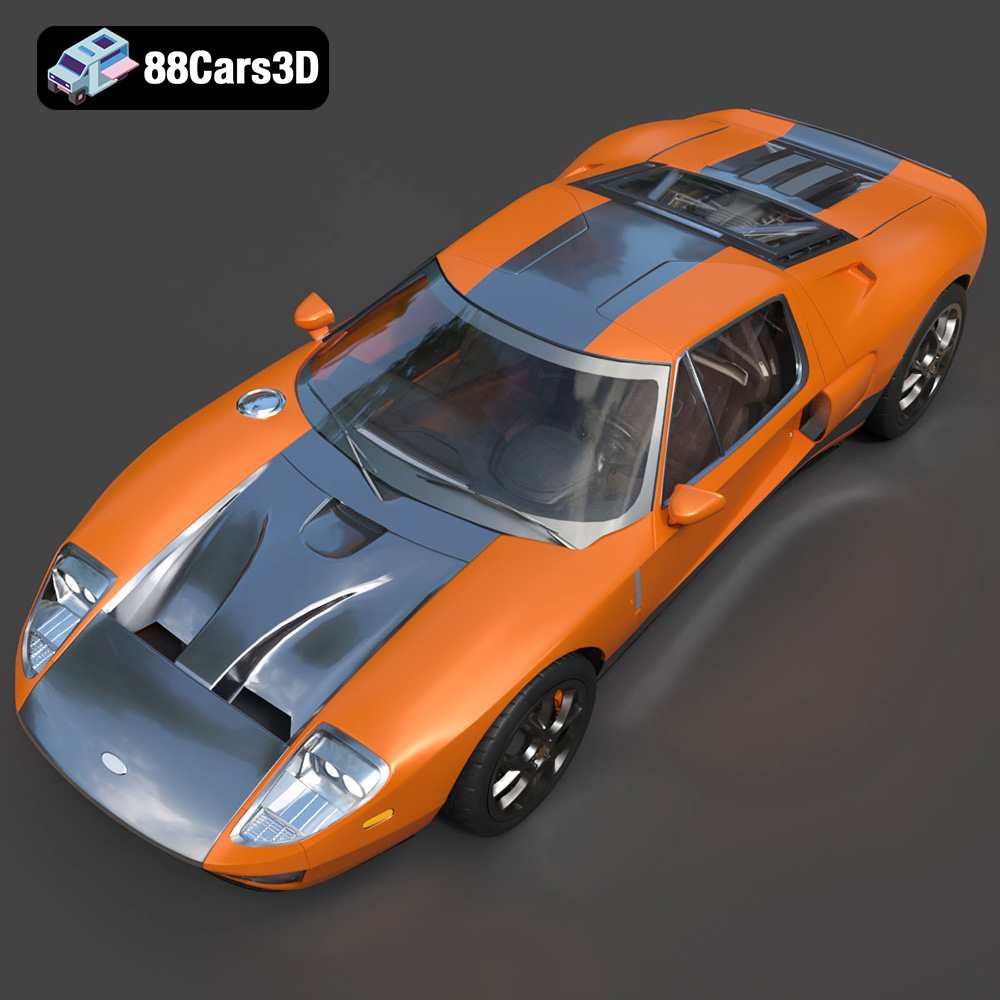
The 2005 Ford GT, a modern marvel inspired by the legendary GT40, is a dream car for many. Thanks to advancements in 3D printing, owning a miniature replica is now within reach. This guide will provide a comprehensive overview of how to successfully 3D print a detailed model of the 2005 Ford GT, specifically using the STL files available from sources like 88cars3d.com, which offers optimized models ready for various applications, including additive manufacturing.
Selecting the appropriate 3D printer is crucial for achieving a high-quality 2005 Ford GT model. The level of detail you aim for will largely dictate the type of printer you should use.
For the intricate details of the Ford GT, a resin printer (SLA or DLP) is often preferred. Resin printers excel at producing smooth surfaces and capturing fine features like the exhaust pipes, intricate grilles, and detailed interior components. Filament printers (FDM), while more affordable, require careful calibration and settings to achieve comparable results. However, larger FDM printers can handle the overall size of the car body more easily than some resin printers, which often have limited build volumes.
Regardless of the type of printer chosen, resolution and accuracy are paramount. A resin printer with a layer resolution of 50 microns or less is ideal for capturing the fine details of the Ford GT. For FDM printers, a nozzle size of 0.4mm or smaller and a layer height of 0.1mm or less will significantly improve the surface finish and detail reproduction. Regularly calibrating your printer is essential to maintain accuracy and prevent dimensional inaccuracies in the final print.
When working with 3D models for printing, understanding the different file formats is key to a successful project. Different formats offer different levels of detail, texture support, and compatibility with slicing software. Here’s an overview of common formats:
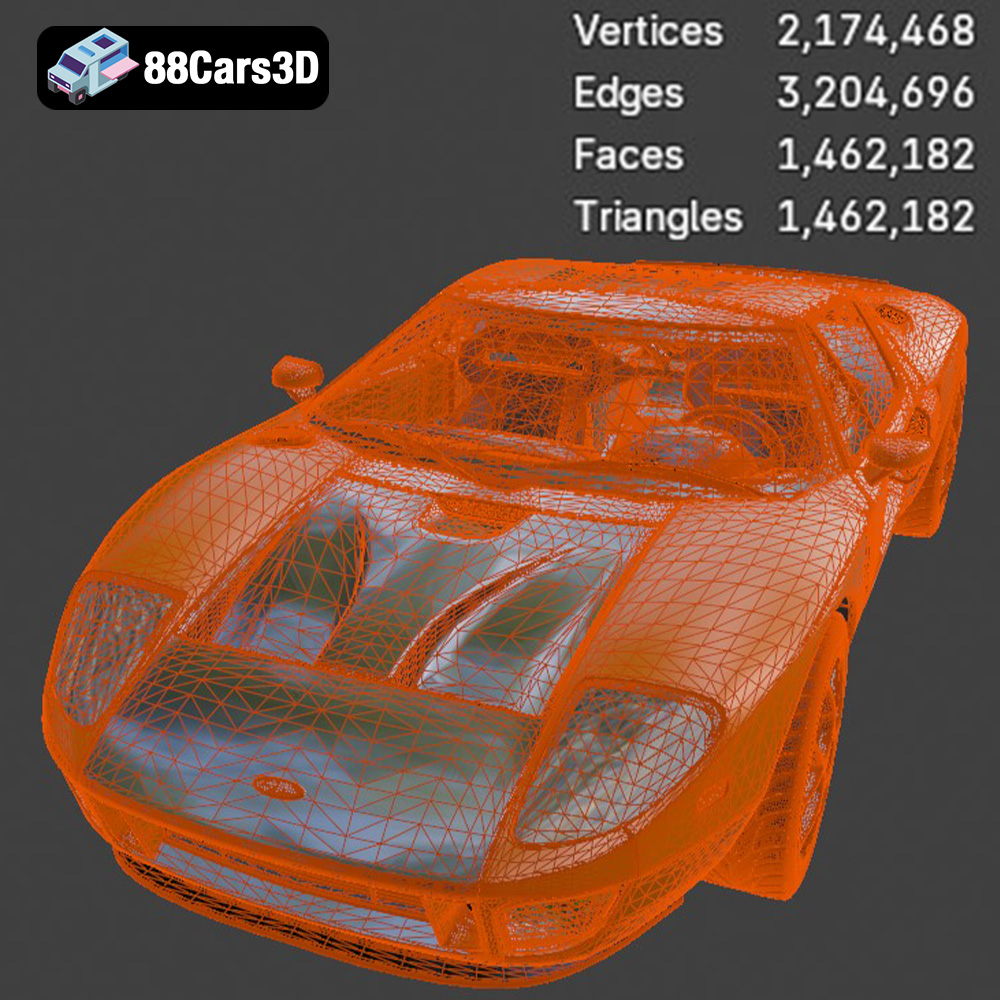
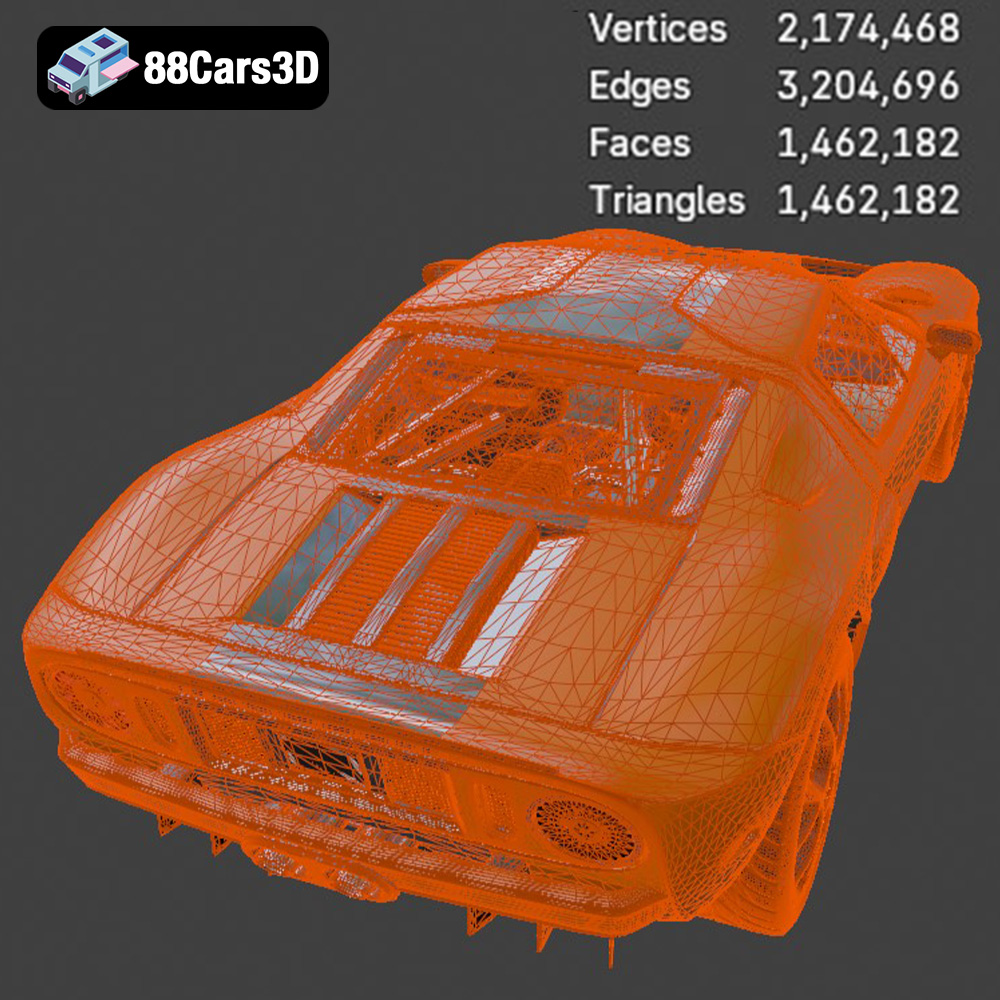
The STL (Stereolithography) file format is the cornerstone of 3D printing. It represents the surface geometry of a 3D object as a collection of triangles, essentially creating a mesh. STL files are widely supported by virtually all 3D printing software and hardware, making it the de facto standard for additive manufacturing. However, STL files only store the shape of the object; they do not contain color or texture information. This means that any STL file will result in a monochromatic print unless you apply post-processing techniques like painting. The quality of an STL file is heavily influenced by the number of triangles used to represent the model. A higher triangle count results in a smoother surface and more accurate representation of curves, but also increases the file size and processing time. Slicing software interprets the STL mesh and converts it into a series of layers that the 3D printer can then build. It is important to ensure the STL file is “watertight” (closed and without gaps) to prevent errors during slicing and printing. Repair tools are often integrated into slicing software to automatically fix common issues in STL files.
The OBJ file format is a more versatile format than STL, as it supports color and texture information. This makes it suitable for 3D printing models with multiple colors or intricate surface details. However, not all 3D printers support direct printing from OBJ files with color data; you may need specialized hardware or software for this purpose.
PLY (Polygon File Format) is designed for storing 3D data acquired from scanning technologies. It can store color, texture, and other properties in addition to the geometry. PLY files are known for their ability to represent complex shapes with high accuracy, making them suitable for detailed models.
BLEND files are specific to the Blender 3D creation suite. They contain the entire Blender scene, including the model, textures, lighting, and animation data. If you want to customize the Ford GT model before printing, having access to the BLEND file allows you to modify the design, add details, or adjust the scale. However, you will need Blender software to open and edit BLEND files. Before 3D printing, you will need to export the model from Blender into a printable format like STL.
FBX (Filmbox) is a proprietary file format developed by Autodesk. It is commonly used for exchanging 3D data between different software applications, especially in the game development and animation industries. FBX files can store geometry, textures, materials, and animation data. While some slicing software can import FBX files, it’s primarily used for preparing the model for other applications before printing.
GLB is a binary file format representing 3D models, often used for Augmented Reality (AR) and Virtual Reality (VR) applications. It’s a compact and efficient format that can store textures, animations, and other assets within a single file. GLB files are useful for previewing the Ford GT model in an AR environment before committing to a print, allowing you to assess the size and appearance in a real-world context.
MAX files are native to Autodesk 3ds Max, a professional 3D modeling, animation, and rendering software. Similar to BLEND files, MAX files contain the entire project, allowing for extensive customization and modification of the 3D model. You’ll need 3ds Max to open and edit MAX files. Exporting to a printable format like STL is necessary before 3D printing.
When preparing the Ford GT model for 3D printing, the STL format is generally the best choice due to its widespread compatibility and simplicity. If you need to make modifications or customize the model, working with the BLEND or MAX files is recommended, followed by exporting to STL for printing. Regardless of the format, always ensure the model is properly scaled and oriented for optimal printing results. Sites like 88cars3d.com often provide STL files that are pre-optimized for 3D printing, saving you time and effort in preparing the model.
Before sending the Ford GT model to the printer, careful preparation is essential. This involves using slicing software to convert the 3D model into a format the printer understands and optimizing the model for the chosen printing process.
Popular slicing software options include Cura, Simplify3D, PrusaSlicer, and Chitubox (for resin printing). Each software offers a range of settings to control the printing process. Key settings include layer height, infill density, support structures, and print speed. The recommended 3D print settings provided with the 2005 Ford GT model from 88cars3d.com serve as an excellent starting point.
Orienting the model correctly on the build plate can significantly impact print quality and the amount of support material required. Printing the Ford GT’s frame at an angle, as suggested, can enhance structural integrity. Support structures are necessary for overhanging features such as the exhaust, mirrors, and steering wheel. Carefully consider the placement and type of supports to minimize their impact on the final surface finish and ease post-processing.
Before slicing, it’s crucial to ensure the 3D model is “watertight” and free of errors. Slicing software often includes tools to automatically repair common issues in STL files, such as non-manifold edges or holes in the mesh. Additionally, optimizing the model’s polygon count can improve slicing performance without sacrificing visual detail. The game-ready topology of the Ford GT model from 88cars3d.com ensures a balance between visual quality and computational efficiency.
The choice of material greatly influences the final appearance, strength, and heat resistance of the 3D printed Ford GT model.
For FDM printing, PLA (Polylactic Acid) is a popular choice due to its ease of use and biodegradability. PLA is suitable for display models but may not be ideal for parts that require high strength or heat resistance. PETG (Polyethylene Terephthalate Glycol-modified) offers a good balance of strength, flexibility, and heat resistance, making it a versatile option for various parts of the Ford GT model. ABS (Acrylonitrile Butadiene Styrene) is known for its high strength and heat resistance but can be more challenging to print due to its tendency to warp.
For resin printing, a variety of resin types are available, each with its own properties. Standard resin is suitable for high-detail models but can be brittle. Tough resin offers increased impact resistance, making it ideal for parts that require greater durability. Flexible resin can be used for components like tires or rubber seals, adding realism to the Ford GT model.
Consider the desired color scheme when selecting the material. While painting is always an option, choosing a material that closely matches the final color can save time and effort. For example, printing the Ford GT in a gray or white filament allows for easy priming and painting with authentic factory colors, including the iconic Heritage Blue/Orange.
Fine-tuning the print settings is essential to achieve the best possible results with the 2005 Ford GT model.
As recommended, a layer height of 0.04-0.12mm is ideal for capturing the fine details of the Ford GT. Lower layer heights result in smoother surfaces but increase print time. Experiment with different layer heights to find the optimal balance between detail and efficiency.
An infill density of 20-30% provides sufficient internal support without adding excessive weight or material cost. Choose an infill pattern such as rectilinear or honeycomb for optimal strength and stability.
Adjust print speed and temperature according to the material manufacturer’s recommendations. Printing too fast or too hot can lead to warping, stringing, or other print defects. Slower print speeds generally improve print quality but increase print time.
Post-processing is the final step in bringing your 3D printed Ford GT model to life.
Carefully remove support structures using appropriate tools, such as pliers or a sharp knife. Sanding is essential to smooth out surface imperfections and layer lines. Start with coarse sandpaper (e.g., 220 grit) and gradually move to finer grits (e.g., 400, 600, 800 grit) for a smooth, paint-ready surface.
Apply a primer coat to prepare the surface for painting. Choose a high-quality automotive primer for best results. Paint the Ford GT model with authentic factory colors using spray paint or an airbrush. Consider using metallic finishes for added realism.
Assemble the various parts of the Ford GT model, such as the wheels, suspension, and interior components. Add final details such as decals, badges, and clear coats for a professional finish.
Even with careful preparation, 3D printing can sometimes present challenges. Here are some common issues and their solutions.
Warping occurs when the printed part lifts off the build plate due to uneven cooling. Ensure the build plate is properly leveled and heated. Use a bed adhesive such as glue stick or hairspray to improve adhesion.
Stringing occurs when the printer extrudes filament while moving between different parts of the model. Reduce the printing temperature and increase retraction settings to minimize stringing. Blobs are caused by excess material being deposited at the start or end of a print move. Adjust the coasting and wipe settings in the slicing software to eliminate blobs.
Layer shifting occurs when the printer’s axes misalign during printing. Check the belt tension and ensure the stepper motors are properly calibrated. Reduce the print speed to prevent excessive vibrations.
The Ford GT 2005 3D model available from 88cars3d.com provides a fantastic foundation for creating your own miniature version of this iconic supercar. By following these guidelines and paying attention to detail, you can overcome common printing challenges and produce a stunning replica that you’ll be proud to display.
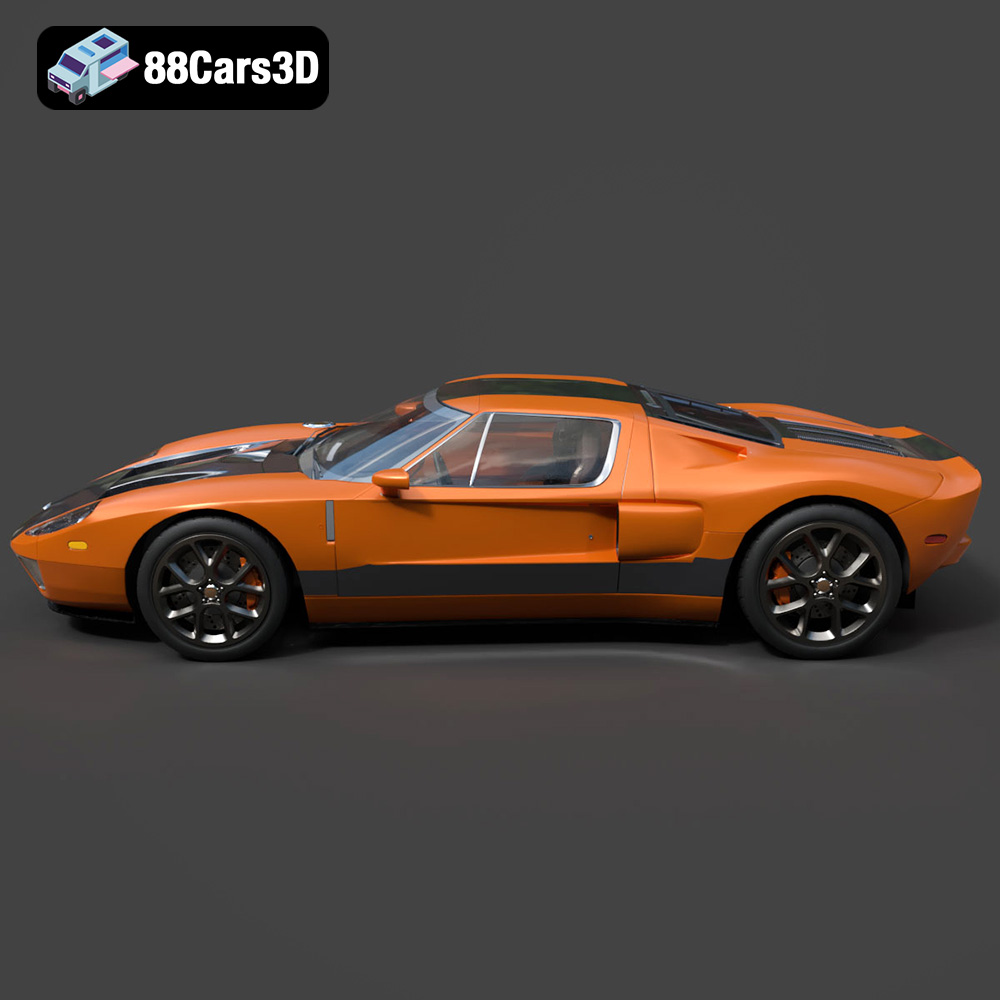
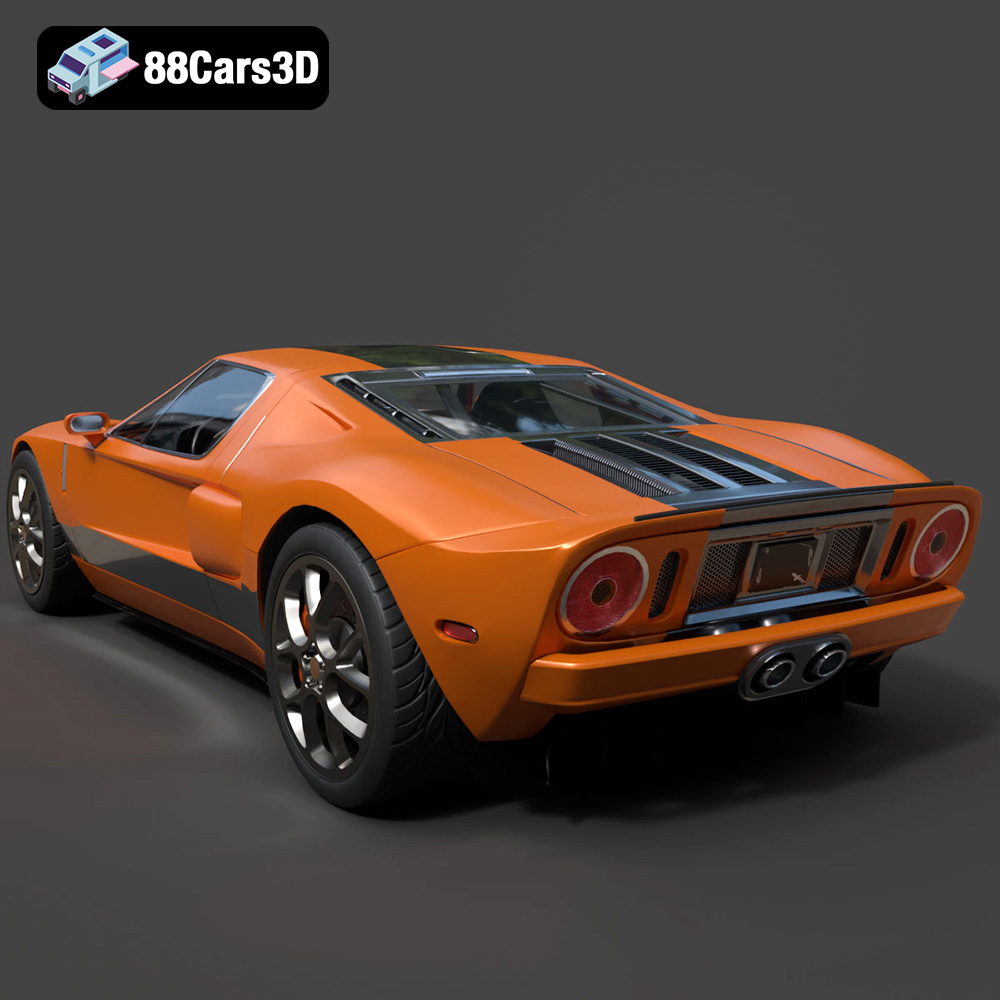
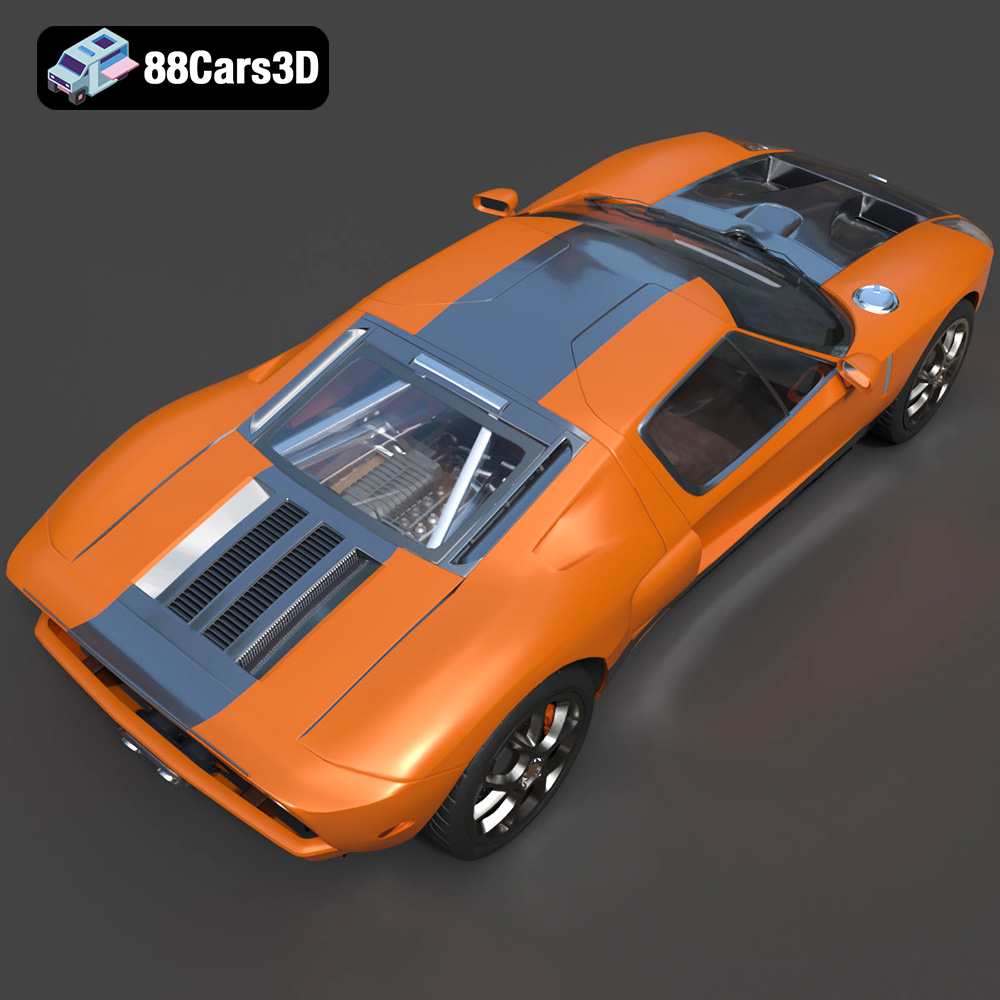
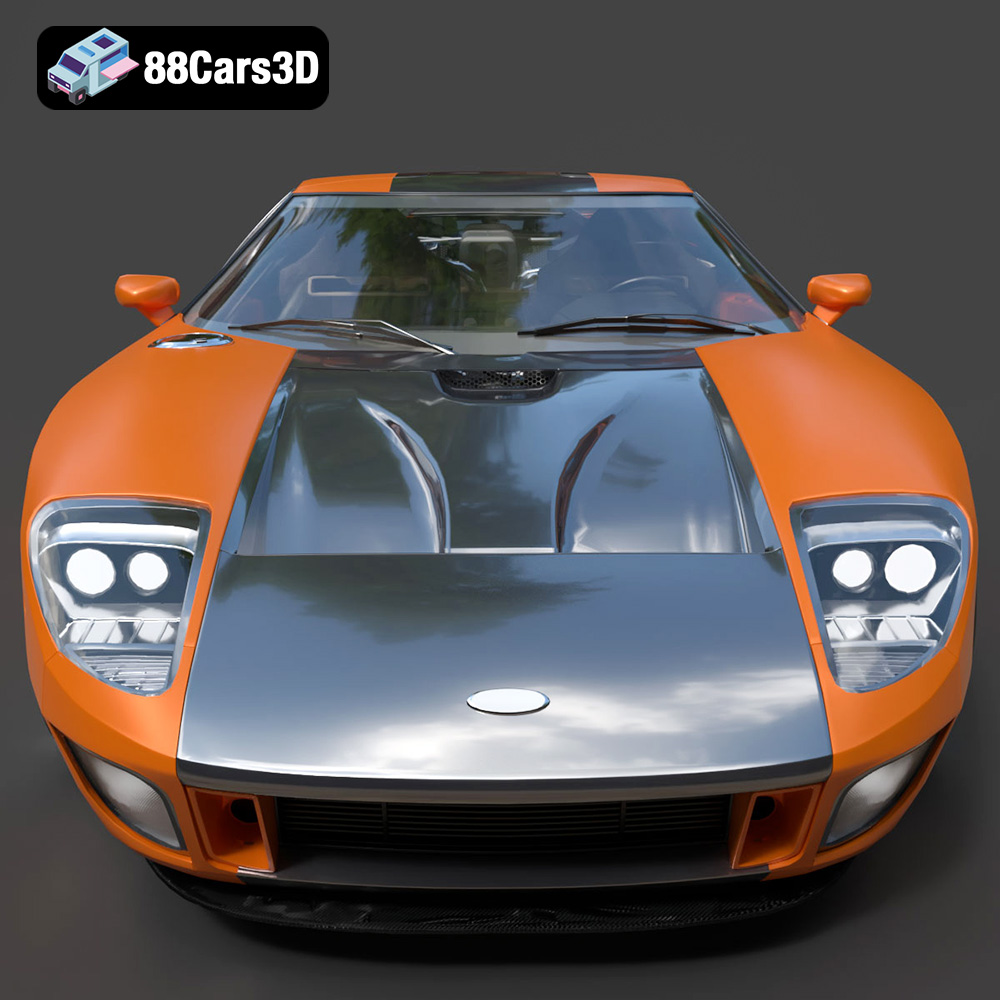
Experience the legendary performance and retro-futuristic styling of the 2005 Ford GT with this high-fidelity 3D model. Built as a tribute to the four-time Le Mans-winning GT40, this iconic mid-engine supercar boasts a timeless design. Perfect for open-world racing games, high-end automotive visualizations, immersive VR showroom experiences, dynamic cinematic animations and 3D printing.
$19.99
.blend
.fbx
.ford
.glb
.max
.obj
.ply
.rendering
.sports car
.stl
.supercar
.unreal
car-3d-model
classic-car
game asset
game-ready
gt-2005
low-poly
optimized
VR/AR